> ## Documentation Index
> Fetch the complete documentation index at: https://notes.kodekloud.com/llms.txt
> Use this file to discover all available pages before exploring further.
# Demo Scaling
> Demonstrates deploying and scaling a simple Flask web app on OpenShift, showing how Services and Routes manage load balancing and session affinity using HAProxy route annotations.
Welcome — this demo walks through scaling a simple Python web application on OpenShift, how the Service and Route behave as you add replicas, and how to adjust route annotations (HAProxy) to control load‑balancing and session affinity.
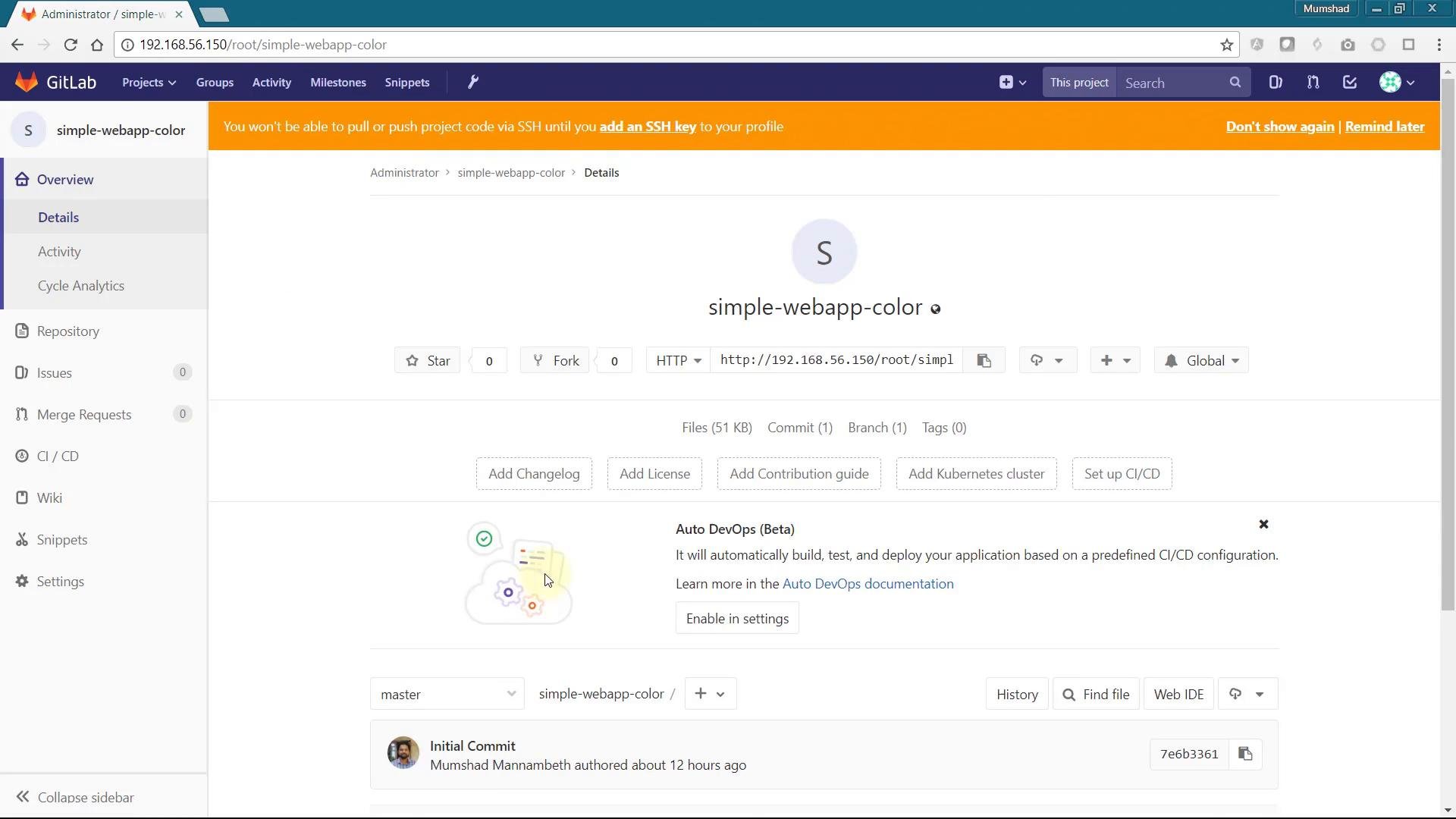
We’ll deploy a small app called `simple-webapp-color` that displays a random background color at startup. Because each pod picks its color when it starts, running multiple replicas makes it easy to observe load balancing in action.
 ## Application overview
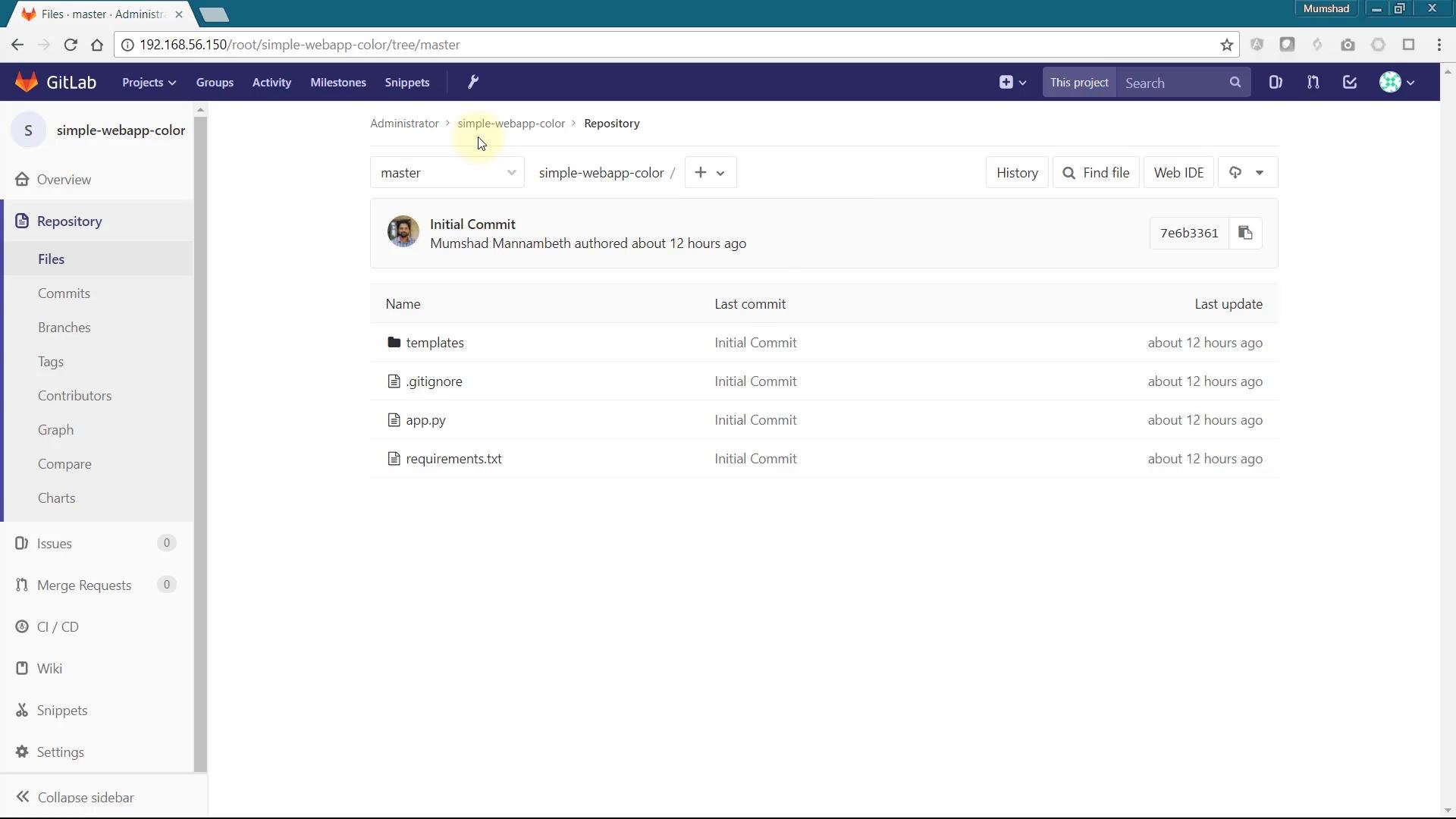
The application is a small Flask app. When the container starts it selects a color (or uses one from the `APP_COLOR` environment variable) and renders a page containing the container hostname and the selected color.
app.py:
```python theme={null}
# app.py
import os
import socket
import random
from flask import Flask, render_template
app = Flask(__name__)
color_codes = {
"red": "#e74c3c",
"green": "#16a085",
"blue": "#2980b9",
"blue2": "#30336b",
"pink": "#be2edd",
"darkblue": "#130f40"
}
# Choose a color from environment or select one at random
color = os.environ.get('APP_COLOR') or random.choice(
["red", "green", "blue", "blue2", "darkblue", "pink"]
)
@app.route("/")
def main():
# Use .get to avoid KeyError if a color name is unknown
return render_template(
'hello.html',
name=socket.gethostname(),
color=color_codes.get(color, "#ffffff")
)
@app.route('/color/')
def new_color(new_color):
# Safely look up the new color; fall back to white if unknown
return render_template(
'hello.html',
name=socket.gethostname(),
color=color_codes.get(new_color, "#ffffff")
)
if __name__ == "__main__":
app.run(host="0.0.0.0", port=8080)
```
## Application overview
The application is a small Flask app. When the container starts it selects a color (or uses one from the `APP_COLOR` environment variable) and renders a page containing the container hostname and the selected color.
app.py:
```python theme={null}
# app.py
import os
import socket
import random
from flask import Flask, render_template
app = Flask(__name__)
color_codes = {
"red": "#e74c3c",
"green": "#16a085",
"blue": "#2980b9",
"blue2": "#30336b",
"pink": "#be2edd",
"darkblue": "#130f40"
}
# Choose a color from environment or select one at random
color = os.environ.get('APP_COLOR') or random.choice(
["red", "green", "blue", "blue2", "darkblue", "pink"]
)
@app.route("/")
def main():
# Use .get to avoid KeyError if a color name is unknown
return render_template(
'hello.html',
name=socket.gethostname(),
color=color_codes.get(color, "#ffffff")
)
@app.route('/color/')
def new_color(new_color):
# Safely look up the new color; fall back to white if unknown
return render_template(
'hello.html',
name=socket.gethostname(),
color=color_codes.get(new_color, "#ffffff")
)
if __name__ == "__main__":
app.run(host="0.0.0.0", port=8080)
```
 ## Deploying to OpenShift
Steps (UI or CLI):
1. Create a new project/namespace for the demo.
2. Add an application and provide the Git repository URL for `simple-webapp-color`.
3. OpenShift will build a container image, create a Deployment (or DeploymentConfig on older versions), a Service, and a Route that exposes the app.
A typical build/push log looks like:
```text theme={null}
Pushed 6/10 layers, 66% complete
Pushed 7/10 layers, 75% complete
Pushed 8/10 layers, 94% complete
Pushed 9/10 layers, 98% complete
Pushed 10/10 layers, 100% complete
Push successful
Build #1 is complete
```
After the build completes, use the Route link in the OpenShift console to open the app. The page background shows the chosen color and the hostname of the pod serving the request.
## How scaling, Services, and Routes work together
* Scaling a Deployment increases/decreases the number of replicas (pods).
* The Service (ClusterIP) selects pods by label selector; any new pods that match automatically become endpoints for that Service.
* The OpenShift Router (HAProxy) exposes the Service externally via a Route and load-balances across the Service endpoints (the pod IPs).
If you scale up in the OpenShift web console (use the up arrow) or via CLI, another pod is created and joins the Service. Different browser sessions may be routed to different pods — e.g., one session shows red, another dark blue — because each pod chose its own color at startup.
### Quick commands
| Action | Command |
| - | - |
| Scale deployment to N replicas | `oc scale deployment/ --replicas=` |
| View pods | `oc get pods` |
| Get route | `oc get route` |
| Edit route YAML | `oc edit route/` |
Wrap placeholders like `` or `` in backticks when using them in CLI examples or docs.
## Session affinity (sticky sessions)
You may notice that refreshing the same browser tab repeatedly sometimes keeps you on the same pod. This is session affinity (sticky sessions) implemented by the OpenShift router. Many router configurations use the "source" affinity strategy (source IP) to route the same client consistently to the same pod.
OpenShift routes support annotations to control HAProxy behavior and balancing strategy. Example annotation keys include:
```yaml theme={null}
# Example route annotation keys (shown as a reference)
# haproxy.router.openshift.io/balance
# haproxy.router.openshift.io/disable_cookies
# haproxy.router.openshift.io/cookie_name
# haproxy.router.openshift.io/pod-concurrent-connections
```
To change the routing strategy (for example, disable sticky behavior and use round-robin), edit the Route YAML and add appropriate annotations under `metadata.annotations`, for example:
```yaml theme={null}
metadata:
annotations:
haproxy.router.openshift.io/balance: "roundrobin"
haproxy.router.openshift.io/disable_cookies: "true"
```
After saving the updated Route, refresh your browser; requests are typically distributed across pods in round-robin fashion instead of being sticky.
If your application requires session persistence (for example, sessions stored in-memory on a pod), do not disable cookies or change the balance strategy to a non-sticky mode. Instead use an external session store (Redis, database, etc.) or implement sticky sessions deliberately for your workload.
## Notes and best practices
* Use an external session store for horizontally-scaled apps that need consistent session state.
* Test route annotation changes in a staging environment before applying to production routers.
* If you need fine-grained HAProxy tuning, refer to router/HAProxy docs and the OpenShift router operator documentation.
## Links and references
* OpenShift documentation: [https://docs.openshift.com/](https://docs.openshift.com/)
* OpenShift Routes and HAProxy annotations: [https://docs.openshift.com/container-platform/latest/networking/routes/route-configuration.html](https://docs.openshift.com/container-platform/latest/networking/routes/route-configuration.html)
* HAProxy documentation: [https://www.haproxy.org/](https://www.haproxy.org/)
That's it — you can now deploy, scale, and tune route behavior to control how traffic is distributed across pods in OpenShift.
This documentation is built and hosted on [Mintlify](https://mintlify.com), a developer documentation platform.
## Deploying to OpenShift
Steps (UI or CLI):
1. Create a new project/namespace for the demo.
2. Add an application and provide the Git repository URL for `simple-webapp-color`.
3. OpenShift will build a container image, create a Deployment (or DeploymentConfig on older versions), a Service, and a Route that exposes the app.
A typical build/push log looks like:
```text theme={null}
Pushed 6/10 layers, 66% complete
Pushed 7/10 layers, 75% complete
Pushed 8/10 layers, 94% complete
Pushed 9/10 layers, 98% complete
Pushed 10/10 layers, 100% complete
Push successful
Build #1 is complete
```
After the build completes, use the Route link in the OpenShift console to open the app. The page background shows the chosen color and the hostname of the pod serving the request.
## How scaling, Services, and Routes work together
* Scaling a Deployment increases/decreases the number of replicas (pods).
* The Service (ClusterIP) selects pods by label selector; any new pods that match automatically become endpoints for that Service.
* The OpenShift Router (HAProxy) exposes the Service externally via a Route and load-balances across the Service endpoints (the pod IPs).
If you scale up in the OpenShift web console (use the up arrow) or via CLI, another pod is created and joins the Service. Different browser sessions may be routed to different pods — e.g., one session shows red, another dark blue — because each pod chose its own color at startup.
### Quick commands
| Action | Command |
| - | - |
| Scale deployment to N replicas | `oc scale deployment/ --replicas=` |
| View pods | `oc get pods` |
| Get route | `oc get route` |
| Edit route YAML | `oc edit route/` |
Wrap placeholders like `` or `` in backticks when using them in CLI examples or docs.
## Session affinity (sticky sessions)
You may notice that refreshing the same browser tab repeatedly sometimes keeps you on the same pod. This is session affinity (sticky sessions) implemented by the OpenShift router. Many router configurations use the "source" affinity strategy (source IP) to route the same client consistently to the same pod.
OpenShift routes support annotations to control HAProxy behavior and balancing strategy. Example annotation keys include:
```yaml theme={null}
# Example route annotation keys (shown as a reference)
# haproxy.router.openshift.io/balance
# haproxy.router.openshift.io/disable_cookies
# haproxy.router.openshift.io/cookie_name
# haproxy.router.openshift.io/pod-concurrent-connections
```
To change the routing strategy (for example, disable sticky behavior and use round-robin), edit the Route YAML and add appropriate annotations under `metadata.annotations`, for example:
```yaml theme={null}
metadata:
annotations:
haproxy.router.openshift.io/balance: "roundrobin"
haproxy.router.openshift.io/disable_cookies: "true"
```
After saving the updated Route, refresh your browser; requests are typically distributed across pods in round-robin fashion instead of being sticky.
If your application requires session persistence (for example, sessions stored in-memory on a pod), do not disable cookies or change the balance strategy to a non-sticky mode. Instead use an external session store (Redis, database, etc.) or implement sticky sessions deliberately for your workload.
## Notes and best practices
* Use an external session store for horizontally-scaled apps that need consistent session state.
* Test route annotation changes in a staging environment before applying to production routers.
* If you need fine-grained HAProxy tuning, refer to router/HAProxy docs and the OpenShift router operator documentation.
## Links and references
* OpenShift documentation: [https://docs.openshift.com/](https://docs.openshift.com/)
* OpenShift Routes and HAProxy annotations: [https://docs.openshift.com/container-platform/latest/networking/routes/route-configuration.html](https://docs.openshift.com/container-platform/latest/networking/routes/route-configuration.html)
* HAProxy documentation: [https://www.haproxy.org/](https://www.haproxy.org/)
That's it — you can now deploy, scale, and tune route behavior to control how traffic is distributed across pods in OpenShift.
This documentation is built and hosted on [Mintlify](https://mintlify.com), a developer documentation platform.