> ## Documentation Index
> Fetch the complete documentation index at: https://notes.kodekloud.com/llms.txt
> Use this file to discover all available pages before exploring further.
# Migrating existing Terraform configuration to OpenTofu
> This guide provides a step-by-step process for migrating Terraform configurations to OpenTofu, including rollback and troubleshooting tips.
OpenTofu 1.6 is fully compatible with Terraform 1.6, making it easy to switch your existing infrastructure-as-code workflows. This guide walks you through a safe, step-by-step migration and provides tips for rollback and troubleshooting.
## Prerequisites
* Terraform 1.6.x installed
* Access to your Terraform state file (`terraform.tfstate`)
* A version-control backup or snapshot of your configuration
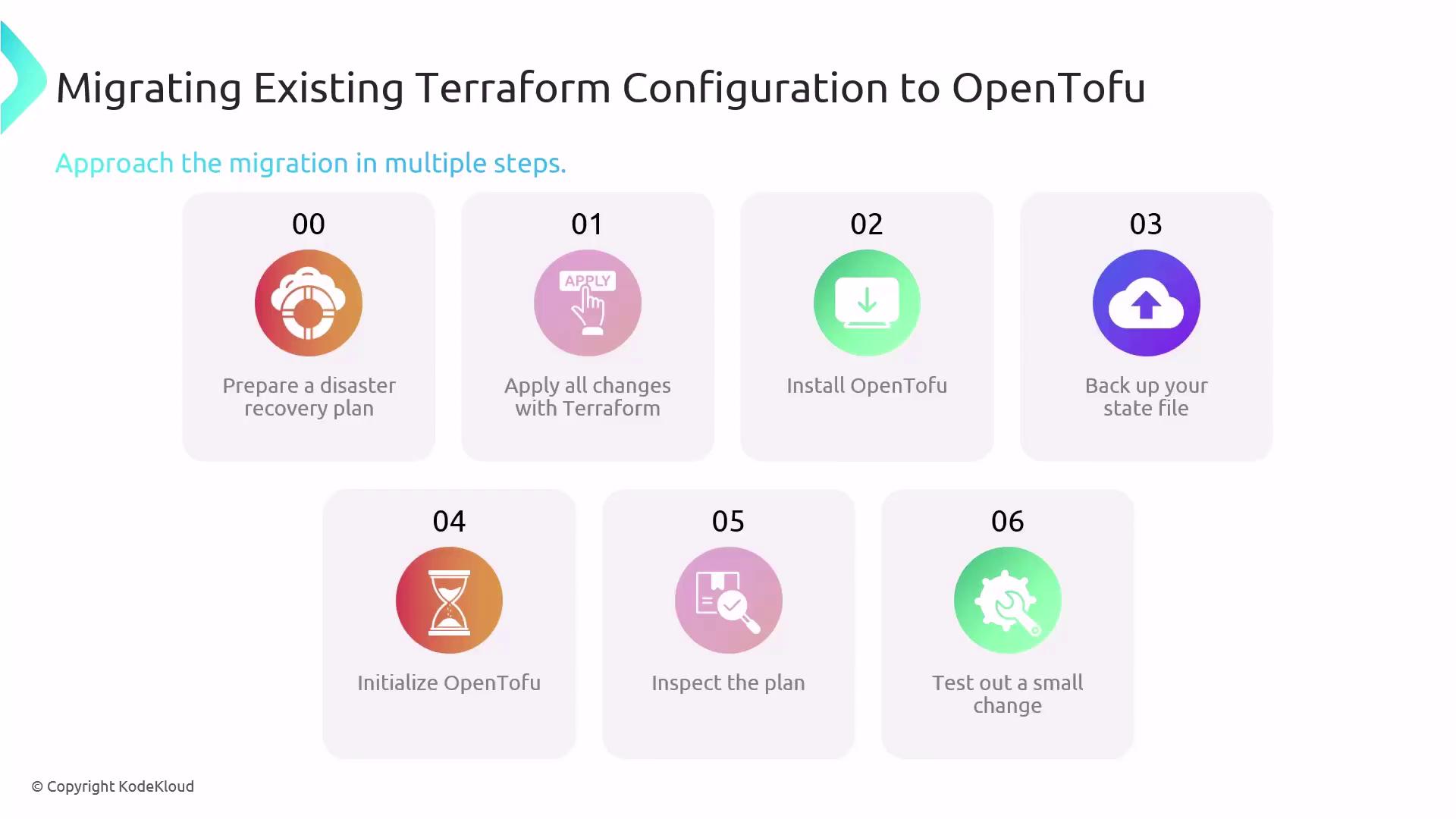
## Step-by-Step Migration
1. **Document a disaster recovery plan**\
Outline rollback procedures and how to restore state in case of unexpected issues.
2. **Apply any pending Terraform changes**
```bash theme={null}
terraform init
terraform plan
terraform apply
```
3. **Install OpenTofu**\
Follow the official installation guide for your OS: [OpenTofu Installation](/docs/installation).
4. **Backup your Terraform state file**
Always version-control or copy your `terraform.tfstate` before you begin.
```bash theme={null}
cp terraform.tfstate terraform.tfstate.backup
```
5. **Initialize OpenTofu and preview the plan**
```bash theme={null}
tofu init
tofu plan
```
6. **Test a non-critical change**\
Modify a minor resource to verify compatibility:
```bash theme={null}
# Example: Update a tag on a test resource
tofu apply
```
Confirm that resources apply without drift before proceeding to production.
## Getting Community Support
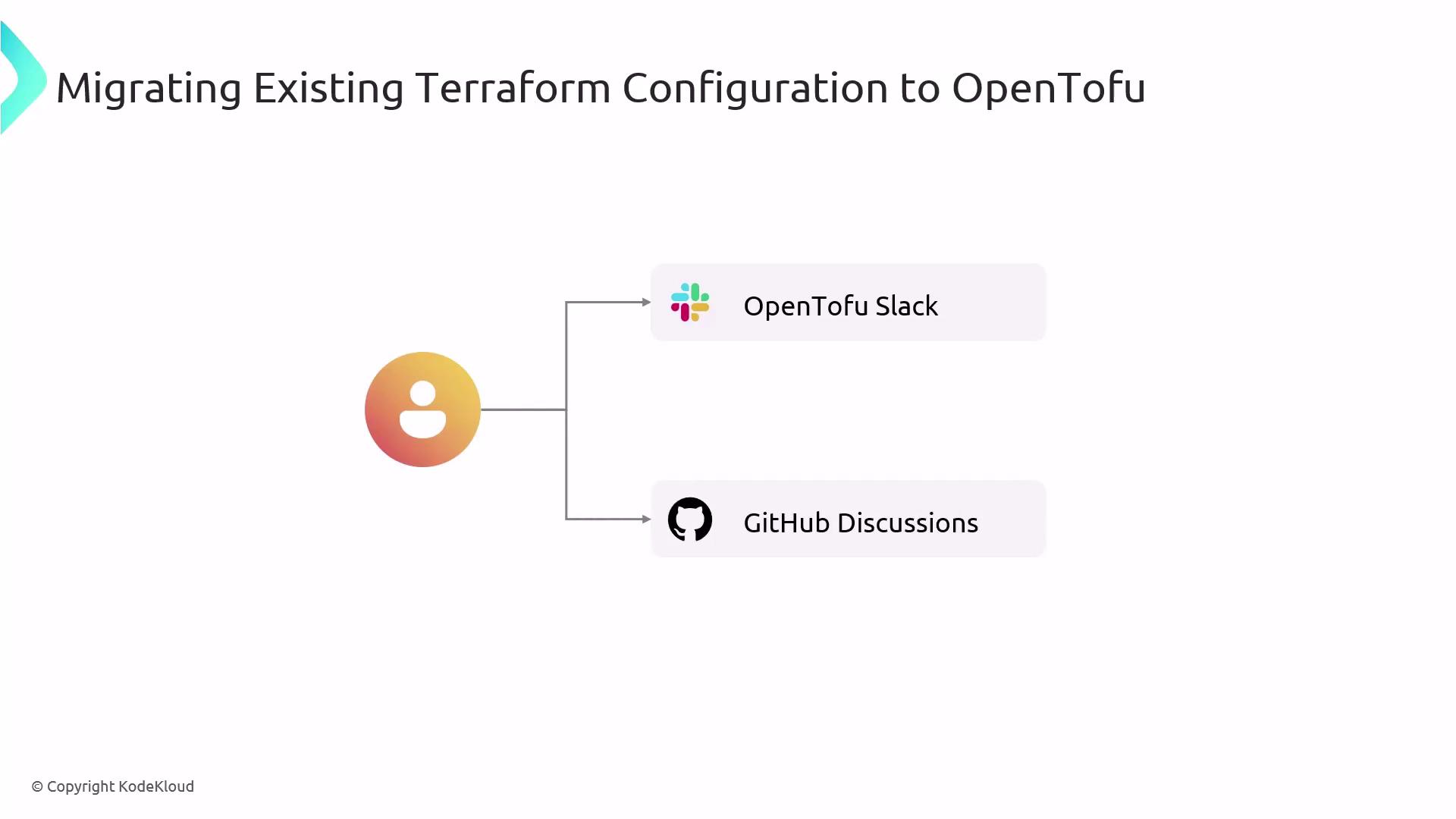
If you encounter issues during migration, leverage the OpenTofu community:
* Join the [OpenTofu Slack](https://slack.opentofu.io) for real-time assistance.
* Post in [GitHub Discussions](https://github.com/opentofu/opentofu/discussions) under “Q\&A.”
***
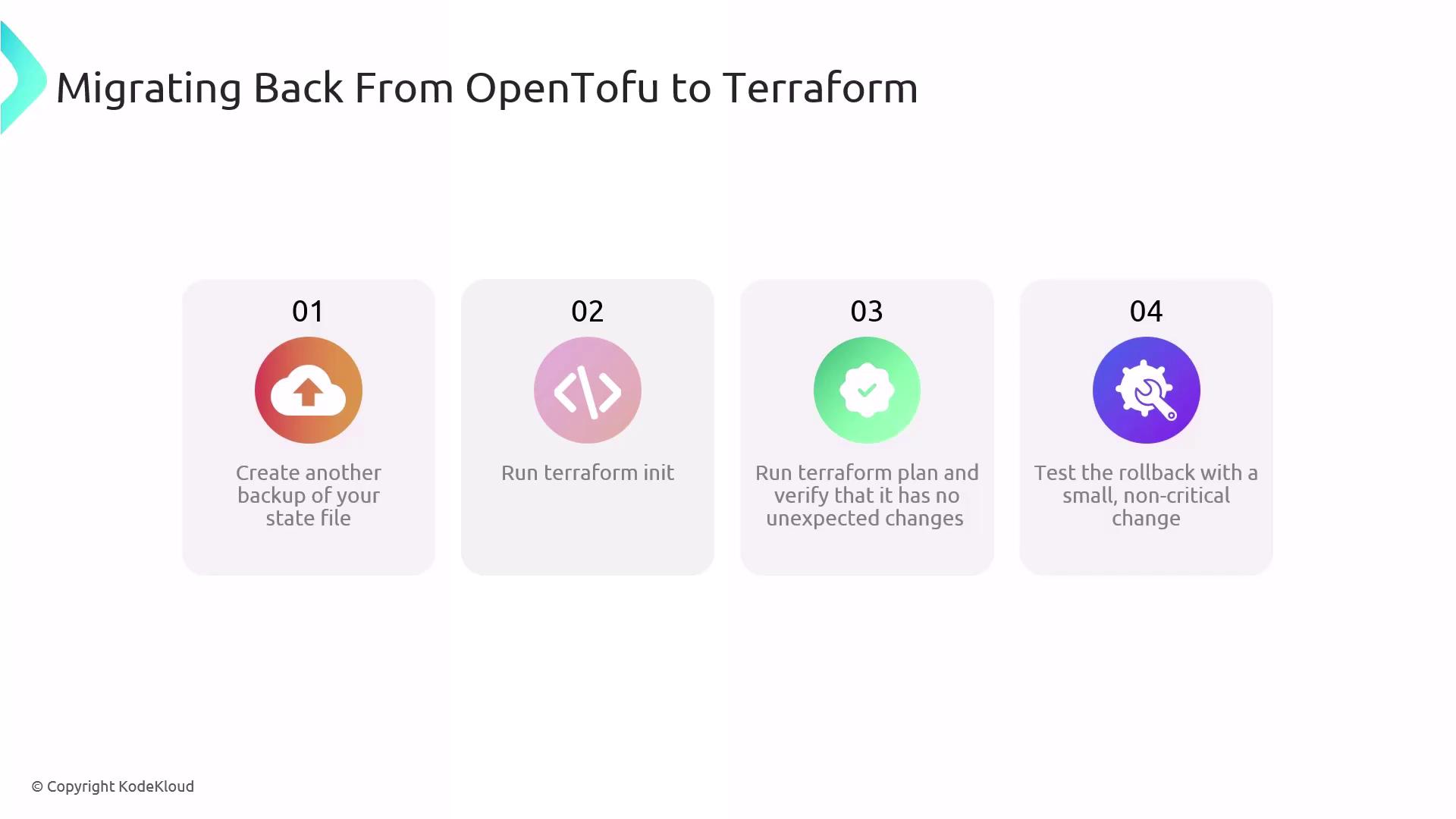
If you need to revert to Terraform—whether due to workflow preference or compatibility issues—follow these steps:
1. **Backup your OpenTofu state**
Skipping this step may lead to state loss. Always keep a backup.
```bash theme={null}
cp terraform.tfstate terraform.tfstate.backup
```
2. **Re-initialize Terraform**
```bash theme={null}
terraform init
```
3. **Review the execution plan**
```bash theme={null}
terraform plan
```
4. **Apply a test change**
```bash theme={null}
terraform apply
```
Ensure the rollback completes successfully before normal operations.
***
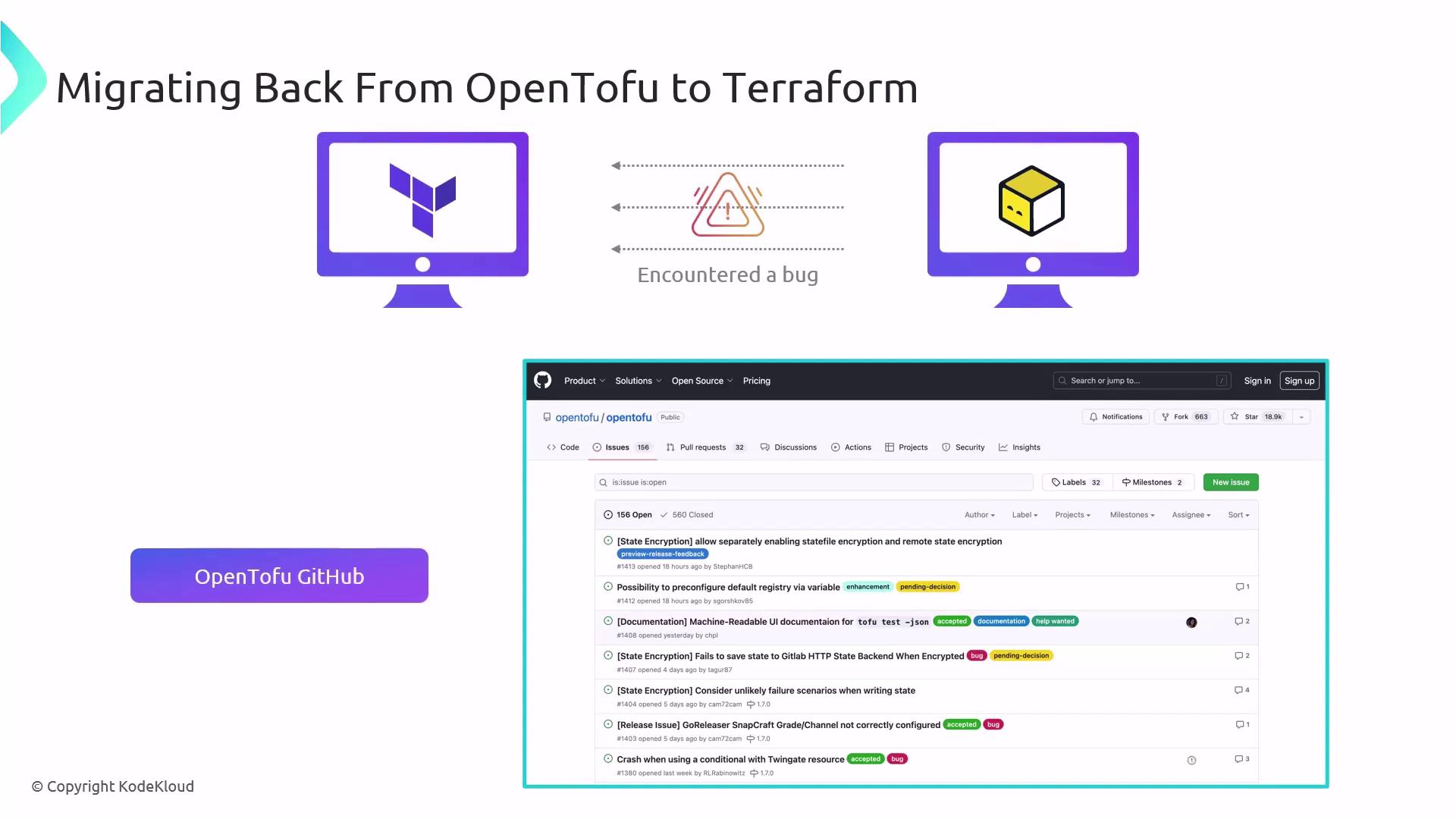
When you discover a bug in OpenTofu—during migration or rollback—please file a report on [OpenTofu GitHub Issues](https://github.com/opentofu/opentofu/issues). Include:
| Report Type | Description |
| ---------------------- | ------------------------------------------------------- |
| Bug report | Steps to reproduce, expected vs. actual behavior |
| Feature request (RFC) | Rationale, proposed API changes |
| Security vulnerability | Version details, impact analysis (use private channels) |
Search existing issues first and follow the [issue templates](https://github.com/opentofu/opentofu/issues/new/choose).
***
## Links and References
* [OpenTofu Documentation](https://docs.opentofu.io/)
* [Terraform 1.6 Release Notes](https://github.com/hashicorp/terraform/releases/tag/v1.6.0)
* [OpenTofu GitHub Repository](https://github.com/opentofu/opentofu)
* [Terraform Configuration Language](https://www.terraform.io/language)