> ## Documentation Index
> Fetch the complete documentation index at: https://notes.kodekloud.com/llms.txt
> Use this file to discover all available pages before exploring further.
# Demo Functions and Conditional Expressions
> This hands-on tutorial explores OpenTofu functions and conditional expressions through examples in the OpenTofu console for Terraform configurations.
Welcome to this hands-on tutorial where you’ll explore key OpenTofu functions and conditional expressions. We’ll run various examples in the OpenTofu console to see how they transform values and control resource creation in Terraform configurations.
## Table of Contents
1. Floor Function
2. Title Function
3. Lookup Function
4. Common Functions Overview
5. Splitting a Colon-Separated String for IAM Users
6. Querying a Resource by Index
7. Finding the Index of a List Element
8. Uploading Files to S3 with `for_each`
9. Conditional Expressions in an EC2 Resource
10. Links and References
***
## 1. Floor Function
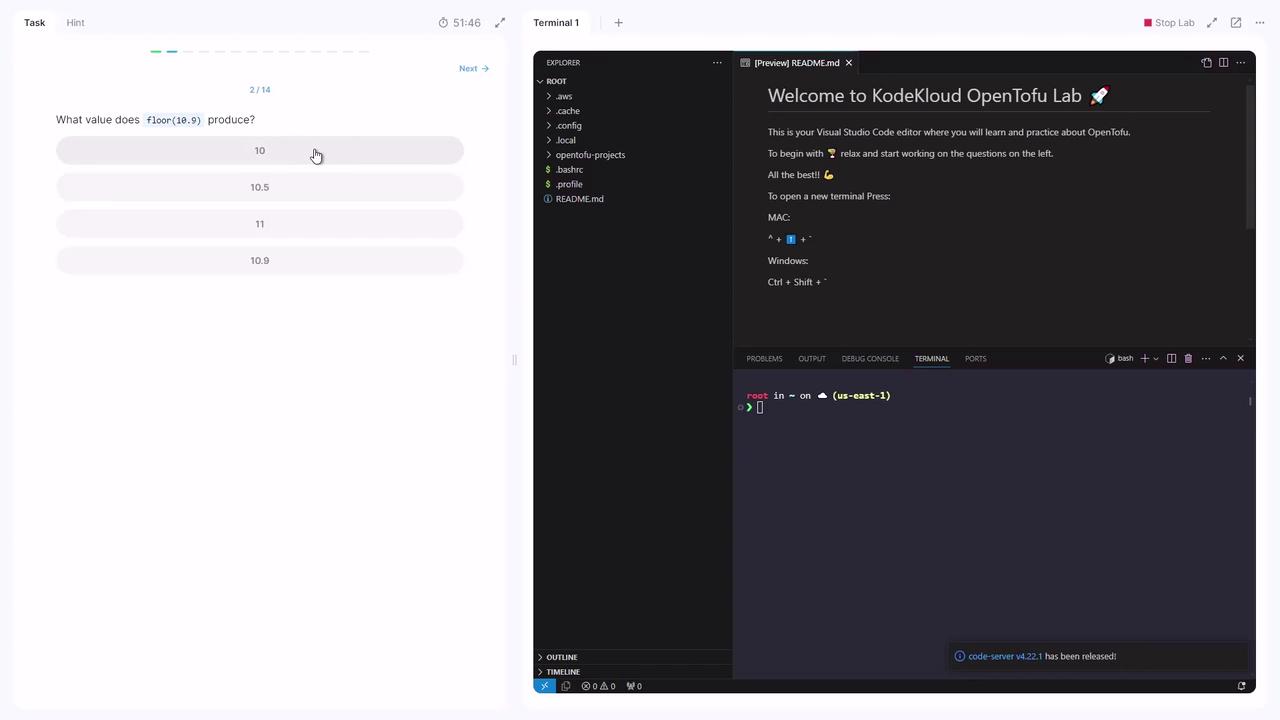
Use the `floor` function to round a number down to the nearest integer. What does `floor(10.9)` return?
Run in the console:
```console theme={null}
> tofu console
> floor(10.9)
10
```
The `floor` function always returns an integer by discarding any fractional part.
***
## 2. Title Function
The `title` function capitalizes the first letter of each word in a string:
```console theme={null}
> tofu console
> title("user-generated password file")
"User-Generated Password File"
```
***
## 3. Lookup Function
Retrieve a value from a map by key, with a fallback default:
```console theme={null}
> tofu console
> lookup({ a = "apple", b = "banana" }, "a", "unknown")
"apple"
```
The first argument must be a **map**. If the key isn’t found, `lookup` returns the provided default.
***
## 4. Common Functions Overview
| Function | Purpose | Example |
| -------- | ------------------------------------- | ---------------------------------------- |
| floor | Round down to nearest integer | `floor(3.7)` → `3` |
| title | Capitalize each word in a string | `title("hello world")` → `"Hello World"` |
| lookup | Fetch map value by key or default | `lookup(var.map, "key", "default")` |
| split | Split string into a list by delimiter | `split(":", "a:b:c")` → `["a","b","c"]` |
| length | Return length of list or string | `length(["x","y"])` → `2` |
| index | Find index of an element in a list | `index(["x","y"], "y")` → `1` |
***
## 5. Splitting a Colon-Separated String for IAM Users
In your project directory:
```bash theme={null}
cd ~/OpenTofu-projects/project-sonic
```
`variables.tf` contains:
```hcl theme={null}
variable "cloud_users" {
type = string
default = "andrew:ken:faraz:mutsumi:peter:steve:braja"
}
```
Without modifying `variables.tf`, split `cloud_users` into a list and create an IAM user for each name. Add this to `main.tf`:
```hcl theme={null}
resource "aws_iam_user" "cloud" {
count = length(split(":", var.cloud_users))
name = split(":", var.cloud_users)[count.index]
}
```
Initialize and apply:
```bash theme={null}
tofu init
tofu plan
tofu apply
```
You should see **seven** IAM users created.
***
## 6. Querying a Resource by Index
To inspect a specific IAM user, launch the console:
```bash theme={null}
> tofu console
> aws_iam_user.cloud[6].name
"braja"
```
***
## 7. Finding the Index of a List Element
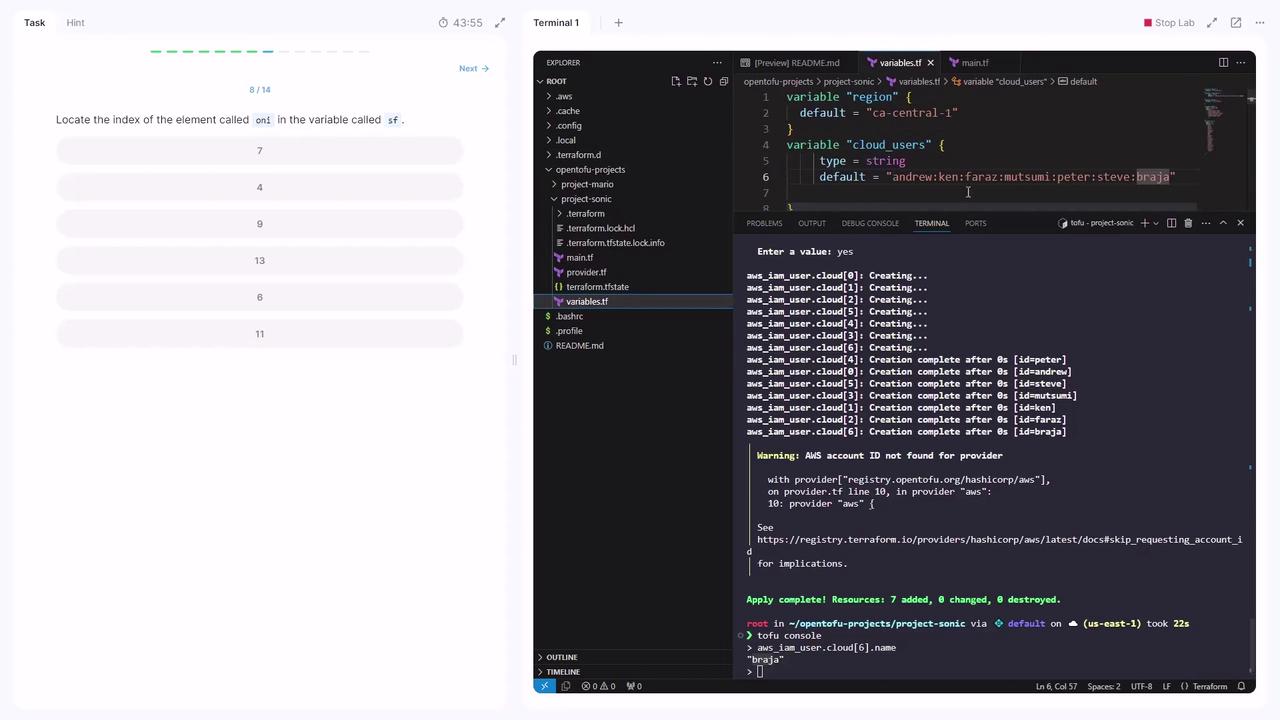
Given this variable in `variables.tf`:
```hcl theme={null}
variable "sf" {
type = list(string)
default = [
"ryu", "ken", "akuma", "seth", "zangief",
"poison", "thawk", "rashid", "fang", "birdie",
]
}
```
Locate the index of `"rashid"`:
```bash theme={null}
> tofu console
> index(var.sf, "rashid")
7
```
***
## 8. Uploading Files to S3 with `for_each`
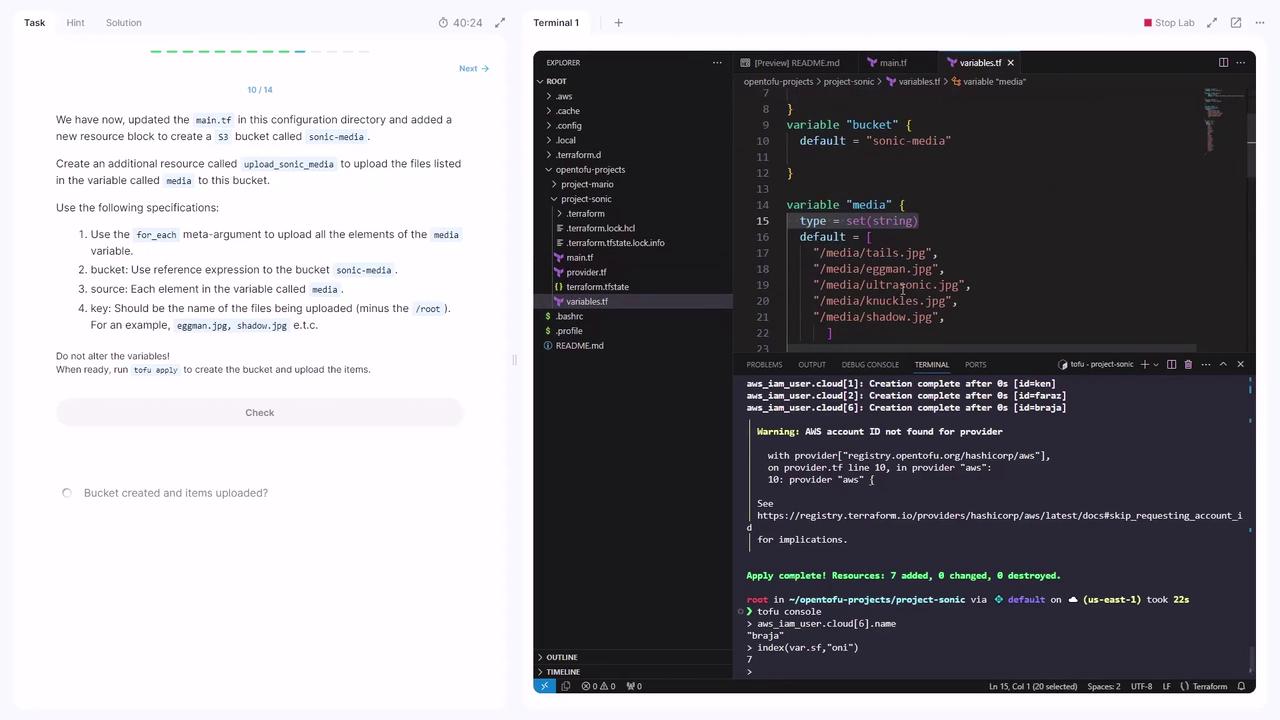
Your set of media paths is defined in `var.media`. An S3 bucket is declared in `main.tf`:
```hcl theme={null}
resource "aws_s3_bucket" "sonic_media" {
bucket = var.bucket
}
```
Add this resource to upload each file:
```hcl theme={null}
resource "aws_s3_object" "upload_sonic_media" {
for_each = var.media
bucket = aws_s3_bucket.sonic_media.id
key = substr(each.value, 7, length(each.value) - 7)
source = each.value
}
```
* `for_each = var.media` iterates over each path.
* `key` removes the leading `/media/` (offset 7).
* `source` points to the original file.
Apply the changes:
```bash theme={null}
tofu apply
```
All files will be uploaded to your S3 bucket.
You can verify uploads by checking the S3 console or using `aws s3 ls s3:///`.
***
## 9. Conditional Expressions in an EC2 Resource
Switch to the `project-mario` directory:
```bash theme={null}
cd ~/opentofu-projects/project-mario
```
`variables.tf` includes:
```hcl theme={null}
variable "name" {
type = string
}
variable "ami" {
type = string
default = "ami-09331245601cf"
}
variable "small" {
type = string
default = "t2.nano"
}
variable "large" {
type = string
default = "t2.2xlarge"
}
```
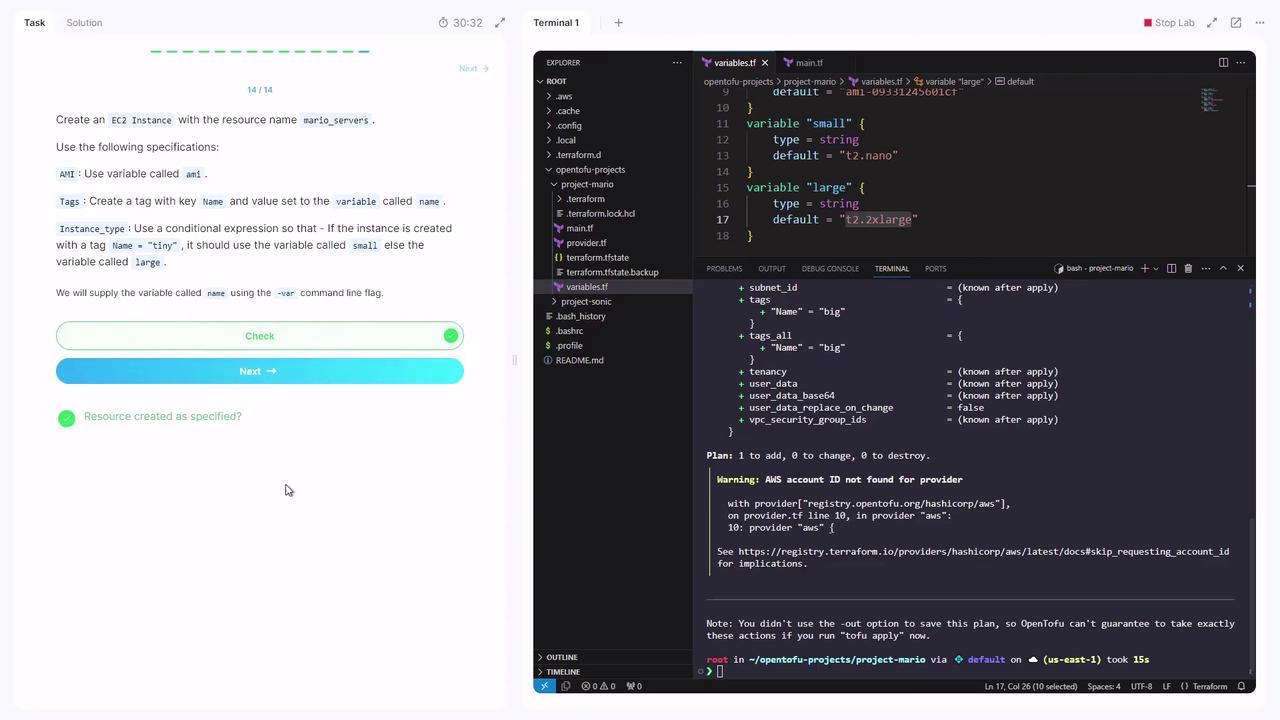
Define an EC2 instance that chooses its size based on `var.name`:
```hcl theme={null}
resource "aws_instance" "mario_servers" {
ami = var.ami
instance_type = var.name == "tiny" ? var.small : var.large
tags = {
Name = var.name
}
}
```
Initialize and plan with `-var`:
```bash theme={null}
tofu init
tofu plan -var='name="tiny"'
tofu plan -var='name="big"'
# instance_type = t2.2xlarge
```
This completes our walkthrough of OpenTofu functions and conditional expressions. Great job!
***
## Links and References
* [OpenTofu Documentation](https://docs.opentofu.org)
* [Terraform Language - Expressions](https://www.terraform.io/language/expressions)
* [AWS IAM User Resource](https://registry.terraform.io/providers/hashicorp/aws/latest/docs/resources/iam_user)
* [AWS S3 Bucket & Object](https://registry.terraform.io/providers/hashicorp/aws/latest/docs/resources/s3_bucket)
* [AWS EC2 Instance](https://registry.terraform.io/providers/hashicorp/aws/latest/docs/resources/instance)