> ## Documentation Index
> Fetch the complete documentation index at: https://notes.kodekloud.com/llms.txt
> Use this file to discover all available pages before exploring further.
# Demo Taint and Debugging
> Hands-on tutorial on exporting logs, configuring debug levels, enabling logging, and tainting Terraform resources using OpenTofu.
Welcome to the OpenTofu lab on Tainting and Debugging. In this hands-on tutorial, you will learn:
1. How to export logs to a specific path using environment variables
2. Generating and configuring debug log levels
3. Enabling logging for an OpenTofu project
4. Tainting and replacing Terraform resources (AWS EC2 example)
## 1. Environment Variables for Debugging
OpenTofu uses two key environment variables to control logging:
| Variable | Purpose | Example |
| ------------- | ------------------------------------------------------------------------ | -------------------------------- |
| TF\_LOG | Sets the log verbosity level (`error`, `warn`, `info`, `debug`, `trace`) | `export TF_LOG=debug` |
| TF\_LOG\_PATH | Specifies the file path where log output will be written | `export TF_LOG_PATH=/tmp/ot.log` |
`TF_LOG_PATH` must be set alongside `TF_LOG`; otherwise, no logs will be written to disk.
## 2. Enabling Logging and Exporting Logs
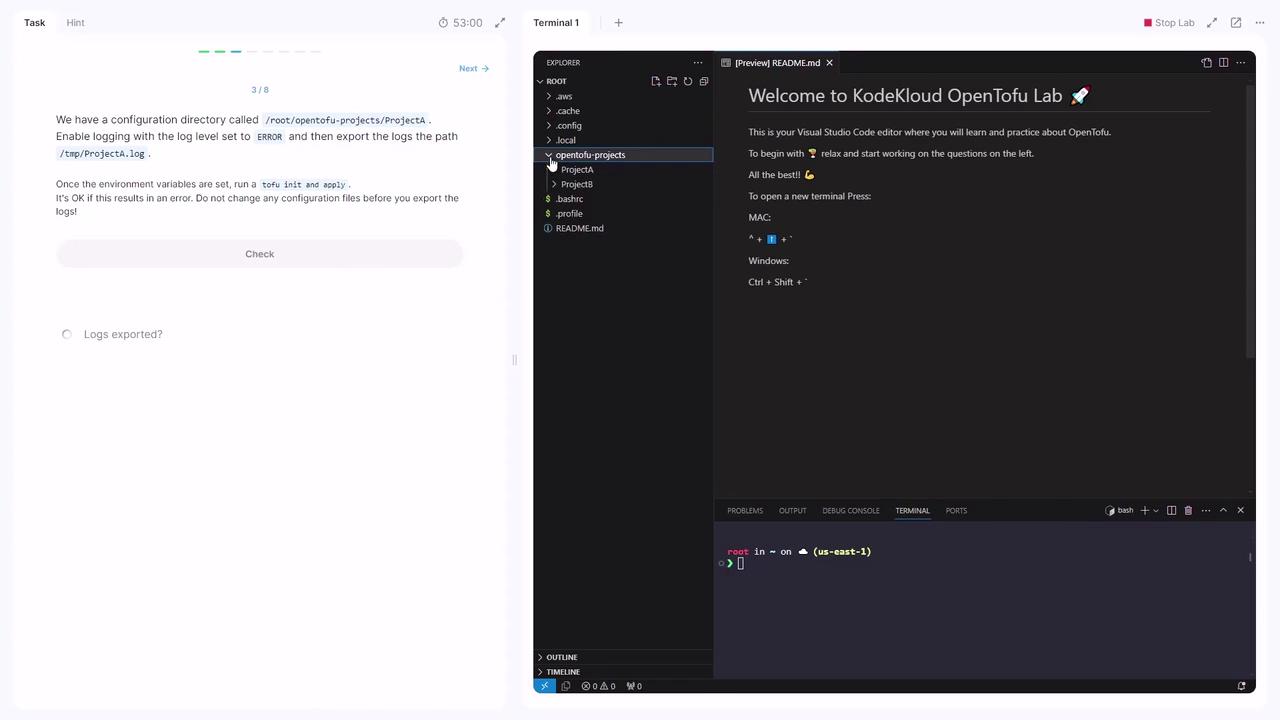
Assume your project directory is `/root/OpenTofu/projects/project_a`. To enable `error`-level logging and export output to `/tmp/project_a.log`, run:
```bash theme={null}
cd /root/OpenTofu/projects/project_a
export TF_LOG=error
export TF_LOG_PATH=/tmp/project_a.log
opentofu init
opentofu apply
```
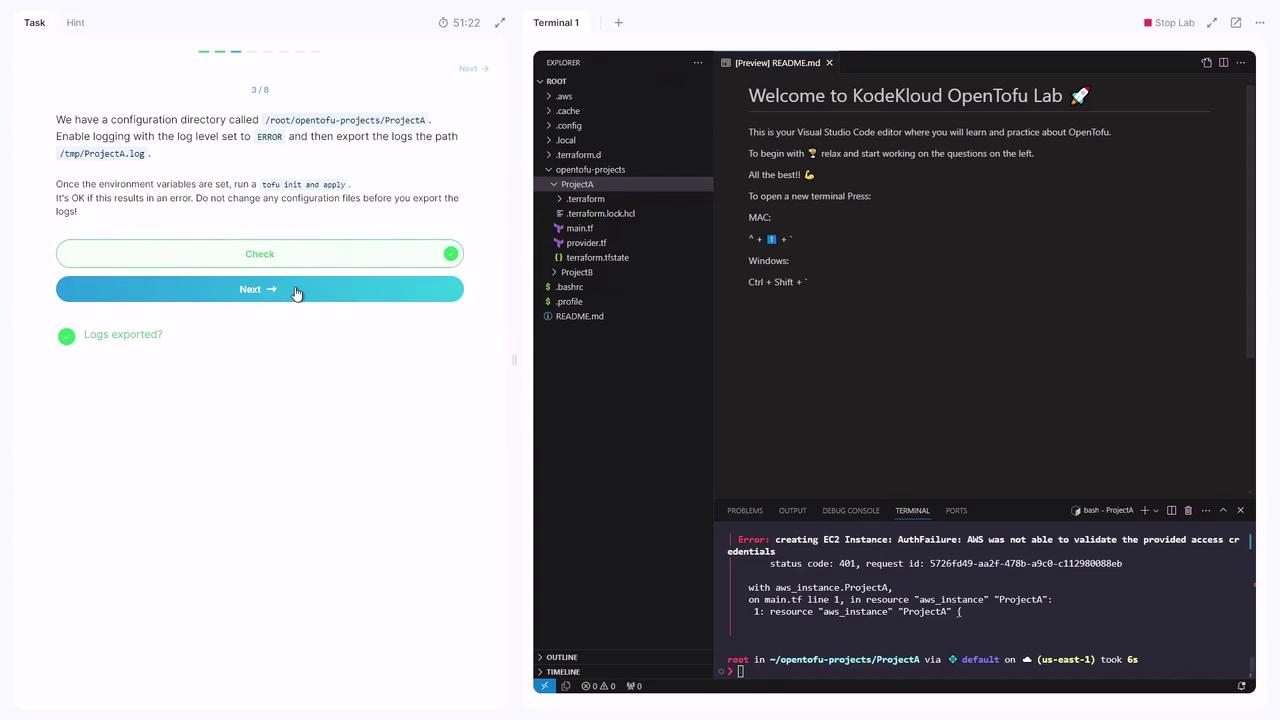
When prompted, type `yes`. Authentication warnings may appear, but the log file will be created at `/tmp/project_a.log`.
Do not modify any configuration files before exporting logs; this ensures you capture the original error context.
Among the log levels, `trace` produces the most detailed output.
## 3. Provisioning an EC2 Instance and Tainting
Navigate to the `projectB` directory:
```bash theme={null}
cd /root/OpenTofu/projects/projectB
```
Your `main.tf` defines an AWS EC2 instance:
```hcl theme={null}
resource "aws_instance" "ProjectB" {
ami = "ami-0c9bf21ac5bf10eb"
instance_type = "t2.large"
tags = {
Name = "projectB-webserver"
Description = "Oversized Webserver"
}
}
```
Initialize and apply the configuration:
```bash theme={null}
opentofu init
opentofu apply
```
Confirm with `yes`. After apply completes, the EC2 instance `ProjectB` appears in your AWS console.
### Effects of Tainting
To mark the EC2 instance for replacement:
```bash theme={null}
opentofu taint aws_instance.ProjectB
```
Review the plan:
```bash theme={null}
opentofu plan
```
Expected output:
```plaintext theme={null}
Plan: 1 to add, 0 to change, 0 to destroy.
```
This indicates that the tainted resource will be recreated.
### Replacing a Tainted Resource
Execute the apply command with `-replace`:
```bash theme={null}
opentofu apply -replace=aws_instance.ProjectB
```
OpenTofu will destroy the existing instance and create a new one before finalizing the update.
## References
* [OpenTofu Documentation](https://docs.opentofu.org/)
* [Terraform CLI Docs](https://developer.hashicorp.com/terraform/cli)
* [AWS Provider on Terraform Registry](https://registry.terraform.io/providers/hashicorp/aws/latest/docs)
This concludes the lab on Tainting and Debugging with OpenTofu. In the next lesson, we'll explore resource dependencies and outputs.