> ## Documentation Index
> Fetch the complete documentation index at: https://notes.kodekloud.com/llms.txt
> Use this file to discover all available pages before exploring further.
# Demo OpenTofu State
> This lesson covers OpenTofu state management, including state file locations, resource tracking, default filenames, and working with local and AWS resources.
Welcome to this lesson on OpenTofu state management. In this guide, we’ll cover where the state file lives, how OpenTofu tracks resources, default filenames, inspecting state, and working with both local and AWS resources.
## Default State File Location
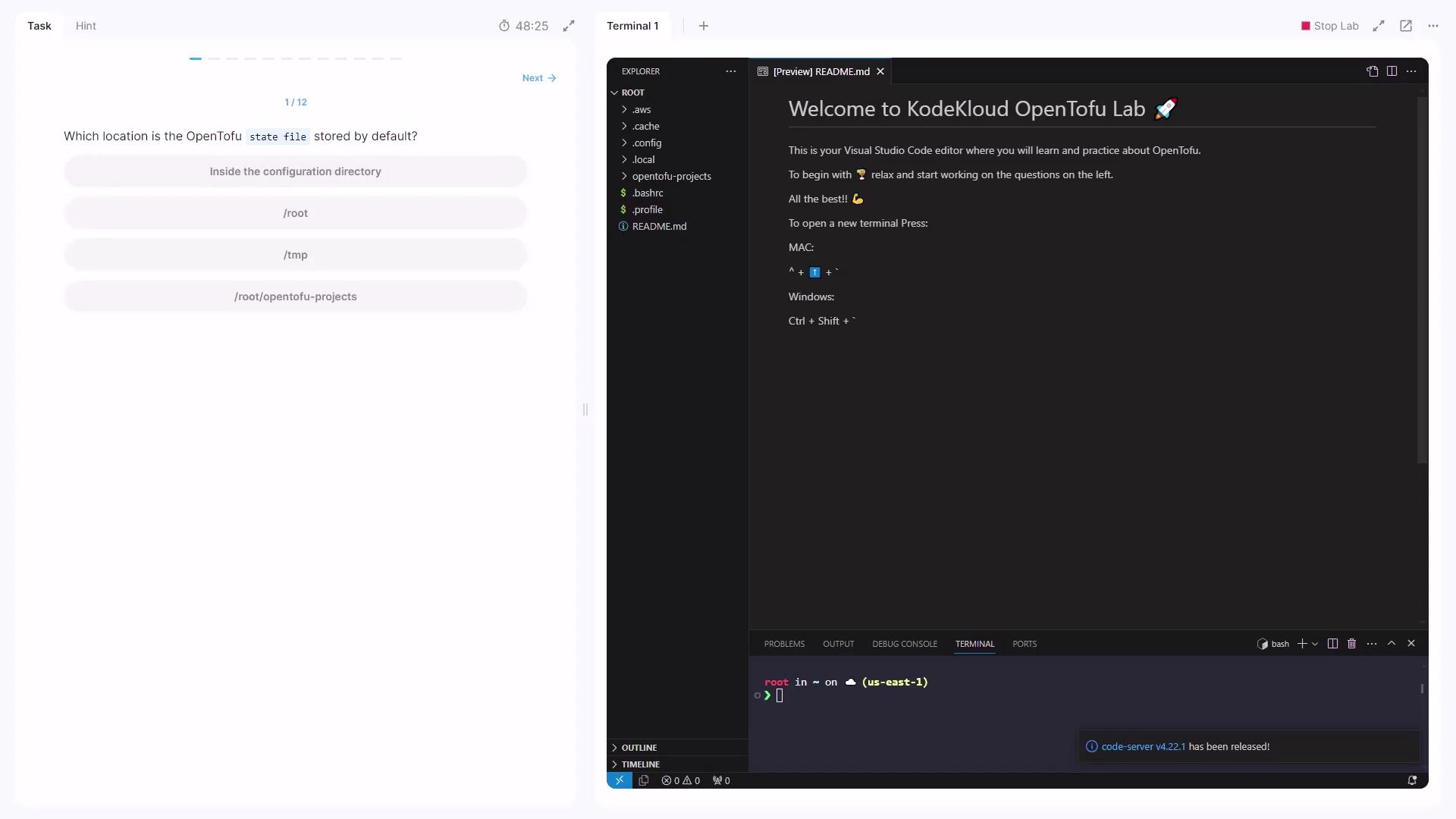
After you provision resources with OpenTofu, the state file is created in your current working directory by default.
## Disabling State
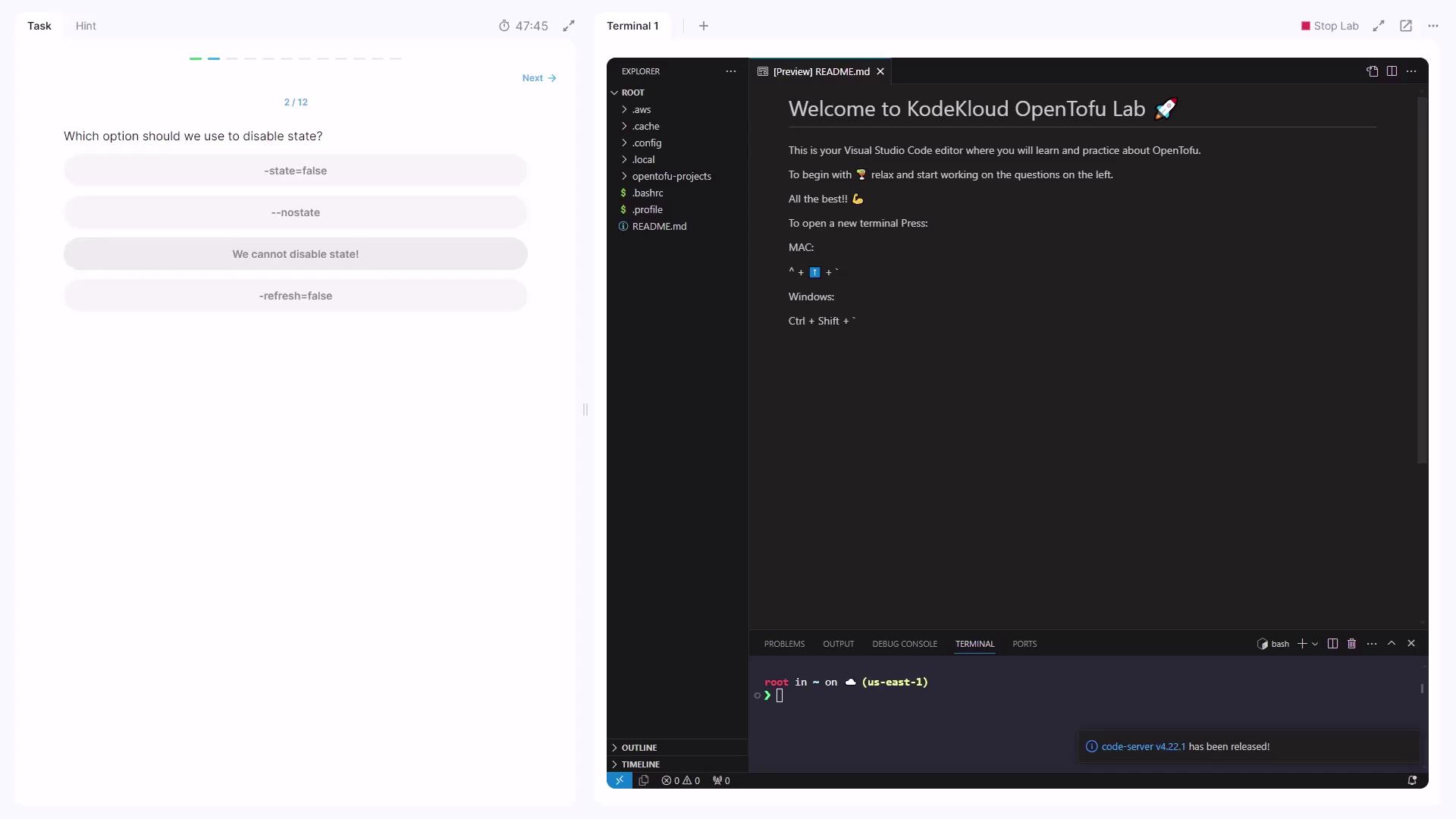
OpenTofu always relies on a state file to track existing resources. There is no option to disable this behavior.
OpenTofu **always** maintains a local state file (`terraform.tfstate`). You cannot disable state management.
## State File Format
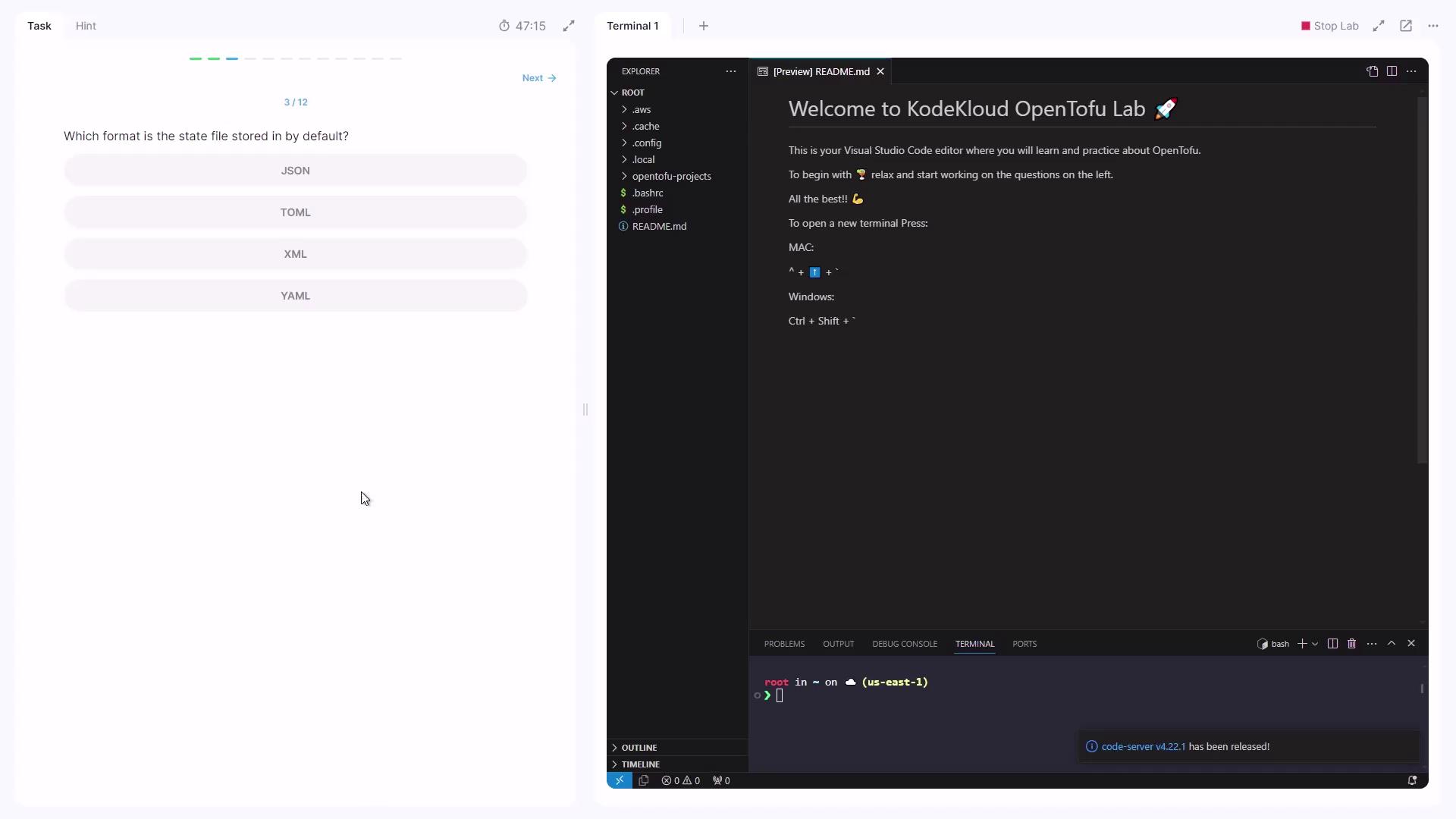
Open the `terraform.tfstate` file and you’ll see it’s formatted in JSON.
The JSON format makes it easy to parse the state file with tools like `jq` or programmatic scripts.
## Commands and State Refresh
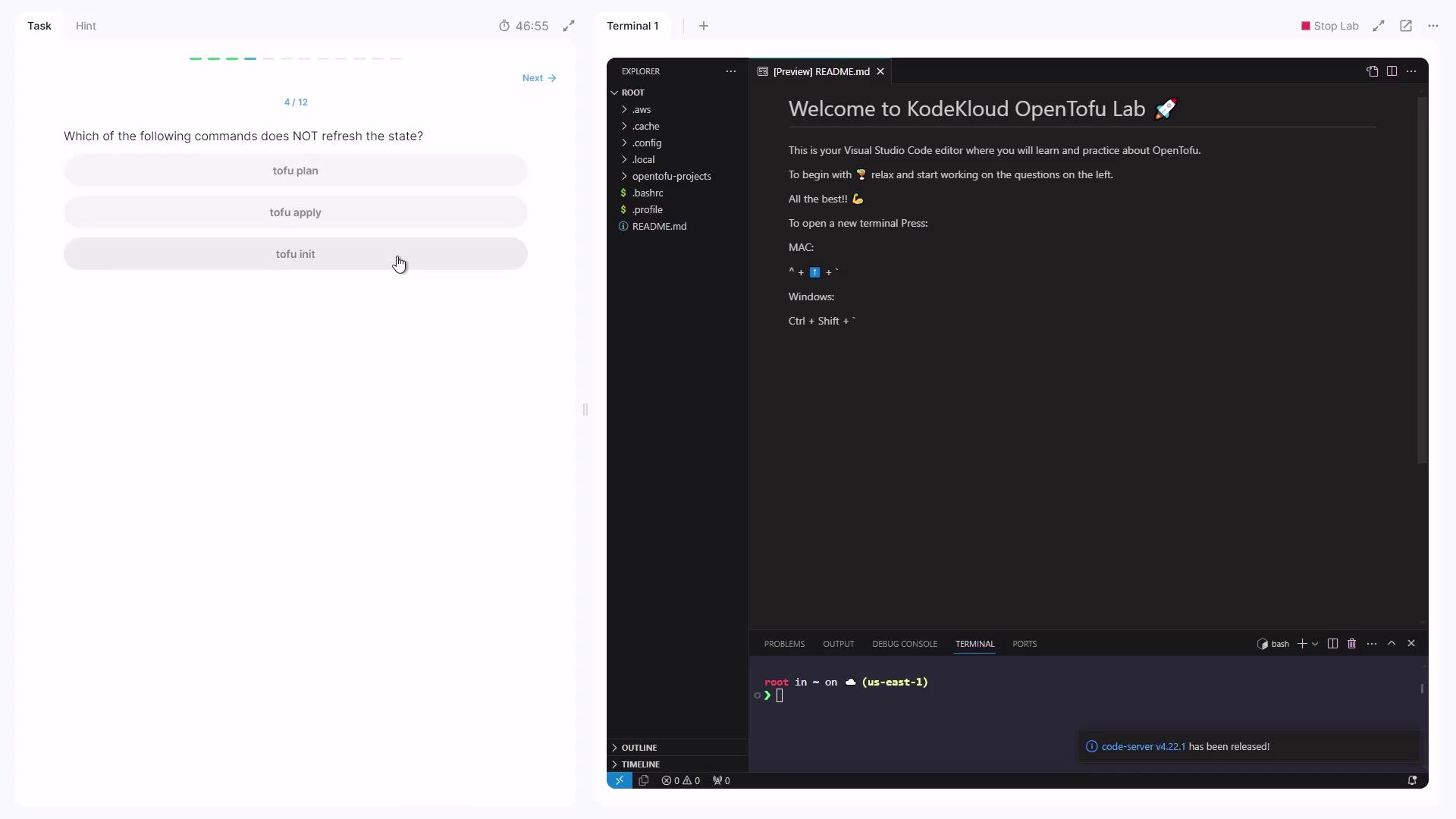
Some OpenTofu commands automatically refresh the state to match real-world resources:
| Command | Refreshes State? | Description |
| ---------------- | ---------------- | ------------------------------------- |
| `opentofu plan` | Yes | Generates and shows an execution plan |
| `opentofu apply` | Yes | Applies changes and refreshes state |
| `opentofu init` | No | Initializes the working directory |
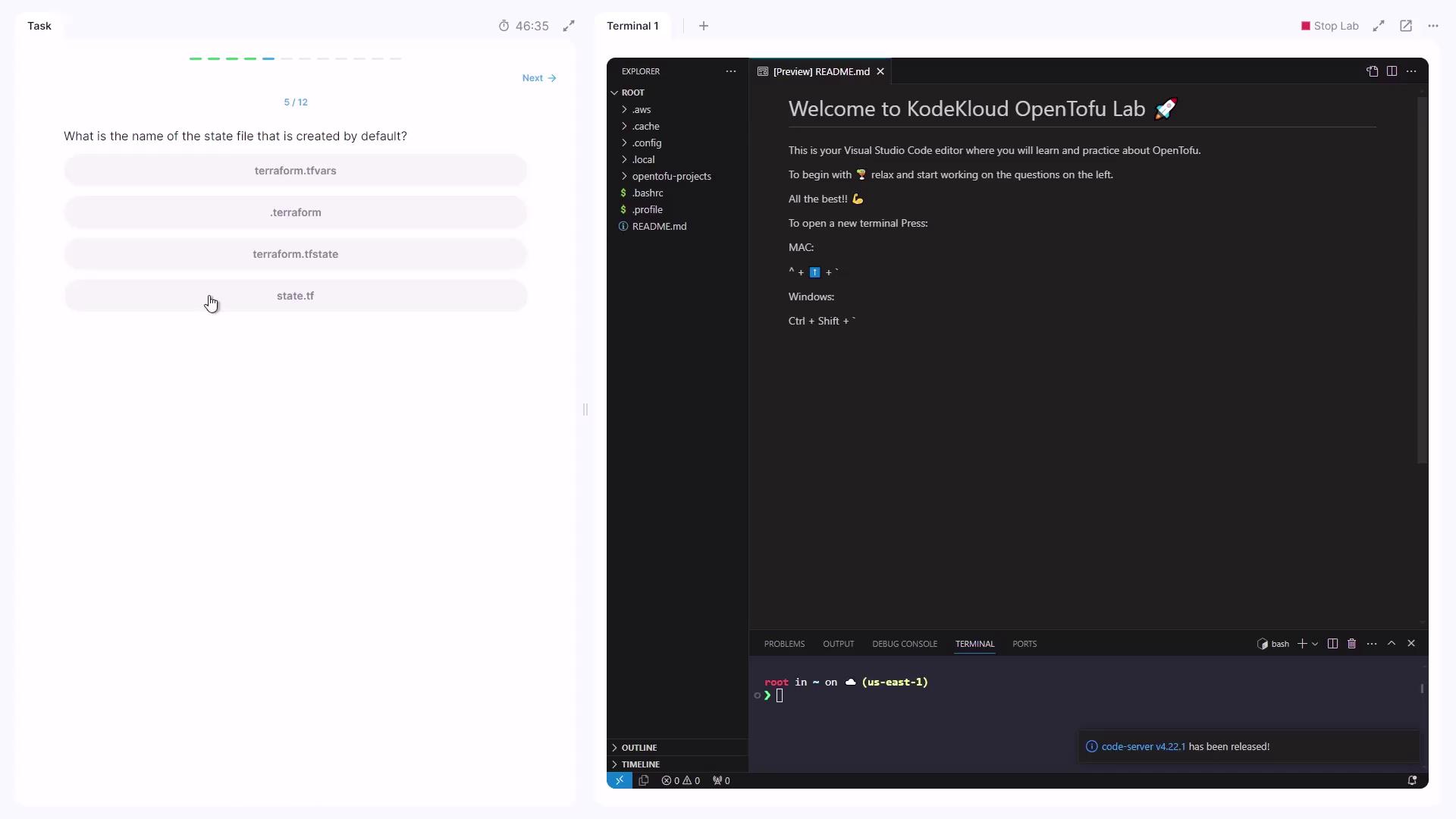
## Default State File Name
By default, the state file created is:
```plaintext theme={null}
terraform.tfstate
```
***
## Working with State in a Configuration
Navigate into your configuration directory:
```bash theme={null}
cd /root/OpenTofu-project/project
```
You’ve already run `opentofu init`, so the `.terraform` folder exists—but no `terraform.tfstate` file yet, since `opentofu apply` hasn’t been executed.
### 1. Showing the State
```bash theme={null}
opentofu show
```
No output appears because no state file exists yet.
### 2. Applying the Configuration
Run:
```bash theme={null}
opentofu apply
```
When prompted, type `yes`. Sample output:
```plaintext theme={null}
local_file.zoom: Creating...
local_file.ridder: Creating...
local_file.reverse-flash: Creating...
local_file.speed_force: Creating...
local_file.zoom: Creation complete after 0s [id=49a99e298eb6c5658742c255584f940948]
local_file.ridder: Creation complete after 0s [id=e9cbflbe0ee8cca695b7925def345088e16c7]
Apply complete! Resources: 4 added, 0 changed, 0 destroyed.
```
### 3. Inspecting the New State
Now re-run:
```bash theme={null}
opentofu show
```
Search for the resource `local_file.speed_force`. In HCL form, it appears as:
```hcl theme={null}
# local_file.speed_force:
resource "local_file" "speed_force" {
content = "speed-force"
content_base64sha256 = "H5f8B6uJ7VQ7K0KVE0HT1hjs5aRlnpODNyZEt1L"
content_base64sha512 = "C0fhaaC0aw1TigerQ8gYu6fu8n6onK91L1jctPU++M+HrPjS/LSKJHTV0v8QX8BQ78sR"
filename = "ebeb8b595c8eb4e8e1acf24416a742fab2981"
directory_permission = "0777"
file_permission = "0777"
}
```
Here, the suffix `fab2981` in the `filename` reflects the resource ID.
***
Add an EC2 instance and an S3 bucket to your configuration:
```hcl theme={null}
resource "aws_instance" "dev-server" {
instance_type = "t2.micro"
ami = "ami-02cf456777cd"
}
resource "aws_s3_bucket" "flashpoint" {
bucket = "project-flashpoint-paradox"
}
```
After running `opentofu apply`, inspect the JSON state directly or with:
```bash theme={null}
opentofu show
```
A snippet for the EC2 instance in `terraform.tfstate`:
```json theme={null}
{
"mode": "managed",
"type": "aws_instance",
"name": "dev-server",
"instances": [
{
"attributes": {
"ami": "ami-02cf4456777cd",
"arn": "arn:aws:ec2:us-east-1:instance/i-5dbf6192afa91dd3",
"associate_public_ip_address": true,
"availability_zone": "us-east-1a",
"private_ip": "10.40.132.251",
"public_ip": "54.214.161.80"
}
}
]
}
```
Search for `"private_ip"` to locate the instance’s private IP:
```json theme={null}
"private_ip": "10.40.132.251"
```
***
## References
* [OpenTofu Documentation](https://github.com/opentofu/opentofu)
* [Terraform State Concepts](https://www.terraform.io/language/state)