> ## Documentation Index
> Fetch the complete documentation index at: https://notes.kodekloud.com/llms.txt
> Use this file to discover all available pages before exploring further.
# Data Sources
> This article explains how to use data sources in OpenTofu to fetch read-only information about existing infrastructure.
OpenTofu lets you provision infrastructure and reference attributes between resources using expressions. But what if a resource already exists—created manually, via another tool, or in a different configuration? Data sources solve this by fetching read-only information about existing infrastructure.
## Why Use Data Sources?
* Read attributes of existing resources without managing their lifecycle.
* Integrate with resources created by CloudFormation, Ansible, Terraform, or manually.
* Avoid duplicating state in multiple configurations.
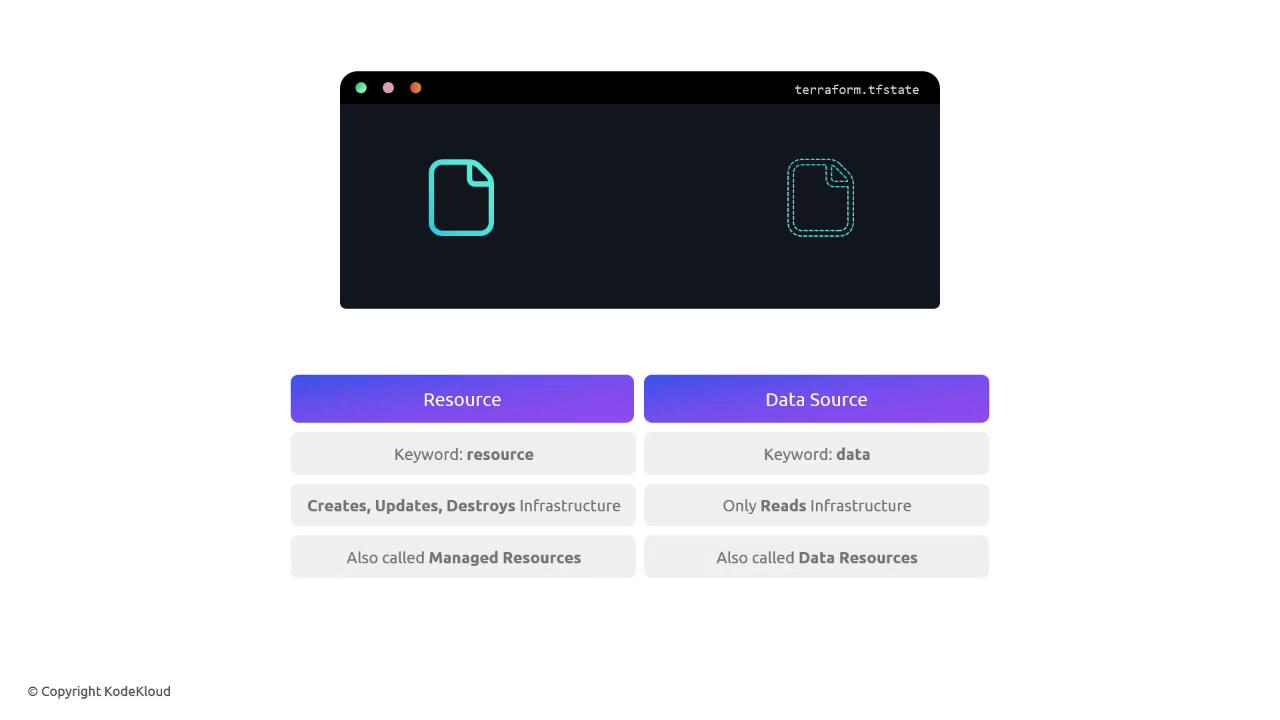
Data sources are *read-only*. They cannot create, update, or destroy resources. For full lifecycle management, use `resource` blocks instead.
## Referencing an Existing AWS Key Pair
Suppose you already have an AWS Key Pair named `alpha`. You can fetch its `key_name` for use in an EC2 instance:
```hcl theme={null}
data "aws_key_pair" "cerberus_key" {
key_name = "alpha"
}
resource "aws_instance" "cerberus" {
ami = var.ami
instance_type = var.instance_type
key_name = data.aws_key_pair.cerberus_key.key_name
}
```
* `data "aws_key_pair" "cerberus_key"` declares a data source.
* The argument `key_name = "alpha"` locates the existing key pair.
* In the EC2 resource, `data.aws_key_pair.cerberus_key.key_name` provides the fetched value.
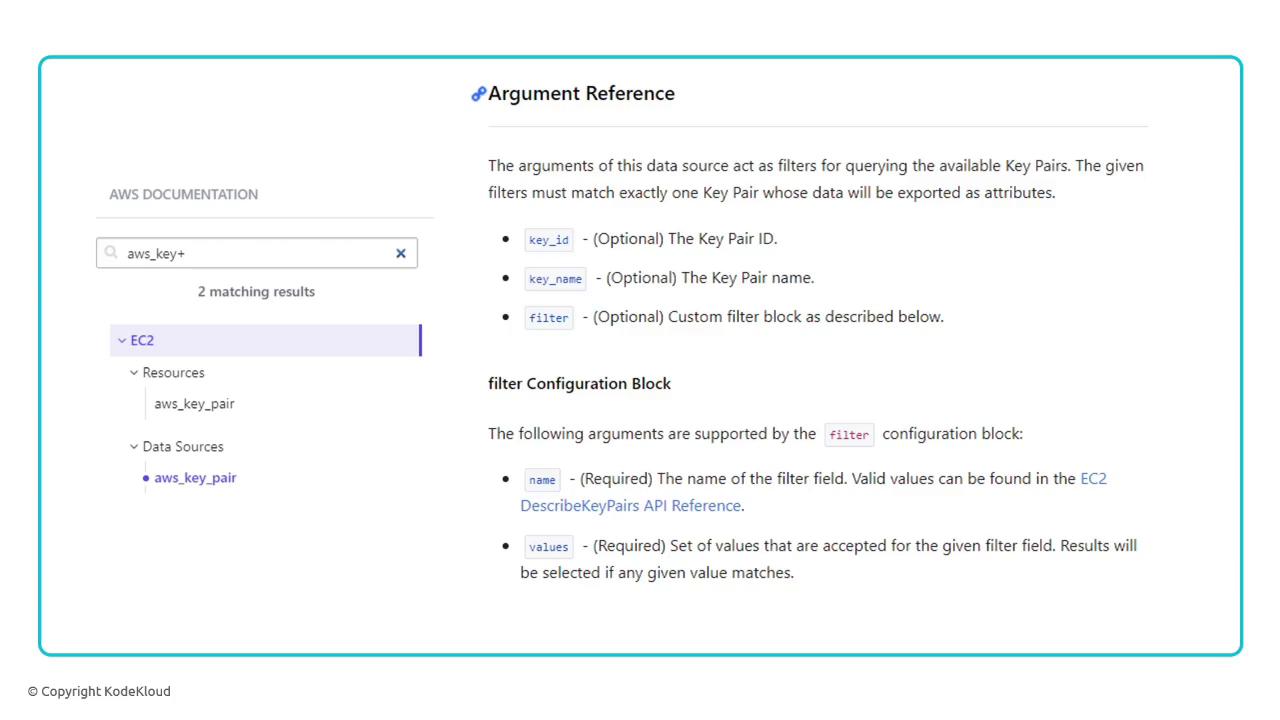
Check the AWS Provider Data Sources documentation for all available arguments and attributes: [https://registry.terraform.io/providers/hashicorp/aws/latest/docs/data-sources/key\_pair](https://registry.terraform.io/providers/hashicorp/aws/latest/docs/data-sources/key_pair)
## Filtering Data Sources by Tags
When you can’t identify a resource by a single attribute, use filters. For example, locate the key pair tagged with `project = cerberus`:
```hcl theme={null}
data "aws_key_pair" "cerberus_key" {
filter {
name = "tag:project"
values = ["cerberus"]
}
}
resource "aws_instance" "cerberus" {
ami = var.ami
instance_type = var.instance_type
key_name = data.aws_key_pair.cerberus_key.key_name
}
```
* The `filter` block matches key pairs with the given tag.
* Multiple filters can be combined to narrow the search.
## Resources vs. Data Sources
| Aspect | Resource Blocks | Data Source Blocks |
| --------------- | ---------------------------- | ----------------------------- |
| Lifecycle | Create, Read, Update, Delete | Read only |
| Keyword | `resource` | `data` |
| Terraform State | Managed | Not managed |
| Use Case | Provision infrastructure | Query existing infrastructure |
## Links and References
* [OpenTofu Documentation](https://opentofu.io/)
* [Terraform AWS Provider Data Sources](https://registry.terraform.io/providers/hashicorp/aws/latest/docs/data-sources/)
* [AWS CloudFormation](https://docs.aws.amazon.com/cloudformation/)
* [Ansible](https://www.ansible.com/)