> ## Documentation Index
> Fetch the complete documentation index at: https://notes.kodekloud.com/llms.txt
> Use this file to discover all available pages before exploring further.
# OOP Methods
> This article explains methods in Python classes, covering their functionality, parameters, and built-in features for introspection and reflection.
This section delves into methods in Python, explaining how they work within classes and how to leverage built-in features for introspection and reflection.
A method is a function defined within a class that always takes at least one parameter—commonly named self. Python automatically assigns this parameter to refer to the instance that invokes the method. When adding extra parameters, simply list them after self, separated by commas. The self parameter enables access to the instance's attributes and other methods.
Below is an example of a class with a method that sums two values:
```python theme={null}
class Calculator:
def add(self, first_value, second_value):
print(first_value + second_value)
calc = Calculator()
print(calc.add(1, 2))
```
Console output:
```python theme={null}
3
None
```
In this example, the method prints the sum of the values. Notice that the returned value from the method is None. When calling print() on calc.add(1, 2), it first executes the internal print in add() and then prints the resulting None.
If you include a class attribute, such as a base value, you can reference it inside your methods using self.base\_value. When a class also defines the special **init** method (the constructor), it is automatically invoked when a new object is created. The **init** method is designed to initialize the object's attributes and does not return any value.
Consider the following example using a class attribute:
```python theme={null}
class Calculator:
base_value = 10
def add(self, first_value, second_value):
print(self.base_value + first_value + second_value)
calc = Calculator()
print(calc.add(1, 2))
```
Console output:
```python theme={null}
13
None
```
In this case, the Calculator class uses the class variable base\_value within its add() method. While an **init** method can be defined to initialize instance attributes, here we demonstrate using a class attribute.
Next, explore a class that leverages the **init** constructor method:
```python theme={null}
class Dog:
def __init__(self, name):
self.name = name
def bark(self):
print("Woof")
pet1 = Dog("Max")
pet2 = Dog("Daisy")
print(Dog.__name__)
```
This code demonstrates built-in attributes such as **name**, which holds the name of the class. You can use these attributes inside the class or with functions like type() to inspect an object's class.
For a more comprehensive example of built-in attributes, examine the following:
```python theme={null}
class Dog:
def __init__(self, name):
self.name = name
def bark(self):
print("Woof")
pet1 = Dog("Max")
pet2 = Dog("Daisy")
print(Dog.__name__)
print(type(pet1).__name__)
print(pet1.__module__)
```
Here:
* **name** reflects the class name.
* type(pet1).**name** returns the same class name.
* pet1.**module** reveals the module in which the class is defined (typically "**main**" when running a script directly).
Another useful built-in property is **bases**, which returns a tuple containing a class’s direct base classes (superclasses). For example:
```python theme={null}
class Dog:
def __init__(self, name):
self.name = name
class Chihuahua(Dog):
def __init__(self, name):
Dog.__init__(self, name)
self.size = "small"
print(Chihuahua.__bases__)
```
Console output:
```python theme={null}
(,)
```
The tuple can be iterated to extract information about each superclass. With these built-in attributes and methods, Python supports two key features common in object-oriented programming:
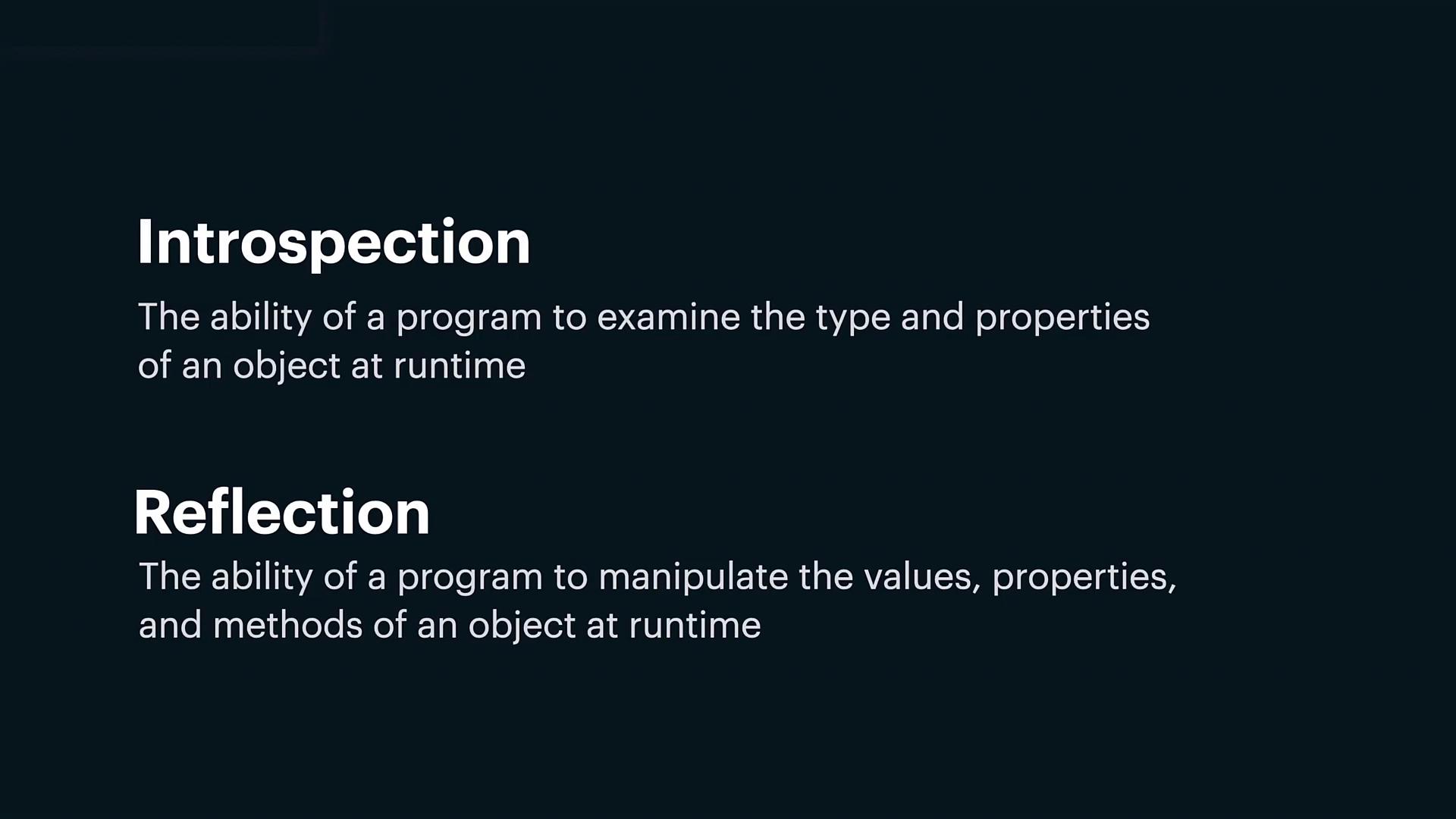
1. Introspection: The ability of a program to examine an object's type and its properties at runtime.
2. Reflection: The capability of a program to dynamically modify an object's values, properties, and methods at runtime.
This concludes our lesson on OOP methods in Python. You can now start practicing these concepts and explore further enhancements in your code.