> ## Documentation Index
> Fetch the complete documentation index at: https://notes.kodekloud.com/llms.txt
> Use this file to discover all available pages before exploring further.
# DemoArgo Events Installation
> Guide to install and verify Argo Events on Kubernetes, optionally integrate Argo Workflows, inspect resources, view UI integration, and troubleshoot common startup issues.
This guide shows how to install Argo Events into a Kubernetes cluster, verify the controller is running, and optionally integrate Argo Workflows so you can trigger workflows from events. Follow the steps below to deploy the controller, inspect installed resources, and troubleshoot common startup issues.
## Overview
* Install the argo-events namespace and Argo Events manifests.
* (Optional) Install Argo Workflows if you plan to trigger workflows from events.
* Verify CRDs, RBAC, config maps, and the controller deployment.
* Inspect pods and logs to ensure the controller becomes Ready.
* Use the Argo Workflows UI to view EventSources and Sensors when integrated.
## Prerequisites
* A Kubernetes cluster with kubectl configured to target the cluster.
* (Optional) If you plan to use the Argo Workflows UI, install Argo Workflows into the cluster.
## Installation
Create the argo-events namespace and apply the official Argo Events install manifest:
```bash theme={null}
kubectl create namespace argo-events
kubectl apply -f https://raw.githubusercontent.com/argoproj/argo-events/stable/manifests/install.yaml
# Optional: to install Argo Workflows (if you will trigger Workflows from Events)
# kubectl create namespace argo
# kubectl apply -n argo -f https://raw.githubusercontent.com/argoproj/argo-workflows/stable/manifests/install.yaml
```
You should see output similar to the example below as Kubernetes creates CRDs, RBAC, ConfigMaps, and the controller deployment:
```bash theme={null}
namespace/argo-events created
customresourcedefinition.apiextensions.k8s.io/eventbus.argoproj.io created
customresourcedefinition.apiextensions.k8s.io/eventsources.argoproj.io created
customresourcedefinition.apiextensions.k8s.io/sensors.argoproj.io created
serviceaccount/argo-events-sa created
clusterrole.rbac.authorization.k8s.io/argo-events-aggregate-to-admin created
clusterrole.rbac.authorization.k8s.io/argo-events-aggregate-to-edit created
clusterrole.rbac.authorization.k8s.io/argo-events-aggregate-to-view created
clusterrole.rbac.authorization.k8s.io/argo-events-role created
clusterrolebinding.rbac.authorization.k8s.io/argo-events-binding created
configmap/argo-events-controller-config created
deployment.apps/controller-manager created
```
## Verify installation
List all resources in the `argo-events` namespace:
```bash theme={null}
kubectl -n argo-events get all
```
When images are being pulled and the pod is scheduled, the controller pod may show `ContainerCreating` until the container is ready. Example output while the controller is still starting:
```bash theme={null}
NAME READY STATUS RESTARTS AGE
pod/controller-manager-59884fd695-kt5gm 0/1 ContainerCreating 0 10s
NAME READY UP-TO-DATE AVAILABLE AGE
deployment.apps/controller-manager 0/1 1 0 10s
NAME DESIRED CURRENT READY AGE
replicaset.apps/controller-manager-59884fd695 1 1 0 10s
```
## UI: Viewing EventSources and Sensors
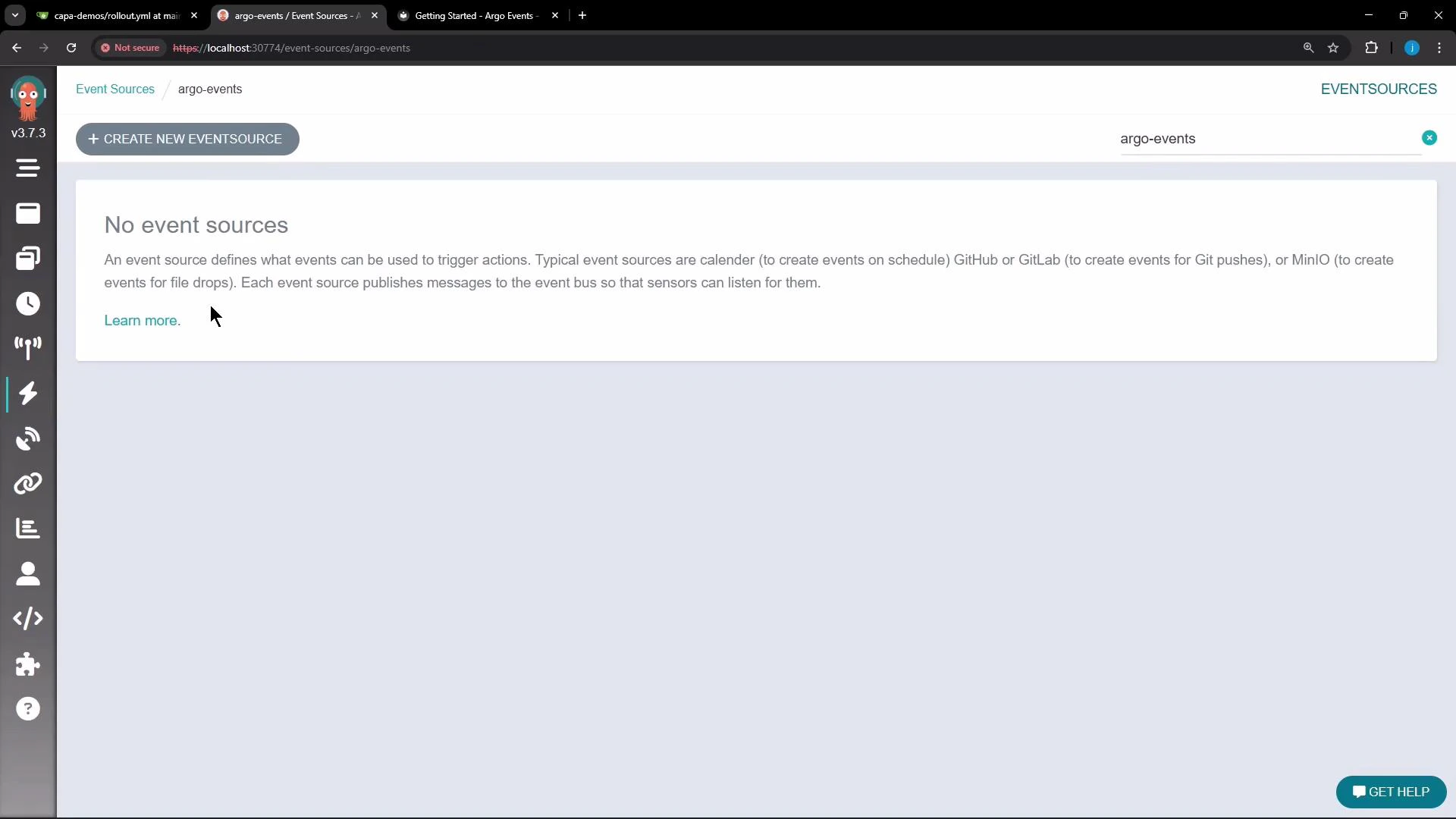
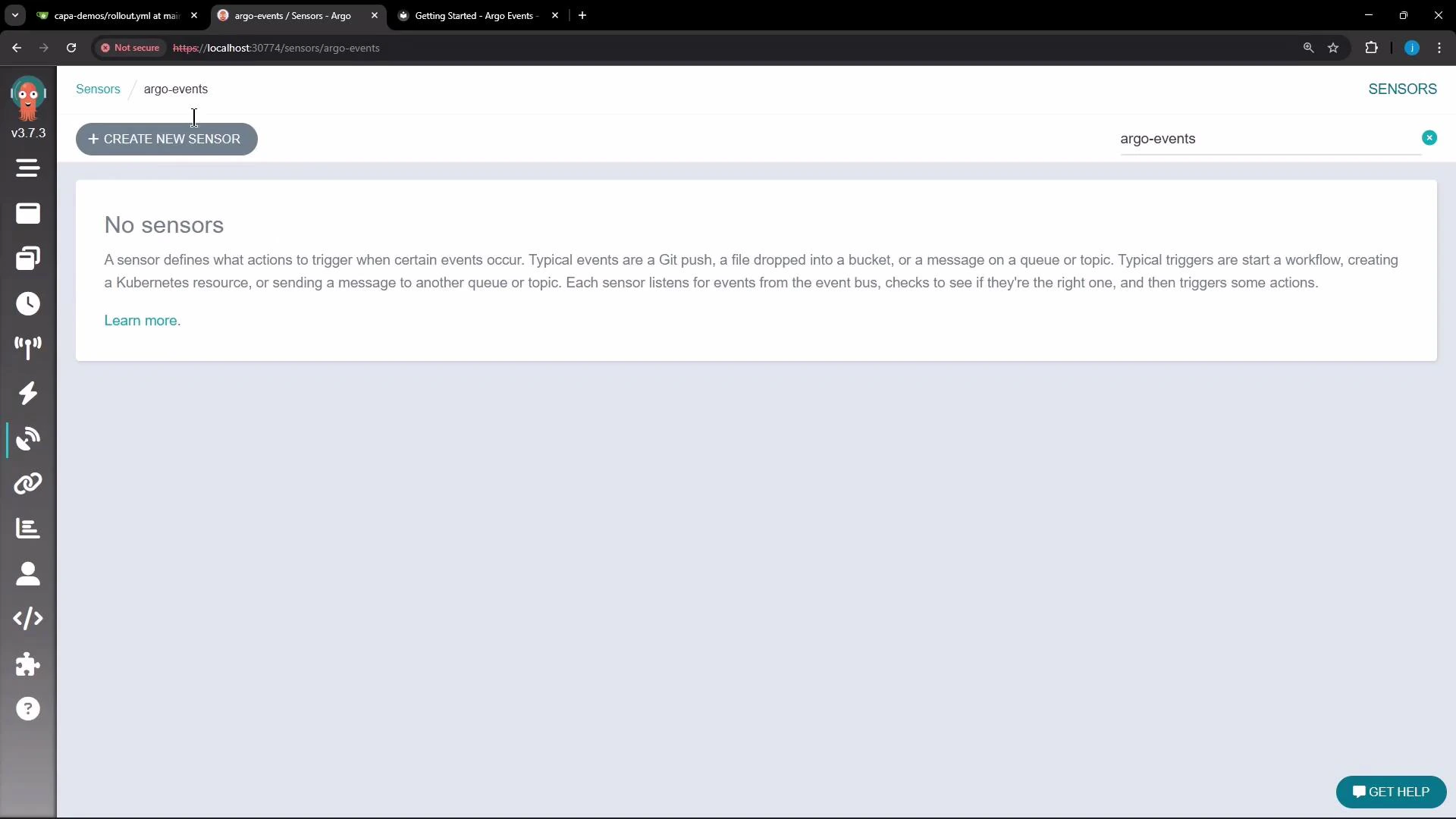
Argo Events does not include a standalone web UI. If you install Argo Workflows and integrate it with Argo Events, the Argo Workflows UI can display EventSources and Sensors. Open the Argo Workflows UI and select the appropriate namespace (for example, `argo-events`) to view event-related resources.
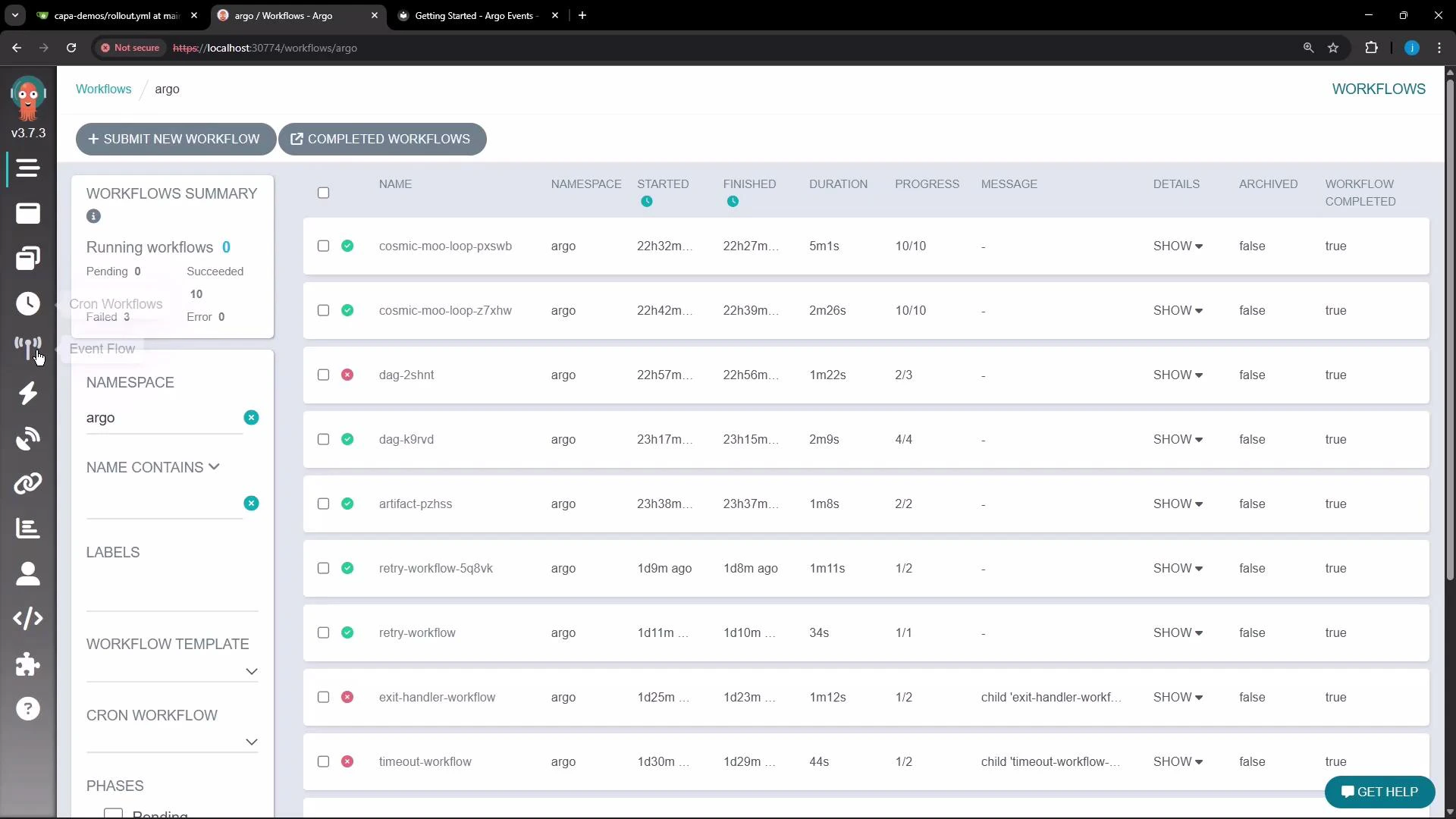 When no EventSources are present, the Event Sources page shows an empty state and a button to create a new EventSource.
 The Sensors UI page also shows an empty state until sensors are created. The visual editor helps illustrate how sensors connect to triggers, the event bus, and other components.
 If the controller pod remains in ContainerCreating or enters CrashLoopBackOff, inspect the pod events and logs with:
* `kubectl -n argo-events describe pod `
* `kubectl -n argo-events logs `
These commands help identify scheduling, image pull, or runtime errors.
## Common resources created by the install
| Resource Type | Purpose |
| ----------------------------------------------- | ------------------------------------------------------------ |
| CustomResourceDefinitions (CRDs) | Define EventBus, EventSource, and Sensor custom resources |
| ServiceAccount, ClusterRole, ClusterRoleBinding | RBAC for the controller to watch and manage resources |
| ConfigMap | Controller configuration (e.g., metrics, event bus settings) |
| Deployment / ReplicaSet / Pod | Controller manager that reconciles EventSources and Sensors |
## Troubleshooting checklist
* Confirm the controller pod is scheduled and not pending:
* `kubectl -n argo-events get pods`
* If `ContainerCreating`, check node space and image pull errors:
* `kubectl -n argo-events describe pod `
* If the pod crashes repeatedly, view logs for stack traces:
* `kubectl -n argo-events logs `
* Verify CRDs were created successfully:
* `kubectl get crd | grep argo`
## Next steps
* Wait for the `controller-manager` pod to reach READY state before creating EventSources and Sensors.
* Create EventSource and Sensor manifests to connect your external events to triggers (e.g., Webhook, cron, Kafka) and test end-to-end behavior.
* If using Argo Workflows, create a Workflow template and configure a Sensor trigger to submit workflows on events.
## Links and references
* Argo Events (project): [https://argoproj.github.io/argo-events/](https://argoproj.github.io/argo-events/)
* Argo Workflows (project): [https://argoproj.github.io/argo-workflows/](https://argoproj.github.io/argo-workflows/)
* Kubernetes documentation: [https://kubernetes.io/docs/](https://kubernetes.io/docs/)
If the controller pod remains in ContainerCreating or enters CrashLoopBackOff, inspect the pod events and logs with:
* `kubectl -n argo-events describe pod `
* `kubectl -n argo-events logs `
These commands help identify scheduling, image pull, or runtime errors.
## Common resources created by the install
| Resource Type | Purpose |
| ----------------------------------------------- | ------------------------------------------------------------ |
| CustomResourceDefinitions (CRDs) | Define EventBus, EventSource, and Sensor custom resources |
| ServiceAccount, ClusterRole, ClusterRoleBinding | RBAC for the controller to watch and manage resources |
| ConfigMap | Controller configuration (e.g., metrics, event bus settings) |
| Deployment / ReplicaSet / Pod | Controller manager that reconciles EventSources and Sensors |
## Troubleshooting checklist
* Confirm the controller pod is scheduled and not pending:
* `kubectl -n argo-events get pods`
* If `ContainerCreating`, check node space and image pull errors:
* `kubectl -n argo-events describe pod `
* If the pod crashes repeatedly, view logs for stack traces:
* `kubectl -n argo-events logs `
* Verify CRDs were created successfully:
* `kubectl get crd | grep argo`
## Next steps
* Wait for the `controller-manager` pod to reach READY state before creating EventSources and Sensors.
* Create EventSource and Sensor manifests to connect your external events to triggers (e.g., Webhook, cron, Kafka) and test end-to-end behavior.
* If using Argo Workflows, create a Workflow template and configure a Sensor trigger to submit workflows on events.
## Links and references
* Argo Events (project): [https://argoproj.github.io/argo-events/](https://argoproj.github.io/argo-events/)
* Argo Workflows (project): [https://argoproj.github.io/argo-workflows/](https://argoproj.github.io/argo-workflows/)
* Kubernetes documentation: [https://kubernetes.io/docs/](https://kubernetes.io/docs/)