> ## Documentation Index
> Fetch the complete documentation index at: https://notes.kodekloud.com/llms.txt
> Use this file to discover all available pages before exploring further.
# Demo Artifacts Garbage Collection
> Explains Argo Workflows Artifact Garbage Collection, demonstrating workflow-level defaults and per-artifact overrides with examples, behaviors, strategies, and best practices for managing artifact lifecycle.
When workflows generate artifacts and logs over time, stored files consume space in your artifact repository. Artifact Garbage Collection (Artifact GC) in [Argo Workflows](https://argoproj.github.io/argo-workflows/) lets you automatically remove artifacts you no longer need. You can configure deletion either when a workflow completes or when a workflow is deleted. Artifact GC can be set globally at the workflow level (as a default for all artifacts) and selectively overridden per artifact.
Artifact-level settings override the workflow-level default. The available strategies are: OnWorkflowDeletion, OnWorkflowCompletion, and Never.
This document provides two practical examples and explains common behaviors and lifecycle considerations:
* Example 1 — A workflow-level default GC strategy with an artifact-level override.
* Example 2 — A producer-consumer steps workflow that passes an artifact between steps while using a workflow-level GC policy.
Example 1 — Workflow-level Artifact GC with an artifact-level override
* Purpose: Demonstrates setting a default artifact GC strategy at the workflow level and overriding it for a specific artifact.
* Behavior: The workflow default is `OnWorkflowDeletion`. One artifact will follow that policy; another will override it to `OnWorkflowCompletion`.
```yaml theme={null}
apiVersion: argoproj.io/v1alpha1
kind: Workflow
metadata:
generateName: artifact-gc-
spec:
entrypoint: main
# Default artifact GC strategy applied to all artifacts unless overridden
artifactGC:
strategy: OnWorkflowDeletion
templates:
- name: main
container:
image: argoproj/argosay:v2
command: ["sh", "-c"]
args:
- |
echo "can throw this away" > /tmp/temporary-artifact.txt
echo "keep this" > /tmp/keep-this.txt
outputs:
artifacts:
- name: temporary-artifact
path: /tmp/temporary-artifact.txt
# Will follow the workflow-level strategy (OnWorkflowDeletion)
- name: persistent-artifact
path: /tmp/keep-this.txt
s3:
key: keep-this.txt
artifactGC:
strategy: OnWorkflowCompletion # overrides workflow-level strategy
```
Example 2 — Steps-based producer/consumer (passing artifacts between steps)
* Purpose: Shows a multi-step workflow that produces an artifact in one step and consumes it in another.
* Behavior: The workflow-level `artifactGC` is set to `OnWorkflowDeletion` and applies to artifacts unless individually overridden.
 ```yaml theme={null}
apiVersion: argoproj.io/v1alpha1
kind: Workflow
metadata:
generateName: artifact-
namespace: argo
spec:
entrypoint: main
artifactGC:
strategy: OnWorkflowDeletion # default for all artifacts in this workflow
templates:
- name: main
steps:
# Step 1: generate the artifact
- - name: generate
template: generate-file
# Step 2: consume the artifact produced by 'generate'
- - name: consume
template: consume-file
arguments:
artifacts:
- name: message-from-producer
from: "{{steps.generate.outputs.artifacts.my-generated-artifact}}"
- name: generate-file
script:
image: busybox
command: [sh, -c]
source: |
echo "Hello from an artifact!" > /tmp/hello.txt
outputs:
artifacts:
- name: my-generated-artifact
path: /tmp/hello.txt
- name: consume-file
container:
image: busybox
command: [sh, -c]
args: ["cat /tmp/message.txt || true"]
inputs:
artifacts:
- name: message-from-producer
path: /tmp/message.txt
```
How Artifact GC behaves in practice
* workflow-level default: With `artifactGC.strategy: OnWorkflowDeletion` at the workflow level, artifacts produced by that workflow are removed when the workflow is deleted.
* artifact-level overrides: To change behavior for specific artifacts, set `artifactGC.strategy` on the artifact:
* `Never` — retain the artifact regardless of workflow deletion.
* `OnWorkflowCompletion` — delete the artifact when the workflow completes (not waiting for deletion).
* `OnWorkflowDeletion` — delete the artifact only when the workflow is deleted (this is the default in our examples).
* precedence: Artifact-level settings always override the workflow-level default.
Artifact GC strategies at a glance
| Strategy | When the artifact is deleted | Use case |
| -------------------- | ------------------------------------ | ------------------------------------------------------------ |
| OnWorkflowDeletion | When the workflow is deleted | Default for ephemeral artifacts tied to a workflow lifecycle |
| OnWorkflowCompletion | Immediately after workflow completes | Artifacts needed only during runtime or post-processing |
| Never | Not deleted by GC | Long-term storage or archival artifacts |
Example real-world workflow lifecycle
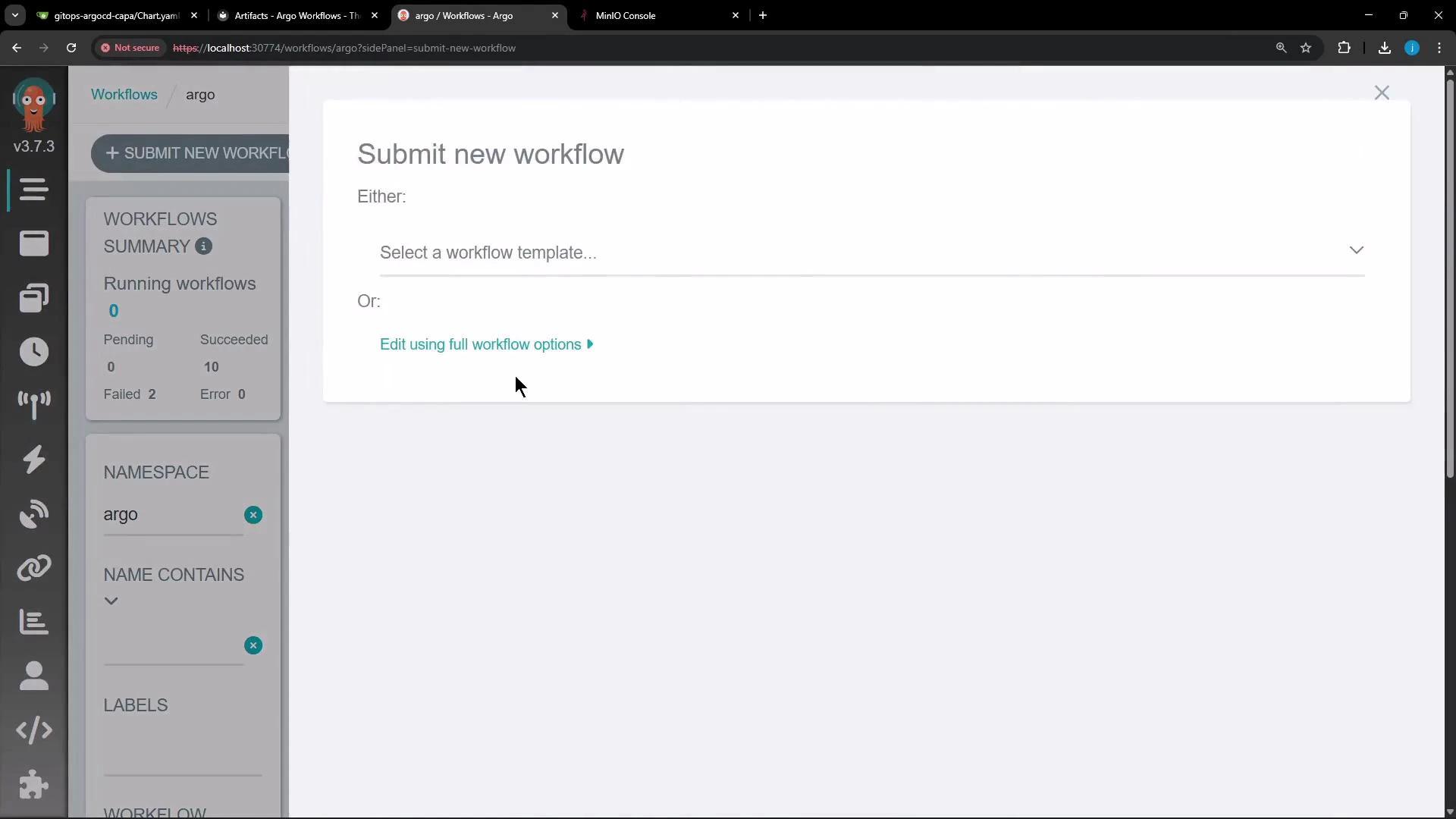
* Submit the workflow (for example via the Argo UI or `kubectl`). The produced artifact is stored in the configured artifact store (e.g., [MinIO](https://min.io/)) under the workflow's folder/bucket.
* Inspect the artifact store to confirm artifact presence while the workflow exists or after completion.
* Delete the workflow:
* Artifacts with `OnWorkflowDeletion` will be removed by the garbage collector.
* Artifacts with `Never` or `OnWorkflowCompletion` will follow their explicit artifact-level setting and may remain or be removed based on that configuration.
Best practices
* Use workflow-level defaults to enforce cluster-wide conventions for ephemeral artifacts.
* Override per-artifact when specific artifacts must be retained or cleaned up at a different time.
* Monitor your artifact store capacity and configure lifecycle rules as needed in addition to Argo GC for long-term retention policies.
Links and references
* [Argo Workflows documentation — Artifact Garbage Collection](https://argoproj.github.io/argo-workflows/)
* [MinIO — High performance object storage](https://min.io/)
* [Kubernetes Documentation](https://kubernetes.io/docs/)
This concludes the demo article showing how to use Artifact Garbage Collection in Argo Workflows to manage artifact lifecycles and control storage usage.
```yaml theme={null}
apiVersion: argoproj.io/v1alpha1
kind: Workflow
metadata:
generateName: artifact-
namespace: argo
spec:
entrypoint: main
artifactGC:
strategy: OnWorkflowDeletion # default for all artifacts in this workflow
templates:
- name: main
steps:
# Step 1: generate the artifact
- - name: generate
template: generate-file
# Step 2: consume the artifact produced by 'generate'
- - name: consume
template: consume-file
arguments:
artifacts:
- name: message-from-producer
from: "{{steps.generate.outputs.artifacts.my-generated-artifact}}"
- name: generate-file
script:
image: busybox
command: [sh, -c]
source: |
echo "Hello from an artifact!" > /tmp/hello.txt
outputs:
artifacts:
- name: my-generated-artifact
path: /tmp/hello.txt
- name: consume-file
container:
image: busybox
command: [sh, -c]
args: ["cat /tmp/message.txt || true"]
inputs:
artifacts:
- name: message-from-producer
path: /tmp/message.txt
```
How Artifact GC behaves in practice
* workflow-level default: With `artifactGC.strategy: OnWorkflowDeletion` at the workflow level, artifacts produced by that workflow are removed when the workflow is deleted.
* artifact-level overrides: To change behavior for specific artifacts, set `artifactGC.strategy` on the artifact:
* `Never` — retain the artifact regardless of workflow deletion.
* `OnWorkflowCompletion` — delete the artifact when the workflow completes (not waiting for deletion).
* `OnWorkflowDeletion` — delete the artifact only when the workflow is deleted (this is the default in our examples).
* precedence: Artifact-level settings always override the workflow-level default.
Artifact GC strategies at a glance
| Strategy | When the artifact is deleted | Use case |
| -------------------- | ------------------------------------ | ------------------------------------------------------------ |
| OnWorkflowDeletion | When the workflow is deleted | Default for ephemeral artifacts tied to a workflow lifecycle |
| OnWorkflowCompletion | Immediately after workflow completes | Artifacts needed only during runtime or post-processing |
| Never | Not deleted by GC | Long-term storage or archival artifacts |
Example real-world workflow lifecycle
* Submit the workflow (for example via the Argo UI or `kubectl`). The produced artifact is stored in the configured artifact store (e.g., [MinIO](https://min.io/)) under the workflow's folder/bucket.
* Inspect the artifact store to confirm artifact presence while the workflow exists or after completion.
* Delete the workflow:
* Artifacts with `OnWorkflowDeletion` will be removed by the garbage collector.
* Artifacts with `Never` or `OnWorkflowCompletion` will follow their explicit artifact-level setting and may remain or be removed based on that configuration.
Best practices
* Use workflow-level defaults to enforce cluster-wide conventions for ephemeral artifacts.
* Override per-artifact when specific artifacts must be retained or cleaned up at a different time.
* Monitor your artifact store capacity and configure lifecycle rules as needed in addition to Argo GC for long-term retention policies.
Links and references
* [Argo Workflows documentation — Artifact Garbage Collection](https://argoproj.github.io/argo-workflows/)
* [MinIO — High performance object storage](https://min.io/)
* [Kubernetes Documentation](https://kubernetes.io/docs/)
This concludes the demo article showing how to use Artifact Garbage Collection in Argo Workflows to manage artifact lifecycles and control storage usage.