> ## Documentation Index
> Fetch the complete documentation index at: https://notes.kodekloud.com/llms.txt
> Use this file to discover all available pages before exploring further.
# Output Parameters
> Explains how Argo Workflows captures a producer script's last stdout line as an output parameter and passes it to a consumer step using steps.generate.outputs.result
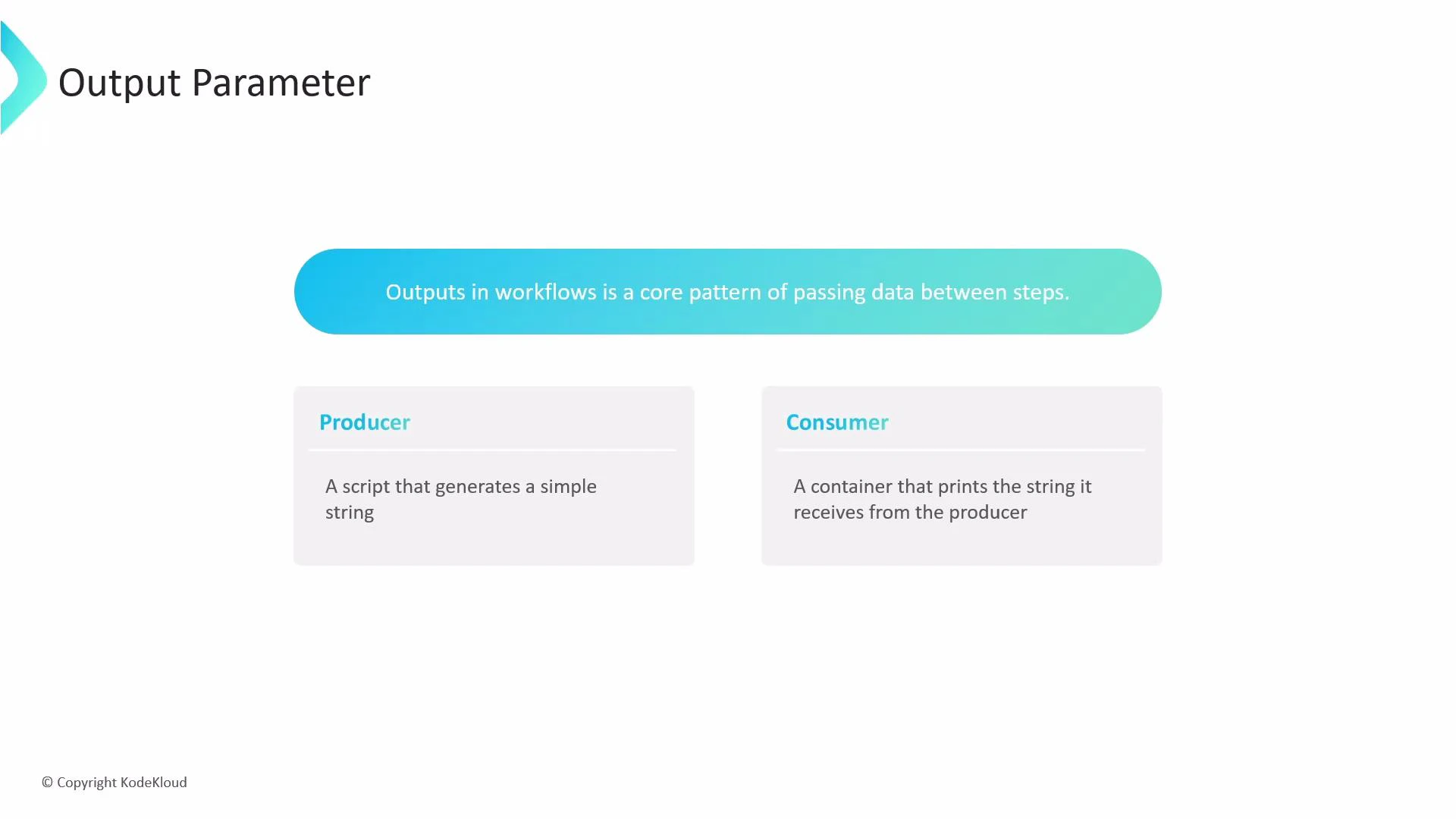
Outputs in Argo Workflows are the standard pattern for passing data between steps. This guide shows how a producer step emits a value and a consumer step receives and uses it. We'll walk through a simple producer → consumer workflow, explain where the value is captured, and show how to reference it in subsequent steps.
 Overview
* Producer: a script template that writes a message to stdout.
* Consumer: a container template that accepts an input parameter and prints it.
* Data flow: the producer's output is captured as a template output and passed into the consumer via arguments.
How script-template outputs work
* For script templates, Argo automatically captures the last line written to stdout as the default output parameter available at steps.\.outputs.result.
* You can pass that value into later steps using the expression `{{steps.\.outputs.result}}`.
For script templates, Argo captures the last line printed to stdout as the
default output parameter available at steps.\.outputs.result.
Use that expression to pass values directly from a producing step into a
consuming step.
Example workflow
* The following YAML demonstrates a main template that runs a `generate` step (producer) and then a `consume` step (consumer). The consumer receives the producer's result through an argument parameter named `outputMessage`.
```yaml theme={null}
apiVersion: argoproj.io/v1alpha1
kind: Workflow
metadata:
generateName: simple-output-example-
spec:
entrypoint: main
templates:
- name: main
steps:
- - name: generate
template: producer
- name: consume
template: consumer
arguments:
parameters:
- name: outputMessage
value: "{{steps.generate.outputs.result}}"
- name: producer
script:
image: busybox:1.28
command: [sh, -c]
source: |
echo "hello from the producer step"
- name: consumer
inputs:
parameters:
- name: outputMessage
container:
image: busybox:1.28
command: [sh, -c]
args: ["Received: '{{inputs.parameters.outputMessage}}'"]
```
Step-by-step execution
1. The `producer` script prints:
* hello from the producer step
2. Argo captures the last printed line as `steps.generate.outputs.result`.
3. The `main` template assigns that value to the `consume` step's `outputMessage` parameter via:
`- value: "{{steps.generate.outputs.result}}"`
4. The `consumer` container reads the parameter as `inputs.parameters.outputMessage` and prints:
* Received: 'hello from the producer step'
Common use-cases and best practices
| Resource | Purpose | Example |
| ------------------ | --------------------------------------------------------- | ----------------------------------- |
| Script template | Produce a short textual result captured as outputs.result | Producer example above |
| Container template | Consume parameters passed via arguments | Consumer example above |
| Steps reference | Chain results between steps | `{{steps.generate.outputs.result}}` |
References and further reading
* [Argo Workflows: Inputs and Outputs](https://argoproj.github.io/argo-workflows/workflow-templates/#inputs-and-outputs)
* [Argo Workflows GitHub](https://github.com/argoproj/argo-workflows)
Outputs are a fundamental mechanism for chaining templates and building dynamic, data-driven pipelines. By capturing the producer's stdout and referencing it with steps.\.outputs.result, you can easily pass information between steps and build more complex workflows.
Overview
* Producer: a script template that writes a message to stdout.
* Consumer: a container template that accepts an input parameter and prints it.
* Data flow: the producer's output is captured as a template output and passed into the consumer via arguments.
How script-template outputs work
* For script templates, Argo automatically captures the last line written to stdout as the default output parameter available at steps.\.outputs.result.
* You can pass that value into later steps using the expression `{{steps.\.outputs.result}}`.
For script templates, Argo captures the last line printed to stdout as the
default output parameter available at steps.\.outputs.result.
Use that expression to pass values directly from a producing step into a
consuming step.
Example workflow
* The following YAML demonstrates a main template that runs a `generate` step (producer) and then a `consume` step (consumer). The consumer receives the producer's result through an argument parameter named `outputMessage`.
```yaml theme={null}
apiVersion: argoproj.io/v1alpha1
kind: Workflow
metadata:
generateName: simple-output-example-
spec:
entrypoint: main
templates:
- name: main
steps:
- - name: generate
template: producer
- name: consume
template: consumer
arguments:
parameters:
- name: outputMessage
value: "{{steps.generate.outputs.result}}"
- name: producer
script:
image: busybox:1.28
command: [sh, -c]
source: |
echo "hello from the producer step"
- name: consumer
inputs:
parameters:
- name: outputMessage
container:
image: busybox:1.28
command: [sh, -c]
args: ["Received: '{{inputs.parameters.outputMessage}}'"]
```
Step-by-step execution
1. The `producer` script prints:
* hello from the producer step
2. Argo captures the last printed line as `steps.generate.outputs.result`.
3. The `main` template assigns that value to the `consume` step's `outputMessage` parameter via:
`- value: "{{steps.generate.outputs.result}}"`
4. The `consumer` container reads the parameter as `inputs.parameters.outputMessage` and prints:
* Received: 'hello from the producer step'
Common use-cases and best practices
| Resource | Purpose | Example |
| ------------------ | --------------------------------------------------------- | ----------------------------------- |
| Script template | Produce a short textual result captured as outputs.result | Producer example above |
| Container template | Consume parameters passed via arguments | Consumer example above |
| Steps reference | Chain results between steps | `{{steps.generate.outputs.result}}` |
References and further reading
* [Argo Workflows: Inputs and Outputs](https://argoproj.github.io/argo-workflows/workflow-templates/#inputs-and-outputs)
* [Argo Workflows GitHub](https://github.com/argoproj/argo-workflows)
Outputs are a fundamental mechanism for chaining templates and building dynamic, data-driven pipelines. By capturing the producer's stdout and referencing it with steps.\.outputs.result, you can easily pass information between steps and build more complex workflows.