> ## Documentation Index
> Fetch the complete documentation index at: https://notes.kodekloud.com/llms.txt
> Use this file to discover all available pages before exploring further.
# Section Introduction
> Overview of Backstage Catalog, a centralized software inventory storing metadata, ownership, lifecycle, and dependencies to improve discovery, management, and incident response
In this lesson we’ll explore Backstage’s Catalog — the centralized inventory that helps organizations discover, document, and manage their software. The Catalog records metadata, ownership, lifecycle status, and relationships for each code component so teams can find, operate, and maintain services, libraries, and websites with confidence.
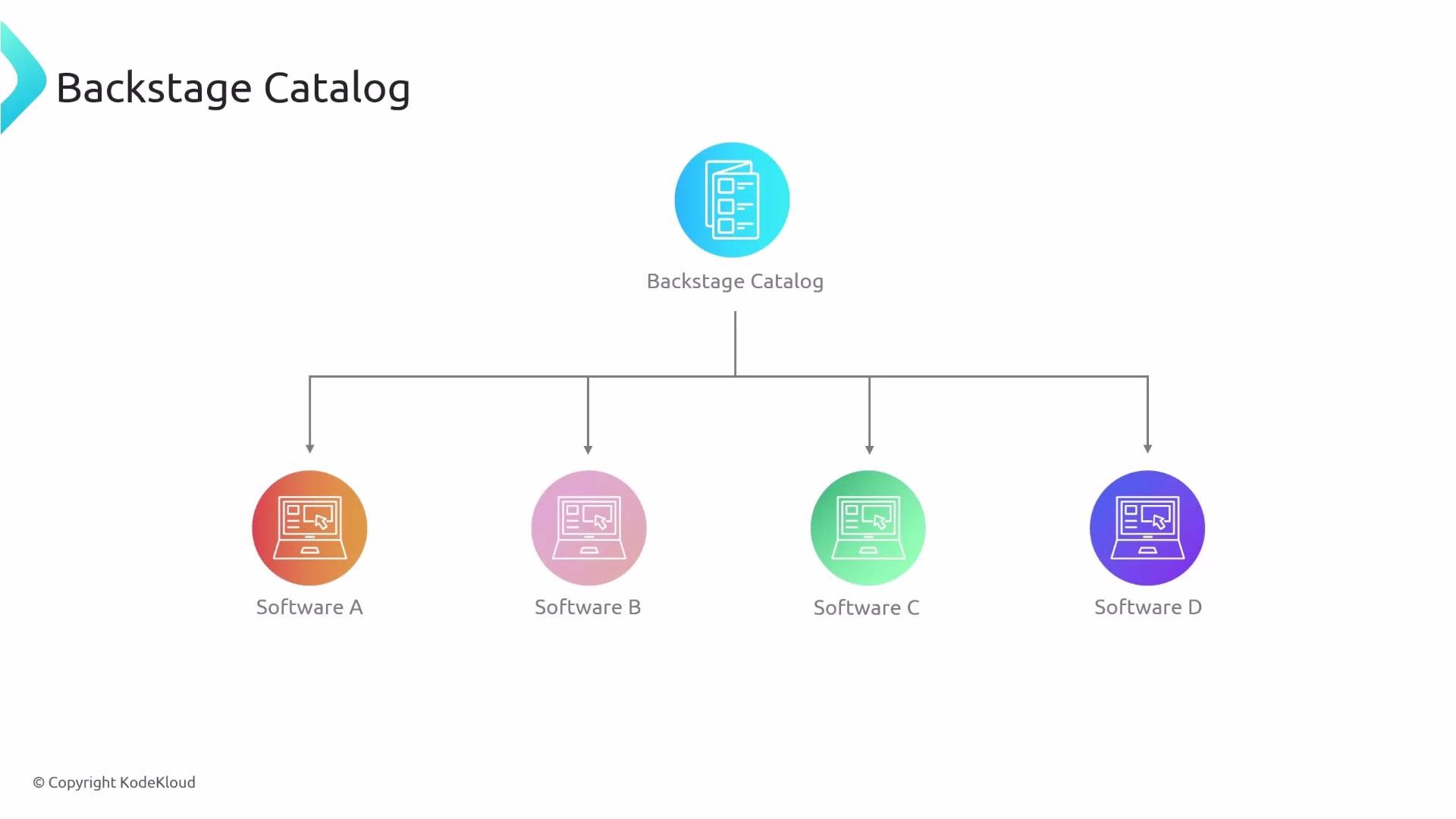 What the Catalog answers for you:
* What software exists in the organization?
* Who owns or is responsible for each component?
* What type of component is it (service, library, website, data pipeline, etc.)?
* What is the component’s lifecycle stage and health?
* What are the dependencies and relationships between components?
* Which team or person to contact for changes or incidents?
Backstage Catalog standardizes how software metadata is stored and surfaced. By centralizing ownership, lifecycle, and dependency data, it reduces cognitive load for engineers and speeds up discovery and incident response.
Key capabilities at a glance:
| Feature | Purpose | Example |
| ------------------- | ------------------------------------------------ | ------------------------------------------- |
| Component inventory | Central list of all software assets | `service:payments`, `library:ui-components` |
| Ownership metadata | Record team or individual owners | `owner:team-finance` |
| Component types | Categorize artifacts (service, library, website) | `kind:Component` |
| Lifecycle & status | Track stages like `experimental`, `production` | `lifecycle:production` |
| Dependency graph | Visualize relationships between components | `dependsOn:service-auth` |
| Discovery & search | Find components by name, owner, tag, or type | Search UI and API queries |
In the following sections we will examine:
* How Backstage represents software entities (entity model, kinds, and schemas).
* How ownership and teams are recorded and surfaced.
* How to query and interact with the Catalog via UI and APIs.
* Best practices for modeling metadata and keeping the Catalog accurate.
Links and references:
* [Backstage Catalog documentation](https://backstage.io/docs/features/software-catalog/)
* [Backstage entity model](https://backstage.io/docs/features/software-catalog/descriptor-format)
* [Backstage GitHub repository](https://github.com/backstage/backstage)
What the Catalog answers for you:
* What software exists in the organization?
* Who owns or is responsible for each component?
* What type of component is it (service, library, website, data pipeline, etc.)?
* What is the component’s lifecycle stage and health?
* What are the dependencies and relationships between components?
* Which team or person to contact for changes or incidents?
Backstage Catalog standardizes how software metadata is stored and surfaced. By centralizing ownership, lifecycle, and dependency data, it reduces cognitive load for engineers and speeds up discovery and incident response.
Key capabilities at a glance:
| Feature | Purpose | Example |
| ------------------- | ------------------------------------------------ | ------------------------------------------- |
| Component inventory | Central list of all software assets | `service:payments`, `library:ui-components` |
| Ownership metadata | Record team or individual owners | `owner:team-finance` |
| Component types | Categorize artifacts (service, library, website) | `kind:Component` |
| Lifecycle & status | Track stages like `experimental`, `production` | `lifecycle:production` |
| Dependency graph | Visualize relationships between components | `dependsOn:service-auth` |
| Discovery & search | Find components by name, owner, tag, or type | Search UI and API queries |
In the following sections we will examine:
* How Backstage represents software entities (entity model, kinds, and schemas).
* How ownership and teams are recorded and surfaced.
* How to query and interact with the Catalog via UI and APIs.
* Best practices for modeling metadata and keeping the Catalog accurate.
Links and references:
* [Backstage Catalog documentation](https://backstage.io/docs/features/software-catalog/)
* [Backstage entity model](https://backstage.io/docs/features/software-catalog/descriptor-format)
* [Backstage GitHub repository](https://github.com/backstage/backstage)