> ## Documentation Index
> Fetch the complete documentation index at: https://notes.kodekloud.com/llms.txt
> Use this file to discover all available pages before exploring further.
# Demo Search Basics
> Guide to using Backstage search to find catalog entities, TechDocs documentation, teams, APIs, and optionally external sources across a developer portal.
This short guide demonstrates how to use Backstage's search capabilities to discover catalog entities and documentation across your developer portal. Backstage search provides a single entry point to find components, APIs, teams, TechDocs content, and — with configuration — external sources such as third‑party repositories or public knowledge bases.
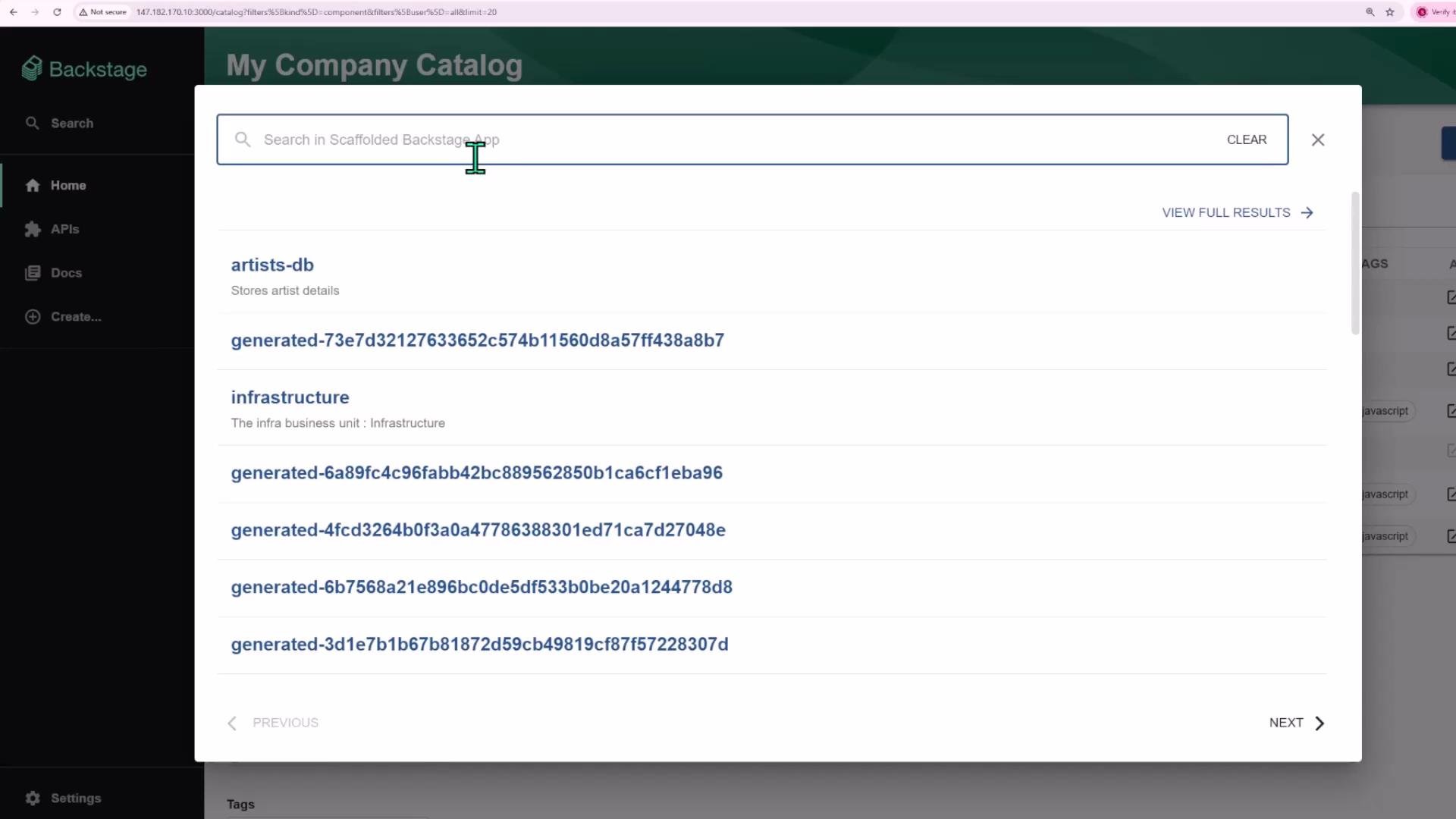
The search control is available in the left sidebar (the search icon). The search input looks across Backstage's catalog and documentation: components, APIs, users, groups, and other entities are all searchable. Backstage also indexes TechDocs content for entities, so you can find references inside component documentation and open the matching docs directly from the search results.
Backstage indexes both catalog metadata and TechDocs content. Use short, natural-language queries such as `recommendation service` or keyword terms like `Cassandra` to surface the most relevant component pages and documentation.
 ## What Backstage Search Finds
Backstage search is designed to surface both top-level entities and in‑page documentation matches. Typical search targets include:
| Resource type | What you'll discover | Example |
| --------------------------- | -----------------------------------------------------------------------: | -------------------------------------- |
| Catalog components | Service pages, libraries, and tools registered in the catalog | `recommendation-service` |
| APIs | API definitions and endpoints | `order-api` |
| Users & groups | Owners, teams, and maintainers | `shopping-team` |
| TechDocs pages | Content within component docs, guides, and tutorials | Pages mentioning `Cassandra` |
| External sources (optional) | Third‑party content if configured (e.g., Stack Exchange, external repos) | `Stack Overflow` results via connector |
Search results show entities with metadata such as owner, lifecycle, tags, and relations. Clicking a result navigates to the entity page or the specific TechDocs page that contains your match.
## Example: Finding a Component
As a simple case, searching for `recommendation service` returns the matching component. Selecting that result opens the component page where you can view metadata, ownership, lifecycle, tags, and relations.
## What Backstage Search Finds
Backstage search is designed to surface both top-level entities and in‑page documentation matches. Typical search targets include:
| Resource type | What you'll discover | Example |
| --------------------------- | -----------------------------------------------------------------------: | -------------------------------------- |
| Catalog components | Service pages, libraries, and tools registered in the catalog | `recommendation-service` |
| APIs | API definitions and endpoints | `order-api` |
| Users & groups | Owners, teams, and maintainers | `shopping-team` |
| TechDocs pages | Content within component docs, guides, and tutorials | Pages mentioning `Cassandra` |
| External sources (optional) | Third‑party content if configured (e.g., Stack Exchange, external repos) | `Stack Overflow` results via connector |
Search results show entities with metadata such as owner, lifecycle, tags, and relations. Clicking a result navigates to the entity page or the specific TechDocs page that contains your match.
## Example: Finding a Component
As a simple case, searching for `recommendation service` returns the matching component. Selecting that result opens the component page where you can view metadata, ownership, lifecycle, tags, and relations.
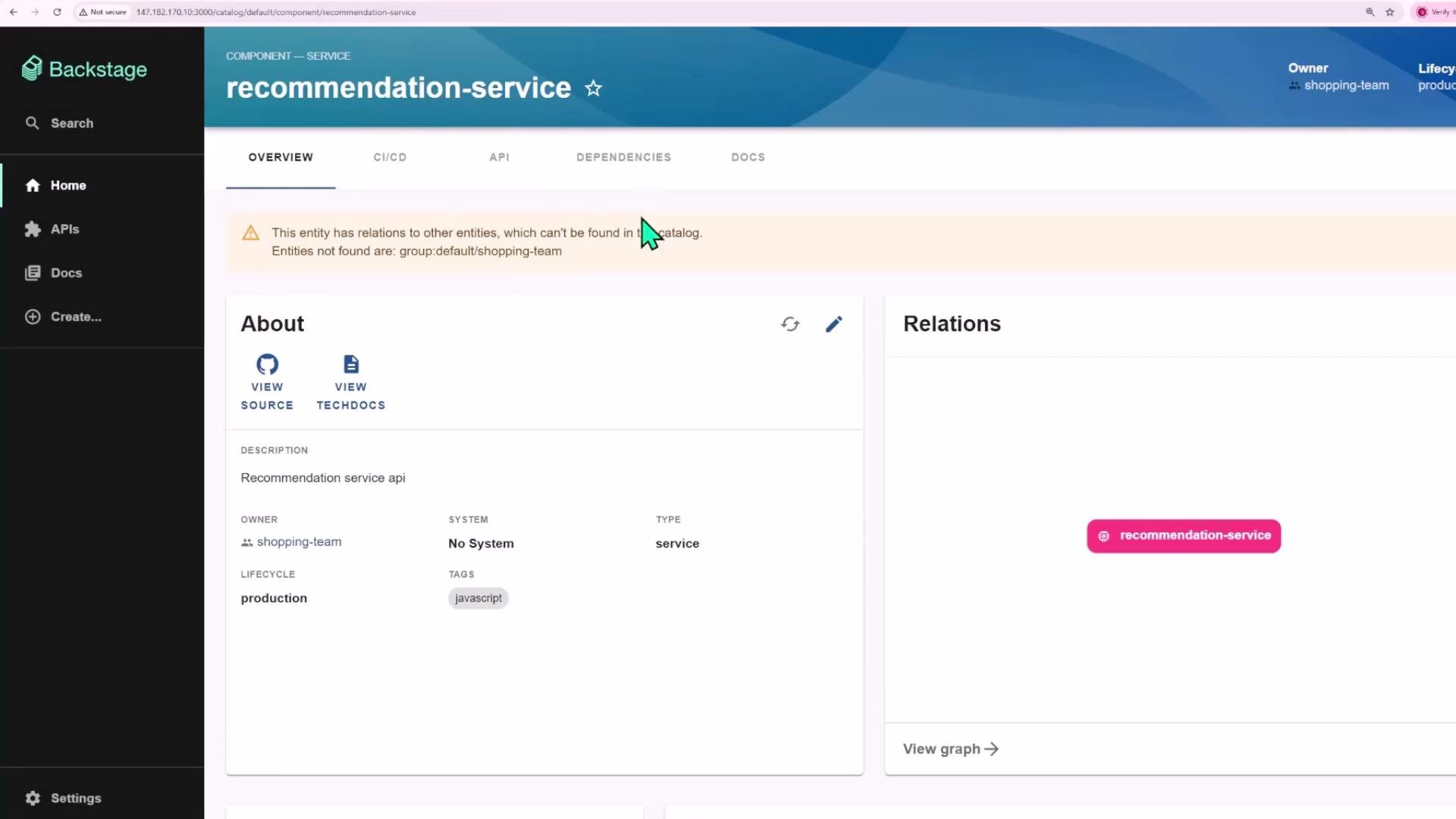 Tip: If a relation or owner is missing (for example, `group:default/shopping-team`), it will be highlighted on the component page so you can update catalog metadata or resolve broken links.
## Example: Searching Inside Documentation
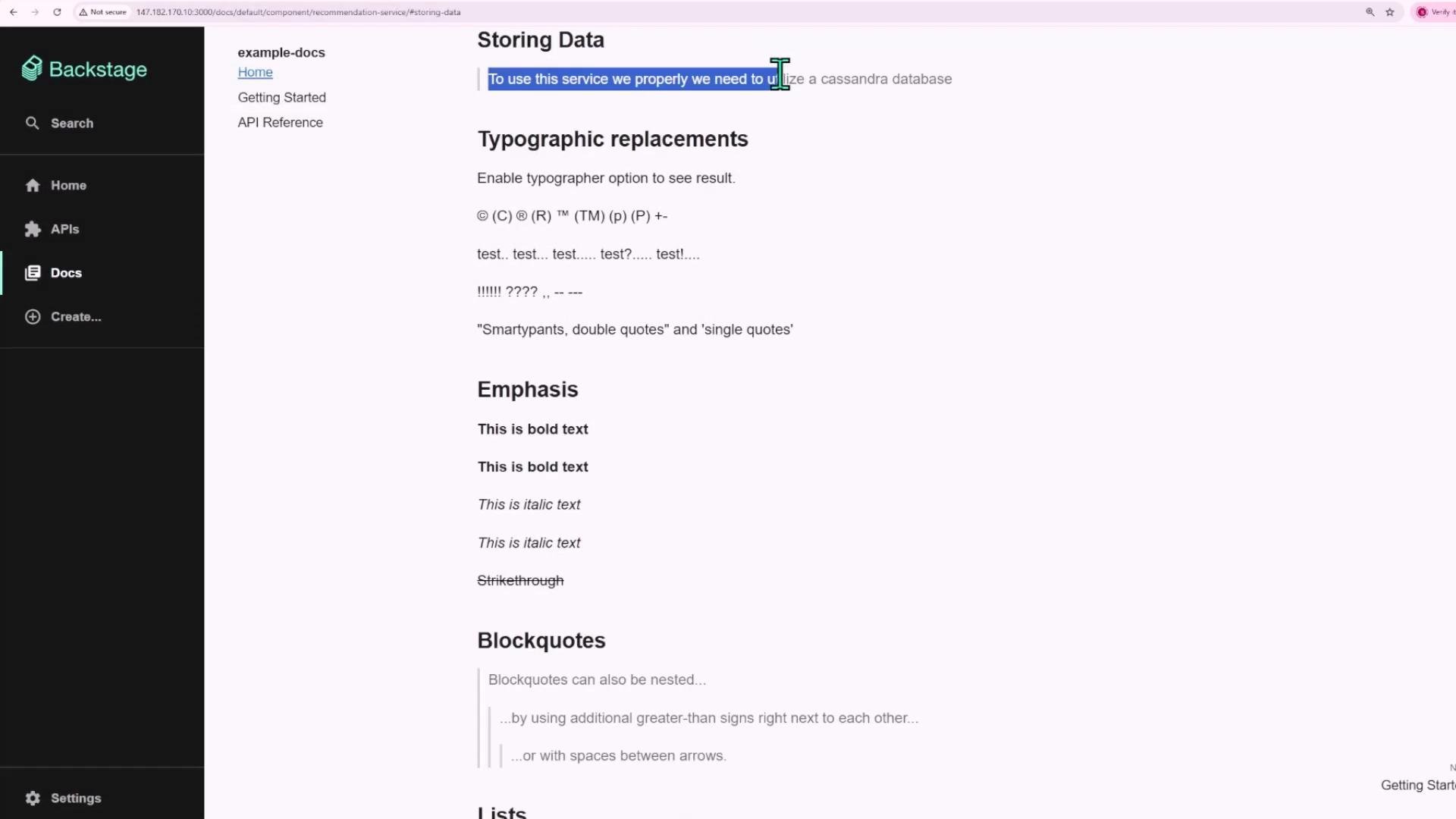
You can search for terms that appear inside TechDocs content. A query like `Cassandra` will surface TechDocs pages that mention Cassandra; you can open the result to read the surrounding documentation, code examples, and operational guidance.
Tip: If a relation or owner is missing (for example, `group:default/shopping-team`), it will be highlighted on the component page so you can update catalog metadata or resolve broken links.
## Example: Searching Inside Documentation
You can search for terms that appear inside TechDocs content. A query like `Cassandra` will surface TechDocs pages that mention Cassandra; you can open the result to read the surrounding documentation, code examples, and operational guidance.
 ## Extending Search
Backstage search is extensible. You can configure additional search sources to include external repositories, knowledgebases, or third‑party sites so results can come from multiple places — not just what’s stored inside your Backstage instance.
To add external sources, configure the search plugin connectors or implement provider integrations. Check your Backstage configuration and the search plugin documentation for supported connectors and indexing options.
## Quick Checklist
* Use the left‑sidebar search icon to start queries.
* Try natural language queries like `recommendation service` or keyword searches like `Cassandra`.
* Click results to open component pages or TechDocs content and inspect metadata (owner, lifecycle, tags, relations).
* Configure connectors if you want results from external sources.
## Links and References
* [Backstage Documentation](https://backstage.io/docs)
* [TechDocs Overview](https://backstage.io/docs/features/techdocs/overview)
* [Backstage Search & Plugins](https://backstage.io/docs/plugins/search)
In summary, Backstage search provides a centralized, extensible way to discover entities and their documentation across your developer portal, helping teams find ownership, metadata, and operational documentation quickly.
## Extending Search
Backstage search is extensible. You can configure additional search sources to include external repositories, knowledgebases, or third‑party sites so results can come from multiple places — not just what’s stored inside your Backstage instance.
To add external sources, configure the search plugin connectors or implement provider integrations. Check your Backstage configuration and the search plugin documentation for supported connectors and indexing options.
## Quick Checklist
* Use the left‑sidebar search icon to start queries.
* Try natural language queries like `recommendation service` or keyword searches like `Cassandra`.
* Click results to open component pages or TechDocs content and inspect metadata (owner, lifecycle, tags, relations).
* Configure connectors if you want results from external sources.
## Links and References
* [Backstage Documentation](https://backstage.io/docs)
* [TechDocs Overview](https://backstage.io/docs/features/techdocs/overview)
* [Backstage Search & Plugins](https://backstage.io/docs/plugins/search)
In summary, Backstage search provides a centralized, extensible way to discover entities and their documentation across your developer portal, helping teams find ownership, metadata, and operational documentation quickly.