> ## Documentation Index
> Fetch the complete documentation index at: https://notes.kodekloud.com/llms.txt
> Use this file to discover all available pages before exploring further.
# Exam Tips and Tricks
> Practical CNPE exam strategies emphasizing time management, environment preparation, tool selection, efficient use of documentation, and avoiding common mistakes to maximize score.
You’ve prepared — now make the most of your exam time. These exam tips come from first‑hand CNPE experience and focus on strategies that distinguish passing from failing. The biggest differentiator is time management: most candidates who fail don’t lack knowledge, they run out of time.
## Time management — the math and the strategy
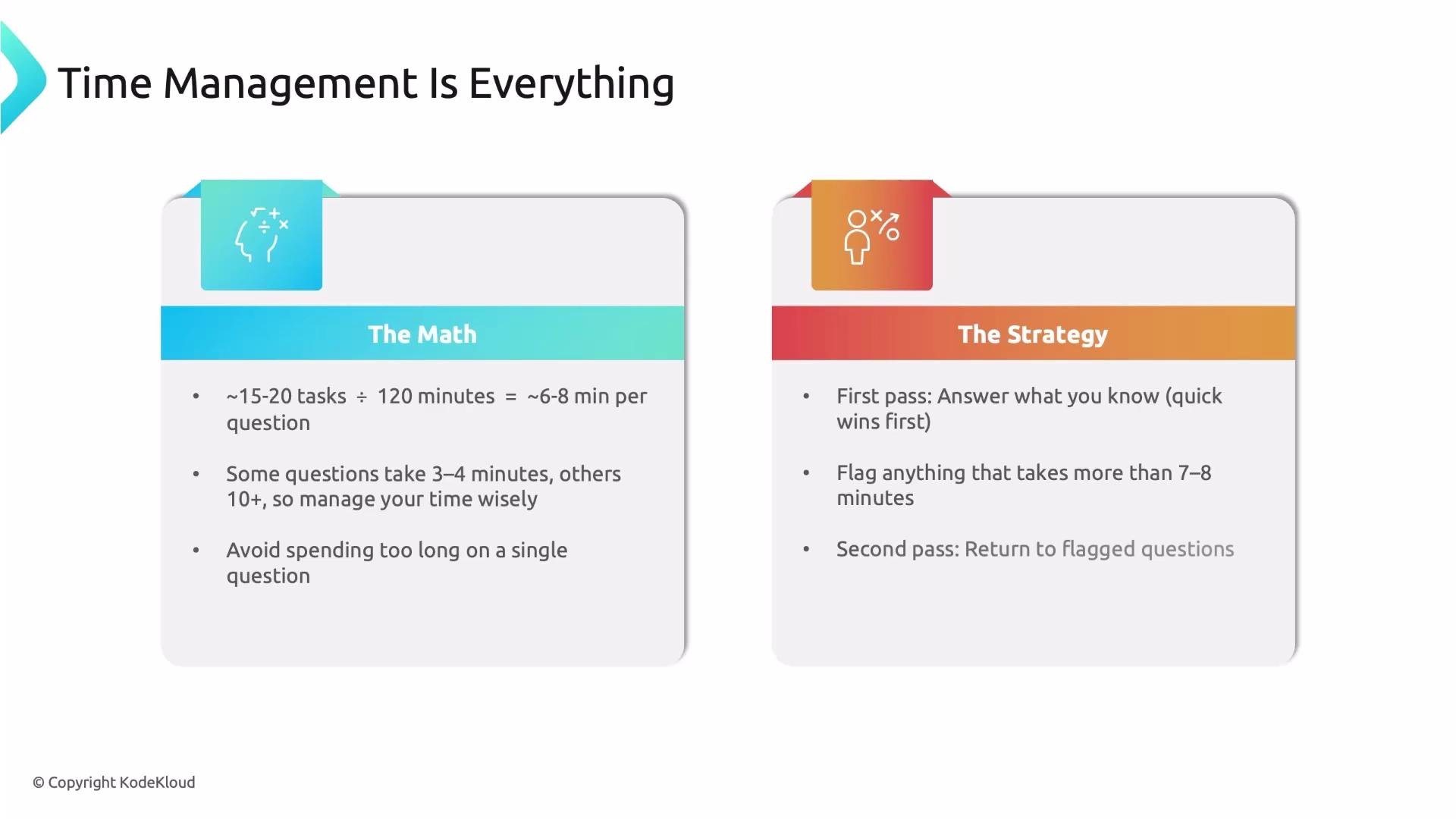
Plan your time before you start. For a 120‑minute session with 15–20 tasks, you should budget roughly 6–8 minutes per question. Some tasks will be quick (2–3 minutes); others need more attention (10+ minutes). The key is to allocate time smartly and avoid getting stuck.
Time allocation summary:
| Item | Example |
| ----------------------- | ----------------------------------- |
| Total exam time | 120 minutes |
| Typical number of tasks | 15–20 |
| Average per task | 6–8 minutes |
| Quick wins | 2–3 minutes each |
| Longer tasks | 10+ minutes — flag and return later |
Strategy — follow this sequence to maximize score:
1. First pass: quickly answer every question you know. Bank easy points fast.
2. If a task will take more than 7–8 minutes, flag it and move on.
3. Second pass: return to flagged questions with remaining time.
4. Never leave a question blank. Partial solutions often earn partial credit — a half‑completed YAML or partial command output can add marks.
 ## Prepare your environment before exam day
Make your workflow feel automatic so you don’t waste minutes getting started.
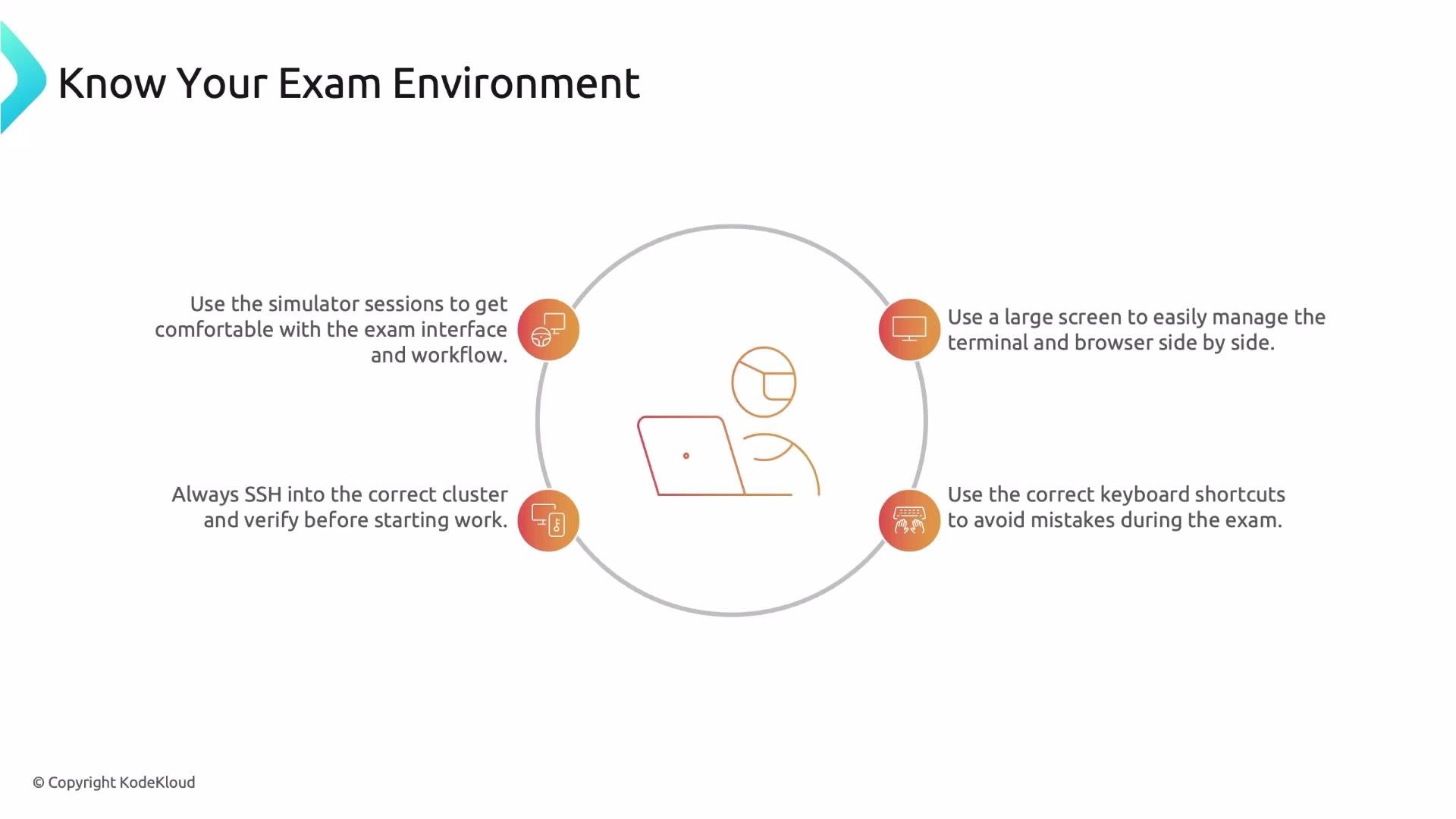
* Use the simulator sessions included with the exam purchase to practice the interface, split‑screen layout, and terminal behavior.
* Use a large screen (15" or bigger) so you can comfortably use terminal and browser side‑by‑side.
* Always read the instruction box and SSH into the specified cluster. Under pressure it’s easy to start on the wrong host; when finished, exit back to the base node.
* Learn terminal copy/paste and common browser shortcuts to avoid losing time or accidentally closing your session.
Keyboard shortcuts to remember:
| Action | Shortcut |
| ------------------------------------- | -------------- |
| Terminal copy | `Ctrl+Shift+C` |
| Terminal paste | `Ctrl+Shift+V` |
| Close browser tab (avoid during exam) | `Ctrl+W` |
## Prepare your environment before exam day
Make your workflow feel automatic so you don’t waste minutes getting started.
* Use the simulator sessions included with the exam purchase to practice the interface, split‑screen layout, and terminal behavior.
* Use a large screen (15" or bigger) so you can comfortably use terminal and browser side‑by‑side.
* Always read the instruction box and SSH into the specified cluster. Under pressure it’s easy to start on the wrong host; when finished, exit back to the base node.
* Learn terminal copy/paste and common browser shortcuts to avoid losing time or accidentally closing your session.
Keyboard shortcuts to remember:
| Action | Shortcut |
| ------------------------------------- | -------------- |
| Terminal copy | `Ctrl+Shift+C` |
| Terminal paste | `Ctrl+Shift+V` |
| Close browser tab (avoid during exam) | `Ctrl+W` |
 ## Choosing tools and methods during the exam
Pick the tools and interface you practiced with — the exam is not the time to experiment.
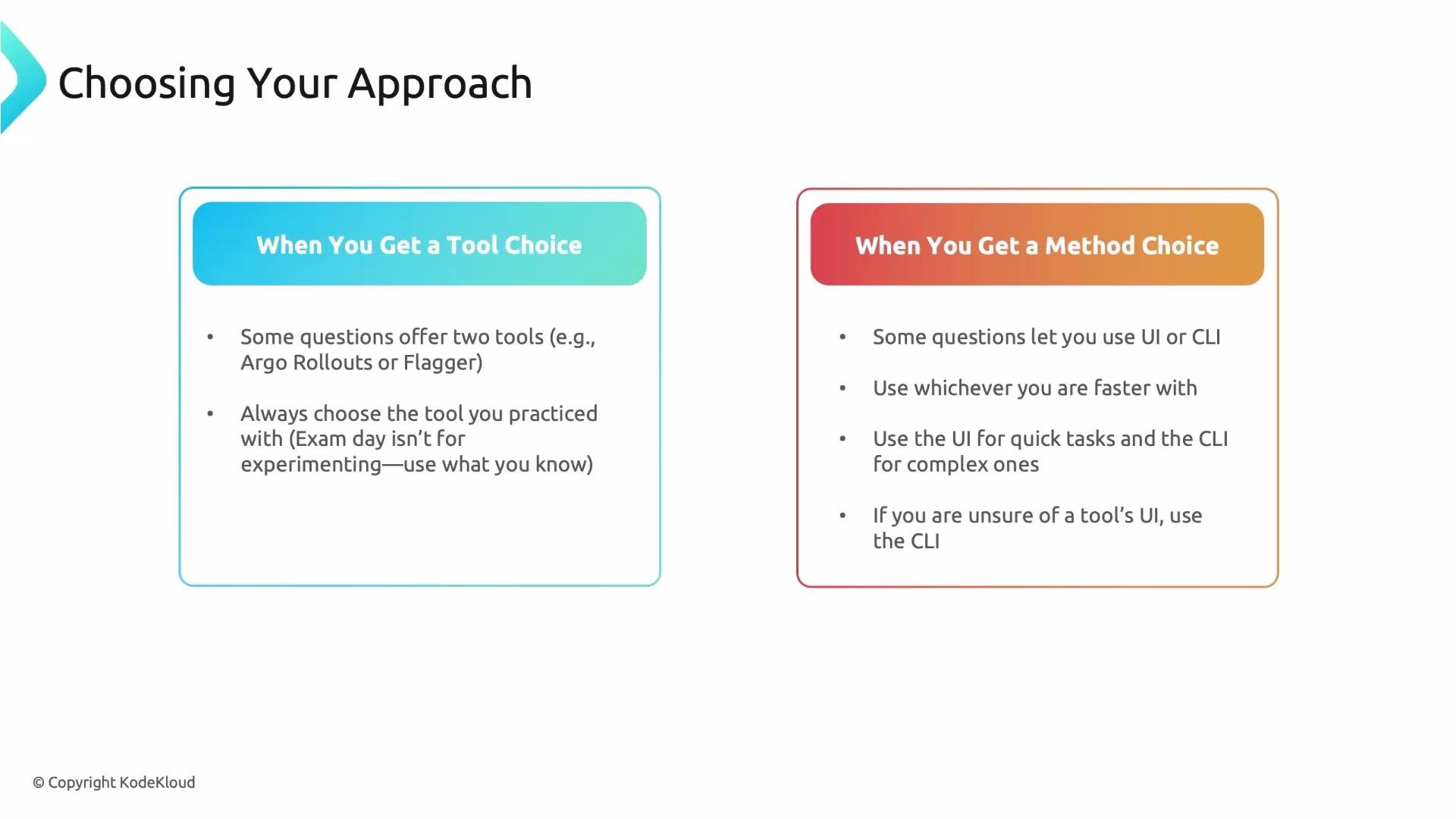
* Tool choice: questions may include pre‑populated files for alternate tools (e.g., Argo vs Flagger). Use the tool you’ve practiced.
* Method choice (UI vs CLI): use whichever is faster for you. The UI can be faster for specific configuration tasks (e.g., adding a Grafana data source). The CLI is usually faster for complex or repeatable tasks. If you’ve never used a tool’s UI, default to the CLI.
Practical tip: if a question gives multiple solution patterns in the supplied files, choose the familiar one and adapt it instead of rewriting everything.
## Choosing tools and methods during the exam
Pick the tools and interface you practiced with — the exam is not the time to experiment.
* Tool choice: questions may include pre‑populated files for alternate tools (e.g., Argo vs Flagger). Use the tool you’ve practiced.
* Method choice (UI vs CLI): use whichever is faster for you. The UI can be faster for specific configuration tasks (e.g., adding a Grafana data source). The CLI is usually faster for complex or repeatable tasks. If you’ve never used a tool’s UI, default to the CLI.
Practical tip: if a question gives multiple solution patterns in the supplied files, choose the familiar one and adapt it instead of rewriting everything.
 ## Document efficiently — it’s your ally
Documentation is provided for a reason. Learn to use it under exam conditions.
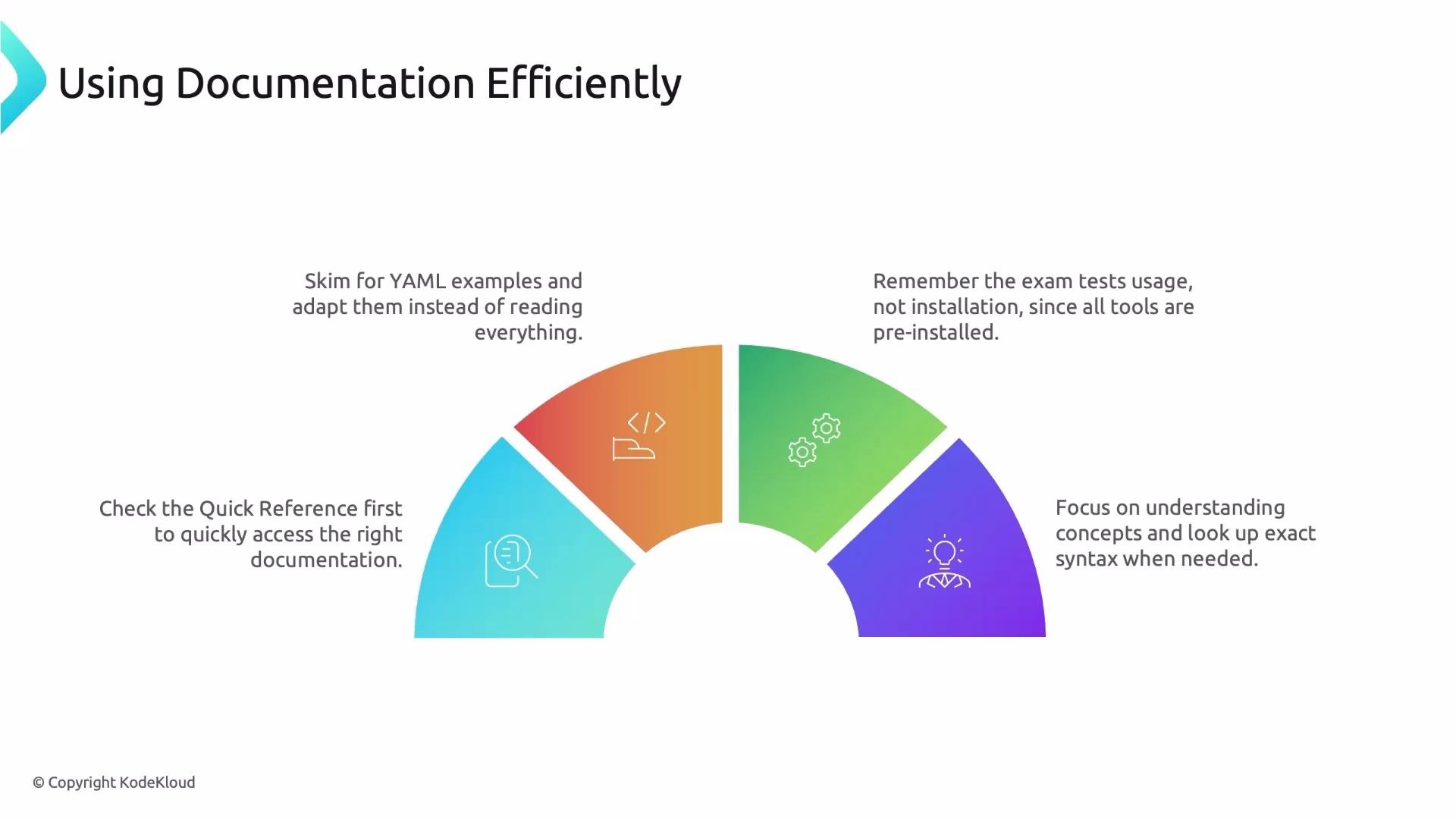
* Check the quick reference box first — it typically links directly to the exact docs and example snippets you need.
* When opening docs, scan for YAML and command examples and adapt snippets to the task. The goal is execution, not learning.
* Don’t attempt to install tools — everything required is preinstalled; the exam tests usage, not setup.
* You don’t need to memorize exact YAML or commands. Practice locating required patterns in docs so you can reproduce them quickly during the exam.
## Document efficiently — it’s your ally
Documentation is provided for a reason. Learn to use it under exam conditions.
* Check the quick reference box first — it typically links directly to the exact docs and example snippets you need.
* When opening docs, scan for YAML and command examples and adapt snippets to the task. The goal is execution, not learning.
* Don’t attempt to install tools — everything required is preinstalled; the exam tests usage, not setup.
* You don’t need to memorize exact YAML or commands. Practice locating required patterns in docs so you can reproduce them quickly during the exam.
 Always open the quick reference for each question first — it typically points directly to the relevant documentation and example snippets you need.
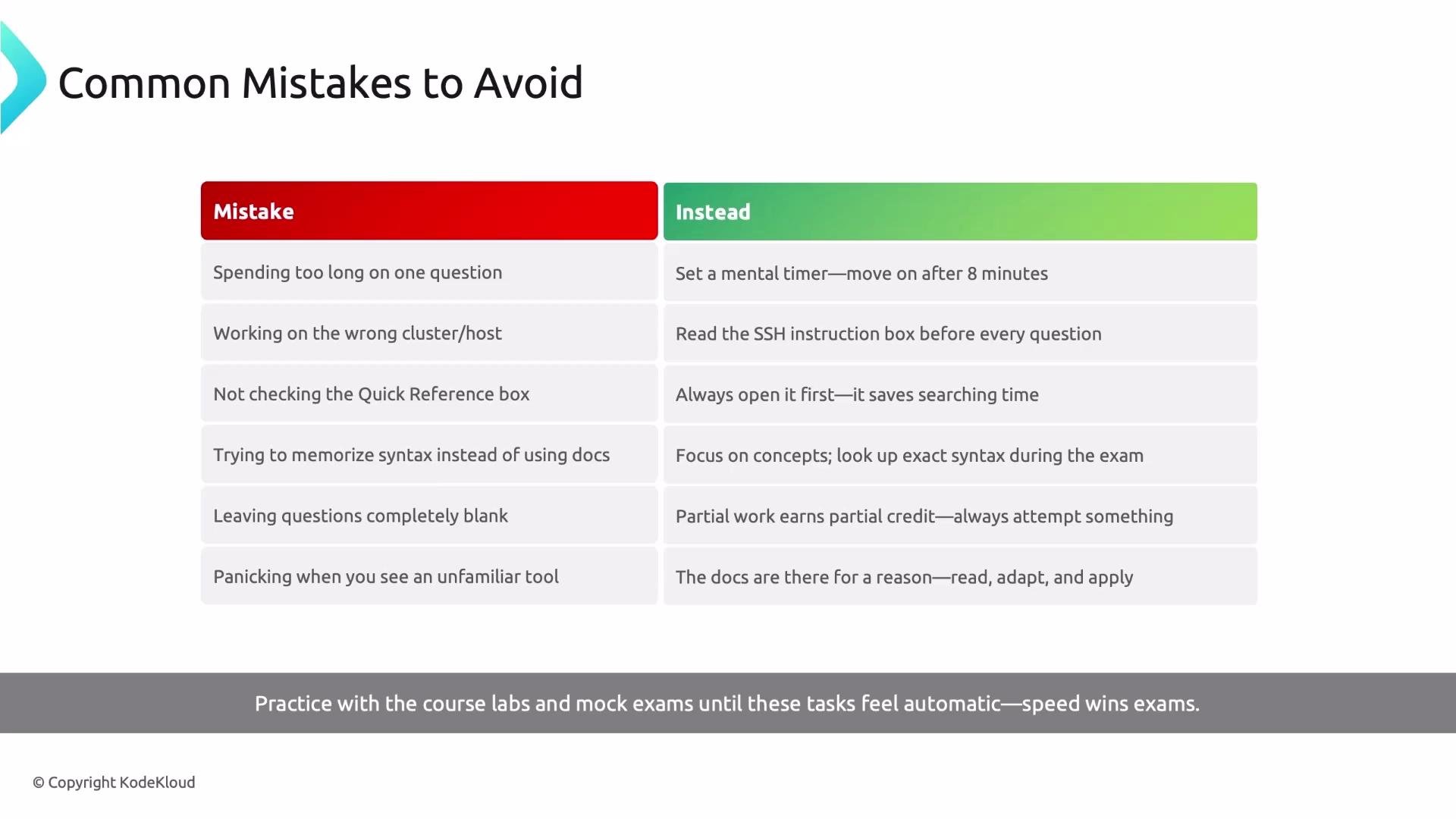
## Common mistakes that cost marks (and how to avoid them)
Avoid these time‑stealing pitfalls and use the recommended mitigation.
| Common mistake | Why it costs marks | How to avoid it |
| --------------------------------- | --------------------------------------- | ------------------------------------------------------ |
| Spending too long on one question | You lose chances to earn other points | Set a mental timer (\~8 minutes); flag and move on |
| Working on the wrong cluster | Actions don’t apply to the task scope | Always read SSH instructions before typing |
| Skipping the quick reference box | You miss direct, relevant examples | Open the quick reference first for each question |
| Trying to memorize syntax | Wasted time during the exam | Focus study on concepts; use docs to retrieve syntax |
| Leaving questions blank | Missed partial credit opportunities | Submit partial work — it often earns points |
| Panicking at an unfamiliar tool | Time lost learning instead of executing | Use the linked docs; leave unfamiliar tools until last |
Avoid accidental tab closures and wrong‑host mistakes: practice `Ctrl+Shift+C`, `Ctrl+Shift+V`, and always double‑check SSH instructions before starting work.
Always open the quick reference for each question first — it typically points directly to the relevant documentation and example snippets you need.
## Common mistakes that cost marks (and how to avoid them)
Avoid these time‑stealing pitfalls and use the recommended mitigation.
| Common mistake | Why it costs marks | How to avoid it |
| --------------------------------- | --------------------------------------- | ------------------------------------------------------ |
| Spending too long on one question | You lose chances to earn other points | Set a mental timer (\~8 minutes); flag and move on |
| Working on the wrong cluster | Actions don’t apply to the task scope | Always read SSH instructions before typing |
| Skipping the quick reference box | You miss direct, relevant examples | Open the quick reference first for each question |
| Trying to memorize syntax | Wasted time during the exam | Focus study on concepts; use docs to retrieve syntax |
| Leaving questions blank | Missed partial credit opportunities | Submit partial work — it often earns points |
| Panicking at an unfamiliar tool | Time lost learning instead of executing | Use the linked docs; leave unfamiliar tools until last |
Avoid accidental tab closures and wrong‑host mistakes: practice `Ctrl+Shift+C`, `Ctrl+Shift+V`, and always double‑check SSH instructions before starting work.
 ## Summary
You already possess the technical knowledge. Now practice the workflow until it’s second nature: manage your time, use quick references, choose familiar tools, rely on documentation, and always return partial solutions rather than leaving work blank. With disciplined timing and the right approach, you can pass the CNPE.
## Links and references
* [Kubernetes Documentation](https://kubernetes.io/docs/)
* [CNCF Certifications](https://www.cncf.io/certification/)
* Practice the exam simulator included with your exam purchase — it mirrors the real interface and is the best way to build exam fluency.
## Summary
You already possess the technical knowledge. Now practice the workflow until it’s second nature: manage your time, use quick references, choose familiar tools, rely on documentation, and always return partial solutions rather than leaving work blank. With disciplined timing and the right approach, you can pass the CNPE.
## Links and references
* [Kubernetes Documentation](https://kubernetes.io/docs/)
* [CNCF Certifications](https://www.cncf.io/certification/)
* Practice the exam simulator included with your exam purchase — it mirrors the real interface and is the best way to build exam fluency.