> ## Documentation Index
> Fetch the complete documentation index at: https://notes.kodekloud.com/llms.txt
> Use this file to discover all available pages before exploring further.
# Configuration Templating Parameterization and Environment Management
> Comparison of Helm and Kustomize for templating and patching Kubernetes manifests across environments.
We designed a clean repo layout with `base/` and `overlays/` directories, but the YAML files in `base/` are static and contain hard-coded values. When you need the same application deployed across multiple environments with different replicas, images, or resource limits, copying and pasting manifests is the naive — and fragile — approach.
In this lesson we compare two practical approaches to parameterize and manage environment differences: Helm (template-driven) and Kustomize (patch-driven). Both solve the copy‑paste problem differently, and both integrate with GitOps tools such as Argo CD and Flux.
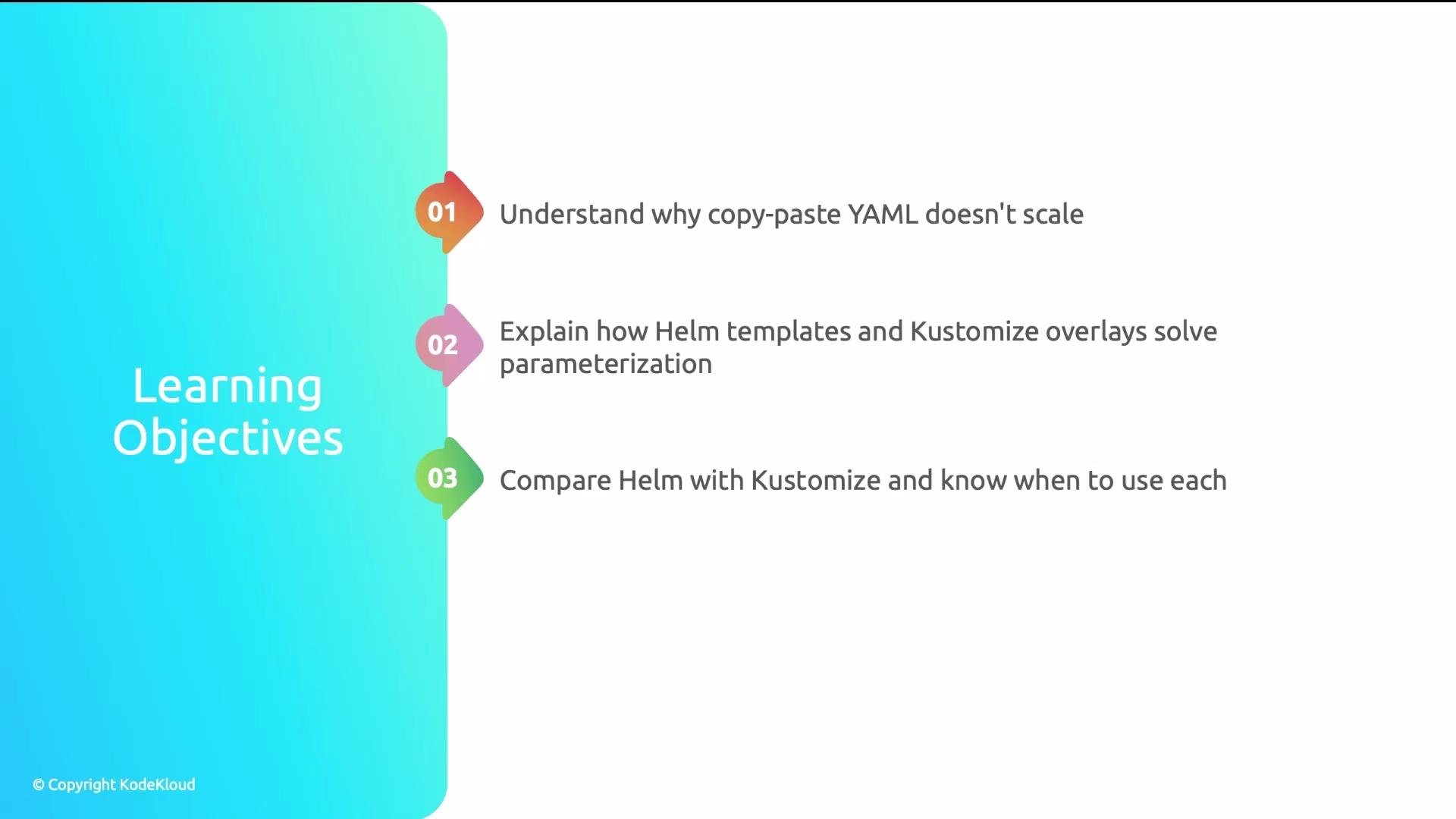
* Why copy-and-paste YAML does not scale
* How Helm templates and Kustomize overlays address parameterization
* When to choose Helm vs. Kustomize and how they fit into GitOps workflows
 ## Why copy–paste configuration is a problem
Imagine a healthcare platform team running three microservices across three environments (dev, staging, prod). For each service and environment they maintain separate Deployment, Service, and Ingress YAML files — dozens of nearly identical manifests.
One engineer updates a health-check path in most files but misses three files for the staging payment service. Staging health checks silently fail for two weeks because the alerting channel was archived. The root cause: manual copy-and-paste configuration. This pattern causes:
* Configuration drift across environments
* Tedious, error-prone updates
* Hard-to-audit differences and silent failures
Avoid maintaining environment-specific manifests by copying files. Copy‑paste leads to drift, missed updates, and increased operational risk.
## Why copy–paste configuration is a problem
Imagine a healthcare platform team running three microservices across three environments (dev, staging, prod). For each service and environment they maintain separate Deployment, Service, and Ingress YAML files — dozens of nearly identical manifests.
One engineer updates a health-check path in most files but misses three files for the staging payment service. Staging health checks silently fail for two weeks because the alerting channel was archived. The root cause: manual copy-and-paste configuration. This pattern causes:
* Configuration drift across environments
* Tedious, error-prone updates
* Hard-to-audit differences and silent failures
Avoid maintaining environment-specific manifests by copying files. Copy‑paste leads to drift, missed updates, and increased operational risk.
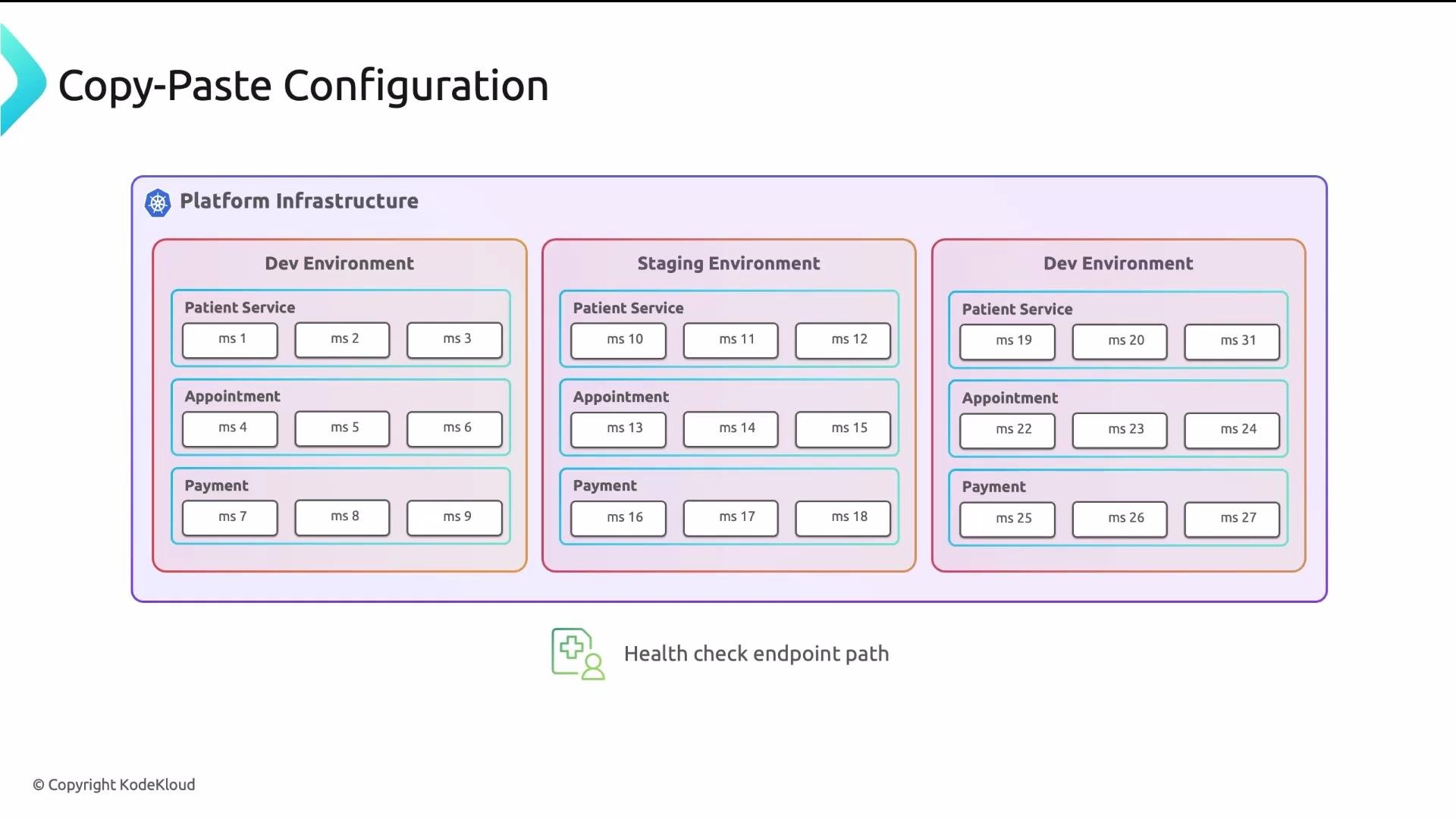 When manifests are 90% identical, the meaningful 10% difference is hard to spot — like finding a needle in a haystack. Typos, missed updates, and inconsistent naming are common and costly.
 ## Why YAML alone isn't enough
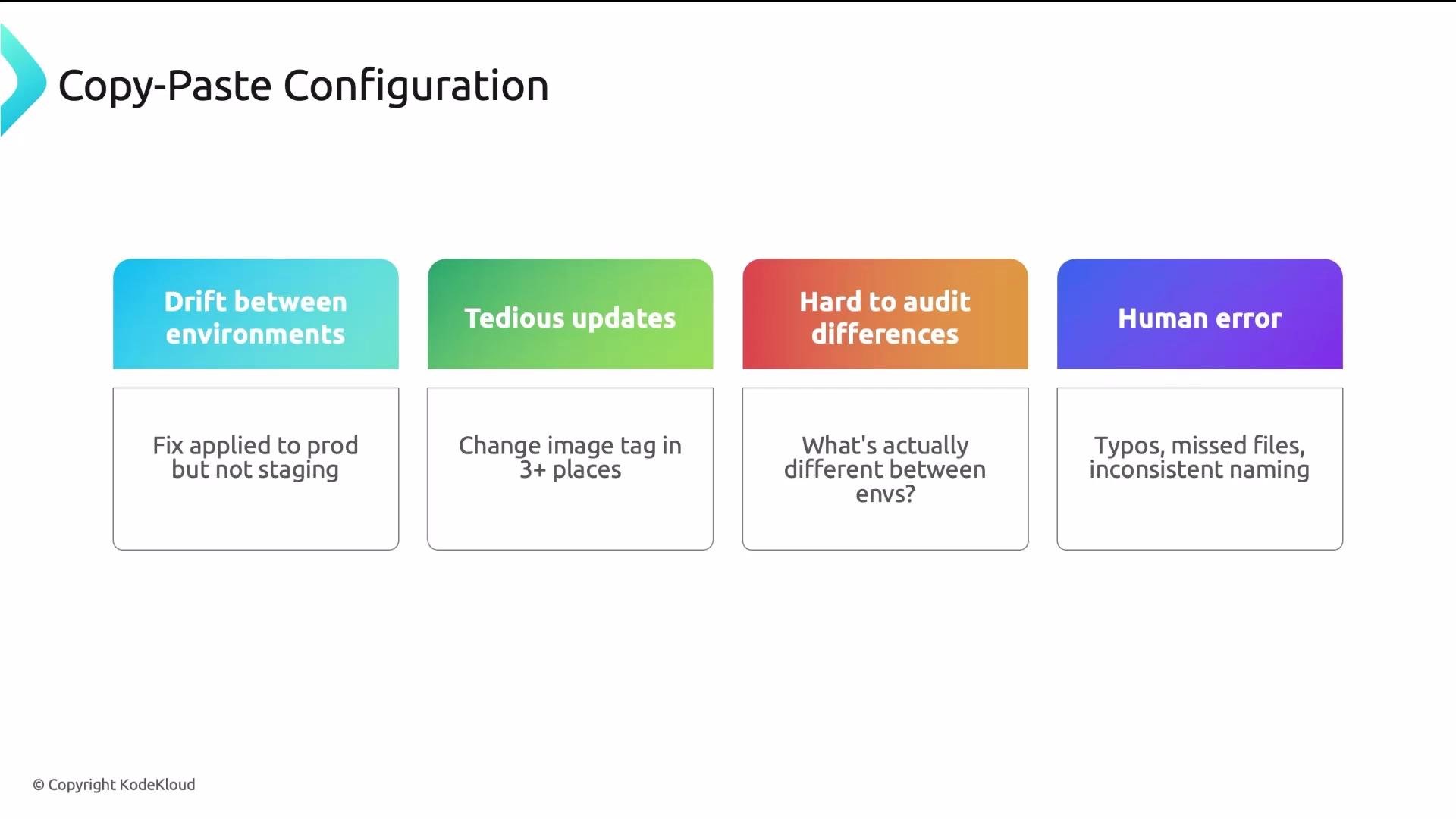
YAML is a data serialization format, not a programming language. It lacks variables, conditionals, loops, and cross-file references. Anchors and aliases can reduce duplication inside a single file, but they cannot:
* Reference values from other files or environments
* Provide conditional logic or iteration across manifests
To manage differences between environments, use external tooling that either generates or patches YAML based on parameters.
YAML anchors and aliases reduce repetition within a single file, but they are not a replacement for templating or overlay tools when managing multiple environments.
## Why YAML alone isn't enough
YAML is a data serialization format, not a programming language. It lacks variables, conditionals, loops, and cross-file references. Anchors and aliases can reduce duplication inside a single file, but they cannot:
* Reference values from other files or environments
* Provide conditional logic or iteration across manifests
To manage differences between environments, use external tooling that either generates or patches YAML based on parameters.
YAML anchors and aliases reduce repetition within a single file, but they are not a replacement for templating or overlay tools when managing multiple environments.
 ## Two pragmatic solutions: Helm (templating) and Kustomize (patching)
Both Helm and Kustomize transform a canonical manifest into environment-specific manifests, but they take different approaches. Both are supported by GitOps platforms:
* Argo CD: [https://learn.kodekloud.com/user/courses/gitops-with-argocd](https://learn.kodekloud.com/user/courses/gitops-with-argocd)
* Flux CD: [https://learn.kodekloud.com/user/courses/gitops-with-fluxcd](https://learn.kodekloud.com/user/courses/gitops-with-fluxcd)
## Helm (template-driven)
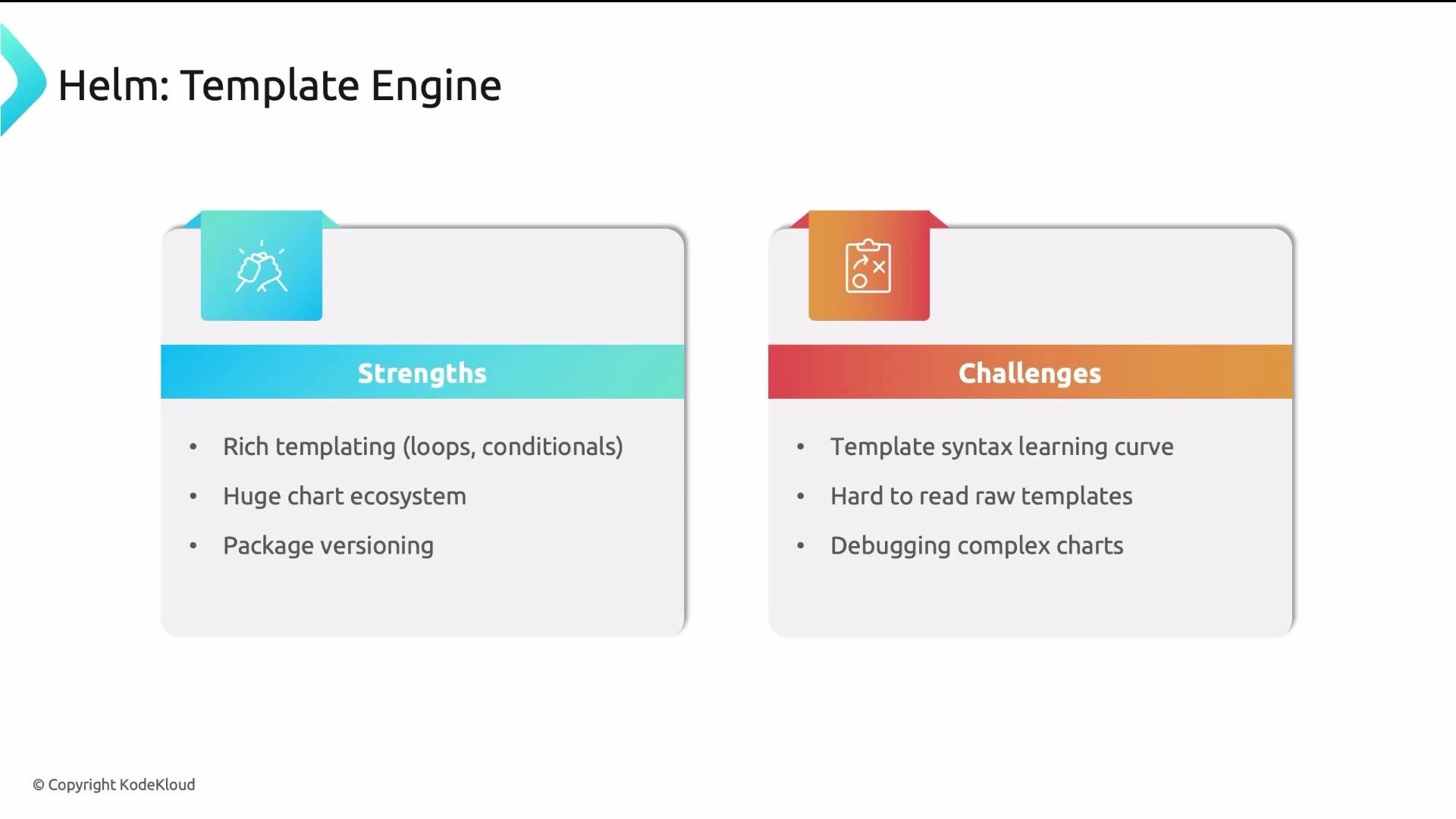
* Helm uses Go templates to generate Kubernetes YAML. You author template files with placeholders and logic, and you supply `values.yaml` files for environment-specific values.
* Helm Charts are packageable and versioned. A large ecosystem of community charts is available via Artifact Hub: [https://artifacthub.io/](https://artifacthub.io/)
* Templates support loops, conditionals, and functions, making Helm expressive for complex parameterization.
* Downside: Go template syntax (curly braces, pipelines, dot notation) can be tricky to read and debug in complex charts.
Minimal Helm chart example:
```yaml theme={null}
# Chart.yaml
apiVersion: v2
name: myapp
version: 0.1.0
```
```yaml theme={null}
# values.yaml
replicaCount: 1
image:
repository: myapp
tag: v1.0.0
```
```yaml theme={null}
# templates/deployment.yaml
apiVersion: apps/v1
kind: Deployment
metadata:
name: {{ .Chart.Name }}
spec:
replicas: {{ .Values.replicaCount }}
selector:
matchLabels:
app: {{ .Chart.Name }}
template:
metadata:
labels:
app: {{ .Chart.Name }}
spec:
containers:
- name: {{ .Chart.Name }}
image: "{{ .Values.image.repository }}:{{ .Values.image.tag }}"
```
Rendering the chart with a different values file (for example `values-prod.yaml`) produces plain Kubernetes YAML with substituted values. Helm is particularly useful for:
* Packaging third-party applications (Prometheus, cert-manager)
* Reusing community charts
* Complex manifests that require logic
## Two pragmatic solutions: Helm (templating) and Kustomize (patching)
Both Helm and Kustomize transform a canonical manifest into environment-specific manifests, but they take different approaches. Both are supported by GitOps platforms:
* Argo CD: [https://learn.kodekloud.com/user/courses/gitops-with-argocd](https://learn.kodekloud.com/user/courses/gitops-with-argocd)
* Flux CD: [https://learn.kodekloud.com/user/courses/gitops-with-fluxcd](https://learn.kodekloud.com/user/courses/gitops-with-fluxcd)
## Helm (template-driven)
* Helm uses Go templates to generate Kubernetes YAML. You author template files with placeholders and logic, and you supply `values.yaml` files for environment-specific values.
* Helm Charts are packageable and versioned. A large ecosystem of community charts is available via Artifact Hub: [https://artifacthub.io/](https://artifacthub.io/)
* Templates support loops, conditionals, and functions, making Helm expressive for complex parameterization.
* Downside: Go template syntax (curly braces, pipelines, dot notation) can be tricky to read and debug in complex charts.
Minimal Helm chart example:
```yaml theme={null}
# Chart.yaml
apiVersion: v2
name: myapp
version: 0.1.0
```
```yaml theme={null}
# values.yaml
replicaCount: 1
image:
repository: myapp
tag: v1.0.0
```
```yaml theme={null}
# templates/deployment.yaml
apiVersion: apps/v1
kind: Deployment
metadata:
name: {{ .Chart.Name }}
spec:
replicas: {{ .Values.replicaCount }}
selector:
matchLabels:
app: {{ .Chart.Name }}
template:
metadata:
labels:
app: {{ .Chart.Name }}
spec:
containers:
- name: {{ .Chart.Name }}
image: "{{ .Values.image.repository }}:{{ .Values.image.tag }}"
```
Rendering the chart with a different values file (for example `values-prod.yaml`) produces plain Kubernetes YAML with substituted values. Helm is particularly useful for:
* Packaging third-party applications (Prometheus, cert-manager)
* Reusing community charts
* Complex manifests that require logic
 ## Kustomize (patch-driven)
* Kustomize starts from valid Kubernetes YAML "bases" and applies declarative overlays (patches) per environment.
* Since base manifests are valid YAML, you can `kubectl apply -f base/` directly — bases are not templates.
* Overlays are focused: change the image tag, set replicas, add labels, or merge small diffs via patches. Kustomize is usually easier to read and debug for teams that prefer plain YAML.
* Limitation: no native loops or conditionals. Very complex transformations can become verbose.
Example Kustomize layout and files:
```text theme={null}
my-app/
├── base/
│ ├── deployment.yaml
│ ├── service.yaml
│ └── kustomization.yaml
└── overlays/
├── dev/
│ └── kustomization.yaml
└── prod/
├── kustomization.yaml
└── replicas-patch.yaml
```
```yaml theme={null}
# base/deployment.yaml
apiVersion: apps/v1
kind: Deployment
metadata:
name: myapp
spec:
replicas: 1
selector:
matchLabels:
app: myapp
template:
metadata:
labels:
app: myapp
spec:
containers:
- name: myapp
image: myapp:latest
```
```yaml theme={null}
# base/kustomization.yaml
resources:
- deployment.yaml
- service.yaml
```
```yaml theme={null}
# overlays/prod/kustomization.yaml
resources:
- ../../base
images:
- name: myapp
newTag: v2.1.0
patchesStrategicMerge:
- replicas-patch.yaml
```
```yaml theme={null}
# overlays/prod/replicas-patch.yaml
apiVersion: apps/v1
kind: Deployment
metadata:
name: myapp
spec:
replicas: 5
```
Render the overlay with:
```bash theme={null}
kubectl kustomize overlays/prod
```
Kustomize emphasizes small, explicit patches to an otherwise valid base. It’s built into `kubectl`, so extra tooling is often unnecessary. For many teams this makes debugging and review simpler.
## Trade-offs and guidance
Use the right tool for the right job:
* Helm
* Best when you need expressive templating (loops, conditionals)
* Ideal for packaging and installing third-party apps
* Use when you want versioned charts and community ecosystem support
* Kustomize
* Best when you prefer base manifests to remain valid YAML
* Ideal for in-house services and small environment-specific patches
* Simpler to read and debug for teams managing their own manifests
Many teams adopt a hybrid approach: use Helm for packaged third-party applications and Kustomize for internal service manifests. Both are supported by GitOps tools (Argo CD, Flux), so workflows can accommodate either or both.
## Kustomize (patch-driven)
* Kustomize starts from valid Kubernetes YAML "bases" and applies declarative overlays (patches) per environment.
* Since base manifests are valid YAML, you can `kubectl apply -f base/` directly — bases are not templates.
* Overlays are focused: change the image tag, set replicas, add labels, or merge small diffs via patches. Kustomize is usually easier to read and debug for teams that prefer plain YAML.
* Limitation: no native loops or conditionals. Very complex transformations can become verbose.
Example Kustomize layout and files:
```text theme={null}
my-app/
├── base/
│ ├── deployment.yaml
│ ├── service.yaml
│ └── kustomization.yaml
└── overlays/
├── dev/
│ └── kustomization.yaml
└── prod/
├── kustomization.yaml
└── replicas-patch.yaml
```
```yaml theme={null}
# base/deployment.yaml
apiVersion: apps/v1
kind: Deployment
metadata:
name: myapp
spec:
replicas: 1
selector:
matchLabels:
app: myapp
template:
metadata:
labels:
app: myapp
spec:
containers:
- name: myapp
image: myapp:latest
```
```yaml theme={null}
# base/kustomization.yaml
resources:
- deployment.yaml
- service.yaml
```
```yaml theme={null}
# overlays/prod/kustomization.yaml
resources:
- ../../base
images:
- name: myapp
newTag: v2.1.0
patchesStrategicMerge:
- replicas-patch.yaml
```
```yaml theme={null}
# overlays/prod/replicas-patch.yaml
apiVersion: apps/v1
kind: Deployment
metadata:
name: myapp
spec:
replicas: 5
```
Render the overlay with:
```bash theme={null}
kubectl kustomize overlays/prod
```
Kustomize emphasizes small, explicit patches to an otherwise valid base. It’s built into `kubectl`, so extra tooling is often unnecessary. For many teams this makes debugging and review simpler.
## Trade-offs and guidance
Use the right tool for the right job:
* Helm
* Best when you need expressive templating (loops, conditionals)
* Ideal for packaging and installing third-party apps
* Use when you want versioned charts and community ecosystem support
* Kustomize
* Best when you prefer base manifests to remain valid YAML
* Ideal for in-house services and small environment-specific patches
* Simpler to read and debug for teams managing their own manifests
Many teams adopt a hybrid approach: use Helm for packaged third-party applications and Kustomize for internal service manifests. Both are supported by GitOps tools (Argo CD, Flux), so workflows can accommodate either or both.
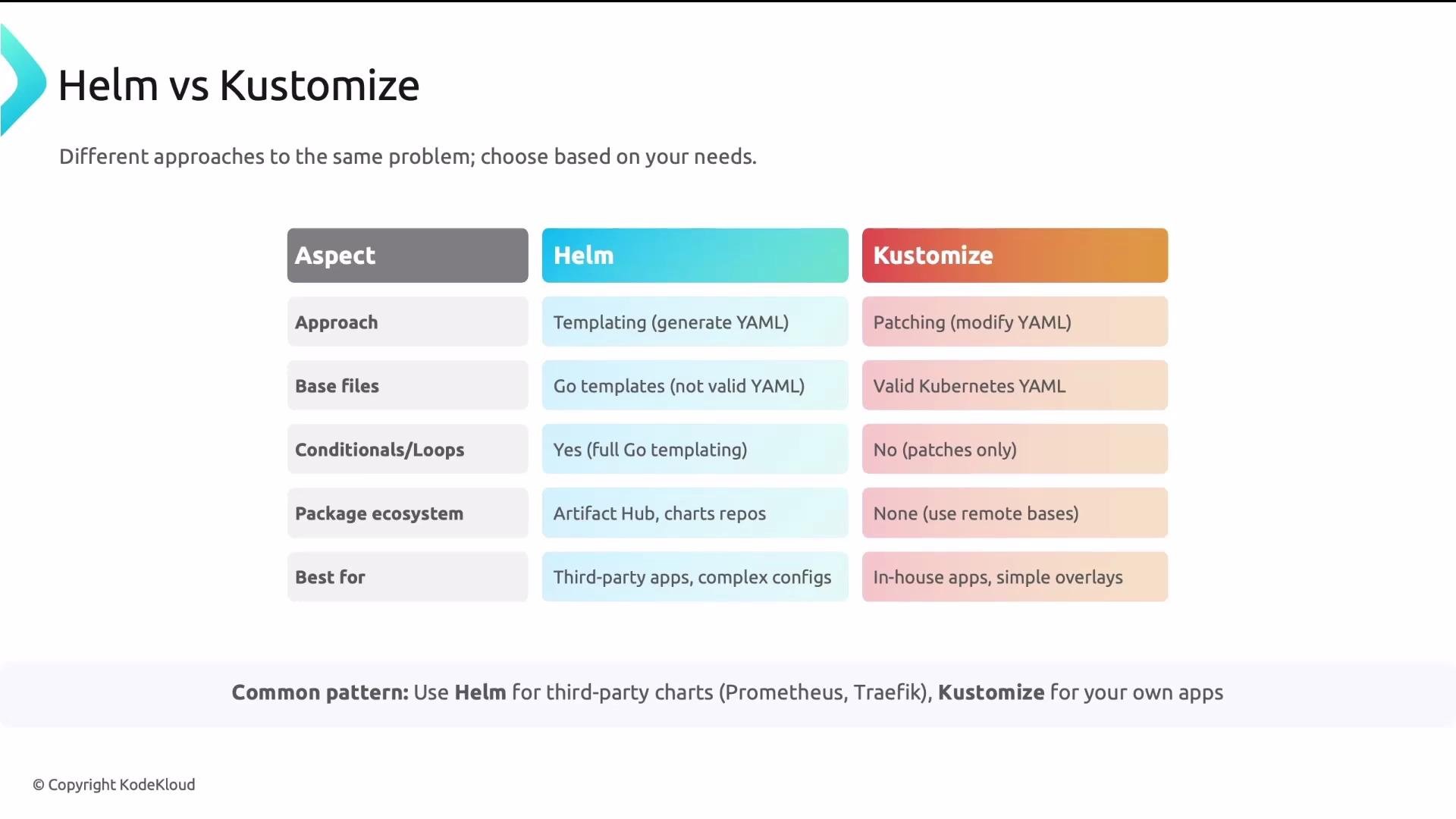 Comparison table: Helm vs Kustomize
| Area | Helm (templating) | Kustomize (patching) |
| ----------------- | -------------------------------------------- | ---------------------------------------------- |
| Primary approach | Generate YAML from Go templates | Patch valid YAML bases |
| Best for | Complex parameterization, third-party charts | Simple environment patches, in-house manifests |
| Templates / Logic | Loops, conditionals, functions | No native loops or conditionals |
| Ecosystem | Large chart repository (Artifact Hub) | Lightweight, built-in to kubectl |
| Debuggability | Can be harder to read for complex templates | Easier to inspect resulting YAML and patches |
| Packaging | Chart packaging & versioning | No chart packaging; use Git structure |
Further reading and references
* Helm documentation and charts: [https://artifacthub.io/](https://artifacthub.io/)
* Kustomize and `kubectl kustomize`: [https://kubernetes.io/docs/reference/kubectl/overview/](https://kubernetes.io/docs/reference/kubectl/overview/)
* GitOps with Argo CD: [https://learn.kodekloud.com/user/courses/gitops-with-argocd](https://learn.kodekloud.com/user/courses/gitops-with-argocd)
* GitOps with Flux CD: [https://learn.kodekloud.com/user/courses/gitops-with-fluxcd](https://learn.kodekloud.com/user/courses/gitops-with-fluxcd)
* Helm for Beginners course: [https://learn.kodekloud.com/user/courses/helm-for-beginners](https://learn.kodekloud.com/user/courses/helm-for-beginners)
* Kustomize course: [https://learn.kodekloud.com/user/courses/kustomize](https://learn.kodekloud.com/user/courses/kustomize)
## Summary
* Never manage multiple environments by copying YAML files.
* Helm generates YAML from Go templates and excels at expressive parameterization and packaging third-party apps.
* Kustomize patches valid YAML bases and is a good fit for readable overlays and simple environment changes.
* Both integrate with GitOps tools; choose the approach that best fits the team, the application, and operational needs.
Comparison table: Helm vs Kustomize
| Area | Helm (templating) | Kustomize (patching) |
| ----------------- | -------------------------------------------- | ---------------------------------------------- |
| Primary approach | Generate YAML from Go templates | Patch valid YAML bases |
| Best for | Complex parameterization, third-party charts | Simple environment patches, in-house manifests |
| Templates / Logic | Loops, conditionals, functions | No native loops or conditionals |
| Ecosystem | Large chart repository (Artifact Hub) | Lightweight, built-in to kubectl |
| Debuggability | Can be harder to read for complex templates | Easier to inspect resulting YAML and patches |
| Packaging | Chart packaging & versioning | No chart packaging; use Git structure |
Further reading and references
* Helm documentation and charts: [https://artifacthub.io/](https://artifacthub.io/)
* Kustomize and `kubectl kustomize`: [https://kubernetes.io/docs/reference/kubectl/overview/](https://kubernetes.io/docs/reference/kubectl/overview/)
* GitOps with Argo CD: [https://learn.kodekloud.com/user/courses/gitops-with-argocd](https://learn.kodekloud.com/user/courses/gitops-with-argocd)
* GitOps with Flux CD: [https://learn.kodekloud.com/user/courses/gitops-with-fluxcd](https://learn.kodekloud.com/user/courses/gitops-with-fluxcd)
* Helm for Beginners course: [https://learn.kodekloud.com/user/courses/helm-for-beginners](https://learn.kodekloud.com/user/courses/helm-for-beginners)
* Kustomize course: [https://learn.kodekloud.com/user/courses/kustomize](https://learn.kodekloud.com/user/courses/kustomize)
## Summary
* Never manage multiple environments by copying YAML files.
* Helm generates YAML from Go templates and excels at expressive parameterization and packaging third-party apps.
* Kustomize patches valid YAML bases and is a good fit for readable overlays and simple environment changes.
* Both integrate with GitOps tools; choose the approach that best fits the team, the application, and operational needs.