> ## Documentation Index
> Fetch the complete documentation index at: https://notes.kodekloud.com/llms.txt
> Use this file to discover all available pages before exploring further.
# RBAC You Can Live With Least Privilege Without Pain
> Using Kubernetes RBAC to enforce least privilege, explaining Roles, ClusterRoles, RoleBindings, ClusterRoleBindings, authoring examples, scope decisions, and debugging permissions with kubectl auth can-i
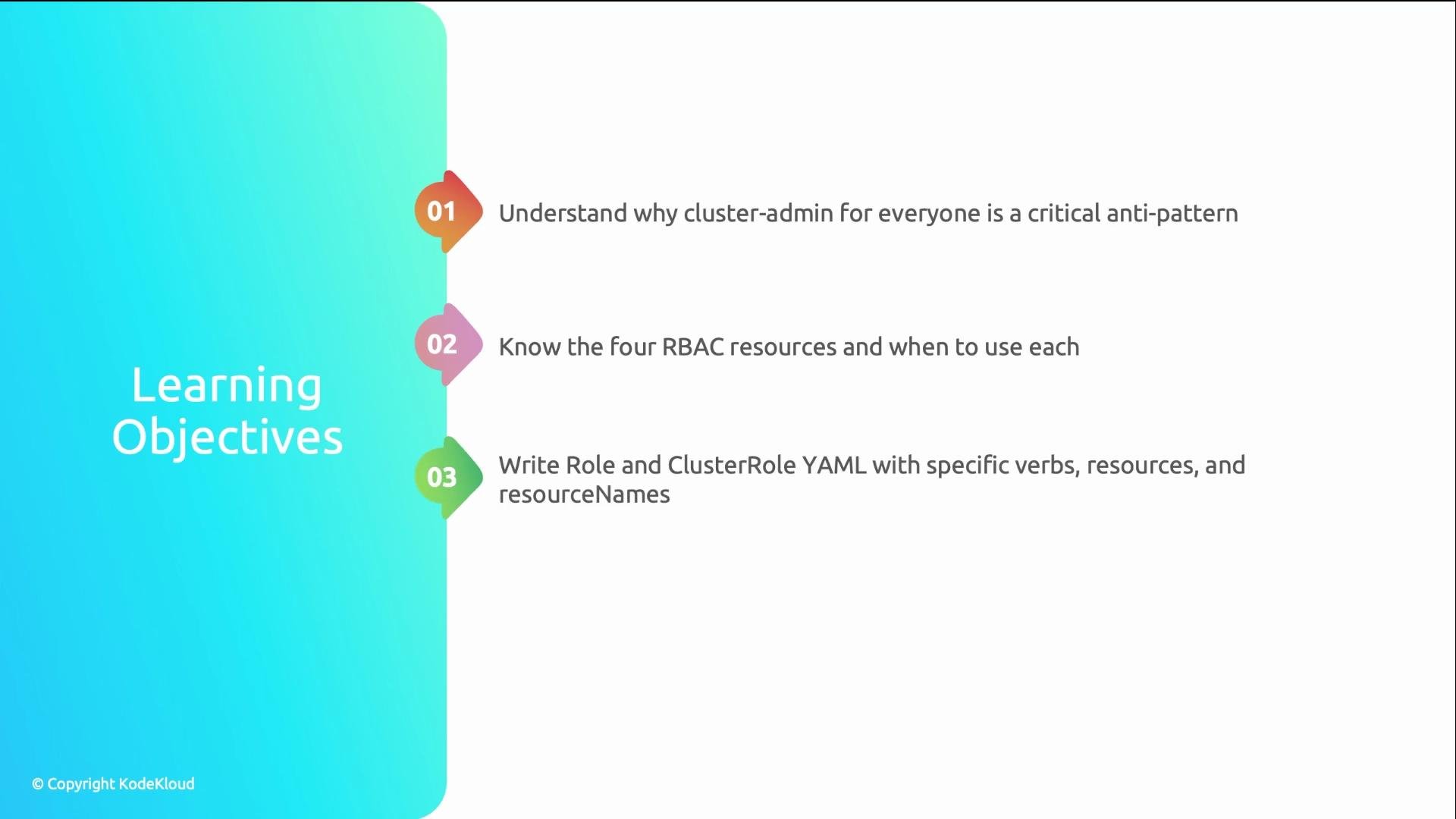
Role-Based Access Control (RBAC) is the most fundamental security layer in Kubernetes. This guide makes RBAC practical: the four RBAC resources, how to write Roles, how to bind them to users and service accounts, and how to debug permissions using `kubectl auth can-i`.
 Why RBAC matters: a real-world anti-pattern
A SaaS team gave all 40 developers cluster-admin to avoid deployment delays. A junior dev accidentally ran:
```bash theme={null}
kubectl delete ns staging
```
with a kubeconfig pointed at production. The production `staging` namespace was deleted — 32 Deployments, 15 Services, 8 StatefulSets, and all PVCs. Because the PVCs had `reclaimPolicy: Delete`, data was lost permanently. The outage lasted six hours and cost significant revenue and recovery effort.
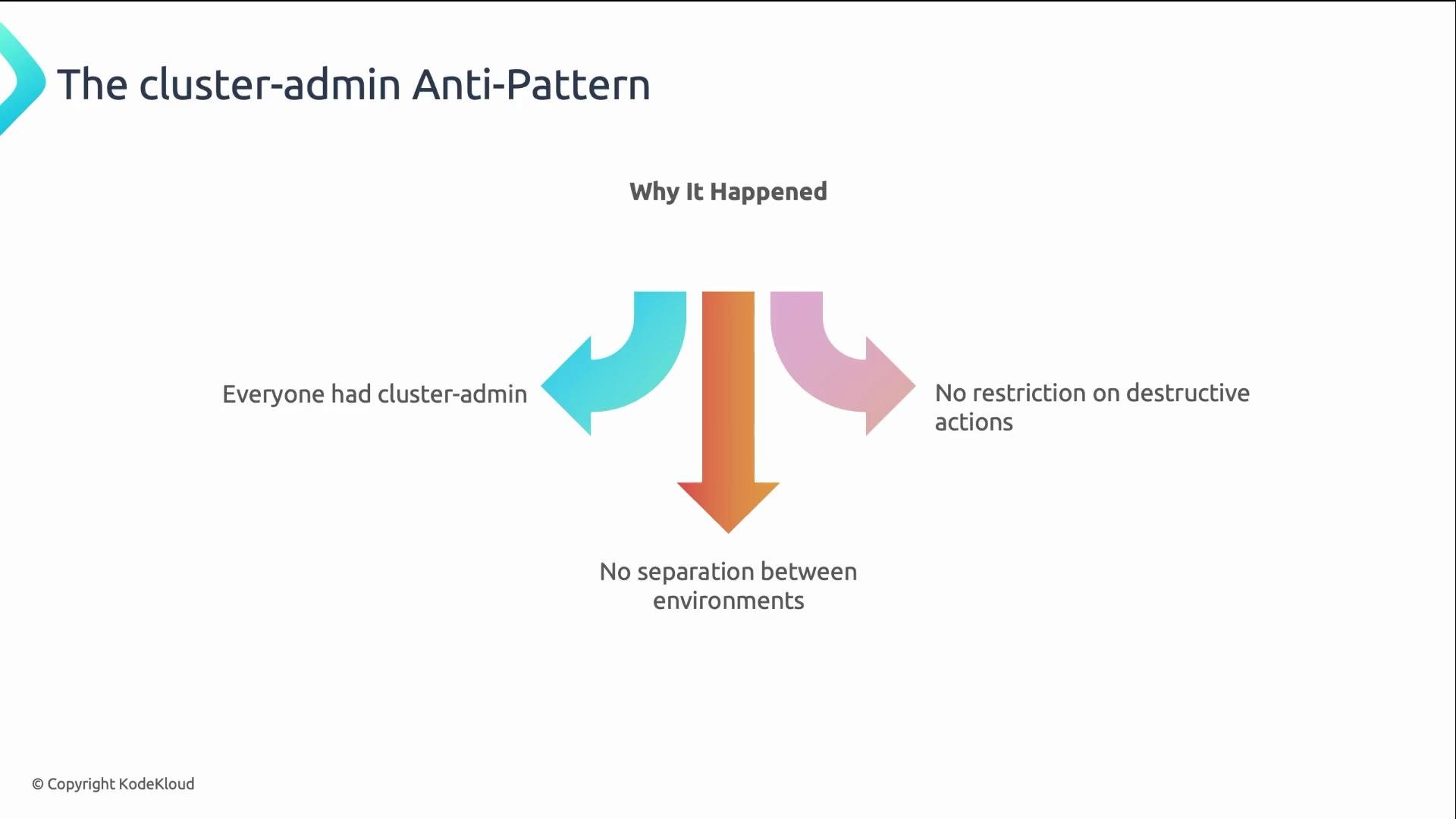
The root cause: everyone had cluster-admin. No separation of environments. No restrictions on destructive actions.
Why RBAC matters: a real-world anti-pattern
A SaaS team gave all 40 developers cluster-admin to avoid deployment delays. A junior dev accidentally ran:
```bash theme={null}
kubectl delete ns staging
```
with a kubeconfig pointed at production. The production `staging` namespace was deleted — 32 Deployments, 15 Services, 8 StatefulSets, and all PVCs. Because the PVCs had `reclaimPolicy: Delete`, data was lost permanently. The outage lasted six hours and cost significant revenue and recovery effort.
The root cause: everyone had cluster-admin. No separation of environments. No restrictions on destructive actions.
 Kubernetes RBAC: the four resources
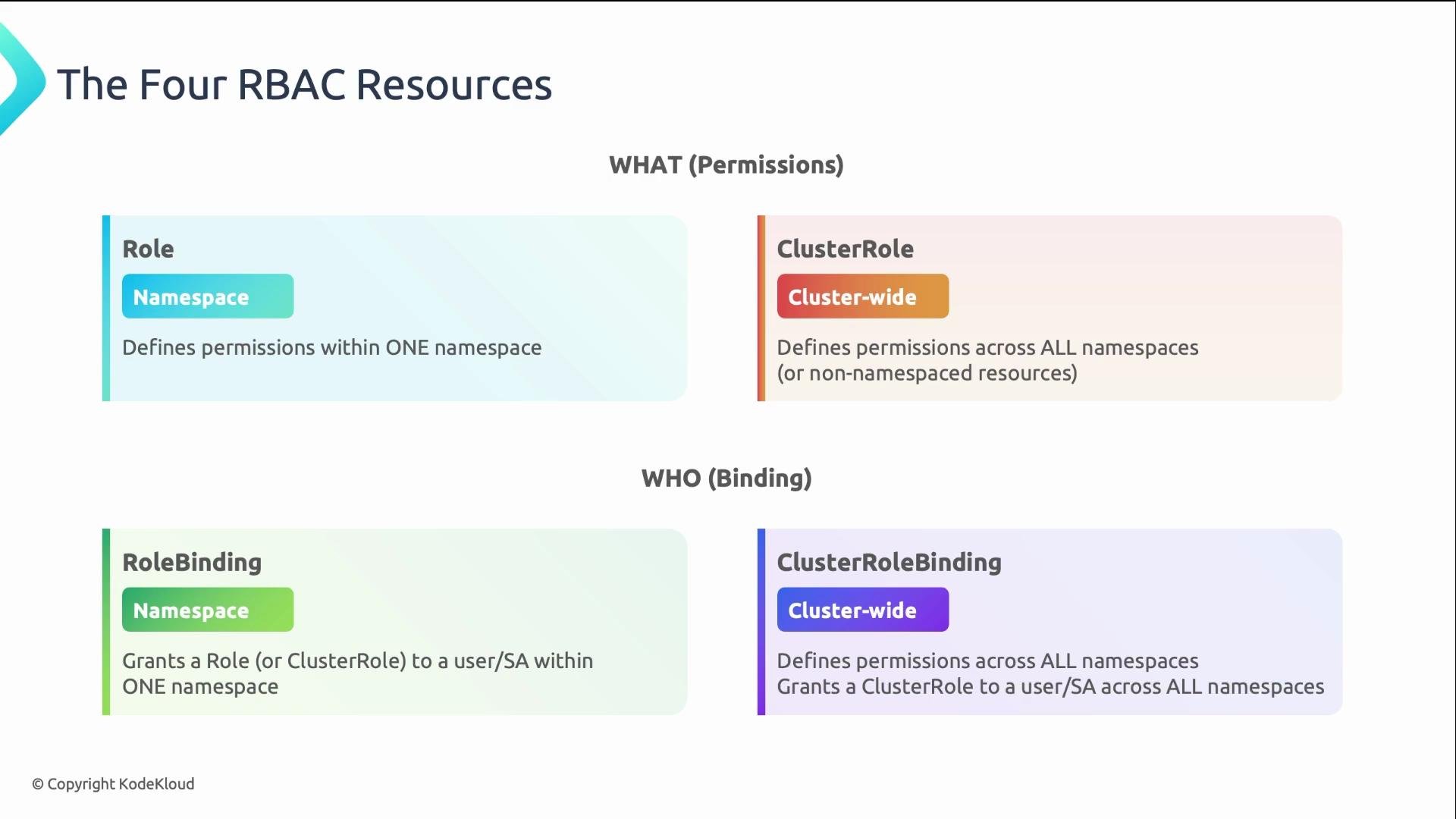
Kubernetes RBAC exposes exactly four API resources. Use namespace-scoped Roles first; only escalate to cluster scope when necessary.
| Resource | Scope | Purpose |
| -------------------- | ------------------------------------------------ | ---------------------------------------------------------------------------------------------------------------------------------- |
| `Role` | Namespace-scoped | Define permissions within a single namespace. |
| `ClusterRole` | Cluster-scoped (or for non-namespaced resources) | Define permissions across the cluster or for cluster-scoped resources (nodes, CRDs). Also reusable in namespace via `RoleBinding`. |
| `RoleBinding` | Namespace-scoped | Grant a `Role` or `ClusterRole` within one namespace to subjects. |
| `ClusterRoleBinding` | Cluster-scoped | Grant a `ClusterRole` cluster-wide to subjects. |
Kubernetes RBAC: the four resources
Kubernetes RBAC exposes exactly four API resources. Use namespace-scoped Roles first; only escalate to cluster scope when necessary.
| Resource | Scope | Purpose |
| -------------------- | ------------------------------------------------ | ---------------------------------------------------------------------------------------------------------------------------------- |
| `Role` | Namespace-scoped | Define permissions within a single namespace. |
| `ClusterRole` | Cluster-scoped (or for non-namespaced resources) | Define permissions across the cluster or for cluster-scoped resources (nodes, CRDs). Also reusable in namespace via `RoleBinding`. |
| `RoleBinding` | Namespace-scoped | Grant a `Role` or `ClusterRole` within one namespace to subjects. |
| `ClusterRoleBinding` | Cluster-scoped | Grant a `ClusterRole` cluster-wide to subjects. |
 Practical rule: start namespace-scoped — `Role` + `RoleBinding`. Only go cluster-wide when you genuinely need cluster scope or access to non-namespaced resources.
Authoring a Role (example)
Create a read-only Role that permits listing pods and reading pod logs in the `payments` namespace:
```yaml theme={null}
apiVersion: rbac.authorization.k8s.io/v1
kind: Role
metadata:
name: pod-reader
namespace: payments
rules:
- apiGroups: [""]
resources: ["pods", "pods/log"]
verbs: ["get", "list", "watch"]
```
Field notes:
* `apiGroups`: `""` (empty string) is the core API group (pods, services, configmaps). Other groups include `"apps"` (Deployments) and `"batch"` (Jobs).
* `resources`: resource types for the rule. Subresources like `pods/log` are valid.
* `verbs`: operations allowed. Read-only typically uses `get`, `list`, `watch`. Add `create`, `update`, `patch` for write, and `delete` for destructive actions. Avoid wildcard `*` unless absolutely necessary.
* `resourceNames` (optional): restricts the rule to specific named resources for precise permissions.
RoleBindings — who gets the Role?
A `RoleBinding` connects subjects (who) to a `Role` or `ClusterRole` (what). Examples:
Bind the `pod-reader` Role to user `alice` in `payments`:
```yaml theme={null}
apiVersion: rbac.authorization.k8s.io/v1
kind: RoleBinding
metadata:
name: read-pods-payments
namespace: payments
subjects:
- kind: User
name: alice
roleRef:
kind: Role
name: pod-reader
apiGroup: rbac.authorization.k8s.io
```
Bind a cluster-scoped `ClusterRole` (e.g., `edit`) to a service account in a different namespace:
```yaml theme={null}
apiVersion: rbac.authorization.k8s.io/v1
kind: RoleBinding
metadata:
name: cicd-deployer
namespace: payments
subjects:
- kind: ServiceAccount
name: deploy-bot
namespace: cicd
roleRef:
kind: ClusterRole
name: edit
apiGroup: rbac.authorization.k8s.io
```
Common subject kinds:
* `User` — human identity from your ID provider.
* `Group` — group from your ID provider.
* `ServiceAccount` — Pod identities (`system:serviceaccount::`).
When to choose namespace vs. cluster scope
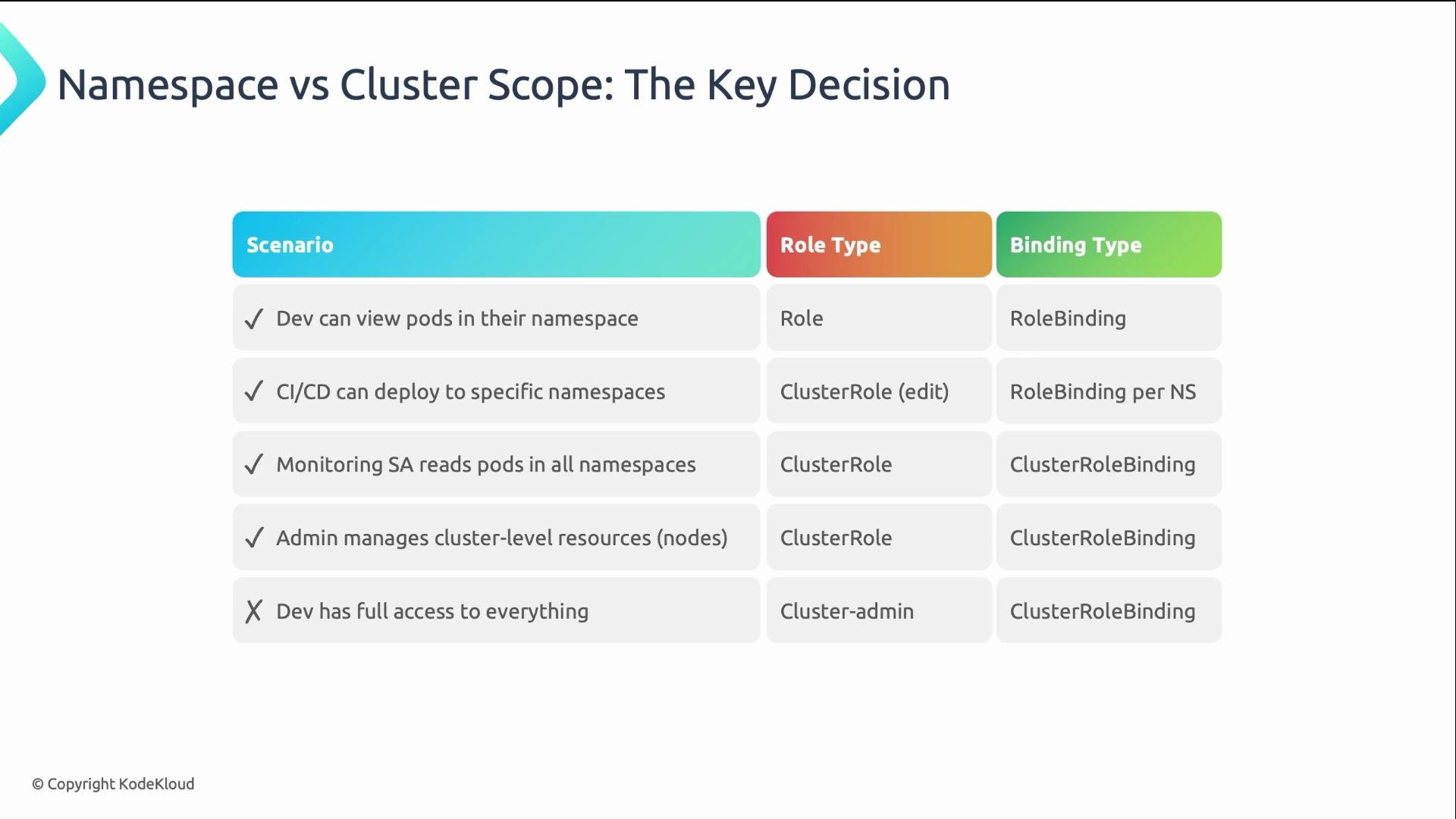
| Scenario | Recommended Resources |
| ------------------------------------------------------------ | ------------------------------------------------------------------------- |
| Developer needs to view pods in a namespace | `Role` + `RoleBinding` (namespace-scoped) |
| CI/CD deploys to a single namespace (reusable rule) | Create a `ClusterRole` and bind it to that namespace with a `RoleBinding` |
| Monitoring needs cluster-wide read access | `ClusterRole` + `ClusterRoleBinding` |
| Platform team manages cluster-scoped resources (CRDs, nodes) | `ClusterRole` + `ClusterRoleBinding` |
| Emergency/root access | `cluster-admin` (avoid for day-to-day) |
Use `cluster-admin` only for emergency / break-glass scenarios. Day-to-day operations should use least-privilege, namespace-scoped roles wherever possible.
Practical rule: start namespace-scoped — `Role` + `RoleBinding`. Only go cluster-wide when you genuinely need cluster scope or access to non-namespaced resources.
Authoring a Role (example)
Create a read-only Role that permits listing pods and reading pod logs in the `payments` namespace:
```yaml theme={null}
apiVersion: rbac.authorization.k8s.io/v1
kind: Role
metadata:
name: pod-reader
namespace: payments
rules:
- apiGroups: [""]
resources: ["pods", "pods/log"]
verbs: ["get", "list", "watch"]
```
Field notes:
* `apiGroups`: `""` (empty string) is the core API group (pods, services, configmaps). Other groups include `"apps"` (Deployments) and `"batch"` (Jobs).
* `resources`: resource types for the rule. Subresources like `pods/log` are valid.
* `verbs`: operations allowed. Read-only typically uses `get`, `list`, `watch`. Add `create`, `update`, `patch` for write, and `delete` for destructive actions. Avoid wildcard `*` unless absolutely necessary.
* `resourceNames` (optional): restricts the rule to specific named resources for precise permissions.
RoleBindings — who gets the Role?
A `RoleBinding` connects subjects (who) to a `Role` or `ClusterRole` (what). Examples:
Bind the `pod-reader` Role to user `alice` in `payments`:
```yaml theme={null}
apiVersion: rbac.authorization.k8s.io/v1
kind: RoleBinding
metadata:
name: read-pods-payments
namespace: payments
subjects:
- kind: User
name: alice
roleRef:
kind: Role
name: pod-reader
apiGroup: rbac.authorization.k8s.io
```
Bind a cluster-scoped `ClusterRole` (e.g., `edit`) to a service account in a different namespace:
```yaml theme={null}
apiVersion: rbac.authorization.k8s.io/v1
kind: RoleBinding
metadata:
name: cicd-deployer
namespace: payments
subjects:
- kind: ServiceAccount
name: deploy-bot
namespace: cicd
roleRef:
kind: ClusterRole
name: edit
apiGroup: rbac.authorization.k8s.io
```
Common subject kinds:
* `User` — human identity from your ID provider.
* `Group` — group from your ID provider.
* `ServiceAccount` — Pod identities (`system:serviceaccount::`).
When to choose namespace vs. cluster scope
| Scenario | Recommended Resources |
| ------------------------------------------------------------ | ------------------------------------------------------------------------- |
| Developer needs to view pods in a namespace | `Role` + `RoleBinding` (namespace-scoped) |
| CI/CD deploys to a single namespace (reusable rule) | Create a `ClusterRole` and bind it to that namespace with a `RoleBinding` |
| Monitoring needs cluster-wide read access | `ClusterRole` + `ClusterRoleBinding` |
| Platform team manages cluster-scoped resources (CRDs, nodes) | `ClusterRole` + `ClusterRoleBinding` |
| Emergency/root access | `cluster-admin` (avoid for day-to-day) |
Use `cluster-admin` only for emergency / break-glass scenarios. Day-to-day operations should use least-privilege, namespace-scoped roles wherever possible.
 Debugging RBAC with kubectl
`kubectl auth can-i` is the primary tool to test permissions. Common usage patterns:
* Can the current identity create Deployments in `payments`?
```bash theme={null}
# Can I create deployments in payments?
kubectl auth can-i create deployments -n payments
# => yes
```
* Can user `alice` delete Secrets in `production`?
```bash theme={null}
kubectl auth can-i delete secrets -n production --as=alice
# => no
```
* What can the `deploy-bot` service account do in `payments`?
```bash theme={null}
kubectl auth can-i --list -n payments --as=system:serviceaccount:cicd:deploy-bot
```
Quick tips:
* Impersonate a user: `--as=`
* Impersonate a service account: `--as=system:serviceaccount::`
* Enumerate all permissions: `--list`
* After applying Roles/Bindings, run `kubectl auth can-i` to confirm expected behavior.
Practical examples table
| Goal | Command |
| --------------------------------------------------------- | ----------------------------------------------------------------------------------------- |
| Check if current user can update deployments in `default` | `kubectl auth can-i update deployments -n default` |
| See all permissions for a service account | `kubectl auth can-i --list --as=system:serviceaccount:my-namespace:my-sa -n my-namespace` |
| Impersonate a specific user for a single check | `kubectl auth can-i get pods -n prod --as=alice` |
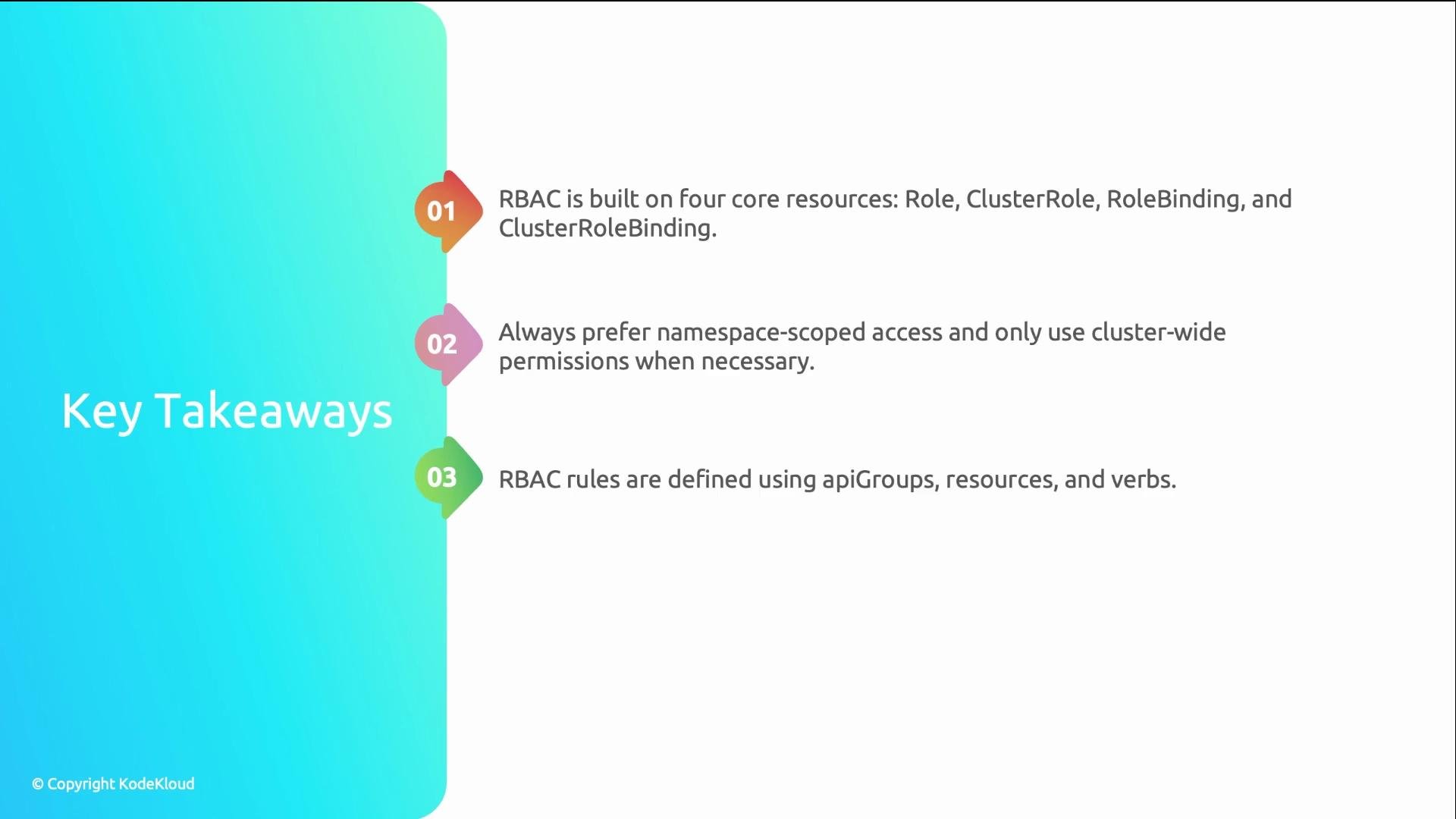
Wrap-up: core concepts
* Role and ClusterRole define permissions (rules built from `apiGroups`, `resources`, optional `resourceNames`, and `verbs`).
* RoleBinding and ClusterRoleBinding grant those permissions to subjects.
* Prefer namespace-scoped `Role` + `RoleBinding` for day-to-day access.
* Use `kubectl auth can-i` to validate and debug RBAC policies.
Debugging RBAC with kubectl
`kubectl auth can-i` is the primary tool to test permissions. Common usage patterns:
* Can the current identity create Deployments in `payments`?
```bash theme={null}
# Can I create deployments in payments?
kubectl auth can-i create deployments -n payments
# => yes
```
* Can user `alice` delete Secrets in `production`?
```bash theme={null}
kubectl auth can-i delete secrets -n production --as=alice
# => no
```
* What can the `deploy-bot` service account do in `payments`?
```bash theme={null}
kubectl auth can-i --list -n payments --as=system:serviceaccount:cicd:deploy-bot
```
Quick tips:
* Impersonate a user: `--as=`
* Impersonate a service account: `--as=system:serviceaccount::`
* Enumerate all permissions: `--list`
* After applying Roles/Bindings, run `kubectl auth can-i` to confirm expected behavior.
Practical examples table
| Goal | Command |
| --------------------------------------------------------- | ----------------------------------------------------------------------------------------- |
| Check if current user can update deployments in `default` | `kubectl auth can-i update deployments -n default` |
| See all permissions for a service account | `kubectl auth can-i --list --as=system:serviceaccount:my-namespace:my-sa -n my-namespace` |
| Impersonate a specific user for a single check | `kubectl auth can-i get pods -n prod --as=alice` |
Wrap-up: core concepts
* Role and ClusterRole define permissions (rules built from `apiGroups`, `resources`, optional `resourceNames`, and `verbs`).
* RoleBinding and ClusterRoleBinding grant those permissions to subjects.
* Prefer namespace-scoped `Role` + `RoleBinding` for day-to-day access.
* Use `kubectl auth can-i` to validate and debug RBAC policies.
 Further reading
* Kubernetes RBAC documentation: [https://kubernetes.io/docs/reference/access-authn-authz/rbac/](https://kubernetes.io/docs/reference/access-authn-authz/rbac/)
* Best practices: favor least-privilege, prefer namespace-scoped roles, and regularly audit bindings.
Further reading
* Kubernetes RBAC documentation: [https://kubernetes.io/docs/reference/access-authn-authz/rbac/](https://kubernetes.io/docs/reference/access-authn-authz/rbac/)
* Best practices: favor least-privilege, prefer namespace-scoped roles, and regularly audit bindings.