> ## Documentation Index
> Fetch the complete documentation index at: https://notes.kodekloud.com/llms.txt
> Use this file to discover all available pages before exploring further.
# Resource Management and Scaling
> Guide to Kubernetes resource management, autoscaling layers, node provisioning, and dynamic resource allocation to balance performance, cost, and reliability for platform engineers.
Welcome — this lesson covers practical, exam-relevant concepts for Domain 4: intelligent resource management, capacity planning, and scaling. These are core skills for platform engineers and frequent topics on the CNPA certification: resource requests and limits, QoS classes, autoscaling layers, node provisioning, and emerging dynamic resource allocation techniques.
Why this matters
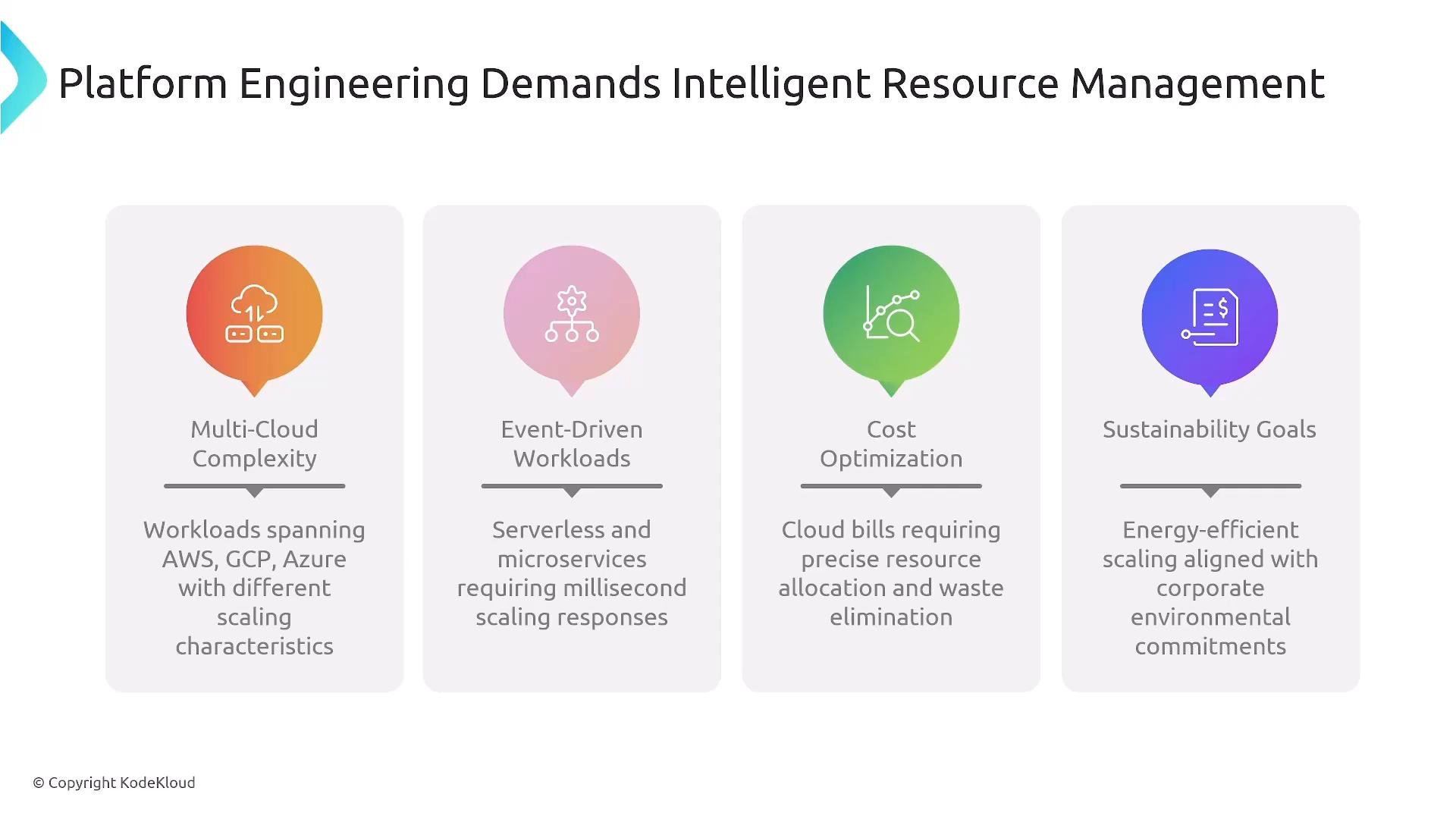
* Heterogeneous compute: VMs, serverless, and containers require different allocation strategies.
* Millisecond-scale workloads: event-driven microservices need fast, predictable scaling.
* Cost control: scale precisely to avoid wasted spend.
* Sustainability & efficiency: reduce unnecessary resource consumption and carbon footprint.
 Real-world example: Sparkle Pony Ranch
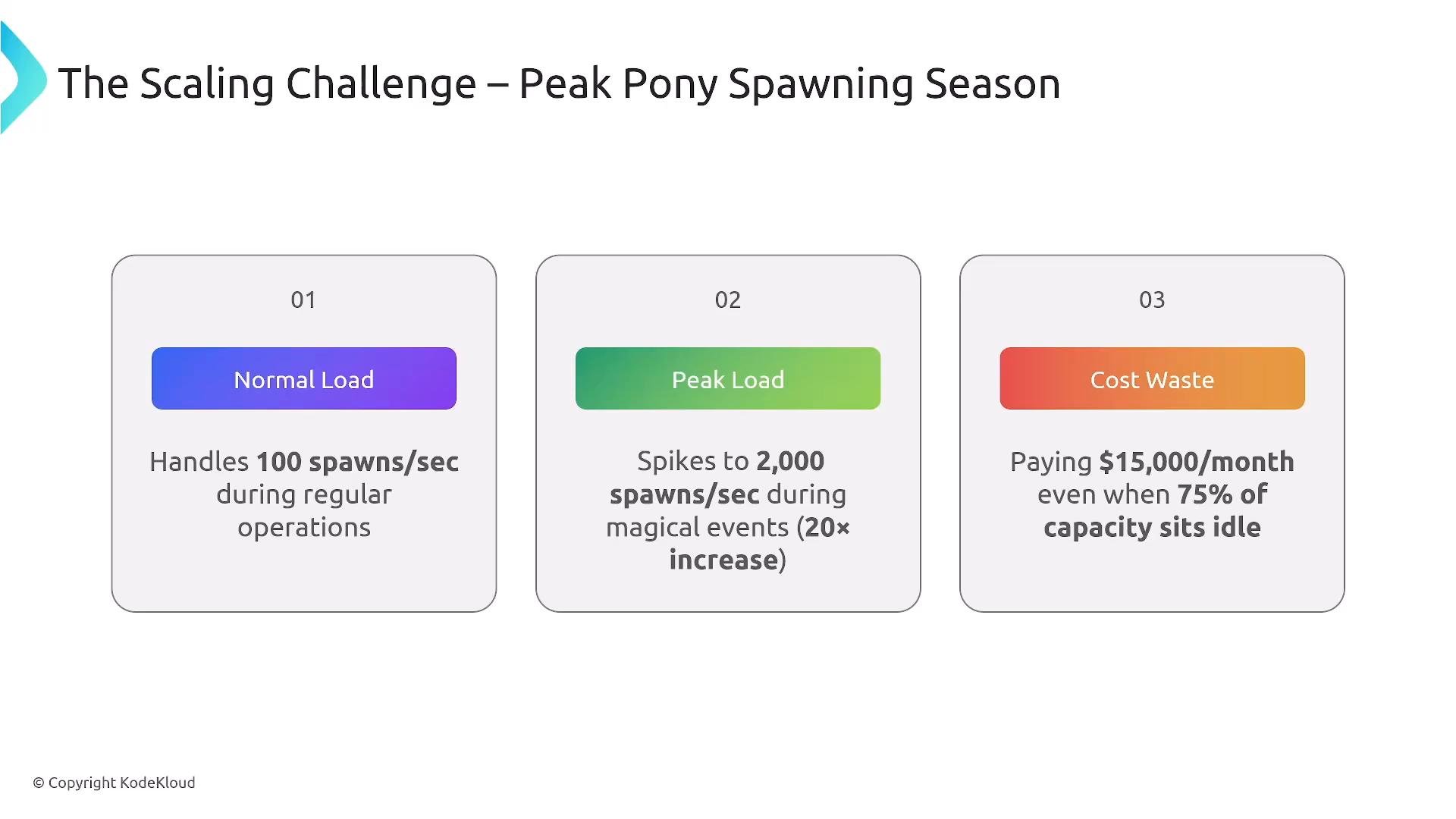
* Normal traffic: \~100 spawns/sec.
* Event peak: \~2,000 spawns/sec (20× spike).
Over-provisioning for peak wastes cost; under-provisioning harms UX. Platform engineers must balance peak capacity, cost, and SLA.
Real-world example: Sparkle Pony Ranch
* Normal traffic: \~100 spawns/sec.
* Event peak: \~2,000 spawns/sec (20× spike).
Over-provisioning for peak wastes cost; under-provisioning harms UX. Platform engineers must balance peak capacity, cost, and SLA.
 Platform goals (examples: Swati, Alan, Fong)
* Support peak load without degrading UX.
* Maintain cost/SLA balance.
* Design predictable scaling behavior for applications.
Kubernetes primitives: Requests, Limits, and QoS
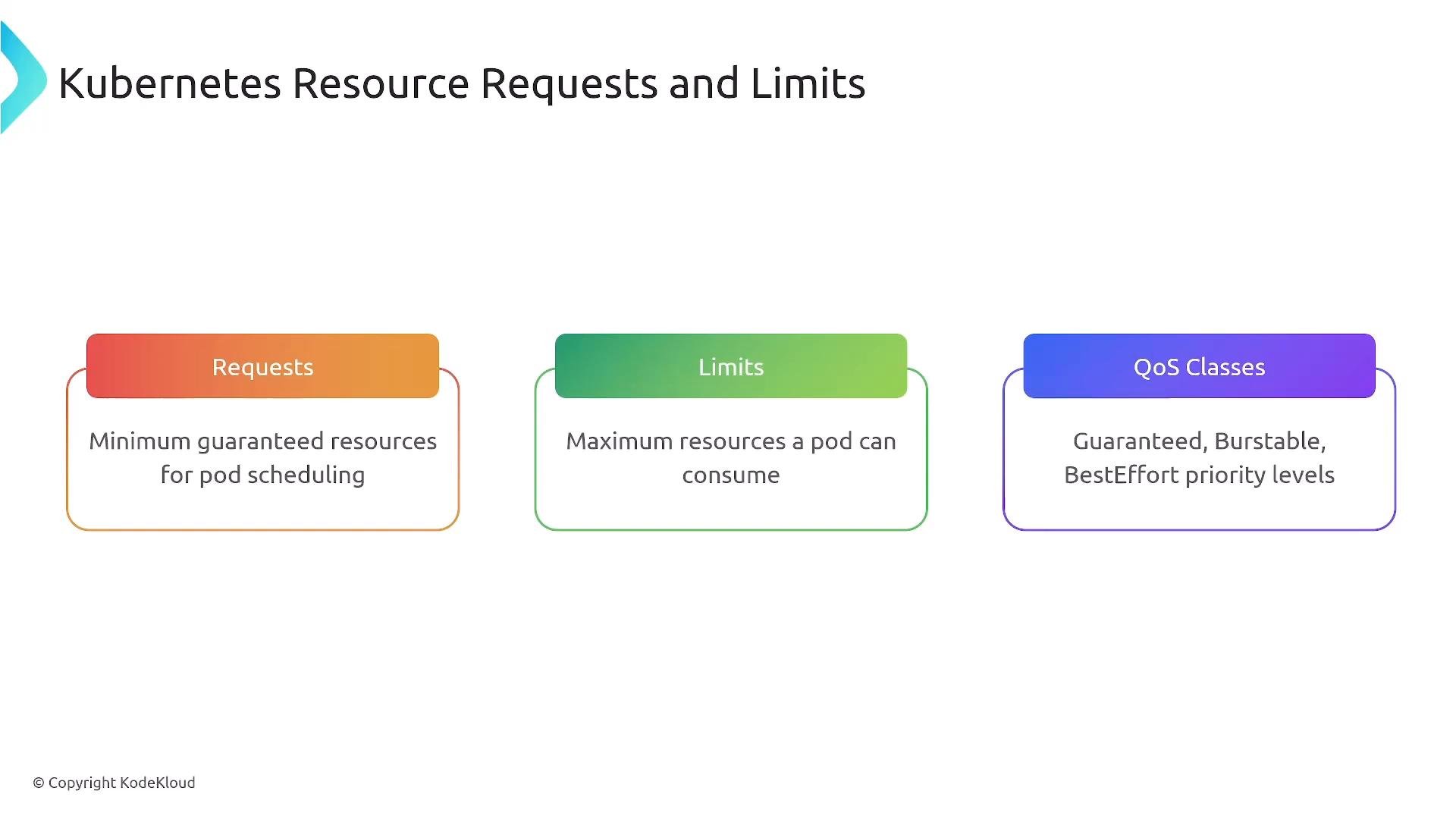
* Requests: scheduler uses these to place pods — a guaranteed floor.
* Limits: kubelet enforces these at runtime — a ceiling.
* QoS classes: Guaranteed, Burstable, BestEffort — influence eviction order under node pressure.
Platform goals (examples: Swati, Alan, Fong)
* Support peak load without degrading UX.
* Maintain cost/SLA balance.
* Design predictable scaling behavior for applications.
Kubernetes primitives: Requests, Limits, and QoS
* Requests: scheduler uses these to place pods — a guaranteed floor.
* Limits: kubelet enforces these at runtime — a ceiling.
* QoS classes: Guaranteed, Burstable, BestEffort — influence eviction order under node pressure.
 Node-level resource behavior and eviction
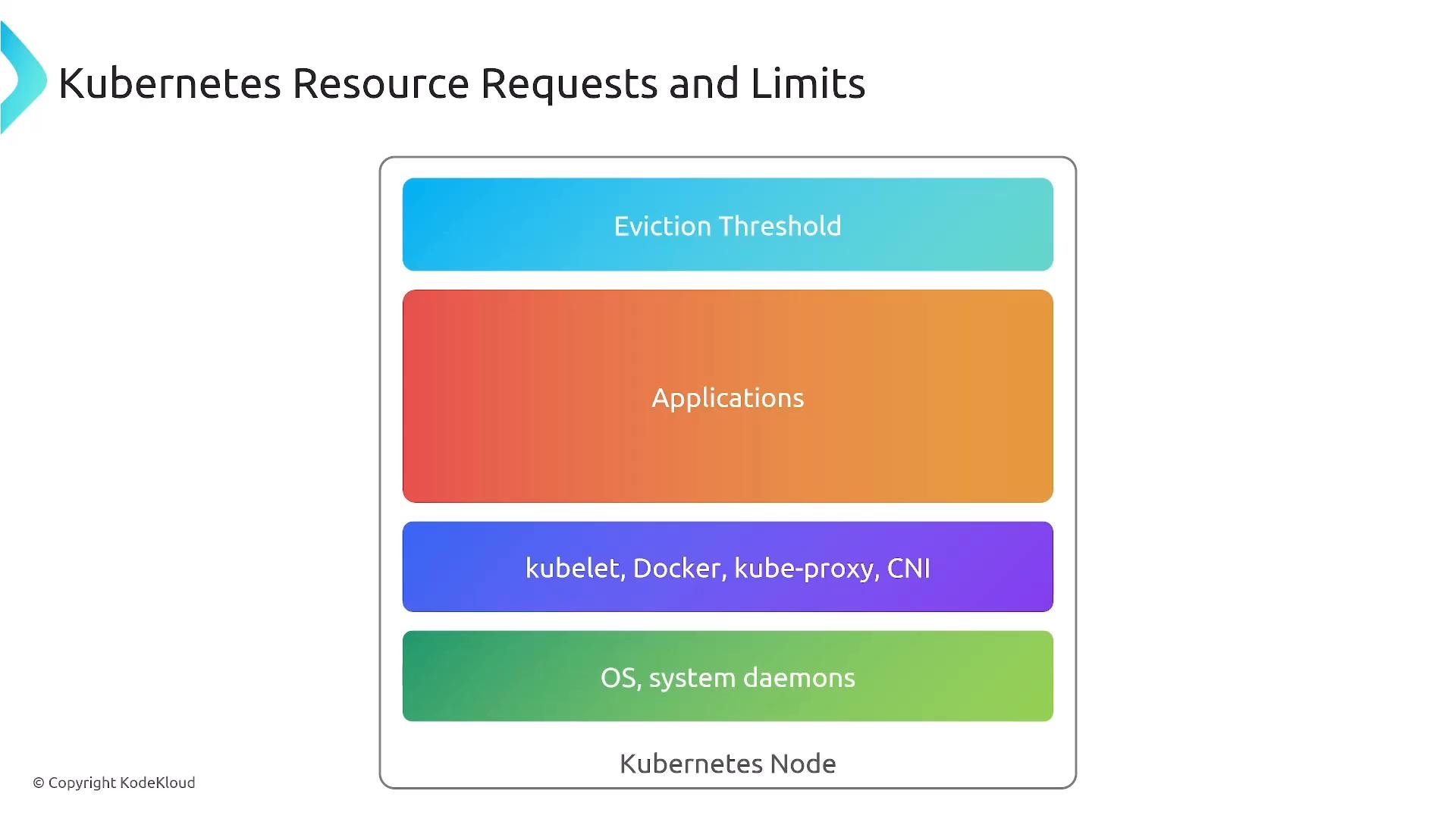
When a node is constrained, kubelet applies eviction thresholds and uses QoS to choose which pods to evict first. Node resources include:
* OS/system daemons
* kubelet / container runtime / network plugins
* Application workloads
Node-level resource behavior and eviction
When a node is constrained, kubelet applies eviction thresholds and uses QoS to choose which pods to evict first. Node resources include:
* OS/system daemons
* kubelet / container runtime / network plugins
* Application workloads
 Example deployment with requests and limits
* Use realistic values guided by load testing/profiling.
* Prefer horizontal scaling (replicas) and leave some headroom for system processes (\~20% is a common starting point).
```yaml theme={null}
apiVersion: apps/v1
kind: Deployment
metadata:
name: pony-spawner
spec:
selector:
matchLabels:
app: pony-spawner
template:
metadata:
labels:
app: pony-spawner
spec:
containers:
- name: pony-spawner
image: registry.spr.com/pony-spawner:v2.1.0
resources:
requests:
cpu: "200m" # 0.2 CPU guaranteed for scheduling
memory: "256Mi" # 256Mi memory guaranteed
limits:
cpu: "500m" # Max 0.5 CPU at runtime
memory: "512Mi" # Max 512Mi memory at runtime
```
Requests affect scheduling (the scheduler uses them). Limits affect runtime enforcement (the kubelet enforces them). This distinction is frequently tested on the CNPA exam.
Autoscaling layers — how they fit together
Kubernetes and the surrounding ecosystem implement multiple complementary autoscaling layers:
| Layer | Purpose | Examples / Notes |
| - | - | - |
| Pod-level (horizontal) | Scale replicas of stateless services | `HorizontalPodAutoscaler` (HPA) — CPU, memory, custom metrics |
| Pod-level (vertical) | Adjust container requests (resource size) | `VerticalPodAutoscaler` (VPA) / DRA recommendations |
| Node autoscaling | Scale node pools / VMs to match pod resource needs | `Cluster Autoscaler`, managed autoscalers |
| Node provisioners | Fast, workload-aware node provisioning | `Karpenter`, `GKE Autopilot`, `AKS virtual nodes` |
| Event-driven | Business/external/event triggers; can scale to zero | `KEDA` |
| Specialized/autoscalers | DB autoscalers, batch schedulers, multi-cluster | `Volcano`, `Admiralty`, predictive autoscalers |
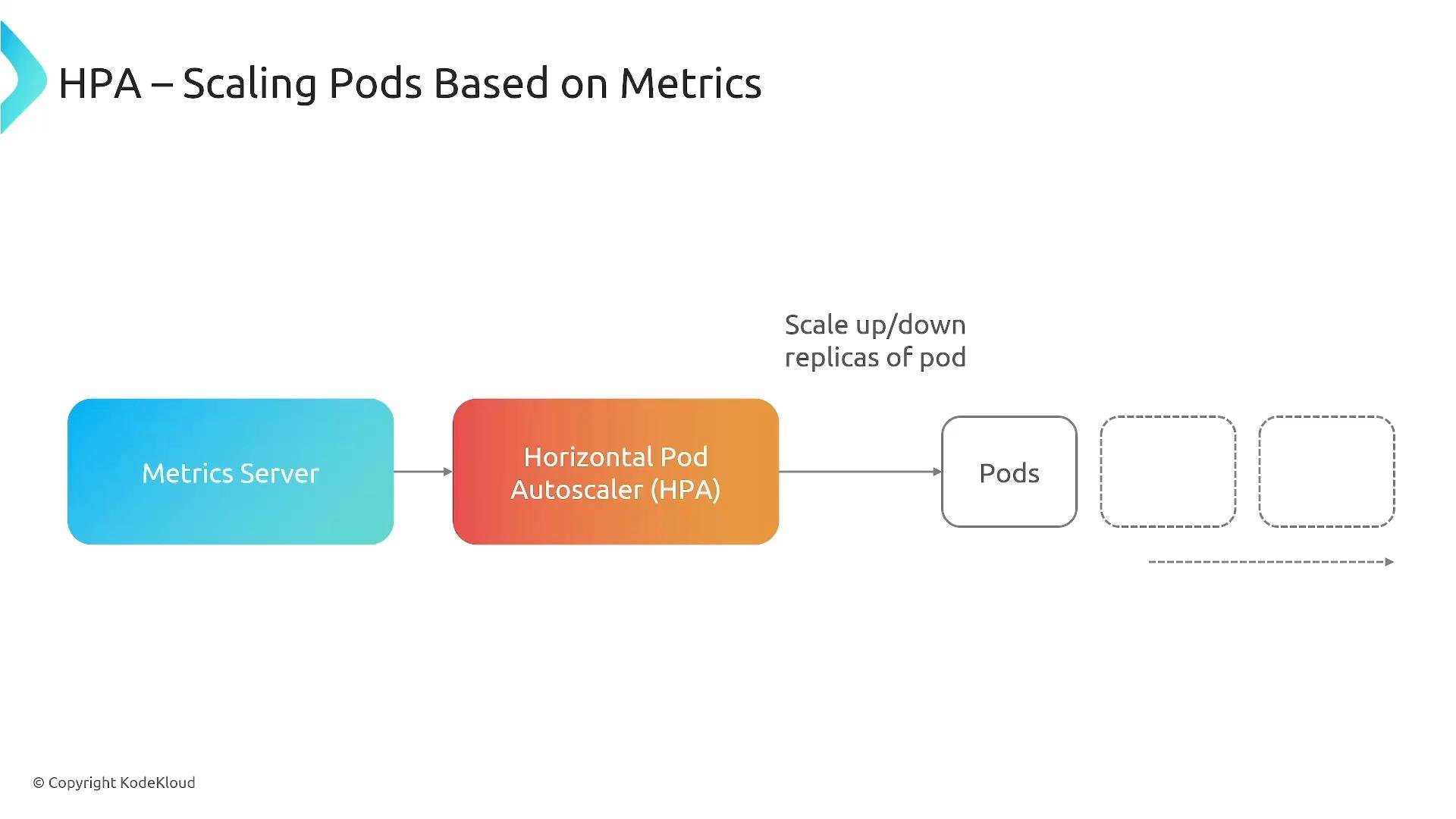
Horizontal Pod Autoscaler (HPA)
* Uses metrics from the Metrics Server or external adapters.
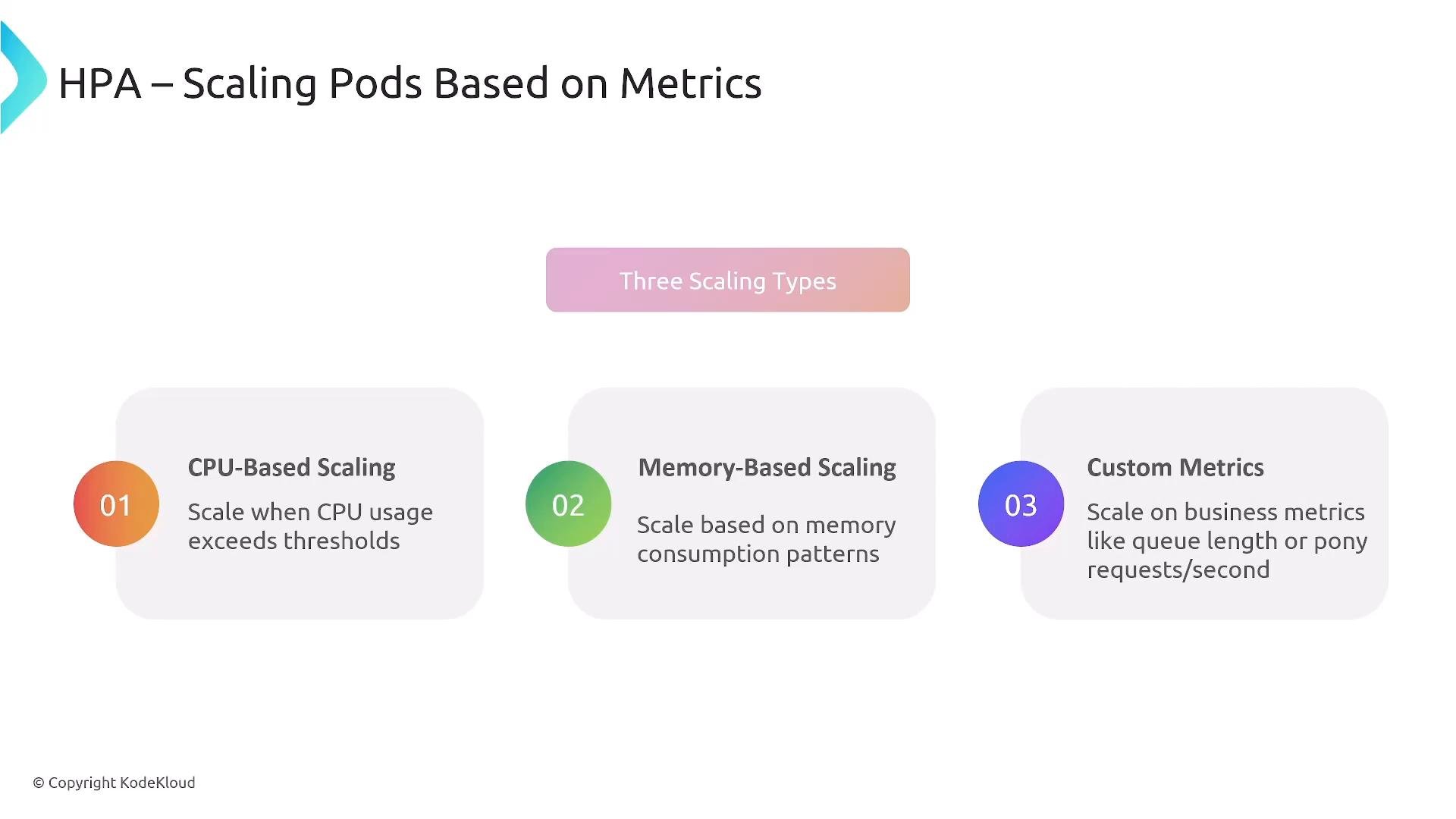
* Can scale on CPU, memory, or custom/pod/external metrics.
* Samples at regular intervals and adjusts replicas between min/max.
Example deployment with requests and limits
* Use realistic values guided by load testing/profiling.
* Prefer horizontal scaling (replicas) and leave some headroom for system processes (\~20% is a common starting point).
```yaml theme={null}
apiVersion: apps/v1
kind: Deployment
metadata:
name: pony-spawner
spec:
selector:
matchLabels:
app: pony-spawner
template:
metadata:
labels:
app: pony-spawner
spec:
containers:
- name: pony-spawner
image: registry.spr.com/pony-spawner:v2.1.0
resources:
requests:
cpu: "200m" # 0.2 CPU guaranteed for scheduling
memory: "256Mi" # 256Mi memory guaranteed
limits:
cpu: "500m" # Max 0.5 CPU at runtime
memory: "512Mi" # Max 512Mi memory at runtime
```
Requests affect scheduling (the scheduler uses them). Limits affect runtime enforcement (the kubelet enforces them). This distinction is frequently tested on the CNPA exam.
Autoscaling layers — how they fit together
Kubernetes and the surrounding ecosystem implement multiple complementary autoscaling layers:
| Layer | Purpose | Examples / Notes |
| - | - | - |
| Pod-level (horizontal) | Scale replicas of stateless services | `HorizontalPodAutoscaler` (HPA) — CPU, memory, custom metrics |
| Pod-level (vertical) | Adjust container requests (resource size) | `VerticalPodAutoscaler` (VPA) / DRA recommendations |
| Node autoscaling | Scale node pools / VMs to match pod resource needs | `Cluster Autoscaler`, managed autoscalers |
| Node provisioners | Fast, workload-aware node provisioning | `Karpenter`, `GKE Autopilot`, `AKS virtual nodes` |
| Event-driven | Business/external/event triggers; can scale to zero | `KEDA` |
| Specialized/autoscalers | DB autoscalers, batch schedulers, multi-cluster | `Volcano`, `Admiralty`, predictive autoscalers |
Horizontal Pod Autoscaler (HPA)
* Uses metrics from the Metrics Server or external adapters.
* Can scale on CPU, memory, or custom/pod/external metrics.
* Samples at regular intervals and adjusts replicas between min/max.
 HPA scaling types: CPU, memory, and custom metrics
 HPA example (CPU + pod-level custom metric)
```yaml theme={null}
apiVersion: autoscaling/v2
kind: HorizontalPodAutoscaler
metadata:
name: pony-spawner-hpa
spec:
scaleTargetRef:
apiVersion: apps/v1
kind: Deployment
name: pony-spawner
minReplicas: 3
maxReplicas: 50
metrics:
- type: Resource
resource:
name: cpu
target:
type: Utilization
averageUtilization: 70
- type: Pods
pods:
metric:
name: pony_requests_per_second
target:
type: AverageValue
averageValue: "30"
```
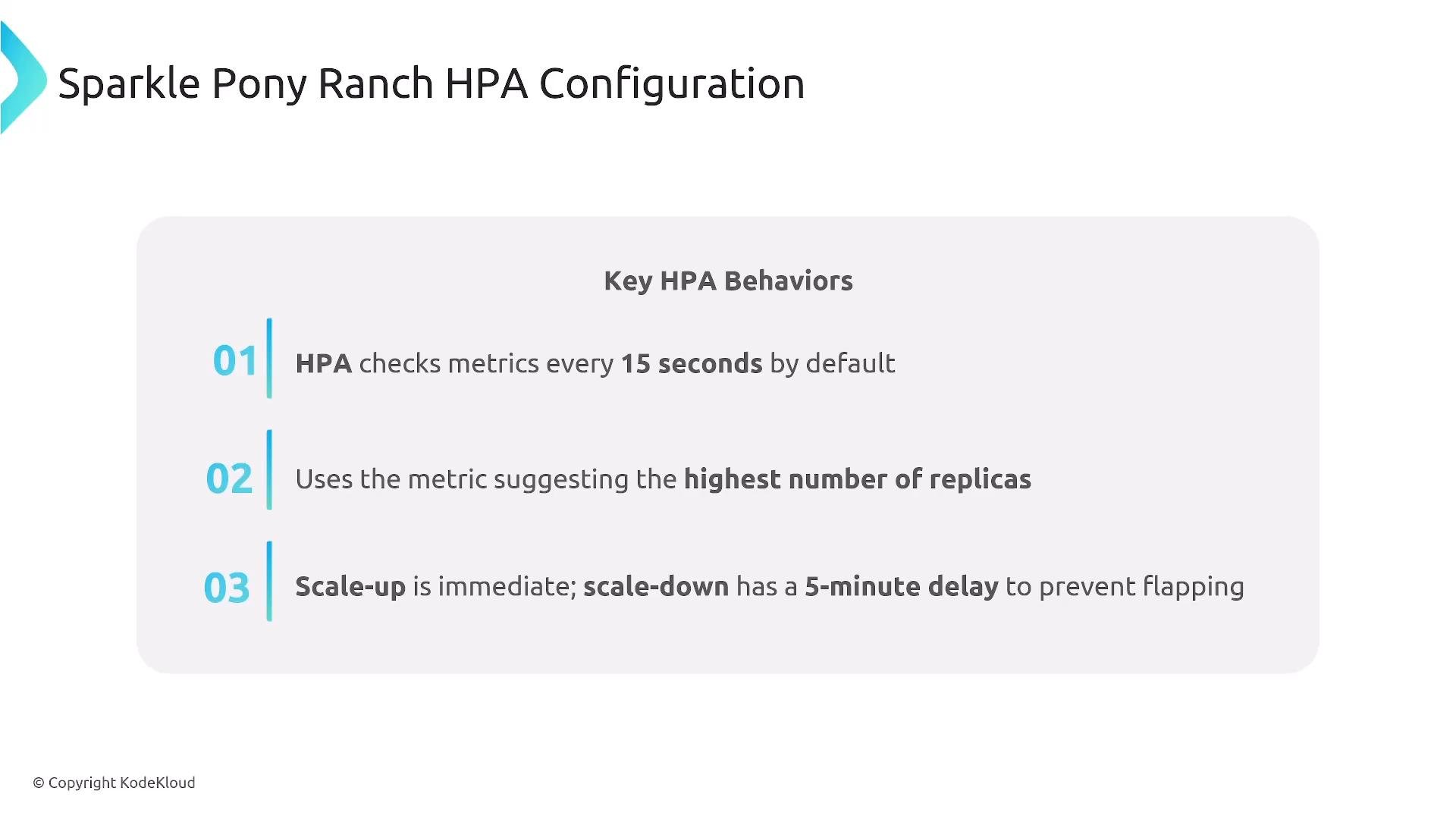
HPA behavior notes
* Default evaluation frequency is frequent (often \~15s), configurable.
* When multiple metrics exist, HPA uses the metric that recommends the highest replica count.
* Scale-up tends to be faster; scale-down is conservative to avoid flapping.
HPA example (CPU + pod-level custom metric)
```yaml theme={null}
apiVersion: autoscaling/v2
kind: HorizontalPodAutoscaler
metadata:
name: pony-spawner-hpa
spec:
scaleTargetRef:
apiVersion: apps/v1
kind: Deployment
name: pony-spawner
minReplicas: 3
maxReplicas: 50
metrics:
- type: Resource
resource:
name: cpu
target:
type: Utilization
averageUtilization: 70
- type: Pods
pods:
metric:
name: pony_requests_per_second
target:
type: AverageValue
averageValue: "30"
```
HPA behavior notes
* Default evaluation frequency is frequent (often \~15s), configurable.
* When multiple metrics exist, HPA uses the metric that recommends the highest replica count.
* Scale-up tends to be faster; scale-down is conservative to avoid flapping.
 Vertical Pod Autoscaler (VPA) and Dynamic Resource Allocation (DRA)
* VPA can recommend or apply new CPU/memory requests; applying changes may restart pods.
* Dynamic Resource Allocation (DRA) is an emerging approach that enables more flexible runtime changes (including specialized hardware like GPUs) in supported platforms without disruptive restarts.
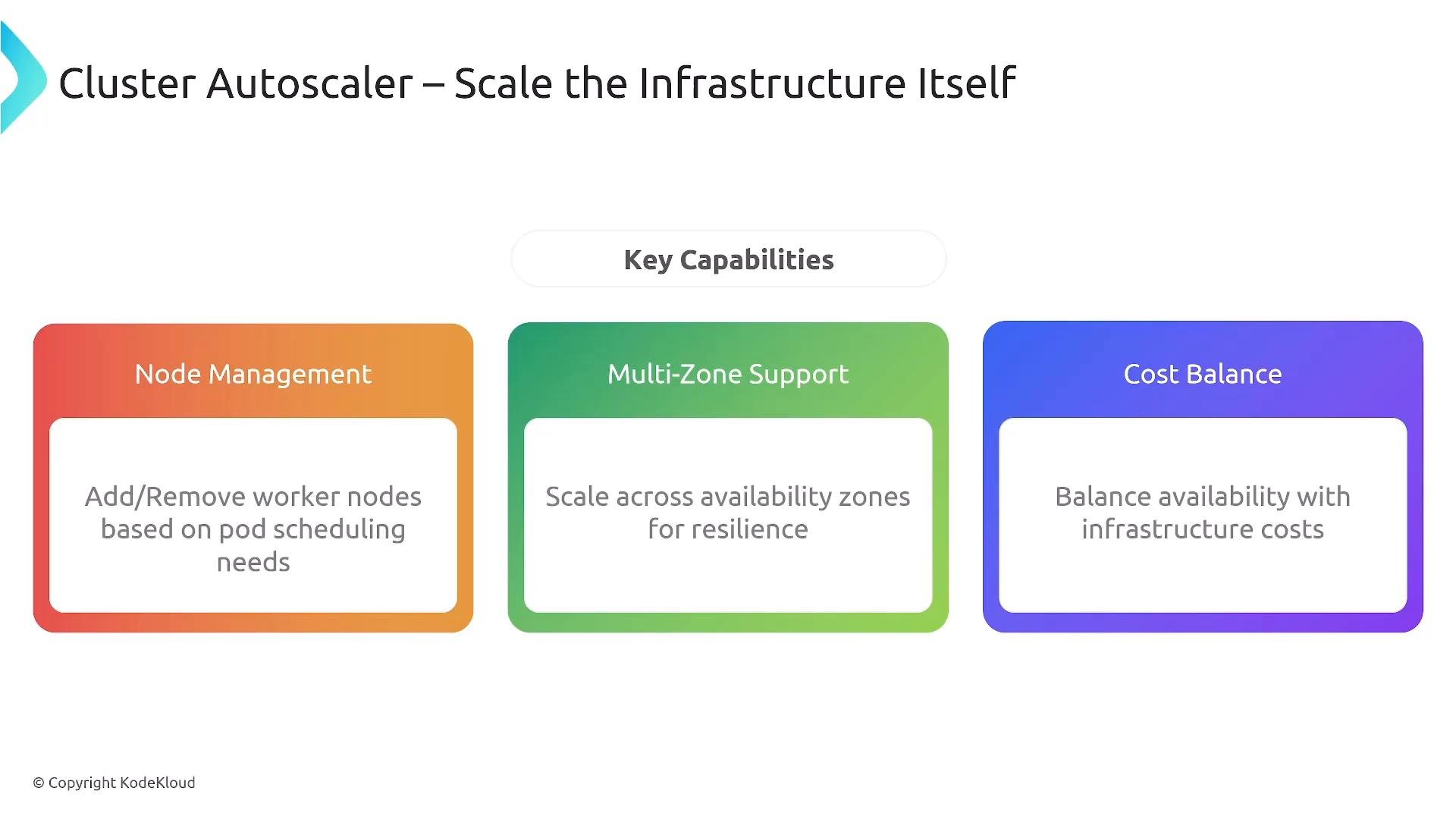
Cluster Autoscaler (node-level)
* Observes unschedulable pods and adjusts node pool size.
* Scales down idle nodes while honoring PodDisruptionBudgets (PDBs).
* Requires cloud permissions (e.g., IAM) to create/delete instances.
Vertical Pod Autoscaler (VPA) and Dynamic Resource Allocation (DRA)
* VPA can recommend or apply new CPU/memory requests; applying changes may restart pods.
* Dynamic Resource Allocation (DRA) is an emerging approach that enables more flexible runtime changes (including specialized hardware like GPUs) in supported platforms without disruptive restarts.
Cluster Autoscaler (node-level)
* Observes unschedulable pods and adjusts node pool size.
* Scales down idle nodes while honoring PodDisruptionBudgets (PDBs).
* Requires cloud permissions (e.g., IAM) to create/delete instances.
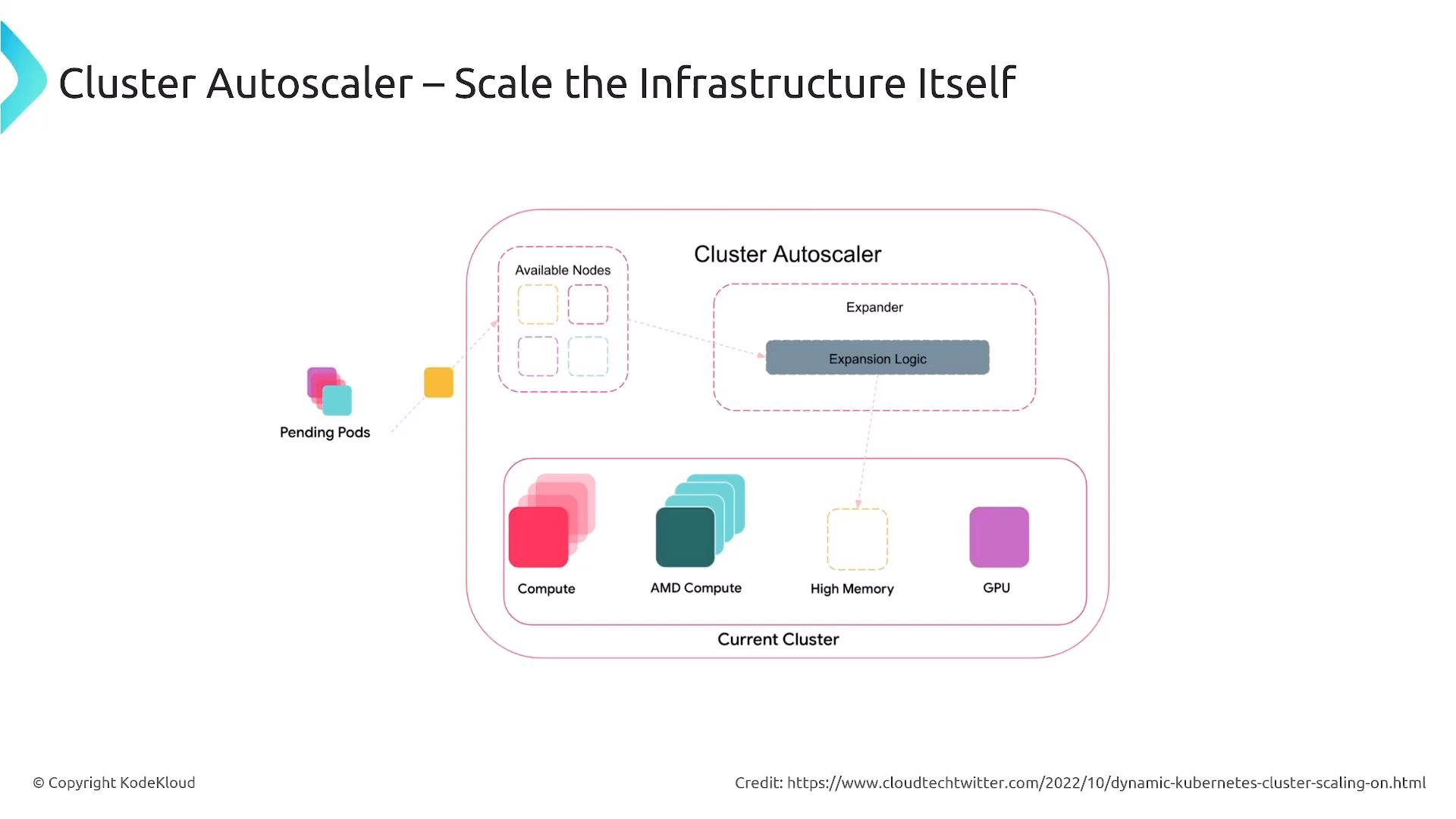 Cluster Autoscaler capabilities
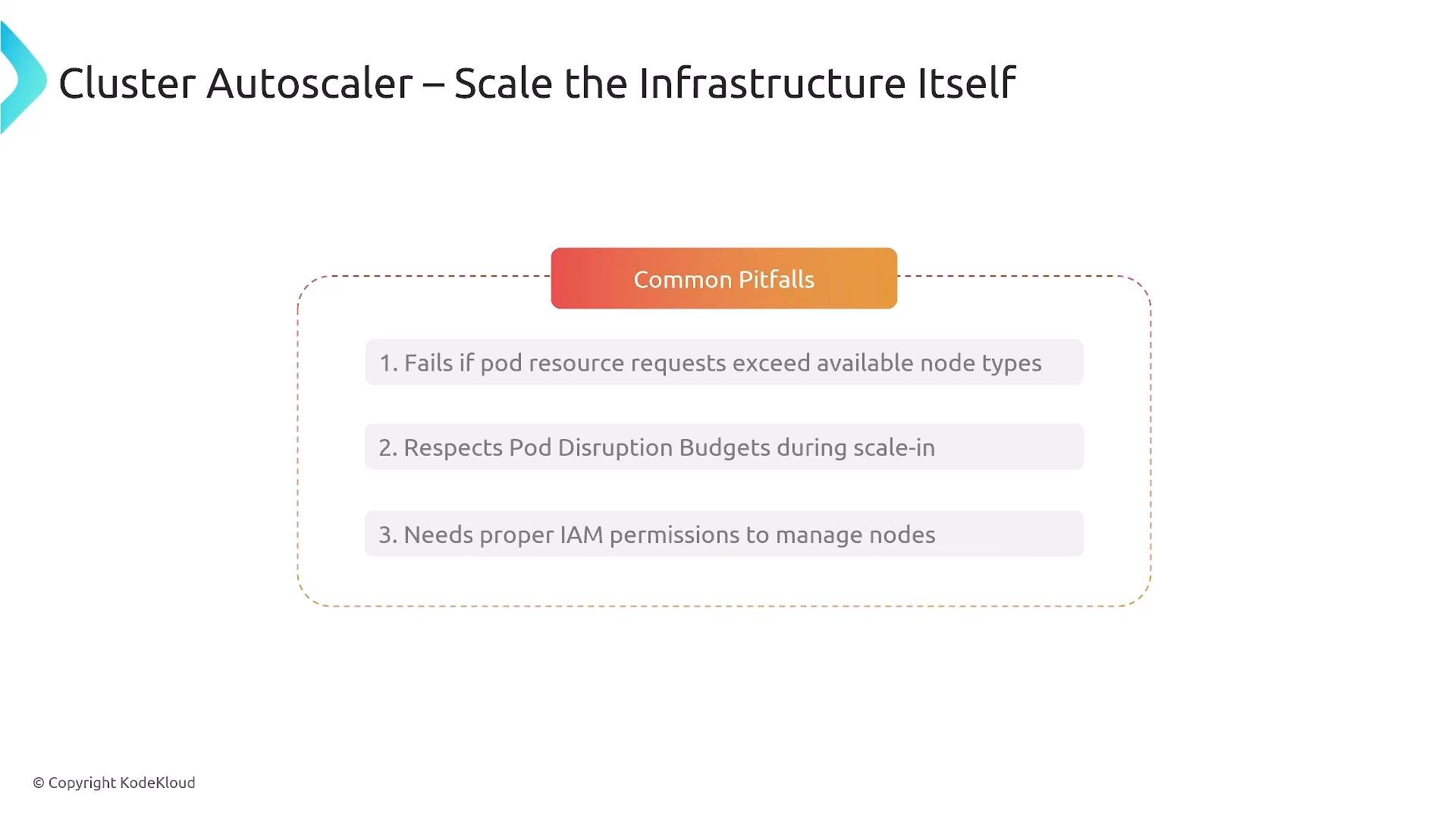
 Common pitfalls for Cluster Autoscaler
* Pod requests may not match any available instance type — autoscaler cannot add an unsupported node type.
* Autoscaler respects PDBs and will not scale in if it would violate them.
* Missing or incorrect cloud permissions will block node operations.
Common pitfalls for Cluster Autoscaler
* Pod requests may not match any available instance type — autoscaler cannot add an unsupported node type.
* Autoscaler respects PDBs and will not scale in if it would violate them.
* Missing or incorrect cloud permissions will block node operations.
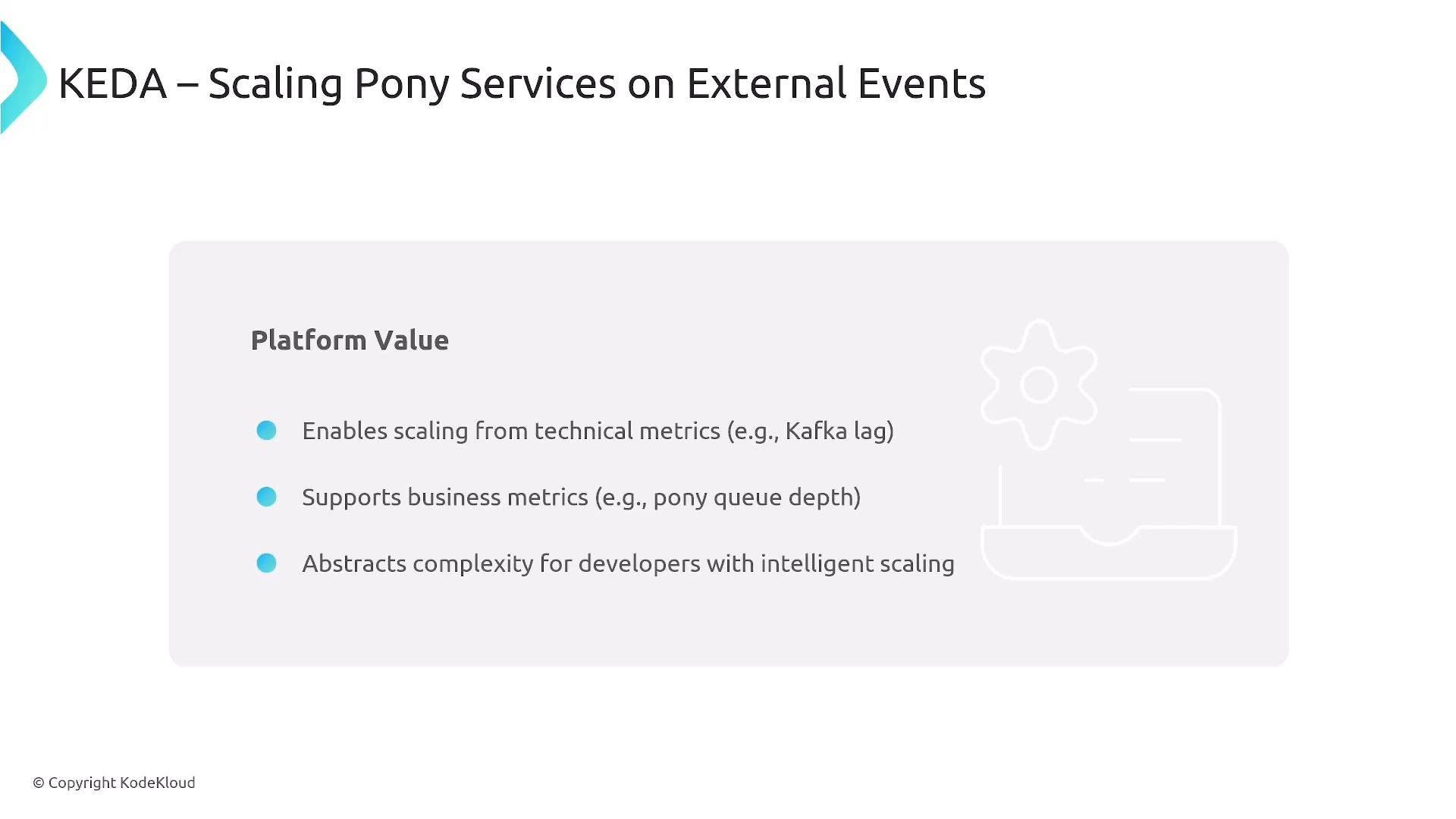
 KEDA — event-driven autoscaling
* Scales on external signals: queue depth (Kafka, RabbitMQ), Prometheus, cloud metrics, or scheduled (cron) triggers.
* Can scale to zero for idle workloads (serverless-style behavior).
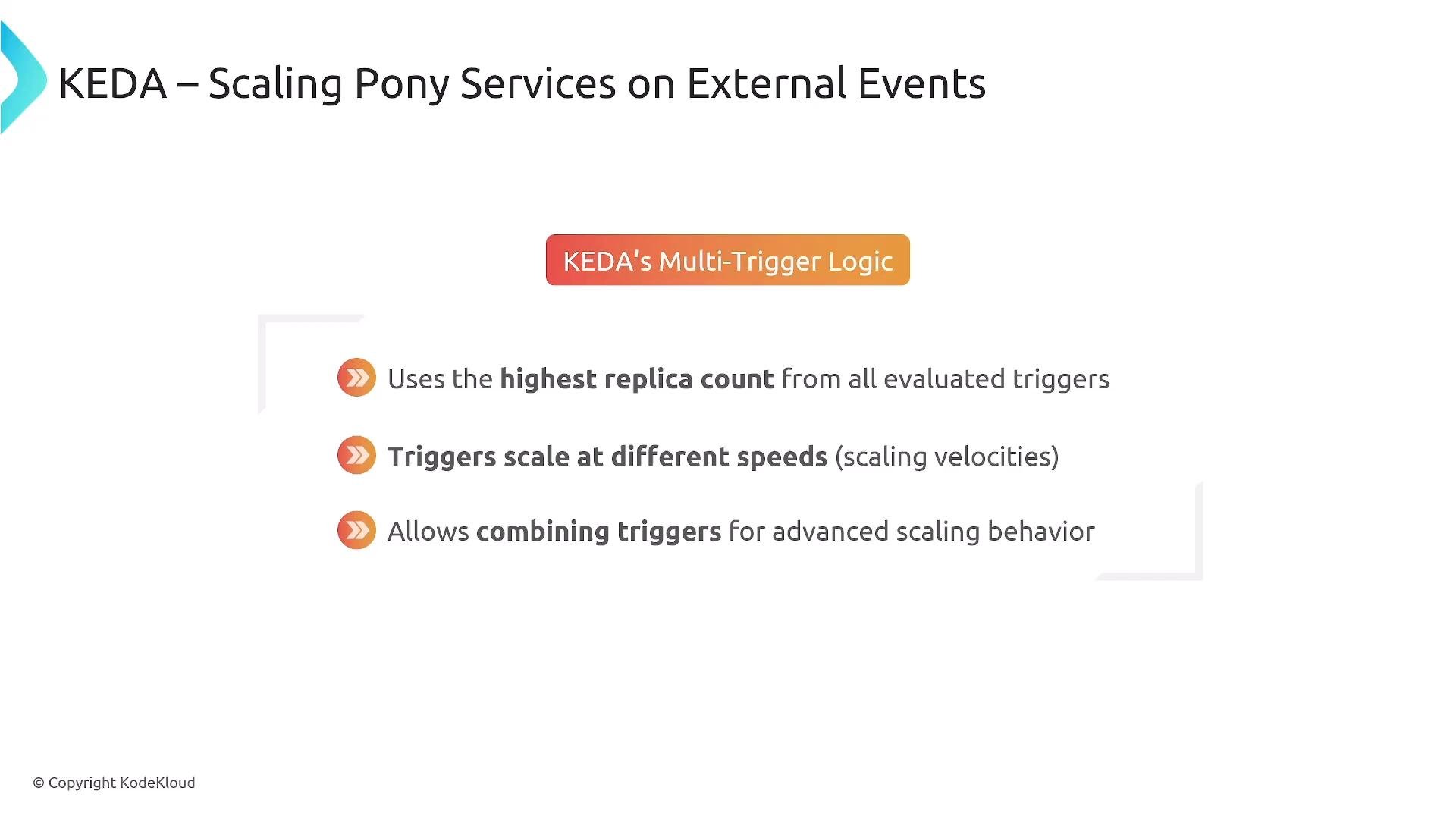
* Supports multi-trigger logic and uses the trigger that yields the highest replica recommendation.
KEDA — event-driven autoscaling
* Scales on external signals: queue depth (Kafka, RabbitMQ), Prometheus, cloud metrics, or scheduled (cron) triggers.
* Can scale to zero for idle workloads (serverless-style behavior).
* Supports multi-trigger logic and uses the trigger that yields the highest replica recommendation.
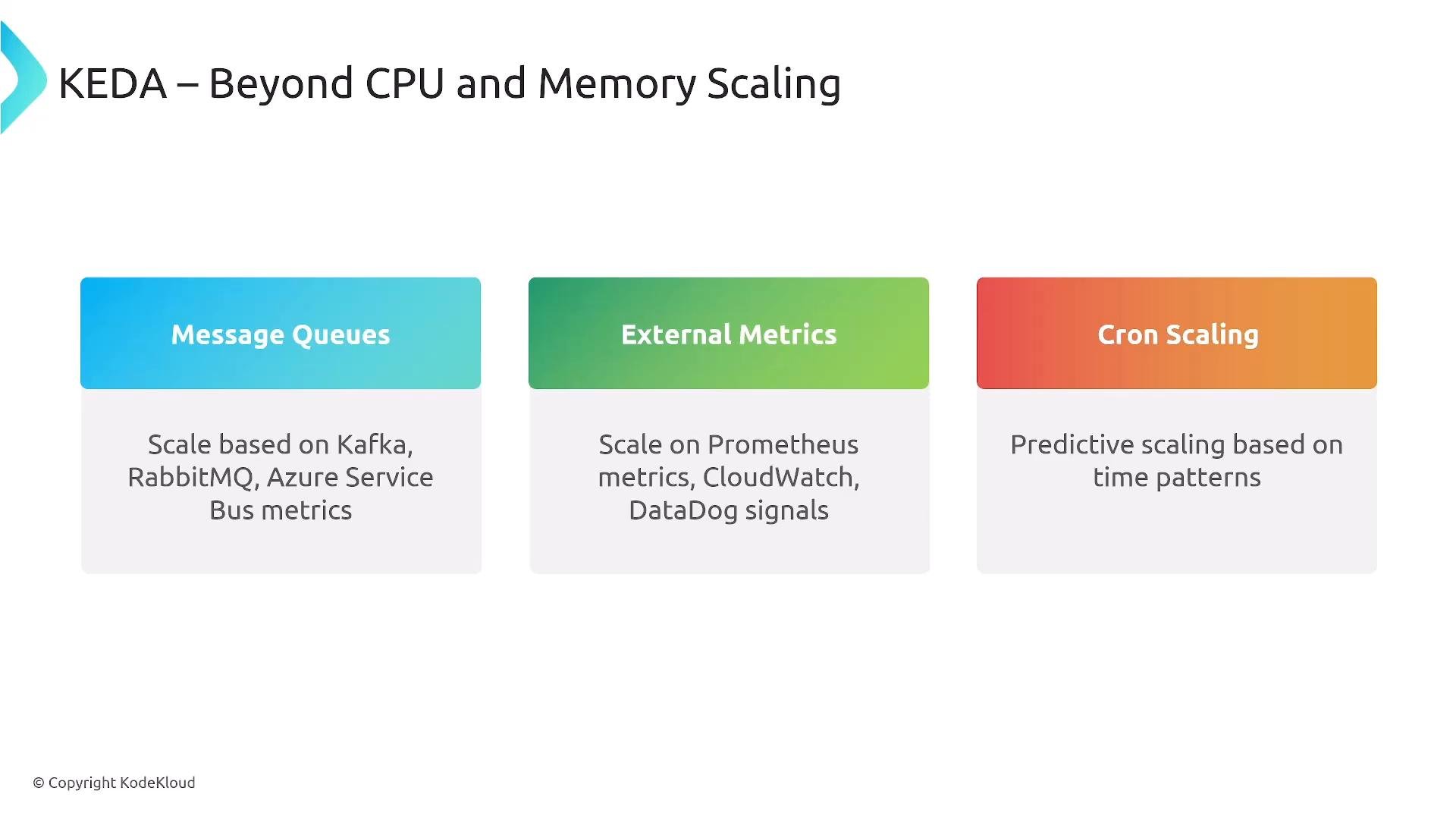 KEDA use cases: business events, queue-driven processing, or time-based burst scaling.
 Karpenter and workload-aware node provisioning
* Karpenter chooses instance types and provisions nodes just-in-time, mixing Spot and On-Demand where appropriate.
* Reduces reliance on pre-defined Auto Scaling Groups and improves startup latency for nodes.
* Cloud providers provide managed variants (GKE Autopilot, AKS virtual nodes).
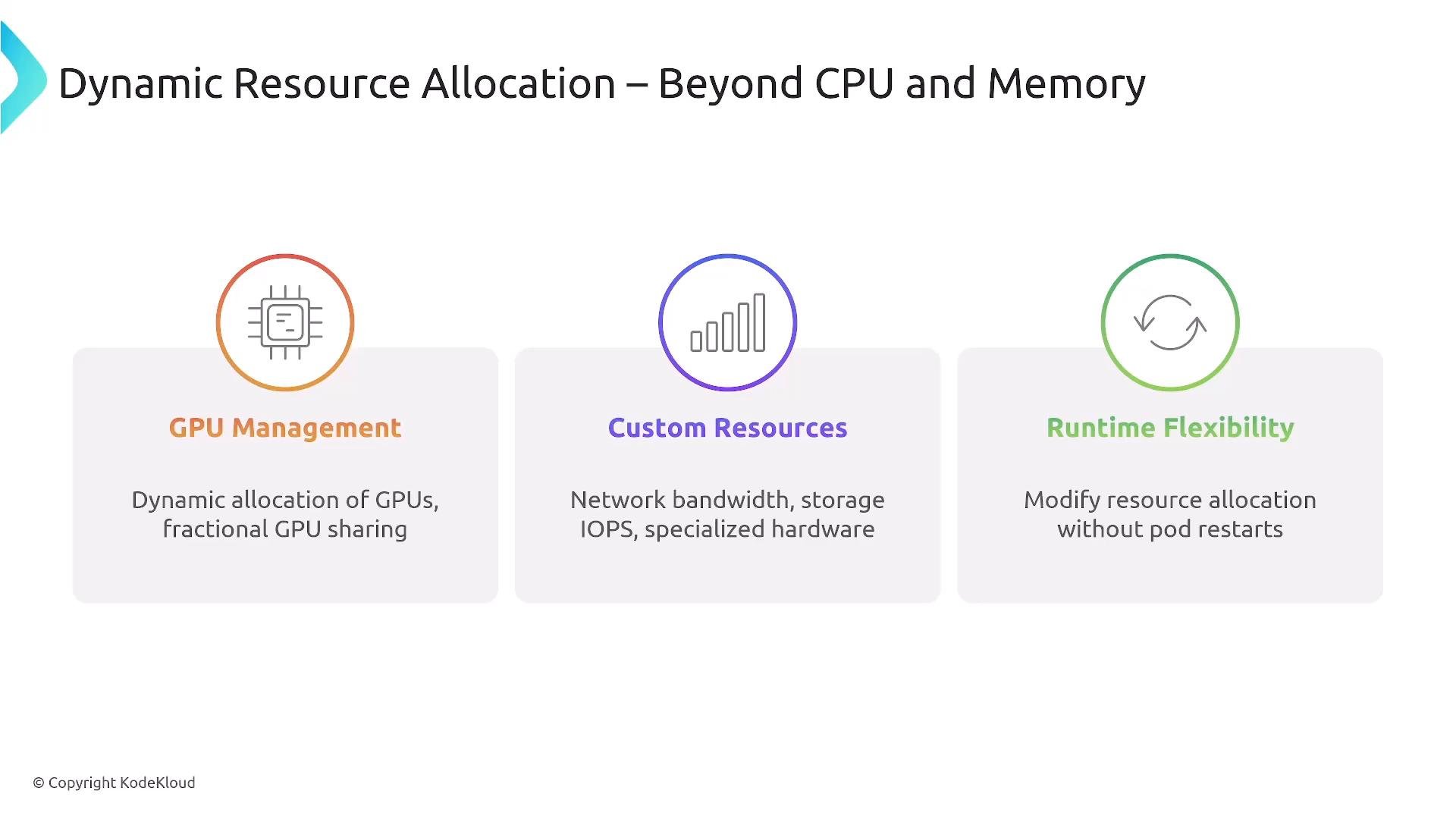
Dynamic Resource Allocation (DRA) — beyond CPU/memory
DRA extends resource management to GPUs, custom hardware, and finer-grained resource shares (in implementations that support fractional GPU sharing). It can allow:
* Declarative claims for specialized hardware (pattern similar to PersistentVolumeClaims).
* Runtime flexibility in supported environments (less disruptive than restarts).
Karpenter and workload-aware node provisioning
* Karpenter chooses instance types and provisions nodes just-in-time, mixing Spot and On-Demand where appropriate.
* Reduces reliance on pre-defined Auto Scaling Groups and improves startup latency for nodes.
* Cloud providers provide managed variants (GKE Autopilot, AKS virtual nodes).
Dynamic Resource Allocation (DRA) — beyond CPU/memory
DRA extends resource management to GPUs, custom hardware, and finer-grained resource shares (in implementations that support fractional GPU sharing). It can allow:
* Declarative claims for specialized hardware (pattern similar to PersistentVolumeClaims).
* Runtime flexibility in supported environments (less disruptive than restarts).
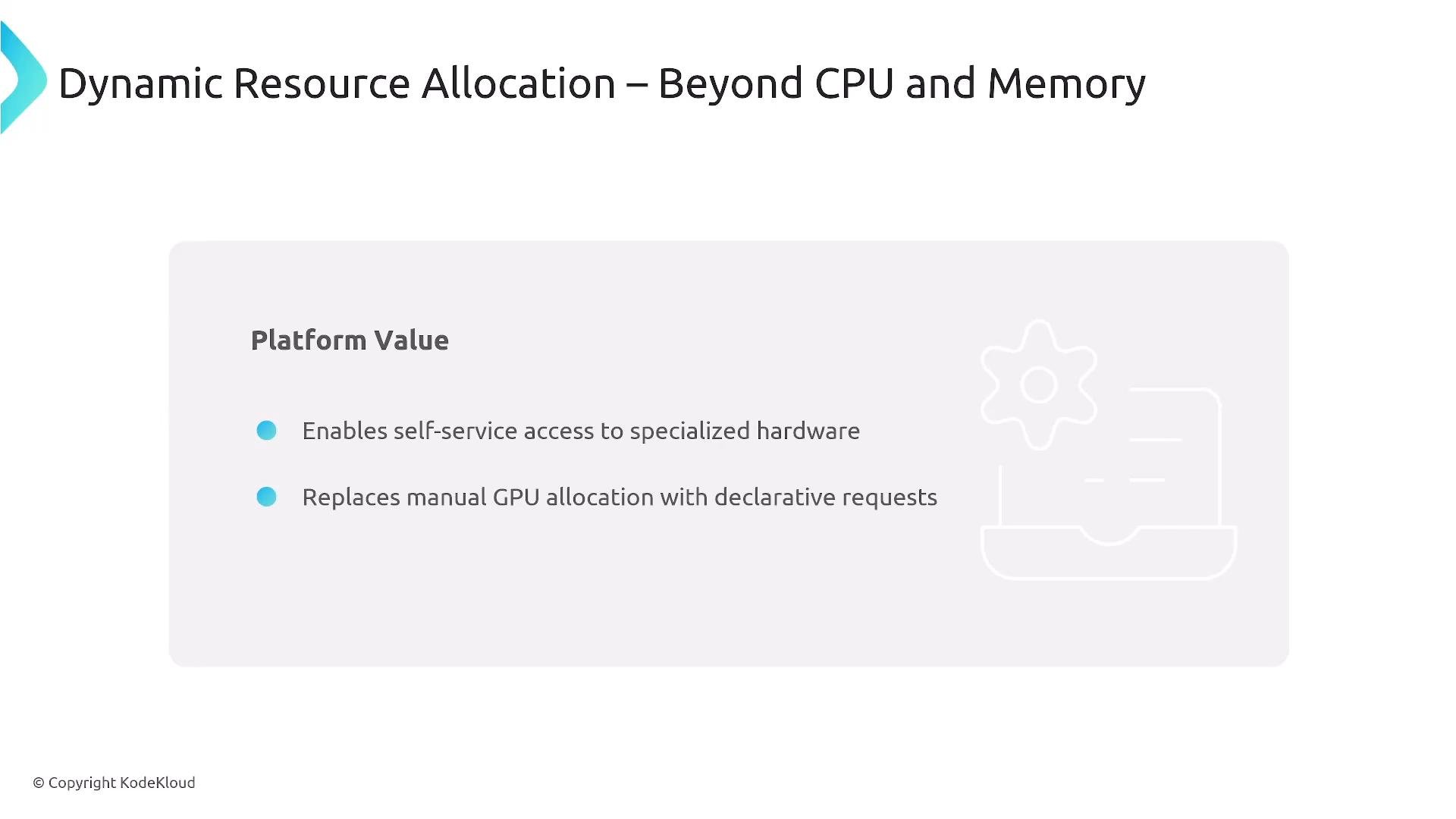
 Platform value for DRA
 DRA example: resource claim + pod reference
* The platform defines the resource class and parameters; workloads create claims and reference them from pods.
```yaml theme={null}
apiVersion: resource.k8s.io/v1alpha2
kind: ResourceClaim
metadata:
name: pony-ai-gpu
spec:
resourceClassName: gpu-class
parametersRef:
apiGroup: gpu.example.com
kind: GpuClaimParameters
name: pony-processing-params
---
apiVersion: v1
kind: Pod
metadata:
name: pony-ai-processor-pod
spec:
containers:
- name: pony-ai-processor
image: registry.spr.com/pony-ai:v1.0.0
resources:
claims:
- name: pony-ai-gpu
```
DRA benefits (where supported): fractional GPU sharing, automatic cleanup, and self-service access to expensive resources for complex workloads.
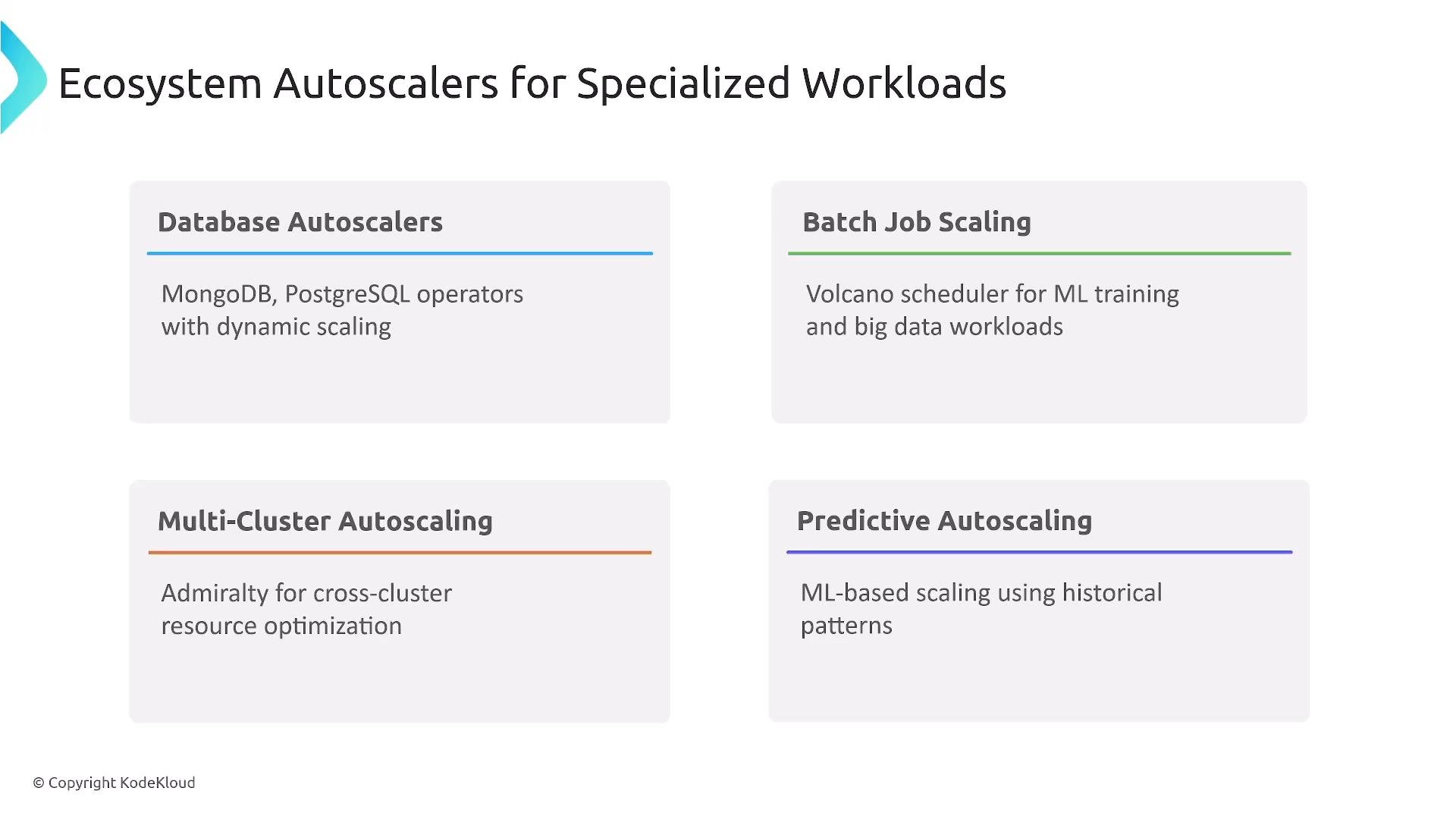
Ecosystem autoscalers for specialized workloads
* Database autoscalers for stateful workloads.
* Batch schedulers and job managers (e.g., Volcano).
* Multi-cluster autoscalers (e.g., Admiralty).
* Predictive autoscalers using historical patterns (custom operators, Kueue-like controllers).
DRA example: resource claim + pod reference
* The platform defines the resource class and parameters; workloads create claims and reference them from pods.
```yaml theme={null}
apiVersion: resource.k8s.io/v1alpha2
kind: ResourceClaim
metadata:
name: pony-ai-gpu
spec:
resourceClassName: gpu-class
parametersRef:
apiGroup: gpu.example.com
kind: GpuClaimParameters
name: pony-processing-params
---
apiVersion: v1
kind: Pod
metadata:
name: pony-ai-processor-pod
spec:
containers:
- name: pony-ai-processor
image: registry.spr.com/pony-ai:v1.0.0
resources:
claims:
- name: pony-ai-gpu
```
DRA benefits (where supported): fractional GPU sharing, automatic cleanup, and self-service access to expensive resources for complex workloads.
Ecosystem autoscalers for specialized workloads
* Database autoscalers for stateful workloads.
* Batch schedulers and job managers (e.g., Volcano).
* Multi-cluster autoscalers (e.g., Admiralty).
* Predictive autoscalers using historical patterns (custom operators, Kueue-like controllers).
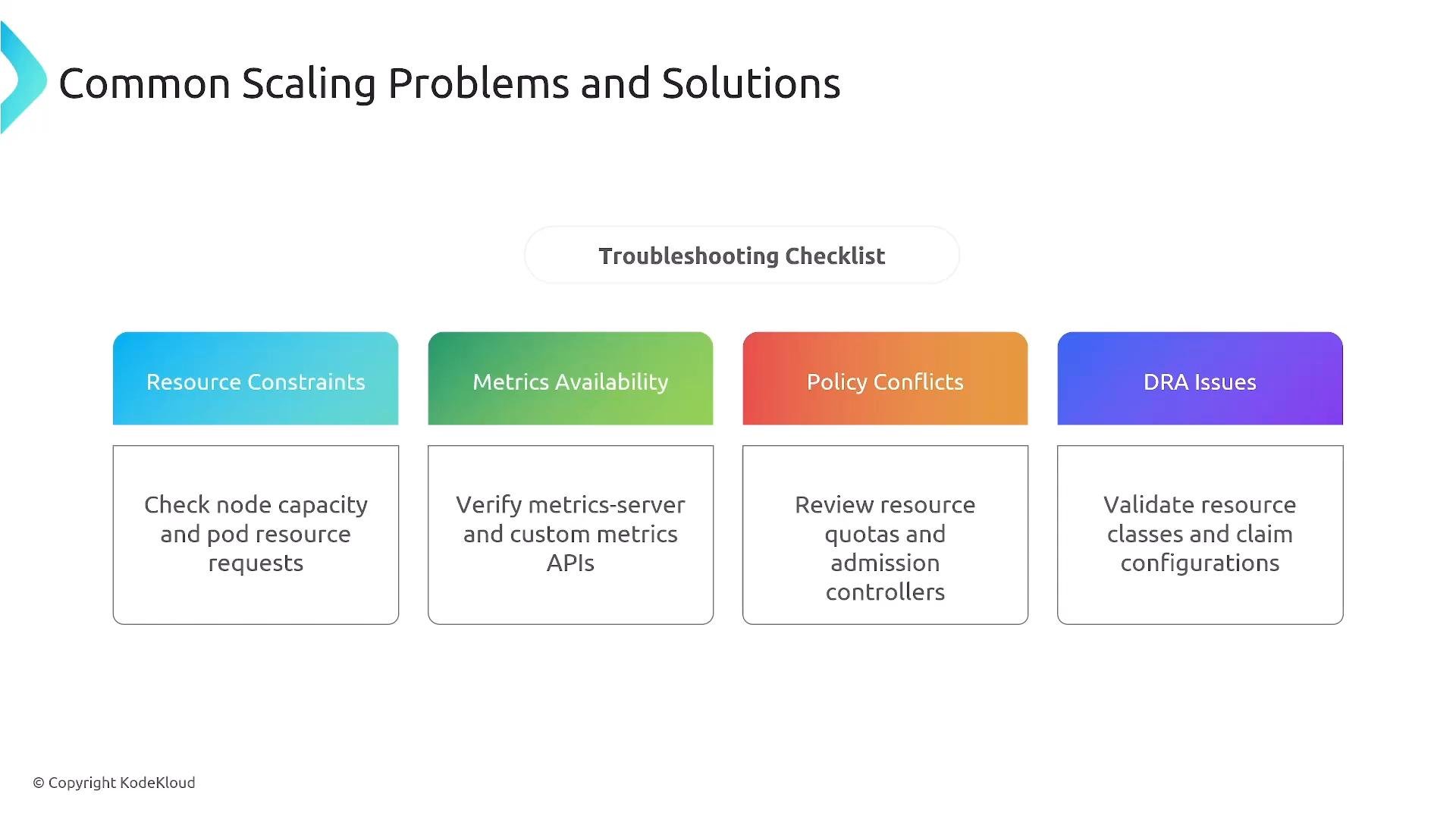
 Troubleshooting common scaling problems
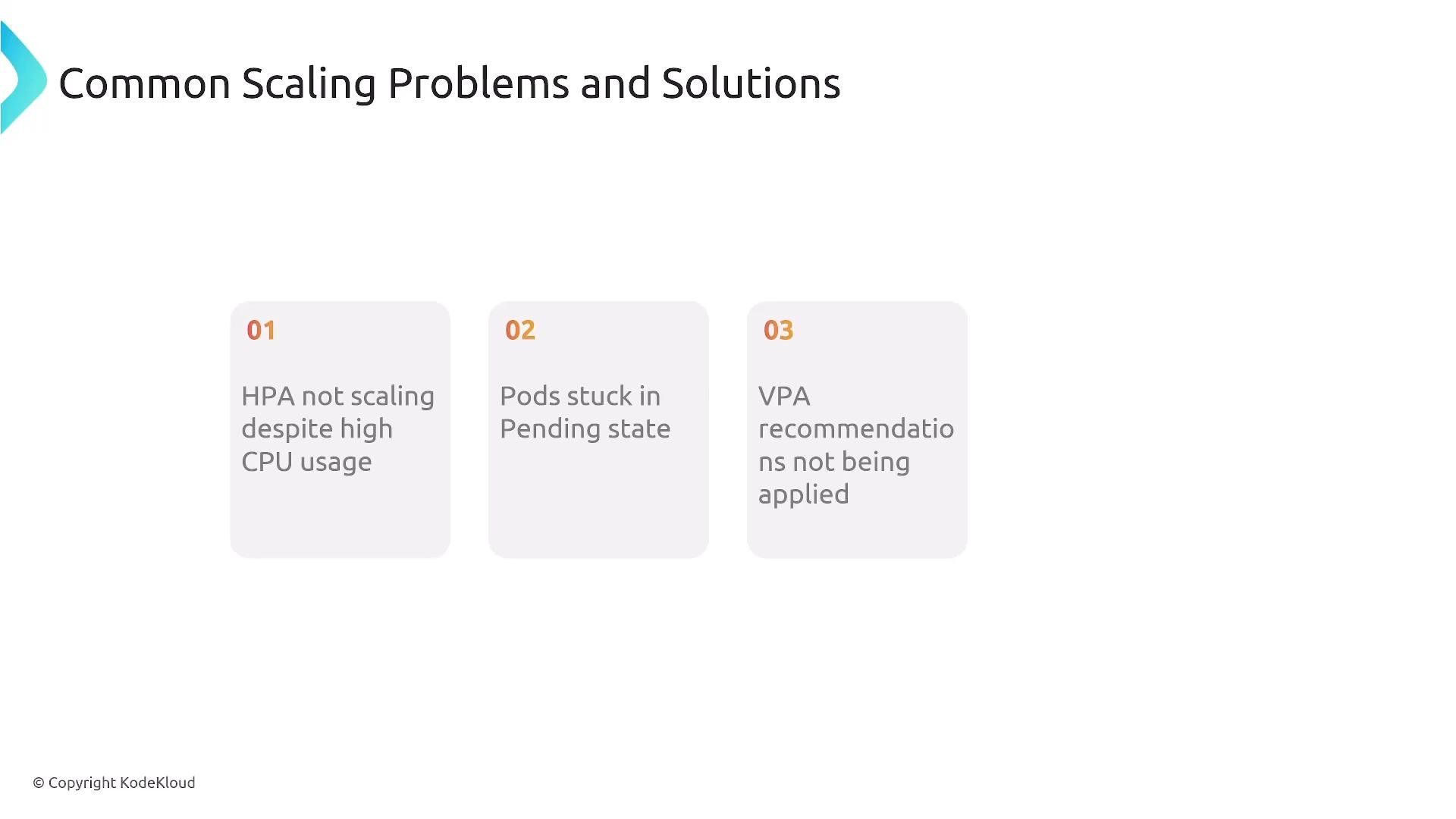
* Missing/incorrect metrics (e.g., HPA not scaling because Metrics Server is down).
* Pods stuck in Pending (requests exceed available node types, quotas, or constraints).
* Cluster Autoscaler issues (permissions/roles or wrong node pools).
* DRA/VPA recommendations not applied due to policies or constraints.
When troubleshooting, verify:
* Cloud credentials and IAM permissions for autoscalers that manage nodes.
* Health of metric pipeline (Metrics Server, Prometheus, external metrics adapter).
* PodDisruptionBudgets, resource quotas, and namespace/cluster policies.
* Pod scheduling constraints and node selectors/taints/tolerations.
Troubleshooting common scaling problems
* Missing/incorrect metrics (e.g., HPA not scaling because Metrics Server is down).
* Pods stuck in Pending (requests exceed available node types, quotas, or constraints).
* Cluster Autoscaler issues (permissions/roles or wrong node pools).
* DRA/VPA recommendations not applied due to policies or constraints.
When troubleshooting, verify:
* Cloud credentials and IAM permissions for autoscalers that manage nodes.
* Health of metric pipeline (Metrics Server, Prometheus, external metrics adapter).
* PodDisruptionBudgets, resource quotas, and namespace/cluster policies.
* Pod scheduling constraints and node selectors/taints/tolerations.
 Common symptom examples
 Best practices for platform engineers
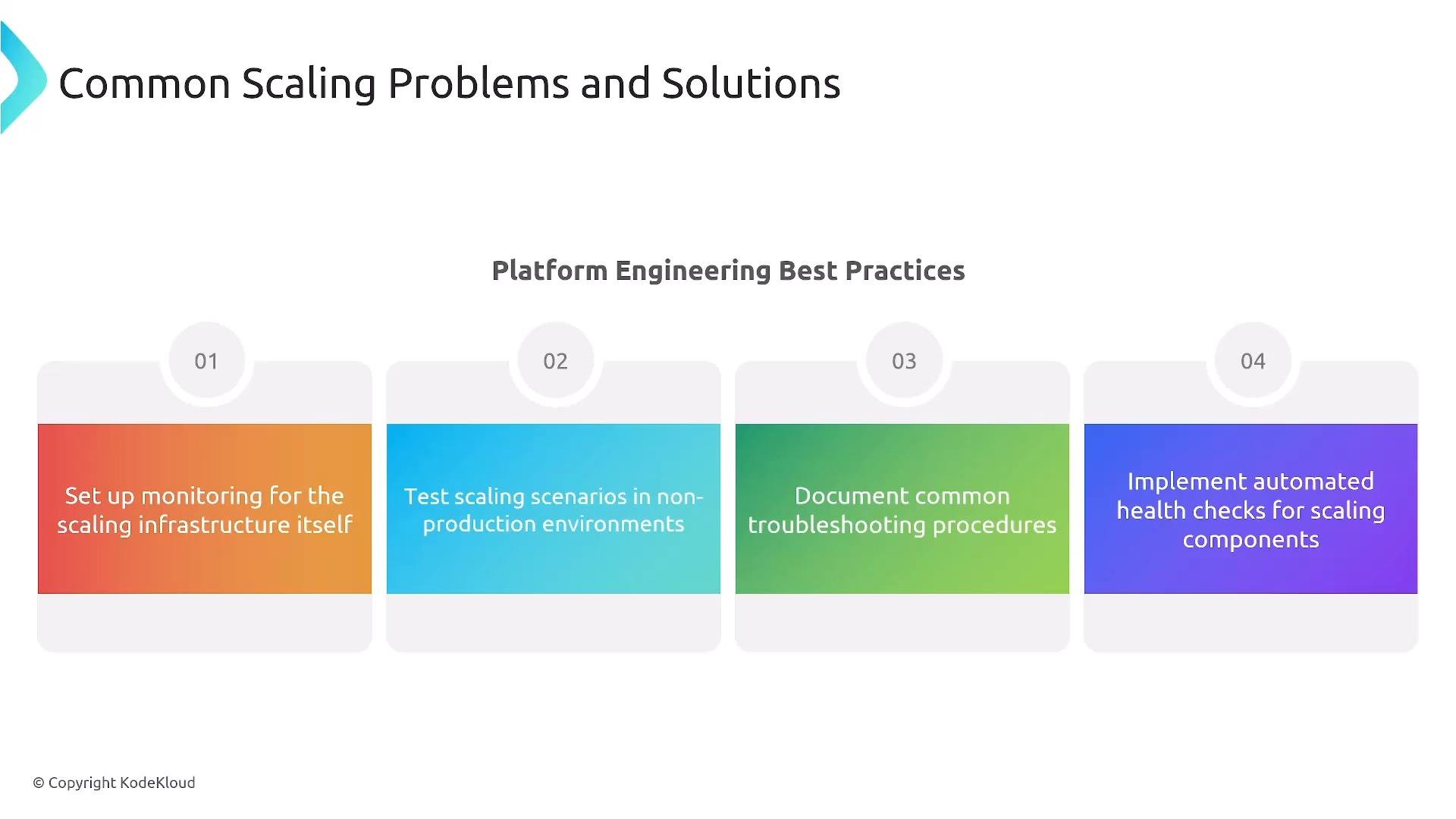
* Monitor the scaling control plane (HPA, Cluster Autoscaler, Karpenter, metrics exporters).
* Test scaling behavior in staging/non-production using load tests.
* Document runbooks and common troubleshooting steps for operators and developers.
* Implement health checks for scaling components (startup, readiness, liveness probes).
* Use resource quotas and limit ranges to prevent noisy neighbors and runaway requests.
Best practices for platform engineers
* Monitor the scaling control plane (HPA, Cluster Autoscaler, Karpenter, metrics exporters).
* Test scaling behavior in staging/non-production using load tests.
* Document runbooks and common troubleshooting steps for operators and developers.
* Implement health checks for scaling components (startup, readiness, liveness probes).
* Use resource quotas and limit ranges to prevent noisy neighbors and runaway requests.
 Key takeaways
* Resource fundamentals: requests determine scheduling; limits determine runtime enforcement.
* Multi-layer scaling: HPA for stateless pods, Cluster Autoscaler/Karpenter for node capacity, KEDA for event-driven/business metrics, and DRA/VPA for dynamic resource sizing where supported.
* Troubleshooting usually involves metrics, permissions, scheduling constraints, or policy conflicts — validate these first.
* Test scaling behavior before production use and automate monitoring + runbooks to reduce incident MTTR.
Be sure autoscalers have correct cloud provider permissions and your metric pipeline is healthy. Missing IAM roles or a downed metrics server are common root causes of autoscaling failures.
Further reading and references
* Kubernetes Concepts: Requests and Limits — [https://kubernetes.io/docs/concepts/configuration/manage-resources-containers/](https://kubernetes.io/docs/concepts/configuration/manage-resources-containers/)
* Horizontal Pod Autoscaler (HPA) — [https://kubernetes.io/docs/tasks/run-application/horizontal-pod-autoscale/](https://kubernetes.io/docs/tasks/run-application/horizontal-pod-autoscale/)
* Cluster Autoscaler — [https://github.com/kubernetes/autoscaler/tree/master/cluster-autoscaler](https://github.com/kubernetes/autoscaler/tree/master/cluster-autoscaler)
* KEDA — [https://keda.sh/](https://keda.sh/)
* Karpenter — [https://karpenter.sh/](https://karpenter.sh/)
* Vertical Pod Autoscaler (VPA) — [https://github.com/kubernetes/autoscaler/tree/master/vertical-pod-autoscaler](https://github.com/kubernetes/autoscaler/tree/master/vertical-pod-autoscaler)
Intelligent resource management lets teams scale reliably, control costs, and deliver consistent user experiences. Thanks for reading this lesson.
This documentation is built and hosted on [Mintlify](https://mintlify.com), a developer documentation platform.
Key takeaways
* Resource fundamentals: requests determine scheduling; limits determine runtime enforcement.
* Multi-layer scaling: HPA for stateless pods, Cluster Autoscaler/Karpenter for node capacity, KEDA for event-driven/business metrics, and DRA/VPA for dynamic resource sizing where supported.
* Troubleshooting usually involves metrics, permissions, scheduling constraints, or policy conflicts — validate these first.
* Test scaling behavior before production use and automate monitoring + runbooks to reduce incident MTTR.
Be sure autoscalers have correct cloud provider permissions and your metric pipeline is healthy. Missing IAM roles or a downed metrics server are common root causes of autoscaling failures.
Further reading and references
* Kubernetes Concepts: Requests and Limits — [https://kubernetes.io/docs/concepts/configuration/manage-resources-containers/](https://kubernetes.io/docs/concepts/configuration/manage-resources-containers/)
* Horizontal Pod Autoscaler (HPA) — [https://kubernetes.io/docs/tasks/run-application/horizontal-pod-autoscale/](https://kubernetes.io/docs/tasks/run-application/horizontal-pod-autoscale/)
* Cluster Autoscaler — [https://github.com/kubernetes/autoscaler/tree/master/cluster-autoscaler](https://github.com/kubernetes/autoscaler/tree/master/cluster-autoscaler)
* KEDA — [https://keda.sh/](https://keda.sh/)
* Karpenter — [https://karpenter.sh/](https://karpenter.sh/)
* Vertical Pod Autoscaler (VPA) — [https://github.com/kubernetes/autoscaler/tree/master/vertical-pod-autoscaler](https://github.com/kubernetes/autoscaler/tree/master/vertical-pod-autoscaler)
Intelligent resource management lets teams scale reliably, control costs, and deliver consistent user experiences. Thanks for reading this lesson.
This documentation is built and hosted on [Mintlify](https://mintlify.com), a developer documentation platform.