> ## Documentation Index
> Fetch the complete documentation index at: https://notes.kodekloud.com/llms.txt
> Use this file to discover all available pages before exploring further.
# Platform Engineering 101
> High-level refresher on platform engineering fundamentals covering containers, Kubernetes, Git, GitOps, and supporting tools for building reliable self-service developer platforms.
Welcome back. This short, optional refresher covers core concepts you’ll rely on in platform engineering: containerization, Kubernetes basics, Git fundamentals, and how GitOps ties them together. If you already use these technologies daily, feel free to mark this complete. Otherwise, this article will quickly rebuild your confidence and point you to further reading.
This is a high-level refresher intended to rebuild confidence. It is not a complete deep dive — take the dedicated [Kubernetes for the Absolute Beginners - Hands-on Tutorial](https://learn.kodekloud.com/user/courses/kubernetes-for-the-absolute-beginners-hands-on-tutorial) or [GIT for Beginners](https://learn.kodekloud.com/user/courses/git-for-beginners) courses if you need more detail.
***
## Containerization basics: containers vs virtual machines
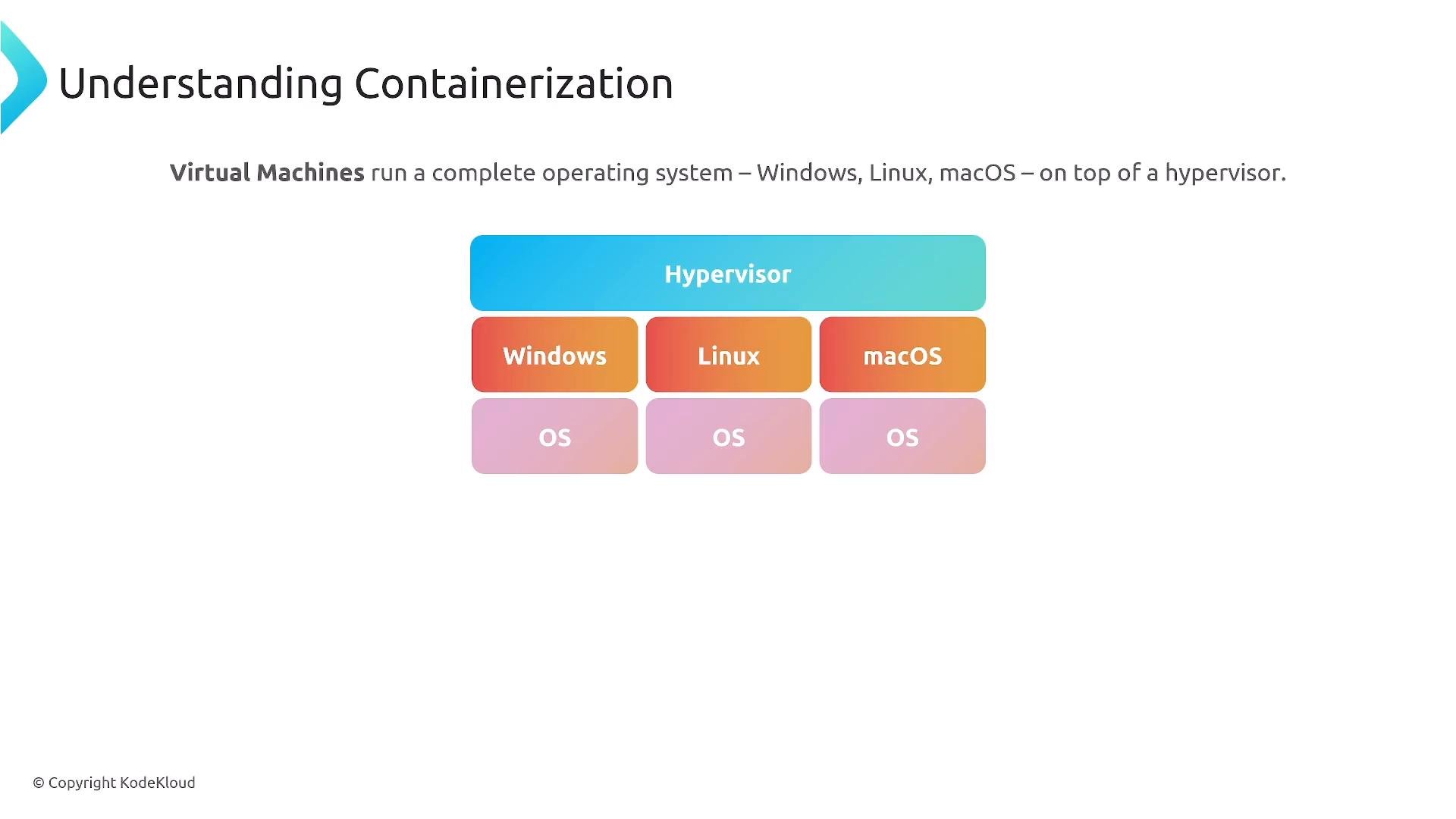
Virtual machines use hypervisor-based OS virtualization: each VM boots a full operating system with its own kernel and userland. That provides strong isolation but increases resource overhead and startup time.
 Containers, by contrast, are process-level virtualization. They package an application and its user-space dependencies while sharing the host kernel. This makes container images smaller, faster to start, and more portable across environments that share the same OS kernel and CPU architecture.
Key constraints to remember:
* Containers share the host kernel: Linux containers need a Linux kernel; Windows containers need a Windows kernel.
* CPU architecture matters: images built for `x86_64` won’t run on ARM hosts without cross-building or emulation.
Containers are portable across similar OS and architecture families but are not OS-agnostic. Always match your container image OS/architecture to the target host.
Containers, by contrast, are process-level virtualization. They package an application and its user-space dependencies while sharing the host kernel. This makes container images smaller, faster to start, and more portable across environments that share the same OS kernel and CPU architecture.
Key constraints to remember:
* Containers share the host kernel: Linux containers need a Linux kernel; Windows containers need a Windows kernel.
* CPU architecture matters: images built for `x86_64` won’t run on ARM hosts without cross-building or emulation.
Containers are portable across similar OS and architecture families but are not OS-agnostic. Always match your container image OS/architecture to the target host.
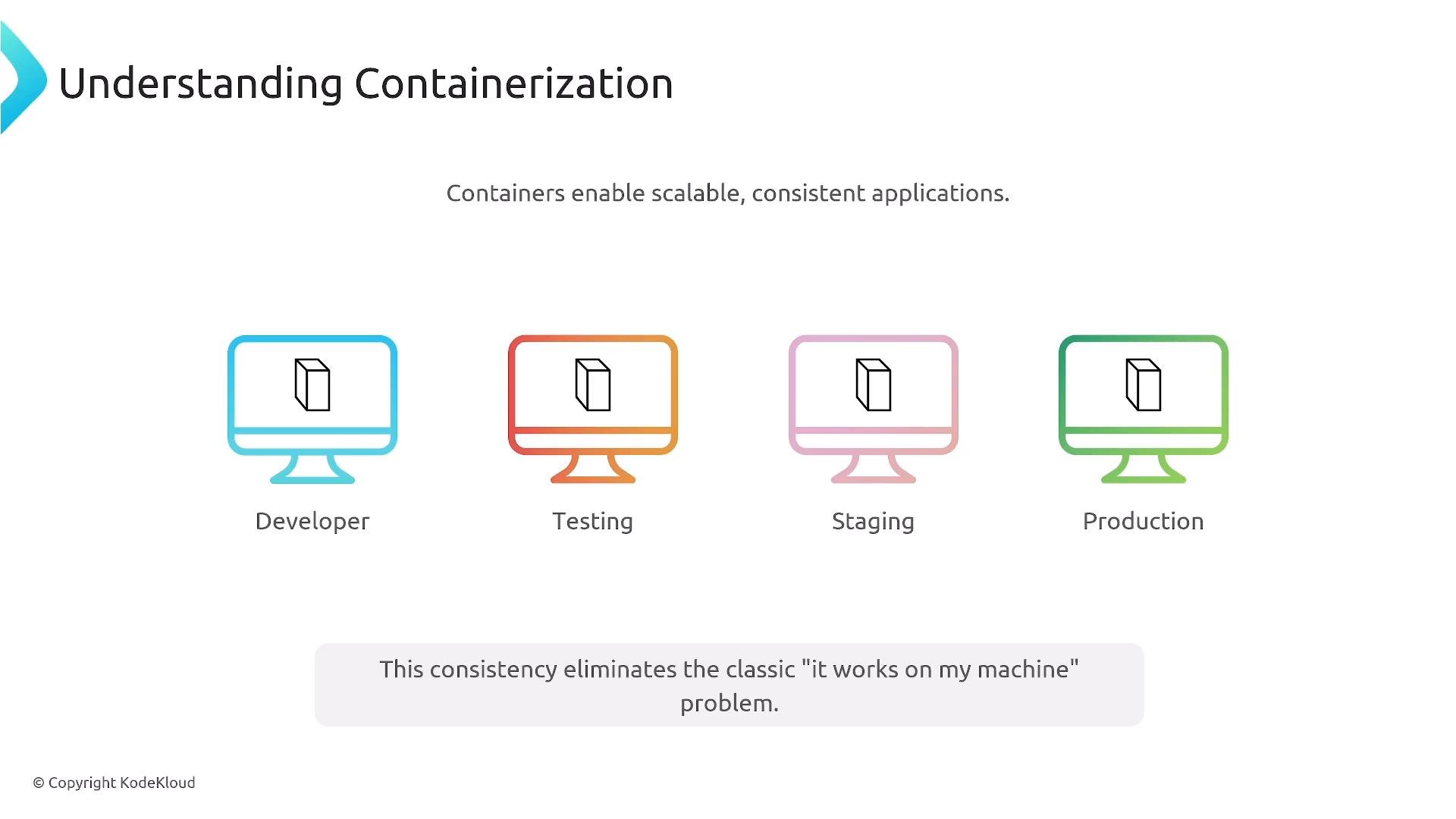
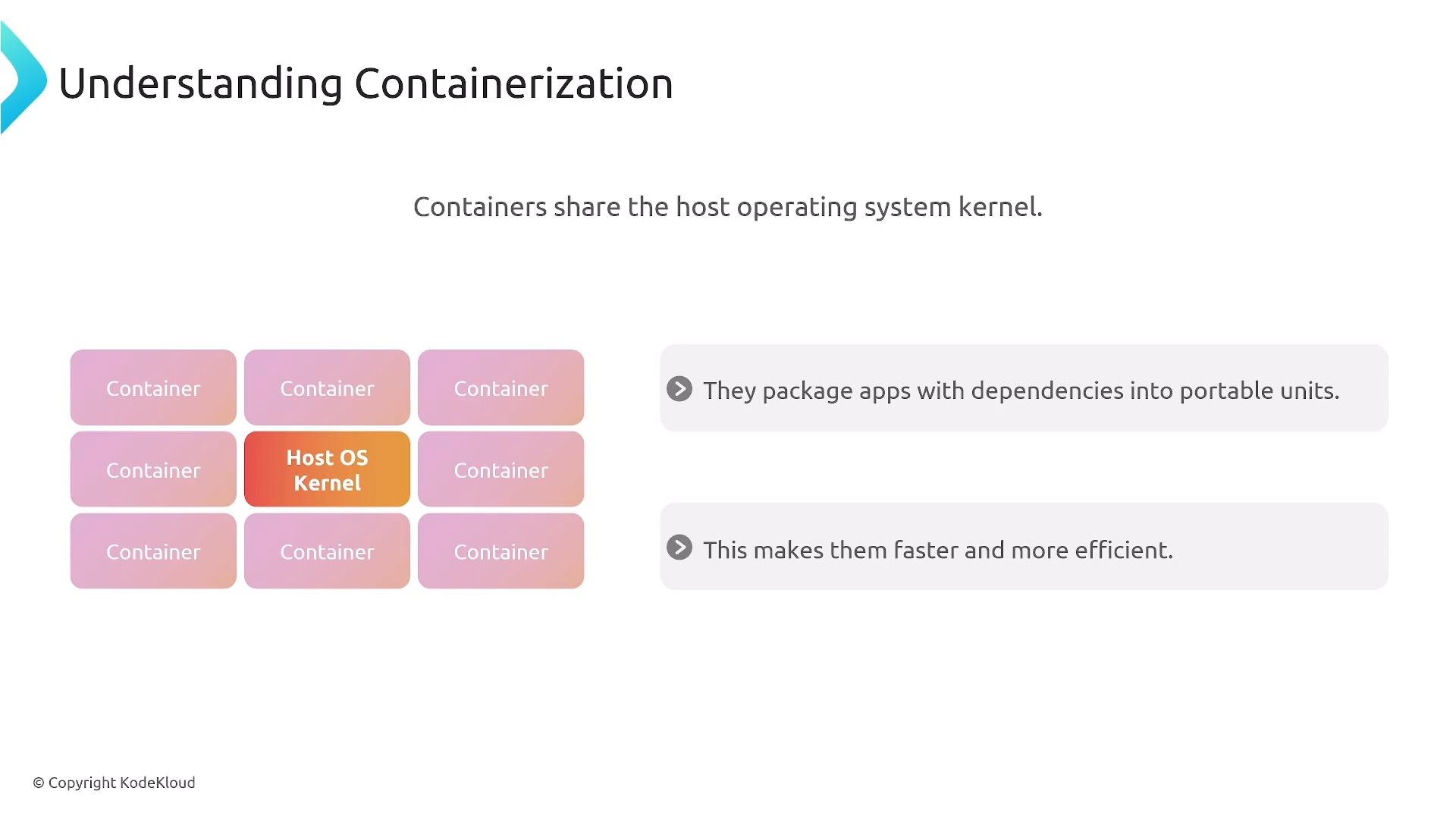 Because containers include the runtime and dependencies, they greatly reduce the “it works on my machine” problem: the same image a developer builds locally can run in testing, staging, or production—so long as the target environment supports the same kernel and architecture.
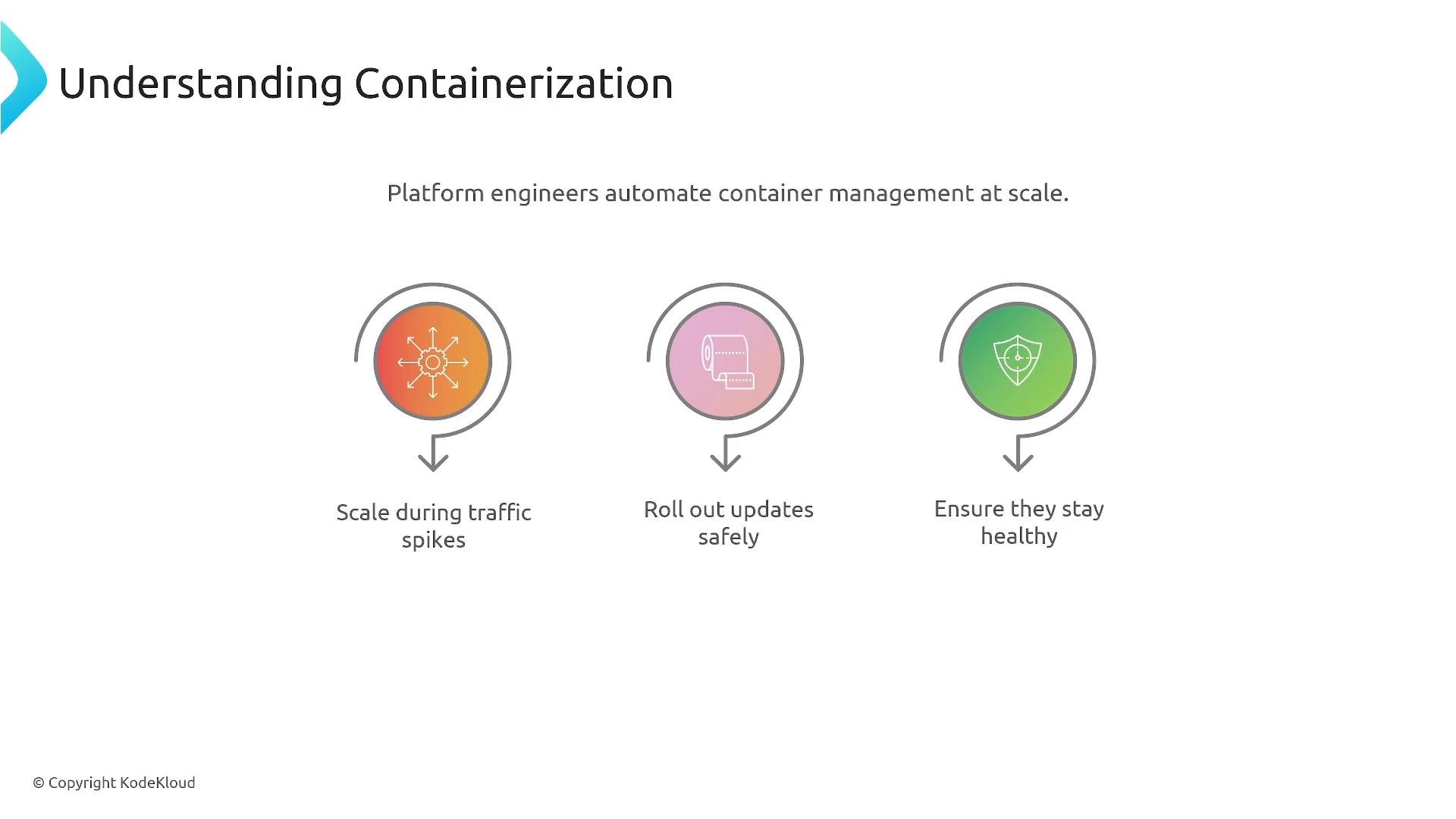
 At scale, platform engineers must manage:
* Autoscaling and capacity planning
* Safe rollouts and rollbacks
* Continuous health monitoring and observability
While Docker made containers easy for developers, production-grade reliability requires orchestration.
At scale, platform engineers must manage:
* Autoscaling and capacity planning
* Safe rollouts and rollbacks
* Continuous health monitoring and observability
While Docker made containers easy for developers, production-grade reliability requires orchestration.
 ***
## What is Kubernetes? — orchestration for containerized apps
Kubernetes is the leading open-source system for automating deployment, scaling, and management of containerized applications. It orchestrates containers across a cluster, providing features such as self-healing, rolling updates, horizontal autoscaling, and resource scheduling. For platform engineering, Kubernetes is often the runtime layer that enables self-service and operational controls.
***
## What is Kubernetes? — orchestration for containerized apps
Kubernetes is the leading open-source system for automating deployment, scaling, and management of containerized applications. It orchestrates containers across a cluster, providing features such as self-healing, rolling updates, horizontal autoscaling, and resource scheduling. For platform engineering, Kubernetes is often the runtime layer that enables self-service and operational controls.
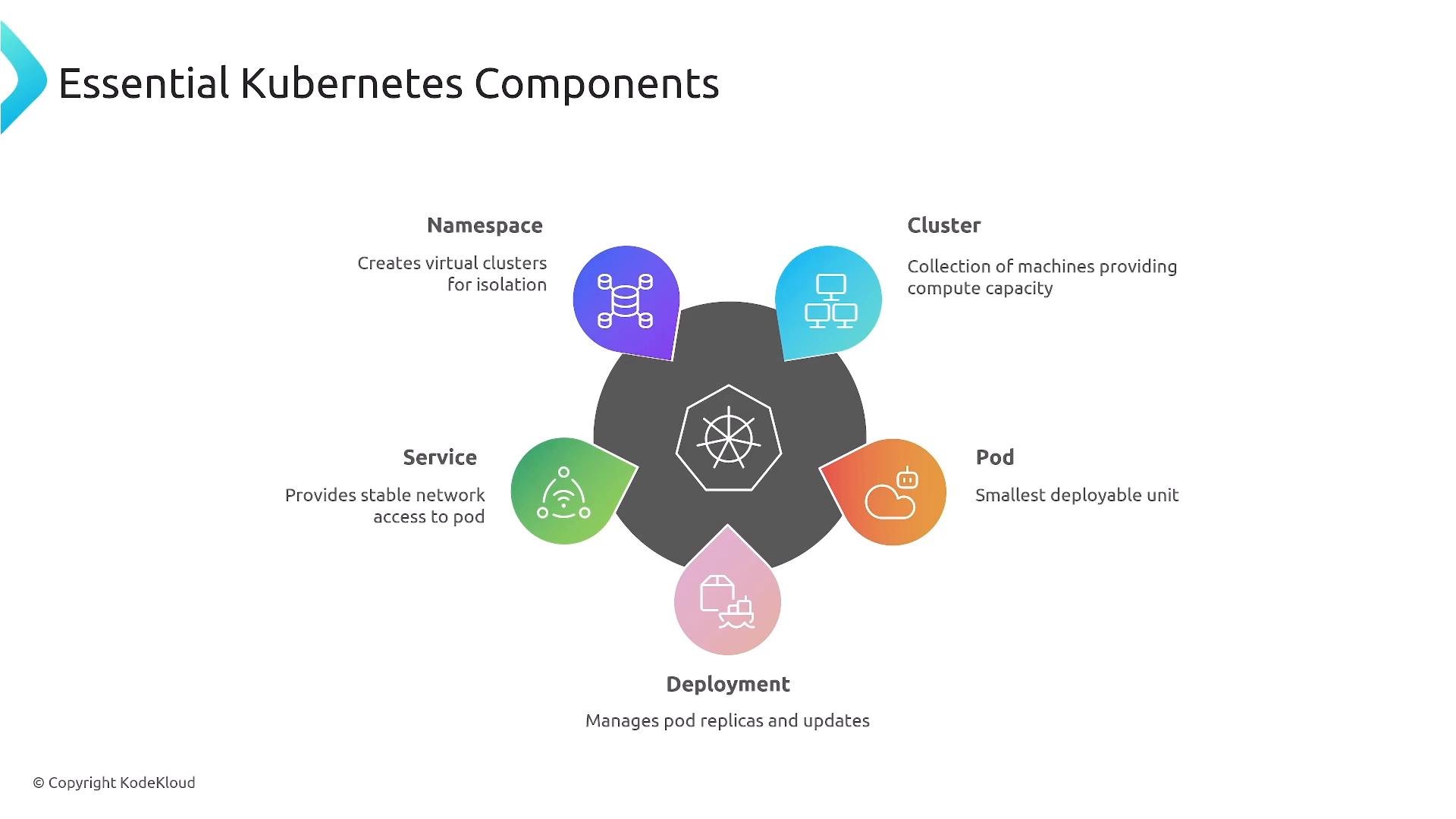 Core Kubernetes objects and their roles:
| Resource Type | Purpose | Example / Notes |
| -: | - | - |
| Cluster | Collection of nodes that run workloads | Managed by cloud providers or self-hosted |
| Pod | Smallest deployable unit; one or more containers share network/storage | Pods are ephemeral; address pods via Services |
| Deployment | Declarative controller for stateless replicas and rolling updates | `kubectl apply -f deployment.yaml` |
| StatefulSet | Manages stateful apps with stable IDs and persistent storage | Databases, stateful services |
| DaemonSet | Ensures a copy of a pod runs on every (or selected) node | Node-level agents (logging, monitoring) |
| Service | Stable network access to a set of pods (ClusterIP, NodePort, LoadBalancer) | Decouples clients from pod IPs |
| Namespace | Logical partitioning and access isolation within a cluster | Use for teams, environments, or tenants |
| Ingress / L7 proxies | Layer-7 routing, host/path rules, TLS termination | Often backed by controllers (NGINX, Traefik) |
Common operational commands used in platform engineering:
```bash theme={null}
# Apply a manifest (create/update resources)
kubectl apply -f deployment.yaml
# Inspect pods in a namespace
kubectl get pods -n my-namespace
```
For more details, see the official Kubernetes documentation: [https://kubernetes.io/docs/](https://kubernetes.io/docs/)
***
## Git fundamentals and Infrastructure as Code (IaC)
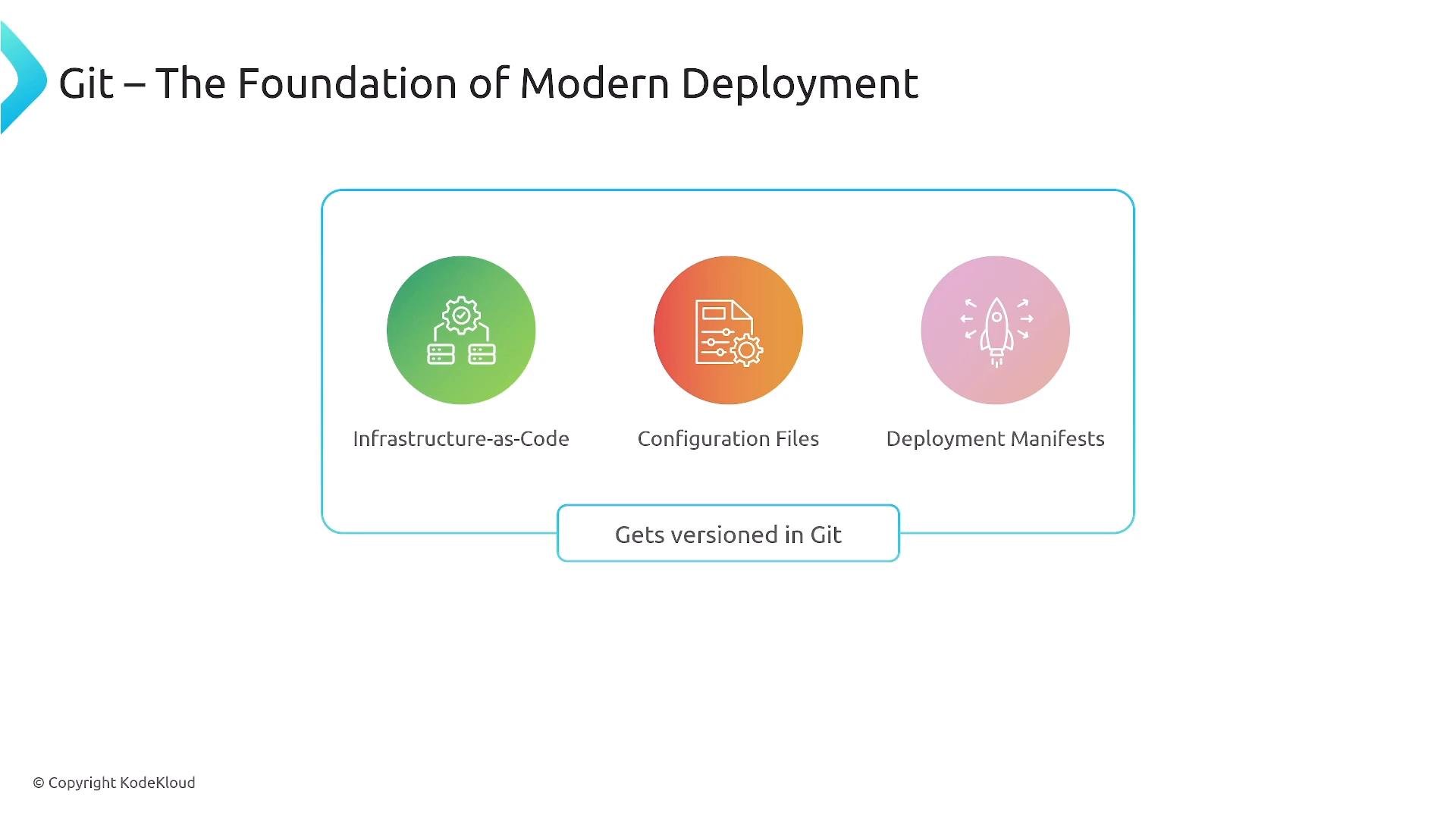
Git is a distributed version control system used to track changes, collaborate, and store history. Platform engineering relies on Git to version-control deployment manifests, configuration, and infrastructure-as-code templates so changes are auditable, reversible, and automatable.
Typical Git workflow (concise):
```bash theme={null}
# Clone a remote repository
git clone git@github.com:org/repo.git
# Create a feature branch and work
git checkout -b feature/my-change
git add .
git commit -m "Describe change"
# Push the branch to the remote
git push -u origin feature/my-change
# Update your local branch with the latest remote changes
git pull --rebase
```
Core Kubernetes objects and their roles:
| Resource Type | Purpose | Example / Notes |
| -: | - | - |
| Cluster | Collection of nodes that run workloads | Managed by cloud providers or self-hosted |
| Pod | Smallest deployable unit; one or more containers share network/storage | Pods are ephemeral; address pods via Services |
| Deployment | Declarative controller for stateless replicas and rolling updates | `kubectl apply -f deployment.yaml` |
| StatefulSet | Manages stateful apps with stable IDs and persistent storage | Databases, stateful services |
| DaemonSet | Ensures a copy of a pod runs on every (or selected) node | Node-level agents (logging, monitoring) |
| Service | Stable network access to a set of pods (ClusterIP, NodePort, LoadBalancer) | Decouples clients from pod IPs |
| Namespace | Logical partitioning and access isolation within a cluster | Use for teams, environments, or tenants |
| Ingress / L7 proxies | Layer-7 routing, host/path rules, TLS termination | Often backed by controllers (NGINX, Traefik) |
Common operational commands used in platform engineering:
```bash theme={null}
# Apply a manifest (create/update resources)
kubectl apply -f deployment.yaml
# Inspect pods in a namespace
kubectl get pods -n my-namespace
```
For more details, see the official Kubernetes documentation: [https://kubernetes.io/docs/](https://kubernetes.io/docs/)
***
## Git fundamentals and Infrastructure as Code (IaC)
Git is a distributed version control system used to track changes, collaborate, and store history. Platform engineering relies on Git to version-control deployment manifests, configuration, and infrastructure-as-code templates so changes are auditable, reversible, and automatable.
Typical Git workflow (concise):
```bash theme={null}
# Clone a remote repository
git clone git@github.com:org/repo.git
# Create a feature branch and work
git checkout -b feature/my-change
git add .
git commit -m "Describe change"
# Push the branch to the remote
git push -u origin feature/my-change
# Update your local branch with the latest remote changes
git pull --rebase
```
 Useful Git resources:
* Git documentation: [https://git-scm.com/doc](https://git-scm.com/doc)
* Guides on branching strategies and pull requests for collaboration
***
## GitOps: Git as the single source of truth
GitOps is an operational model where Git repositories hold the declarative desired state for infrastructure and applications. Automated controllers (GitOps agents) observe Git and reconcile the cluster’s actual state to match the desired state stored in Git. This makes deployments auditable, reproducible, and observable.
Key benefits:
* Declarative deployments and rollbacks
* Clear audit trail (who changed what and when)
* Faster recovery via reverting commits
Caveat: configuration drift can still happen if manual changes are made directly to clusters. GitOps lowers that risk by making Git the primary change channel.
Useful Git resources:
* Git documentation: [https://git-scm.com/doc](https://git-scm.com/doc)
* Guides on branching strategies and pull requests for collaboration
***
## GitOps: Git as the single source of truth
GitOps is an operational model where Git repositories hold the declarative desired state for infrastructure and applications. Automated controllers (GitOps agents) observe Git and reconcile the cluster’s actual state to match the desired state stored in Git. This makes deployments auditable, reproducible, and observable.
Key benefits:
* Declarative deployments and rollbacks
* Clear audit trail (who changed what and when)
* Faster recovery via reverting commits
Caveat: configuration drift can still happen if manual changes are made directly to clusters. GitOps lowers that risk by making Git the primary change channel.
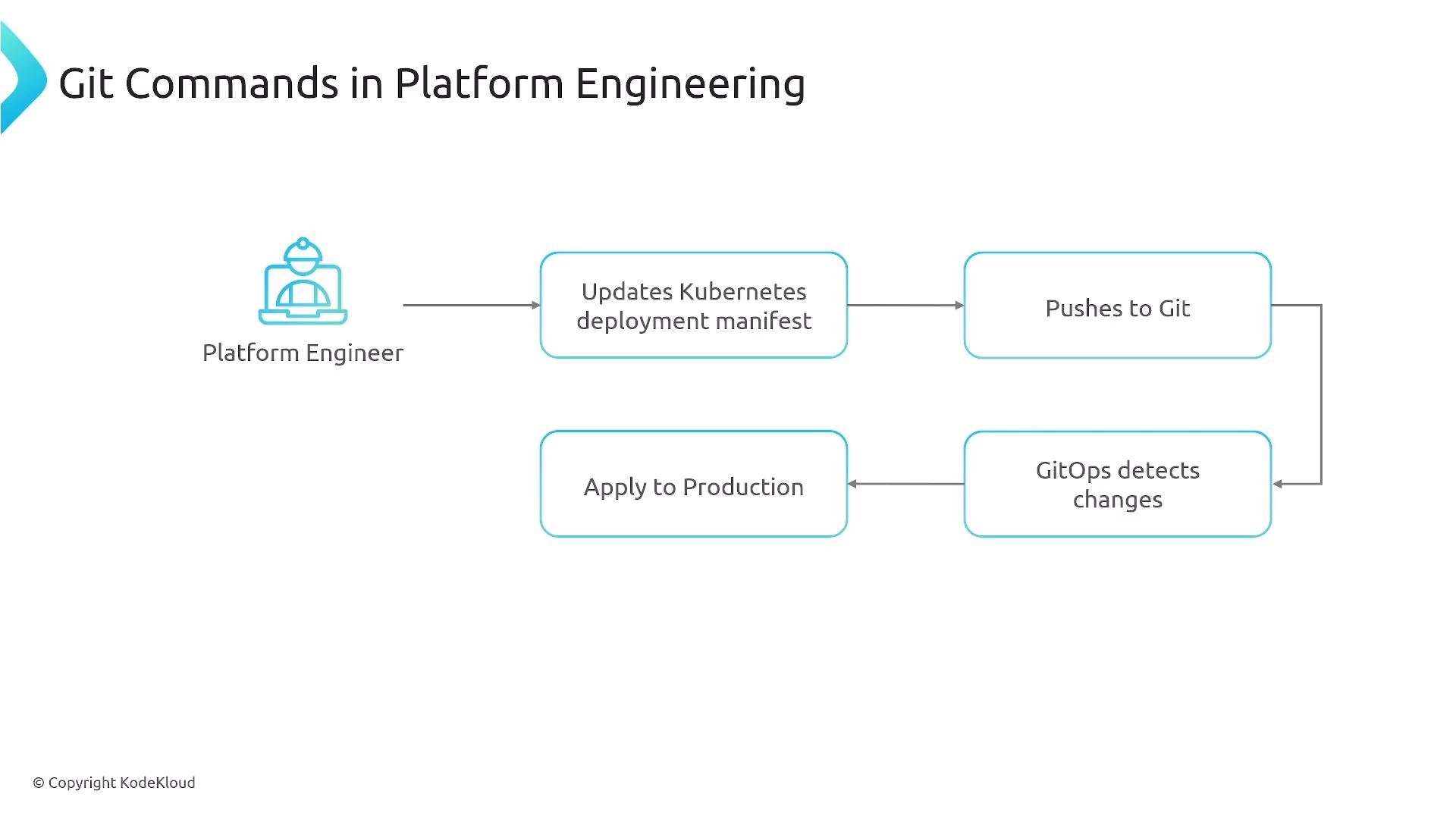 Recommended GitOps controllers and resources:
* Argo CD: [https://argoproj.github.io/argo-cd/](https://argoproj.github.io/argo-cd/)
* Flux: [https://fluxcd.io/](https://fluxcd.io/)
* GitOps overview (Weaveworks): [https://www.weave.works/technologies/gitops/](https://www.weave.works/technologies/gitops/)
***
## Core tools that power platform engineering
Containers, Kubernetes, Git, and GitOps are the backbone of many platform engineering initiatives. Around them, platform teams integrate supporting capabilities to create a reliable, self-service developer platform:
* Service catalogs and platform APIs
* Observability (metrics, traces, logs)
* Security: vulnerability scanning, runtime protection
* Cost management and autoscaling controls
* CI/CD pipelines and image registries
Recommended GitOps controllers and resources:
* Argo CD: [https://argoproj.github.io/argo-cd/](https://argoproj.github.io/argo-cd/)
* Flux: [https://fluxcd.io/](https://fluxcd.io/)
* GitOps overview (Weaveworks): [https://www.weave.works/technologies/gitops/](https://www.weave.works/technologies/gitops/)
***
## Core tools that power platform engineering
Containers, Kubernetes, Git, and GitOps are the backbone of many platform engineering initiatives. Around them, platform teams integrate supporting capabilities to create a reliable, self-service developer platform:
* Service catalogs and platform APIs
* Observability (metrics, traces, logs)
* Security: vulnerability scanning, runtime protection
* Cost management and autoscaling controls
* CI/CD pipelines and image registries
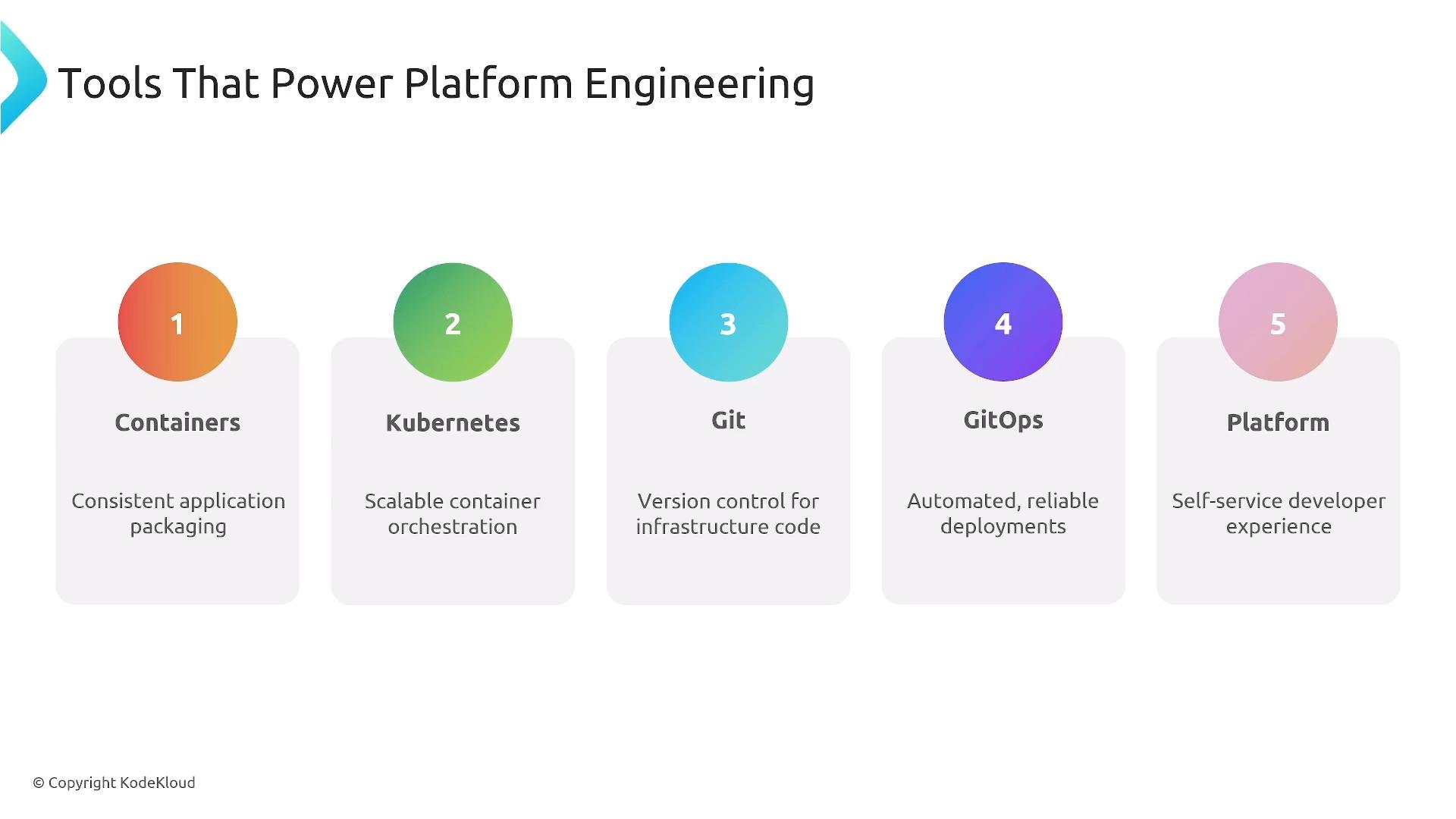 This lesson establishes the foundations. From here, explore deeper topics in upcoming lessons: service catalogs, security and compliance, observability, autoscaling, and creating developer self-service. Thanks for reading.
This documentation is built and hosted on [Mintlify](https://mintlify.com), a developer documentation platform.
This lesson establishes the foundations. From here, explore deeper topics in upcoming lessons: service catalogs, security and compliance, observability, autoscaling, and creating developer self-service. Thanks for reading.
This documentation is built and hosted on [Mintlify](https://mintlify.com), a developer documentation platform.