> ## Documentation Index
> Fetch the complete documentation index at: https://notes.kodekloud.com/llms.txt
> Use this file to discover all available pages before exploring further.
# Getting Started with AWS Cloud management
> Guide to AWS cloud cost management covering tracking and allocation, budgeting and monitoring, and optimization strategies to reduce waste and maximize savings.
Welcome back.
In this lesson we’ll simplify managing AWS cloud costs so you can reduce waste, improve forecasting, and get more value from every dollar spent. This guide is aimed at cloud engineers, FinOps practitioners, and platform owners who want a practical roadmap for cloud cost management.
We’ll organize the material around three core pillars for effective AWS cost control:
* Track and Allocate
* Plan and Monitor
* Optimize and Save
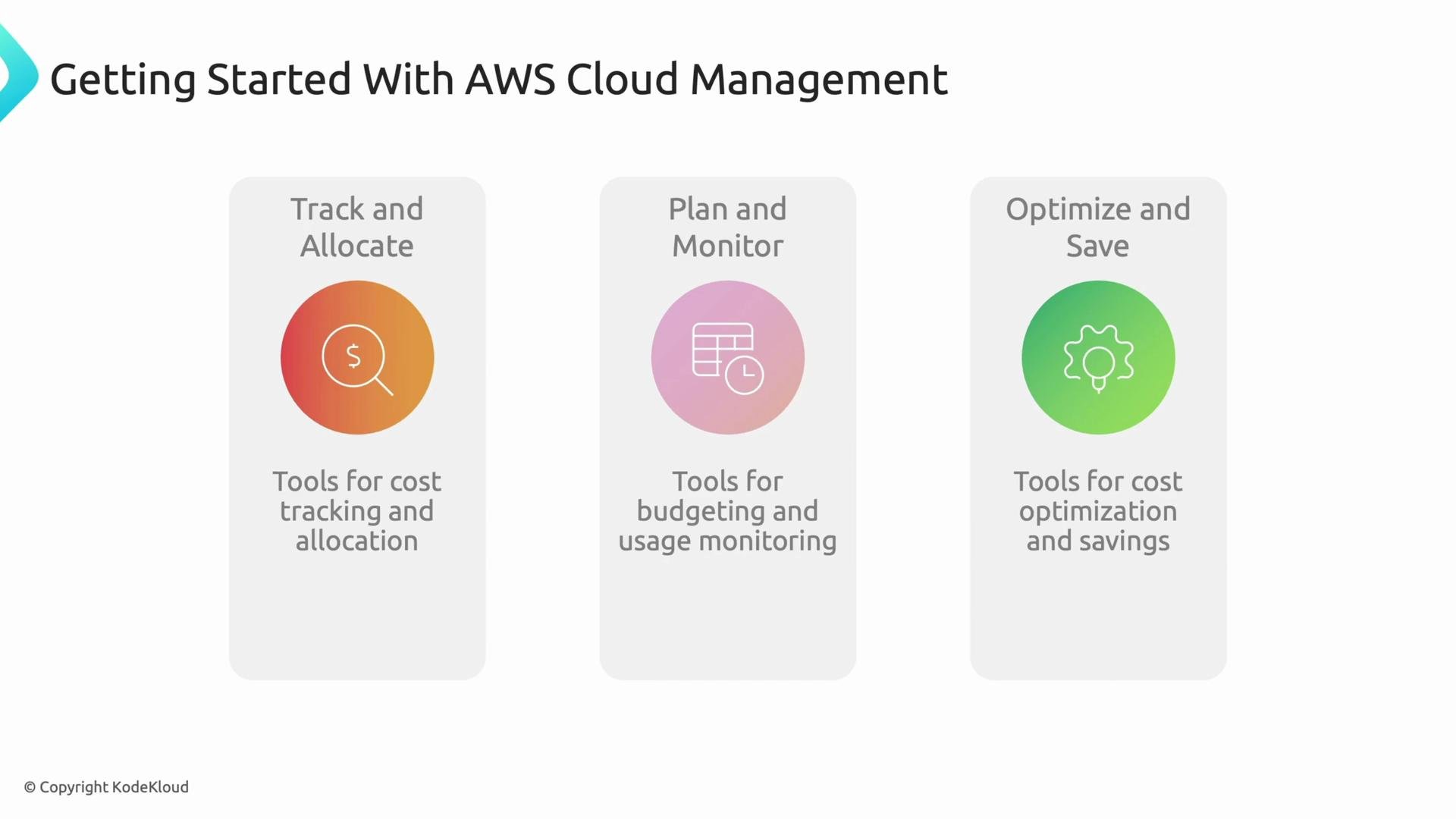 Each pillar describes the capabilities, AWS services, and practical actions you can adopt to tighten governance, enable accountability, and capture savings. The sequence matters: measurement enables planning, and planning enables optimization.
***
## Pillar 1 — Track and Allocate
Start by establishing high-fidelity visibility into where costs originate. Without accurate data and consistent metadata, downstream budgeting, forecasting, and optimization are undermined.
Key capabilities and services:
* AWS Cost and Usage Reports (CUR): export line-item billing and usage data for analytics and long-term storage.
* Cost allocation tags: apply consistent `project`, `team`, `environment`, or `owner` tags to enable precise cost filtering and reporting.
* AWS Cost Explorer: interactive visualization to explore historical spend, group by tag/service, and identify trends.
Each pillar describes the capabilities, AWS services, and practical actions you can adopt to tighten governance, enable accountability, and capture savings. The sequence matters: measurement enables planning, and planning enables optimization.
***
## Pillar 1 — Track and Allocate
Start by establishing high-fidelity visibility into where costs originate. Without accurate data and consistent metadata, downstream budgeting, forecasting, and optimization are undermined.
Key capabilities and services:
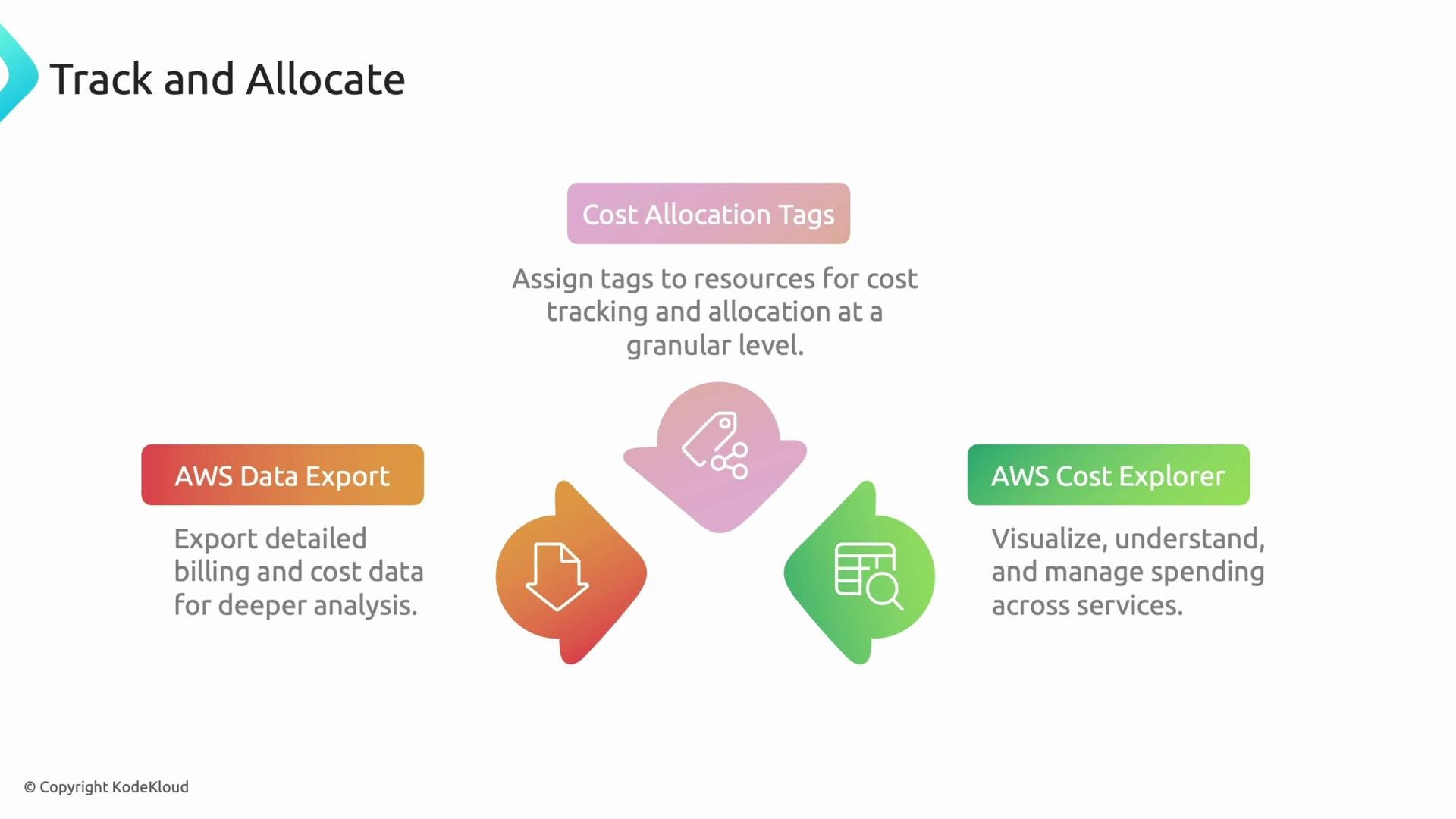
* AWS Cost and Usage Reports (CUR): export line-item billing and usage data for analytics and long-term storage.
* Cost allocation tags: apply consistent `project`, `team`, `environment`, or `owner` tags to enable precise cost filtering and reporting.
* AWS Cost Explorer: interactive visualization to explore historical spend, group by tag/service, and identify trends.
 Advanced allocation features:
* AWS Billing Conductor: create custom billing views and pricing rules for teams, useful for internal invoicing.
* AWS Cost Categories: map accounts and services into business-relevant groups (e.g., production vs. development).
* Split charge allocation: distribute shared infrastructure costs (data lake, networking) across cost centers.
Table — Tracking and allocation at a glance:
| Capability | Purpose | Where to start |
| -------------------------- | ---------------------------------------------------: | ---------------------------------------------------------- |
| Cost & Usage Reports (CUR) | Line-item export for analytics and long-term storage | Enable CUR in the Billing console and export to S3 |
| Cost allocation tags | Attribute spend to teams/projects/environments | Define a tagging taxonomy and enforce via IaC and policies |
| Cost Explorer | Visualize historical spend and trends | Use groups and filters to validate tag coverage |
| Billing Conductor | Custom billing views / internal chargebacks | Create pricing rules for internal teams |
| Cost Categories | Logical grouping of spend | Map accounts/services to business groups |
Chargeback vs showback — quick definitions:
* Chargeback: assigning costs back to the consuming team or business unit, often with an internal invoice.
* Showback: reporting consumption and costs to teams without issuing internal invoices.
Both patterns depend on consistent tagging and reliable Cost and Usage Reports.
***
## Pillar 2 — Plan and Monitor
With measurement in place, use planning and monitoring to prevent surprises and align spend to business priorities.
Core tools and patterns:
* AWS Budgets: set cost, usage, or savings-plan/RI utilization budgets and trigger alerts or automated actions when thresholds are reached.
* AWS Pricing Calculator: model the expected cost of an architecture before deployment to compare design alternatives.
* AWS Cost Anomaly Detection: machine learning-driven monitoring that detects unusual spending patterns and sends alerts (e.g., unexpected S3 egress or EC2 runtime increases).
Advanced allocation features:
* AWS Billing Conductor: create custom billing views and pricing rules for teams, useful for internal invoicing.
* AWS Cost Categories: map accounts and services into business-relevant groups (e.g., production vs. development).
* Split charge allocation: distribute shared infrastructure costs (data lake, networking) across cost centers.
Table — Tracking and allocation at a glance:
| Capability | Purpose | Where to start |
| -------------------------- | ---------------------------------------------------: | ---------------------------------------------------------- |
| Cost & Usage Reports (CUR) | Line-item export for analytics and long-term storage | Enable CUR in the Billing console and export to S3 |
| Cost allocation tags | Attribute spend to teams/projects/environments | Define a tagging taxonomy and enforce via IaC and policies |
| Cost Explorer | Visualize historical spend and trends | Use groups and filters to validate tag coverage |
| Billing Conductor | Custom billing views / internal chargebacks | Create pricing rules for internal teams |
| Cost Categories | Logical grouping of spend | Map accounts/services to business groups |
Chargeback vs showback — quick definitions:
* Chargeback: assigning costs back to the consuming team or business unit, often with an internal invoice.
* Showback: reporting consumption and costs to teams without issuing internal invoices.
Both patterns depend on consistent tagging and reliable Cost and Usage Reports.
***
## Pillar 2 — Plan and Monitor
With measurement in place, use planning and monitoring to prevent surprises and align spend to business priorities.
Core tools and patterns:
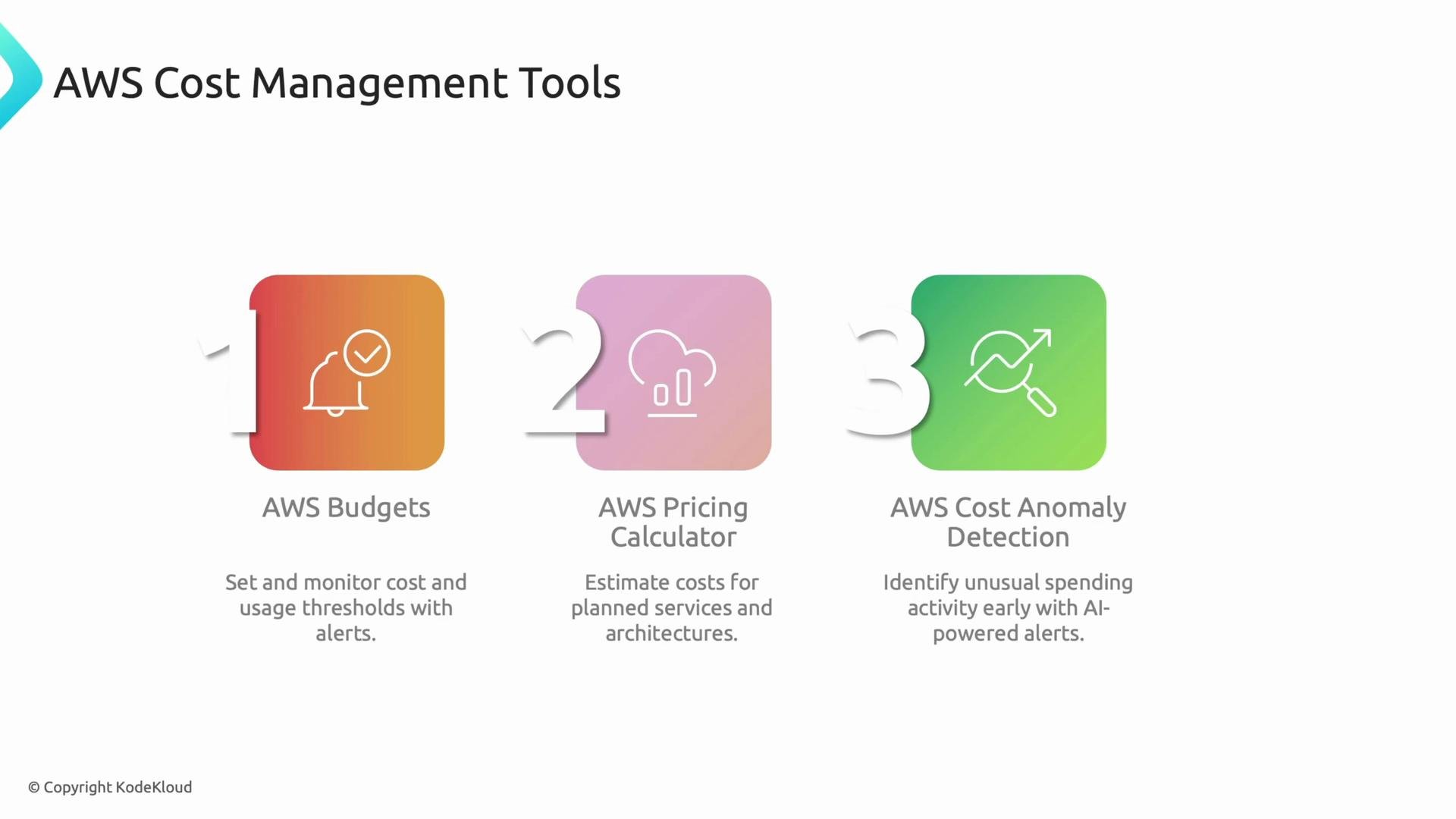
* AWS Budgets: set cost, usage, or savings-plan/RI utilization budgets and trigger alerts or automated actions when thresholds are reached.
* AWS Pricing Calculator: model the expected cost of an architecture before deployment to compare design alternatives.
* AWS Cost Anomaly Detection: machine learning-driven monitoring that detects unusual spending patterns and sends alerts (e.g., unexpected S3 egress or EC2 runtime increases).
 How these components work together:
* Budgets provide thresholds and automated responses.
* Pricing Calculator gives pre-deployment cost estimates to inform architecture choices.
* Anomaly Detection surfaces unexpected usage so teams can investigate quickly.
Recommended quick wins:
* Create monthly budgets for top-level cost centers and subscribe Slack/email alerts.
* Use the Pricing Calculator for any significant new project or environment.
* Enable Cost Anomaly Detection with notification channels tied to on-call or billing owners.
***
## Pillar 3 — Optimize and Save
Once you can measure and forecast, take targeted actions to reduce costs while maintaining performance and reliability.
Primary optimization tools:
* AWS Compute Optimizer: analyzes historical utilization (EC2, Auto Scaling groups, EBS, Lambda, and more) and recommends right-sizing and instance family/type changes.
* Purchase recommendations (Reserved Instances / Savings Plans): identify where committed use discounts yield the best ROI for steady workloads.
How these components work together:
* Budgets provide thresholds and automated responses.
* Pricing Calculator gives pre-deployment cost estimates to inform architecture choices.
* Anomaly Detection surfaces unexpected usage so teams can investigate quickly.
Recommended quick wins:
* Create monthly budgets for top-level cost centers and subscribe Slack/email alerts.
* Use the Pricing Calculator for any significant new project or environment.
* Enable Cost Anomaly Detection with notification channels tied to on-call or billing owners.
***
## Pillar 3 — Optimize and Save
Once you can measure and forecast, take targeted actions to reduce costs while maintaining performance and reliability.
Primary optimization tools:
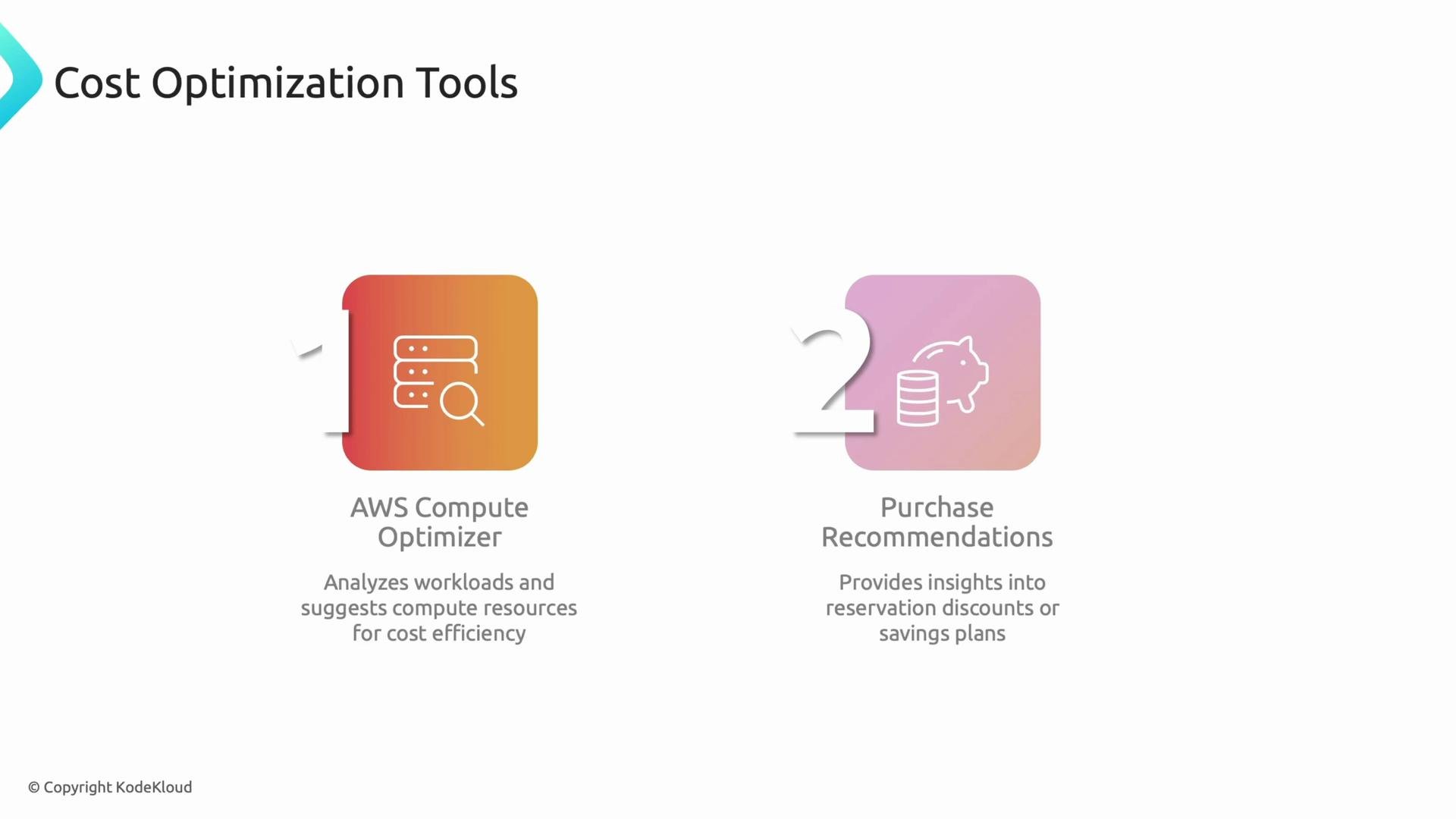
* AWS Compute Optimizer: analyzes historical utilization (EC2, Auto Scaling groups, EBS, Lambda, and more) and recommends right-sizing and instance family/type changes.
* Purchase recommendations (Reserved Instances / Savings Plans): identify where committed use discounts yield the best ROI for steady workloads.
 Practical optimization workflow:
1. Use CUR + Cost Explorer to find high-spend services and anomalous trends.
2. Run Compute Optimizer and review right-sizing recommendations.
3. Consider architectural changes (e.g., move batch jobs to spot instances, adopt serverless or managed services).
4. For stable consumption, evaluate Savings Plans or Reserved Instances and model payback periods.
Tip: Optimization is iterative — track the impact of any change in your CUR and adjust budgets and forecasts accordingly.
***
## Wrap-up
This lesson mapped AWS services and practical steps to three pillars of cloud cost management: Track and Allocate, Plan and Monitor, and Optimize and Save. For most teams, tagging and enabling Cost and Usage Reports are foundational because they unlock accurate reporting, budgeting, and optimization.
Further reading and references:
* AWS Cost and Usage Reports: [https://docs.aws.amazon.com/awssupport/latest/user/cost-reports.html](https://docs.aws.amazon.com/awssupport/latest/user/cost-reports.html)
* AWS Budgets: [https://docs.aws.amazon.com/cost-management/latest/userguide/budgets-managing-costs.html](https://docs.aws.amazon.com/cost-management/latest/userguide/budgets-managing-costs.html)
* AWS Pricing Calculator: [https://calculator.aws/](https://calculator.aws/)
* AWS Cost Explorer: [https://docs.aws.amazon.com/cost-management/latest/userguide/ce-what-is.html](https://docs.aws.amazon.com/cost-management/latest/userguide/ce-what-is.html)
* AWS Compute Optimizer: [https://docs.aws.amazon.com/compute-optimizer/latest/guide/what-is.html](https://docs.aws.amazon.com/compute-optimizer/latest/guide/what-is.html)
In the next lesson we will shift focus to managing costs on [Google Cloud Platform (GCP)](https://learn.kodekloud.com/user/courses/gcp-cloud-digital-leader-certification).
That’s it for this lesson — see you in the next one.
Practical optimization workflow:
1. Use CUR + Cost Explorer to find high-spend services and anomalous trends.
2. Run Compute Optimizer and review right-sizing recommendations.
3. Consider architectural changes (e.g., move batch jobs to spot instances, adopt serverless or managed services).
4. For stable consumption, evaluate Savings Plans or Reserved Instances and model payback periods.
Tip: Optimization is iterative — track the impact of any change in your CUR and adjust budgets and forecasts accordingly.
***
## Wrap-up
This lesson mapped AWS services and practical steps to three pillars of cloud cost management: Track and Allocate, Plan and Monitor, and Optimize and Save. For most teams, tagging and enabling Cost and Usage Reports are foundational because they unlock accurate reporting, budgeting, and optimization.
Further reading and references:
* AWS Cost and Usage Reports: [https://docs.aws.amazon.com/awssupport/latest/user/cost-reports.html](https://docs.aws.amazon.com/awssupport/latest/user/cost-reports.html)
* AWS Budgets: [https://docs.aws.amazon.com/cost-management/latest/userguide/budgets-managing-costs.html](https://docs.aws.amazon.com/cost-management/latest/userguide/budgets-managing-costs.html)
* AWS Pricing Calculator: [https://calculator.aws/](https://calculator.aws/)
* AWS Cost Explorer: [https://docs.aws.amazon.com/cost-management/latest/userguide/ce-what-is.html](https://docs.aws.amazon.com/cost-management/latest/userguide/ce-what-is.html)
* AWS Compute Optimizer: [https://docs.aws.amazon.com/compute-optimizer/latest/guide/what-is.html](https://docs.aws.amazon.com/compute-optimizer/latest/guide/what-is.html)
In the next lesson we will shift focus to managing costs on [Google Cloud Platform (GCP)](https://learn.kodekloud.com/user/courses/gcp-cloud-digital-leader-certification).
That’s it for this lesson — see you in the next one.