> ## Documentation Index
> Fetch the complete documentation index at: https://notes.kodekloud.com/llms.txt
> Use this file to discover all available pages before exploring further.
# Cleanup Label
> Explains Kyverno's per resource cleanup TTL label for automatic deletion, supported TTL formats, RBAC needs, reconciliation timing, and when to use label versus cluster cleanup policies.
When you need ongoing cluster housekeeping, scheduled, rule-based cleanup policies are ideal. But for resources that are known to be temporary at creation time — for example, a debug Pod, a short-lived namespace for a CI job, or a one-off test resource — Kyverno provides a simple, per-resource mechanism: the reserved label `cleanup.kyverno.io/ttl`.
How it works
* Add the `cleanup.kyverno.io/ttl` label to a resource's metadata at creation time.
* The Kyverno Cleanup Controller watches for that label, records the resource and its expiration, and deletes the resource when the TTL has passed.
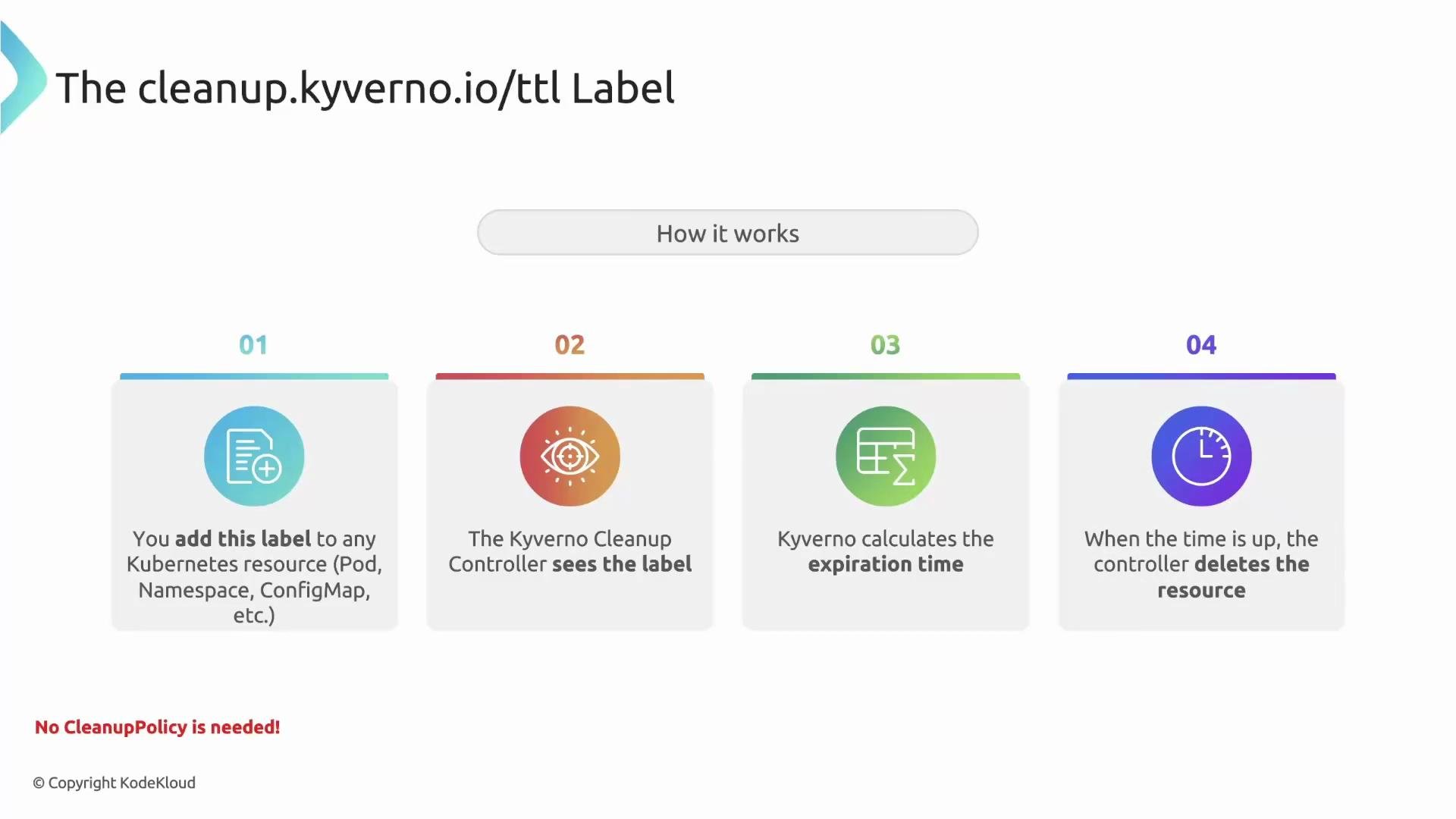 No policy required
Important: you do not need a cleanup policy for this to work. The presence of the `cleanup.kyverno.io/ttl` label on the resource itself is the instruction — the label triggers the Cleanup Controller to act.
TTL value formats
Kyverno supports two TTL value formats:
| Format | Description | Examples |
| ------------------ | ------------------------------------------------------------------------------------------------------------------------------- | ------------------------ |
| Relative duration | A duration relative to the moment Kyverno first sees the label. Uses standard duration units (s, m, h). | `30s`, `2m`, `1h`, `24h` |
| Absolute timestamp | An exact UTC deletion time using ISO 8601 / RFC 3339 format. Deletion occurs at that UTC timestamp regardless of creation time. | `2026-07-15T15:04:05Z` |
No policy required
Important: you do not need a cleanup policy for this to work. The presence of the `cleanup.kyverno.io/ttl` label on the resource itself is the instruction — the label triggers the Cleanup Controller to act.
TTL value formats
Kyverno supports two TTL value formats:
| Format | Description | Examples |
| ------------------ | ------------------------------------------------------------------------------------------------------------------------------- | ------------------------ |
| Relative duration | A duration relative to the moment Kyverno first sees the label. Uses standard duration units (s, m, h). | `30s`, `2m`, `1h`, `24h` |
| Absolute timestamp | An exact UTC deletion time using ISO 8601 / RFC 3339 format. Deletion occurs at that UTC timestamp regardless of creation time. | `2026-07-15T15:04:05Z` |
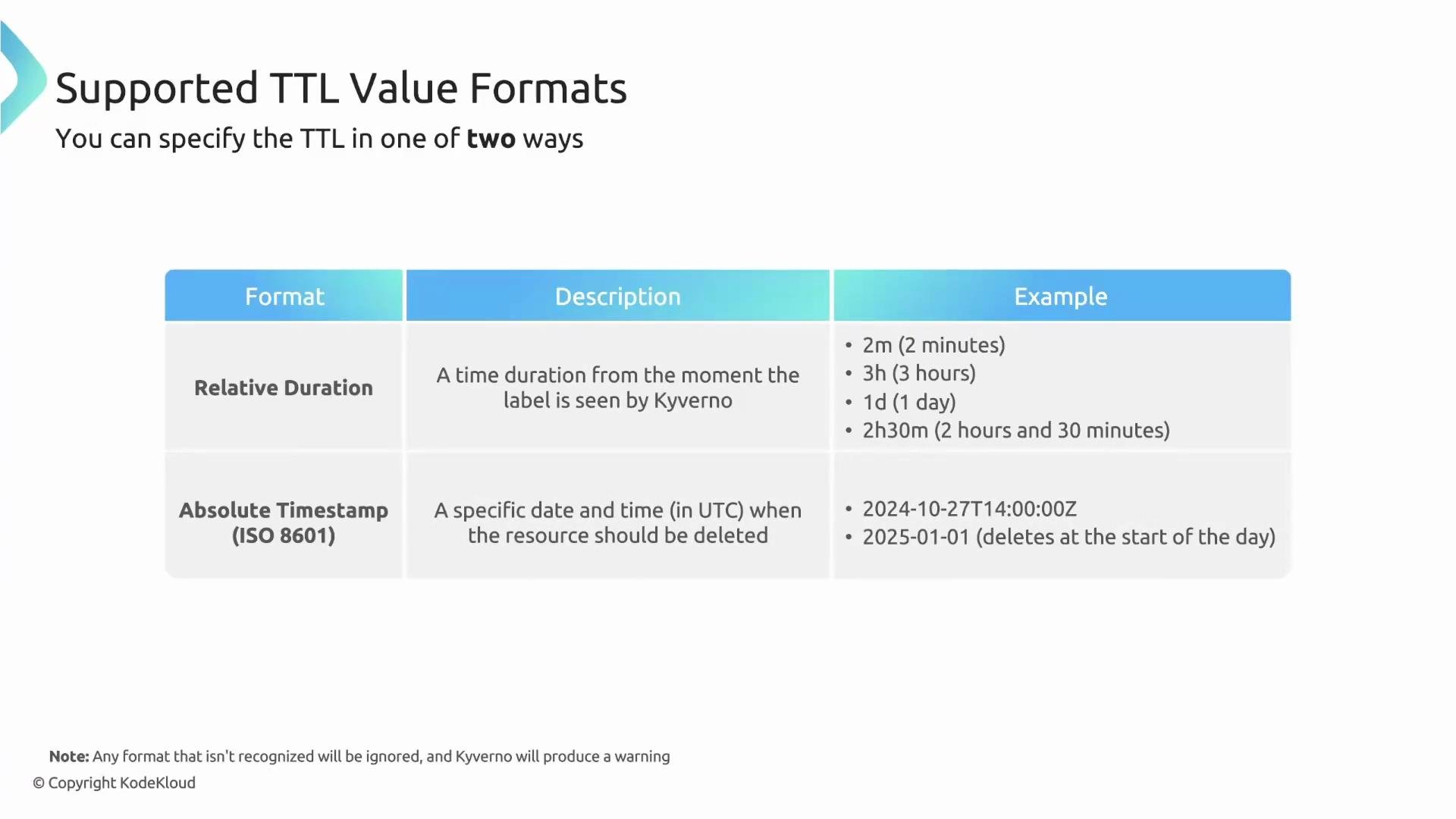 Choose a relative duration when you want the countdown to start at creation time. Use an ISO 8601 timestamp when you require deletion at a precise UTC moment.
Practical example
A developer needs a temporary Pod to debug an issue and wants to ensure it is cleaned up automatically. Add the TTL label to the Pod manifest:
```yaml theme={null}
apiVersion: v1
kind: Pod
metadata:
name: temp-debug-pod
labels:
# The magic label!
cleanup.kyverno.io/ttl: 2m
spec:
containers:
- name: debug-tools
image: busybox:1.35
args:
- sleep
- "1d" # The container will run longer, but Kyverno will delete the Pod per TTL
```
When created, the Cleanup Controller records the resource and schedules deletion after two minutes. The container’s internal runtime does not prevent Kyverno from deleting the Pod when the TTL expires.
Permissions and RBAC
The TTL label is a trigger; the Cleanup Controller performs the actual deletion. Therefore, the controller must have the appropriate RBAC permissions to delete the resource type you label.
* Label a Pod for deletion → the controller must have `delete` permission on `pods`.
* Label a Deployment for deletion → the controller must have `delete` permission on `deployments`.
Choose a relative duration when you want the countdown to start at creation time. Use an ISO 8601 timestamp when you require deletion at a precise UTC moment.
Practical example
A developer needs a temporary Pod to debug an issue and wants to ensure it is cleaned up automatically. Add the TTL label to the Pod manifest:
```yaml theme={null}
apiVersion: v1
kind: Pod
metadata:
name: temp-debug-pod
labels:
# The magic label!
cleanup.kyverno.io/ttl: 2m
spec:
containers:
- name: debug-tools
image: busybox:1.35
args:
- sleep
- "1d" # The container will run longer, but Kyverno will delete the Pod per TTL
```
When created, the Cleanup Controller records the resource and schedules deletion after two minutes. The container’s internal runtime does not prevent Kyverno from deleting the Pod when the TTL expires.
Permissions and RBAC
The TTL label is a trigger; the Cleanup Controller performs the actual deletion. Therefore, the controller must have the appropriate RBAC permissions to delete the resource type you label.
* Label a Pod for deletion → the controller must have `delete` permission on `pods`.
* Label a Deployment for deletion → the controller must have `delete` permission on `deployments`.
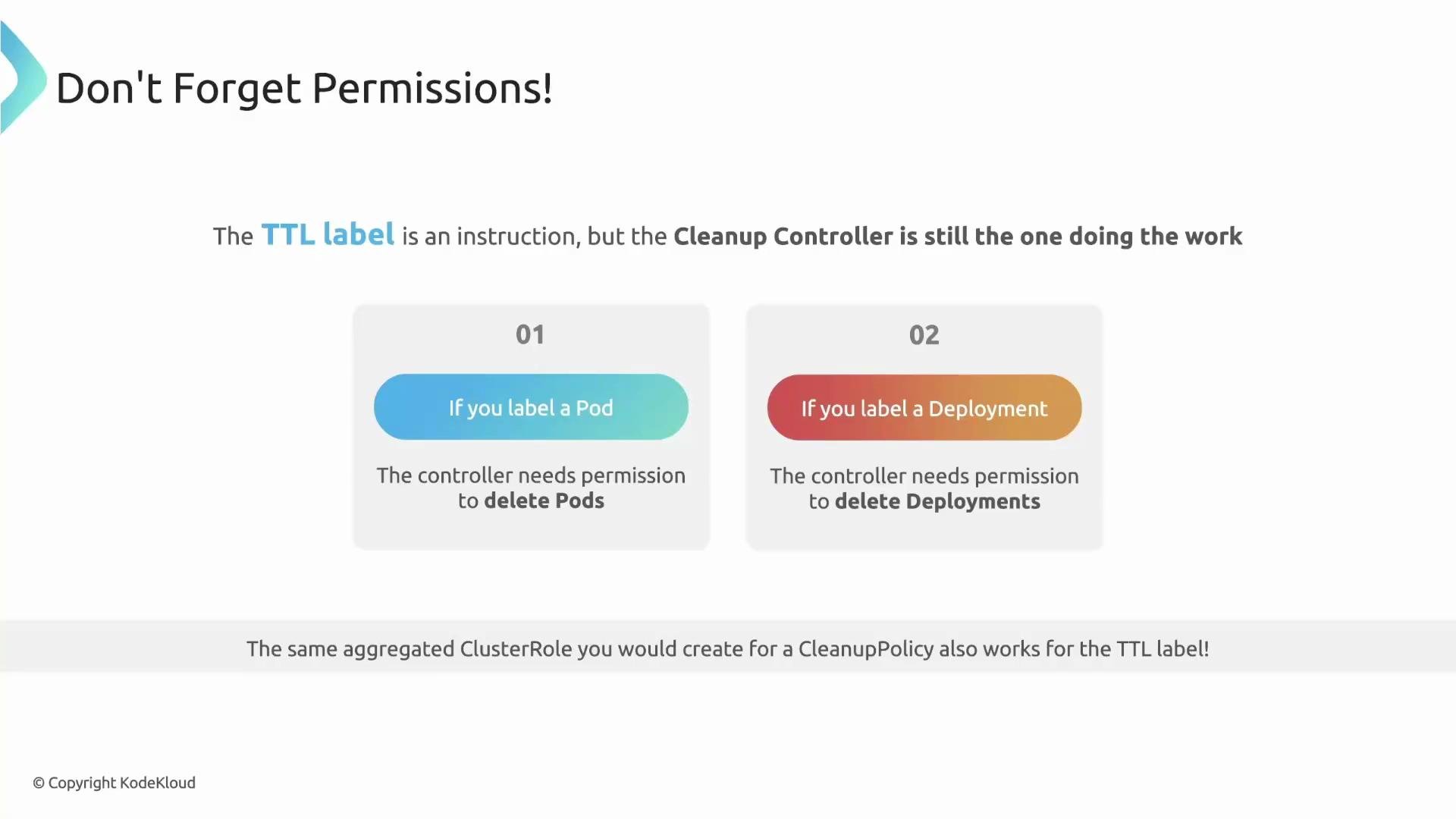 Ensure the Kyverno Cleanup Controller's ClusterRole (or aggregated role) includes the `delete` verb for every resource type you want TTL-based cleanup to manage. Missing delete permission prevents Kyverno from removing labeled resources.
The permission model is unified: the same aggregated ClusterRole that grants delete permissions for cleanup policies also covers TTL-based deletions. Grant the appropriate permissions once and both mechanisms will work.
Reconciliation and timing guarantees
A TTL like 90 seconds is respected, but deletion may not occur at the exact second the TTL expires. For efficiency, the Cleanup Controller reconciles periodically rather than continuously scanning all labeled resources.
Example timeline:
* Controller runs at 1 minute — sees the Pod but not expired.
* TTL expires at 90 seconds — controller is not running at that exact moment.
* Next controller run (e.g., 2 minutes) — controller detects the expired Pod and deletes it.
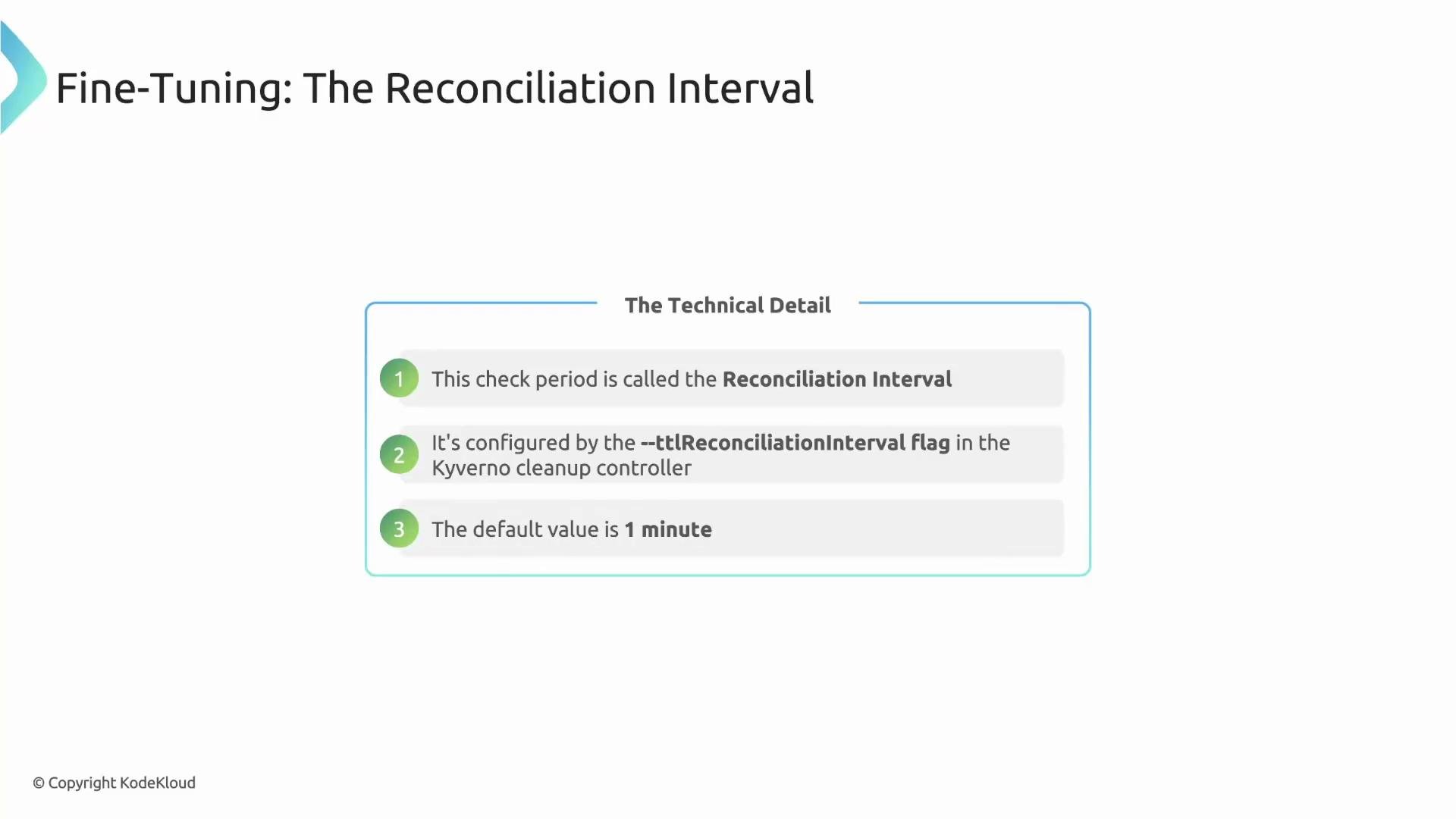
This periodic schedule is called the reconciliation interval and is configurable on the controller (default: `1m`).
Ensure the Kyverno Cleanup Controller's ClusterRole (or aggregated role) includes the `delete` verb for every resource type you want TTL-based cleanup to manage. Missing delete permission prevents Kyverno from removing labeled resources.
The permission model is unified: the same aggregated ClusterRole that grants delete permissions for cleanup policies also covers TTL-based deletions. Grant the appropriate permissions once and both mechanisms will work.
Reconciliation and timing guarantees
A TTL like 90 seconds is respected, but deletion may not occur at the exact second the TTL expires. For efficiency, the Cleanup Controller reconciles periodically rather than continuously scanning all labeled resources.
Example timeline:
* Controller runs at 1 minute — sees the Pod but not expired.
* TTL expires at 90 seconds — controller is not running at that exact moment.
* Next controller run (e.g., 2 minutes) — controller detects the expired Pod and deletes it.
This periodic schedule is called the reconciliation interval and is configurable on the controller (default: `1m`).
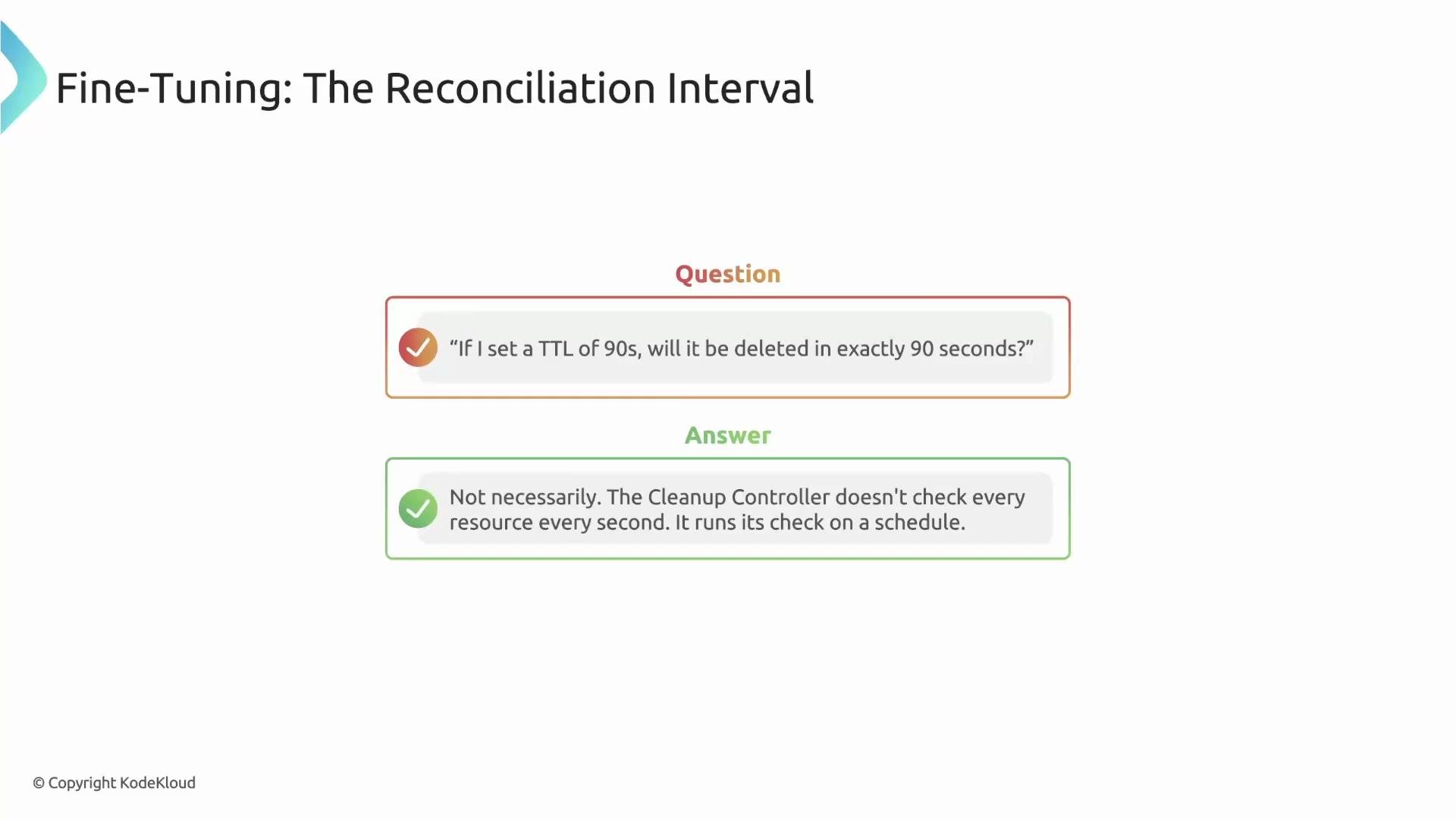 You can adjust the controller behavior with the `--ttlReconciliationInterval` flag (or corresponding configuration), for example:
```text theme={null}
--ttlReconciliationInterval=30s
```
Smaller intervals yield closer-to-exact deletion timing at the cost of more frequent controller reconciliation.
You can adjust the controller behavior with the `--ttlReconciliationInterval` flag (or corresponding configuration), for example:
```text theme={null}
--ttlReconciliationInterval=30s
```
Smaller intervals yield closer-to-exact deletion timing at the cost of more frequent controller reconciliation.
 When to use each cleanup method
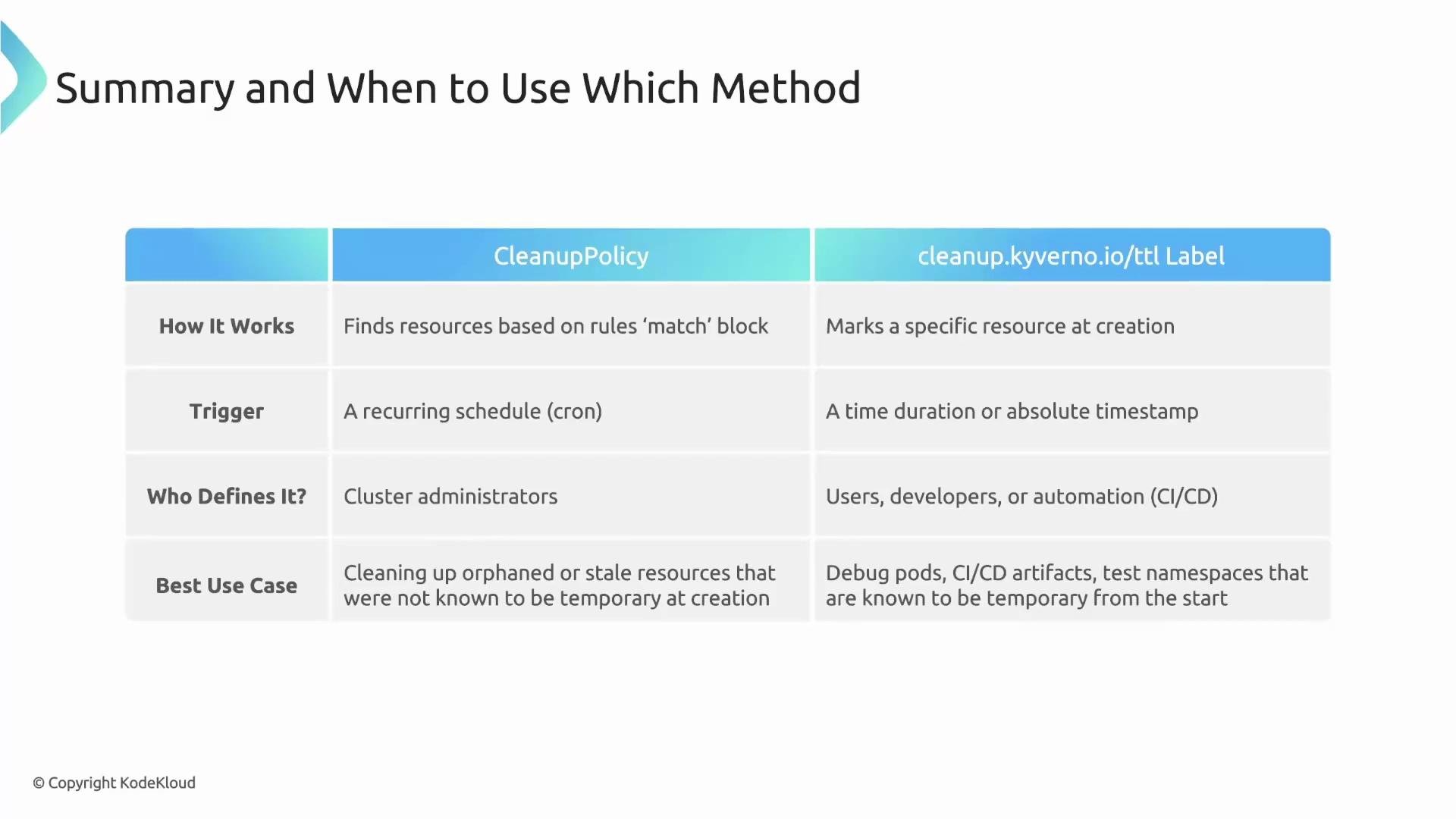
Use the method that best fits your workflow:
| Method | Trigger | Who typically applies it | Best use cases |
| ------------------------------ | --------------------------------------------------------------- | ------------------------------------------------------ | --------------------------------------------------------------------------------------------------------------- |
| Cleanup policies | Policy rules that find and delete resources (labels, age, etc.) | Cluster administrators | Broad, ongoing housekeeping; discovering stale resources across namespaces |
| `cleanup.kyverno.io/ttl` label | Per-resource label indicating deletion time/duration | Developers or automation (CI/CD) creating the resource | Per-resource, self-contained expiration behavior; temporary debug Pods, ephemeral test namespaces, CI artifacts |
When to use each cleanup method
Use the method that best fits your workflow:
| Method | Trigger | Who typically applies it | Best use cases |
| ------------------------------ | --------------------------------------------------------------- | ------------------------------------------------------ | --------------------------------------------------------------------------------------------------------------- |
| Cleanup policies | Policy rules that find and delete resources (labels, age, etc.) | Cluster administrators | Broad, ongoing housekeeping; discovering stale resources across namespaces |
| `cleanup.kyverno.io/ttl` label | Per-resource label indicating deletion time/duration | Developers or automation (CI/CD) creating the resource | Per-resource, self-contained expiration behavior; temporary debug Pods, ephemeral test namespaces, CI artifacts |
 Summary
* Use cleanup policies for administrator-defined, rule-driven housekeeping across the cluster.
* Use `cleanup.kyverno.io/ttl` for per-resource, explicit expiration when resources are known to be temporary at creation time.
Further reading and references
* Kyverno Cleanup Controller (docs): [https://kyverno.io/docs](https://kyverno.io/docs)
* ISO 8601 / RFC 3339 timestamps: [https://www.ietf.org/rfc/rfc3339.txt](https://www.ietf.org/rfc/rfc3339.txt)
* Kubernetes RBAC documentation: [https://kubernetes.io/docs/reference/access-authn-authz/rbac/](https://kubernetes.io/docs/reference/access-authn-authz/rbac/)
Summary
* Use cleanup policies for administrator-defined, rule-driven housekeeping across the cluster.
* Use `cleanup.kyverno.io/ttl` for per-resource, explicit expiration when resources are known to be temporary at creation time.
Further reading and references
* Kyverno Cleanup Controller (docs): [https://kyverno.io/docs](https://kyverno.io/docs)
* ISO 8601 / RFC 3339 timestamps: [https://www.ietf.org/rfc/rfc3339.txt](https://www.ietf.org/rfc/rfc3339.txt)
* Kubernetes RBAC documentation: [https://kubernetes.io/docs/reference/access-authn-authz/rbac/](https://kubernetes.io/docs/reference/access-authn-authz/rbac/)