> ## Documentation Index
> Fetch the complete documentation index at: https://notes.kodekloud.com/llms.txt
> Use this file to discover all available pages before exploring further.
# Cleanup Policy
> Describes Kyverno cleanup policies and controller that schedule and delete matched Kubernetes resources, including RBAC aggregation to grant safe deletion permissions.
Alex kept finding orphaned ConfigMaps and leftover debug resources across clusters. The solution is a dedicated Kubernetes policy type designed specifically for deletion workflows.
In this lesson we focus on one of two cleanup approaches: the declarative, background-driven model implemented via cleanup policies.
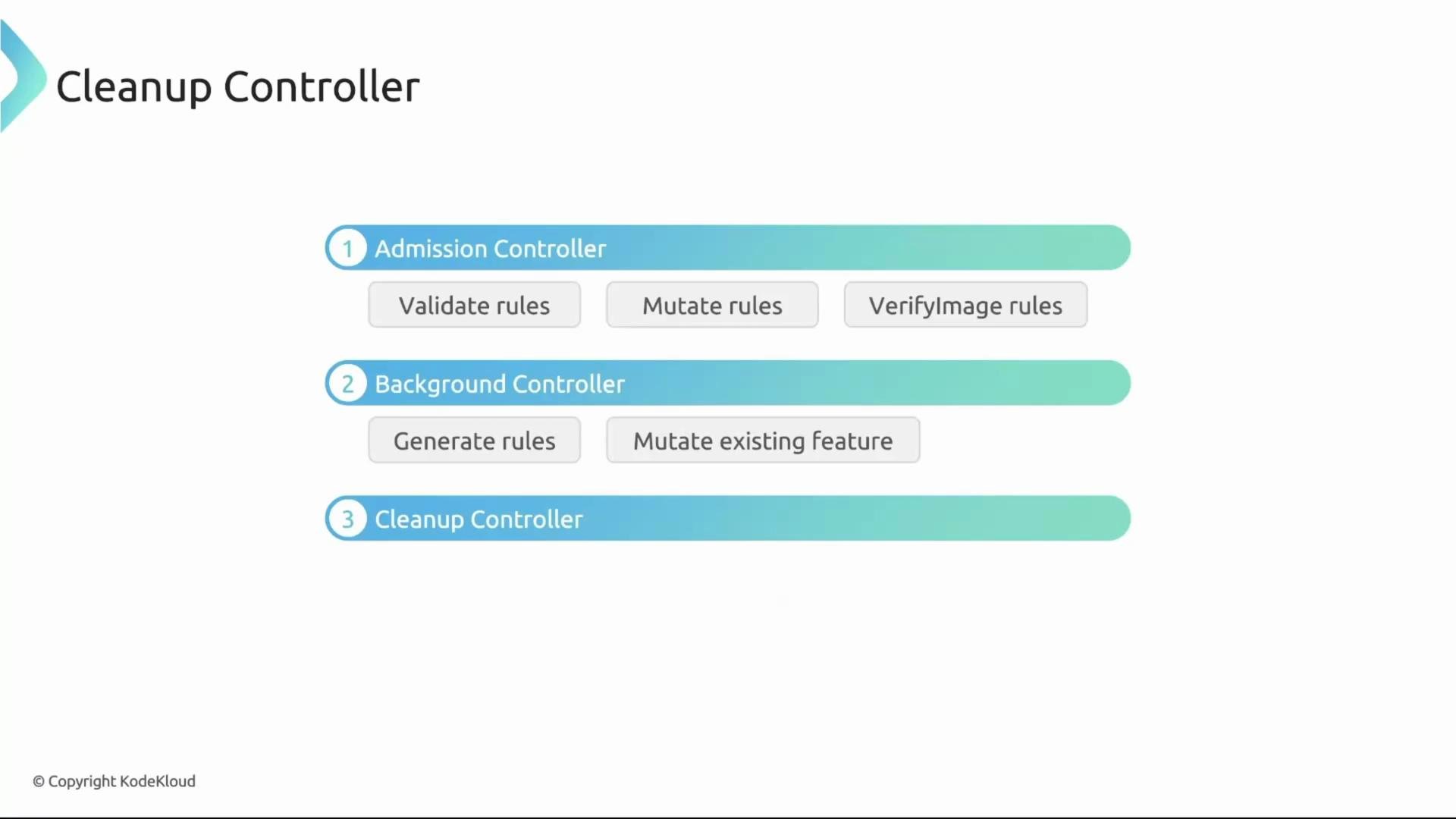
Before we dive into the policy details, let's review how Kyverno components interact — we are introducing a new piece to this picture.
* The admission controller intercepts `kubectl apply` (and other admission) requests and runs your `validate`, `mutate`, and `verifyImages` rules.
* The background controller handles `generate` rules and `mutate existing` policies that must act on already-existing resources.
* Today we add a third component: the cleanup controller.
 What the cleanup controller does
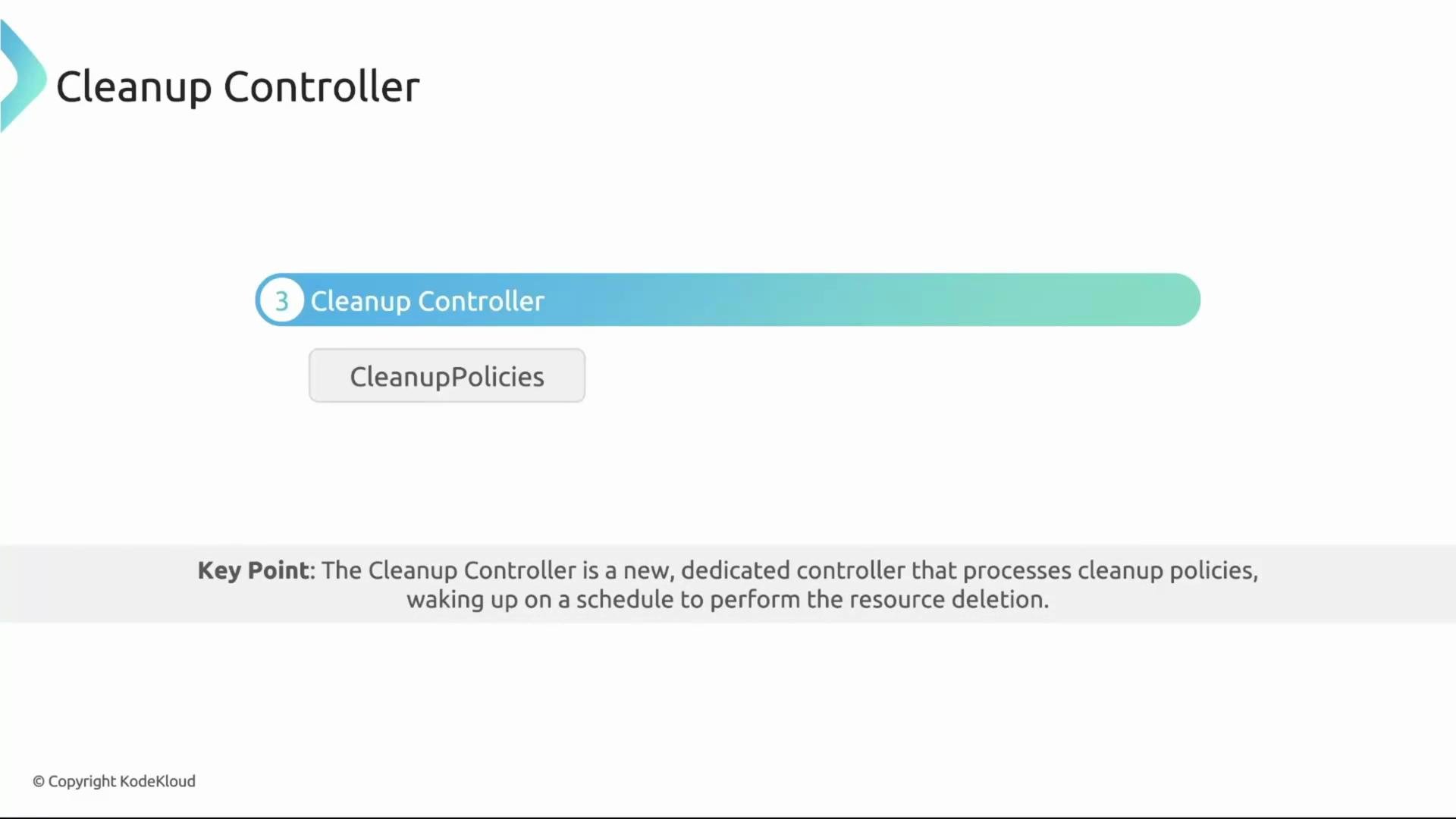
The cleanup controller processes cleanup policies on a schedule you define. On each run it asks a single question for every policy: given the policy’s `match` and `conditions`, is there anything that needs to be deleted right now?
What the cleanup controller does
The cleanup controller processes cleanup policies on a schedule you define. On each run it asks a single question for every policy: given the policy’s `match` and `conditions`, is there anything that needs to be deleted right now?
 Key points about cleanup policies
* `schedule` is required and uses standard cron syntax. It controls when the cleanup controller evaluates a policy.
* Cleanup policies are not admission-time evaluations. They cannot reference user-specific admission data (for example, roles, clusterroles, or subjects) because that information is only available during admission.
* Policies run in the background and delete resources that match the `match` clause and satisfy `conditions`.
Example: remove stale Deployments
This ClusterCleanupPolicy deletes Deployments labeled `canremove: "true"` when their replica count is less than 2. The policy runs every five minutes.
```yaml theme={null}
apiVersion: kyverno.io/v2
kind: ClusterCleanupPolicy
metadata:
name: clean-deployment
spec:
match:
any:
- resources:
kinds:
- Deployment
selector:
matchLabels:
canremove: "true"
conditions:
any:
- key: "{{ target.spec.replicas }}"
operator: LessThan
value: 2
schedule: "*/5 * * * *"
```
What each field does
| Field | Purpose | Example / Notes |
| ----------------- | ---------------------------------------------------- | --------------------------------------------------------------------- |
| `schedule` | Defines how often the policy runs (cron) | `"*/5 * * * *"` — every 5 minutes |
| `match` | Selects resources to evaluate | finds Deployments with label `canremove: "true"` |
| `conditions` | Safety checks evaluated against the matched resource | uses `{{ target.spec.replicas }}` to reference the matched Deployment |
| `target` variable | The matched resource under evaluation | use `{{ target. }}` in conditions and expressions |
The `target` variable in condition expressions refers to the matched resource (for example, the Deployment being evaluated). In docs and examples, wrap the expression in backticks: `{{ target.spec.replicas }}`.
RBAC: explicit permissions required
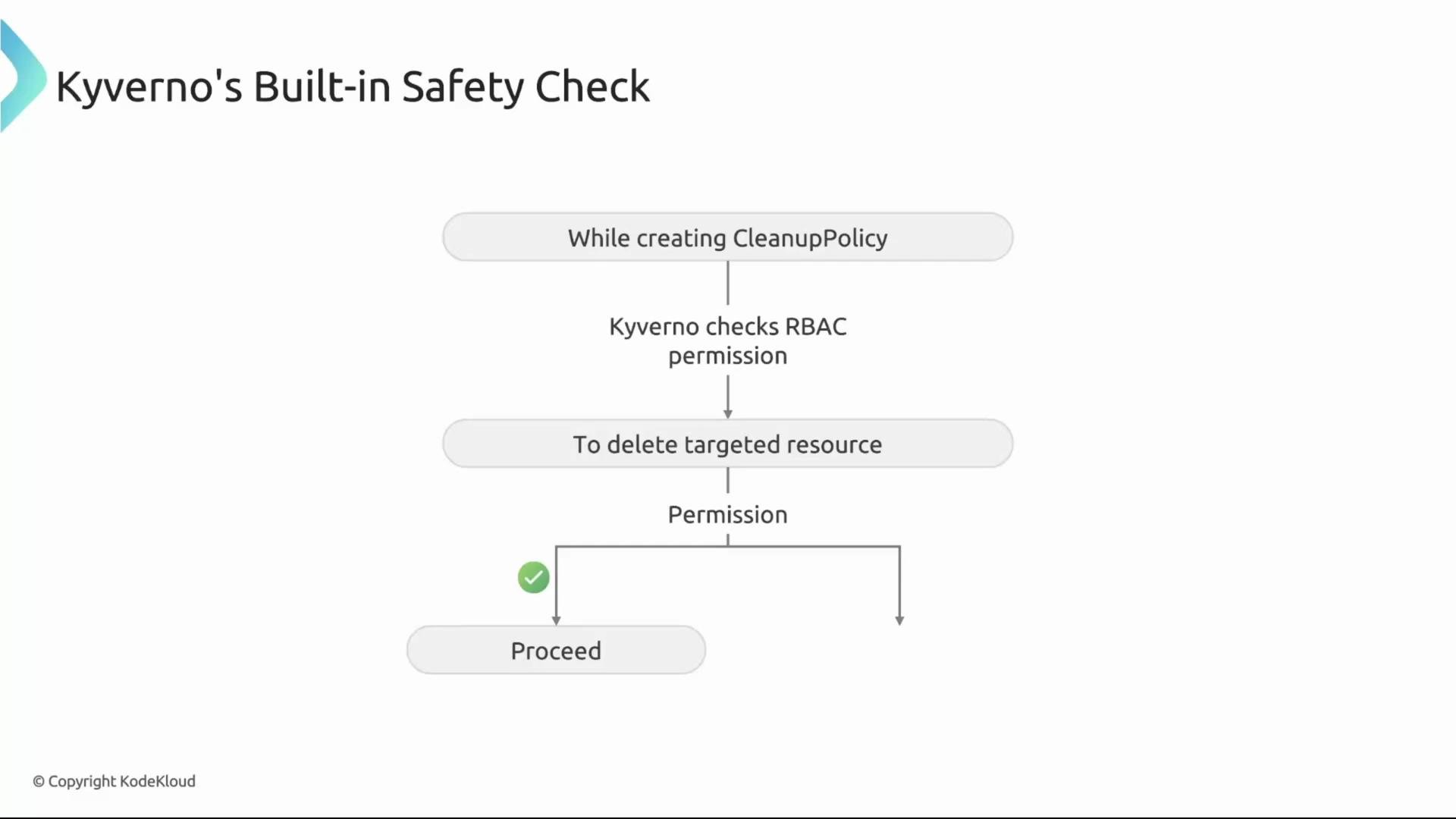
Kyverno does not automatically get blanket permission to delete any resource. By default the cleanup controller runs with minimal privileges (principle of least privilege). Before a cleanup policy is created, Kyverno checks whether the cleanup controller has the RBAC verbs needed to act on the targeted resource kinds.
Key points about cleanup policies
* `schedule` is required and uses standard cron syntax. It controls when the cleanup controller evaluates a policy.
* Cleanup policies are not admission-time evaluations. They cannot reference user-specific admission data (for example, roles, clusterroles, or subjects) because that information is only available during admission.
* Policies run in the background and delete resources that match the `match` clause and satisfy `conditions`.
Example: remove stale Deployments
This ClusterCleanupPolicy deletes Deployments labeled `canremove: "true"` when their replica count is less than 2. The policy runs every five minutes.
```yaml theme={null}
apiVersion: kyverno.io/v2
kind: ClusterCleanupPolicy
metadata:
name: clean-deployment
spec:
match:
any:
- resources:
kinds:
- Deployment
selector:
matchLabels:
canremove: "true"
conditions:
any:
- key: "{{ target.spec.replicas }}"
operator: LessThan
value: 2
schedule: "*/5 * * * *"
```
What each field does
| Field | Purpose | Example / Notes |
| ----------------- | ---------------------------------------------------- | --------------------------------------------------------------------- |
| `schedule` | Defines how often the policy runs (cron) | `"*/5 * * * *"` — every 5 minutes |
| `match` | Selects resources to evaluate | finds Deployments with label `canremove: "true"` |
| `conditions` | Safety checks evaluated against the matched resource | uses `{{ target.spec.replicas }}` to reference the matched Deployment |
| `target` variable | The matched resource under evaluation | use `{{ target. }}` in conditions and expressions |
The `target` variable in condition expressions refers to the matched resource (for example, the Deployment being evaluated). In docs and examples, wrap the expression in backticks: `{{ target.spec.replicas }}`.
RBAC: explicit permissions required
Kyverno does not automatically get blanket permission to delete any resource. By default the cleanup controller runs with minimal privileges (principle of least privilege). Before a cleanup policy is created, Kyverno checks whether the cleanup controller has the RBAC verbs needed to act on the targeted resource kinds.
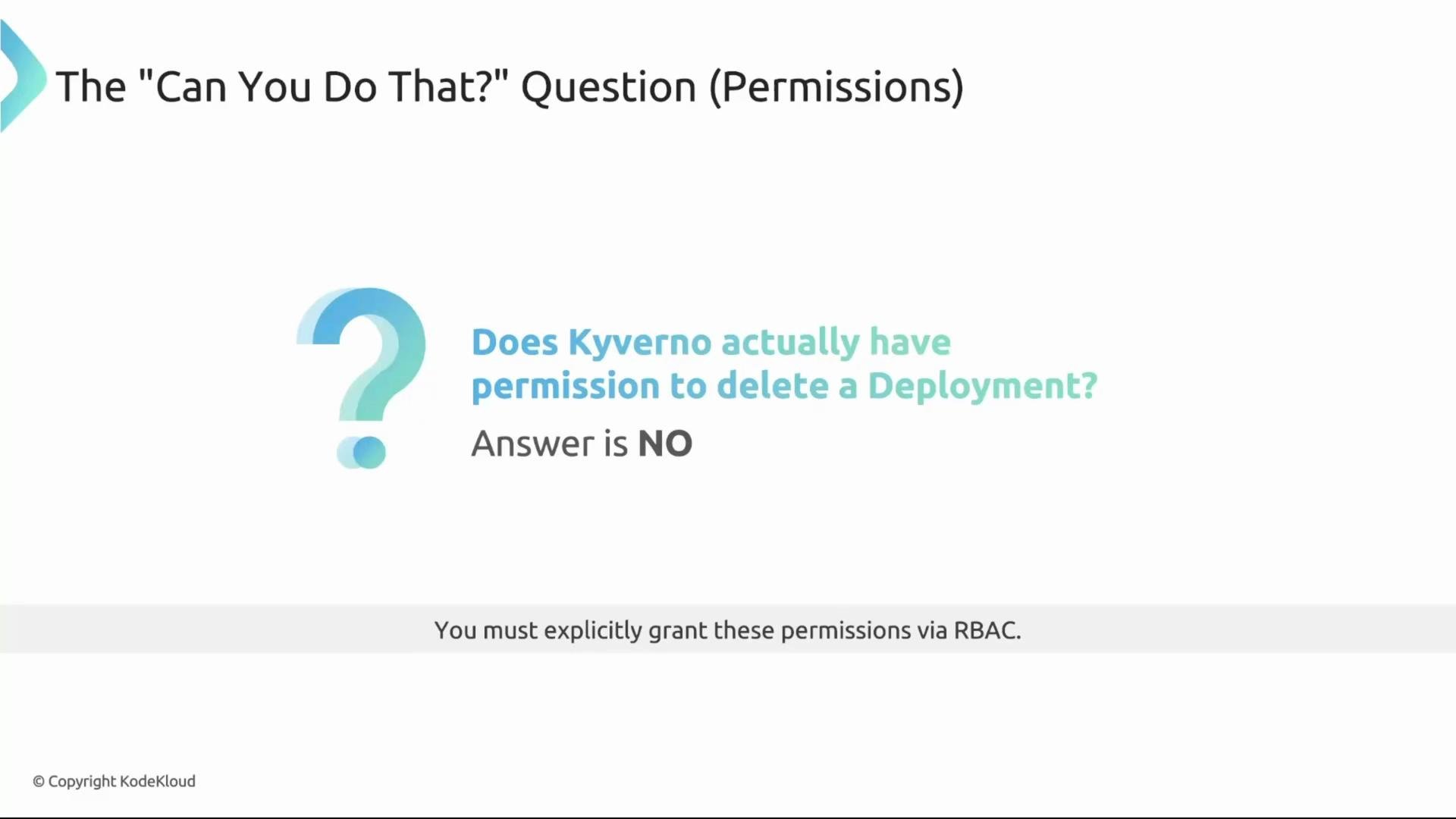 If RBAC is insufficient, policy creation is rejected and an error will indicate which permission is missing.
 Granting permissions safely: RBAC aggregation
The recommended way to give the cleanup controller permission is to create a separate ClusterRole and rely on Kubernetes RBAC aggregation. Do not modify Kyverno’s built-in roles directly. Instead, add a ClusterRole with the label `rbac.kyverno.io/aggregate-to-cleanup-controller: "true"`. The API server will merge its rules into the cleanup controller’s role.
Example ClusterRole that allows the cleanup controller to manage Deployments:
```yaml theme={null}
apiVersion: rbac.authorization.k8s.io/v1
kind: ClusterRole
metadata:
# This label is the magic!
labels:
rbac.kyverno.io/aggregate-to-cleanup-controller: "true"
name: kyverno:cleanup-deployments
rules:
- apiGroups:
- "apps"
resources:
- deployments
verbs:
- get
- watch
- list
- delete
```
When this ClusterRole is applied, the API server aggregates its rules into Kyverno’s cleanup controller role — a declarative and auditable approach.
If the cleanup controller lacks aggregated RBAC permissions for the targeted resource kinds, Kyverno will reject creation of the cleanup policy with an error. Ensure the cleanup controller has `get`, `list`, `watch`, and `delete` (or other necessary verbs) for each targeted kind.
Recap
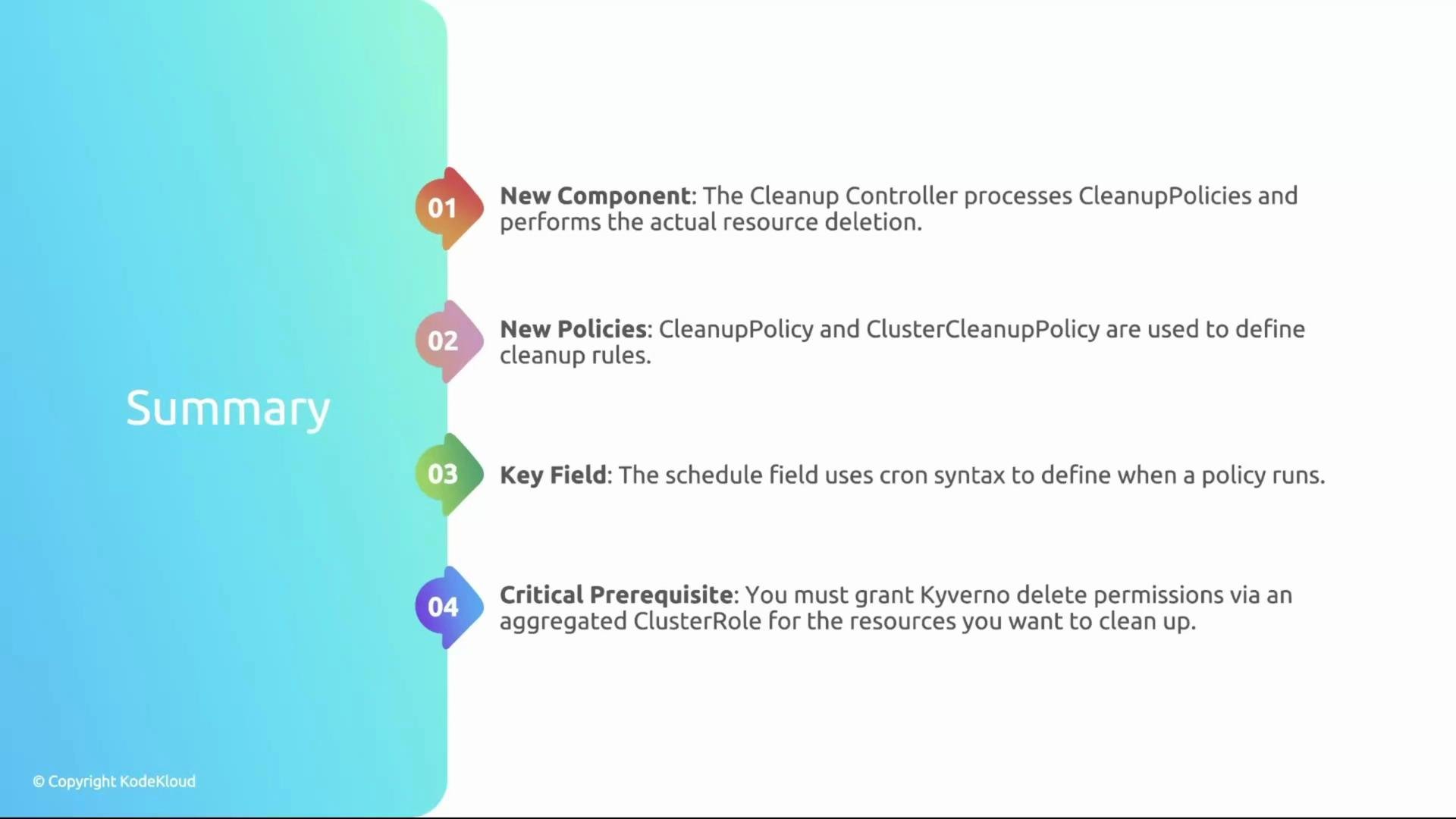
* The cleanup controller is a new Kyverno component that processes cleanup policies on a schedule and deletes matched resources.
* Cleanup policies (ClusterCleanupPolicy and CleanupPolicy) are declarative resources built for deletion workflows.
* `schedule` is required and uses cron syntax to control when the cleanup logic runs.
* You must explicitly grant the cleanup controller RBAC permissions for the resource kinds it will delete — typically via ClusterRole aggregation.
Further reading and references
* Kyverno documentation: [https://kyverno.io/docs/](https://kyverno.io/docs/)
* Kubernetes RBAC: [https://kubernetes.io/docs/reference/access-authn-authz/rbac/](https://kubernetes.io/docs/reference/access-authn-authz/rbac/)
With these concepts and the example policy in hand, you can build safe, automated cleanup workflows for your cluster.
Granting permissions safely: RBAC aggregation
The recommended way to give the cleanup controller permission is to create a separate ClusterRole and rely on Kubernetes RBAC aggregation. Do not modify Kyverno’s built-in roles directly. Instead, add a ClusterRole with the label `rbac.kyverno.io/aggregate-to-cleanup-controller: "true"`. The API server will merge its rules into the cleanup controller’s role.
Example ClusterRole that allows the cleanup controller to manage Deployments:
```yaml theme={null}
apiVersion: rbac.authorization.k8s.io/v1
kind: ClusterRole
metadata:
# This label is the magic!
labels:
rbac.kyverno.io/aggregate-to-cleanup-controller: "true"
name: kyverno:cleanup-deployments
rules:
- apiGroups:
- "apps"
resources:
- deployments
verbs:
- get
- watch
- list
- delete
```
When this ClusterRole is applied, the API server aggregates its rules into Kyverno’s cleanup controller role — a declarative and auditable approach.
If the cleanup controller lacks aggregated RBAC permissions for the targeted resource kinds, Kyverno will reject creation of the cleanup policy with an error. Ensure the cleanup controller has `get`, `list`, `watch`, and `delete` (or other necessary verbs) for each targeted kind.
Recap
* The cleanup controller is a new Kyverno component that processes cleanup policies on a schedule and deletes matched resources.
* Cleanup policies (ClusterCleanupPolicy and CleanupPolicy) are declarative resources built for deletion workflows.
* `schedule` is required and uses cron syntax to control when the cleanup logic runs.
* You must explicitly grant the cleanup controller RBAC permissions for the resource kinds it will delete — typically via ClusterRole aggregation.
Further reading and references
* Kyverno documentation: [https://kyverno.io/docs/](https://kyverno.io/docs/)
* Kubernetes RBAC: [https://kubernetes.io/docs/reference/access-authn-authz/rbac/](https://kubernetes.io/docs/reference/access-authn-authz/rbac/)
With these concepts and the example policy in hand, you can build safe, automated cleanup workflows for your cluster.