> ## Documentation Index
> Fetch the complete documentation index at: https://notes.kodekloud.com/llms.txt
> Use this file to discover all available pages before exploring further.
# Section Introduction
> Automating Kubernetes resource cleanup using Kyverno via declarative CleanupPolicy and ClusterCleanupPolicy or per-resource TTL labels to remove aged or orphaned objects.
We previously examined what happens when resources are created or updated: how Kyverno validates and mutates resources, generates additional objects, and creates policy exceptions. But resource lifecycle management continues beyond creation.
Creating resources is straightforward; keeping clusters tidy as resources age or become unnecessary is an ongoing operational challenge. Kyverno can automate this housekeeping for you, helping enforce cluster hygiene without manual intervention.
Let's check back in with Alex.
Thanks to his hard work, the cluster is running smoothly. However, a new class of problems is accumulating: development teams often spin up temporary resources for debugging — a short-lived Pod here, a throwaway Namespace there — and then forget to clean them up. Alex is also discovering orphaned objects such as ConfigMaps left behind after their Deployments were deleted.
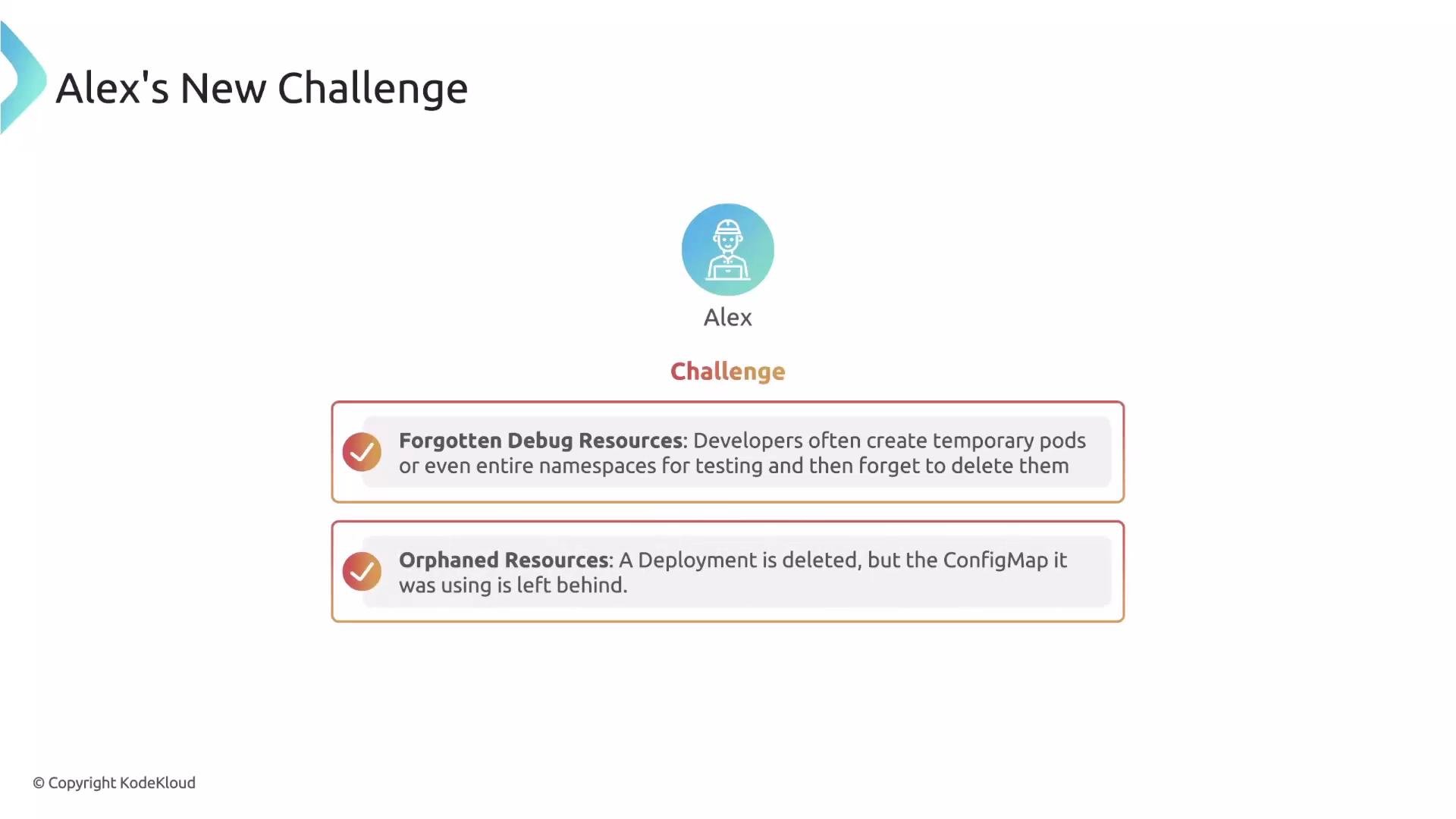 Relying on `kubectl delete` for manual cleanup does not scale across teams and clusters. Alex needs a way to detect resources that match rules and remove them automatically, reducing toil and preventing resource sprawl.
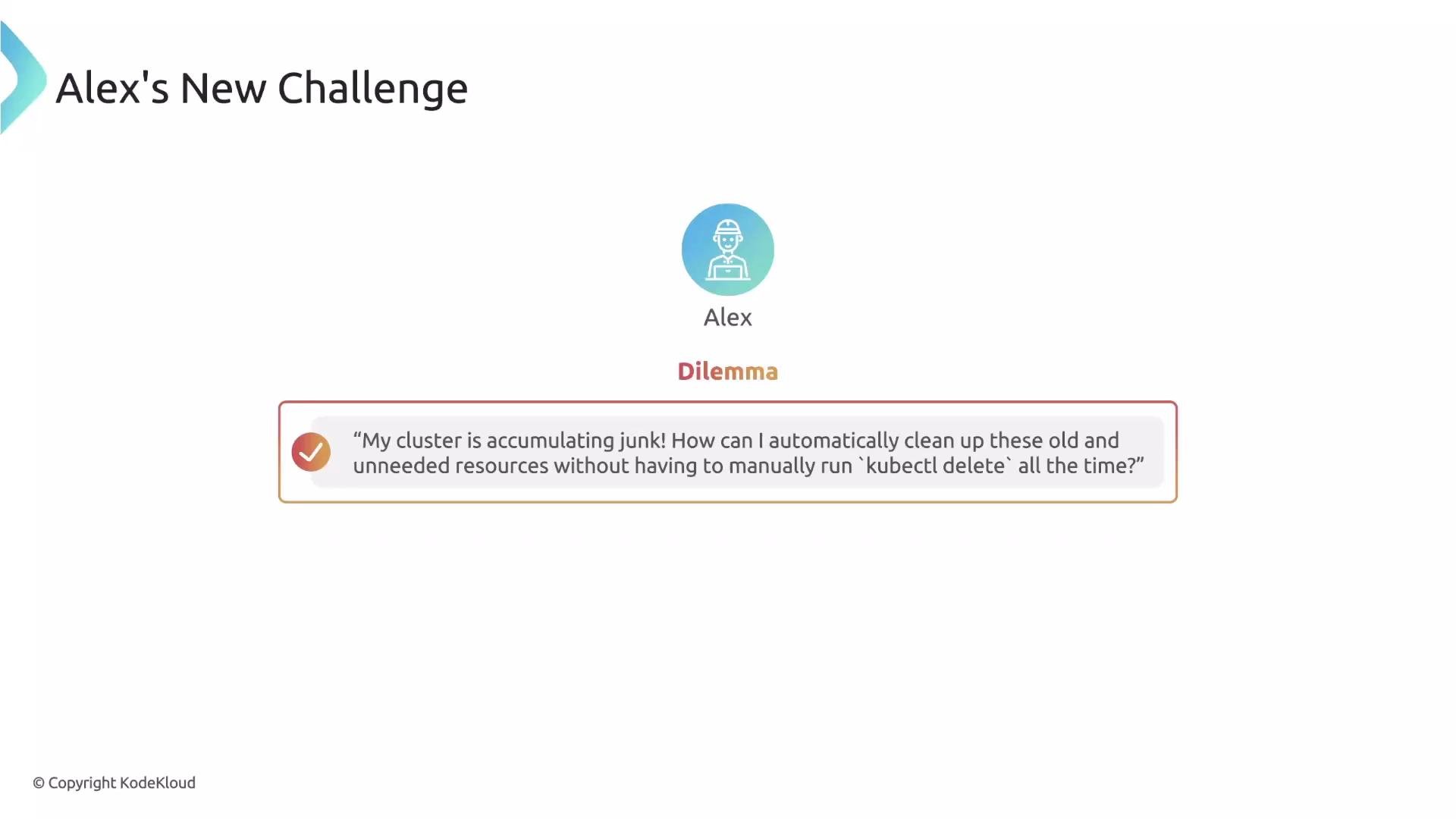 Kubernetes cleanup capabilities are built to address this class of housekeeping problems. Kyverno offers two complementary approaches for automatic cleanup:
* A declarative, policy-driven approach using `CleanupPolicy` and `ClusterCleanupPolicy`.
* A lightweight, dynamic approach driven by the TTL label `cleanup.kyverno.io/ttl`.
Kubernetes cleanup capabilities are built to address this class of housekeeping problems. Kyverno offers two complementary approaches for automatic cleanup:
* A declarative, policy-driven approach using `CleanupPolicy` and `ClusterCleanupPolicy`.
* A lightweight, dynamic approach driven by the TTL label `cleanup.kyverno.io/ttl`.
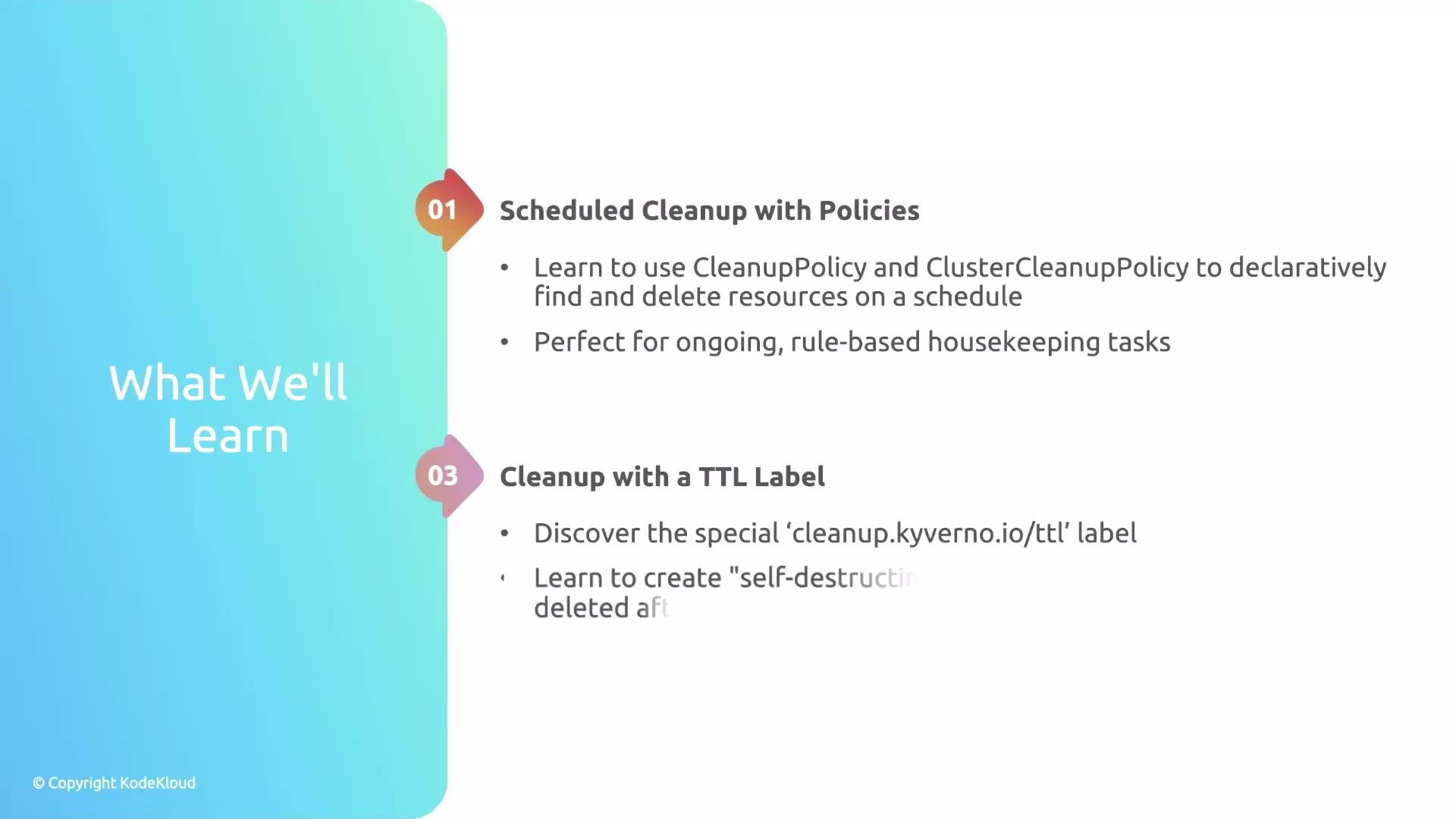 Below is a quick comparison to help choose the right approach for your use case.
| Approach | When to use it | Scope & examples |
| ---------------------------------------- | -------------------------------------------------------------------------------------------------------------------------------------------------------------------------------------------- | ---------------------------------------------------------------------------------------------------------------------- |
| `CleanupPolicy` / `ClusterCleanupPolicy` | For declarative, policy-driven cleanup that matches resources by selectors, age, or custom conditions. Use when you want centralized, auditable rules across namespaces or at cluster scope. | Examples: remove Namespaces labeled `env=dev` older than 7 days, delete Pods in a namespace that match a name pattern. |
| TTL label (`cleanup.kyverno.io/ttl`) | For ad-hoc, resource-level TTLs applied by developers or automation. Use when resources should self-expire after a fixed period. | Example: add the label `cleanup.kyverno.io/ttl: "24h"` to a Pod to auto-delete it after 24 hours. |
Kyverno’s cleanup features let you automate resource lifecycle management — either centrally with CleanupPolicy/ClusterCleanupPolicy or per-resource with the `cleanup.kyverno.io/ttl` label. For implementation details and examples, see the official Kyverno cleanup documentation: [Kyverno Cleanup Policies](https://kyverno.io/docs/writing-policies/cleanup-policy/).
Below is a quick comparison to help choose the right approach for your use case.
| Approach | When to use it | Scope & examples |
| ---------------------------------------- | -------------------------------------------------------------------------------------------------------------------------------------------------------------------------------------------- | ---------------------------------------------------------------------------------------------------------------------- |
| `CleanupPolicy` / `ClusterCleanupPolicy` | For declarative, policy-driven cleanup that matches resources by selectors, age, or custom conditions. Use when you want centralized, auditable rules across namespaces or at cluster scope. | Examples: remove Namespaces labeled `env=dev` older than 7 days, delete Pods in a namespace that match a name pattern. |
| TTL label (`cleanup.kyverno.io/ttl`) | For ad-hoc, resource-level TTLs applied by developers or automation. Use when resources should self-expire after a fixed period. | Example: add the label `cleanup.kyverno.io/ttl: "24h"` to a Pod to auto-delete it after 24 hours. |
Kyverno’s cleanup features let you automate resource lifecycle management — either centrally with CleanupPolicy/ClusterCleanupPolicy or per-resource with the `cleanup.kyverno.io/ttl` label. For implementation details and examples, see the official Kyverno cleanup documentation: [Kyverno Cleanup Policies](https://kyverno.io/docs/writing-policies/cleanup-policy/).