> ## Documentation Index
> Fetch the complete documentation index at: https://notes.kodekloud.com/llms.txt
> Use this file to discover all available pages before exploring further.
# Section Introduction
> Explains using Kyverno policies to consult external data sources like ConfigMaps, the Kubernetes API, global context, and image registry metadata to validate, mutate, and generate resources
We built a strong foundation with Kyverno.
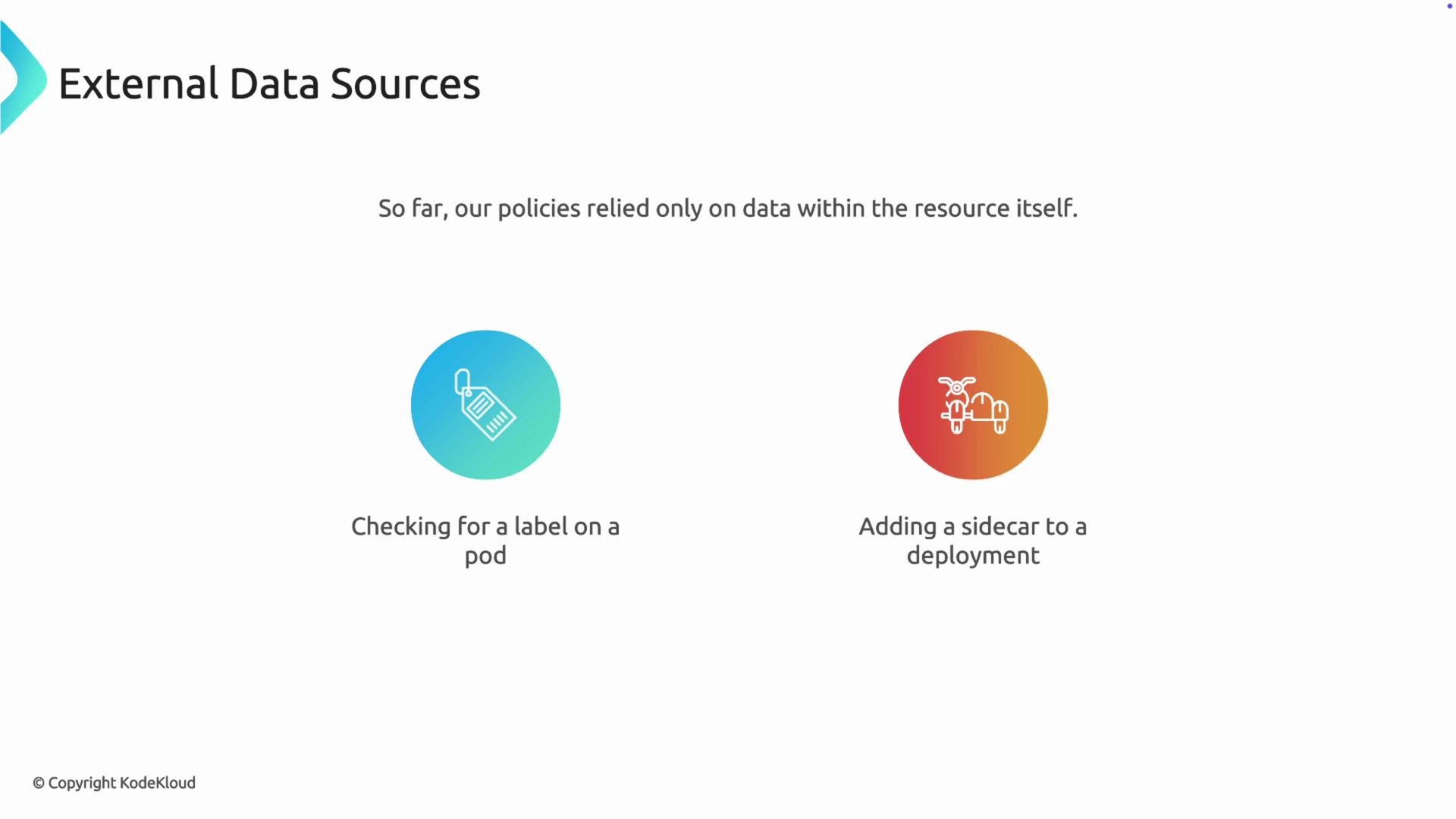
You learned how to validate resources to enforce standards, mutate them to add required configuration, and generate new resources to complete application stacks. These policies have so far made decisions using only the data contained in the resource being processed — for example, checking for a label on a Pod or adding a sidecar to a Deployment.
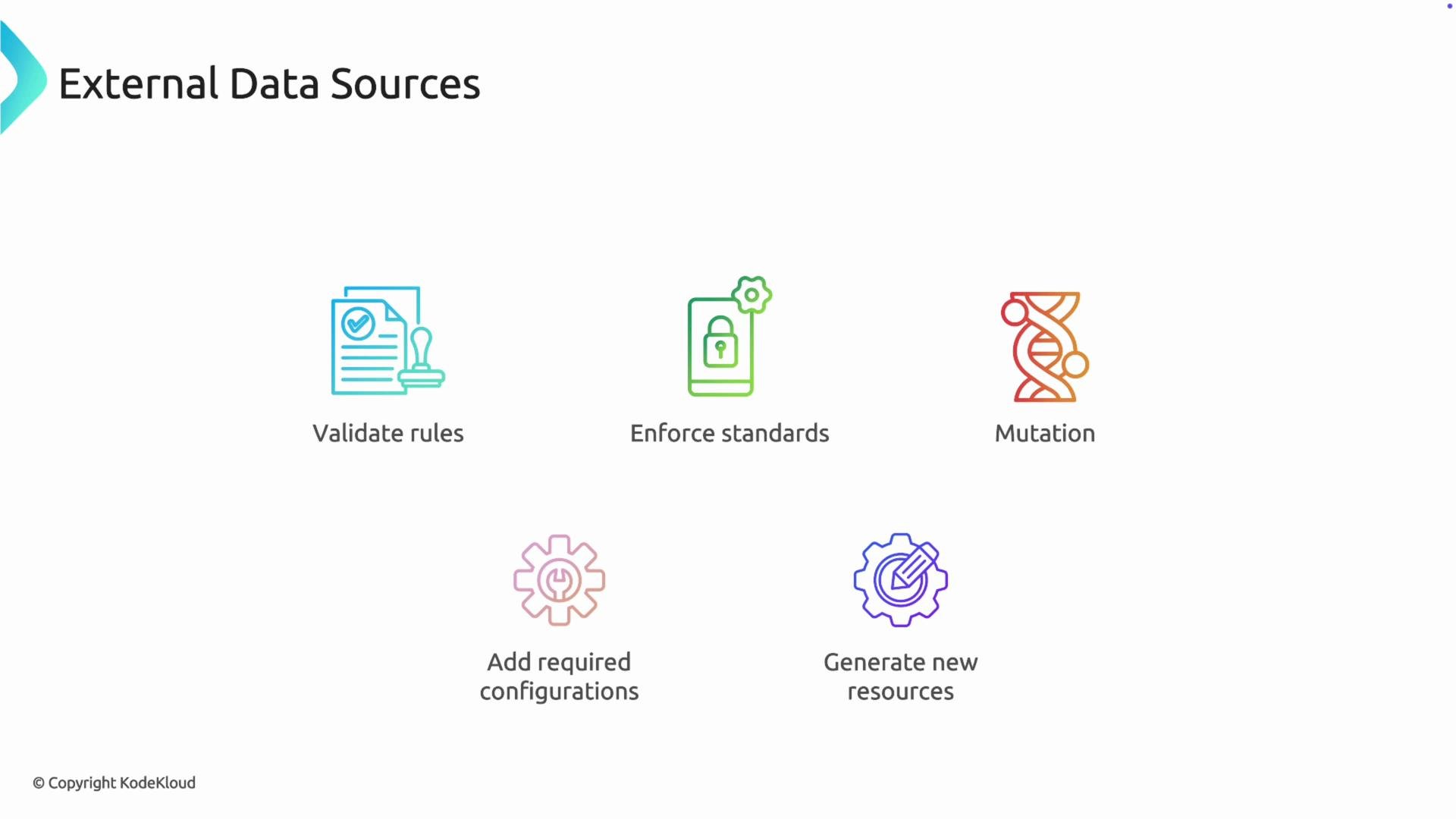 In many production environments, however, the information needed to make correct policy decisions lives outside the resource. This section explains how to consult external data inside Kyverno policies so you can make data-driven policy decisions.
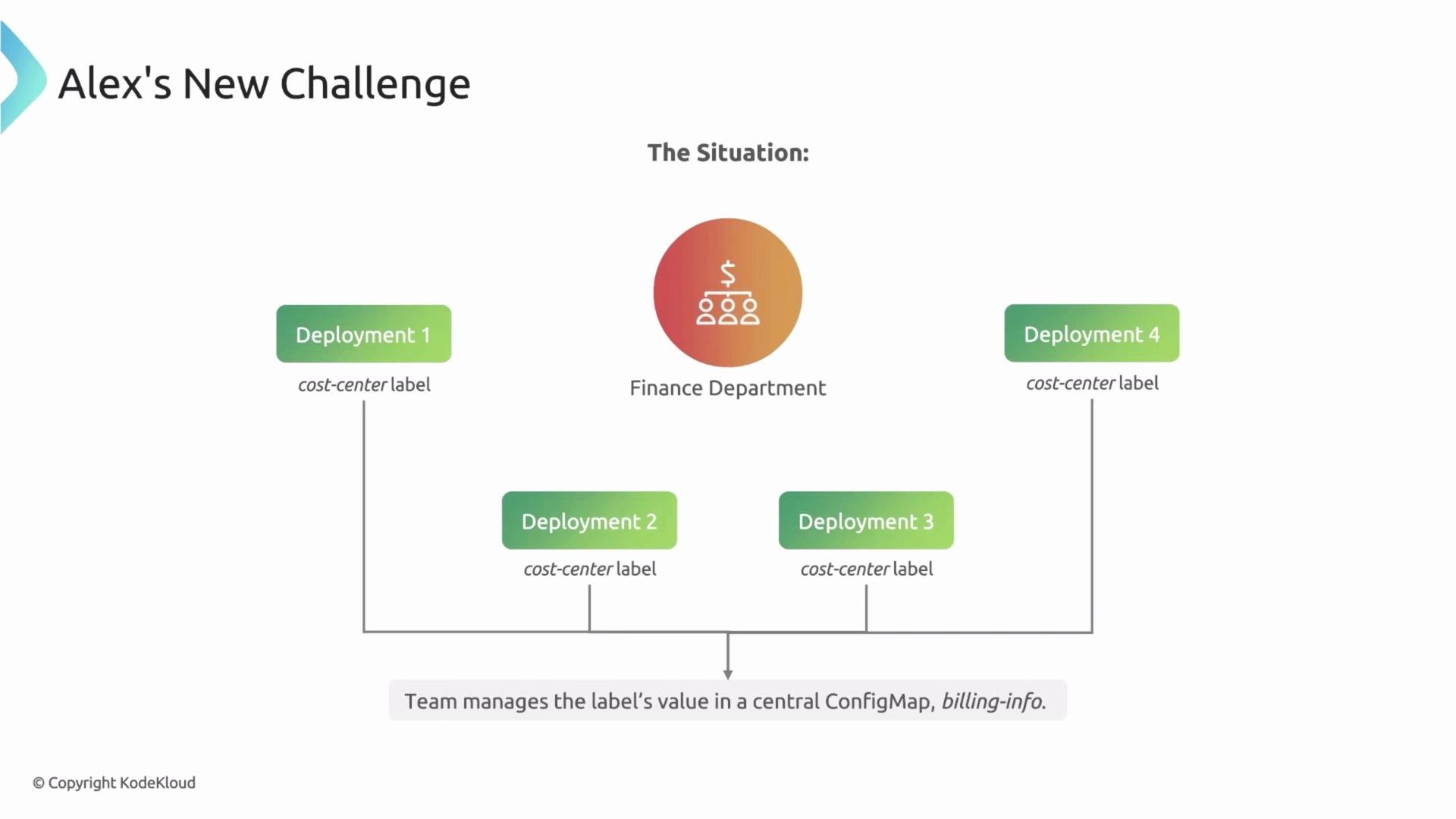
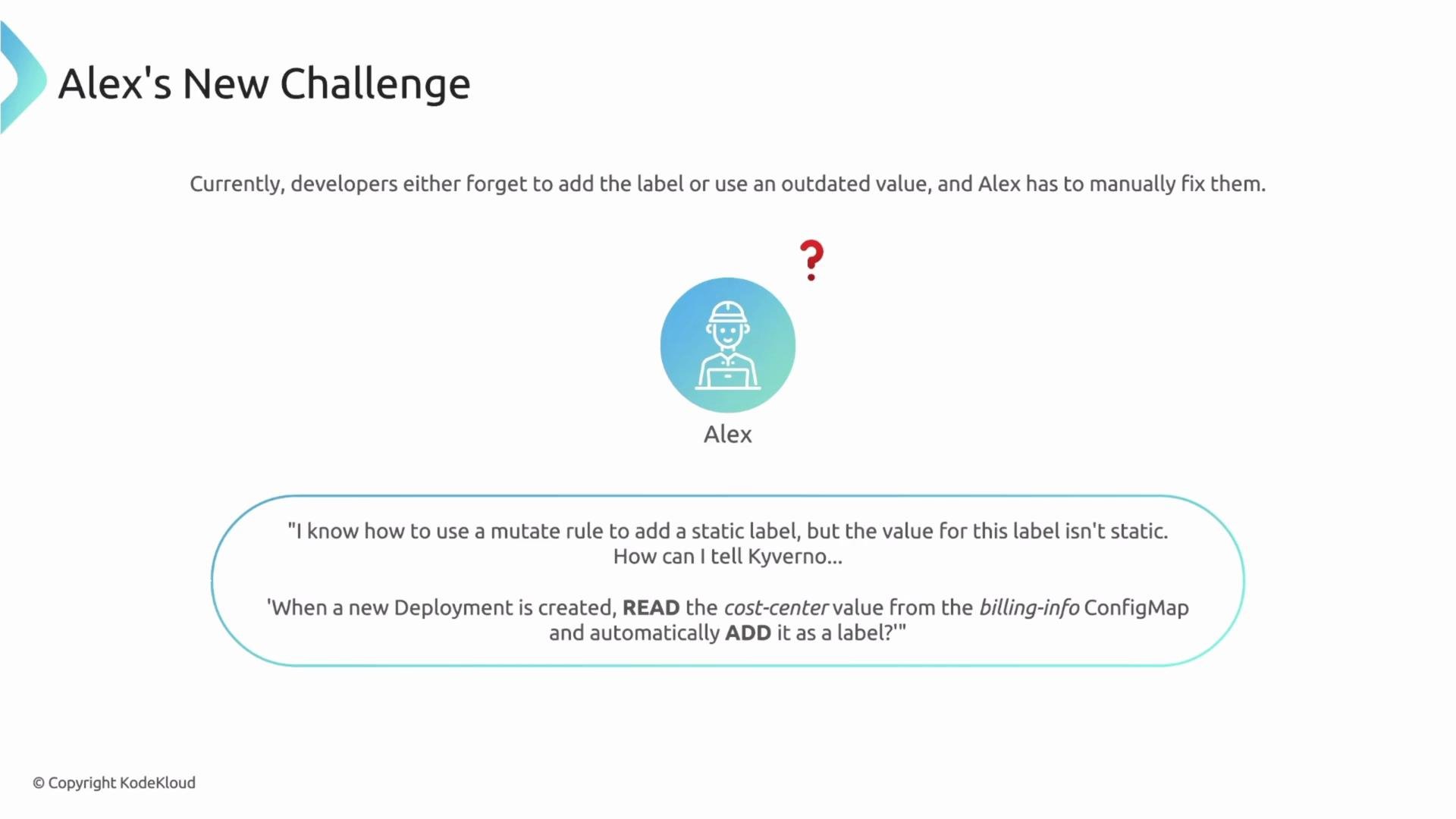
 Real-world scenario: Alex, a platform engineer, must ensure every new Deployment includes a cost-center label so cloud spend can be tracked. The finance team manages canonical cost-center values centrally in a ConfigMap named `billing-info`. Developers sometimes forget to add the label or paste outdated values, producing inaccurate billing and forcing Alex to manually correct Deployments after creation.
 A static mutate rule that hardcodes a label value won't work here because the cost-center value changes and is maintained centrally. What Alex needs is a dynamic mutate rule that reads the correct cost-center value from the `billing-info` ConfigMap and applies it to new Deployments automatically.
 This lesson covers how Kyverno fetches and consumes external data. We’ll proceed through these mechanisms, with practical guidance and examples:
* Use ConfigMaps and Secrets via the `context` block to access centrally managed configuration values.
* Query the Kubernetes API (the API data source) to fetch other cluster resources when needed.
* Leverage the global context to cache external data for better performance and lower API load.
* Use image registry variables to fetch image metadata and make image-aware policy decisions.
**Table of External Data Sources**
| Data source | Use case | Example |
| ------------------------ | --------------------------------------------------------------- | --------------------------------------------------------------------------- |
| ConfigMap / Secret | Centralized configuration (labels, feature flags, keys) | Use `context` to load `billing-info` and reference `{{billing.data.}}` |
| Kubernetes API | Fetch any cluster resource (Deployment, Service, NetworkPolicy) | Call the API from `context` for dynamic lookups |
| Global context | Cache frequently-read data to reduce repeated API calls | Store cost-center mappings in global context |
| Image registry variables | Make decisions based on image metadata (digest, labels) | Use registry variables to validate or mutate based on image info |
Note: ConfigMap keys are case-sensitive; when referencing a key from `billing-info`, ensure you use the exact key name. Also ensure the ConfigMap name matches exactly (Kubernetes resource names are typically lowercase and must follow DNS label rules).
Example: reading a ConfigMap in a Kyverno policy
* Use a `context` entry that points to the ConfigMap.
* Reference the loaded data inside `mutate` using the context variable.
Example YAML snippet (simplified):
```yaml theme={null}
apiVersion: kyverno.io/v1
kind: ClusterPolicy
metadata:
name: add-cost-center-from-configmap
spec:
rules:
- name: add-cost-center-label
match:
resources:
kinds: ["Deployment"]
context:
- name: billing
configMap:
name: billing-info
namespace: finance
mutate:
patchStrategicMerge:
metadata:
labels:
cost-center: "{{billing.data.cost-center}}"
```
This pattern allows Kyverno to dynamically read `cost-center` from the `billing-info` ConfigMap in the `finance` namespace and apply it to matched Deployments.
Further resources and references
* Kyverno documentation: [https://kyverno.io/docs/](https://kyverno.io/docs/)
* Kubernetes ConfigMap docs: [https://kubernetes.io/docs/concepts/configuration/configmap/](https://kubernetes.io/docs/concepts/configuration/configmap/)
* Kyverno tutorial on external data sources: [https://kyverno.io/docs/writing-policies/external-data/](https://kyverno.io/docs/writing-policies/external-data/)
By the end of this lesson, you’ll be able to author Kyverno policies that consult ConfigMaps, query the Kubernetes API, cache values via the global context, and use image registry metadata to make automated, accurate policy decisions.
This lesson covers how Kyverno fetches and consumes external data. We’ll proceed through these mechanisms, with practical guidance and examples:
* Use ConfigMaps and Secrets via the `context` block to access centrally managed configuration values.
* Query the Kubernetes API (the API data source) to fetch other cluster resources when needed.
* Leverage the global context to cache external data for better performance and lower API load.
* Use image registry variables to fetch image metadata and make image-aware policy decisions.
**Table of External Data Sources**
| Data source | Use case | Example |
| ------------------------ | --------------------------------------------------------------- | --------------------------------------------------------------------------- |
| ConfigMap / Secret | Centralized configuration (labels, feature flags, keys) | Use `context` to load `billing-info` and reference `{{billing.data.}}` |
| Kubernetes API | Fetch any cluster resource (Deployment, Service, NetworkPolicy) | Call the API from `context` for dynamic lookups |
| Global context | Cache frequently-read data to reduce repeated API calls | Store cost-center mappings in global context |
| Image registry variables | Make decisions based on image metadata (digest, labels) | Use registry variables to validate or mutate based on image info |
Note: ConfigMap keys are case-sensitive; when referencing a key from `billing-info`, ensure you use the exact key name. Also ensure the ConfigMap name matches exactly (Kubernetes resource names are typically lowercase and must follow DNS label rules).
Example: reading a ConfigMap in a Kyverno policy
* Use a `context` entry that points to the ConfigMap.
* Reference the loaded data inside `mutate` using the context variable.
Example YAML snippet (simplified):
```yaml theme={null}
apiVersion: kyverno.io/v1
kind: ClusterPolicy
metadata:
name: add-cost-center-from-configmap
spec:
rules:
- name: add-cost-center-label
match:
resources:
kinds: ["Deployment"]
context:
- name: billing
configMap:
name: billing-info
namespace: finance
mutate:
patchStrategicMerge:
metadata:
labels:
cost-center: "{{billing.data.cost-center}}"
```
This pattern allows Kyverno to dynamically read `cost-center` from the `billing-info` ConfigMap in the `finance` namespace and apply it to matched Deployments.
Further resources and references
* Kyverno documentation: [https://kyverno.io/docs/](https://kyverno.io/docs/)
* Kubernetes ConfigMap docs: [https://kubernetes.io/docs/concepts/configuration/configmap/](https://kubernetes.io/docs/concepts/configuration/configmap/)
* Kyverno tutorial on external data sources: [https://kyverno.io/docs/writing-policies/external-data/](https://kyverno.io/docs/writing-policies/external-data/)
By the end of this lesson, you’ll be able to author Kyverno policies that consult ConfigMaps, query the Kubernetes API, cache values via the global context, and use image registry metadata to make automated, accurate policy decisions.