> ## Documentation Index
> Fetch the complete documentation index at: https://notes.kodekloud.com/llms.txt
> Use this file to discover all available pages before exploring further.
# Variables from API Calls
> Guide to using Kyverno apiCall to query the Kubernetes API with JMESPath to enforce stateful policies such as limiting LoadBalancer Services per namespace
Previously we learned how to read static data from a [ConfigMap](https://kubernetes.io/docs/concepts/configuration/configmap/). That approach is powerful — but it breaks down when the data you need is dynamic. What if your policy must consider the current state of other cluster resources before allowing a request?
Consider Alex's problem: cloud costs are spiking because too many expensive LoadBalancer Services are being created.
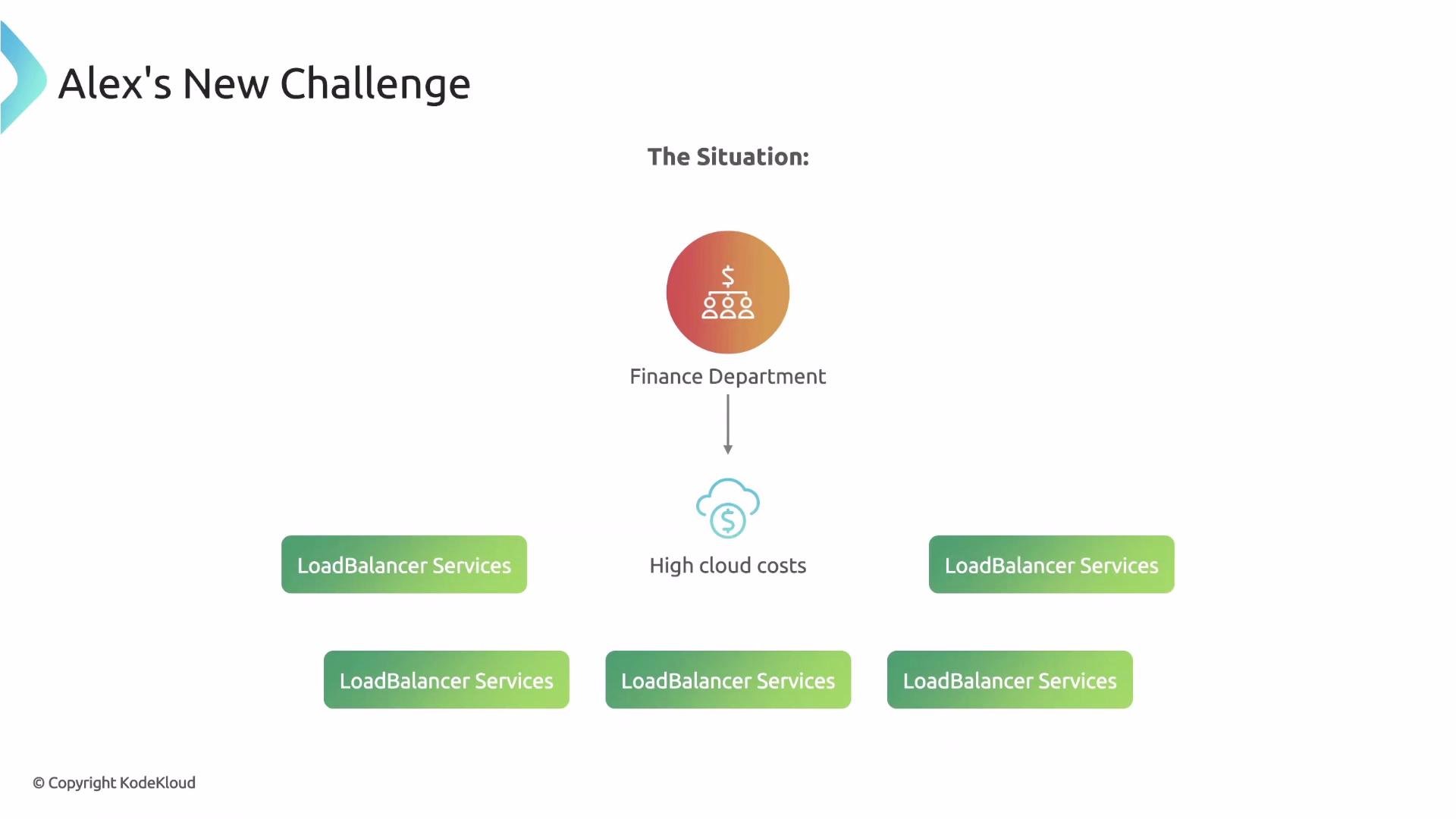 Alex wants to enforce a simple but stateful rule: allow only one Service of type `LoadBalancer` per Namespace to control costs.
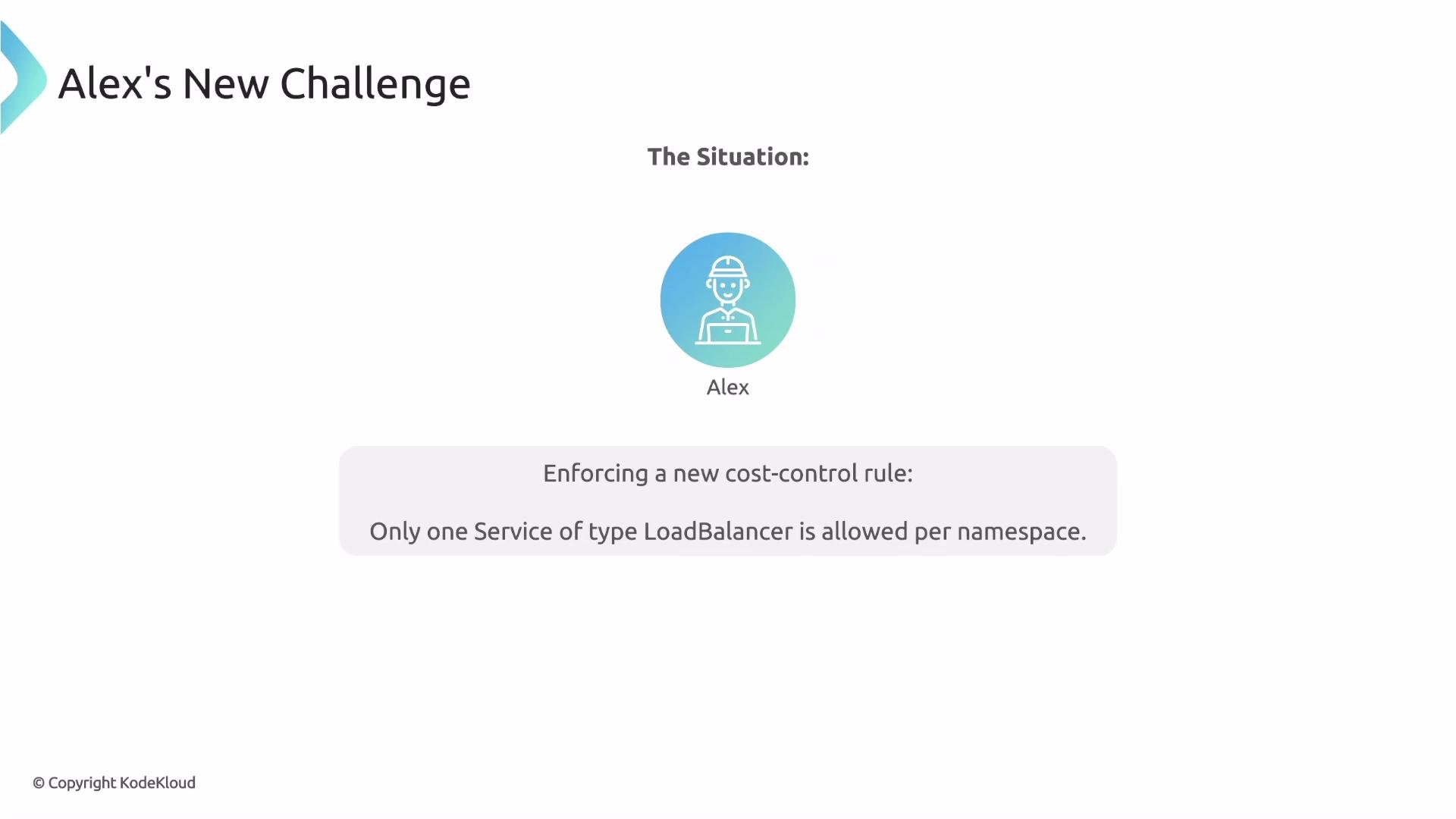 A ConfigMap is static and cannot answer "how many LoadBalancer Services already exist right now in this Namespace?" A plain validate rule also can't look at other live resources. Alex needs the policy to query the Kubernetes API at policy-evaluation time, count Services of type `LoadBalancer` in the Namespace, and then allow or deny the incoming request accordingly.
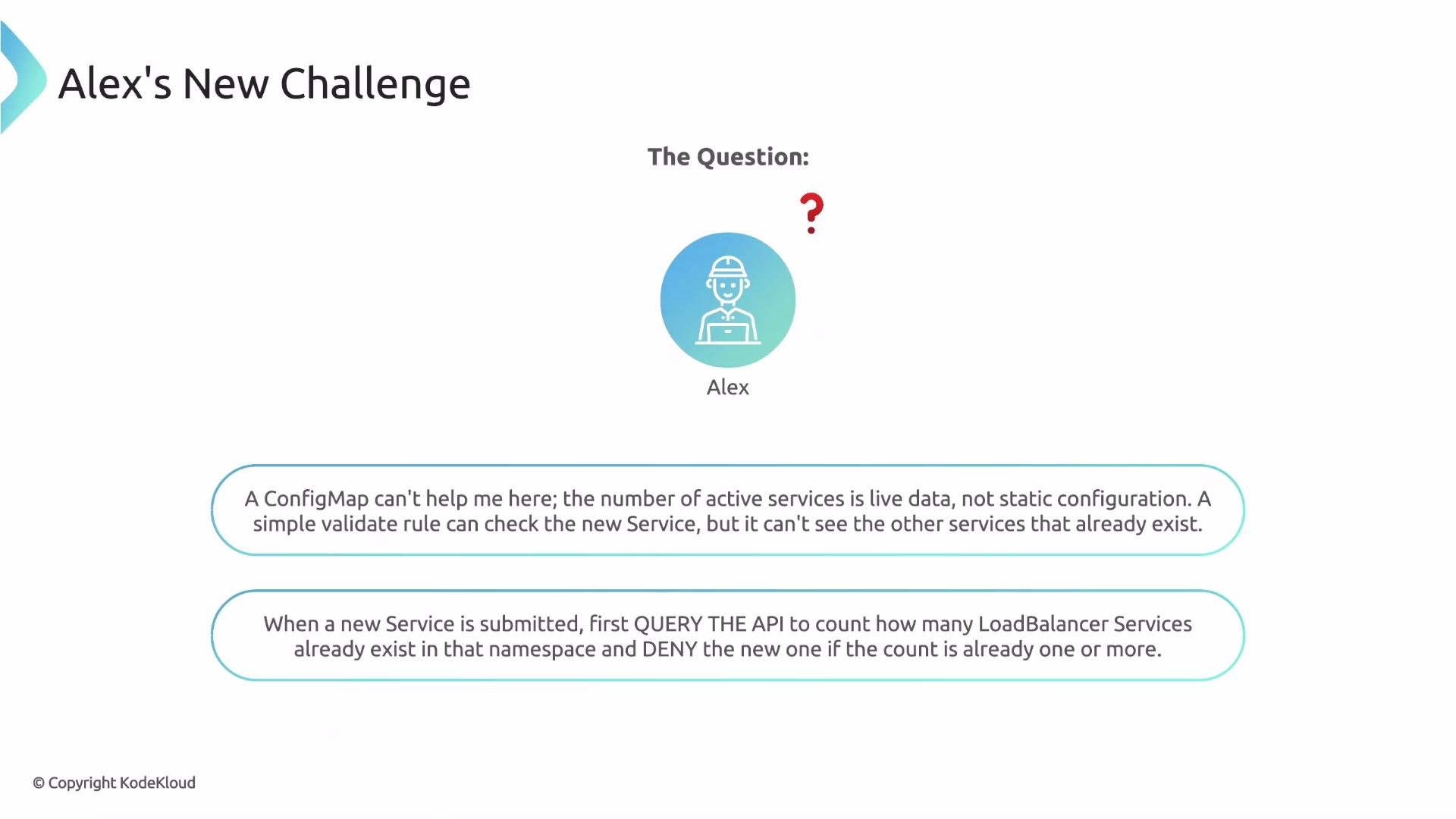 This is a stateful validation problem — exactly what Kyverno's `apiCall` context entry is designed for. In this lesson we’ll build a policy that queries the API server, applies a JMESPath query to the returned JSON, and uses the result in validation.
How apiCall works (high level)
* Inside a rule's `context` block you can add an `apiCall` entry. Kyverno will:
1. Call the Kubernetes API server at the provided `urlPath`.
2. Run a [JMESPath](https://jmespath.org/) expression against the JSON response.
3. Store the transformed result in a named variable you can reference elsewhere in the rule.
* Key fields:
* `name` — variable name to store the API result.
* `apiCall.urlPath` — the literal API path to request. You can interpolate request fields, e.g. `{{request.namespace}}`.
* `apiCall.jmesPath` — a JMESPath expression to extract or compute the exact value you need.
Example: count Pods in the current namespace and store the result in `podCount`:
```yaml theme={null}
rules:
- name: example-api-call
context:
- name: podCount
apiCall:
urlPath: "/api/v1/namespaces/{{request.namespace}}/pods"
jmesPath: "items | length(@)"
```
This `apiCall` requests `/api/v1/namespaces//pods`, selects `items`, and returns the list length as a simple integer.
Understanding Kubernetes API URL paths
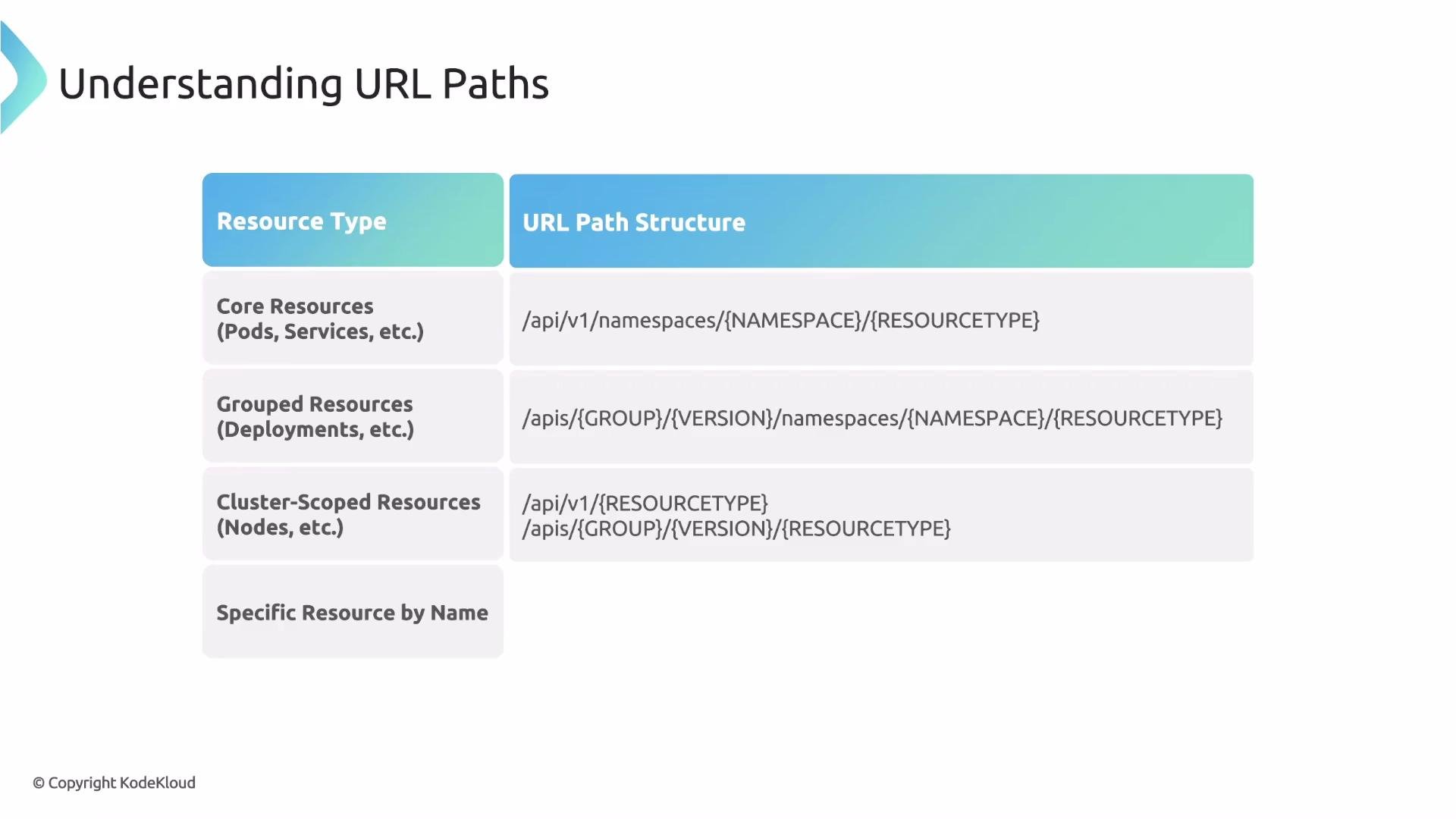
Kubernetes groups resources into core and API-grouped resources. Use the following rules to craft the correct `urlPath`:
| Resource type | API path prefix | Example |
| ------------------------------------------- | ----------------------------------------------------------------------------- | ----------------------------------------------------------------------------------------------------------------------------- |
| Core resources (Pods, Services, Namespaces) | `/api/v1` | `/api/v1/namespaces/default/pods` |
| Grouped resources (Deployments, CRDs) | `/apis//` | `/apis/apps/v1/namespaces/default/deployments` |
| Namespaced vs cluster-scoped | Namespaced resources include `/namespaces/`; cluster-scoped do not | Namespaced: `/api/v1/namespaces/default/services` — Cluster-scoped: `/apis/apiextensions.k8s.io/v1/customresourcedefinitions` |
If you need the entire collection, end the path with the plural resource name (for example, `pods` or `services`). To request a single resource, append `/names/` or `/` as appropriate.
This is a stateful validation problem — exactly what Kyverno's `apiCall` context entry is designed for. In this lesson we’ll build a policy that queries the API server, applies a JMESPath query to the returned JSON, and uses the result in validation.
How apiCall works (high level)
* Inside a rule's `context` block you can add an `apiCall` entry. Kyverno will:
1. Call the Kubernetes API server at the provided `urlPath`.
2. Run a [JMESPath](https://jmespath.org/) expression against the JSON response.
3. Store the transformed result in a named variable you can reference elsewhere in the rule.
* Key fields:
* `name` — variable name to store the API result.
* `apiCall.urlPath` — the literal API path to request. You can interpolate request fields, e.g. `{{request.namespace}}`.
* `apiCall.jmesPath` — a JMESPath expression to extract or compute the exact value you need.
Example: count Pods in the current namespace and store the result in `podCount`:
```yaml theme={null}
rules:
- name: example-api-call
context:
- name: podCount
apiCall:
urlPath: "/api/v1/namespaces/{{request.namespace}}/pods"
jmesPath: "items | length(@)"
```
This `apiCall` requests `/api/v1/namespaces//pods`, selects `items`, and returns the list length as a simple integer.
Understanding Kubernetes API URL paths
Kubernetes groups resources into core and API-grouped resources. Use the following rules to craft the correct `urlPath`:
| Resource type | API path prefix | Example |
| ------------------------------------------- | ----------------------------------------------------------------------------- | ----------------------------------------------------------------------------------------------------------------------------- |
| Core resources (Pods, Services, Namespaces) | `/api/v1` | `/api/v1/namespaces/default/pods` |
| Grouped resources (Deployments, CRDs) | `/apis//` | `/apis/apps/v1/namespaces/default/deployments` |
| Namespaced vs cluster-scoped | Namespaced resources include `/namespaces/`; cluster-scoped do not | Namespaced: `/api/v1/namespaces/default/services` — Cluster-scoped: `/apis/apiextensions.k8s.io/v1/customresourcedefinitions` |
If you need the entire collection, end the path with the plural resource name (for example, `pods` or `services`). To request a single resource, append `/names/` or `/` as appropriate.
 How to discover the correct path
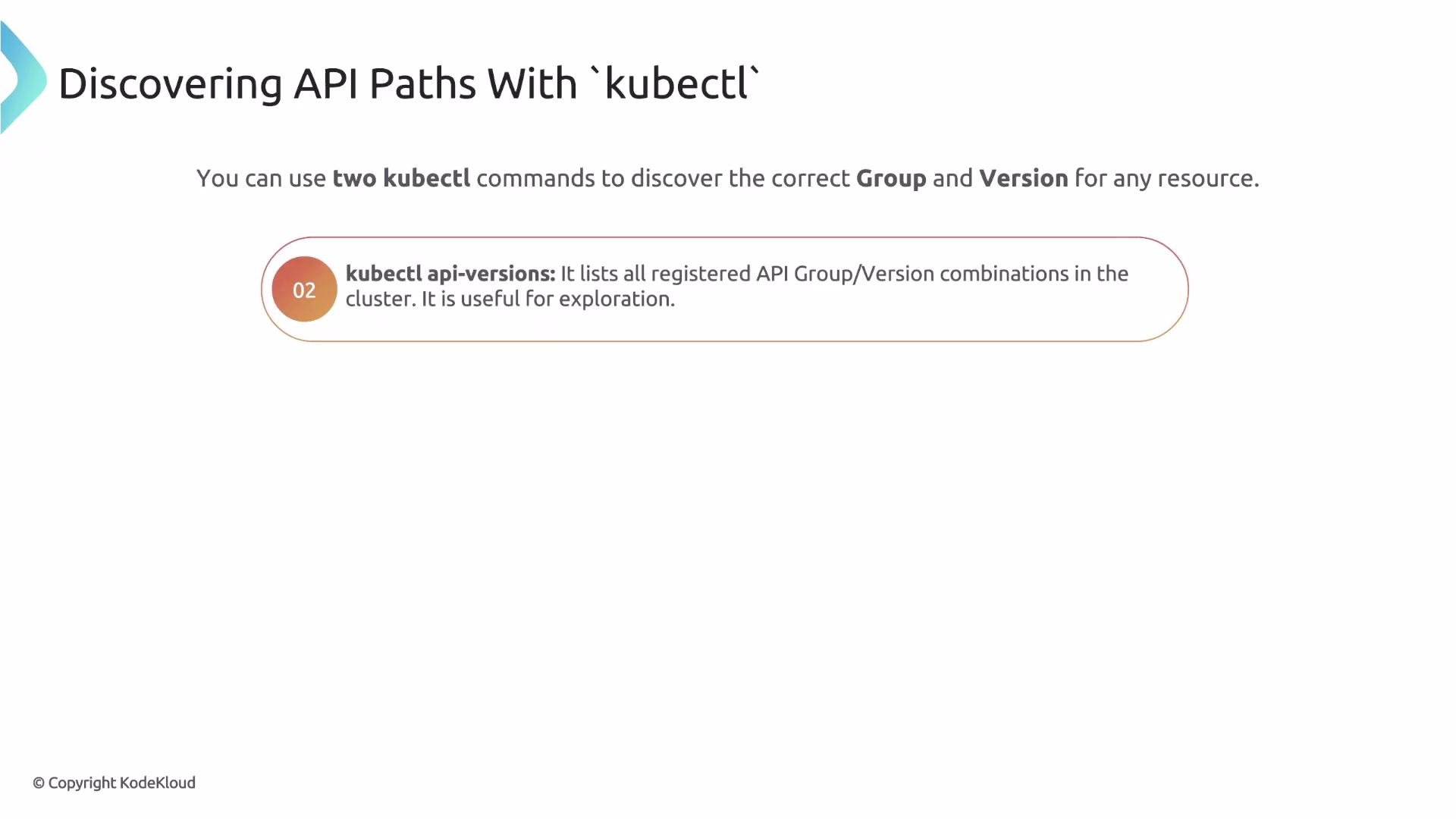
Use `kubectl` discovery tools to find resource names and API group/version information:
| Command | Purpose |
| ----------------------- | -------------------------------------------------------------- |
| `kubectl api-resources` | Shows resource names, API versions, and if they are namespaced |
| `kubectl api-versions` | Lists available API group/version combinations in the cluster |
Example `kubectl api-resources` output:
```bash theme={null}
$ kubectl api-resources
NAME SHORTNAMES APIVERSION NAMESPACED KIND
configmaps cm v1 true ConfigMap
pods po v1 true Pod
namespaces ns v1 false Namespace
deployments deploy apps/v1 true Deployment
```
The `APIVERSION` column determines the path prefix: `v1` → `/api/v1`; `apps/v1` → `/apis/apps/v1`.
How to discover the correct path
Use `kubectl` discovery tools to find resource names and API group/version information:
| Command | Purpose |
| ----------------------- | -------------------------------------------------------------- |
| `kubectl api-resources` | Shows resource names, API versions, and if they are namespaced |
| `kubectl api-versions` | Lists available API group/version combinations in the cluster |
Example `kubectl api-resources` output:
```bash theme={null}
$ kubectl api-resources
NAME SHORTNAMES APIVERSION NAMESPACED KIND
configmaps cm v1 true ConfigMap
pods po v1 true Pod
namespaces ns v1 false Namespace
deployments deploy apps/v1 true Deployment
```
The `APIVERSION` column determines the path prefix: `v1` → `/api/v1`; `apps/v1` → `/apis/apps/v1`.
 Putting it together: example for Deployments in `default`
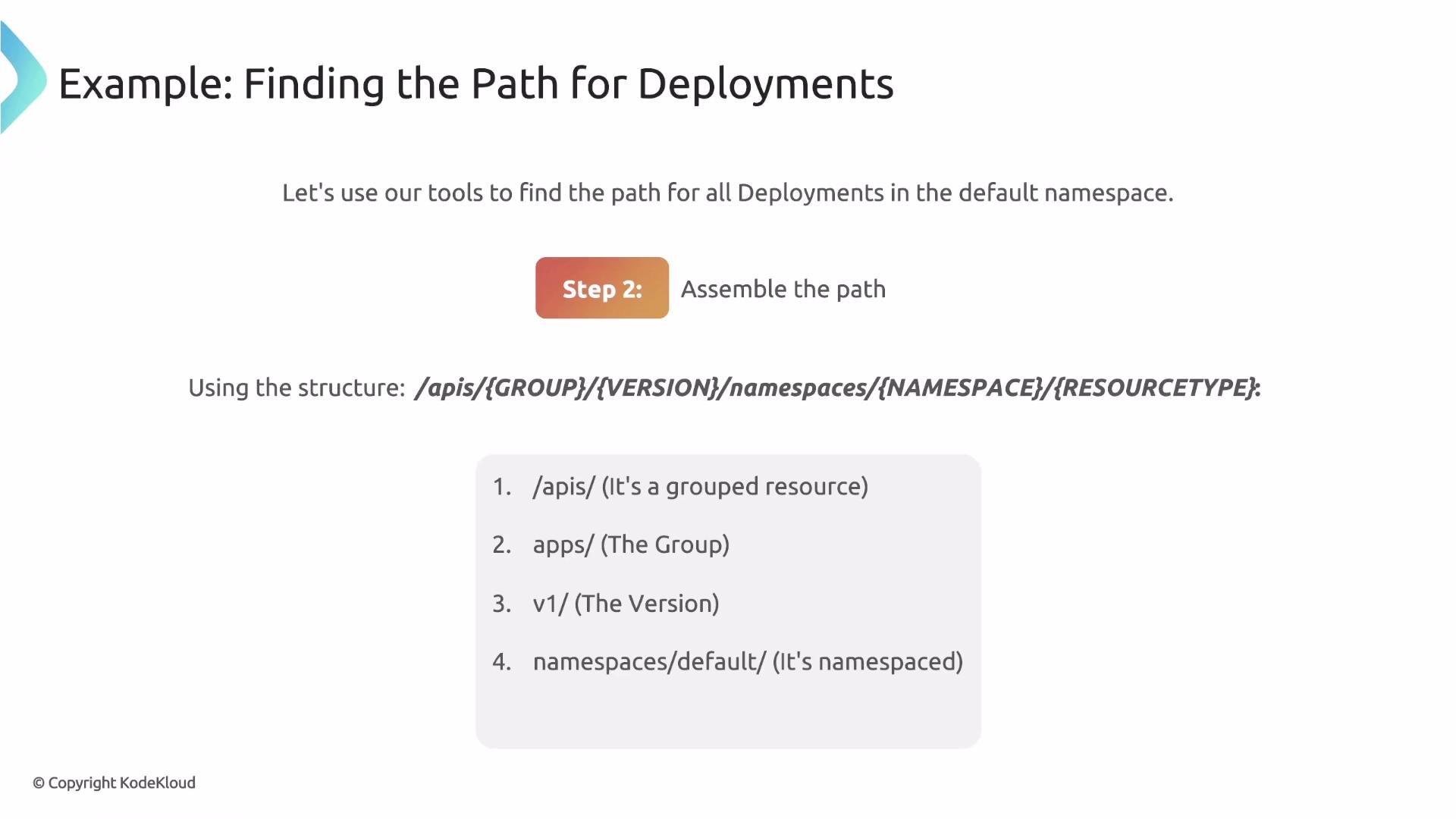
1. `kubectl api-resources` shows Deployments are `apps/v1` and namespaced.
2. Assemble the path:
* `/apis` (grouped resource)
* `/apps/v1` (group + version)
* `/namespaces/default` (target namespace)
* `/deployments` (resource collection)
Final path:
```text theme={null}
/apis/apps/v1/namespaces/default/deployments
```
Putting it together: example for Deployments in `default`
1. `kubectl api-resources` shows Deployments are `apps/v1` and namespaced.
2. Assemble the path:
* `/apis` (grouped resource)
* `/apps/v1` (group + version)
* `/namespaces/default` (target namespace)
* `/deployments` (resource collection)
Final path:
```text theme={null}
/apis/apps/v1/namespaces/default/deployments
```
 Test your URL path and JMESPath locally
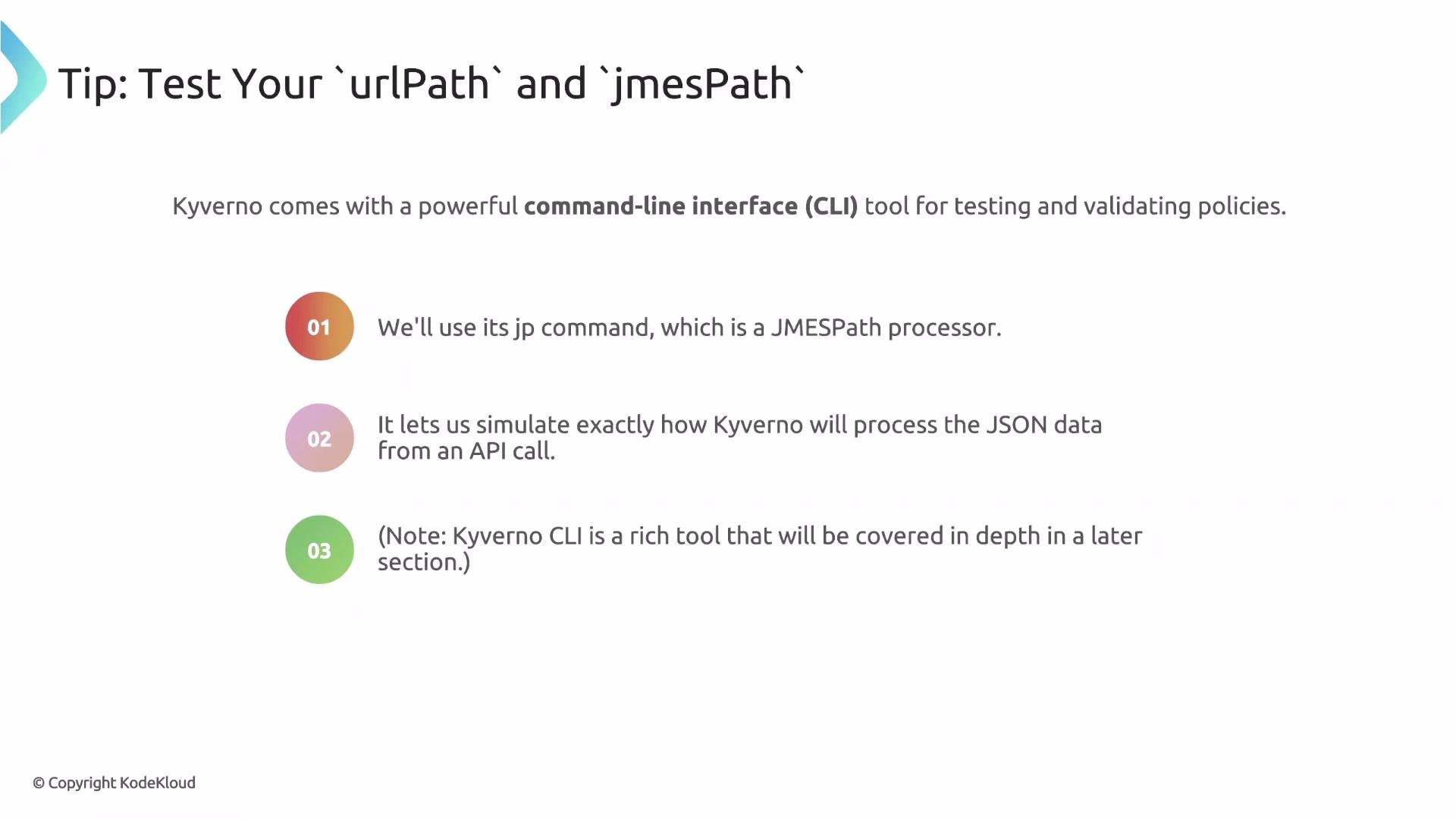
Before embedding an `apiCall` in a Kyverno policy, verify both the raw API JSON and the JMESPath expression. Kyverno provides a CLI helper `kyverno jp query` to evaluate JMESPath expressions against JSON — combine this with `kubectl get --raw` for a reliable test loop.
Use `kubectl get --raw` to fetch the raw API JSON, then pipe it into `kyverno jp query` to validate your JMESPath expression. Iterate until you get the exact value, then paste the working `urlPath` and `jmesPath` into your policy.
Example test command:
```bash theme={null}
kubectl get --raw /api/v1/namespaces/kube-system/pods \
| kyverno jp query "items | length(@)"
```
This two-step workflow (`kubectl get --raw ` | `kyverno jp query ""`) quickly validates both the path and the JMESPath expression before you deploy the policy.
Test your URL path and JMESPath locally
Before embedding an `apiCall` in a Kyverno policy, verify both the raw API JSON and the JMESPath expression. Kyverno provides a CLI helper `kyverno jp query` to evaluate JMESPath expressions against JSON — combine this with `kubectl get --raw` for a reliable test loop.
Use `kubectl get --raw` to fetch the raw API JSON, then pipe it into `kyverno jp query` to validate your JMESPath expression. Iterate until you get the exact value, then paste the working `urlPath` and `jmesPath` into your policy.
Example test command:
```bash theme={null}
kubectl get --raw /api/v1/namespaces/kube-system/pods \
| kyverno jp query "items | length(@)"
```
This two-step workflow (`kubectl get --raw ` | `kyverno jp query ""`) quickly validates both the path and the JMESPath expression before you deploy the policy.
 Complete policy example — enforce a single LoadBalancer per Namespace
Below is a complete Kyverno rule that enforces Alex's requirement. It runs on Service create/update, counts existing `LoadBalancer` Services in the same namespace via `apiCall`, and denies the request if one or more already exist.
```yaml theme={null}
rules:
- name: check-for-existing-loadbalancer
match:
any:
- resources:
kinds:
- Service
context:
- name: existing_lb_count
apiCall:
urlPath: "/api/v1/namespaces/{{request.namespace}}/services"
jmesPath: "items[?spec.type == 'LoadBalancer'] | length(@)"
validate:
message: "Only one Service of type LoadBalancer is allowed per namespace."
deny:
conditions:
any:
- key: "{{existing_lb_count}}"
operator: GreaterThanOrEquals
value: 1
```
How this policy works:
* The `apiCall` fetches Services in the incoming request's namespace.
* The JMESPath expression `items[?spec.type == 'LoadBalancer'] | length(@)` filters to LoadBalancer Services and returns a count.
* The `validate`/`deny` block compares the stored `existing_lb_count` against `1` and denies requests when the count is >= 1.
Important: when updating an existing Service, the `apiCall` result may include the Service currently being evaluated. To avoid falsely denying legitimate updates, filter out the item with the same `metadata.name` or `metadata.uid` as the request object in your JMESPath expression. Test both create and update flows to confirm correct behavior.
Performance and robustness tips
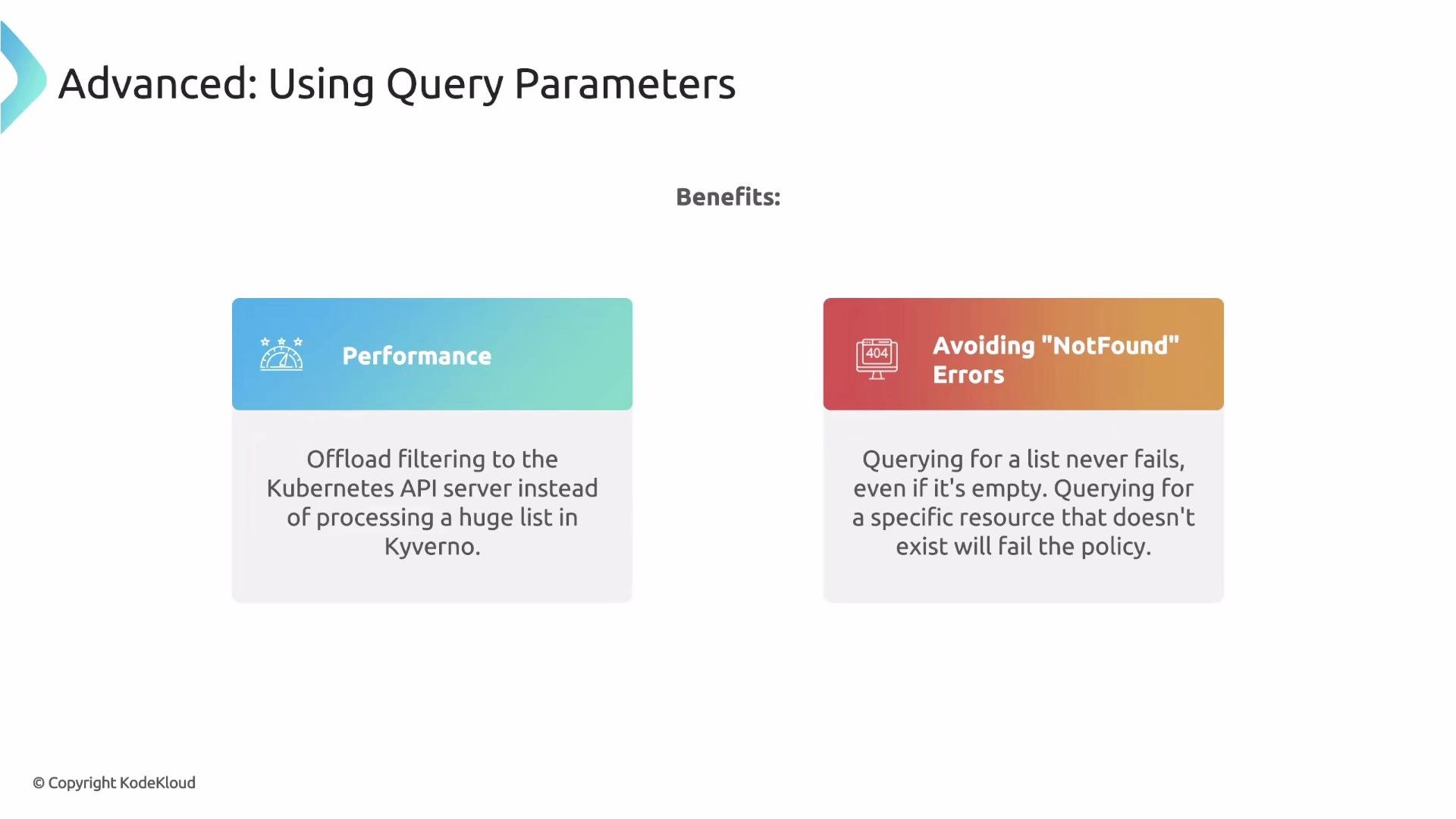
* Use Kubernetes API query parameters (`labelSelector` or `fieldSelector`) in your `urlPath` to let the API server filter results. Benefits:
1. Performance — less data returned and less client-side processing.
2. Robustness — a selector query returns an empty `items` list when nothing matches (instead of a 404), avoiding evaluation errors.
Example: request a service by name using `fieldSelector`:
```bash theme={null}
kubectl get --raw "/api/v1/namespaces/default/services?fieldSelector=metadata.name=foo"
```
If the Service `foo` does not exist, this returns a successful response with an empty `items` list instead of an error.
Complete policy example — enforce a single LoadBalancer per Namespace
Below is a complete Kyverno rule that enforces Alex's requirement. It runs on Service create/update, counts existing `LoadBalancer` Services in the same namespace via `apiCall`, and denies the request if one or more already exist.
```yaml theme={null}
rules:
- name: check-for-existing-loadbalancer
match:
any:
- resources:
kinds:
- Service
context:
- name: existing_lb_count
apiCall:
urlPath: "/api/v1/namespaces/{{request.namespace}}/services"
jmesPath: "items[?spec.type == 'LoadBalancer'] | length(@)"
validate:
message: "Only one Service of type LoadBalancer is allowed per namespace."
deny:
conditions:
any:
- key: "{{existing_lb_count}}"
operator: GreaterThanOrEquals
value: 1
```
How this policy works:
* The `apiCall` fetches Services in the incoming request's namespace.
* The JMESPath expression `items[?spec.type == 'LoadBalancer'] | length(@)` filters to LoadBalancer Services and returns a count.
* The `validate`/`deny` block compares the stored `existing_lb_count` against `1` and denies requests when the count is >= 1.
Important: when updating an existing Service, the `apiCall` result may include the Service currently being evaluated. To avoid falsely denying legitimate updates, filter out the item with the same `metadata.name` or `metadata.uid` as the request object in your JMESPath expression. Test both create and update flows to confirm correct behavior.
Performance and robustness tips
* Use Kubernetes API query parameters (`labelSelector` or `fieldSelector`) in your `urlPath` to let the API server filter results. Benefits:
1. Performance — less data returned and less client-side processing.
2. Robustness — a selector query returns an empty `items` list when nothing matches (instead of a 404), avoiding evaluation errors.
Example: request a service by name using `fieldSelector`:
```bash theme={null}
kubectl get --raw "/api/v1/namespaces/default/services?fieldSelector=metadata.name=foo"
```
If the Service `foo` does not exist, this returns a successful response with an empty `items` list instead of an error.
 Recap and best practices
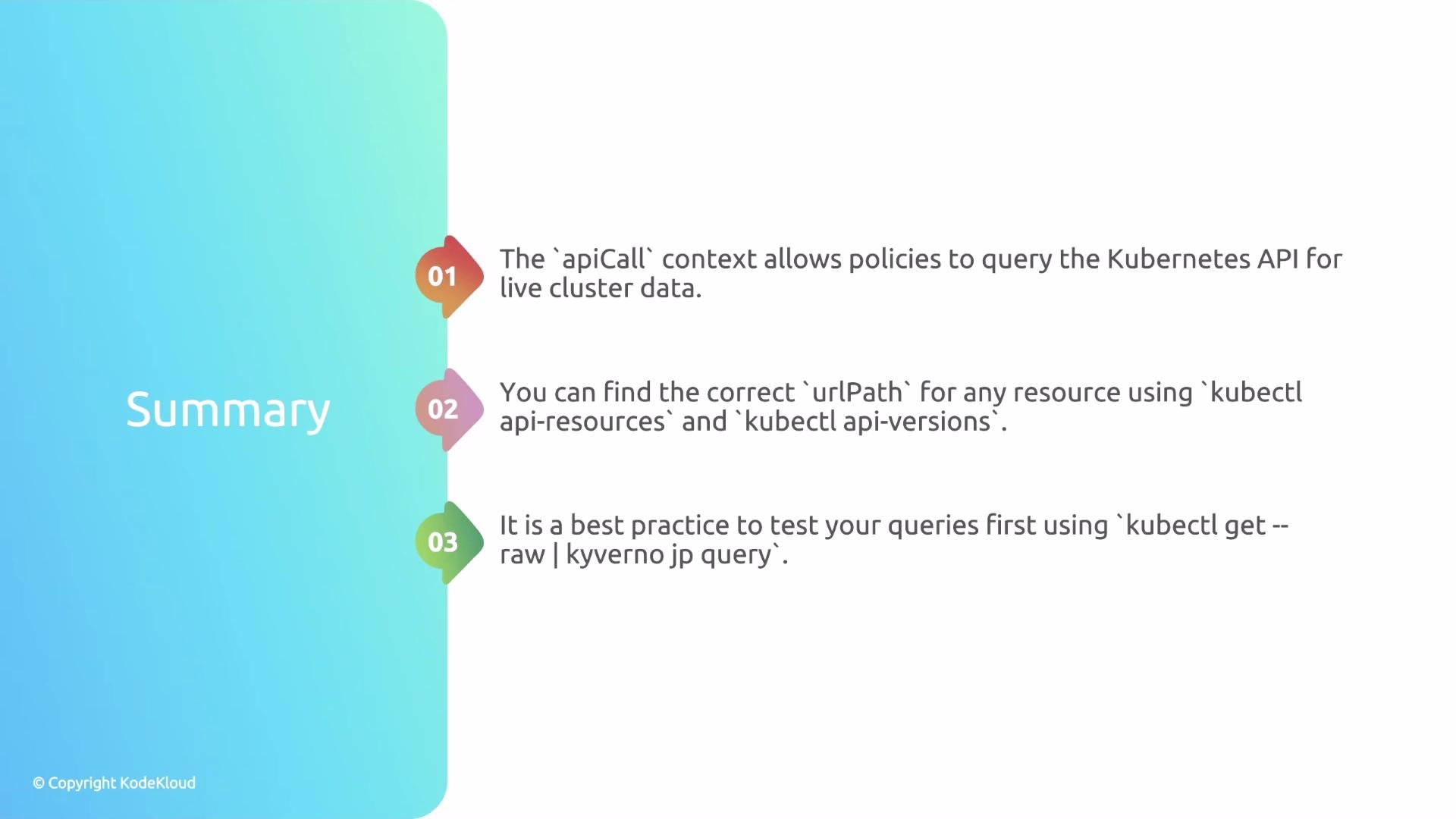
* Kyverno's `apiCall` context lets policies query the Kubernetes API server at runtime and store the processed result in a variable, enabling stateful validations.
* Use `kubectl api-resources` and `kubectl api-versions` to discover the correct `urlPath` structure.
* Test `urlPath` and JMESPath expressions locally with `kubectl get --raw` piped into `kyverno jp query`.
* Prefer `labelSelector`/`fieldSelector` parameters for performance and to avoid `NotFound` errors.
* When a policy needs to ignore the resource being evaluated (e.g., during updates), explicitly exclude it in the JMESPath filter.
* For repeated or shared API data needs, consider using Kyverno's GlobalContext to cache results across rules to improve efficiency.
Recap and best practices
* Kyverno's `apiCall` context lets policies query the Kubernetes API server at runtime and store the processed result in a variable, enabling stateful validations.
* Use `kubectl api-resources` and `kubectl api-versions` to discover the correct `urlPath` structure.
* Test `urlPath` and JMESPath expressions locally with `kubectl get --raw` piped into `kyverno jp query`.
* Prefer `labelSelector`/`fieldSelector` parameters for performance and to avoid `NotFound` errors.
* When a policy needs to ignore the resource being evaluated (e.g., during updates), explicitly exclude it in the JMESPath filter.
* For repeated or shared API data needs, consider using Kyverno's GlobalContext to cache results across rules to improve efficiency.
 Further reading and references
* Kyverno apiCall documentation: [https://kyverno.io/docs/](https://kyverno.io/docs/)
* JMESPath specification and examples: [https://jmespath.org/](https://jmespath.org/)
* Kubernetes API overview: [https://kubernetes.io/docs/reference/using-api/api-overview/](https://kubernetes.io/docs/reference/using-api/api-overview/)
* Kubectl reference: [https://kubernetes.io/docs/reference/kubectl/](https://kubernetes.io/docs/reference/kubectl/)
Efficiency when the same API data is needed repeatedly can be improved using the GlobalContext.
Further reading and references
* Kyverno apiCall documentation: [https://kyverno.io/docs/](https://kyverno.io/docs/)
* JMESPath specification and examples: [https://jmespath.org/](https://jmespath.org/)
* Kubernetes API overview: [https://kubernetes.io/docs/reference/using-api/api-overview/](https://kubernetes.io/docs/reference/using-api/api-overview/)
* Kubectl reference: [https://kubernetes.io/docs/reference/kubectl/](https://kubernetes.io/docs/reference/kubectl/)
Efficiency when the same API data is needed repeatedly can be improved using the GlobalContext.