> ## Documentation Index
> Fetch the complete documentation index at: https://notes.kodekloud.com/llms.txt
> Use this file to discover all available pages before exploring further.
# Clone List
> Explains Kyverno's cloneList feature for cloning multiple Secrets and ConfigMaps from a staging namespace into new namespaces to automate and synchronize onboarding configuration bundles.
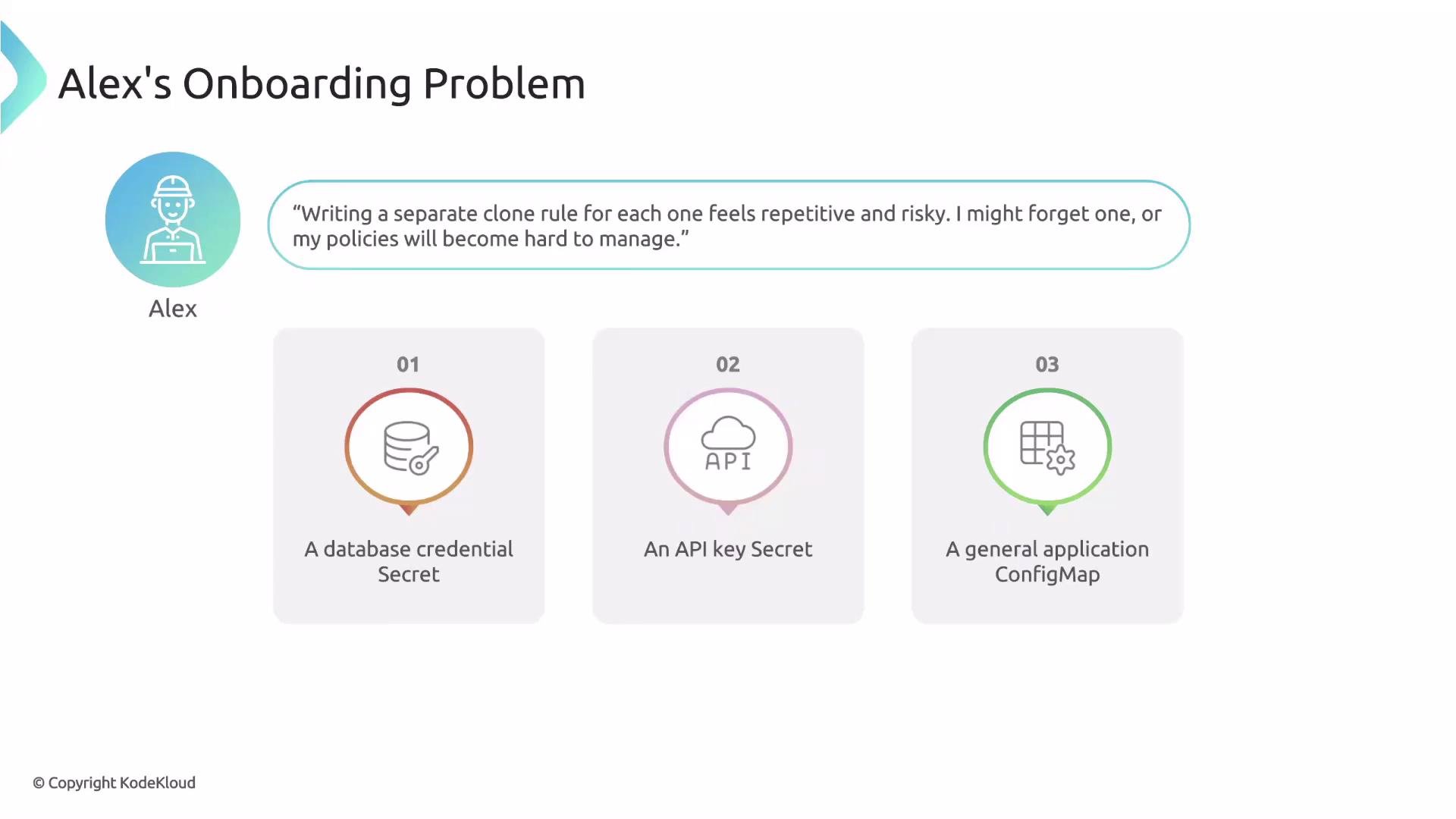
Alex can easily clone a single golden Secret into new namespaces. But his platform team needs more than one resource per namespace — they maintain a standard onboarding bundle of configurations (a database credential Secret, an API key Secret, and an application ConfigMap) in a central staging namespace.
Creating a separate clone rule for each resource works, but it’s not scalable: it’s repetitive, error-prone, and requires policy edits whenever the standard bundle changes. Kyverno’s `cloneList` solves this by enabling cloning of multiple resources from a single source namespace in one generate rule.
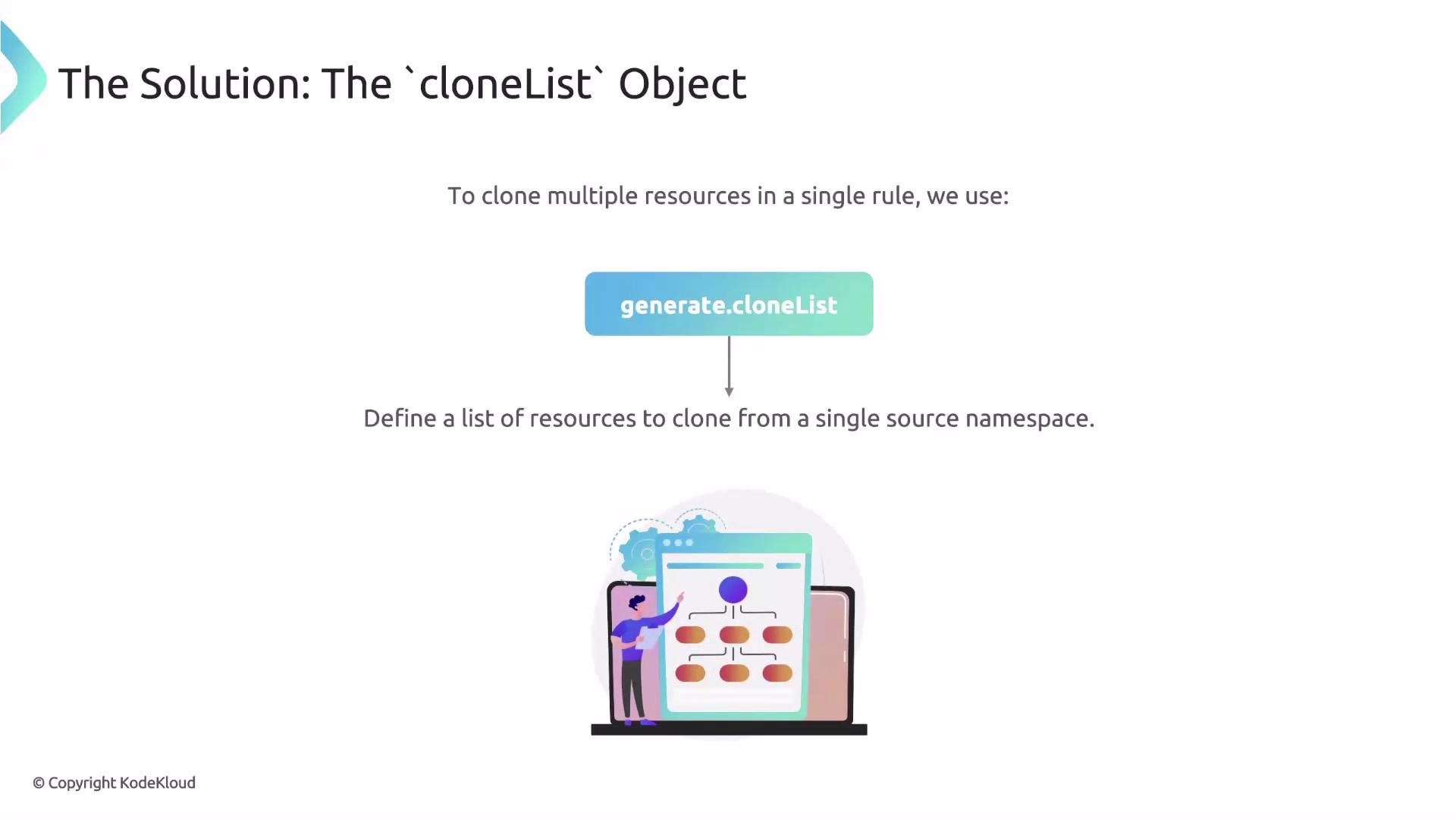
 Instead of using `generate.clone` to copy a single resource, `generate.cloneList` lets you define multiple source resources to be cloned from a single namespace. This is ideal for shipping a standard bundle of Secrets and ConfigMaps into newly-created namespaces.
 ## cloneList fields
The `cloneList` object includes three primary fields:
| Field | Purpose | Example |
| --------------------- | -------------------------------------------------------------- | -------------------------------------------- |
| `namespace` | The source namespace containing the golden resources to clone | `staging` |
| `kinds` | Resource kinds to clone (group/version/kind or just kind) | `v1/Secret`, `v1/ConfigMap` |
| `selector` (optional) | A Kubernetes label selector to filter which resources to clone | `matchLabels: { allowedToBeCloned: "true" }` |
Using a selector avoids copying every Secret and ConfigMap from the source namespace — only those labeled for cloning will be included in the standard bundle.
Using `selector` lets the platform team add or remove resources from the standard onboarding bundle by updating labels in the `staging` namespace — the Kyverno policy itself doesn't need to change.
## cloneList example structure
A minimal `cloneList` structure looks like this:
```yaml theme={null}
generate:
# downstream resources will be created in this namespace.
namespace: ...
cloneList:
# the namespace from which to fetch the sources
namespace: ...
# which source kinds to clone (group/version/kind or just kind)
kinds:
- v1/Secret
- v1/ConfigMap
# optional label selector to filter the sources
selector:
matchLabels:
allowedToBeCloned: "true"
```
## Full Kyverno rule: clone standard configs into new namespaces
This rule triggers on new Namespace creation and clones the selected Secrets and ConfigMaps from the `staging` namespace into the newly-created namespace. The `synchronize: true` option keeps generated resources synchronized with their sources.
```yaml theme={null}
spec:
rules:
- name: clone-standard-configs
match:
any:
- resources:
kinds:
- Namespace
generate:
namespace: "{{request.object.metadata.name}}"
synchronize: true
cloneList:
namespace: staging
kinds:
- v1/Secret
- v1/ConfigMap
selector:
matchLabels:
allowedToBeCloned: "true"
```
Cloning Secrets copies sensitive data into target namespaces. Ensure you have appropriate RBAC, Secrets encryption (e.g., KMS/provider secrets encryption), and audit controls in place to protect sensitive material.
## Why this approach is better
* Scalability: one policy handles the whole onboarding bundle instead of one policy per resource.
* Flexibility: platform engineers can change the bundle by adjusting labels in the staging namespace — no policy edits required.
* Consistency: `synchronize: true` ensures generated resources stay aligned with their golden sources.
## Next steps and references
This article covered how to generate resources from clone sources using `cloneList`. Next topics to explore include applying generate rules to existing namespaces and handling lifecycle concerns (updates, deletions, and synchronization conflicts).
* Kyverno generate rules: [https://kyverno.io/docs/writing-policies/generate/](https://kyverno.io/docs/writing-policies/generate/)
* Kubernetes label selectors: [https://kubernetes.io/docs/concepts/overview/working-with-objects/labels/](https://kubernetes.io/docs/concepts/overview/working-with-objects/labels/)
* Kubernetes Secrets best practices: [https://kubernetes.io/docs/concepts/configuration/secret/](https://kubernetes.io/docs/concepts/configuration/secret/)
This pattern helps teams onboard new namespaces quickly and reliably by delivering a standard set of configuration objects from a central staging location.
## cloneList fields
The `cloneList` object includes three primary fields:
| Field | Purpose | Example |
| --------------------- | -------------------------------------------------------------- | -------------------------------------------- |
| `namespace` | The source namespace containing the golden resources to clone | `staging` |
| `kinds` | Resource kinds to clone (group/version/kind or just kind) | `v1/Secret`, `v1/ConfigMap` |
| `selector` (optional) | A Kubernetes label selector to filter which resources to clone | `matchLabels: { allowedToBeCloned: "true" }` |
Using a selector avoids copying every Secret and ConfigMap from the source namespace — only those labeled for cloning will be included in the standard bundle.
Using `selector` lets the platform team add or remove resources from the standard onboarding bundle by updating labels in the `staging` namespace — the Kyverno policy itself doesn't need to change.
## cloneList example structure
A minimal `cloneList` structure looks like this:
```yaml theme={null}
generate:
# downstream resources will be created in this namespace.
namespace: ...
cloneList:
# the namespace from which to fetch the sources
namespace: ...
# which source kinds to clone (group/version/kind or just kind)
kinds:
- v1/Secret
- v1/ConfigMap
# optional label selector to filter the sources
selector:
matchLabels:
allowedToBeCloned: "true"
```
## Full Kyverno rule: clone standard configs into new namespaces
This rule triggers on new Namespace creation and clones the selected Secrets and ConfigMaps from the `staging` namespace into the newly-created namespace. The `synchronize: true` option keeps generated resources synchronized with their sources.
```yaml theme={null}
spec:
rules:
- name: clone-standard-configs
match:
any:
- resources:
kinds:
- Namespace
generate:
namespace: "{{request.object.metadata.name}}"
synchronize: true
cloneList:
namespace: staging
kinds:
- v1/Secret
- v1/ConfigMap
selector:
matchLabels:
allowedToBeCloned: "true"
```
Cloning Secrets copies sensitive data into target namespaces. Ensure you have appropriate RBAC, Secrets encryption (e.g., KMS/provider secrets encryption), and audit controls in place to protect sensitive material.
## Why this approach is better
* Scalability: one policy handles the whole onboarding bundle instead of one policy per resource.
* Flexibility: platform engineers can change the bundle by adjusting labels in the staging namespace — no policy edits required.
* Consistency: `synchronize: true` ensures generated resources stay aligned with their golden sources.
## Next steps and references
This article covered how to generate resources from clone sources using `cloneList`. Next topics to explore include applying generate rules to existing namespaces and handling lifecycle concerns (updates, deletions, and synchronization conflicts).
* Kyverno generate rules: [https://kyverno.io/docs/writing-policies/generate/](https://kyverno.io/docs/writing-policies/generate/)
* Kubernetes label selectors: [https://kubernetes.io/docs/concepts/overview/working-with-objects/labels/](https://kubernetes.io/docs/concepts/overview/working-with-objects/labels/)
* Kubernetes Secrets best practices: [https://kubernetes.io/docs/concepts/configuration/secret/](https://kubernetes.io/docs/concepts/configuration/secret/)
This pattern helps teams onboard new namespaces quickly and reliably by delivering a standard set of configuration objects from a central staging location.