> ## Documentation Index
> Fetch the complete documentation index at: https://notes.kodekloud.com/llms.txt
> Use this file to discover all available pages before exploring further.
# Data Source Syncronization Effect
> Explains Kyverno's generate synchronize option that actively reconciles generated resources, enabling self heal, update propagation, and cleanup, with orphaned flag to retain resources after policy deletion.
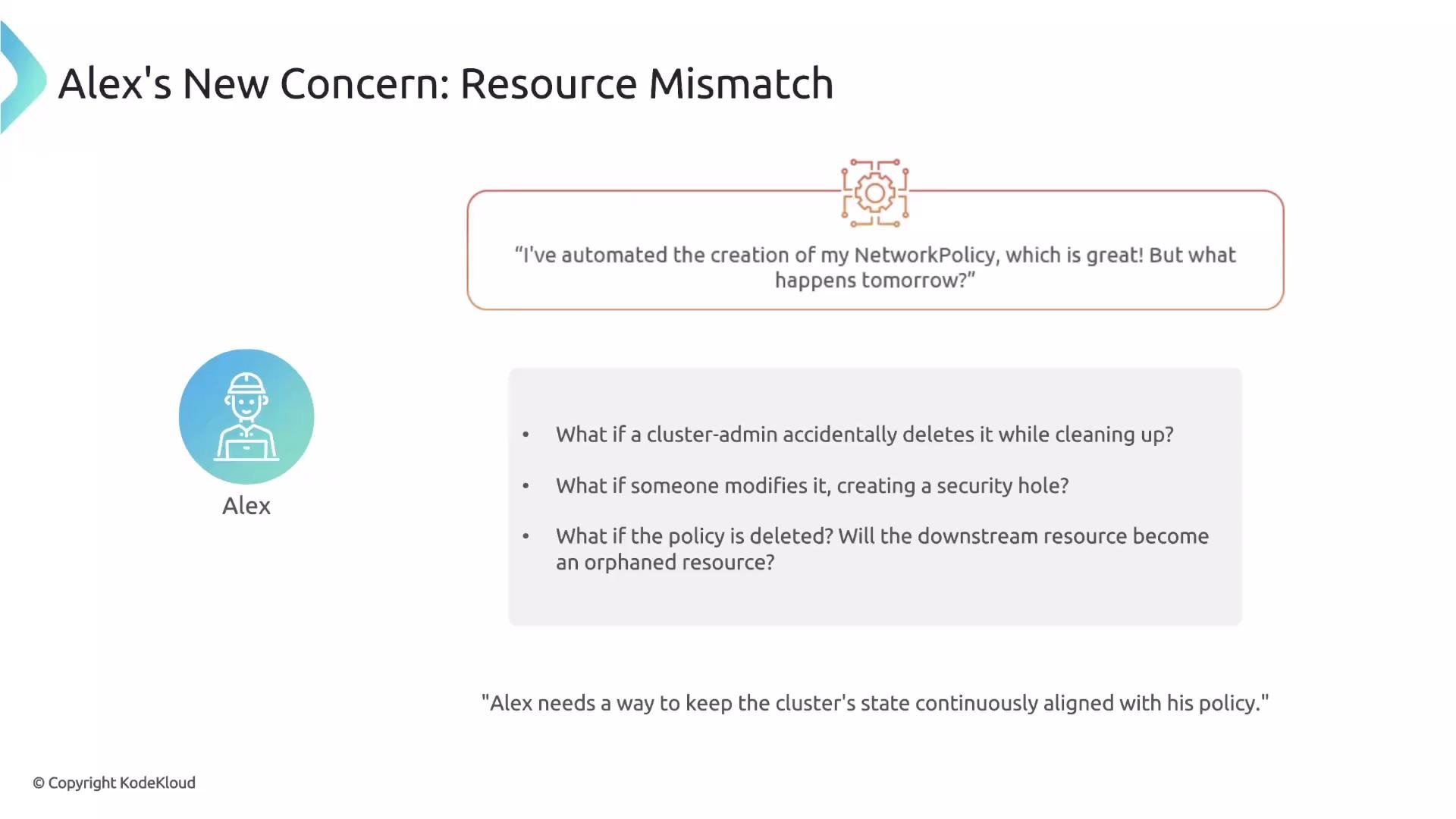
Previously, Alex automated creation of a default NetworkPolicy for every new namespace. Creating resources automatically is helpful, but launch is only the first step — you must also keep generated resources healthy and aligned with the desired state.
As a platform engineer, Alex now asks: what happens if a cluster admin accidentally deletes a generated NetworkPolicy while cleaning up? What if someone modifies it and unintentionally opens a security hole? Will a deleted or modified downstream resource become orphaned or drift out of sync? The `synchronize` option in Kyverno is designed to address these concerns by keeping the policy and its generated resource continuously reconciled.
 ## What `synchronize` does
`synchronize` is a boolean flag you add to a `generate` rule. When set to `true`, Kyverno establishes an active, continuous link between the policy and the generated downstream resource so the policy remains the single source of truth.
Example:
```yaml theme={null}
spec:
rules:
- name: deny-all-traffic
match:
# ...
generate:
synchronize: true
# additional generate fields...
```
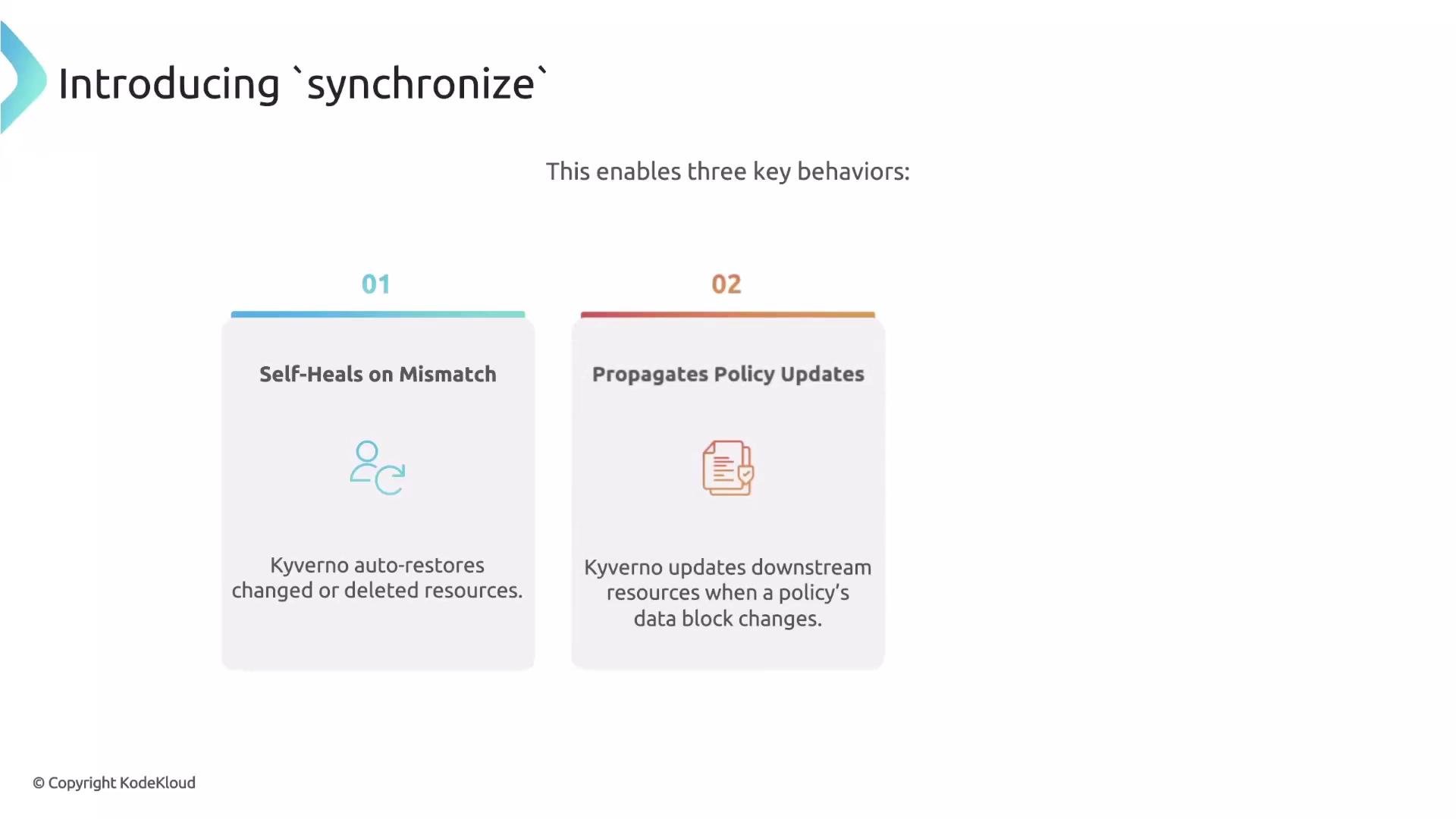
When enabled, `synchronize` provides three primary behaviors:
* Self-heal: If the downstream resource is modified or deleted, Kyverno will revert or recreate it to match the policy.
* Propagate updates: Changes to the policy are applied to the generated resource automatically.
* Cleanup when the trigger is deleted: If the source (trigger) resource is removed, Kyverno will delete the generated resource during reconciliation (unless you change orphaning behavior — see below).
## What `synchronize` does
`synchronize` is a boolean flag you add to a `generate` rule. When set to `true`, Kyverno establishes an active, continuous link between the policy and the generated downstream resource so the policy remains the single source of truth.
Example:
```yaml theme={null}
spec:
rules:
- name: deny-all-traffic
match:
# ...
generate:
synchronize: true
# additional generate fields...
```
When enabled, `synchronize` provides three primary behaviors:
* Self-heal: If the downstream resource is modified or deleted, Kyverno will revert or recreate it to match the policy.
* Propagate updates: Changes to the policy are applied to the generated resource automatically.
* Cleanup when the trigger is deleted: If the source (trigger) resource is removed, Kyverno will delete the generated resource during reconciliation (unless you change orphaning behavior — see below).
 ## Quick comparison: synchronize enabled vs disabled
Below is a compact cheat sheet showing how generated resources behave depending on the `synchronize` setting. The right column describes the fire-and-forget model (`synchronize: false`): once the resource is created, the policy no longer manages it — modifications or deletions are not reverted.
## Quick comparison: synchronize enabled vs disabled
Below is a compact cheat sheet showing how generated resources behave depending on the `synchronize` setting. The right column describes the fire-and-forget model (`synchronize: false`): once the resource is created, the policy no longer manages it — modifications or deletions are not reverted.
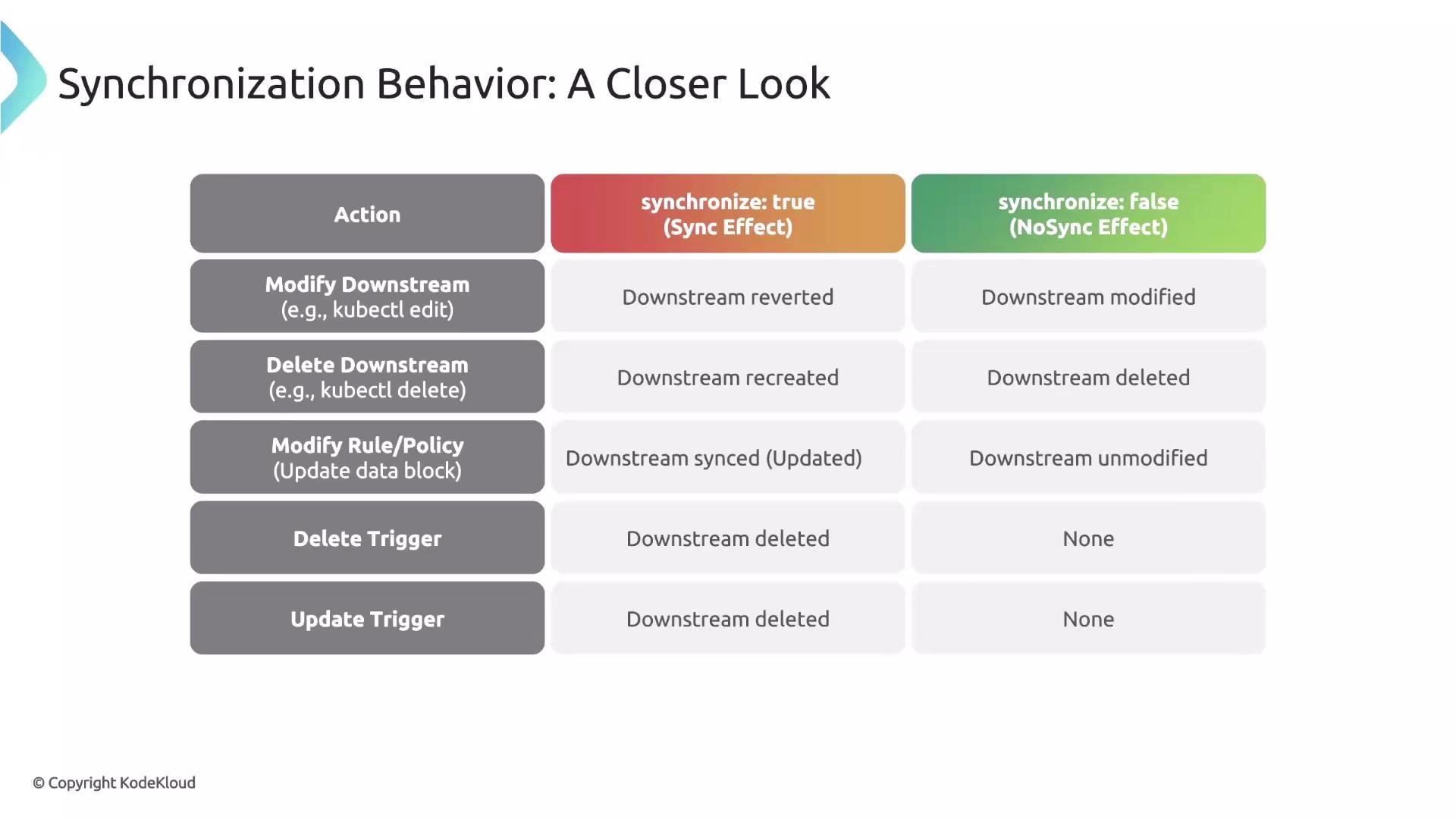 | Action / Scenario | `synchronize: true` (active management) | `synchronize: false` (fire-and-forget) |
| ------------------------------- | -------------------------------------------------------------------------: | -------------------------------------------: |
| Downstream resource modified | Kyverno reverts to policy-specified state (self-heal) | No action — resource remains modified |
| Downstream resource deleted | Kyverno recreates the resource | No action — resource is gone |
| Policy updated | Changes propagate automatically to downstream resource | No automatic propagation; resource unchanged |
| Trigger/source resource deleted | Kyverno deletes generated resource during reconciliation (unless orphaned) | No automatic cleanup related to policy state |
## Orphaning generated resources
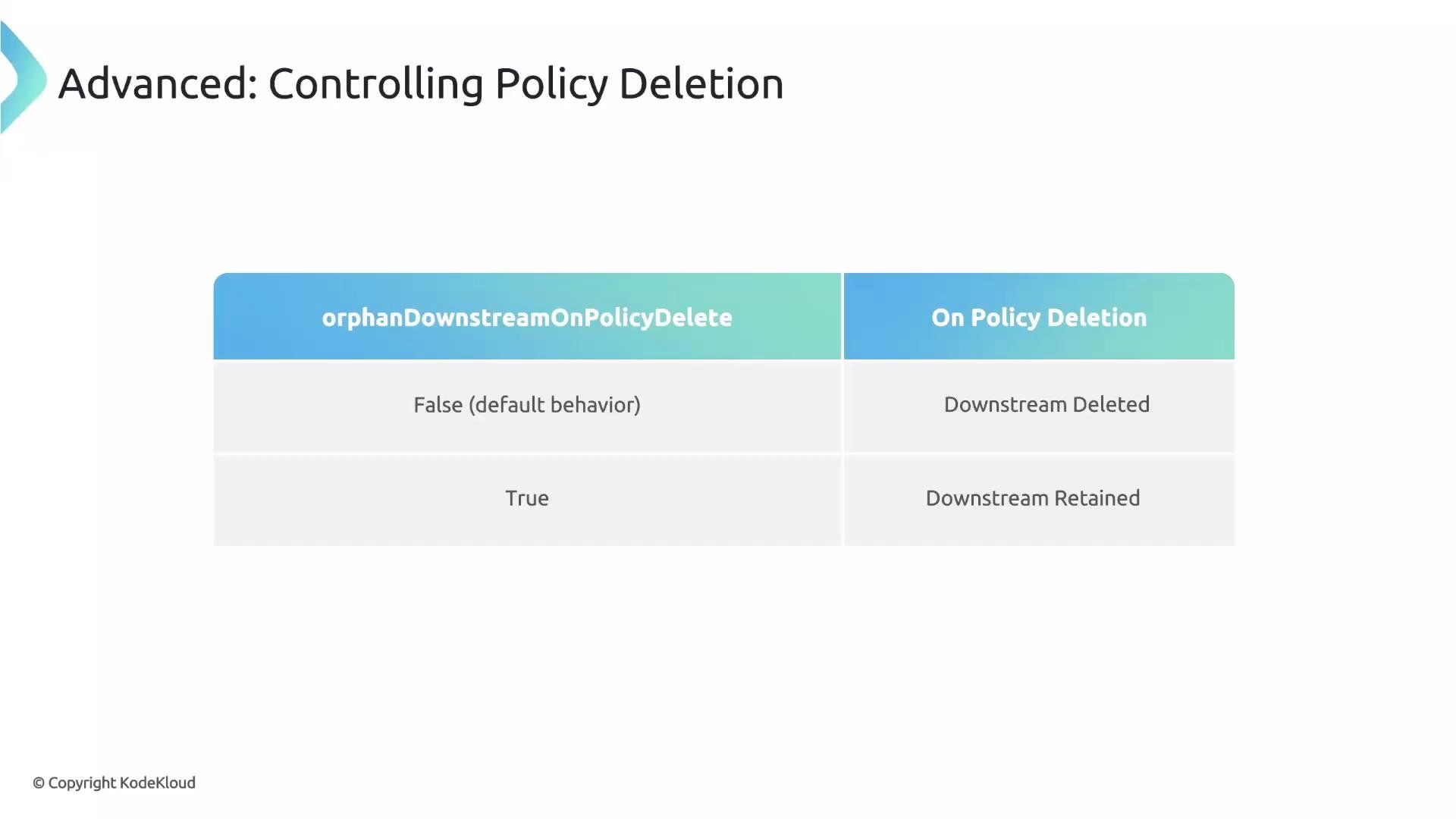
Kyverno normally removes generated downstream resources if the policy that created them is deleted. This is usually desirable, but sometimes you may want to retain those resources after removing the policy — for example, when you intend to manage them manually.
You can control this with the `orphaned` flag in the `generate` block:
```yaml theme={null}
spec:
rules:
- name: deny-all-traffic
match:
# ...
generate:
synchronize: true
orphaned: true
# additional generate fields...
```
* `orphaned: true` — leave generated resources intact when the policy that created them is deleted.
* `orphaned: false` (default) or omitted — generated resources are deleted when the policy is removed.
| Action / Scenario | `synchronize: true` (active management) | `synchronize: false` (fire-and-forget) |
| ------------------------------- | -------------------------------------------------------------------------: | -------------------------------------------: |
| Downstream resource modified | Kyverno reverts to policy-specified state (self-heal) | No action — resource remains modified |
| Downstream resource deleted | Kyverno recreates the resource | No action — resource is gone |
| Policy updated | Changes propagate automatically to downstream resource | No automatic propagation; resource unchanged |
| Trigger/source resource deleted | Kyverno deletes generated resource during reconciliation (unless orphaned) | No automatic cleanup related to policy state |
## Orphaning generated resources
Kyverno normally removes generated downstream resources if the policy that created them is deleted. This is usually desirable, but sometimes you may want to retain those resources after removing the policy — for example, when you intend to manage them manually.
You can control this with the `orphaned` flag in the `generate` block:
```yaml theme={null}
spec:
rules:
- name: deny-all-traffic
match:
# ...
generate:
synchronize: true
orphaned: true
# additional generate fields...
```
* `orphaned: true` — leave generated resources intact when the policy that created them is deleted.
* `orphaned: false` (default) or omitted — generated resources are deleted when the policy is removed.
 When `synchronize: true` is enabled, Kyverno actively enforces the generated resource’s state. Use `orphaned: true` only when you intentionally want to retain generated resources after removing the policy.
## Summary
* Use `synchronize: true` to maintain an active, reconciled relationship between a policy and the resources it generates: self-heal, update propagation, and cleanup behavior.
* Use `orphaned: true` only when you want to retain generated resources after deleting the policy.
* These options help prevent drift, accidental deletions, and unintended security regressions when automating resource generation with Kyverno.
Next: clone sources — how to use an existing resource as a template when generating downstream objects.
When `synchronize: true` is enabled, Kyverno actively enforces the generated resource’s state. Use `orphaned: true` only when you intentionally want to retain generated resources after removing the policy.
## Summary
* Use `synchronize: true` to maintain an active, reconciled relationship between a policy and the resources it generates: self-heal, update propagation, and cleanup behavior.
* Use `orphaned: true` only when you want to retain generated resources after deleting the policy.
* These options help prevent drift, accidental deletions, and unintended security regressions when automating resource generation with Kyverno.
Next: clone sources — how to use an existing resource as a template when generating downstream objects.