> ## Documentation Index
> Fetch the complete documentation index at: https://notes.kodekloud.com/llms.txt
> Use this file to discover all available pages before exploring further.
# Data Source
> Explains embedding Kubernetes resource manifests in Kyverno generate rules to automatically create and synchronize downstream resources like NetworkPolicy, plus RBAC permission setup for Kyverno background controller.
In this lesson we show how to embed an entire Kubernetes resource manifest directly inside a Kyverno generate rule using the data source. This lets Kyverno create downstream resources (for example, a NetworkPolicy) automatically when a trigger event occurs (for example, creating a Namespace).
Why this matters: embedding the resource in the policy ensures the desired resource is created consistently and can be reconciled over time when you enable synchronization.
## Trigger vs Source — the two parts of a generate rule
Every generate rule has two distinct responsibilities:
* The trigger — when should the rule run? (Defined in `match` or via `existing` when reconciling existing resources.)
* The source — what should the rule create? (Either `data` for an embedded manifest or `clone` to copy an existing cluster resource.)
When you want Kyverno to create a new resource from a manifest embedded in the policy, you use the `data` source. Alternatively, `clone` copies an existing resource in the cluster. These two options are mutually exclusive — a rule can only use one.
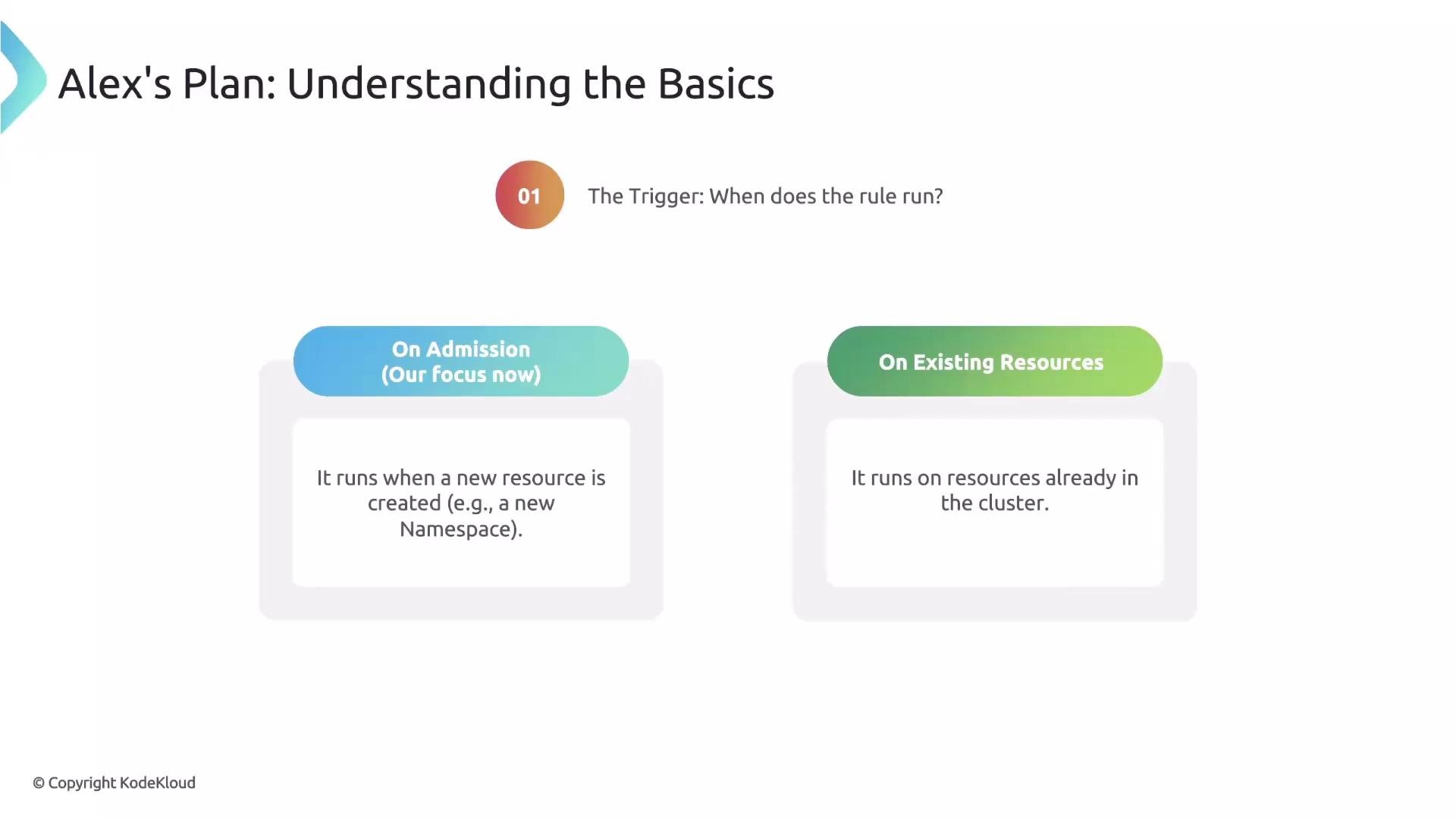
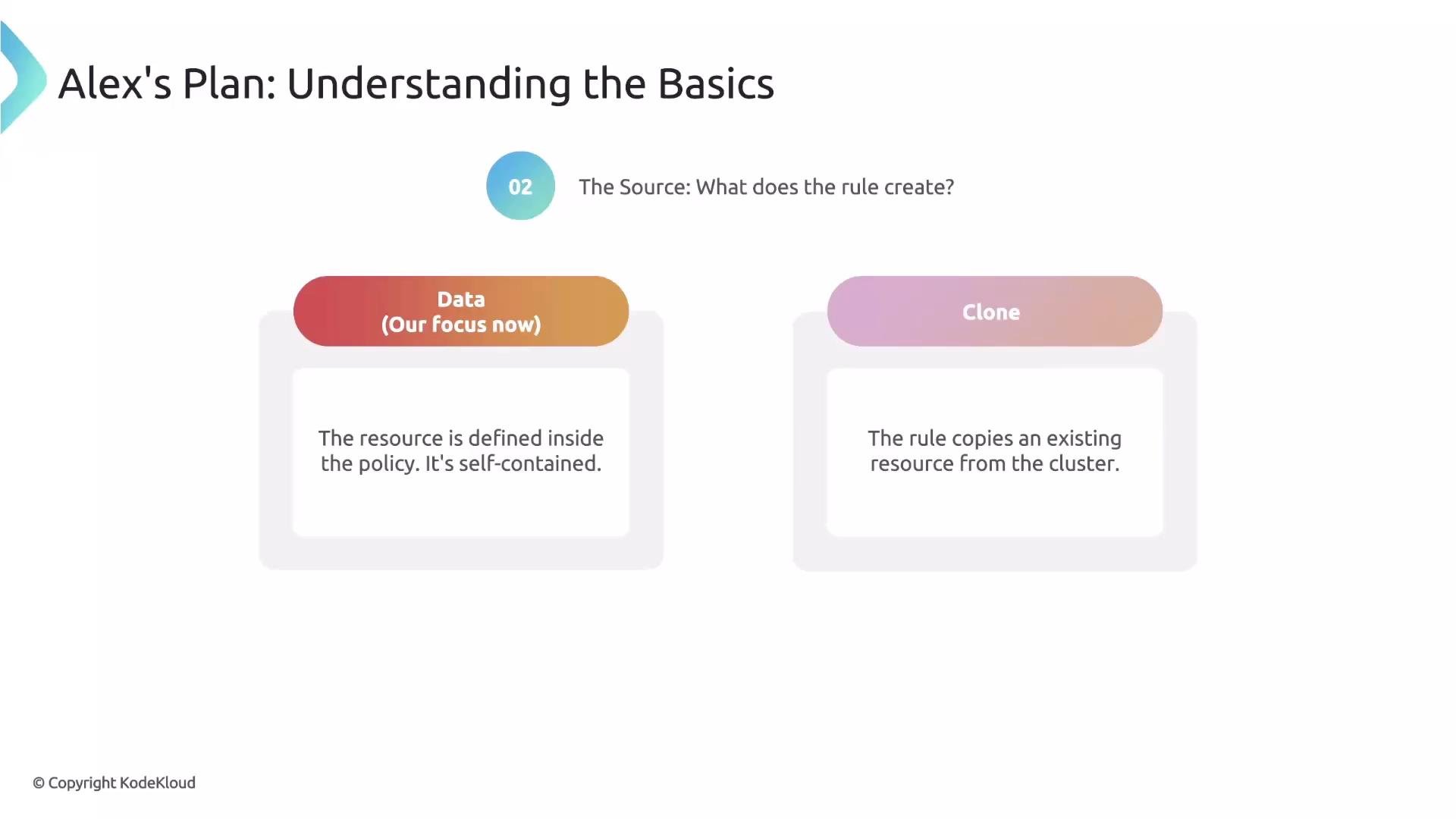 `data` and `clone` are mutually exclusive: a single generate rule must use either `data` (embedded manifest) or `clone` (copy from cluster), not both.
A common term in Kyverno documentation is downstream resource — this is the resource that Kyverno generates (for example, a ConfigMap, Secret, or NetworkPolicy). When we say Kyverno manages downstream resources, we mean the resources generated by generate rules.
## Generate rule anatomy
At a high level, a generate rule contains:
* `match` (or `existing`) — defines the trigger (the incoming resource that activates the rule).
* `generate` — describes the downstream resource identity (kind, apiVersion, name, namespace) and contains the source (`data` or `clone`).
Use the table below to quickly map concept to YAML location:
| Concept | YAML location | Example |
| ----------------------------------------- | --------------------------------------- | -------------------------------------------------------- |
| Trigger (when) | `match` / `existing` | `match: resources: kinds: - Namespace` |
| Downstream resource identity (what/where) | `generate:` top-level fields | `apiVersion: networking.k8s.io/v1` `kind: NetworkPolicy` |
| Source (resource content) | `generate.data:` (or `generate.clone:`) | `data:` with nested `spec` |
Here is a minimal example that demonstrates these parts (focus on the `rules` block):
```yaml theme={null}
rules:
- name: create-networkpolicy-for-namespace
# TRIGGER: run when a Namespace is created
match:
any:
- resources:
kinds:
- Namespace
# DOWNSTREAM RESOURCE identity and SOURCE:
generate:
kind: NetworkPolicy
apiVersion: networking.k8s.io/v1
name: deny-all-traffic
namespace: "{{request.object.metadata.name}}"
data:
spec: ...
```
In this example:
* `match` triggers the rule when a Namespace is created.
* `generate` declares the NetworkPolicy to create and contains `data` for the NetworkPolicy spec.
* Note the use of `{{request.object.metadata.name}}` to place the generated NetworkPolicy in the newly created Namespace.
## Prerequisite: permissions for the Kyverno background controller
Generate rules are executed by Kyverno's background controller. By default, that controller only has a limited set of RBAC permissions. If you want Kyverno to create resource types not already allowed (for example, `NetworkPolicy`), grant the background controller the necessary permissions.
Kyverno supports cluster role aggregation. Instead of editing built-in Kyverno roles, create a separate ClusterRole that grants the required verbs for the resource and add the aggregation label `rbac.kyverno.io/aggregate-to-background-controller: "true"`. Kubernetes will merge (aggregate) these rules into the background controller role.
`data` and `clone` are mutually exclusive: a single generate rule must use either `data` (embedded manifest) or `clone` (copy from cluster), not both.
A common term in Kyverno documentation is downstream resource — this is the resource that Kyverno generates (for example, a ConfigMap, Secret, or NetworkPolicy). When we say Kyverno manages downstream resources, we mean the resources generated by generate rules.
## Generate rule anatomy
At a high level, a generate rule contains:
* `match` (or `existing`) — defines the trigger (the incoming resource that activates the rule).
* `generate` — describes the downstream resource identity (kind, apiVersion, name, namespace) and contains the source (`data` or `clone`).
Use the table below to quickly map concept to YAML location:
| Concept | YAML location | Example |
| ----------------------------------------- | --------------------------------------- | -------------------------------------------------------- |
| Trigger (when) | `match` / `existing` | `match: resources: kinds: - Namespace` |
| Downstream resource identity (what/where) | `generate:` top-level fields | `apiVersion: networking.k8s.io/v1` `kind: NetworkPolicy` |
| Source (resource content) | `generate.data:` (or `generate.clone:`) | `data:` with nested `spec` |
Here is a minimal example that demonstrates these parts (focus on the `rules` block):
```yaml theme={null}
rules:
- name: create-networkpolicy-for-namespace
# TRIGGER: run when a Namespace is created
match:
any:
- resources:
kinds:
- Namespace
# DOWNSTREAM RESOURCE identity and SOURCE:
generate:
kind: NetworkPolicy
apiVersion: networking.k8s.io/v1
name: deny-all-traffic
namespace: "{{request.object.metadata.name}}"
data:
spec: ...
```
In this example:
* `match` triggers the rule when a Namespace is created.
* `generate` declares the NetworkPolicy to create and contains `data` for the NetworkPolicy spec.
* Note the use of `{{request.object.metadata.name}}` to place the generated NetworkPolicy in the newly created Namespace.
## Prerequisite: permissions for the Kyverno background controller
Generate rules are executed by Kyverno's background controller. By default, that controller only has a limited set of RBAC permissions. If you want Kyverno to create resource types not already allowed (for example, `NetworkPolicy`), grant the background controller the necessary permissions.
Kyverno supports cluster role aggregation. Instead of editing built-in Kyverno roles, create a separate ClusterRole that grants the required verbs for the resource and add the aggregation label `rbac.kyverno.io/aggregate-to-background-controller: "true"`. Kubernetes will merge (aggregate) these rules into the background controller role.
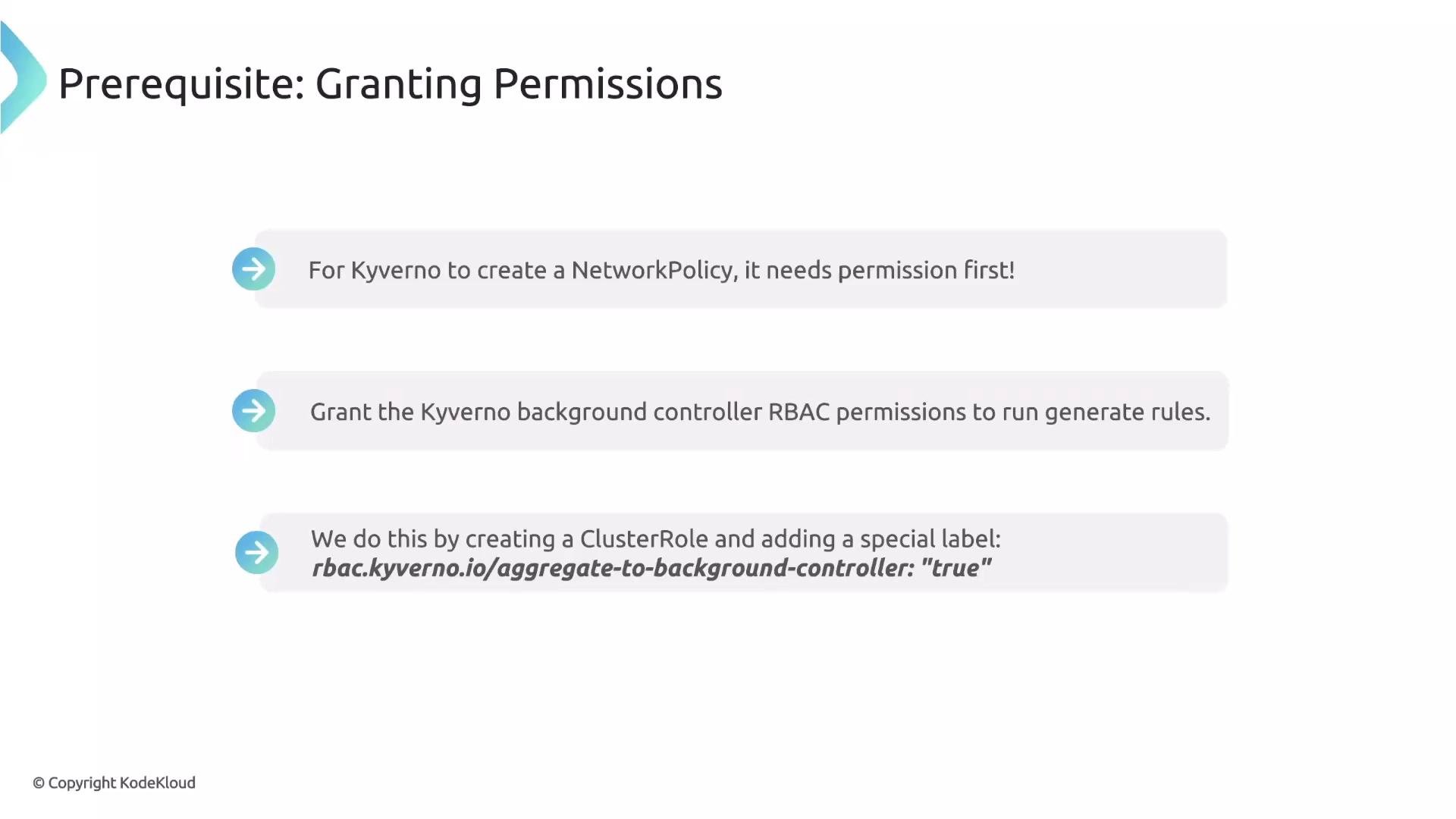 Create a ClusterRole like this (note: `apiGroups` uses the group `networking.k8s.io`, not `networking.k8s.io/v1`):
```yaml theme={null}
apiVersion: rbac.authorization.k8s.io/v1
kind: ClusterRole
metadata:
name: kyverno:generate-networkpolicies
labels:
rbac.kyverno.io/aggregate-to-background-controller: "true"
rules:
- apiGroups: ["networking.k8s.io"]
resources: ["networkpolicies"]
verbs: ["get", "list", "watch", "create", "update", "delete"]
```
By adding the label `rbac.kyverno.io/aggregate-to-background-controller: "true"`, Kubernetes will aggregate these rules into Kyverno's background controller ClusterRole so you don't need to modify Kyverno's built-in roles.
## Complete example — create a default deny-all NetworkPolicy for new Namespaces
Below is a practical generate rule that creates a deny-all `NetworkPolicy` in every newly created Namespace. The `synchronize: true` field creates a durable link between the policy and the generated resource: when the policy changes, Kyverno will reconcile the generated resources to match the policy (preventing configuration drift).
Create a ClusterRole like this (note: `apiGroups` uses the group `networking.k8s.io`, not `networking.k8s.io/v1`):
```yaml theme={null}
apiVersion: rbac.authorization.k8s.io/v1
kind: ClusterRole
metadata:
name: kyverno:generate-networkpolicies
labels:
rbac.kyverno.io/aggregate-to-background-controller: "true"
rules:
- apiGroups: ["networking.k8s.io"]
resources: ["networkpolicies"]
verbs: ["get", "list", "watch", "create", "update", "delete"]
```
By adding the label `rbac.kyverno.io/aggregate-to-background-controller: "true"`, Kubernetes will aggregate these rules into Kyverno's background controller ClusterRole so you don't need to modify Kyverno's built-in roles.
## Complete example — create a default deny-all NetworkPolicy for new Namespaces
Below is a practical generate rule that creates a deny-all `NetworkPolicy` in every newly created Namespace. The `synchronize: true` field creates a durable link between the policy and the generated resource: when the policy changes, Kyverno will reconcile the generated resources to match the policy (preventing configuration drift).
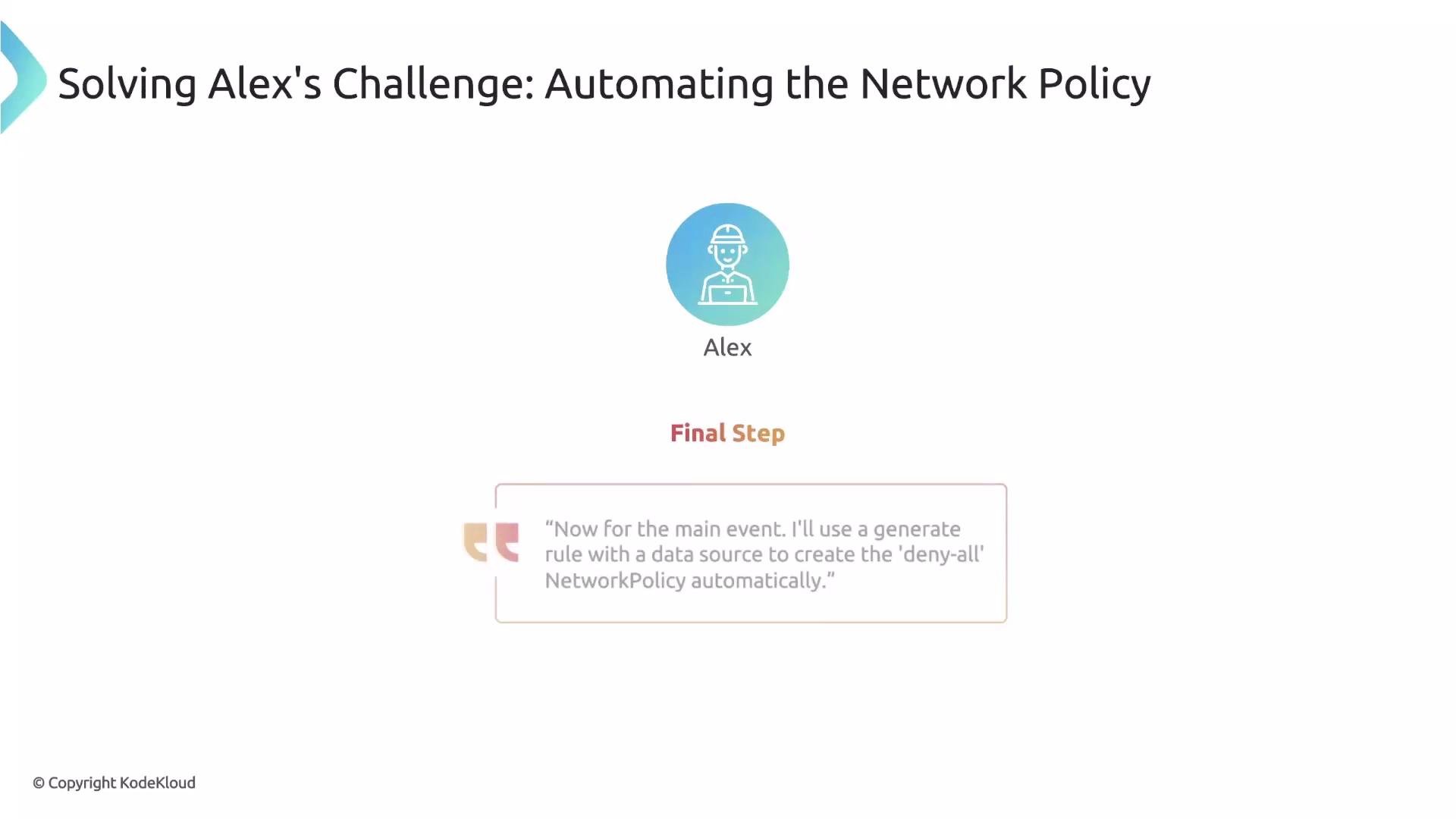 Use this `rules` snippet in a policy:
```yaml theme={null}
rules:
- name: default-deny-all-networkpolicy
match:
resources:
kinds:
- Namespace
generate:
synchronize: true
apiVersion: networking.k8s.io/v1
kind: NetworkPolicy
name: default-deny-all
namespace: "{{request.object.metadata.name}}"
data:
spec:
podSelector: {}
policyTypes:
- Ingress
- Egress
```
With this single policy rule, every new Namespace automatically receives the `default-deny-all` NetworkPolicy at creation time.
When you enable `synchronize: true`, the generated resources are continuously reconciled to the policy `data` block. If you plan to allow manual edits to generated resources, consider the implications carefully — synchronization will overwrite deviations.
## Quick recap
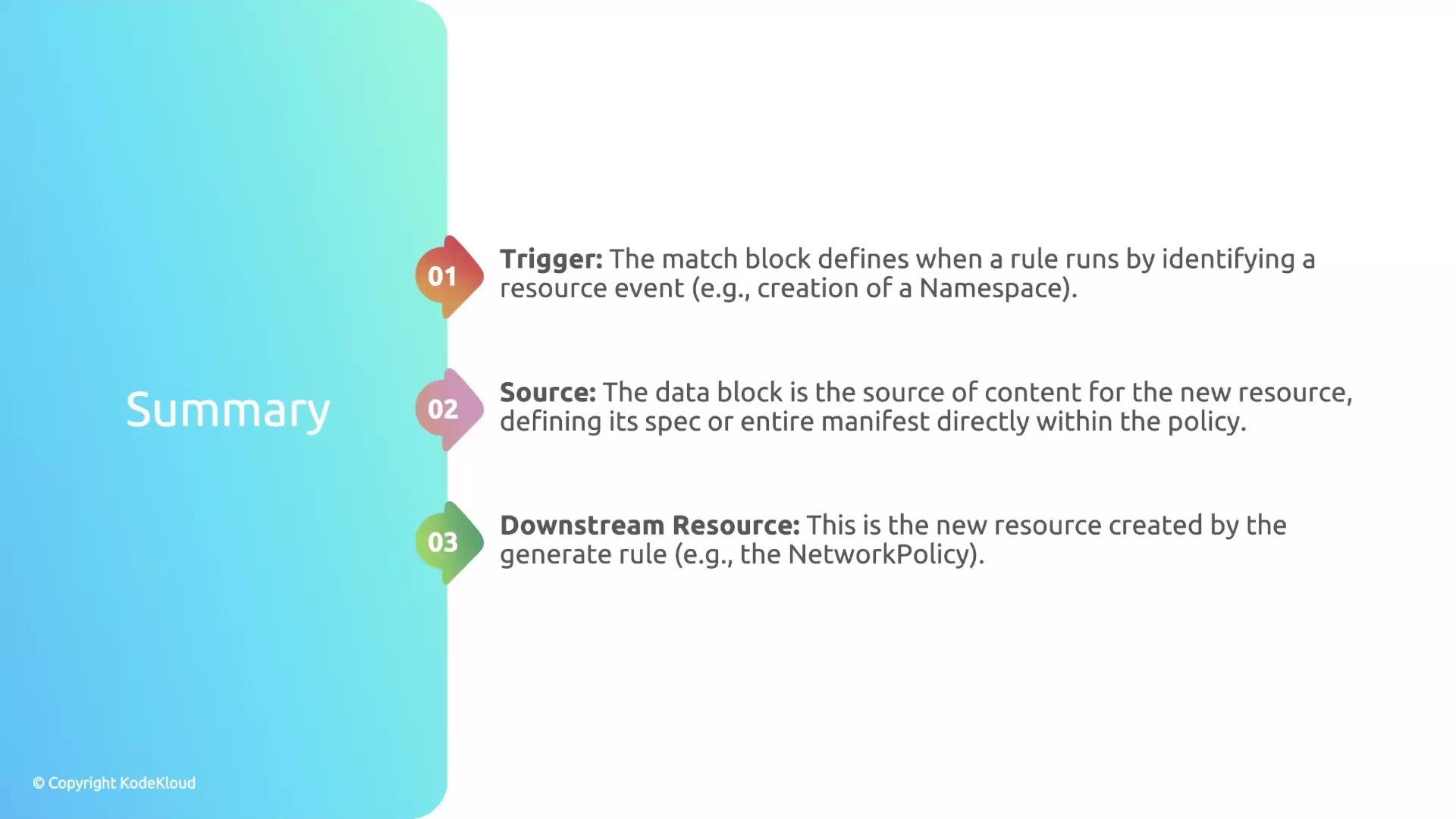
| Topic | Key points |
| -------------------- | ------------------------------------------------------------------------------------------------------------------------------------------------------- |
| Trigger (when) | Defined in `match` (or `existing`); determines when the rule runs. |
| Source (what) | `data` embeds the resource manifest inside the policy; `clone` copies an existing cluster resource. |
| Downstream resource | The resource Kyverno creates (e.g., `NetworkPolicy`) as declared in the `generate` block. |
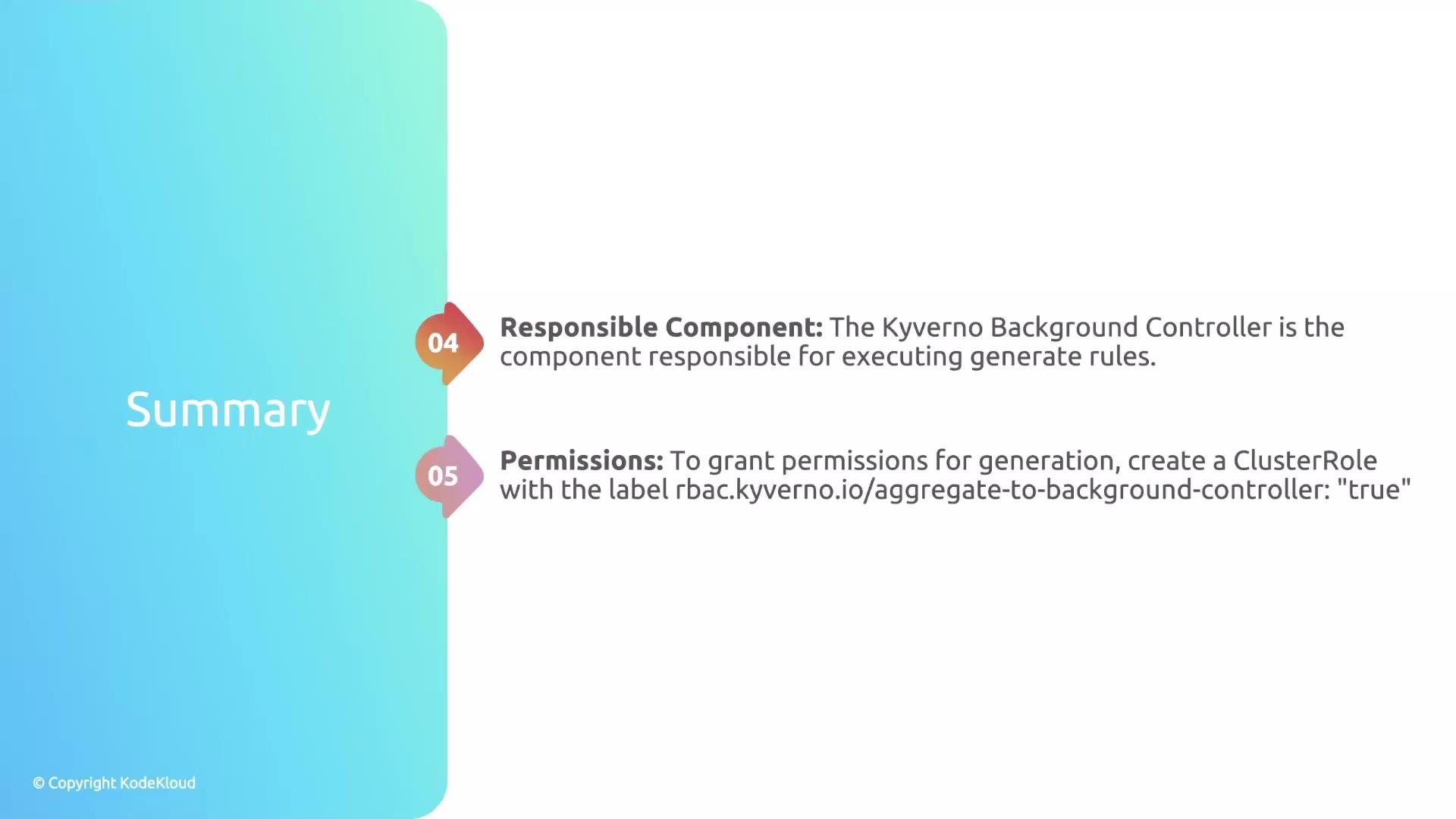
| Executor | Kyverno background controller performs generation — ensure it has proper RBAC. |
| Granting permissions | Create a `ClusterRole` with `rbac.kyverno.io/aggregate-to-background-controller: "true"` to aggregate permissions into Kyverno's background controller. |
| Synchronization | `synchronize: true` keeps generated resources reconciled to policy `data`. |
Use this `rules` snippet in a policy:
```yaml theme={null}
rules:
- name: default-deny-all-networkpolicy
match:
resources:
kinds:
- Namespace
generate:
synchronize: true
apiVersion: networking.k8s.io/v1
kind: NetworkPolicy
name: default-deny-all
namespace: "{{request.object.metadata.name}}"
data:
spec:
podSelector: {}
policyTypes:
- Ingress
- Egress
```
With this single policy rule, every new Namespace automatically receives the `default-deny-all` NetworkPolicy at creation time.
When you enable `synchronize: true`, the generated resources are continuously reconciled to the policy `data` block. If you plan to allow manual edits to generated resources, consider the implications carefully — synchronization will overwrite deviations.
## Quick recap
| Topic | Key points |
| -------------------- | ------------------------------------------------------------------------------------------------------------------------------------------------------- |
| Trigger (when) | Defined in `match` (or `existing`); determines when the rule runs. |
| Source (what) | `data` embeds the resource manifest inside the policy; `clone` copies an existing cluster resource. |
| Downstream resource | The resource Kyverno creates (e.g., `NetworkPolicy`) as declared in the `generate` block. |
| Executor | Kyverno background controller performs generation — ensure it has proper RBAC. |
| Granting permissions | Create a `ClusterRole` with `rbac.kyverno.io/aggregate-to-background-controller: "true"` to aggregate permissions into Kyverno's background controller. |
| Synchronization | `synchronize: true` keeps generated resources reconciled to policy `data`. |
 ## Next steps and further reading
* To learn more about `synchronize` behaviors, refer to the Kyverno docs on generate rules.
* For RBAC aggregation and ClusterRole design patterns, review Kubernetes RBAC aggregation documentation.
* Kyverno docs: [https://kyverno.io/docs/](https://kyverno.io/docs/)
With these fundamentals, you can author generate rules that embed resource blueprints directly in policies and automate consistent, cluster-wide resource creation. This sets the stage for more advanced generation scenarios (templating, conditional generation, or cloning existing resources).
## Next steps and further reading
* To learn more about `synchronize` behaviors, refer to the Kyverno docs on generate rules.
* For RBAC aggregation and ClusterRole design patterns, review Kubernetes RBAC aggregation documentation.
* Kyverno docs: [https://kyverno.io/docs/](https://kyverno.io/docs/)
With these fundamentals, you can author generate rules that embed resource blueprints directly in policies and automate consistent, cluster-wide resource creation. This sets the stage for more advanced generation scenarios (templating, conditional generation, or cloning existing resources).