> ## Documentation Index
> Fetch the complete documentation index at: https://notes.kodekloud.com/llms.txt
> Use this file to discover all available pages before exploring further.
# Section Introduction
> Explains Kyverno generate rules to automatically create or clone NetworkPolicies, Roles, and other resources for new and existing Kubernetes Namespaces.
Previously, our platform engineer Alex used Kyverno to bring order to his Kubernetes clusters. He started with validate rules to act as a gatekeeper, ensuring incoming resources met organizational standards. Then he applied mutate rules to inject labels and defaults automatically. Both helped enforce consistency, but a new requirement calls for automatically *creating* resources — a job for Kyverno generate rules.
In this lesson we’ll introduce Kyverno generate rules, which create new resources in response to triggers (for example, when a Namespace is created). We’ll follow Alex’s real-world problem to explain why generate rules are the right approach and how to use them effectively.
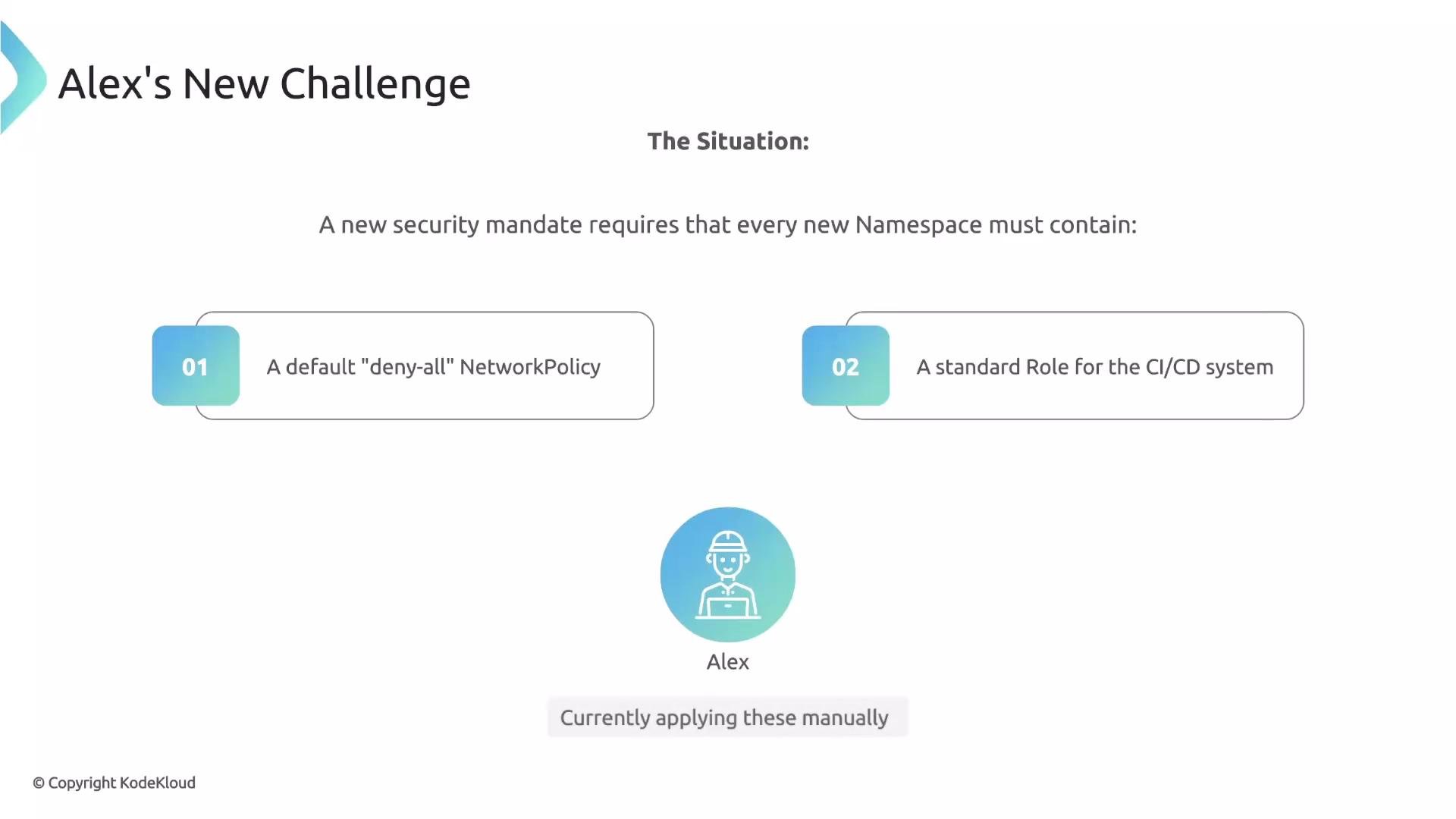 Alex’s organization introduced a security mandate: every new Namespace must include a default “deny-all” NetworkPolicy and a standard Role used by their CI/CD pipeline. These are sensible security controls, but Alex has been creating them manually.
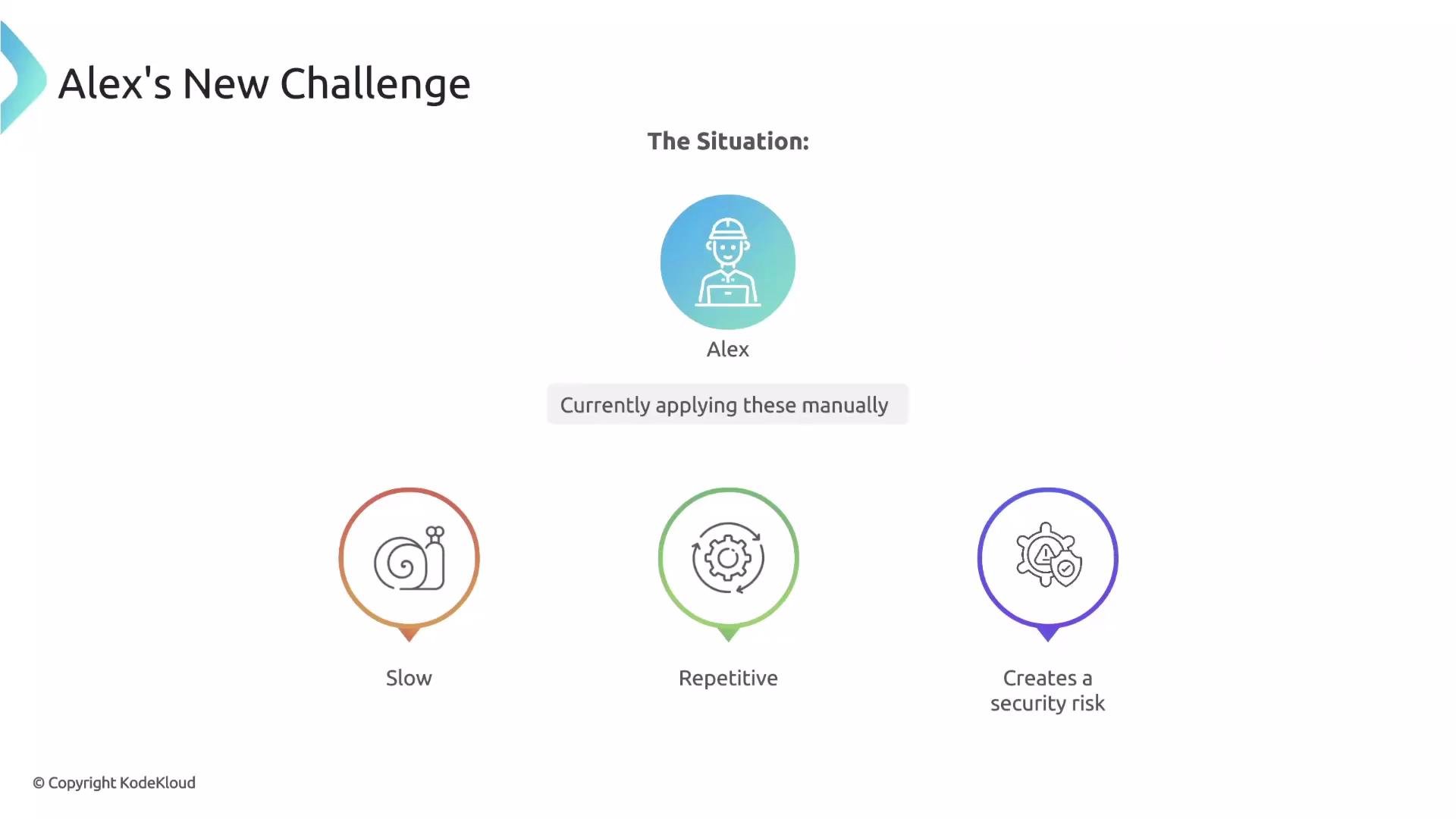 Manually watching for Namespace creation and then creating NetworkPolicies and Roles is slow, repetitive, and error-prone. If Alex is busy or forgets, a Namespace could remain unsecured. A validate rule would simply block Namespace creation until the required resources exist — which is not the intended outcome. A mutate rule can only modify the incoming Namespace object; it cannot create separate resources such as a NetworkPolicy or a Role.
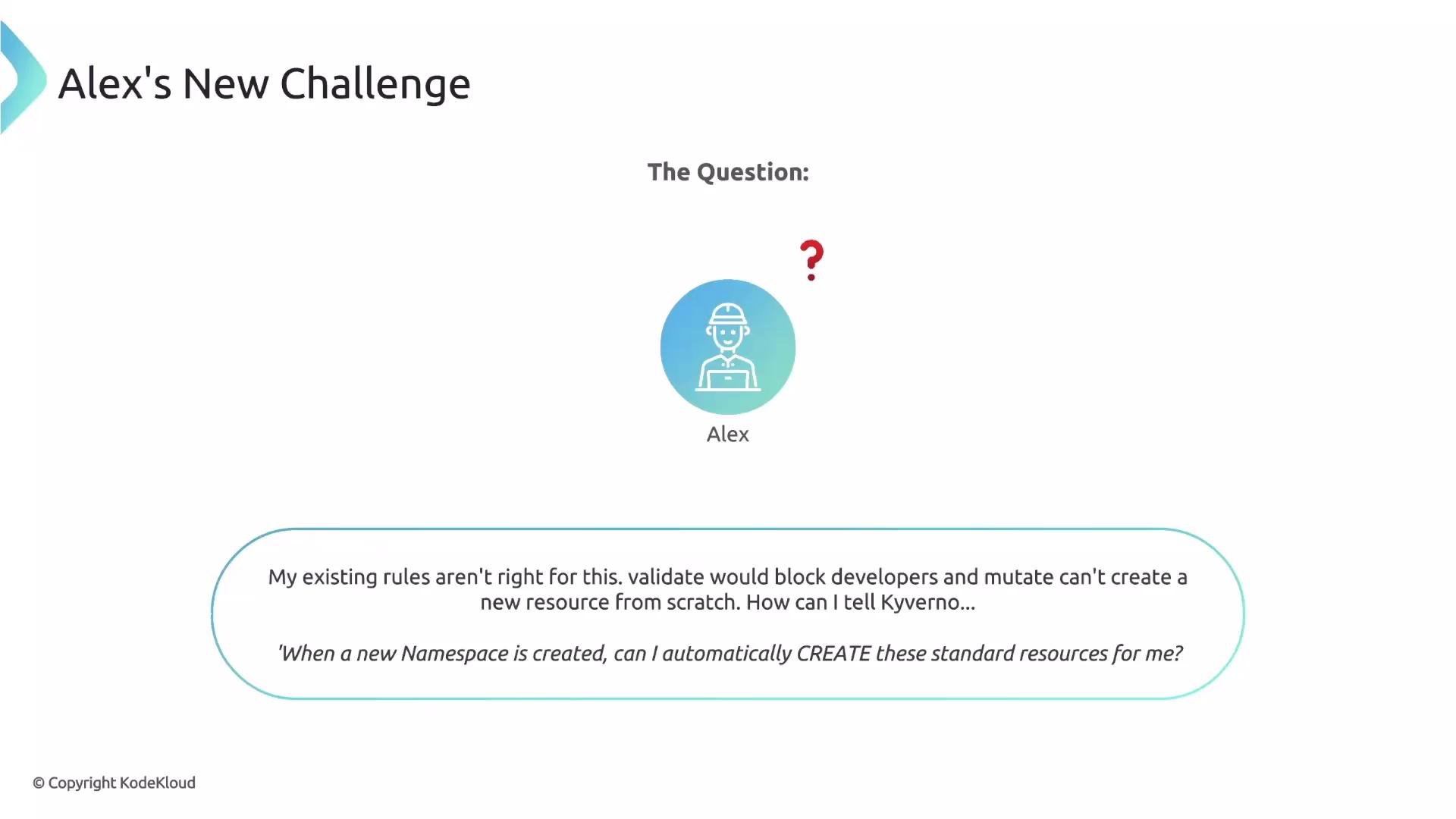 The question becomes: how can Alex automate creation of resources when a trigger occurs (for example, on Namespace creation) so that every Namespace automatically receives the mandated NetworkPolicy and Role? Kyverno generate rules solve exactly this problem.
Generate rules let Kyverno create new resources in response to events (like a Namespace creation). This is different from:
* `validate` rules (which block or allow requests), and
* `mutate` rules (which modify the incoming resource).
Use `generate` when you need Kyverno to produce a separate resource (e.g., a NetworkPolicy, Role, Secret).
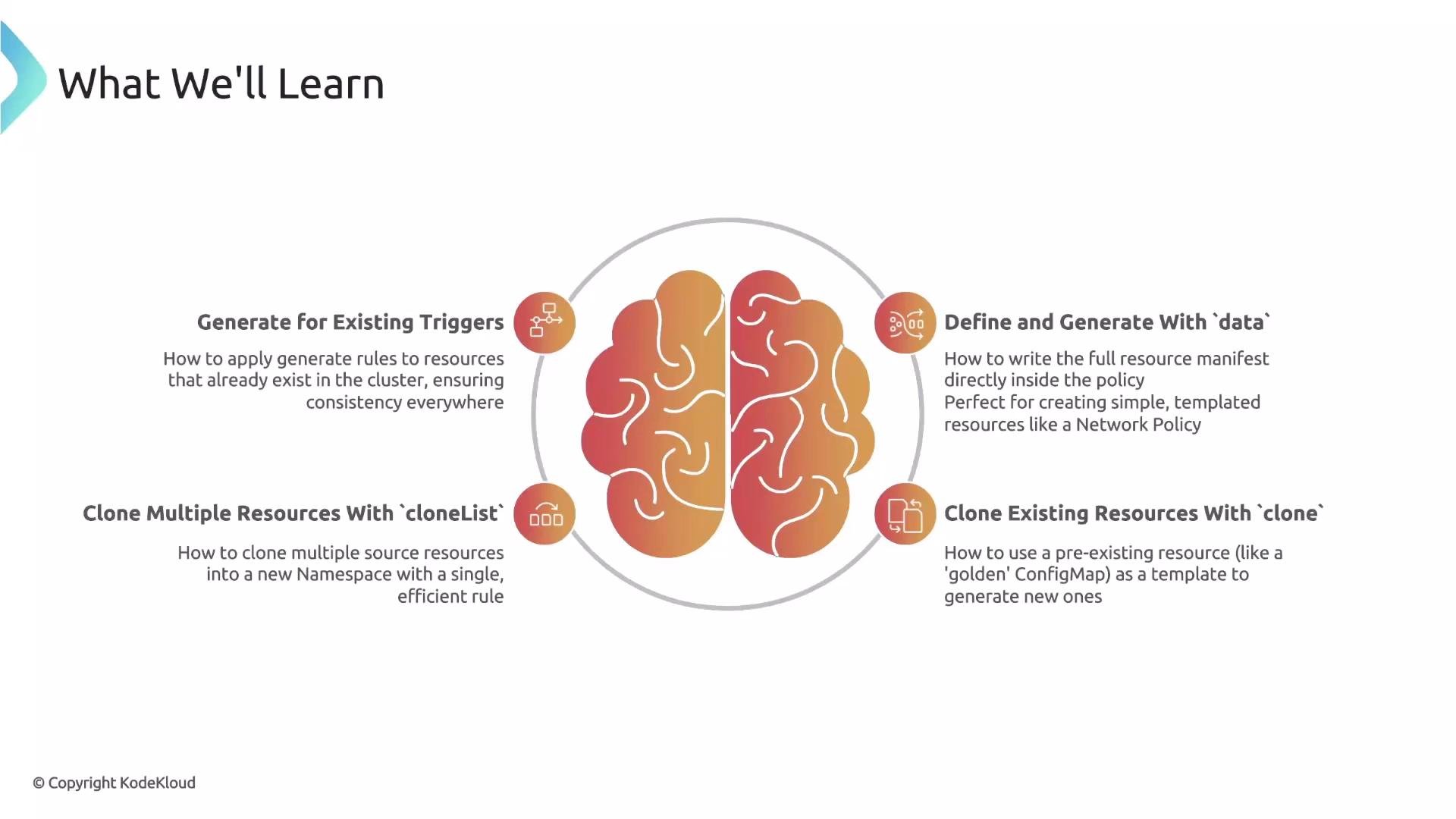
This lesson will cover four core generate-rule concepts Alex needs:
| Concept | Purpose | When to use |
| --------------------------- | -------------------------------------------------------------------------------------------------------- | --------------------------------------------------------------------------------------------------------------------- |
| Data source generation | Embed the full YAML manifest inside the policy and generate the resource from that manifest | When you want Kyverno to create a templated resource (e.g., a standard NetworkPolicy) that isn’t stored anywhere else |
| Clone source | Use a centrally managed “golden” resource (ConfigMap, Secret) as the source to clone into new Namespaces | When multiple Namespaces need the same configuration from a single source of truth |
| cloneList | Combine multiple clone operations in a single rule to clone a set of resources at once | When you need to populate a new Namespace with several standard resources in one action |
| Apply to existing resources | Run generate rules against already-created Namespaces to bring them into compliance | When you want to retroactively ensure all Namespaces have the required resources, not just newly created ones |
The question becomes: how can Alex automate creation of resources when a trigger occurs (for example, on Namespace creation) so that every Namespace automatically receives the mandated NetworkPolicy and Role? Kyverno generate rules solve exactly this problem.
Generate rules let Kyverno create new resources in response to events (like a Namespace creation). This is different from:
* `validate` rules (which block or allow requests), and
* `mutate` rules (which modify the incoming resource).
Use `generate` when you need Kyverno to produce a separate resource (e.g., a NetworkPolicy, Role, Secret).
This lesson will cover four core generate-rule concepts Alex needs:
| Concept | Purpose | When to use |
| --------------------------- | -------------------------------------------------------------------------------------------------------- | --------------------------------------------------------------------------------------------------------------------- |
| Data source generation | Embed the full YAML manifest inside the policy and generate the resource from that manifest | When you want Kyverno to create a templated resource (e.g., a standard NetworkPolicy) that isn’t stored anywhere else |
| Clone source | Use a centrally managed “golden” resource (ConfigMap, Secret) as the source to clone into new Namespaces | When multiple Namespaces need the same configuration from a single source of truth |
| cloneList | Combine multiple clone operations in a single rule to clone a set of resources at once | When you need to populate a new Namespace with several standard resources in one action |
| Apply to existing resources | Run generate rules against already-created Namespaces to bring them into compliance | When you want to retroactively ensure all Namespaces have the required resources, not just newly created ones |
 Below is a minimal, illustrative example of a Kyverno ClusterPolicy that uses a generate rule to create a `NetworkPolicy` when a `Namespace` is created. This example is simplified to show the structure:
```yaml theme={null}
apiVersion: kyverno.io/v1
kind: ClusterPolicy
metadata:
name: generate-deny-all-networkpolicy
spec:
rules:
- name: gen-deny-all
match:
resources:
kinds:
- Namespace
generate:
kind: NetworkPolicy
name: deny-all
clone:
# one option: embed the resource manifest directly (data source)
apiVersion: networking.k8s.io/v1
kind: NetworkPolicy
metadata:
name: deny-all
spec:
podSelector: {}
policyTypes:
- Ingress
- Egress
```
Note: The `generate` block supports different patterns — embedding a manifest, cloning a named resource, or using `cloneList` to clone multiple resources. In later sections we’ll show concrete examples for each pattern, plus how to configure generation for existing Namespaces.
Avoid using `validate` to enforce presence of resources that Kyverno can generate. Blocking Namespace creation is disruptive; instead, prefer `generate` to create required resources automatically or combine `generate` with monitoring policies to detect missing resources.
By the end of this lesson you will be able to:
* Automatically create NetworkPolicies, Roles, and other resources when Namespaces are created.
* Clone centrally managed “golden” resources into multiple Namespaces.
* Use `cloneList` to bundle multiple clone operations.
* Apply generation rules to existing Namespaces to bring the cluster into compliance.
Links and references:
* Kyverno generate rules — [https://kyverno.io/docs](https://kyverno.io/docs) (see "Generate" section)
* Kubernetes Namespaces — [https://kubernetes.io/docs/concepts/overview/working-with-objects/namespaces/](https://kubernetes.io/docs/concepts/overview/working-with-objects/namespaces/)
* Best practices for NetworkPolicy — [https://kubernetes.io/docs/concepts/services-networking/network-policies/](https://kubernetes.io/docs/concepts/services-networking/network-policies/)
Below is a minimal, illustrative example of a Kyverno ClusterPolicy that uses a generate rule to create a `NetworkPolicy` when a `Namespace` is created. This example is simplified to show the structure:
```yaml theme={null}
apiVersion: kyverno.io/v1
kind: ClusterPolicy
metadata:
name: generate-deny-all-networkpolicy
spec:
rules:
- name: gen-deny-all
match:
resources:
kinds:
- Namespace
generate:
kind: NetworkPolicy
name: deny-all
clone:
# one option: embed the resource manifest directly (data source)
apiVersion: networking.k8s.io/v1
kind: NetworkPolicy
metadata:
name: deny-all
spec:
podSelector: {}
policyTypes:
- Ingress
- Egress
```
Note: The `generate` block supports different patterns — embedding a manifest, cloning a named resource, or using `cloneList` to clone multiple resources. In later sections we’ll show concrete examples for each pattern, plus how to configure generation for existing Namespaces.
Avoid using `validate` to enforce presence of resources that Kyverno can generate. Blocking Namespace creation is disruptive; instead, prefer `generate` to create required resources automatically or combine `generate` with monitoring policies to detect missing resources.
By the end of this lesson you will be able to:
* Automatically create NetworkPolicies, Roles, and other resources when Namespaces are created.
* Clone centrally managed “golden” resources into multiple Namespaces.
* Use `cloneList` to bundle multiple clone operations.
* Apply generation rules to existing Namespaces to bring the cluster into compliance.
Links and references:
* Kyverno generate rules — [https://kyverno.io/docs](https://kyverno.io/docs) (see "Generate" section)
* Kubernetes Namespaces — [https://kubernetes.io/docs/concepts/overview/working-with-objects/namespaces/](https://kubernetes.io/docs/concepts/overview/working-with-objects/namespaces/)
* Best practices for NetworkPolicy — [https://kubernetes.io/docs/concepts/services-networking/network-policies/](https://kubernetes.io/docs/concepts/services-networking/network-policies/)