> ## Documentation Index
> Fetch the complete documentation index at: https://notes.kodekloud.com/llms.txt
> Use this file to discover all available pages before exploring further.
# Section Introduction
> Guide to Kyverno image verification using Sigstore cosign and Notary to cryptographically validate container image signatures and attestations so clusters run only trusted build artifacts.
So far, we've become proficient at writing Kyverno policies: validating, mutating, and generating Kubernetes resources. However, a critical piece of the supply chain remains unaddressed—the software artifacts themselves.
How can you trust the container image a pod is configured to run?
This guide explores one of Kyverno's most powerful security capabilities: container image verification. It shows how to cryptographically ensure that only images produced and signed by your trusted build system can run in your cluster.
Let's return to Alex's story. Alex has secured deployment manifests and set up a robust CI/CD pipeline that builds, tests,
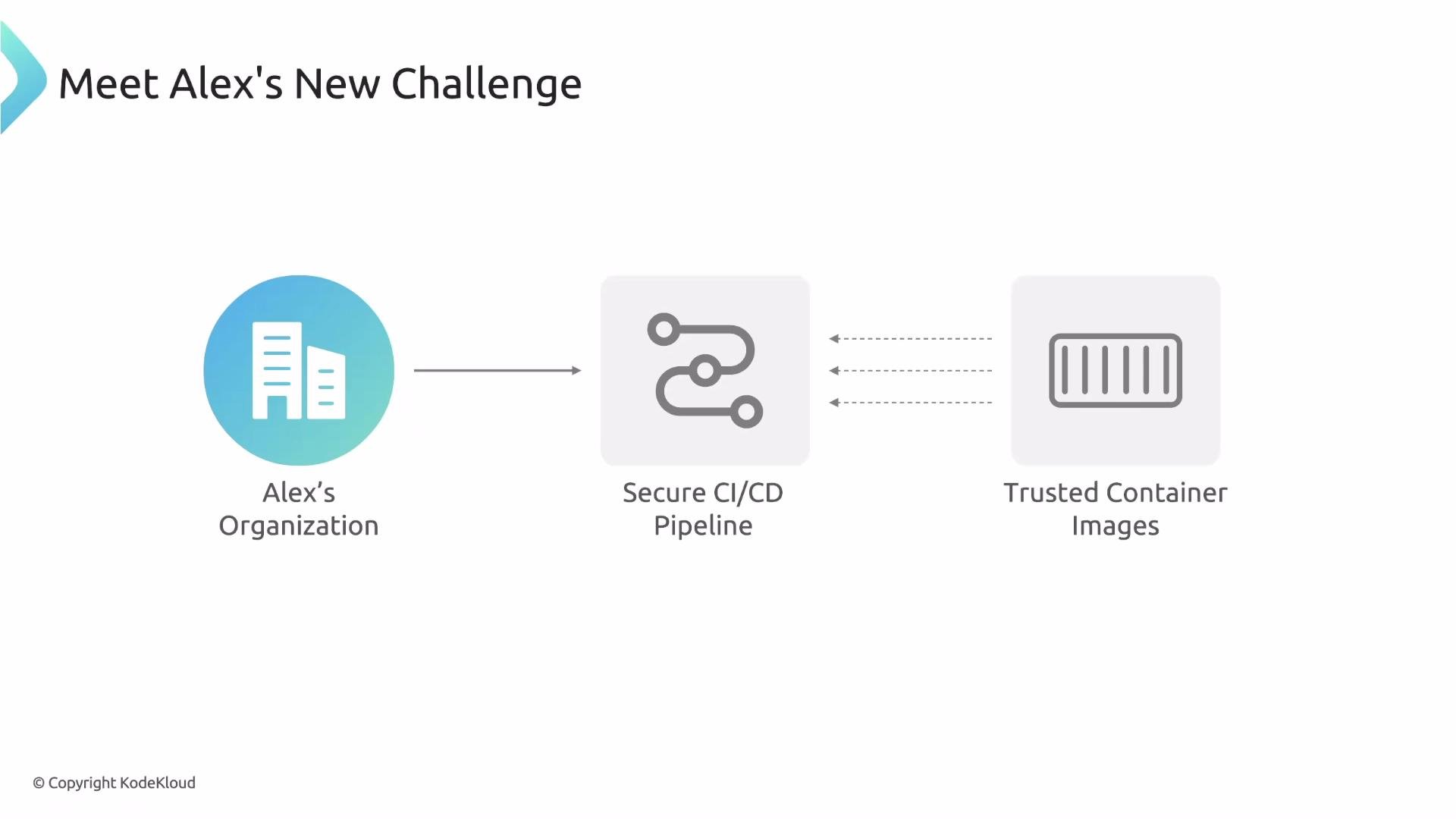 and pushes official application images. Now Alex is focused on the software supply chain.
A simple manifest typo can cause a pod to pull an image from Docker Hub instead of the private registry. Image tags are mutable—tags like `latest` are just pointers. What prevents an attacker from pushing a malicious image using the same tag? Or a broken build from overwriting a stable tag?
Validate policies can inspect the image name in a manifest, but they cannot prove the image’s identity or integrity. Alex needs to answer a crucial question:
and pushes official application images. Now Alex is focused on the software supply chain.
A simple manifest typo can cause a pod to pull an image from Docker Hub instead of the private registry. Image tags are mutable—tags like `latest` are just pointers. What prevents an attacker from pushing a malicious image using the same tag? Or a broken build from overwriting a stable tag?
Validate policies can inspect the image name in a manifest, but they cannot prove the image’s identity or integrity. Alex needs to answer a crucial question:
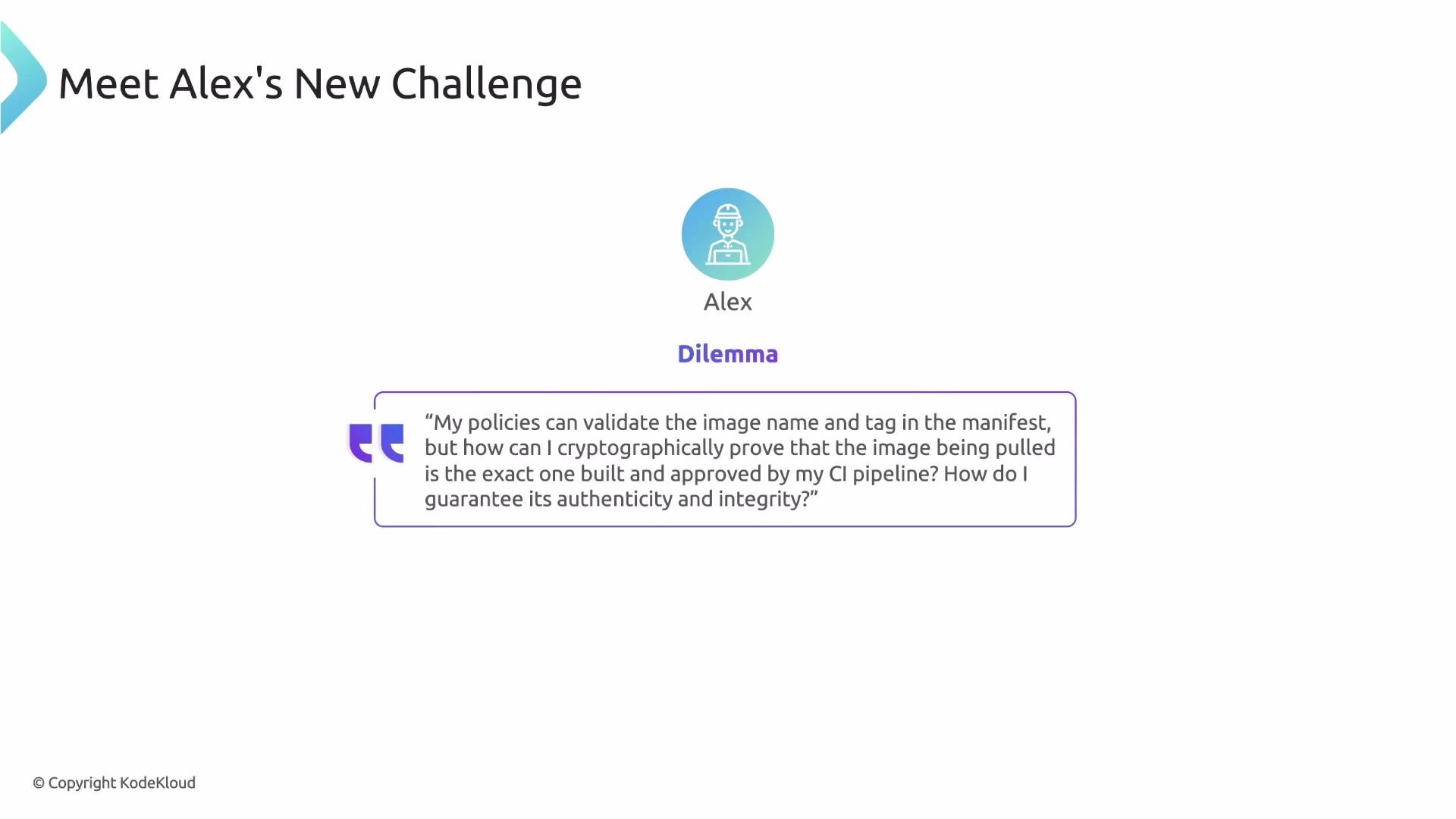 How can I be certain that the image about to run in my cluster was actually signed by my trusted build system and hasn't been altered since?
Image signature verification solves this problem by enabling admission-time checks that confirm both the identity and integrity of container images.
Learn how to cryptographically verify container images so your cluster only runs artifacts produced (and signed) by your trusted build pipeline.
What this guide covers
* Fundamentals: What container image signing means and why it matters. We introduce two widely adopted solutions Kyverno integrates with—[SIGSTORE](https://sigstore.dev) (and its CLI tool, [cosign](https://github.com/sigstore/cosign)) and [Notary](https://notaryproject.dev)—and explain core concepts like public keys, certificates, and attestations.
* Practical verification: How to solve Alex’s problem by writing Kyverno verifyImages policies for cosign and Notary. Learn how to configure policies that reference public keys and certificates so only images signed by your trusted authority are allowed to run.
* Attestations: How to validate claims about images (for example, provenance, vulnerability scan results, or SBOMs). We show examples of policies that verify attestations produced by cosign and Notary.
Key topics at a glance
| Topic | What you’ll learn | Example / Tool |
| --------------------- | --------------------------------------------------------------------------: | -------------------------------------------------------- |
| Signing basics | Why image signing matters and how signatures prove integrity | [SIGSTORE / cosign](https://sigstore.dev) |
| Verification policies | How to author Kyverno `verifyImages` policies that enforce signature checks | Kyverno verifyImages + public key/certificate references |
| Attestations | How to validate claims (SBOMs, scan results, provenance) attached to images | cosign attestations, Notary attestations |
With these capabilities, you can enforce cryptographic provenance checks during admission control so your cluster only accepts images that meet your supply-chain policies.
Links and references
* [SIGSTORE — official site](https://sigstore.dev)
* [cosign — GitHub](https://github.com/sigstore/cosign)
* [Notary — official site](https://notaryproject.dev)
* [Kyverno documentation — policies and verifyImages](https://kyverno.io/docs/)
How can I be certain that the image about to run in my cluster was actually signed by my trusted build system and hasn't been altered since?
Image signature verification solves this problem by enabling admission-time checks that confirm both the identity and integrity of container images.
Learn how to cryptographically verify container images so your cluster only runs artifacts produced (and signed) by your trusted build pipeline.
What this guide covers
* Fundamentals: What container image signing means and why it matters. We introduce two widely adopted solutions Kyverno integrates with—[SIGSTORE](https://sigstore.dev) (and its CLI tool, [cosign](https://github.com/sigstore/cosign)) and [Notary](https://notaryproject.dev)—and explain core concepts like public keys, certificates, and attestations.
* Practical verification: How to solve Alex’s problem by writing Kyverno verifyImages policies for cosign and Notary. Learn how to configure policies that reference public keys and certificates so only images signed by your trusted authority are allowed to run.
* Attestations: How to validate claims about images (for example, provenance, vulnerability scan results, or SBOMs). We show examples of policies that verify attestations produced by cosign and Notary.
Key topics at a glance
| Topic | What you’ll learn | Example / Tool |
| --------------------- | --------------------------------------------------------------------------: | -------------------------------------------------------- |
| Signing basics | Why image signing matters and how signatures prove integrity | [SIGSTORE / cosign](https://sigstore.dev) |
| Verification policies | How to author Kyverno `verifyImages` policies that enforce signature checks | Kyverno verifyImages + public key/certificate references |
| Attestations | How to validate claims (SBOMs, scan results, provenance) attached to images | cosign attestations, Notary attestations |
With these capabilities, you can enforce cryptographic provenance checks during admission control so your cluster only accepts images that meet your supply-chain policies.
Links and references
* [SIGSTORE — official site](https://sigstore.dev)
* [cosign — GitHub](https://github.com/sigstore/cosign)
* [Notary — official site](https://notaryproject.dev)
* [Kyverno documentation — policies and verifyImages](https://kyverno.io/docs/)