> ## Documentation Index
> Fetch the complete documentation index at: https://notes.kodekloud.com/llms.txt
> Use this file to discover all available pages before exploring further.
# Verify Image Attestations
> Explains using signed attestations like SBOMs and vulnerability scans with Kyverno to verify signatures and enforce image security policies during admission
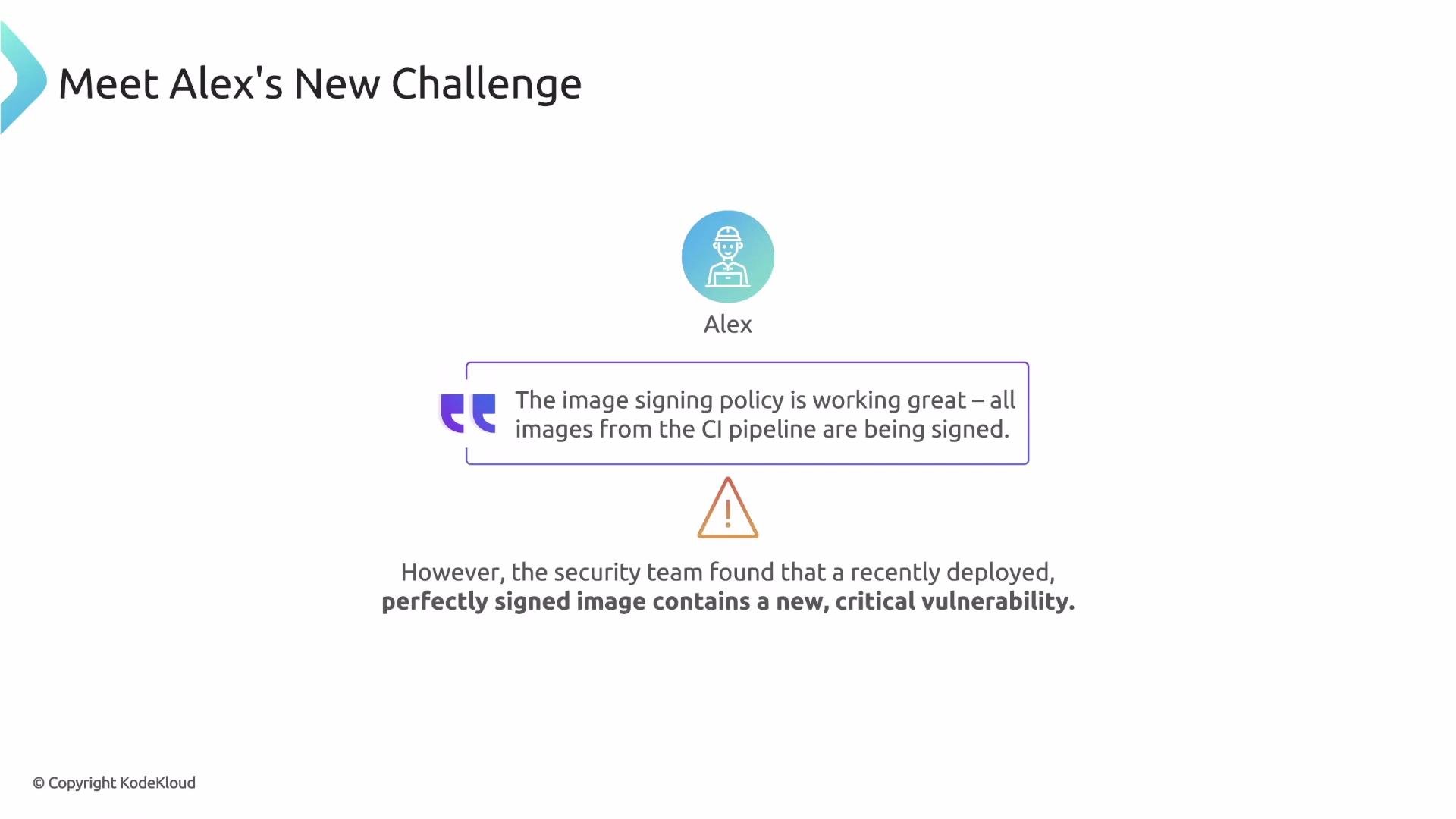
Earlier we built a Kyverno policy to verify that container images are signed. That solves "who built this image?" and "was it tampered with?" — but it doesn't guarantee the image is safe to run.
Alex learned this the hard way: an image signed by the official CI/CD pipeline reached production and, although the signature was valid, it contained a brand-new critical CVE. A signature proves origin and integrity, but it does not prove the image's contents are secure or meet policy requirements.
Let's check in with Alex.
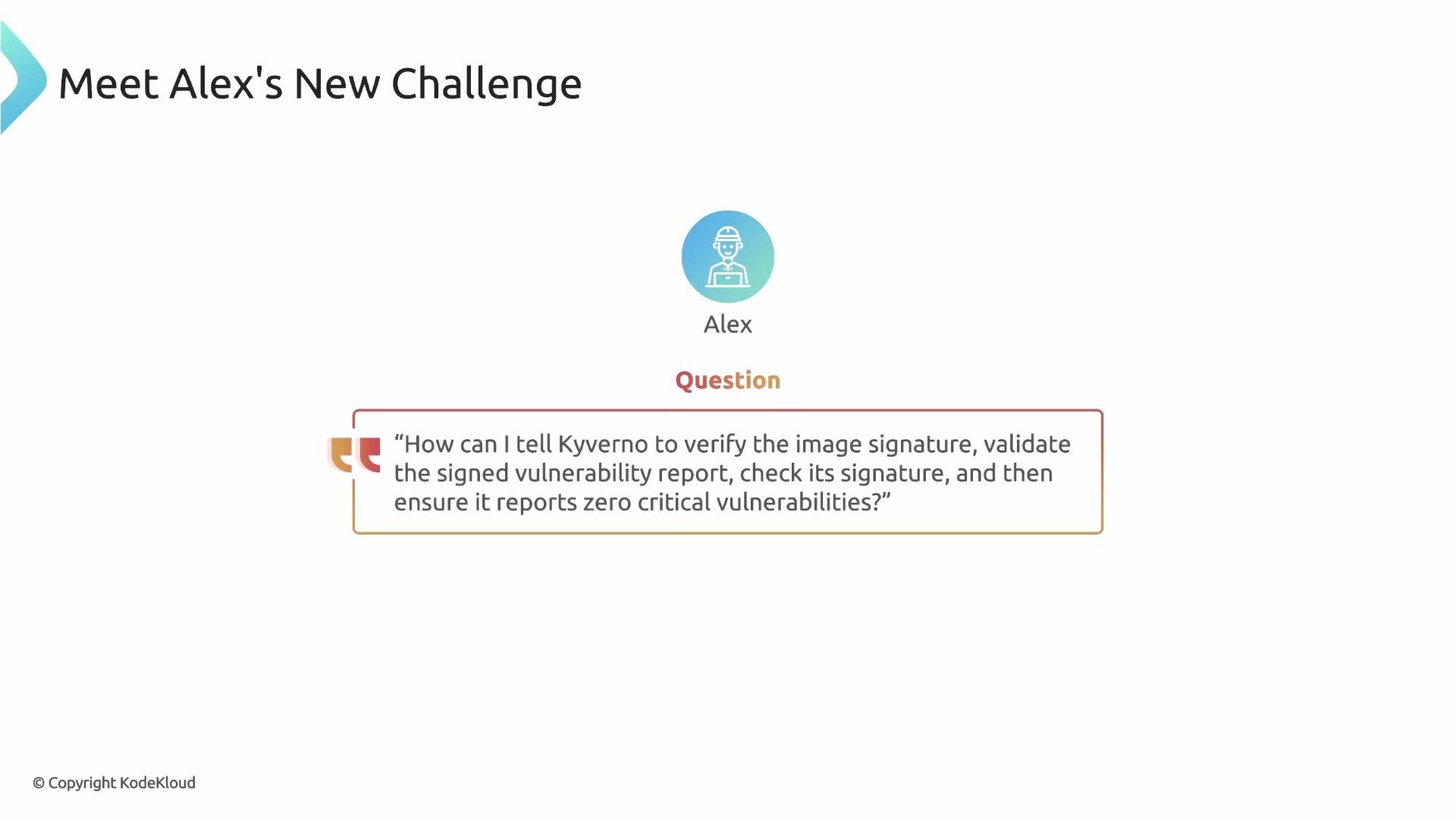
His image-signing policy worked, and he's confident — until the security team alerts him that the deployed image has a critical vulnerability. The signature only proves authenticity, not quality. Alex knows the security scanner produces signed reports, so his next questions are:
* Can Kyverno find the signed vulnerability report (an attestation) attached to the image?
* Can Kyverno verify the attestation's signature?
* Can Kyverno inspect the attestation content and make a decision based on it?
This is precisely what attestations solve.
 What is an attestation?
An attestation is a signed statement (typically a JSON document) that claims facts about an image. Unlike a bare image signature, which only proves integrity and origin, attestations express verifiable assertions such as:
* What software components are inside this image? — represented by a signed SBOM (Software Bill of Materials).
* What vulnerabilities were found? — represented by a signed vulnerability scan report.
* Did the image pass tests? — represented by signed test results.
Because the attestation document itself is signed, consumers can verify it hasn't been tampered with and can trust the claims it contains.
What is an attestation?
An attestation is a signed statement (typically a JSON document) that claims facts about an image. Unlike a bare image signature, which only proves integrity and origin, attestations express verifiable assertions such as:
* What software components are inside this image? — represented by a signed SBOM (Software Bill of Materials).
* What vulnerabilities were found? — represented by a signed vulnerability scan report.
* Did the image pass tests? — represented by signed test results.
Because the attestation document itself is signed, consumers can verify it hasn't been tampered with and can trust the claims it contains.
 Attestation lifecycle
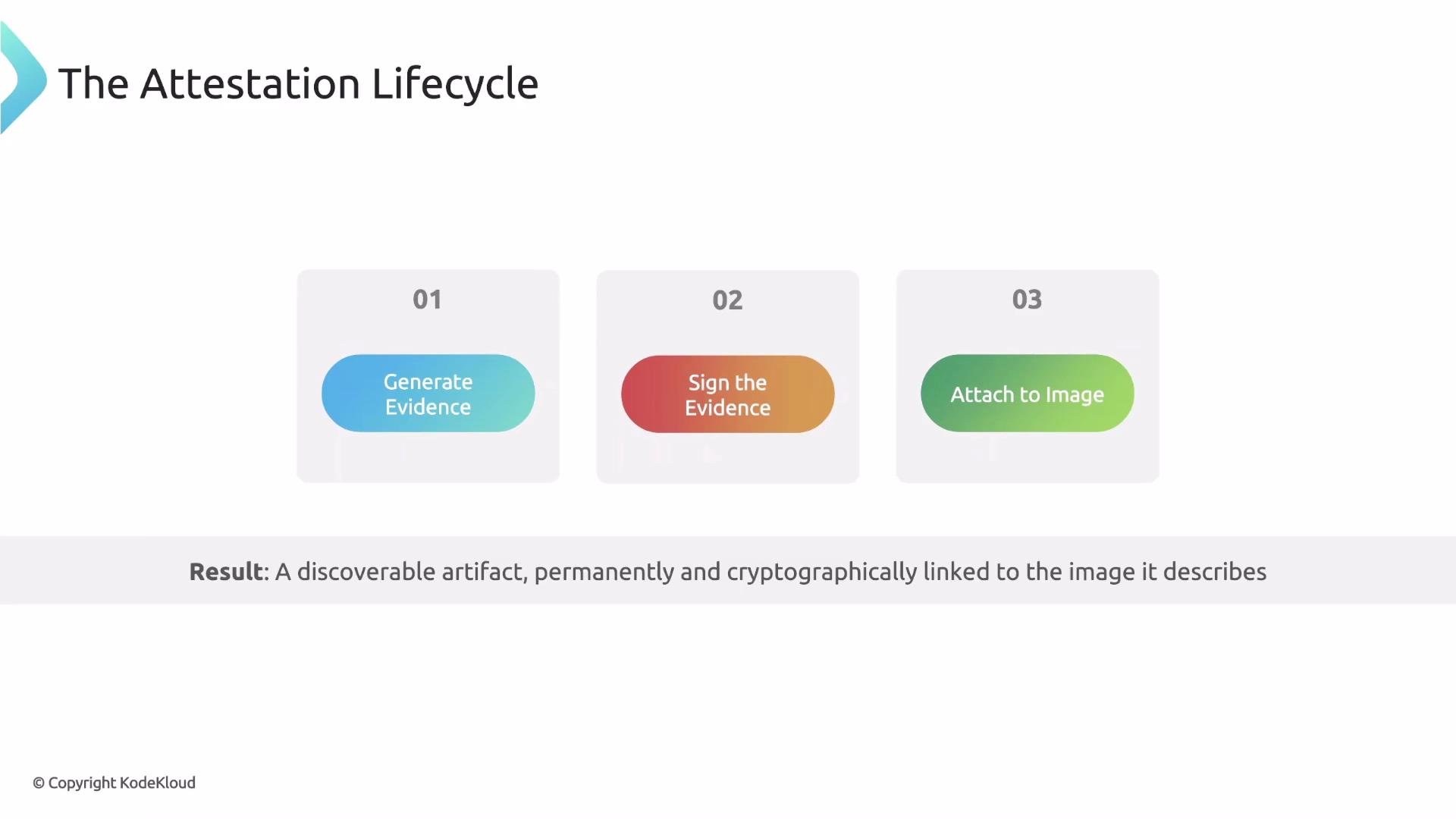
Attestations are typically produced in CI/CD pipelines and follow three clear steps:
| Step | Purpose | Tools / Notes |
| -------------------------- | ----------------------------------------------------------------------------------------------- | --------------------------------------------------------------------------- |
| 1 — Generate evidence | Scan the image and produce a data file (SBOM, vulnerability report, test results) | SBOM tools (CycloneDX), vulnerability scanners (Trivy) |
| 2 — Sign the evidence | Create a cryptographic signature for the data file using a private key | Cosign (Sigstore) is commonly used |
| 3 — Attach the attestation | Push the signed attestation to the container registry as an artifact linked to the image digest | ORAS (OCI Registry As Storage) stores artifacts without modifying the image |
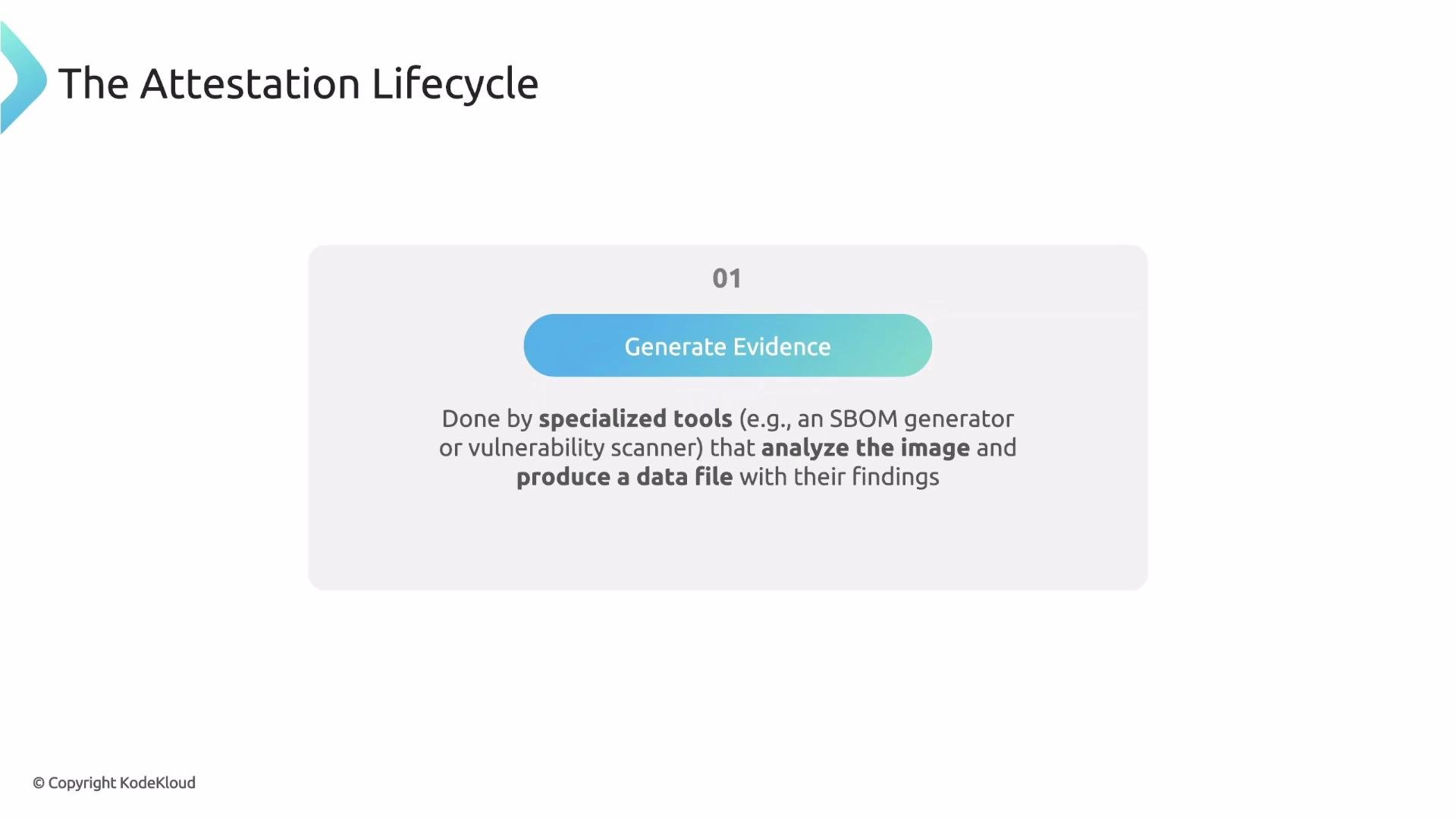
Step 1 — Generate the evidence. Specialized tools output JSON (or similar) files: SBOMs list components; scanners produce vulnerability reports.
Attestation lifecycle
Attestations are typically produced in CI/CD pipelines and follow three clear steps:
| Step | Purpose | Tools / Notes |
| -------------------------- | ----------------------------------------------------------------------------------------------- | --------------------------------------------------------------------------- |
| 1 — Generate evidence | Scan the image and produce a data file (SBOM, vulnerability report, test results) | SBOM tools (CycloneDX), vulnerability scanners (Trivy) |
| 2 — Sign the evidence | Create a cryptographic signature for the data file using a private key | Cosign (Sigstore) is commonly used |
| 3 — Attach the attestation | Push the signed attestation to the container registry as an artifact linked to the image digest | ORAS (OCI Registry As Storage) stores artifacts without modifying the image |
Step 1 — Generate the evidence. Specialized tools output JSON (or similar) files: SBOMs list components; scanners produce vulnerability reports.
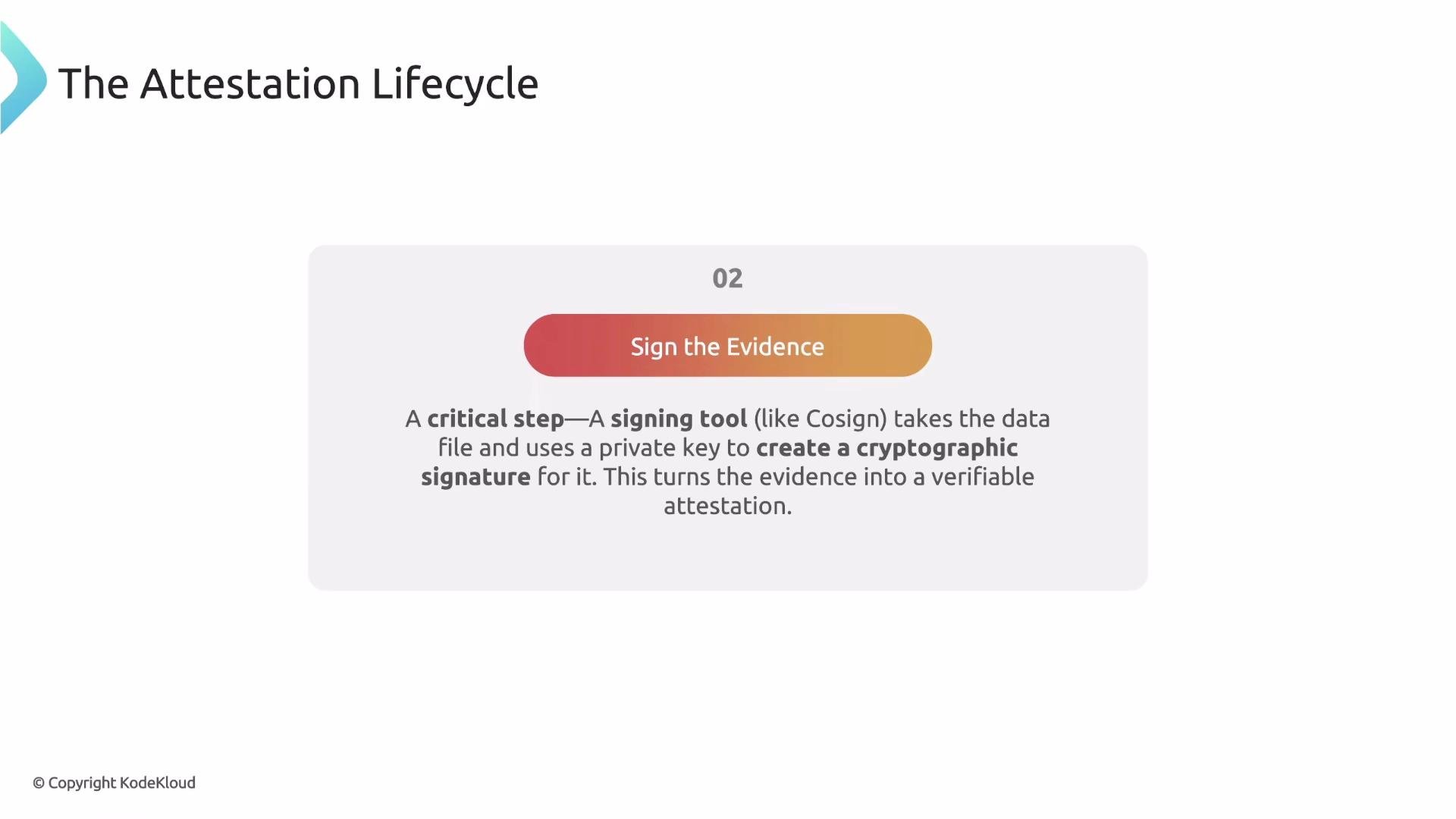
 Step 2 — Sign the evidence. Use a signing tool (for example, Cosign) to sign the data file and produce a verifiable attestation artifact.
 Step 3 — Attach the attestation to the image. The signer pushes the attestation to the registry; the artifact is cryptographically linked to the image digest (the image itself is unchanged).
 Discovering attestations in a registry
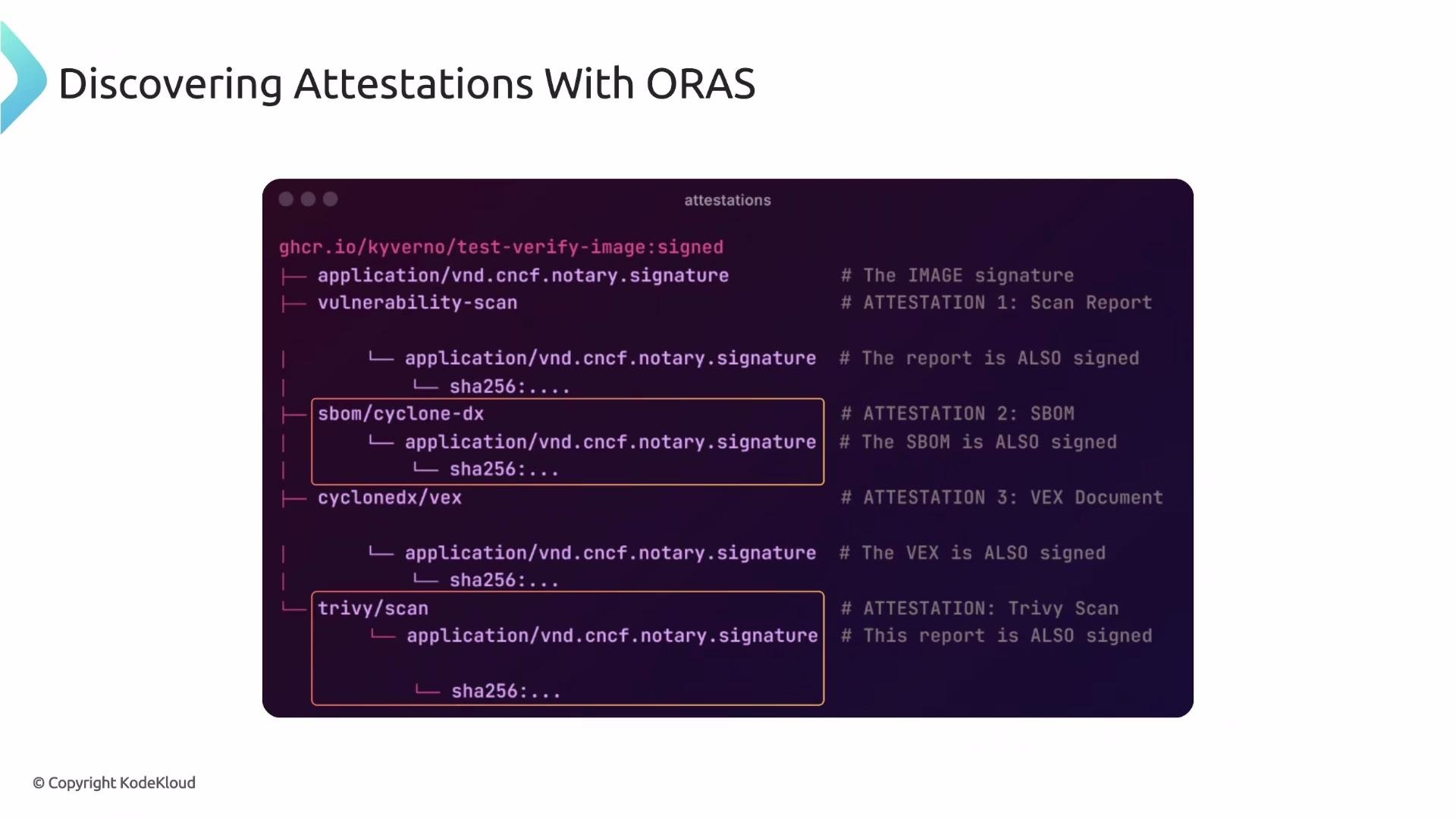
A normal `docker pull` won't show attestations. Use ORAS to view artifacts attached to an image: `oras discover` shows a tree of linked artifacts and their types. Example output:
```console theme={null}
console
ghcr.io/kyverno/test-verify-image:signed
├── application/vnd.cncf.notary.signature
├── vulnerability-scan
│ ├── application/vnd.cncf.notary.signature
│ │ └── sha256:....
├── sbom/cyclone-dx
│ └── application/vnd.cncf.notary.signature
│ └── sha256:....
├── cyclonedx/vex
│ └── application/vnd.cncf.notary.signature
│ └── sha256:....
└── trivy/scan
├── application/vnd.cncf.notary.signature
│ └── sha256:....
```
You can see the image digest, its signature, and additional signed artifacts like SBOMs and scanner reports. With these artifacts available, admission controllers like Kyverno can make evidence-based decisions about whether to allow a workload to run.
Discovering attestations in a registry
A normal `docker pull` won't show attestations. Use ORAS to view artifacts attached to an image: `oras discover` shows a tree of linked artifacts and their types. Example output:
```console theme={null}
console
ghcr.io/kyverno/test-verify-image:signed
├── application/vnd.cncf.notary.signature
├── vulnerability-scan
│ ├── application/vnd.cncf.notary.signature
│ │ └── sha256:....
├── sbom/cyclone-dx
│ └── application/vnd.cncf.notary.signature
│ └── sha256:....
├── cyclonedx/vex
│ └── application/vnd.cncf.notary.signature
│ └── sha256:....
└── trivy/scan
├── application/vnd.cncf.notary.signature
│ └── sha256:....
```
You can see the image digest, its signature, and additional signed artifacts like SBOMs and scanner reports. With these artifacts available, admission controllers like Kyverno can make evidence-based decisions about whether to allow a workload to run.
 How Kyverno verifies attestations
Kyverno extends verifyImages with an attestations block. Each attestation item tells Kyverno:
* which attestation type to look for (must match the ORAS artifact type),
* how to validate the attestation's signature using attestors (trusted keys or certificates),
* optional conditions to evaluate the attestation's JSON payload using JMESPath expressions.
High-level example of the structure:
```yaml theme={null}
verifyImages:
imageReferences:
- "ghcr.io/kyverno/test-verify-image*"
attestations:
- type: sbom/cyclone-dx
attestors:
- entries:
- certificates:
cert: |-
-----BEGIN CERTIFICATE-----
...
-----END CERTIFICATE-----
conditions:
all:
- key: "{{ components[].licenses[].expression }}"
operator: AllIn
value:
- "GPL-3.0"
```
Notes on key fields:
* type: Must match the attestation type shown by ORAS (e.g., `sbom/cyclone-dx`).
* attestors: Verifies the signature of the attestation document itself (not the base image). Provide trusted keys/certificates here.
* conditions: After the attestation signature is validated, Kyverno parses the attestation JSON and evaluates JMESPath-based conditions. The `key` field uses a JMESPath expression; the example extracts all license expressions from components.
The `attestors` block verifies the attestation document's signature — it does not verify the base image signature. Only when the attestation signature is trusted will Kyverno evaluate the specified conditions against the attestation's JSON content.
Example policy: require a signed SBOM and enforce component licenses
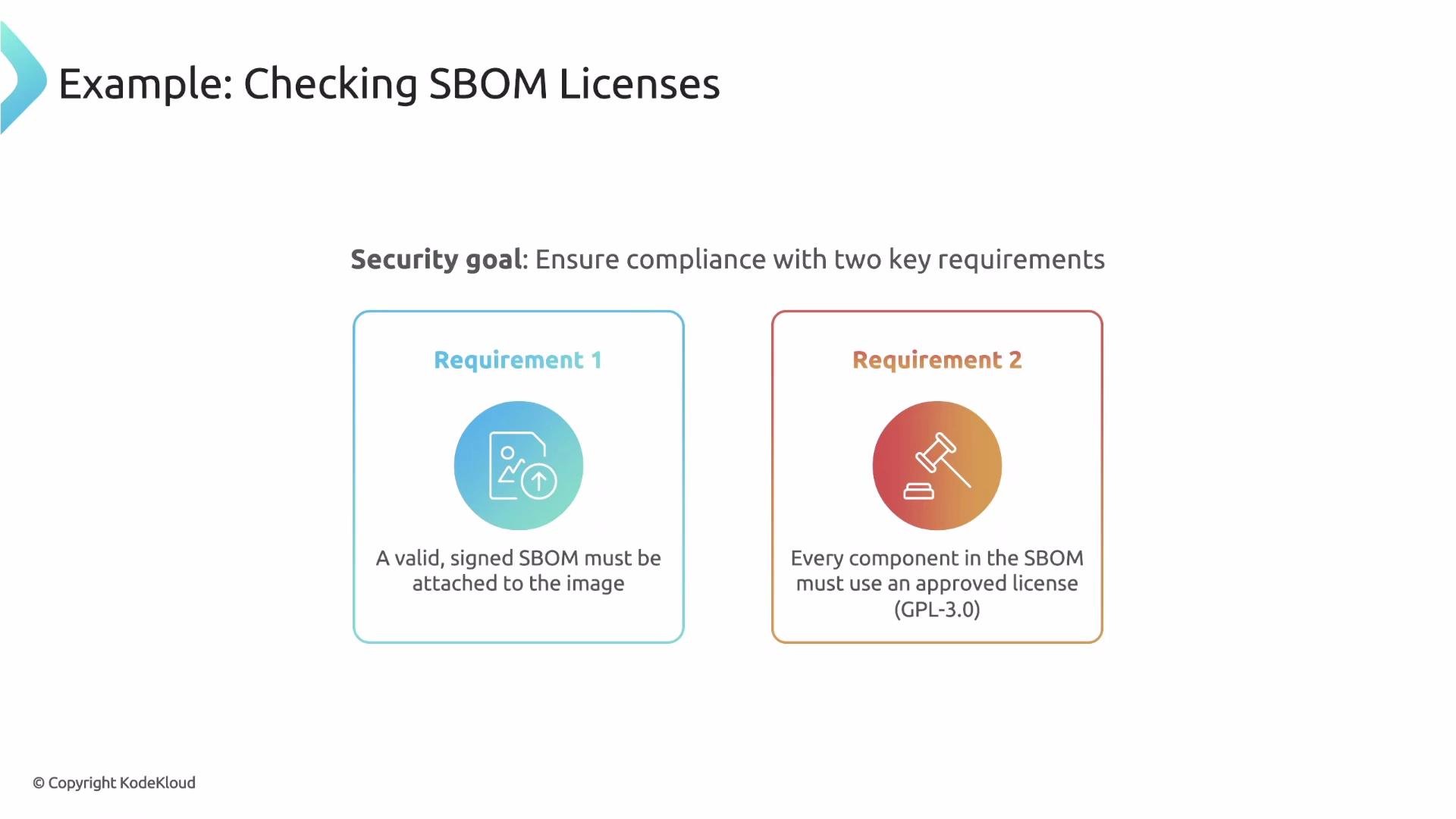
This ClusterPolicy matches Pods referencing images with the given pattern, verifies that an `sbom/cyclone-dx` attestation is attached and signed by a trusted certificate, then ensures every component license equals `GPL-3.0`.
```yaml theme={null}
apiVersion: kyverno.io/v1
kind: ClusterPolicy
metadata:
name: verify-image-sbom-licenses
spec:
validationFailureAction: enforce
rules:
- name: verify-image-sbom-licenses
match:
resources:
kinds:
- Pod
verifyImages:
- imageReferences:
- "ghcr.io/kyverno/test-verify-image*"
attestations:
- type: sbom/cyclone-dx
attestors:
- entries:
- certificates:
cert: |-
-----BEGIN CERTIFICATE-----
# Trusted SBOM signer certificate
...
-----END CERTIFICATE-----
conditions:
all:
- key: "{{ components[].licenses[].expression }}"
operator: AllIn
value:
- "GPL-3.0"
```
How this policy works:
1. The policy matches Pods that reference images matching `ghcr.io/kyverno/test-verify-image*`.
2. Kyverno looks for an attestation of type `sbom/cyclone-dx` attached to the image in the registry.
3. The `attestors` block supplies the trusted certificate used to verify the SBOM attestation's signature.
4. If the signature validates, Kyverno evaluates the JMESPath condition `{{ components[].licenses[].expression }}` which collects license expressions across all components. `AllIn` ensures every collected license appears in the allowed list (`["GPL-3.0"]`). If any component has an unapproved license, the Pod admission is blocked.
How Kyverno verifies attestations
Kyverno extends verifyImages with an attestations block. Each attestation item tells Kyverno:
* which attestation type to look for (must match the ORAS artifact type),
* how to validate the attestation's signature using attestors (trusted keys or certificates),
* optional conditions to evaluate the attestation's JSON payload using JMESPath expressions.
High-level example of the structure:
```yaml theme={null}
verifyImages:
imageReferences:
- "ghcr.io/kyverno/test-verify-image*"
attestations:
- type: sbom/cyclone-dx
attestors:
- entries:
- certificates:
cert: |-
-----BEGIN CERTIFICATE-----
...
-----END CERTIFICATE-----
conditions:
all:
- key: "{{ components[].licenses[].expression }}"
operator: AllIn
value:
- "GPL-3.0"
```
Notes on key fields:
* type: Must match the attestation type shown by ORAS (e.g., `sbom/cyclone-dx`).
* attestors: Verifies the signature of the attestation document itself (not the base image). Provide trusted keys/certificates here.
* conditions: After the attestation signature is validated, Kyverno parses the attestation JSON and evaluates JMESPath-based conditions. The `key` field uses a JMESPath expression; the example extracts all license expressions from components.
The `attestors` block verifies the attestation document's signature — it does not verify the base image signature. Only when the attestation signature is trusted will Kyverno evaluate the specified conditions against the attestation's JSON content.
Example policy: require a signed SBOM and enforce component licenses
This ClusterPolicy matches Pods referencing images with the given pattern, verifies that an `sbom/cyclone-dx` attestation is attached and signed by a trusted certificate, then ensures every component license equals `GPL-3.0`.
```yaml theme={null}
apiVersion: kyverno.io/v1
kind: ClusterPolicy
metadata:
name: verify-image-sbom-licenses
spec:
validationFailureAction: enforce
rules:
- name: verify-image-sbom-licenses
match:
resources:
kinds:
- Pod
verifyImages:
- imageReferences:
- "ghcr.io/kyverno/test-verify-image*"
attestations:
- type: sbom/cyclone-dx
attestors:
- entries:
- certificates:
cert: |-
-----BEGIN CERTIFICATE-----
# Trusted SBOM signer certificate
...
-----END CERTIFICATE-----
conditions:
all:
- key: "{{ components[].licenses[].expression }}"
operator: AllIn
value:
- "GPL-3.0"
```
How this policy works:
1. The policy matches Pods that reference images matching `ghcr.io/kyverno/test-verify-image*`.
2. Kyverno looks for an attestation of type `sbom/cyclone-dx` attached to the image in the registry.
3. The `attestors` block supplies the trusted certificate used to verify the SBOM attestation's signature.
4. If the signature validates, Kyverno evaluates the JMESPath condition `{{ components[].licenses[].expression }}` which collects license expressions across all components. `AllIn` ensures every collected license appears in the allowed list (`["GPL-3.0"]`). If any component has an unapproved license, the Pod admission is blocked.
 Best practices and tips
* Always treat attestations as first-class artifacts in CI/CD: generate, sign, and attach them in the pipeline.
* Use Sigstore/Cosign for easy, auditable signing workflows.
* Keep attestor trust roots (public keys/certificates) in a secure store and update Kyverno policies if keys rotate.
* Structure JMESPath expressions to robustly handle missing or nested fields.
* Consider multiple attestation types (vulnerability-scan, sbom, test-results) to make richer admission decisions.
Summary
* An attestation is a signed piece of evidence (SBOM, vulnerability report, test results) attached to an image.
* Attestation lifecycle: generate evidence → sign evidence → attach to image (registry).
* Use ORAS to discover attestations attached to an image.
* Kyverno's verifyImages attestation block first verifies the attestation signature using attestors, then evaluates JMESPath-based conditions against the attestation JSON to enforce fine-grained security policies.
Links and references
* ORAS — [https://oras.land](https://oras.land)
* Cosign (Sigstore) — [https://sigstore.dev/cosign/](https://sigstore.dev/cosign/)
* CycloneDX (SBOM format) — [https://cyclonedx.org](https://cyclonedx.org)
* Trivy — [https://github.com/aquasecurity/trivy](https://github.com/aquasecurity/trivy)
* JMESPath — [https://jmespath.org](https://jmespath.org)
* Kyverno verifyImages documentation — [https://kyverno.io/docs/writing-policies/validate-images/](https://kyverno.io/docs/writing-policies/validate-images/)
Best practices and tips
* Always treat attestations as first-class artifacts in CI/CD: generate, sign, and attach them in the pipeline.
* Use Sigstore/Cosign for easy, auditable signing workflows.
* Keep attestor trust roots (public keys/certificates) in a secure store and update Kyverno policies if keys rotate.
* Structure JMESPath expressions to robustly handle missing or nested fields.
* Consider multiple attestation types (vulnerability-scan, sbom, test-results) to make richer admission decisions.
Summary
* An attestation is a signed piece of evidence (SBOM, vulnerability report, test results) attached to an image.
* Attestation lifecycle: generate evidence → sign evidence → attach to image (registry).
* Use ORAS to discover attestations attached to an image.
* Kyverno's verifyImages attestation block first verifies the attestation signature using attestors, then evaluates JMESPath-based conditions against the attestation JSON to enforce fine-grained security policies.
Links and references
* ORAS — [https://oras.land](https://oras.land)
* Cosign (Sigstore) — [https://sigstore.dev/cosign/](https://sigstore.dev/cosign/)
* CycloneDX (SBOM format) — [https://cyclonedx.org](https://cyclonedx.org)
* Trivy — [https://github.com/aquasecurity/trivy](https://github.com/aquasecurity/trivy)
* JMESPath — [https://jmespath.org](https://jmespath.org)
* Kyverno verifyImages documentation — [https://kyverno.io/docs/writing-policies/validate-images/](https://kyverno.io/docs/writing-policies/validate-images/)