> ## Documentation Index
> Fetch the complete documentation index at: https://notes.kodekloud.com/llms.txt
> Use this file to discover all available pages before exploring further.
# apply Command Part 3
> Using the Kyverno CLI apply to preview and save mutate and generate policy effects, including handling target resources and common flags
Earlier we looked at how the Kyverno `apply` command validates resources with a clear pass/fail result. In this lesson we’ll focus on how the Kyverno CLI previews the exact effects of `mutate` and `generate` rules so you can see the concrete changes Kyverno would perform in a real cluster.
## Previewing mutate rules
Start with a mutate policy that injects default resource requests into containers that lack them:
```yaml theme={null}
apiVersion: kyverno.io/v1
kind: ClusterPolicy
metadata:
name: add-default-resources
spec:
rules:
- name: add-default-requests
match:
any:
- resources:
kinds:
- Pod
mutate:
foreach:
- list: "spec.containers[]"
patchStrategicMerge:
spec:
containers:
- (name): "{{ element.name }}"
resources:
requests:
+(memory): "100Mi"
+(cpu): "100m"
```
This policy uses `foreach` to iterate over each container in a Pod. The `+(memory)` and `+(cpu)` anchors indicate "add only if not present" — existing `resources.requests` remain untouched.
Here’s a simple NGINX Pod manifest that lacks a `resources` block:
```yaml theme={null}
apiVersion: v1
kind: Pod
metadata:
name: nginx-demo
spec:
containers:
- name: nginx
image: nginx:1.14.2
```
When Kyverno runs in a cluster this policy will mutate the Pod prior to creation so the container receives the default requests. Locally, the Kyverno CLI can render exactly that mutated YAML so you can inspect changes before applying them.
Run:
```bash theme={null}
kyverno apply policy.yaml --resource pod.yaml
```
Example CLI output (truncated for clarity):
```bash theme={null}
$ kyverno apply policy.yaml --resource pod.yaml
Applying 1 policy rule(s) to 1 resource(s)...
policy add-default-resources applied to default/Pod/nginx-demo:
apiVersion: v1
kind: Pod
metadata:
name: nginx-demo
namespace: default
spec:
containers:
- name: nginx
image: nginx:1.14.2
resources:
requests:
cpu: 100m
memory: 100Mi
---
Mutation:
Mutation has been applied successfully.
pass: 1, fail: 0, warn: 0, error: 0, skip: 0
```
To save the mutated manifest to a file (handy for testing, CI, or debugging), add `--output` (or `-o`):
```bash theme={null}
kyverno apply policy.yaml --resource pod.yaml --output mutated-pod.yaml
```
## Advanced mutate: target vs trigger resources
Some policies are evaluated against one resource (the trigger) but mutate another resource (the target). For example, a policy that reacts to a `ConfigMap` create event and mutates an existing `Secret`. In this case provide both manifests to the CLI so Kyverno can compute the mutation.
Example policy (watches `ConfigMap`, mutates an existing `Secret`):
```yaml theme={null}
apiVersion: kyverno.io/v1
kind: ClusterPolicy
metadata:
name: mutate-existing-secret
spec:
rules:
- name: mutate-secret-on-configmap-create
match:
any:
- resources:
kinds:
- ConfigMap
mutate:
patchStrategicMerge:
metadata:
labels:
foo: bar
targets:
- apiVersion: v1
kind: Secret
name: secret-1
namespace: staging
```
When testing locally:
* Use `--resource` to pass the trigger (the `ConfigMap` manifest).
* Use `--target-resource` to pass the current state of the `Secret` that Kyverno should mutate.
Example CLI invocation:
```bash theme={null}
kyverno apply mutate-secret-policy.yaml --resource trigger-configmap.yaml --target-resource secret-1.yaml
```
Use `--target-resource` when the object to be mutated is not the same as the trigger resource. This lets the CLI load the target’s current state and show the exact mutation that would be performed.
## Previewing generate rules
Generate rules create new resources (for example, a `NetworkPolicy` when a `Namespace` is created). To preview a generate rule, pass the generate policy and the triggering resource with `--resource`. Kyverno CLI will print the full YAML of the generated resource (not a modified version of the trigger). This output helps you verify template variable substitution, metadata, and the final manifest. You can also save the generated YAML using `--output`.
## Quick reference: common kyverno apply flags
| Flag | Purpose | Example |
| ------------------- | ---------------------------------------------------------------------------------------------- | --------------------------------- |
| `--resource` | Pass the trigger resource manifest to evaluate policies against | `--resource pod.yaml` |
| `--target-resource` | Provide the current state of the object to be mutated when the target differs from the trigger | `--target-resource secret-1.yaml` |
| `--output`, `-o` | Save the mutated or generated manifest to a file | `--output mutated-pod.yaml` |
## Recap
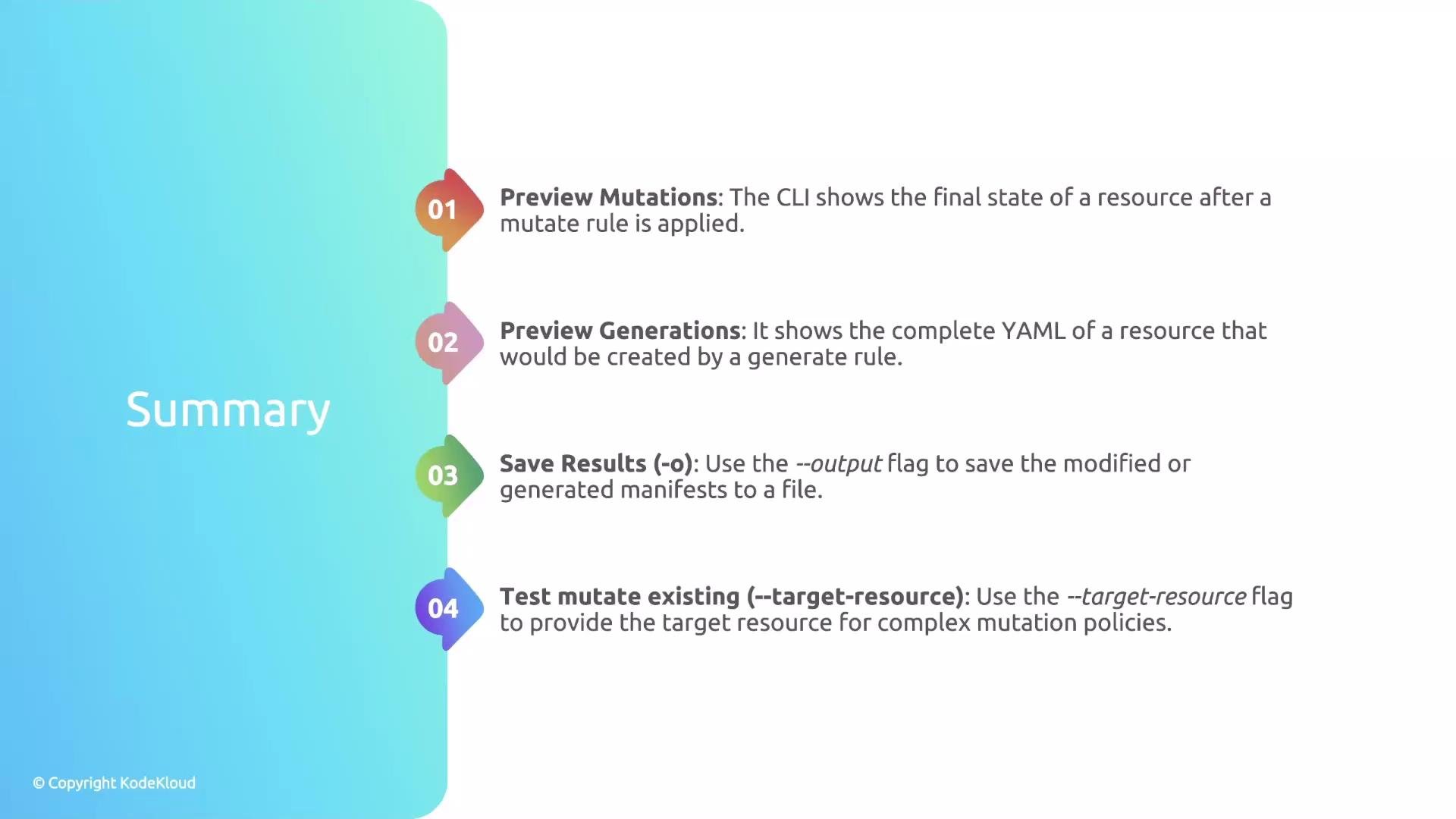
* The Kyverno CLI previews the exact outcome of `mutate` policies by rendering the full mutated resource YAML.
* For `generate` rules the CLI prints the generated resource YAML so you can validate the final manifest.
* Use `--output` (or `-o`) to write results to a file for testing or pipelines.
* When the mutated object differs from the trigger, pass its current state with `--target-resource` so the CLI can compute the mutation precisely.
 This is it for this lesson.