> ## Documentation Index
> Fetch the complete documentation index at: https://notes.kodekloud.com/llms.txt
> Use this file to discover all available pages before exploring further.
# test Command
> Describes using kyverno test to create declarative policy test suites with kyverno-test.yaml, asserting validation mutate and generate outcomes for automated CI CD regression detection.
The `kyverno test` command helps policy authors build automated, repeatable test suites for Kyverno policies. While `kyverno apply` is great for ad-hoc, developer-focused validation, `kyverno test` lets you assert expected behavior across many resources and detect regressions when policies change.
 Why unit tests for policies?
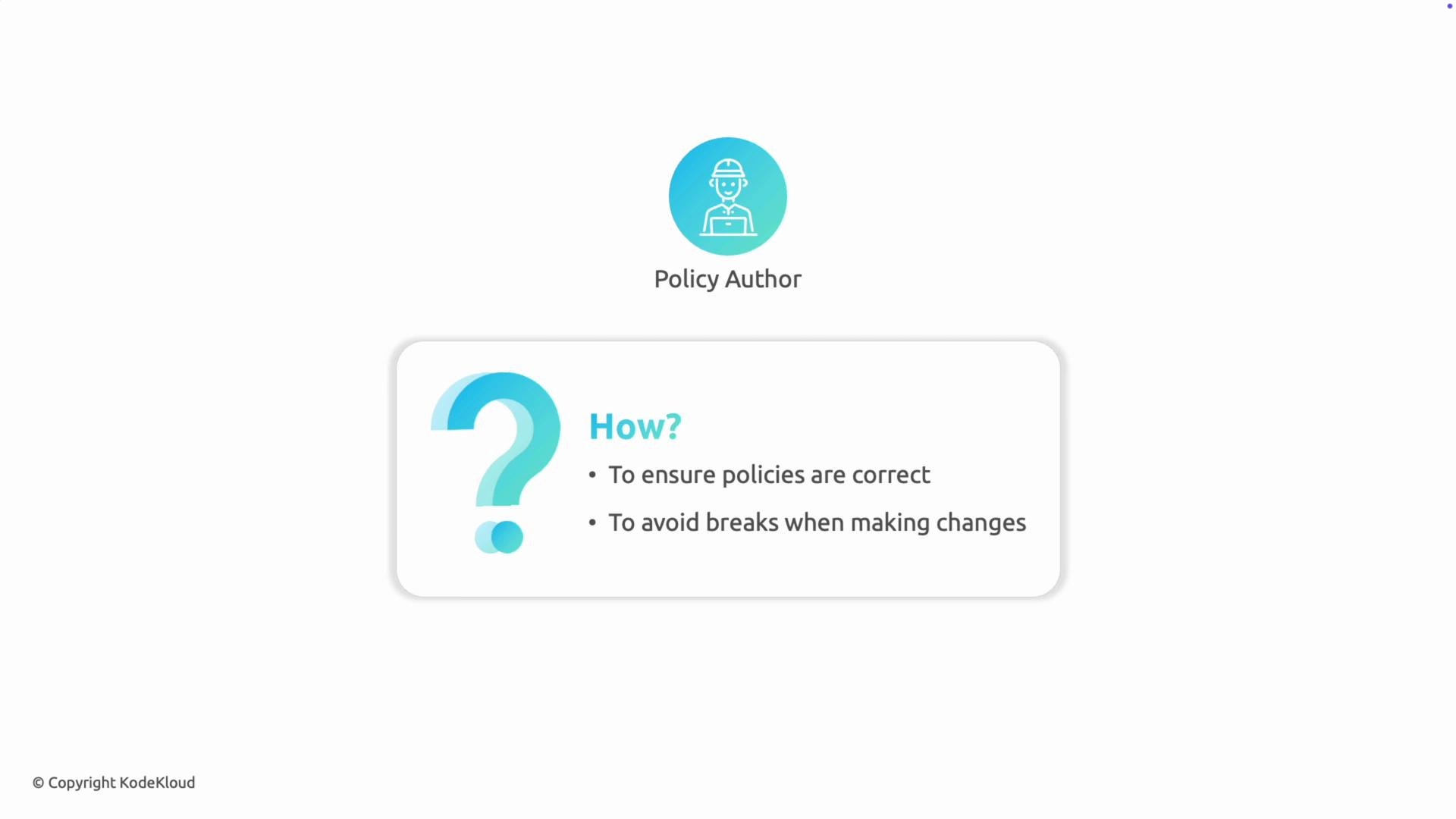
* Policy authors need confidence that policies:
* Pass for valid resources.
* Fail for invalid resources.
* Are skipped for excluded resources.
* Manually running `kyverno apply` for many scenarios is error-prone and doesn't scale.
* `kyverno test` provides a declarative test runner to automate these checks in CI/CD pipelines.
Why unit tests for policies?
* Policy authors need confidence that policies:
* Pass for valid resources.
* Fail for invalid resources.
* Are skipped for excluded resources.
* Manually running `kyverno apply` for many scenarios is error-prone and doesn't scale.
* `kyverno test` provides a declarative test runner to automate these checks in CI/CD pipelines.
 Key difference: kyverno apply vs kyverno test
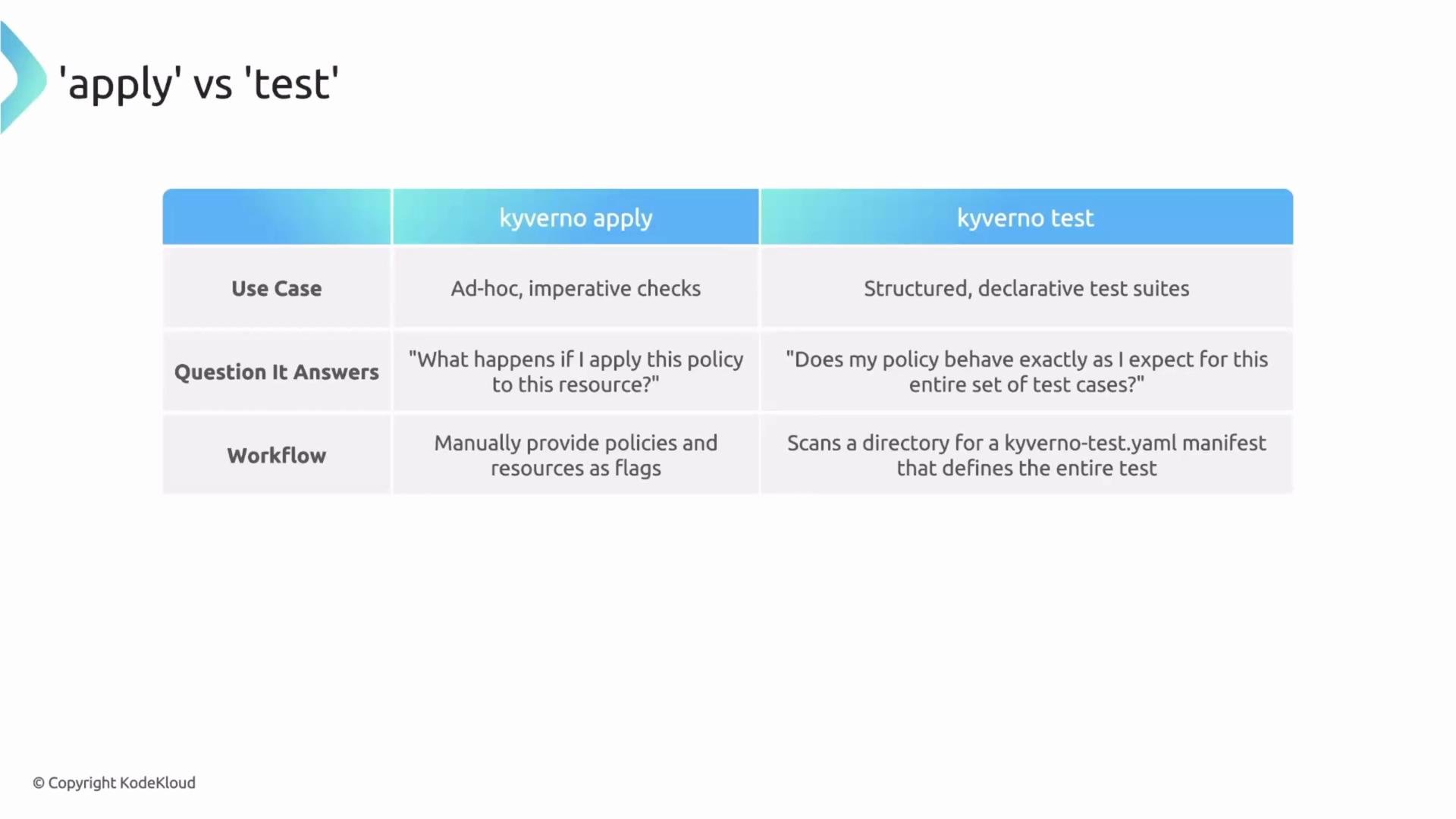
* `kyverno apply`: Imperative, ad-hoc. Use when you want to quickly check how a policy affects a resource during development.
* `kyverno test`: Declarative test framework. Use to assert expected outcomes (pass/fail/skip/warn or expected mutated/generated resources) and run those assertions automatically.
Use `kyverno apply` for interactive debugging; use `kyverno test` to create reproducible assertions suitable for CI/CD and regression detection.
Key difference: kyverno apply vs kyverno test
* `kyverno apply`: Imperative, ad-hoc. Use when you want to quickly check how a policy affects a resource during development.
* `kyverno test`: Declarative test framework. Use to assert expected outcomes (pass/fail/skip/warn or expected mutated/generated resources) and run those assertions automatically.
Use `kyverno apply` for interactive debugging; use `kyverno test` to create reproducible assertions suitable for CI/CD and regression detection.
 Overview: kyverno-test.yaml (manifest)
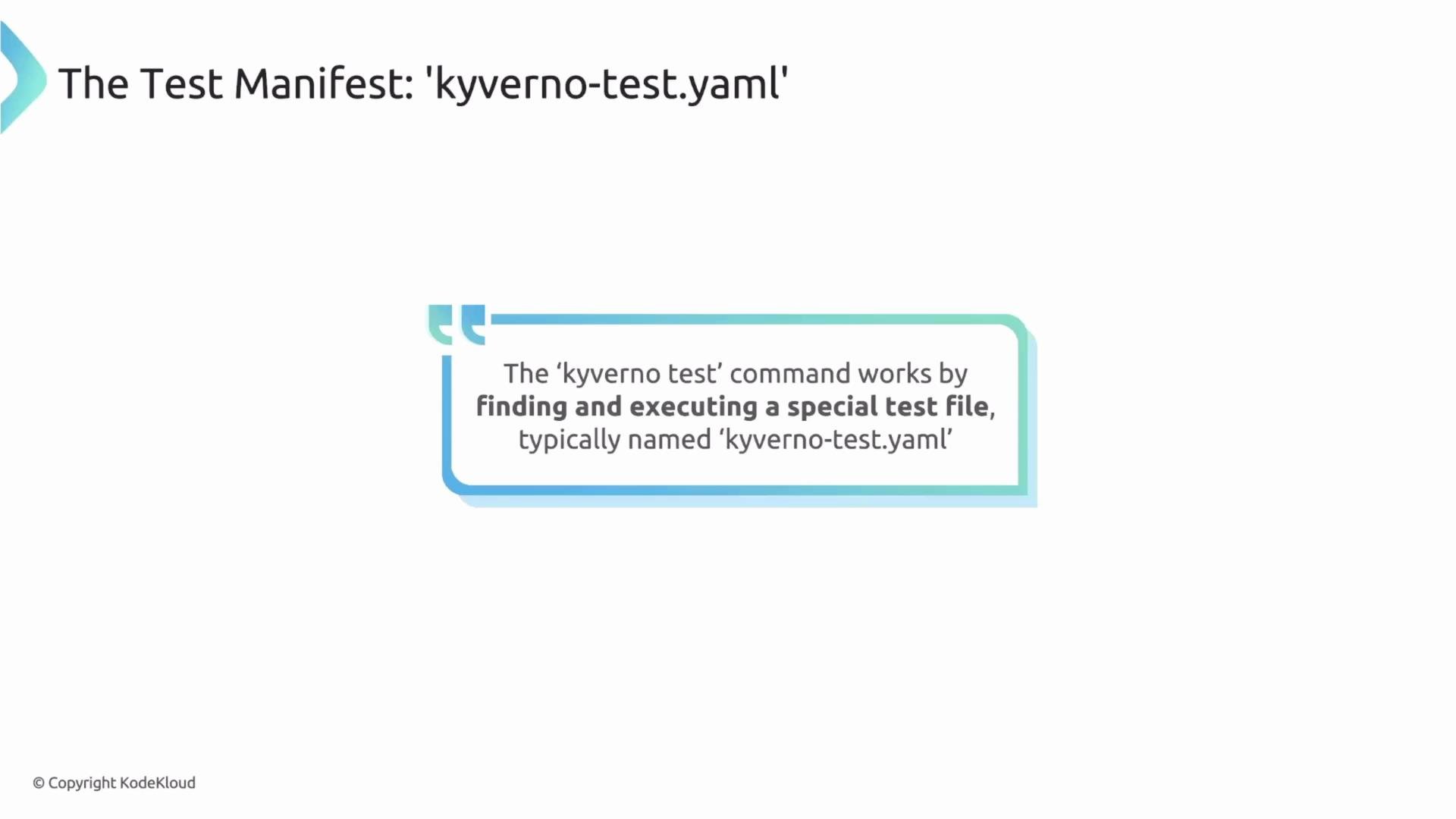
The test runner looks for a manifest, conventionally named `kyverno-test.yaml` or `kyverno-test.yml`. This file declares inputs (policies, resources, optional exceptions and variables) and expected outputs (results). Place the manifest and related fixtures in a directory and run the CLI against that directory.
Overview: kyverno-test.yaml (manifest)
The test runner looks for a manifest, conventionally named `kyverno-test.yaml` or `kyverno-test.yml`. This file declares inputs (policies, resources, optional exceptions and variables) and expected outputs (results). Place the manifest and related fixtures in a directory and run the CLI against that directory.
 File structure at a glance
* Inputs
* `policies`: list of policy file paths
* `resources`: list of resource fixtures
* `exceptions`: optional exception policies
* `variables`: optional values file for substitutions
* Results
* Declarative assertions tying a `policy`, `rule`, and `resource` to an expected `result` (pass/fail/skip/warn)
* For mutate/generate rules, include `patchedResource` or `generatedResource` to compare the actual output to a file
Minimal example test manifest
```yaml theme={null}
apiVersion: cli.kyverno.io/v1alpha1
kind: Test
metadata:
name: kyverno-test
policies:
- path/to/policy.yaml
- path/to/another-policy.yaml
resources:
- path/to/good-resource.yaml
- path/to/bad-resource.yaml
# Optional
exceptions:
- path/to/exception.yaml
variables: values.yaml
results:
# Assertions follow here...
...
```
Concrete example with results
```yaml theme={null}
apiVersion: cli.kyverno.io/v1alpha1
kind: Test
metadata:
name: my-policy-test-suite
# --- INPUTS ---
policies:
- policy.yaml
resources:
- good-pod.yaml
- bad-pod.yaml
exceptions:
- exception.yaml # Optional
variables: values.yaml # Optional
# --- EXPECTED OUTPUTS ---
results:
- policy: my-policy # Name of the policy under test
rule: my-rule # Name of the specific rule in the policy
resource: good-pod # Resource filename (or resource identifier)
result: pass # Expected result: pass, fail, skip, or warn
- policy: my-policy
rule: my-rule
resource: bad-pod
result: fail
```
Notes on fields
* `policies` and `resources` are file paths (relative or absolute) the runner reads.
* `variables` points to a values file if your policies use substitutions.
* The `results` list is the core: each entry maps a `policy`, `rule`, and `resource` to an expected `result`.
Testing validate rules
* For validation-style rules, asserting the evaluation outcome (`pass`, `fail`, `skip`, or `warn`) is usually sufficient:
```yaml theme={null}
# --- EXPECTED OUTPUTS ---
results:
- policy: my-validation-policy
rule: check-labels
resource: good-pod
result: pass
```
Testing mutate and generate rules
* For mutate rules, you must verify the actual mutation. Use `patchedResource` with the expected post-mutation YAML.
* For generate rules, use `generatedResource` to assert the exact generated resource content.
* The test runner performs a deep comparison between actual and expected files, making assertions precise for complex transformations.
Examples:
```yaml theme={null}
# Mutate example
results:
- policy: mutate-policy
rule: add-label
resource: input-pod
result: pass
patchedResource: expected-pod-after-mutate.yaml
# Generate example
results:
- policy: generate-policy
rule: create-config
resource: source-pod
result: pass
generatedResource: expected-generated-configmap.yaml
```
When asserting mutated/generated resources, ensure your expected YAML files account for defaulted fields and ordering differences. Use exact, deterministic fixtures to avoid false negatives.
Running the test suite
1. Place:
* `kyverno-test.yaml` (or `.yml`)
* policy files
* resource fixtures
* expected `patchedResource`/`generatedResource` files
2. Run the CLI from the directory (use `.` for current directory):
```bash theme={null}
kyverno test .
```
Sample CLI output
```bash theme={null}
$ kyverno test .
Loading test (kyverno-test.yaml) ...
Loading values/variables ...
Loading policies ...
Loading resources ...
Loading exceptions ...
Applying 1 policy to 1 resource ...
Checking results ...
| ID | POLICY | RULE | RESOURCE | RESULT | REASON |
|----|----------------------|--------------------|-----------------|--------|--------|
| 1 | disallow-latest-tag | require-image-tag | Pod/myapp-pod | Pass | Ok |
| 2 | disallow-latest-tag | validate-image-tag | Pod/myapp-pod | Pass | Ok |
Test Summary: 2 tests passed, 0 tests failed
```
Why integrate `kyverno test` in CI/CD?
* Detect regressions when policies change.
* Provide deterministic, automated verification for policy libraries.
* Improve confidence for policy maintainers and reduce manual verification effort.
File structure at a glance
* Inputs
* `policies`: list of policy file paths
* `resources`: list of resource fixtures
* `exceptions`: optional exception policies
* `variables`: optional values file for substitutions
* Results
* Declarative assertions tying a `policy`, `rule`, and `resource` to an expected `result` (pass/fail/skip/warn)
* For mutate/generate rules, include `patchedResource` or `generatedResource` to compare the actual output to a file
Minimal example test manifest
```yaml theme={null}
apiVersion: cli.kyverno.io/v1alpha1
kind: Test
metadata:
name: kyverno-test
policies:
- path/to/policy.yaml
- path/to/another-policy.yaml
resources:
- path/to/good-resource.yaml
- path/to/bad-resource.yaml
# Optional
exceptions:
- path/to/exception.yaml
variables: values.yaml
results:
# Assertions follow here...
...
```
Concrete example with results
```yaml theme={null}
apiVersion: cli.kyverno.io/v1alpha1
kind: Test
metadata:
name: my-policy-test-suite
# --- INPUTS ---
policies:
- policy.yaml
resources:
- good-pod.yaml
- bad-pod.yaml
exceptions:
- exception.yaml # Optional
variables: values.yaml # Optional
# --- EXPECTED OUTPUTS ---
results:
- policy: my-policy # Name of the policy under test
rule: my-rule # Name of the specific rule in the policy
resource: good-pod # Resource filename (or resource identifier)
result: pass # Expected result: pass, fail, skip, or warn
- policy: my-policy
rule: my-rule
resource: bad-pod
result: fail
```
Notes on fields
* `policies` and `resources` are file paths (relative or absolute) the runner reads.
* `variables` points to a values file if your policies use substitutions.
* The `results` list is the core: each entry maps a `policy`, `rule`, and `resource` to an expected `result`.
Testing validate rules
* For validation-style rules, asserting the evaluation outcome (`pass`, `fail`, `skip`, or `warn`) is usually sufficient:
```yaml theme={null}
# --- EXPECTED OUTPUTS ---
results:
- policy: my-validation-policy
rule: check-labels
resource: good-pod
result: pass
```
Testing mutate and generate rules
* For mutate rules, you must verify the actual mutation. Use `patchedResource` with the expected post-mutation YAML.
* For generate rules, use `generatedResource` to assert the exact generated resource content.
* The test runner performs a deep comparison between actual and expected files, making assertions precise for complex transformations.
Examples:
```yaml theme={null}
# Mutate example
results:
- policy: mutate-policy
rule: add-label
resource: input-pod
result: pass
patchedResource: expected-pod-after-mutate.yaml
# Generate example
results:
- policy: generate-policy
rule: create-config
resource: source-pod
result: pass
generatedResource: expected-generated-configmap.yaml
```
When asserting mutated/generated resources, ensure your expected YAML files account for defaulted fields and ordering differences. Use exact, deterministic fixtures to avoid false negatives.
Running the test suite
1. Place:
* `kyverno-test.yaml` (or `.yml`)
* policy files
* resource fixtures
* expected `patchedResource`/`generatedResource` files
2. Run the CLI from the directory (use `.` for current directory):
```bash theme={null}
kyverno test .
```
Sample CLI output
```bash theme={null}
$ kyverno test .
Loading test (kyverno-test.yaml) ...
Loading values/variables ...
Loading policies ...
Loading resources ...
Loading exceptions ...
Applying 1 policy to 1 resource ...
Checking results ...
| ID | POLICY | RULE | RESOURCE | RESULT | REASON |
|----|----------------------|--------------------|-----------------|--------|--------|
| 1 | disallow-latest-tag | require-image-tag | Pod/myapp-pod | Pass | Ok |
| 2 | disallow-latest-tag | validate-image-tag | Pod/myapp-pod | Pass | Ok |
Test Summary: 2 tests passed, 0 tests failed
```
Why integrate `kyverno test` in CI/CD?
* Detect regressions when policies change.
* Provide deterministic, automated verification for policy libraries.
* Improve confidence for policy maintainers and reduce manual verification effort.
 Recap
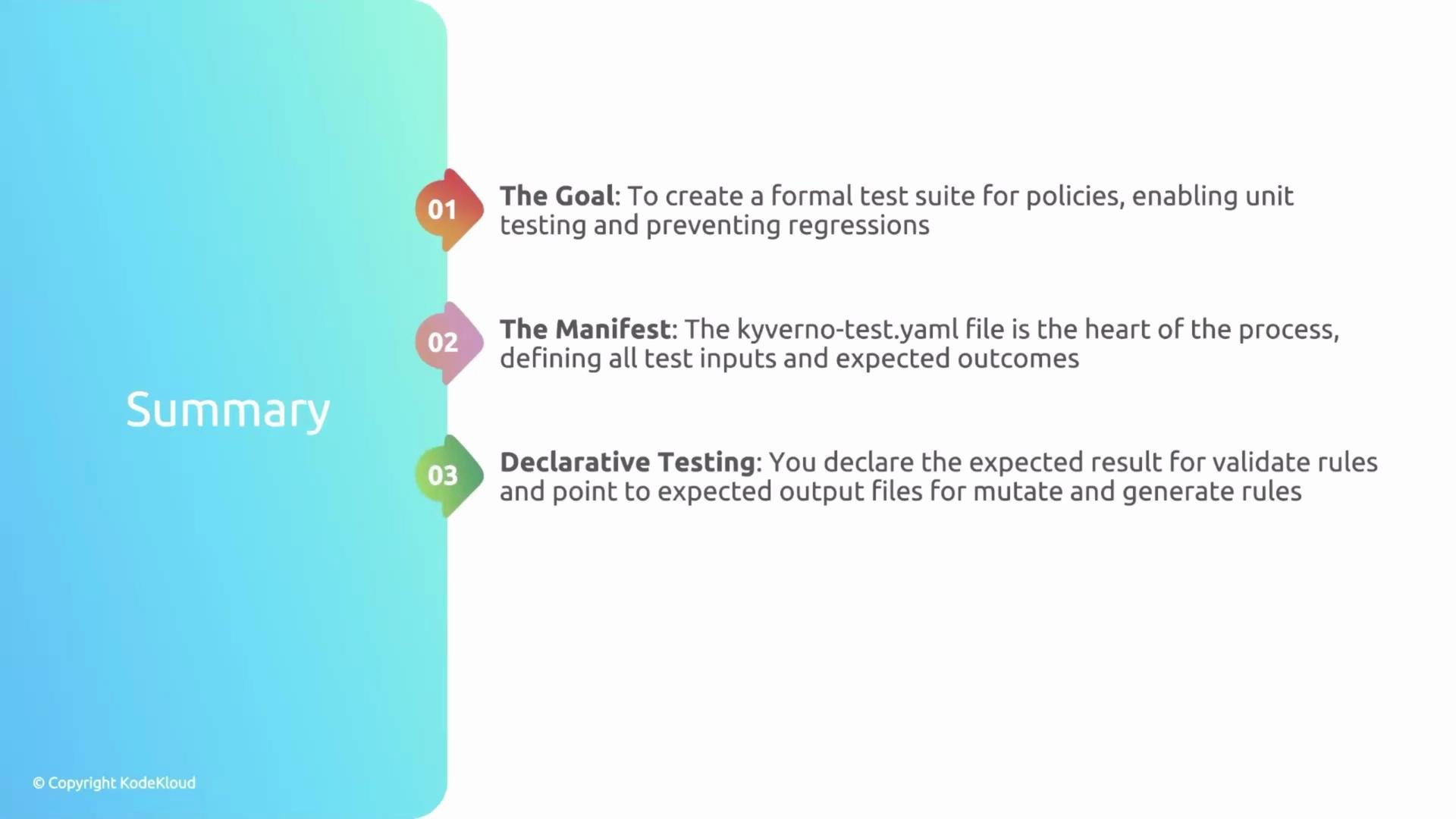
* `kyverno test` is a declarative framework to assert policy behavior across resources and scenarios.
* The `kyverno-test.yaml` file defines inputs (policies, resources, exceptions, variables) and expected outputs (results).
* Use simple `result` assertions for validate rules; use `patchedResource`/`generatedResource` to verify mutate and generate rules.
* Add `kyverno test` into CI/CD pipelines to automatically catch regressions and give policy authors confidence when changing policies.
Links and references
* Kyverno documentation: [https://kyverno.io/docs/](https://kyverno.io/docs/)
* Kyverno CLI reference: [https://kyverno.io/docs/kyverno-cli/](https://kyverno.io/docs/kyverno-cli/)
Recap
* `kyverno test` is a declarative framework to assert policy behavior across resources and scenarios.
* The `kyverno-test.yaml` file defines inputs (policies, resources, exceptions, variables) and expected outputs (results).
* Use simple `result` assertions for validate rules; use `patchedResource`/`generatedResource` to verify mutate and generate rules.
* Add `kyverno test` into CI/CD pipelines to automatically catch regressions and give policy authors confidence when changing policies.
Links and references
* Kyverno documentation: [https://kyverno.io/docs/](https://kyverno.io/docs/)
* Kyverno CLI reference: [https://kyverno.io/docs/kyverno-cli/](https://kyverno.io/docs/kyverno-cli/)