> ## Documentation Index
> Fetch the complete documentation index at: https://notes.kodekloud.com/llms.txt
> Use this file to discover all available pages before exploring further.
# ForEach
> Explains Kyverno foreach to iterate list items like containers and apply strategic merge or JSON patches using element and elementIndex to safely mutate each item.
We previously looked at mutating entire resources and how to target existing resources with background patches. Those approaches operate on the resource as a whole. In this lesson we focus on mutating individual items inside a list within a resource—specifically, how Kyverno's `foreach` capability lets you iterate list elements and apply the same mutation to each item.
A common real-world requirement: the security team mandates that every container (including init containers) must have a `securityContext` that prevents running as root. A naive `patchStrategicMerge` against the `containers` block would replace the entire list and break multi-container Pods. A JSON Patch is also problematic because it normally requires knowing every container index up front.
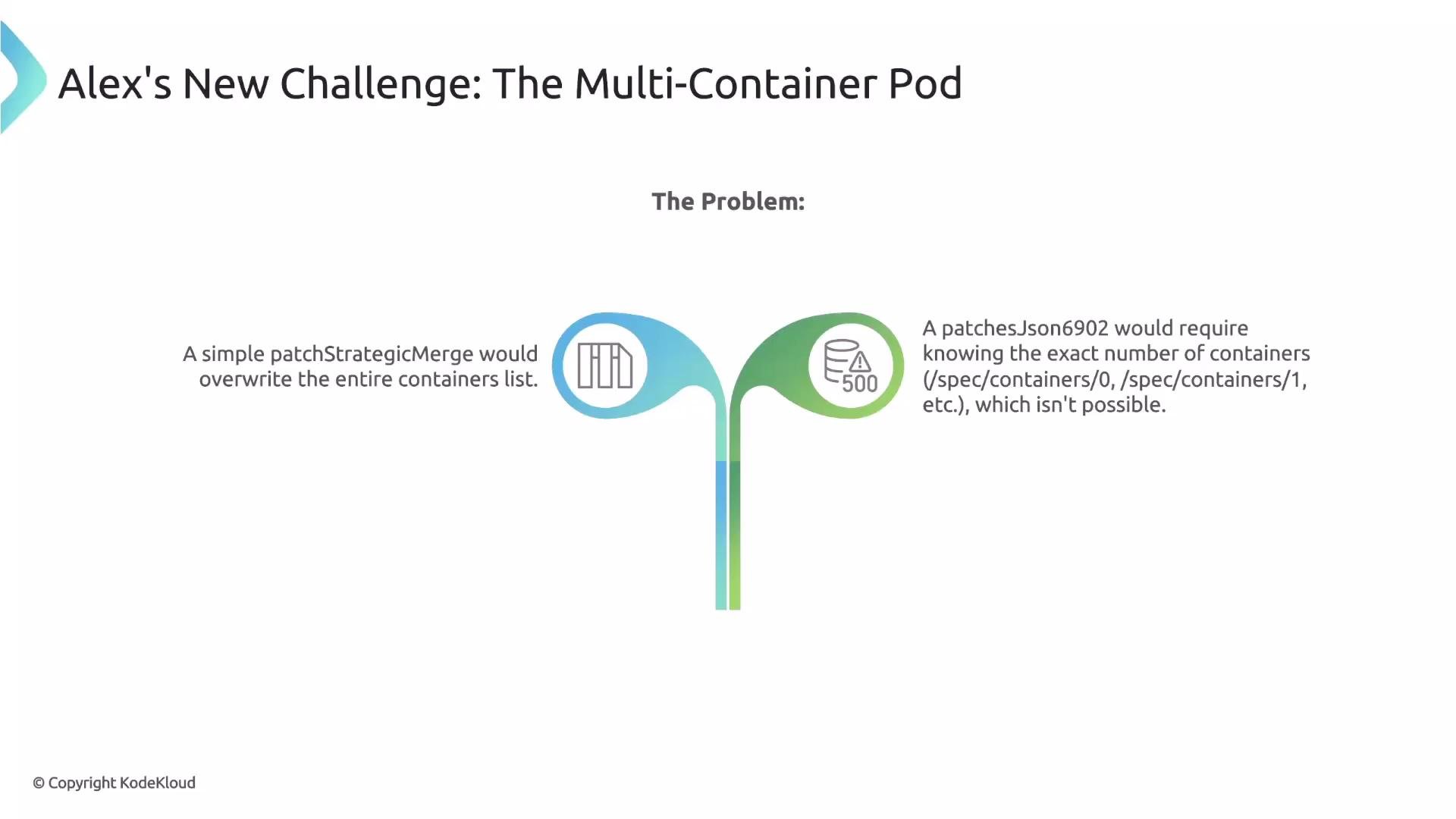 You could target `/spec/containers/0` and `/spec/containers/1`, but you can't predict how many containers a Pod will define. The solution is Kyverno's `foreach` declaration.
What forEach provides
* Define the list to loop over using a JMESPath expression, for example: `request.object.spec.containers`.
* Kyverno exposes the current item as `element` within the loop. You can reference `element.name`, `element.image`, and other fields.
* You may apply either a `patchStrategicMerge` or `patchesJson6902`; Kyverno executes the specified patch once for every item in the list.
Comparison: strategic merge vs JSON patch for lists
| Technique | When to use | Example benefit |
| -------------------------------------- | ------------------------------------------------------------------------------------------------------------ | ------------------------------------------------------------------------------------------------------------ |
| `patchStrategicMerge` inside `foreach` | When you want readable, declarative patches and can identify list elements using a unique key (e.g., `name`) | Avoids needing numeric indices; supports conditional add anchors like `+()` |
| `patchesJson6902` inside `foreach` | When you need precise control over JSON paths or when strategic merge semantics are insufficient | `elementIndex` is available to construct exact JSON Patch paths such as `/spec/containers/0/securityContext` |
Minimal `patchStrategicMerge` example (iterates containers and references the current element):
```yaml theme={null}
mutate:
foreach:
- list: "request.object.spec.containers"
patchStrategicMerge:
spec:
containers:
- (name): "{{ element.name }}"
```
How JSON Patch works with forEach
When you use JSON Patch (`patchesJson6902`) inside a `foreach`, Kyverno also exposes `elementIndex`—the zero-based index of the current list item. This is useful because JSON Patch requires exact numeric indices in paths.
Example: add a `securityContext` to every container using `patchesJson6902`:
```yaml theme={null}
rules:
- name: add-security-context
match:
any:
- resources:
kinds:
- Pod
mutate:
foreach:
- list: "request.object.spec.containers"
patchesJson6902: |
- path: /spec/containers/{{elementIndex}}/securityContext
op: add
value:
runAsNonRoot: true
```
The `elementIndex` variable lets you construct precise JSON Patch paths such as `/spec/containers/0/securityContext`, `/spec/containers/1/securityContext`, and so on.
Using patchStrategicMerge inside forEach
While `patchesJson6902` is precise, `patchStrategicMerge` is often more readable and aligns with Kubernetes patch semantics. To update the correct list element with a strategic merge patch, Kyverno needs a way to match the list item—typically by using the container `name` as a conditional anchor.
Pattern summary:
* Use `(name): "{{ element.name }}"` to match the specific container in the existing list.
* Use the `+()` add-if-not-present anchor to add fields only when they don't already exist (so you don't overwrite user-set values).
Example: ensure `allowPrivilegeEscalation` is set to `false` only when the field is absent:
```yaml theme={null}
rules:
- name: set-allow-privilege-escalation
match:
any:
- resources:
kinds:
- Pod
mutate:
foreach:
- list: "request.object.spec.containers"
patchStrategicMerge:
spec:
containers:
- (name): "{{ element.name }}"
securityContext:
+(allowPrivilegeEscalation): false
```
How this works:
* The `foreach` loop iterates each container in the incoming Pod.
* For each `element`, Kyverno finds the container with the matching `name`.
* The `+(allowPrivilegeEscalation): false` anchor adds the field only if it's missing; existing values are preserved.
Combining a conditional anchor to identify the list element by `name` with the add-if-not-present anchor (`+()`) is a safe, common pattern when using `patchStrategicMerge` inside `foreach`.
Practical example: set default resource requests for every container
It’s a Kubernetes best practice to set resource requests. The policy below ensures each container gets default memory and CPU requests without overwriting developer-provided values.
```yaml theme={null}
# ...(match block for Pods) ...
mutate:
foreach:
- list: "request.object.spec.containers"
patchStrategicMerge:
spec:
containers:
- (name): "{{ element.name }}"
resources:
requests:
+(memory): "100Mi"
+(cpu): "100m"
```
Behavior summary:
* The conditional anchor `(name): "{{ element.name }}"` selects the correct container in the Pod.
* `+(memory)` and `+(cpu)` add default values only when those request fields are not already present.
Key takeaways
* Use `foreach` to safely mutate each item in a list (e.g., containers) without replacing the entire list.
* Choose `patchStrategicMerge` for readability and declarative merges; use conditional anchors and `+()` to avoid overwriting.
* Use `patchesJson6902` when you need index-based JSON paths; `elementIndex` is provided to construct those paths.
* `element` and `elementIndex` are the two variables Kyverno exposes inside a `foreach` loop—use them to reference the current item and its position.
Links and references
* [Kyverno documentation: mutate policies](https://kyverno.io/docs/writing-policies/mutate/)
* [JMESPath: query language for JSON](https://jmespath.org/)
* [JSON Patch (RFC 6902)](https://tools.ietf.org/html/rfc6902)
* [Kubernetes strategic merge patch](https://kubernetes.io/docs/tasks/extend-kubernetes/custom-resources/custom-resource-definitions/#defaulting-and-validating)
You could target `/spec/containers/0` and `/spec/containers/1`, but you can't predict how many containers a Pod will define. The solution is Kyverno's `foreach` declaration.
What forEach provides
* Define the list to loop over using a JMESPath expression, for example: `request.object.spec.containers`.
* Kyverno exposes the current item as `element` within the loop. You can reference `element.name`, `element.image`, and other fields.
* You may apply either a `patchStrategicMerge` or `patchesJson6902`; Kyverno executes the specified patch once for every item in the list.
Comparison: strategic merge vs JSON patch for lists
| Technique | When to use | Example benefit |
| -------------------------------------- | ------------------------------------------------------------------------------------------------------------ | ------------------------------------------------------------------------------------------------------------ |
| `patchStrategicMerge` inside `foreach` | When you want readable, declarative patches and can identify list elements using a unique key (e.g., `name`) | Avoids needing numeric indices; supports conditional add anchors like `+()` |
| `patchesJson6902` inside `foreach` | When you need precise control over JSON paths or when strategic merge semantics are insufficient | `elementIndex` is available to construct exact JSON Patch paths such as `/spec/containers/0/securityContext` |
Minimal `patchStrategicMerge` example (iterates containers and references the current element):
```yaml theme={null}
mutate:
foreach:
- list: "request.object.spec.containers"
patchStrategicMerge:
spec:
containers:
- (name): "{{ element.name }}"
```
How JSON Patch works with forEach
When you use JSON Patch (`patchesJson6902`) inside a `foreach`, Kyverno also exposes `elementIndex`—the zero-based index of the current list item. This is useful because JSON Patch requires exact numeric indices in paths.
Example: add a `securityContext` to every container using `patchesJson6902`:
```yaml theme={null}
rules:
- name: add-security-context
match:
any:
- resources:
kinds:
- Pod
mutate:
foreach:
- list: "request.object.spec.containers"
patchesJson6902: |
- path: /spec/containers/{{elementIndex}}/securityContext
op: add
value:
runAsNonRoot: true
```
The `elementIndex` variable lets you construct precise JSON Patch paths such as `/spec/containers/0/securityContext`, `/spec/containers/1/securityContext`, and so on.
Using patchStrategicMerge inside forEach
While `patchesJson6902` is precise, `patchStrategicMerge` is often more readable and aligns with Kubernetes patch semantics. To update the correct list element with a strategic merge patch, Kyverno needs a way to match the list item—typically by using the container `name` as a conditional anchor.
Pattern summary:
* Use `(name): "{{ element.name }}"` to match the specific container in the existing list.
* Use the `+()` add-if-not-present anchor to add fields only when they don't already exist (so you don't overwrite user-set values).
Example: ensure `allowPrivilegeEscalation` is set to `false` only when the field is absent:
```yaml theme={null}
rules:
- name: set-allow-privilege-escalation
match:
any:
- resources:
kinds:
- Pod
mutate:
foreach:
- list: "request.object.spec.containers"
patchStrategicMerge:
spec:
containers:
- (name): "{{ element.name }}"
securityContext:
+(allowPrivilegeEscalation): false
```
How this works:
* The `foreach` loop iterates each container in the incoming Pod.
* For each `element`, Kyverno finds the container with the matching `name`.
* The `+(allowPrivilegeEscalation): false` anchor adds the field only if it's missing; existing values are preserved.
Combining a conditional anchor to identify the list element by `name` with the add-if-not-present anchor (`+()`) is a safe, common pattern when using `patchStrategicMerge` inside `foreach`.
Practical example: set default resource requests for every container
It’s a Kubernetes best practice to set resource requests. The policy below ensures each container gets default memory and CPU requests without overwriting developer-provided values.
```yaml theme={null}
# ...(match block for Pods) ...
mutate:
foreach:
- list: "request.object.spec.containers"
patchStrategicMerge:
spec:
containers:
- (name): "{{ element.name }}"
resources:
requests:
+(memory): "100Mi"
+(cpu): "100m"
```
Behavior summary:
* The conditional anchor `(name): "{{ element.name }}"` selects the correct container in the Pod.
* `+(memory)` and `+(cpu)` add default values only when those request fields are not already present.
Key takeaways
* Use `foreach` to safely mutate each item in a list (e.g., containers) without replacing the entire list.
* Choose `patchStrategicMerge` for readability and declarative merges; use conditional anchors and `+()` to avoid overwriting.
* Use `patchesJson6902` when you need index-based JSON paths; `elementIndex` is provided to construct those paths.
* `element` and `elementIndex` are the two variables Kyverno exposes inside a `foreach` loop—use them to reference the current item and its position.
Links and references
* [Kyverno documentation: mutate policies](https://kyverno.io/docs/writing-policies/mutate/)
* [JMESPath: query language for JSON](https://jmespath.org/)
* [JSON Patch (RFC 6902)](https://tools.ietf.org/html/rfc6902)
* [Kubernetes strategic merge patch](https://kubernetes.io/docs/tasks/extend-kubernetes/custom-resources/custom-resource-definitions/#defaulting-and-validating)