> ## Documentation Index
> Fetch the complete documentation index at: https://notes.kodekloud.com/llms.txt
> Use this file to discover all available pages before exploring further.
# PolicyReport from Background Scan
> Explains Kyverno background scanning that evaluates existing cluster resources to generate PolicyReports, how spec.background controls it, scheduling by the Reports Controller, use cases and limitations.
Kyverno generates real-time reports for new and updated resources at admission time. That provides immediate feedback, but it leaves a blind spot: resources that already existed in the cluster before your policies were applied. This section explains how to use Kyverno's background scanning to evaluate existing resources and generate PolicyReports and ClusterPolicyReports for them.
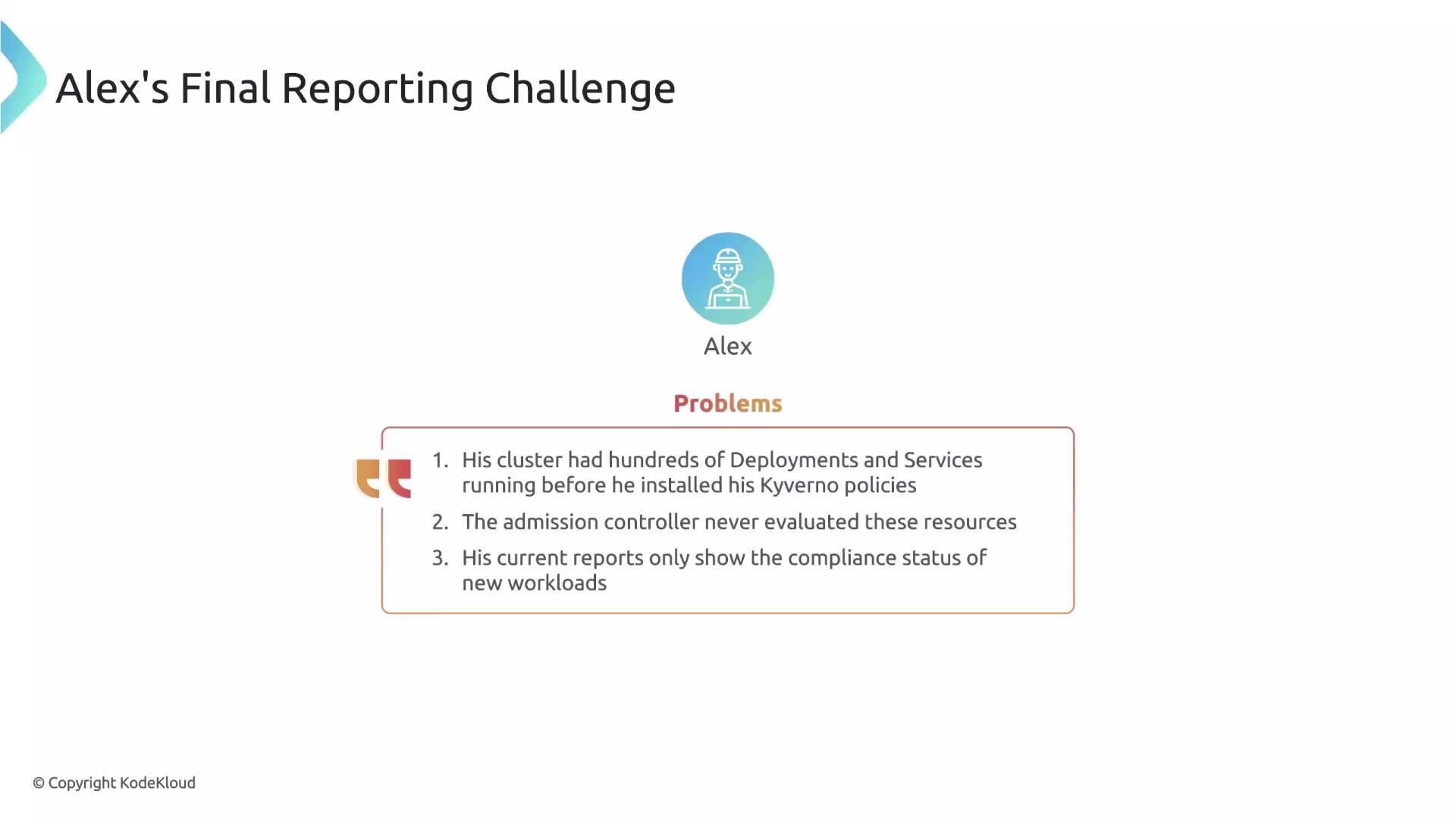
Alex already has real-time reporting enabled and can see compliance for every new Pod. However, his cluster contains hundreds of pre-existing resources that were never evaluated by Kyverno — the security team needs a complete inventory of the cluster's compliance. Background scanning is the mechanism that fills that gap.
 What is background scanning?
* Background scanning is the periodic evaluation of stored cluster resources against your policies to generate reports for resources that were created before your policies existed.
* It runs independently of admission requests and produces the same type of reporting output used for admission-time evaluations.
What is background scanning?
* Background scanning is the periodic evaluation of stored cluster resources against your policies to generate reports for resources that were created before your policies existed.
* It runs independently of admission requests and produces the same type of reporting output used for admission-time evaluations.
 Controlling background evaluation with spec.background
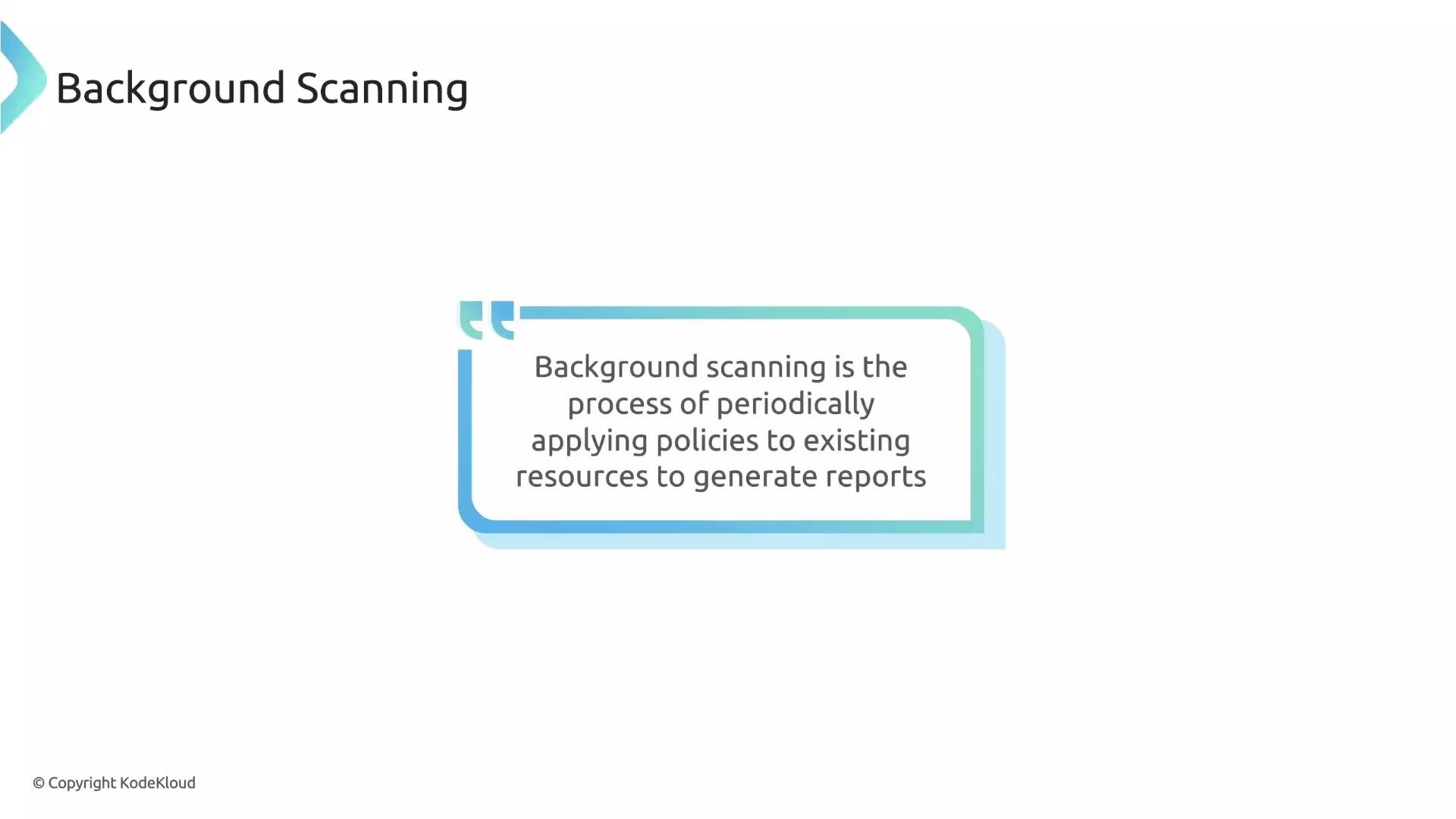
* Each policy has a `spec.background` field. When set to `true`, the policy participates in background scans.
* The default is `true`, so policies you create will be evaluated during background scans unless you explicitly opt out.
Example policy snippet:
```yaml theme={null}
apiVersion: kyverno.io/v1
kind: ClusterPolicy
metadata:
name: example-policy
spec:
background: false # set to false to disable background scanning for this policy
rules:
- name: validate-example
validate:
message: "example validation"
pattern:
metadata:
labels:
app: "?*"
```
If a policy should only run at admission time (for example, it relies on request-scoped identity), set `spec.background: false` to prevent it from being evaluated by the Reports Controller.
Controlling background evaluation with spec.background
* Each policy has a `spec.background` field. When set to `true`, the policy participates in background scans.
* The default is `true`, so policies you create will be evaluated during background scans unless you explicitly opt out.
Example policy snippet:
```yaml theme={null}
apiVersion: kyverno.io/v1
kind: ClusterPolicy
metadata:
name: example-policy
spec:
background: false # set to false to disable background scanning for this policy
rules:
- name: validate-example
validate:
message: "example validation"
pattern:
metadata:
labels:
app: "?*"
```
If a policy should only run at admission time (for example, it relies on request-scoped identity), set `spec.background: false` to prevent it from being evaluated by the Reports Controller.
 Primary use cases
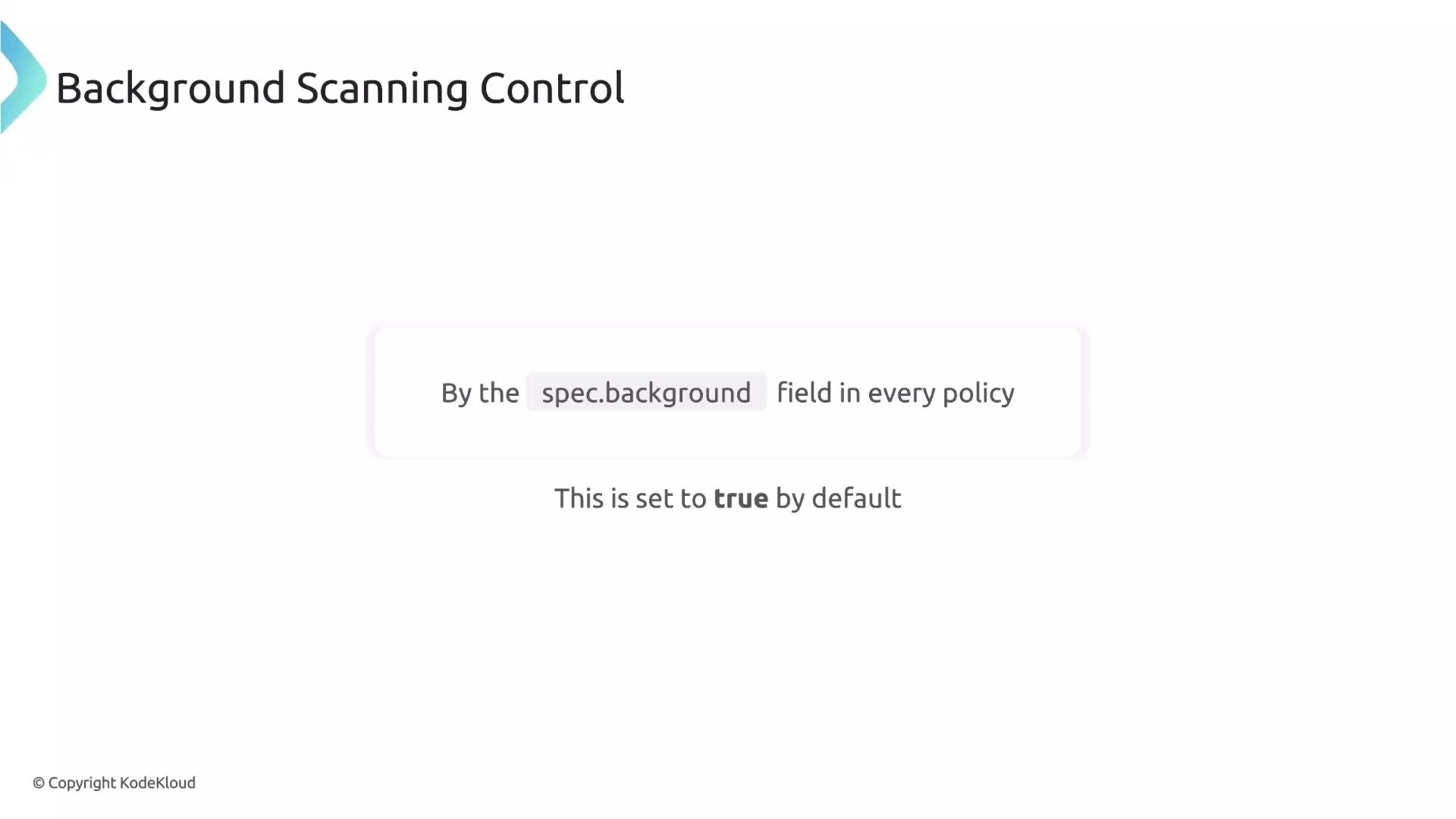
* Audit pre-existing resources to find violations that occurred before policy rollout.
* Test new policies in `audit` mode: leave the policy in audit mode and let the background scan evaluate the cluster. The resulting reports show what would be blocked if the policy were enforced — without disrupting running workloads.
Primary use cases
* Audit pre-existing resources to find violations that occurred before policy rollout.
* Test new policies in `audit` mode: leave the policy in audit mode and let the background scan evaluate the cluster. The resulting reports show what would be blocked if the policy were enforced — without disrupting running workloads.
 Kyverno components and responsibilities
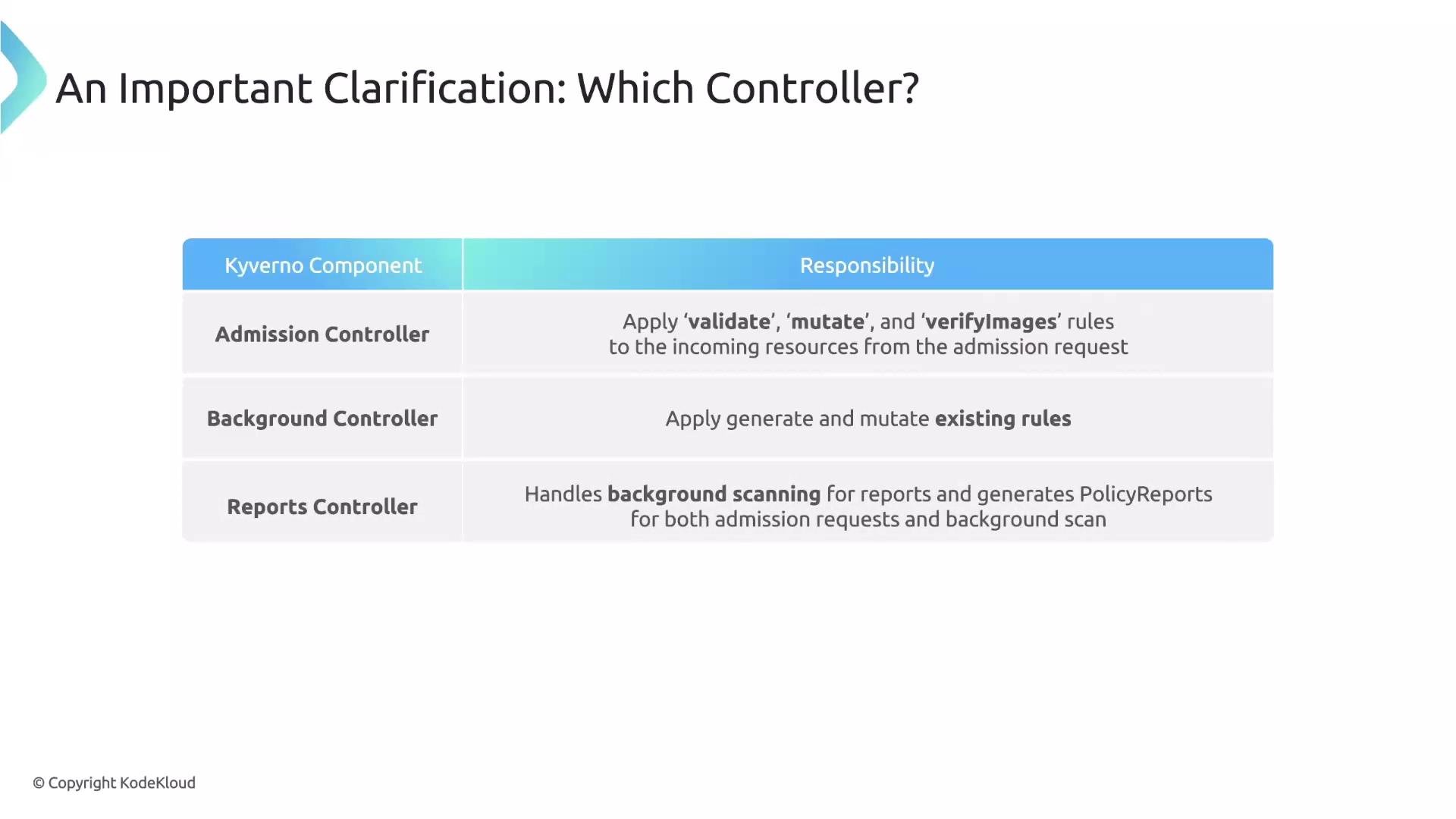
* Understanding which component does what helps you configure and interpret background scanning and reports correctly.
| Component | Primary Responsibility | Notes |
| --------------------- | ------------------------------------------------------------------------------------------------------------------- | ------------------------------------------------------ |
| Admission Controller | Applies `validate`, `mutate`, and `verifyImages` rules to admission requests | Synchronous, request-scoped validation and mutation |
| Background Controller | Processes `generate` and `mutateExisting` rules on stored resources | Asynchronous; does not generate PolicyReports |
| Reports Controller | Generates reports for admission requests and runs background scans to create `PolicyReport` / `ClusterPolicyReport` | Aggregates ephemeral scan results into durable reports |
Use backticks for rule names and fields when referencing them in text (e.g., `validate`, `mutateExisting`, `spec.background`).
Kyverno components and responsibilities
* Understanding which component does what helps you configure and interpret background scanning and reports correctly.
| Component | Primary Responsibility | Notes |
| --------------------- | ------------------------------------------------------------------------------------------------------------------- | ------------------------------------------------------ |
| Admission Controller | Applies `validate`, `mutate`, and `verifyImages` rules to admission requests | Synchronous, request-scoped validation and mutation |
| Background Controller | Processes `generate` and `mutateExisting` rules on stored resources | Asynchronous; does not generate PolicyReports |
| Reports Controller | Generates reports for admission requests and runs background scans to create `PolicyReport` / `ClusterPolicyReport` | Aggregates ephemeral scan results into durable reports |
Use backticks for rule names and fields when referencing them in text (e.g., `validate`, `mutateExisting`, `spec.background`).
 How background scanning works (high level)
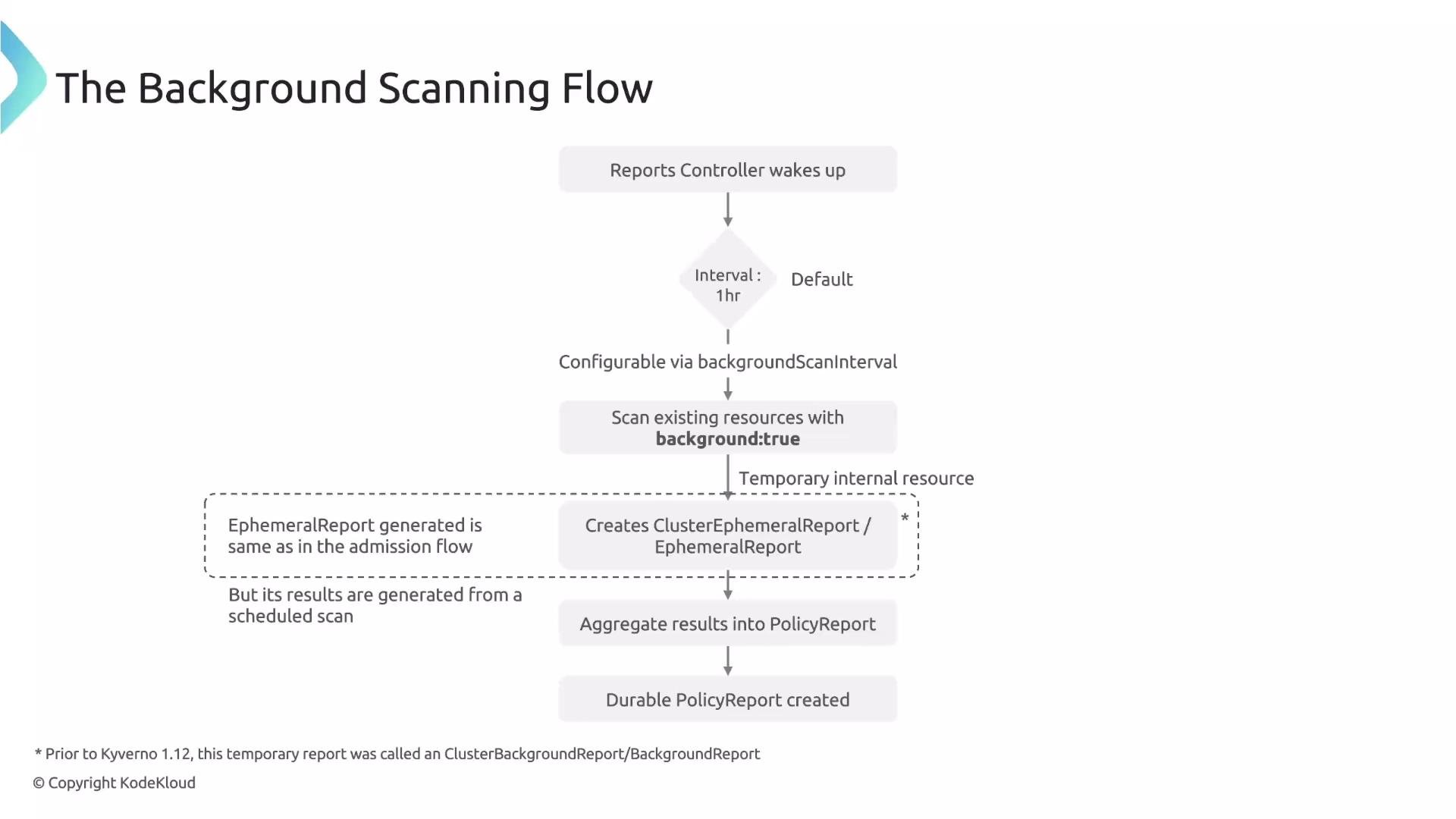
1. The Reports Controller wakes on a configurable schedule (default: once per hour).
2. It scans resources across the cluster against policies that have `spec.background: true`.
3. For each evaluated resource, the Reports Controller produces an internal ephemeral report — `EphemeralReport` or `ClusterEphemeralReport`.
4. The controller immediately processes and aggregates these ephemeral results into durable `PolicyReport` or `ClusterPolicyReport` objects.
Ephemeral reports are the same resource type used during admission reporting; the difference is that their content is populated from background evaluations rather than live admission requests.
How background scanning works (high level)
1. The Reports Controller wakes on a configurable schedule (default: once per hour).
2. It scans resources across the cluster against policies that have `spec.background: true`.
3. For each evaluated resource, the Reports Controller produces an internal ephemeral report — `EphemeralReport` or `ClusterEphemeralReport`.
4. The controller immediately processes and aggregates these ephemeral results into durable `PolicyReport` or `ClusterPolicyReport` objects.
Ephemeral reports are the same resource type used during admission reporting; the difference is that their content is populated from background evaluations rather than live admission requests.
 Migration note
Prior to Kyverno v1.12 the temporary reports were named `BackgroundReport` / `ClusterBackgroundReport`. These were unified into `EphemeralReport` and `ClusterEphemeralReport` to simplify reporting semantics.
Limitations and important considerations
* Background scans evaluate stored resources (data from etcd). Because they are not tied to an admission request, request-scoped context is unavailable.
* Do not rely on user identity or request-specific variables in policies that you want to run in the background.
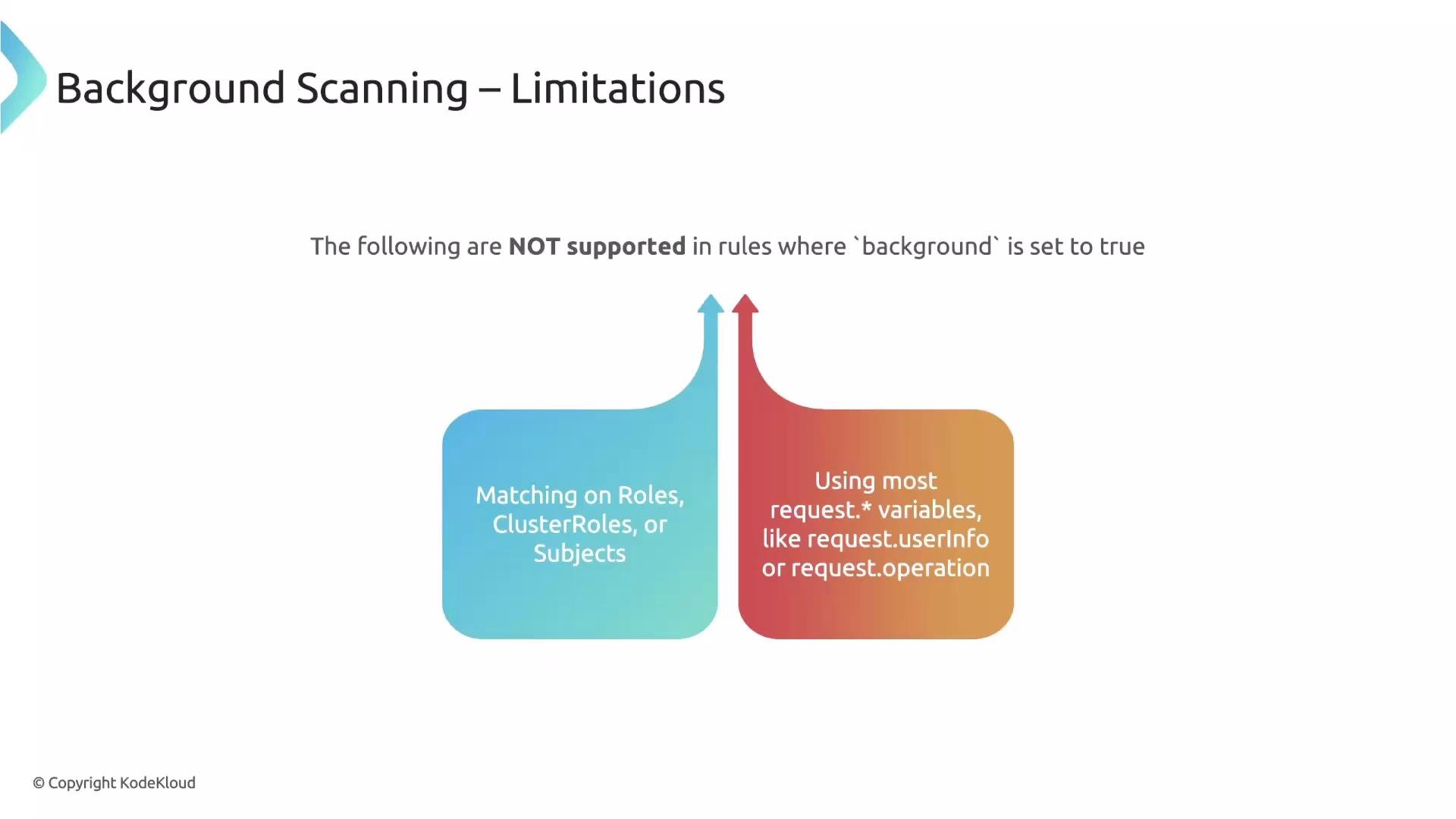
Unsupported during background scans:
* Matching on user/subject information such as Roles/ClusterRoles or `subjects`.
* Request-specific variables like `request.userInfo`.
Supported during background scans:
* Fields that reflect the stored resource state, e.g., `request.object` and `request.namespace`, effectively map to the current stored resource when evaluated in background.
Migration note
Prior to Kyverno v1.12 the temporary reports were named `BackgroundReport` / `ClusterBackgroundReport`. These were unified into `EphemeralReport` and `ClusterEphemeralReport` to simplify reporting semantics.
Limitations and important considerations
* Background scans evaluate stored resources (data from etcd). Because they are not tied to an admission request, request-scoped context is unavailable.
* Do not rely on user identity or request-specific variables in policies that you want to run in the background.
Unsupported during background scans:
* Matching on user/subject information such as Roles/ClusterRoles or `subjects`.
* Request-specific variables like `request.userInfo`.
Supported during background scans:
* Fields that reflect the stored resource state, e.g., `request.object` and `request.namespace`, effectively map to the current stored resource when evaluated in background.
 If your policy uses `request.userInfo` or matches on `subjects`, set `spec.background: false` to prevent background-evaluation errors.
Configuring the background scan interval
* The Reports Controller background scan interval is configurable with the controller flag `--background-scan-interval`.
* Example (operator or deployment arguments): set the scan interval to 30 minutes:
```yaml theme={null}
# Example snippet to pass as controller args (varies by deployment method)
args:
- --background-scan-interval=30m
```
Summary
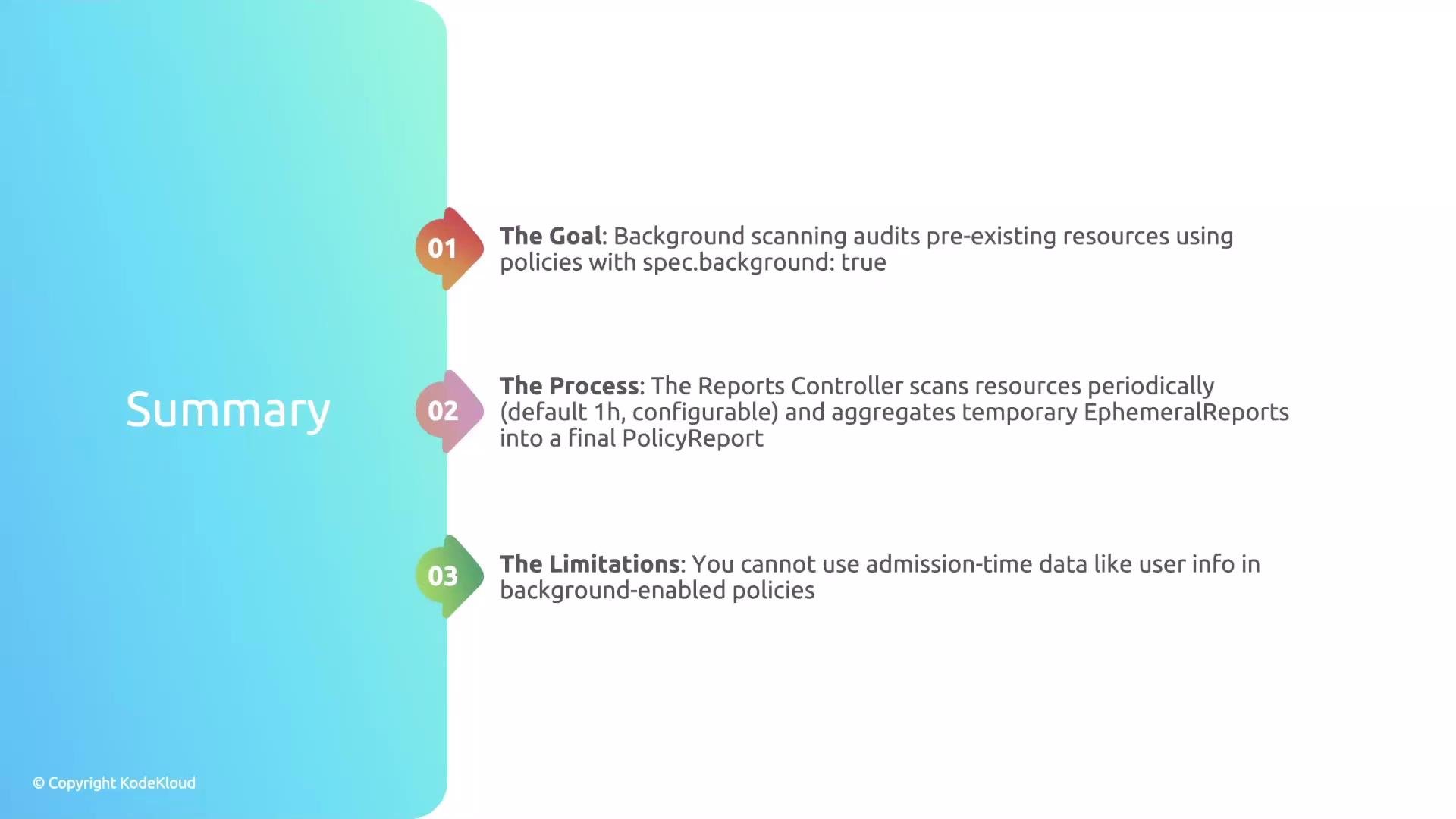
* Background scanning audits resources that predate your policies and fills the visibility gap left by admission-only reporting.
* `spec.background` controls whether a policy participates in background scans (default: `true`).
* The Reports Controller periodically wakes, evaluates resources, produces ephemeral reports, and aggregates them into durable `PolicyReport` / `ClusterPolicyReport` objects.
* Avoid using admission-time data (e.g., `request.userInfo`) in policies you expect to run during background scans.
If your policy uses `request.userInfo` or matches on `subjects`, set `spec.background: false` to prevent background-evaluation errors.
Configuring the background scan interval
* The Reports Controller background scan interval is configurable with the controller flag `--background-scan-interval`.
* Example (operator or deployment arguments): set the scan interval to 30 minutes:
```yaml theme={null}
# Example snippet to pass as controller args (varies by deployment method)
args:
- --background-scan-interval=30m
```
Summary
* Background scanning audits resources that predate your policies and fills the visibility gap left by admission-only reporting.
* `spec.background` controls whether a policy participates in background scans (default: `true`).
* The Reports Controller periodically wakes, evaluates resources, produces ephemeral reports, and aggregates them into durable `PolicyReport` / `ClusterPolicyReport` objects.
* Avoid using admission-time data (e.g., `request.userInfo`) in policies you expect to run during background scans.
 Links and references
* Kyverno documentation: [https://kyverno.io/](https://kyverno.io/)
* Kubernetes API concepts: [https://kubernetes.io/docs/concepts/overview/what-is-kubernetes/](https://kubernetes.io/docs/concepts/overview/what-is-kubernetes/)
* Kyverno GitHub: [https://github.com/kyverno/kyverno](https://github.com/kyverno/kyverno)
That's it for this section.
Links and references
* Kyverno documentation: [https://kyverno.io/](https://kyverno.io/)
* Kubernetes API concepts: [https://kubernetes.io/docs/concepts/overview/what-is-kubernetes/](https://kubernetes.io/docs/concepts/overview/what-is-kubernetes/)
* Kyverno GitHub: [https://github.com/kyverno/kyverno](https://github.com/kyverno/kyverno)
That's it for this section.