> ## Documentation Index
> Fetch the complete documentation index at: https://notes.kodekloud.com/llms.txt
> Use this file to discover all available pages before exploring further.
# Exclude Statements
> Explains Kyverno exclude blocks to omit specific resources from match selections, including identity-based exceptions and background scan implications, with examples and configuration guidance.
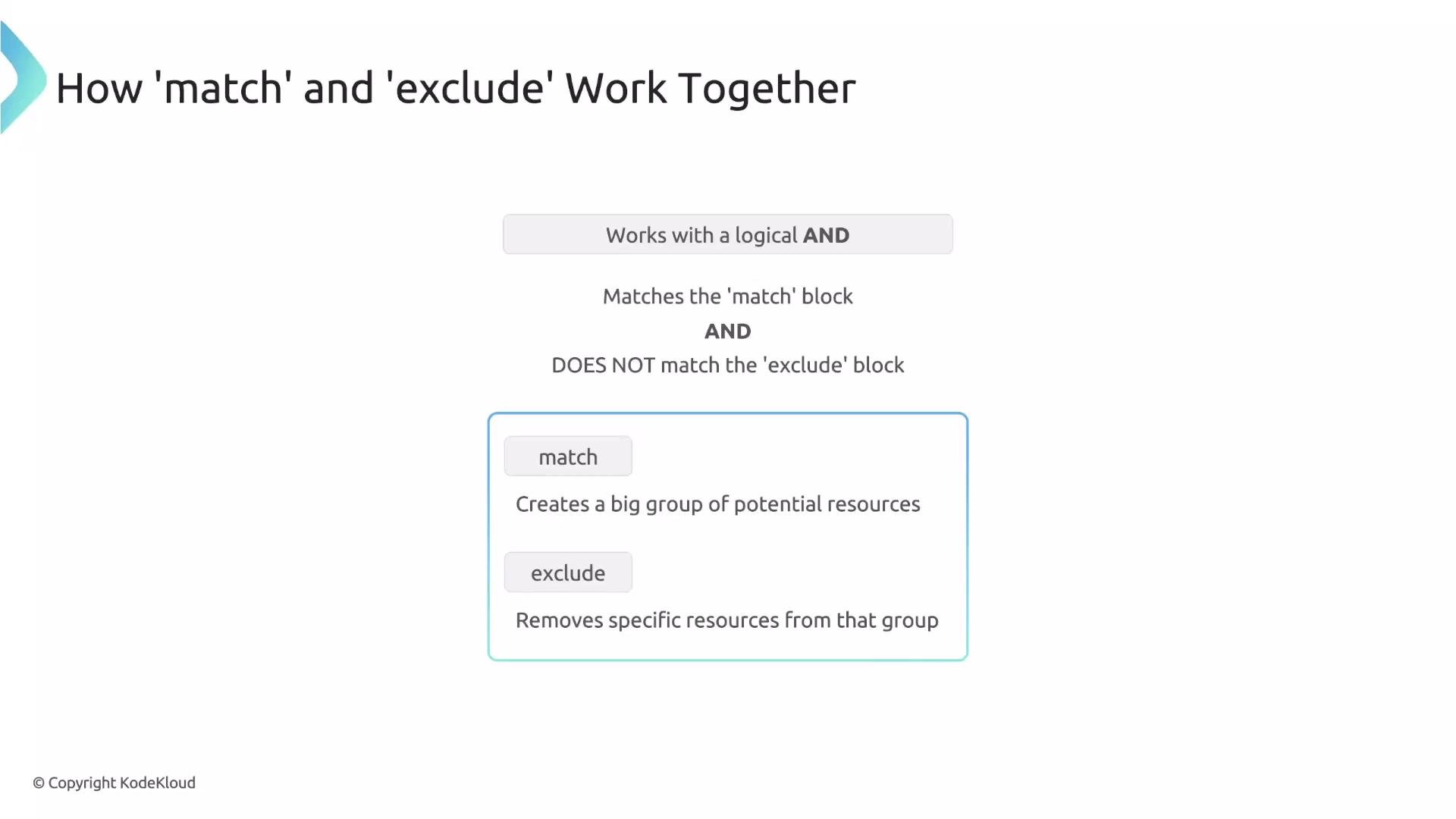
When creating Kyverno policies, you often need to target a broad set of resources while making a few specific exceptions. The `exclude` block is designed for exactly that: it removes specific resources from the set selected by your `match` block.
The interaction between `match` and `exclude` is critical: they are combined using a logical AND. A rule will be evaluated only for resources selected by `match`. Kyverno then evaluates the `exclude` block; if the resource also matches `exclude`, the rule is skipped for that resource.
Think of it this way: `match` builds a large candidate set of resources; `exclude` removes specific items from that set.
 Classic example
Suppose you want to enforce labels on all Pods, but you must avoid affecting a critical namespace (`prod-alpha`). Use `match` to select all Pods and `exclude` to remove that namespace:
```yaml theme={null}
match:
any:
- resources:
kinds:
- Pod
exclude:
any:
- resources:
namespaces:
- prod-alpha
```
Behavior:
* A Pod created in the `dev` namespace does not match `exclude`, so the policy applies.
* A Pod created in the `prod-alpha` namespace matches `exclude`, so the policy is skipped for that Pod.
Exclude supports the same filters as `match`, including identity-based filters such as `clusterRoles`, `roles`, and `subjects`. That makes it possible to create exceptions for administrators or specific users.
For example, exclude resources if the requesting user has the `cluster-admin` ClusterRole:
```yaml theme={null}
match:
any:
- resources:
kinds:
- Pod
exclude:
any:
- clusterRoles:
- cluster-admin
```
With the above policy, if the user making the request has the `cluster-admin` ClusterRole, the Pod is excluded and the rule is not applied.
Combining exclusion conditions
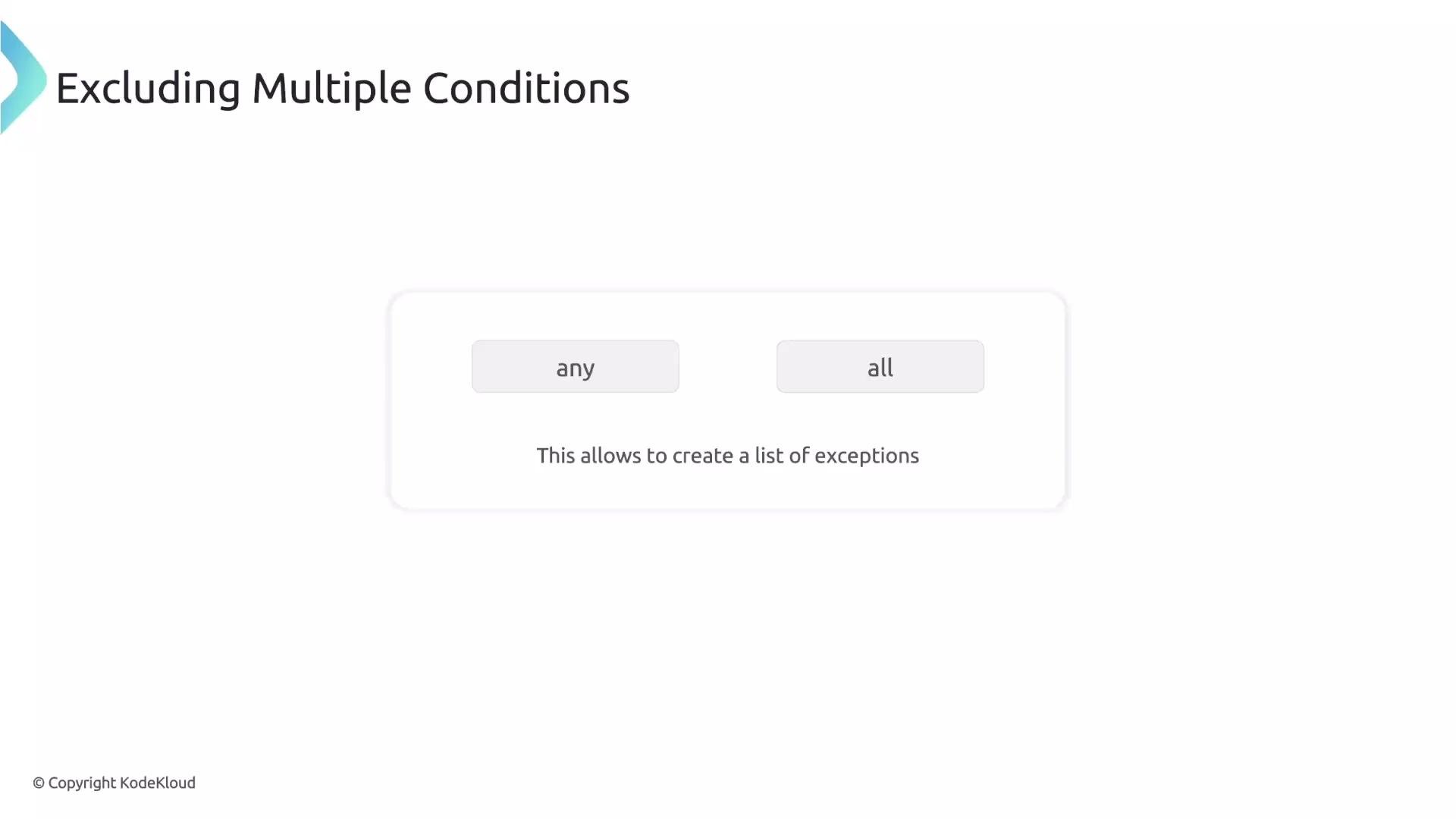
You can compose multiple exclusion criteria using `any` or `all`. Use `any` to exclude when any one of several conditions is true, or use `all` to require every condition to be met for exclusion.
Classic example
Suppose you want to enforce labels on all Pods, but you must avoid affecting a critical namespace (`prod-alpha`). Use `match` to select all Pods and `exclude` to remove that namespace:
```yaml theme={null}
match:
any:
- resources:
kinds:
- Pod
exclude:
any:
- resources:
namespaces:
- prod-alpha
```
Behavior:
* A Pod created in the `dev` namespace does not match `exclude`, so the policy applies.
* A Pod created in the `prod-alpha` namespace matches `exclude`, so the policy is skipped for that Pod.
Exclude supports the same filters as `match`, including identity-based filters such as `clusterRoles`, `roles`, and `subjects`. That makes it possible to create exceptions for administrators or specific users.
For example, exclude resources if the requesting user has the `cluster-admin` ClusterRole:
```yaml theme={null}
match:
any:
- resources:
kinds:
- Pod
exclude:
any:
- clusterRoles:
- cluster-admin
```
With the above policy, if the user making the request has the `cluster-admin` ClusterRole, the Pod is excluded and the rule is not applied.
Combining exclusion conditions
You can compose multiple exclusion criteria using `any` or `all`. Use `any` to exclude when any one of several conditions is true, or use `all` to require every condition to be met for exclusion.
 Example: exclude a request when the requester has `cluster-admin` OR the requester is the user `John`:
```yaml theme={null}
match:
any:
- resources:
kinds:
- Pod
exclude:
any: # Exclude if ANY of these are true
- clusterRoles:
- cluster-admin
- subjects:
- kind: User
name: John
```
Kyverno operates in two modes
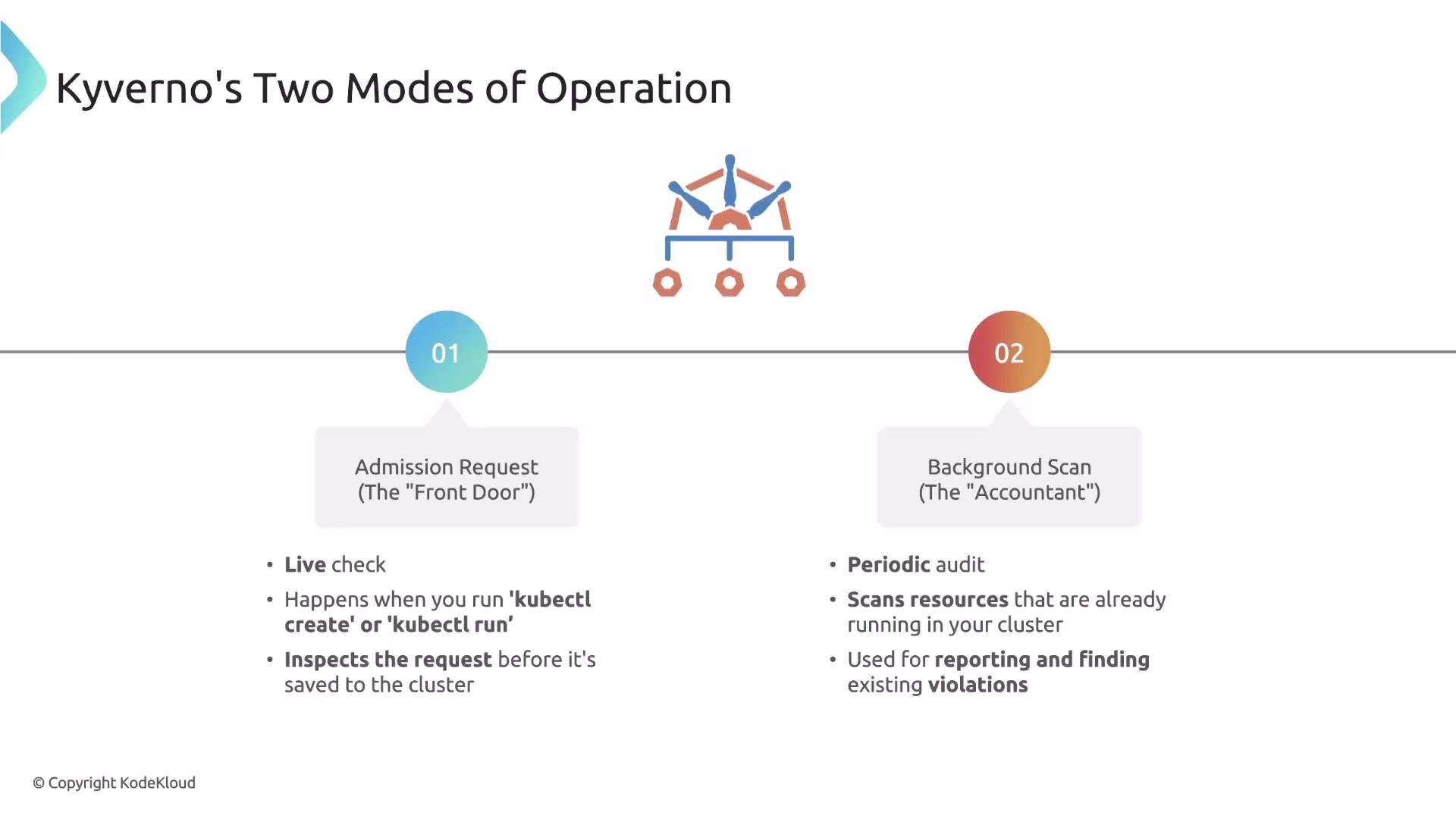
Kyverno rules run in two primary modes:
* Admission request mode — evaluates create/update admission requests in real time and has access to request context (the user, groups, and roles).
* Background scan mode — periodically audits existing cluster resources to detect drift and generate compliance reports. Background scans do not have the original request context.
Example: exclude a request when the requester has `cluster-admin` OR the requester is the user `John`:
```yaml theme={null}
match:
any:
- resources:
kinds:
- Pod
exclude:
any: # Exclude if ANY of these are true
- clusterRoles:
- cluster-admin
- subjects:
- kind: User
name: John
```
Kyverno operates in two modes
Kyverno rules run in two primary modes:
* Admission request mode — evaluates create/update admission requests in real time and has access to request context (the user, groups, and roles).
* Background scan mode — periodically audits existing cluster resources to detect drift and generate compliance reports. Background scans do not have the original request context.
 Quick comparison
| Mode | When it runs | Has request identity? | Typical use |
| ----------------- | ------------------------------------ | --------------------: | ---------------------------------------------------------------------- |
| Admission request | On create/update requests | Yes | Enforce policies based on who performed the action |
| Background scan | Periodic audit of existing resources | No | Compliance reporting, detect resources created before policies existed |
Important implication: identity-based filters
Because background scans lack request identity, any policy that depends on identity filters (`subjects`, `roles`, `clusterRoles`) cannot be reliably evaluated during background scans. If your rule uses these identity-based filters, you should disable background execution for the policy to avoid unexpected behavior.
Quick comparison
| Mode | When it runs | Has request identity? | Typical use |
| ----------------- | ------------------------------------ | --------------------: | ---------------------------------------------------------------------- |
| Admission request | On create/update requests | Yes | Enforce policies based on who performed the action |
| Background scan | Periodic audit of existing resources | No | Compliance reporting, detect resources created before policies existed |
Important implication: identity-based filters
Because background scans lack request identity, any policy that depends on identity filters (`subjects`, `roles`, `clusterRoles`) cannot be reliably evaluated during background scans. If your rule uses these identity-based filters, you should disable background execution for the policy to avoid unexpected behavior.
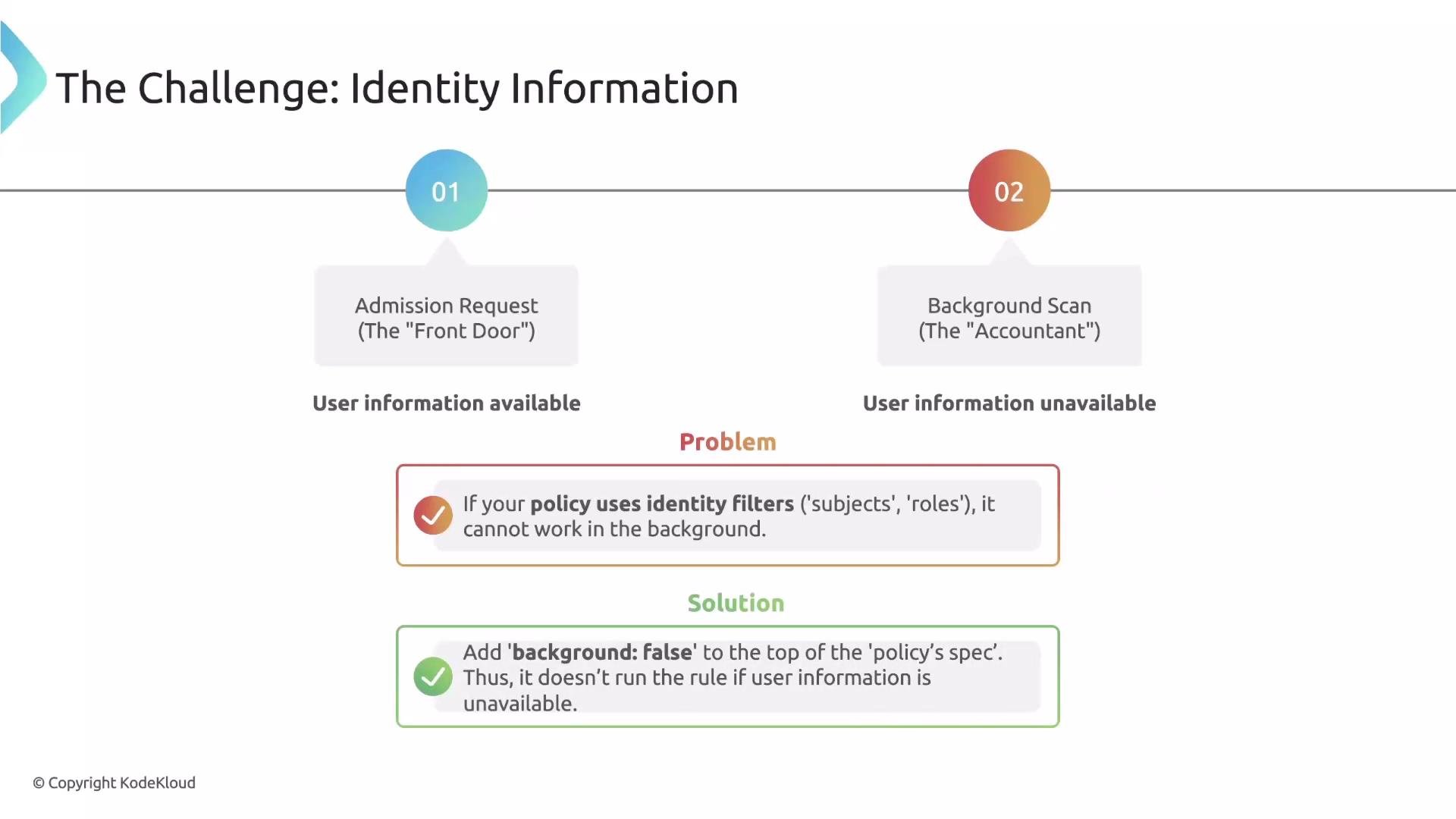 To ensure identity-based rules run only during admission requests, set `background: false` at the policy `spec` level:
```yaml theme={null}
spec:
# Tell Kyverno: "Don't run this policy in the background."
background: false
rules:
- name: exclude-specific-users
# rule definition that uses identity filters (subjects/roles/clusterRoles)
...
```
If a rule uses identity filters (for example, `subjects`, `roles`, or `clusterRoles`), always set `spec.background: false` so Kyverno does not try to evaluate the rule during background scans where request identity is unavailable.
Further reading and references
* Kyverno documentation: [https://kyverno.io/docs/](https://kyverno.io/docs/)
* Kubernetes admission controllers overview: [https://kubernetes.io/docs/reference/access-authn-authz/admission-controllers/](https://kubernetes.io/docs/reference/access-authn-authz/admission-controllers/)
That's it for this lesson.
To ensure identity-based rules run only during admission requests, set `background: false` at the policy `spec` level:
```yaml theme={null}
spec:
# Tell Kyverno: "Don't run this policy in the background."
background: false
rules:
- name: exclude-specific-users
# rule definition that uses identity filters (subjects/roles/clusterRoles)
...
```
If a rule uses identity filters (for example, `subjects`, `roles`, or `clusterRoles`), always set `spec.background: false` so Kyverno does not try to evaluate the rule during background scans where request identity is unavailable.
Further reading and references
* Kyverno documentation: [https://kyverno.io/docs/](https://kyverno.io/docs/)
* Kubernetes admission controllers overview: [https://kubernetes.io/docs/reference/access-authn-authz/admission-controllers/](https://kubernetes.io/docs/reference/access-authn-authz/admission-controllers/)
That's it for this lesson.