> ## Documentation Index
> Fetch the complete documentation index at: https://notes.kodekloud.com/llms.txt
> Use this file to discover all available pages before exploring further.
# Introduction to JMESPath
> Introduction to using JMESPath to query Kubernetes AdmissionReview JSON and write Kyverno policies that access request data such as userInfo, namespaces, and resource fields
In this lesson you'll learn what JMESPath is and how to use it to query the JSON object the Kubernetes API server sends to Kyverno.
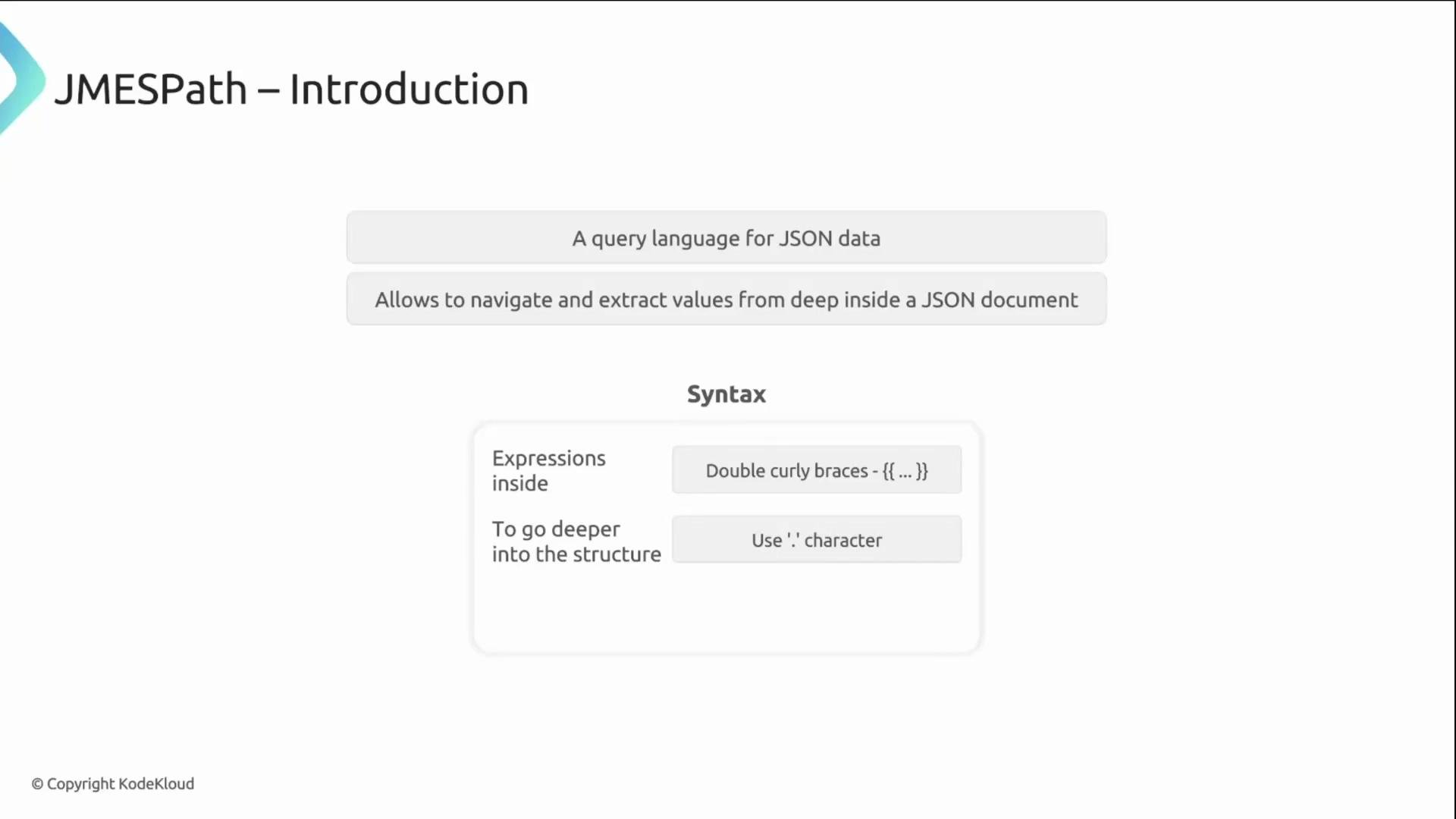
At its core, JMESPath is a query language for JSON. Because Kubernetes resources (and AdmissionReview requests) are represented as JSON, JMESPath expressions let you navigate those structures and extract or compare specific values. In Kyverno, JMESPath expressions appear inside double curly braces — for example, `{{ request.userInfo.username }}` — and you traverse the object using dot notation (for example, `request.object.spec.replicas`).
 How the expressions work
* Start at the top-level AdmissionReview `request` object and follow keys with dots to reach the value you need.
* Example: `request.object.spec.replicas` navigates from the AdmissionReview `request` → `object` (the resource) → `spec` → `replicas`.
* Use `{{ ... }}` to embed these expressions inside Kyverno rules and policies.
Understanding the AdmissionReview shape
Kyverno receives the full AdmissionReview JSON from the API server. The most useful data for policies lives under the top-level `request` field — including the incoming resource (`object`), the requester information (`userInfo`), the namespace, and the operation.
Example AdmissionReview (simplified):
```json theme={null}
{
"request": {
"userInfo": {
"username": "alex"
},
"namespace": "production",
"operation": "CREATE",
"object": {
"apiVersion": "v1",
"kind": "Pod",
"metadata": { ... },
"spec": { ... }
}
}
}
```
The AdmissionReview's top-level `request` object is your primary data source in Kyverno. Start JMESPath expressions with `request` to access the incoming resource and request metadata.
Common paths and examples
| Resource / Field | Purpose | Example JMESPath |
| ------------------- | ---------------------------------------------------------- | ------------------------------ |
| Incoming resource | The full resource being created or updated | `request.object` |
| Namespace | Namespace where the request is targeted | `request.namespace` |
| Requester username | Identity of the API caller | `request.userInfo.username` |
| Deployment replicas | Number of replicas for a Deployment | `request.object.spec.replicas` |
| Operation type | What action triggered the admission (CREATE/UPDATE/DELETE) | `request.operation` |
A practical example: enforce owner label
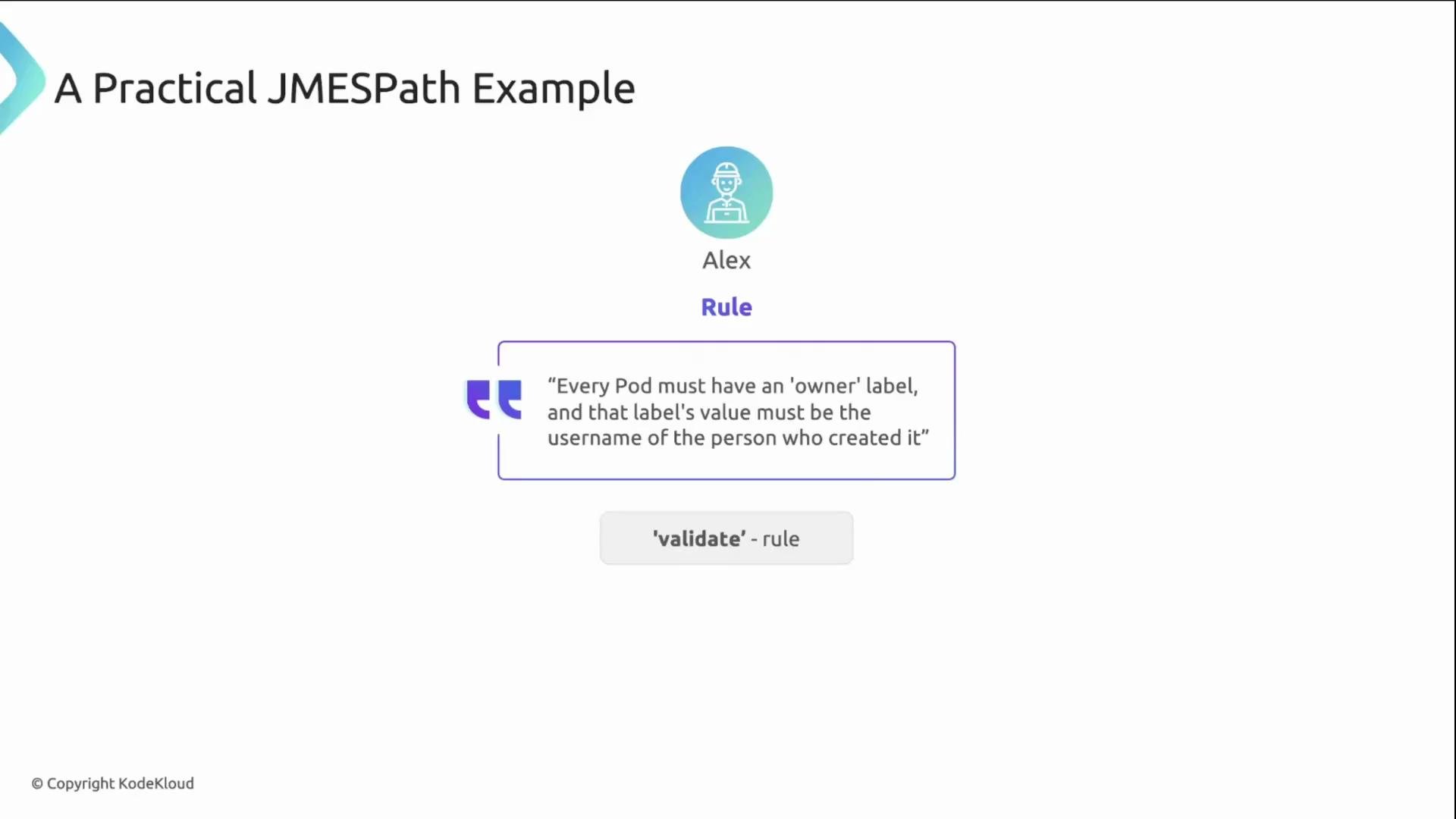
Alex wants every Pod to include an `owner` label matching the username of the user who created it. You can implement this with a Kyverno `validate` rule that uses a JMESPath expression in the pattern:
```yaml theme={null}
spec:
rules:
- name: check-owner-label
match:
any:
- resources:
kinds:
- Pod
validate:
pattern:
metadata:
labels:
owner: "{{ request.userInfo.username }}"
```
What happens when Kyverno evaluates this rule:
1. Kyverno reads the `owner` label from the incoming Pod (`request.object.metadata.labels.owner`).
2. It evaluates the JMESPath expression `{{ request.userInfo.username }}` to get the creator's username from the AdmissionReview.
3. It compares the two values: if they match, validation passes; otherwise, the request is denied.
This pattern shows how JMESPath enables context-aware policies by comparing request metadata with resource fields.
How the expressions work
* Start at the top-level AdmissionReview `request` object and follow keys with dots to reach the value you need.
* Example: `request.object.spec.replicas` navigates from the AdmissionReview `request` → `object` (the resource) → `spec` → `replicas`.
* Use `{{ ... }}` to embed these expressions inside Kyverno rules and policies.
Understanding the AdmissionReview shape
Kyverno receives the full AdmissionReview JSON from the API server. The most useful data for policies lives under the top-level `request` field — including the incoming resource (`object`), the requester information (`userInfo`), the namespace, and the operation.
Example AdmissionReview (simplified):
```json theme={null}
{
"request": {
"userInfo": {
"username": "alex"
},
"namespace": "production",
"operation": "CREATE",
"object": {
"apiVersion": "v1",
"kind": "Pod",
"metadata": { ... },
"spec": { ... }
}
}
}
```
The AdmissionReview's top-level `request` object is your primary data source in Kyverno. Start JMESPath expressions with `request` to access the incoming resource and request metadata.
Common paths and examples
| Resource / Field | Purpose | Example JMESPath |
| ------------------- | ---------------------------------------------------------- | ------------------------------ |
| Incoming resource | The full resource being created or updated | `request.object` |
| Namespace | Namespace where the request is targeted | `request.namespace` |
| Requester username | Identity of the API caller | `request.userInfo.username` |
| Deployment replicas | Number of replicas for a Deployment | `request.object.spec.replicas` |
| Operation type | What action triggered the admission (CREATE/UPDATE/DELETE) | `request.operation` |
A practical example: enforce owner label
Alex wants every Pod to include an `owner` label matching the username of the user who created it. You can implement this with a Kyverno `validate` rule that uses a JMESPath expression in the pattern:
```yaml theme={null}
spec:
rules:
- name: check-owner-label
match:
any:
- resources:
kinds:
- Pod
validate:
pattern:
metadata:
labels:
owner: "{{ request.userInfo.username }}"
```
What happens when Kyverno evaluates this rule:
1. Kyverno reads the `owner` label from the incoming Pod (`request.object.metadata.labels.owner`).
2. It evaluates the JMESPath expression `{{ request.userInfo.username }}` to get the creator's username from the AdmissionReview.
3. It compares the two values: if they match, validation passes; otherwise, the request is denied.
This pattern shows how JMESPath enables context-aware policies by comparing request metadata with resource fields.
 Predefined variables (shortcuts)
Kyverno exposes several predefined variables so you don't always need to write the full `request.*` path. These make rules shorter and easier to read.
| Variable | What it represents | Example usage |
| ------------------------- | ------------------------------------------ | ------------------------------- |
| `serviceAccountName` | Name of the service account in the request | `{{ serviceAccountName }}` |
| `serviceAccountNamespace` | Namespace of the service account | `{{ serviceAccountNamespace }}` |
| `request.roles` | List of roles in the request context | `{{ request.roles }}` |
| `request.clusterRoles` | List of cluster roles | `{{ request.clusterRoles }}` |
| `images` | Details about container images in a Pod | `{{ images }}` |
Use these shortcuts when applicable, but fall back to full paths (e.g., `request.userInfo.username`) for fields that are not covered by predefined variables.
Modes of operation
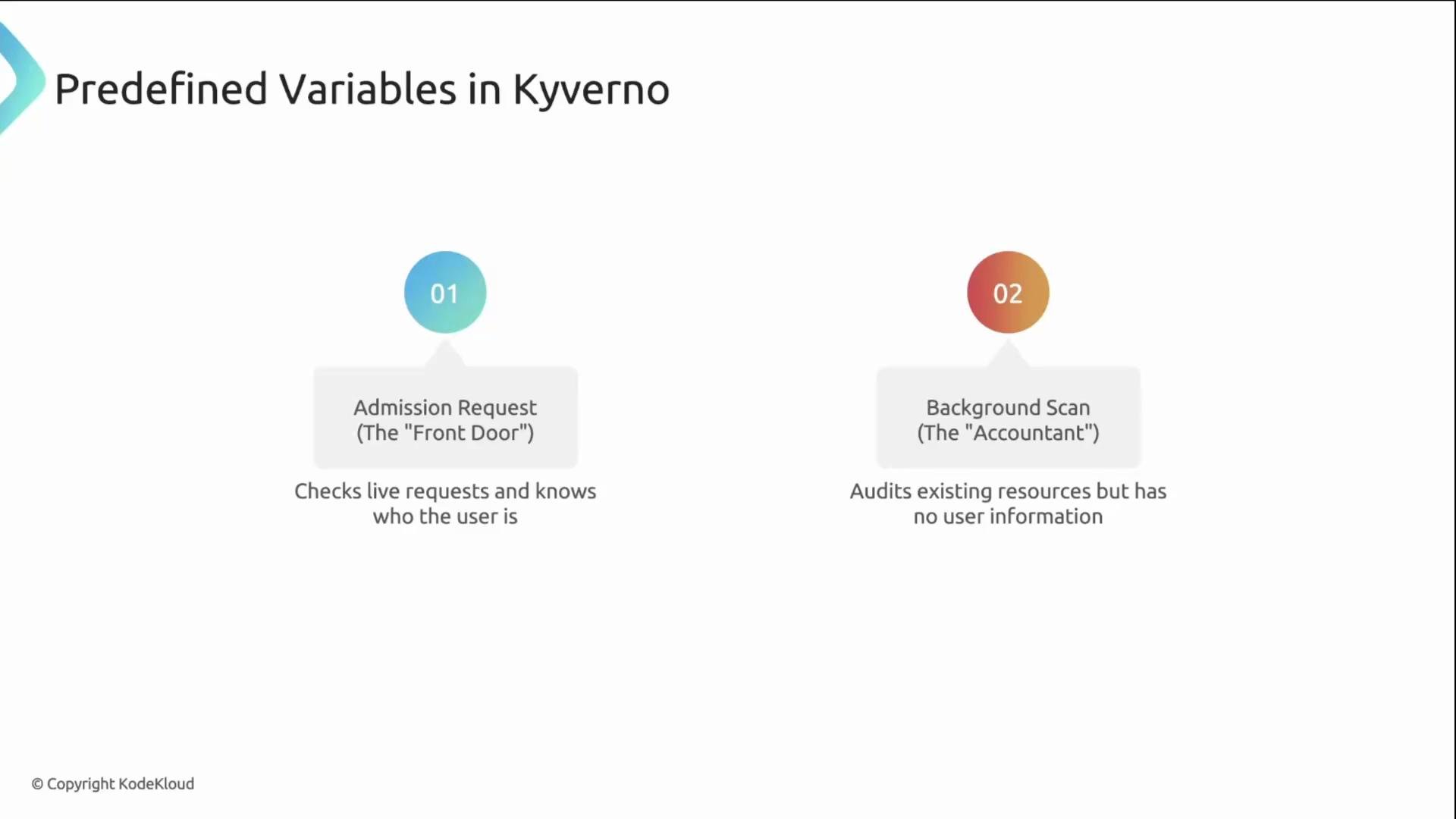
Kyverno evaluates policies in two primary modes:
* Admission request (live admission): Enforced against incoming API requests. Contains requester metadata such as `request.userInfo.username`.
* Background scan: Periodic audit of existing cluster resources. Runs without user context, so requester-specific fields are not available.
Predefined variables (shortcuts)
Kyverno exposes several predefined variables so you don't always need to write the full `request.*` path. These make rules shorter and easier to read.
| Variable | What it represents | Example usage |
| ------------------------- | ------------------------------------------ | ------------------------------- |
| `serviceAccountName` | Name of the service account in the request | `{{ serviceAccountName }}` |
| `serviceAccountNamespace` | Namespace of the service account | `{{ serviceAccountNamespace }}` |
| `request.roles` | List of roles in the request context | `{{ request.roles }}` |
| `request.clusterRoles` | List of cluster roles | `{{ request.clusterRoles }}` |
| `images` | Details about container images in a Pod | `{{ images }}` |
Use these shortcuts when applicable, but fall back to full paths (e.g., `request.userInfo.username`) for fields that are not covered by predefined variables.
Modes of operation
Kyverno evaluates policies in two primary modes:
* Admission request (live admission): Enforced against incoming API requests. Contains requester metadata such as `request.userInfo.username`.
* Background scan: Periodic audit of existing cluster resources. Runs without user context, so requester-specific fields are not available.
 Background scans run without user context. Do not rely on requester-specific data (for example, `request.userInfo.username`) in background-mode rules — use admission-time policies for checks that require user information.
Links and references
* JMESPath documentation: [https://jmespath.org/](https://jmespath.org/)
* Kyverno policy variables and context: [https://kyverno.io/docs/writing-policies/variables/](https://kyverno.io/docs/writing-policies/variables/)
* Kubernetes AdmissionReview concept: [https://kubernetes.io/docs/reference/access-authn-authz/extensible-admission-controllers/](https://kubernetes.io/docs/reference/access-authn-authz/extensible-admission-controllers/)
Background scans run without user context. Do not rely on requester-specific data (for example, `request.userInfo.username`) in background-mode rules — use admission-time policies for checks that require user information.
Links and references
* JMESPath documentation: [https://jmespath.org/](https://jmespath.org/)
* Kyverno policy variables and context: [https://kyverno.io/docs/writing-policies/variables/](https://kyverno.io/docs/writing-policies/variables/)
* Kubernetes AdmissionReview concept: [https://kubernetes.io/docs/reference/access-authn-authz/extensible-admission-controllers/](https://kubernetes.io/docs/reference/access-authn-authz/extensible-admission-controllers/)