> ## Documentation Index
> Fetch the complete documentation index at: https://notes.kodekloud.com/llms.txt
> Use this file to discover all available pages before exploring further.
# Preconditions Part 1
> Explains Kyverno preconditions using JMESPath to gate rule execution, safe defaults for missing fields, and logical any versus all composition for Kubernetes resource filtering
Previously, we covered JMESPath and the predefined variables.
In this lesson we apply that knowledge to one of Kyverno's most powerful capabilities: preconditions.
What is a precondition?
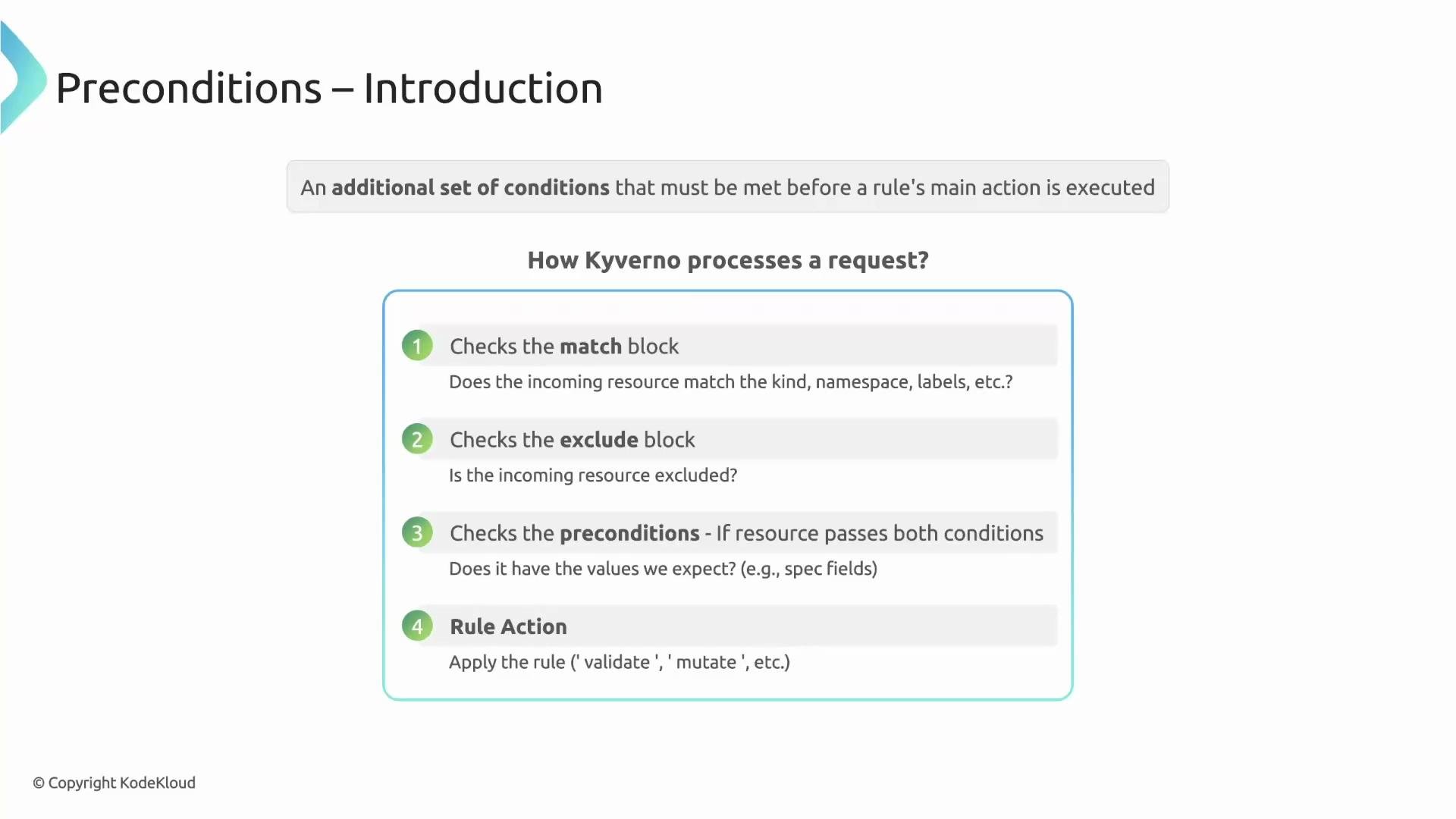
A precondition is an additional set of checks that must pass before a rule's main action (validate, mutate, or generate) is executed. Kyverno evaluates a request in the following order:
| Step | Description |
| ---------------------- | ---------------------------------------------------------------- |
| 1. match block | Selects candidate resources for the rule. |
| 2. exclude block | Removes resources from the matched set. |
| 3. preconditions block | Performs additional JMESPath-based checks on the request object. |
Only if the resource passes the `match` and `exclude` checks does Kyverno evaluate the `preconditions`. Preconditions use JMESPath expressions (for example, `request.object.spec.type`) to inspect the incoming resource. If the preconditions evaluate to true, the rule proceeds to its configured action. Think of preconditions as the rule's gatekeeper.
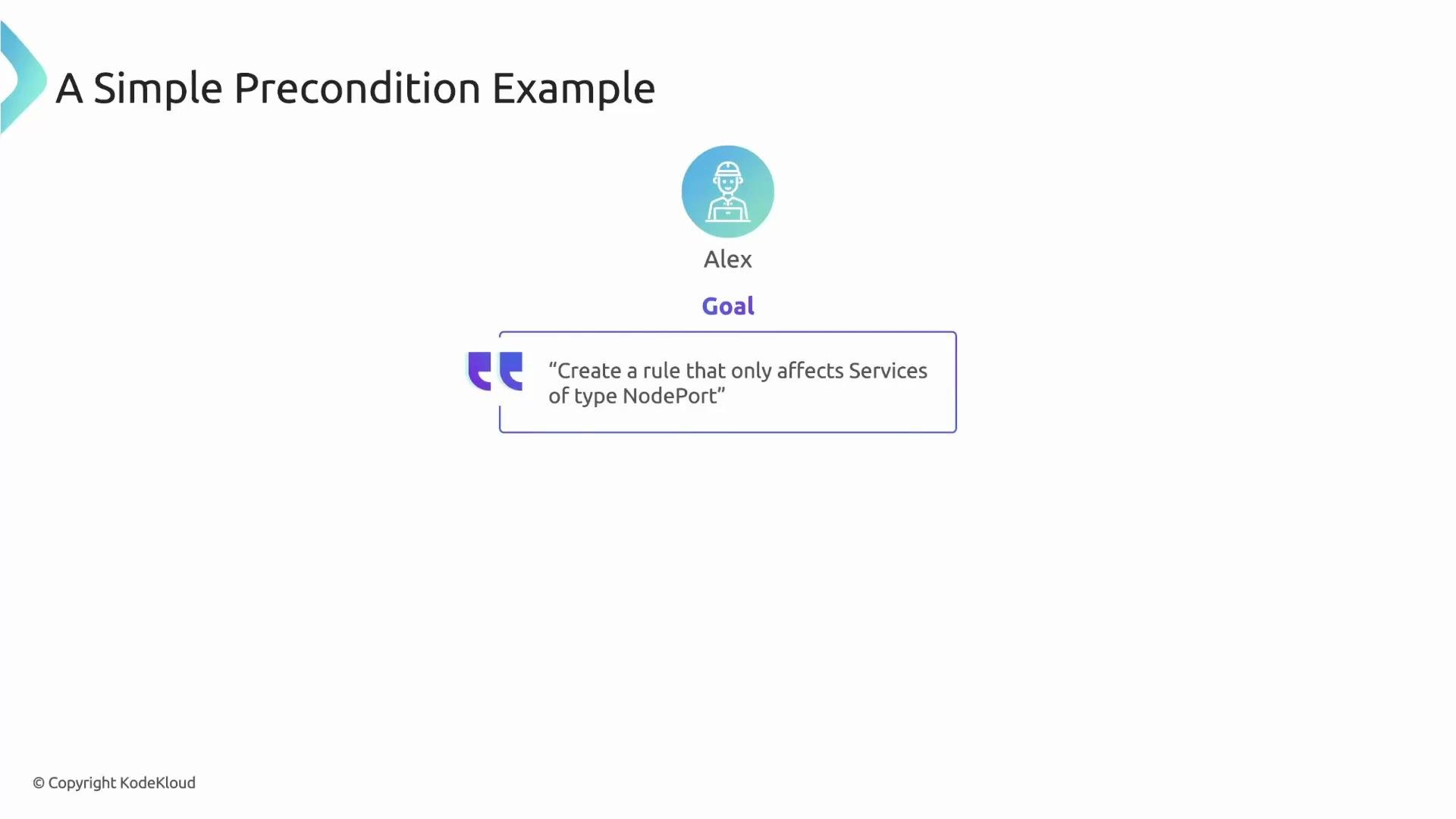
 Goal: create a rule that only affects Services of type NodePort.
 Example policy skeleton
Below is a concise Kyverno rule pattern: it matches all Services, then uses a precondition to restrict execution to Services whose `spec.type` equals `NodePort`.
```yaml theme={null}
rules:
- name: check-nodeport-services
match:
any:
- resources:
kinds:
- Service
preconditions:
all:
- key: "{{ request.object.spec.type }}"
operator: Equals
value: "NodePort"
```
How this works
* The `match` block selects Service resources.
* The `preconditions` block reads `request.object.spec.type` and compares it to `NodePort`.
* If the resource is a ClusterIP Service, the precondition evaluates to false and the rule is skipped.
* If the resource is a NodePort Service, the precondition evaluates to true and the rule proceeds to execute its action (validate/mutate/generate).
Best practice: handle missing fields safely
Kubernetes resources often contain optional fields. A JMESPath expression that assumes a path exists (for example, a label or spec field) can raise an evaluation error if the path is missing. To avoid such errors and make policies resilient, provide a safe default using the logical OR (`||`) operator in your expression.
Example policy skeleton
Below is a concise Kyverno rule pattern: it matches all Services, then uses a precondition to restrict execution to Services whose `spec.type` equals `NodePort`.
```yaml theme={null}
rules:
- name: check-nodeport-services
match:
any:
- resources:
kinds:
- Service
preconditions:
all:
- key: "{{ request.object.spec.type }}"
operator: Equals
value: "NodePort"
```
How this works
* The `match` block selects Service resources.
* The `preconditions` block reads `request.object.spec.type` and compares it to `NodePort`.
* If the resource is a ClusterIP Service, the precondition evaluates to false and the rule is skipped.
* If the resource is a NodePort Service, the precondition evaluates to true and the rule proceeds to execute its action (validate/mutate/generate).
Best practice: handle missing fields safely
Kubernetes resources often contain optional fields. A JMESPath expression that assumes a path exists (for example, a label or spec field) can raise an evaluation error if the path is missing. To avoid such errors and make policies resilient, provide a safe default using the logical OR (`||`) operator in your expression.
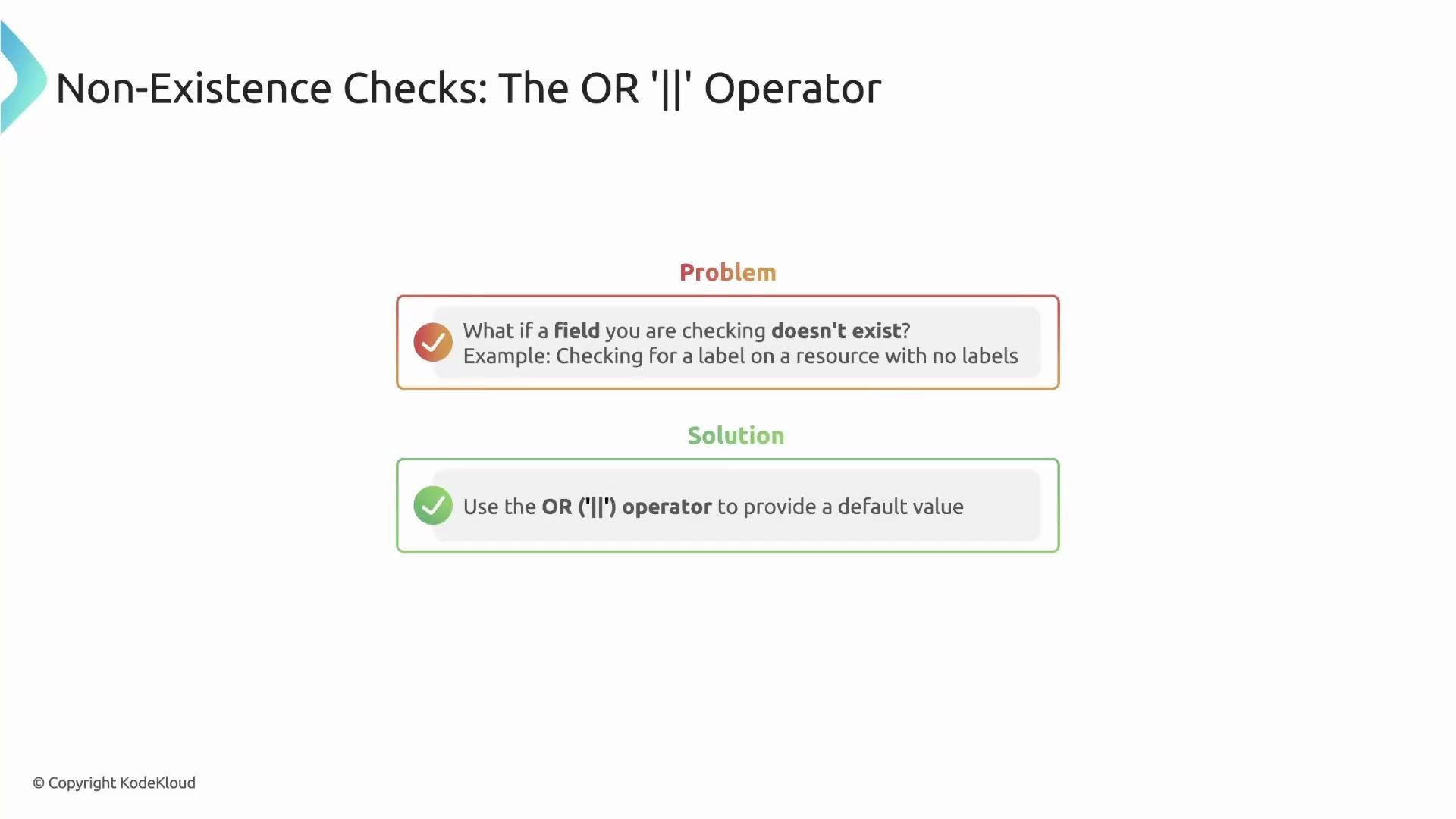 When a field may not exist, append `|| ''` (or another safe default) to the JMESPath expression to prevent errors and make your policy resilient.
Example: safely check for a label
This expression tries to read the `app` label and falls back to an empty string if `metadata.labels` or the `app` key is absent:
```yaml theme={null}
preconditions:
all:
- key: "{{ request.object.metadata.labels.app || '' }}"
operator: Equals
value: "my-app"
```
Logical composition: `any` (OR) vs `all` (AND)
* Use `any` when the precondition should pass if at least one check is true. `any` implements logical OR across its entries.
* Use `all` when every listed condition must be true. `all` implements logical AND across its entries.
Example: `any` — apply a rule to a Deployment if `color=blue` OR `app=busybox`:
```yaml theme={null}
match:
any:
- resources:
kinds:
- Deployment
preconditions:
any:
- key: "{{ request.object.metadata.labels.color || '' }}"
operator: Equals
value: "blue"
- key: "{{ request.object.metadata.labels.app || '' }}"
operator: Equals
value: "busybox"
```
Kyverno evaluates each `any` entry sequentially and passes the preconditions as soon as one entry is true.
Example: `all` — apply a rule only to Deployments that have `animal=cow` AND `env=qa`:
```yaml theme={null}
match:
any:
- resources:
kinds:
- Deployment
preconditions:
all:
- key: "{{ request.object.metadata.labels.animal || '' }}"
operator: Equals
value: "cow"
- key: "{{ request.object.metadata.labels.env || '' }}"
operator: Equals
value: "qa"
```
Kyverno evaluates `all` entries in order; if any entry is false, the `all` block fails immediately and the rule is skipped. Use `all` to enforce a strict checklist of conditions.
Quick reference: common precondition operators
| Operator | Description |
| ------------------ | ------------------------------------------------------------------------------------------------------- |
| `Equals` | True when the left-hand value equals the right-hand value. Useful for string or number equality checks. |
| `NotEquals` | True when values differ. |
| `In` / `NotIn` | Test membership in a collection (useful when checking a list of allowed values). |
| `Greater` / `Less` | Numeric comparison operators for numerical fields. |
(Refer to the Kyverno documentation for the full list of supported operators and semantics.)
Links and references
* [Kyverno Documentation](https://kyverno.io/docs/)
* [JMESPath Documentation](https://jmespath.org/)
* [Kubernetes API Reference](https://kubernetes.io/docs/reference/kubernetes-api/)
That's it for this lesson.
When a field may not exist, append `|| ''` (or another safe default) to the JMESPath expression to prevent errors and make your policy resilient.
Example: safely check for a label
This expression tries to read the `app` label and falls back to an empty string if `metadata.labels` or the `app` key is absent:
```yaml theme={null}
preconditions:
all:
- key: "{{ request.object.metadata.labels.app || '' }}"
operator: Equals
value: "my-app"
```
Logical composition: `any` (OR) vs `all` (AND)
* Use `any` when the precondition should pass if at least one check is true. `any` implements logical OR across its entries.
* Use `all` when every listed condition must be true. `all` implements logical AND across its entries.
Example: `any` — apply a rule to a Deployment if `color=blue` OR `app=busybox`:
```yaml theme={null}
match:
any:
- resources:
kinds:
- Deployment
preconditions:
any:
- key: "{{ request.object.metadata.labels.color || '' }}"
operator: Equals
value: "blue"
- key: "{{ request.object.metadata.labels.app || '' }}"
operator: Equals
value: "busybox"
```
Kyverno evaluates each `any` entry sequentially and passes the preconditions as soon as one entry is true.
Example: `all` — apply a rule only to Deployments that have `animal=cow` AND `env=qa`:
```yaml theme={null}
match:
any:
- resources:
kinds:
- Deployment
preconditions:
all:
- key: "{{ request.object.metadata.labels.animal || '' }}"
operator: Equals
value: "cow"
- key: "{{ request.object.metadata.labels.env || '' }}"
operator: Equals
value: "qa"
```
Kyverno evaluates `all` entries in order; if any entry is false, the `all` block fails immediately and the rule is skipped. Use `all` to enforce a strict checklist of conditions.
Quick reference: common precondition operators
| Operator | Description |
| ------------------ | ------------------------------------------------------------------------------------------------------- |
| `Equals` | True when the left-hand value equals the right-hand value. Useful for string or number equality checks. |
| `NotEquals` | True when values differ. |
| `In` / `NotIn` | Test membership in a collection (useful when checking a list of allowed values). |
| `Greater` / `Less` | Numeric comparison operators for numerical fields. |
(Refer to the Kyverno documentation for the full list of supported operators and semantics.)
Links and references
* [Kyverno Documentation](https://kyverno.io/docs/)
* [JMESPath Documentation](https://jmespath.org/)
* [Kubernetes API Reference](https://kubernetes.io/docs/reference/kubernetes-api/)
That's it for this lesson.