> ## Documentation Index
> Fetch the complete documentation index at: https://notes.kodekloud.com/llms.txt
> Use this file to discover all available pages before exploring further.
# Section Introduction
> How to use Kyverno resource filters match and exclude to target Kubernetes resources and create advanced, context-aware policy exceptions.
Policies can contain different types of rules. This article focuses on one of the most important parts of any Kyverno policy: resource filters.
A policy is only useful if it targets the correct resources. Resource filters let you tell Kyverno exactly which resources to evaluate and which to ignore, giving you precise control over cluster governance.
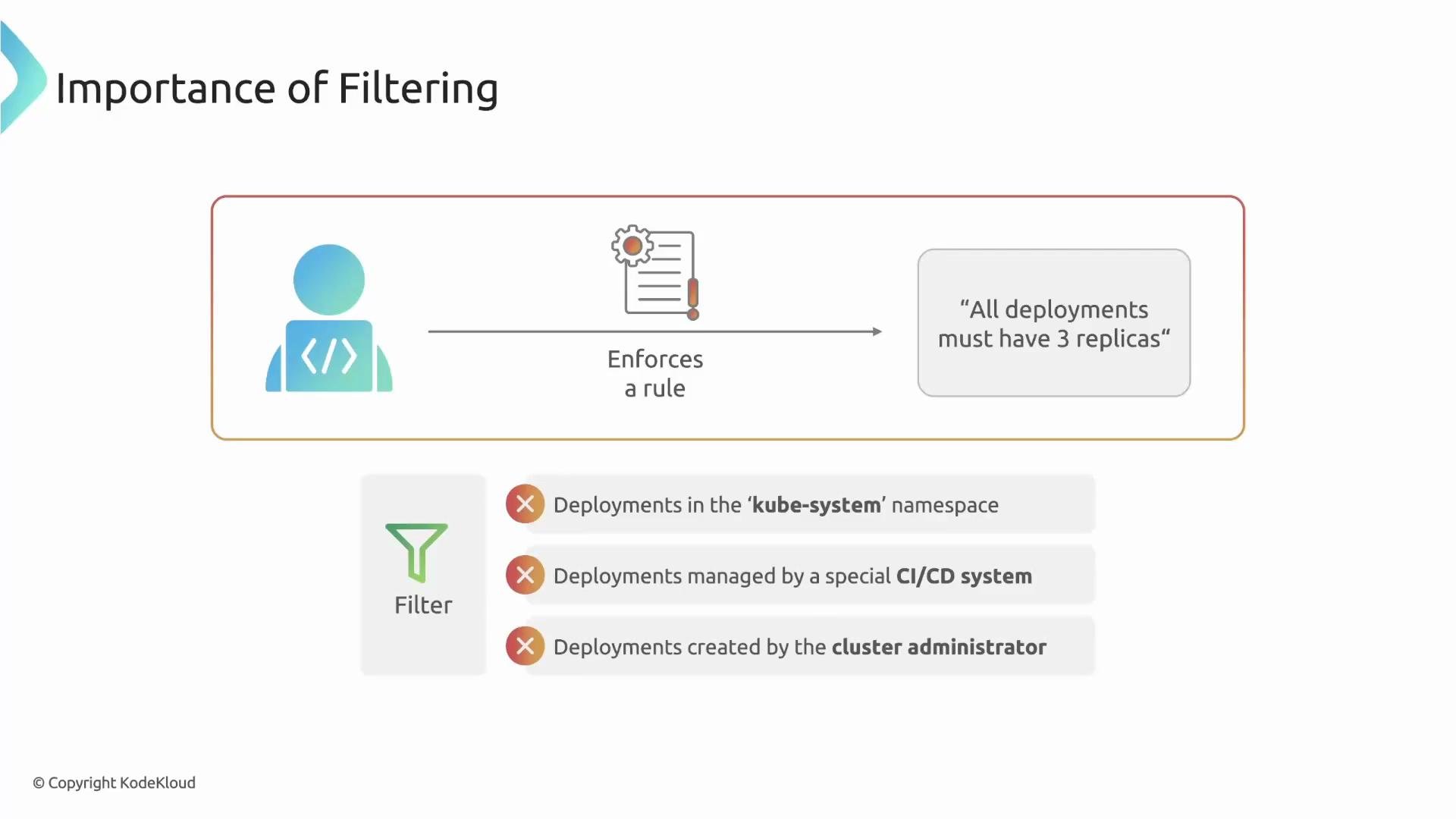
Why filtering matters
Consider a simple rule:
All Deployments must have three replicas.
That sounds reasonable at first. But applying it cluster-wide can be dangerous:
* Critical system Deployments in the `kube-system` namespace could be altered and break the cluster.
* Short-lived CI test Deployments might intendedly use a single replica.
* A cluster admin might need a special one-replica Deployment for emergency maintenance.
Resource filters let you apply policies only to the resources you care about and ignore everything else.
 Core concepts: match and exclude
Filtering in Kyverno is built on two straightforward blocks at the rule level:
* `match` — "I'm interested in resources that look like this."
* `exclude` — "Ignore these resources even if they matched."
A resource must satisfy the `match` criteria and must not match any `exclude` criteria for the rule to be applied.
The `match` filter narrows which resources are considered; `exclude` removes exceptions from that matched set. A resource must pass `match` and not match any `exclude` to have the rule applied.
Minimal example: match + exclude
This concise rule enforces `spec.replicas: 3` for Deployments, but excludes Deployments in `kube-system` and those labeled `ci: "true"`:
```yaml theme={null}
rules:
- name: require-3-replicas
match:
resources:
kinds:
- Deployment
exclude:
resources:
namespaces:
- kube-system
selector:
matchLabels:
ci: "true"
validate:
message: "Deployments must set spec.replicas to 3."
pattern:
spec:
replicas: 3
```
Explanation
* `match.resources.kinds` limits the rule to `Deployment` resources.
* `exclude.resources.namespaces` ignores everything in the `kube-system` namespace.
* `exclude.resources.selector.matchLabels` ignores resources labeled `ci: "true"` (e.g., CI test Deployments).
* `validate.pattern` requires `spec.replicas` to be `3` for all remaining matched resources.
How match and exclude can select resources
You can target resources using multiple selectors inside `match` and mirror those selectors in `exclude` to create exceptions:
| Selector type | Use case | Example |
| ------------------- | --------------------------------------- | ------------------------------------------------- |
| Kind | Limit policy to specific resource kinds | `kinds: [Deployment, StatefulSet]` |
| Namespace | Apply policy per namespace | `namespaces: ["prod", "staging"]` |
| Label selector | Select resources by labels | `selector: matchLabels: { app: "web" }` |
| Annotation selector | Select by annotations | `selector: matchAnnotations: { owner: "team-a" }` |
Advanced filtering: preconditions, request info, and context
Beyond matching by resource attributes, you can create refined rules that depend on the request context. For example, use preconditions and context variables to apply a rule only if:
* The request user or group matches a given value.
* The resource is created via a specific admission operation.
* A request-specific value (from `request.object` or `request.userInfo`) meets a condition.
These advanced techniques let you enforce policies that depend on who is making a change or how the resource is being created.
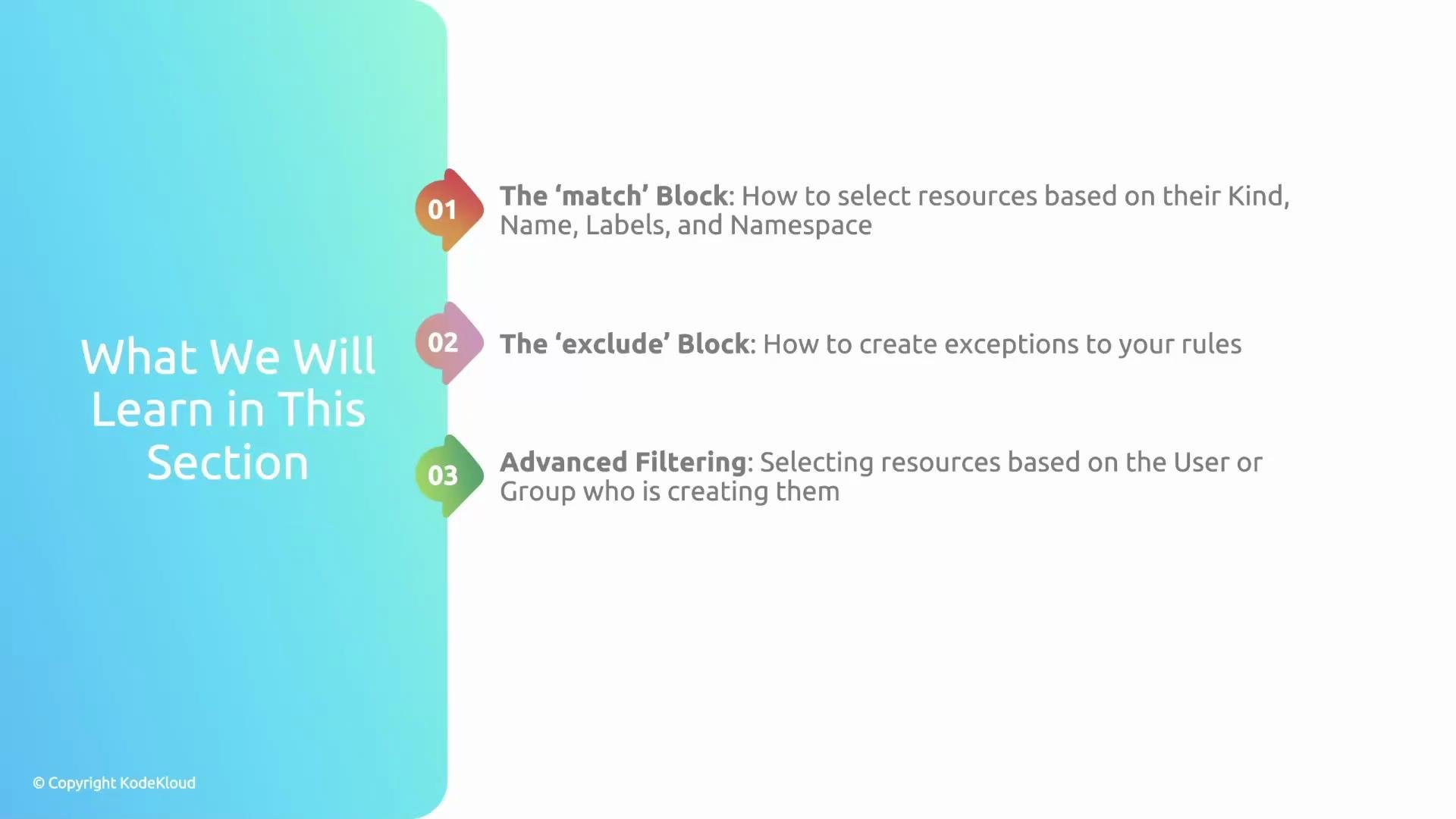
What this article covers
* The `match` block: select resources by kind, namespace, labels, and annotations.
* The `exclude` block: mirror `match` selections to define exceptions.
* Advanced filtering: preconditions, request/user info, and context-driven rules.
Core concepts: match and exclude
Filtering in Kyverno is built on two straightforward blocks at the rule level:
* `match` — "I'm interested in resources that look like this."
* `exclude` — "Ignore these resources even if they matched."
A resource must satisfy the `match` criteria and must not match any `exclude` criteria for the rule to be applied.
The `match` filter narrows which resources are considered; `exclude` removes exceptions from that matched set. A resource must pass `match` and not match any `exclude` to have the rule applied.
Minimal example: match + exclude
This concise rule enforces `spec.replicas: 3` for Deployments, but excludes Deployments in `kube-system` and those labeled `ci: "true"`:
```yaml theme={null}
rules:
- name: require-3-replicas
match:
resources:
kinds:
- Deployment
exclude:
resources:
namespaces:
- kube-system
selector:
matchLabels:
ci: "true"
validate:
message: "Deployments must set spec.replicas to 3."
pattern:
spec:
replicas: 3
```
Explanation
* `match.resources.kinds` limits the rule to `Deployment` resources.
* `exclude.resources.namespaces` ignores everything in the `kube-system` namespace.
* `exclude.resources.selector.matchLabels` ignores resources labeled `ci: "true"` (e.g., CI test Deployments).
* `validate.pattern` requires `spec.replicas` to be `3` for all remaining matched resources.
How match and exclude can select resources
You can target resources using multiple selectors inside `match` and mirror those selectors in `exclude` to create exceptions:
| Selector type | Use case | Example |
| ------------------- | --------------------------------------- | ------------------------------------------------- |
| Kind | Limit policy to specific resource kinds | `kinds: [Deployment, StatefulSet]` |
| Namespace | Apply policy per namespace | `namespaces: ["prod", "staging"]` |
| Label selector | Select resources by labels | `selector: matchLabels: { app: "web" }` |
| Annotation selector | Select by annotations | `selector: matchAnnotations: { owner: "team-a" }` |
Advanced filtering: preconditions, request info, and context
Beyond matching by resource attributes, you can create refined rules that depend on the request context. For example, use preconditions and context variables to apply a rule only if:
* The request user or group matches a given value.
* The resource is created via a specific admission operation.
* A request-specific value (from `request.object` or `request.userInfo`) meets a condition.
These advanced techniques let you enforce policies that depend on who is making a change or how the resource is being created.
What this article covers
* The `match` block: select resources by kind, namespace, labels, and annotations.
* The `exclude` block: mirror `match` selections to define exceptions.
* Advanced filtering: preconditions, request/user info, and context-driven rules.
 By the end of this article you will be able to write precise Kyverno policies that target the correct resources using `match` and `exclude`, and build advanced exceptions that consider request attributes and user context.
Links and references
* [Kyverno documentation — Policy filters and matching](https://kyverno.io/docs/writing-policies/match-exclude/)
* [Kubernetes labels and selectors](https://kubernetes.io/docs/concepts/overview/working-with-objects/labels/)
* [Admission control and request context in Kyverno](https://kyverno.io/docs/writing-policies/validate/#using-context-variables)
By the end of this article you will be able to write precise Kyverno policies that target the correct resources using `match` and `exclude`, and build advanced exceptions that consider request attributes and user context.
Links and references
* [Kyverno documentation — Policy filters and matching](https://kyverno.io/docs/writing-policies/match-exclude/)
* [Kubernetes labels and selectors](https://kubernetes.io/docs/concepts/overview/working-with-objects/labels/)
* [Admission control and request context in Kyverno](https://kyverno.io/docs/writing-policies/validate/#using-context-variables)