> ## Documentation Index
> Fetch the complete documentation index at: https://notes.kodekloud.com/llms.txt
> Use this file to discover all available pages before exploring further.
# Basic Validations
> Explains creating a Kyverno ClusterPolicy that enforces that every new Kubernetes Namespace includes the label purpose with value production for cost allocation and governance
In this lesson, you'll learn the most common and fundamental way to validate resources in Kyverno: using a pattern-based validate rule.
Meet Alex, a platform engineer with a simple but important requirement: he must ensure every new Namespace in the cluster is labeled with its intended purpose so cost allocation and governance remain accurate.
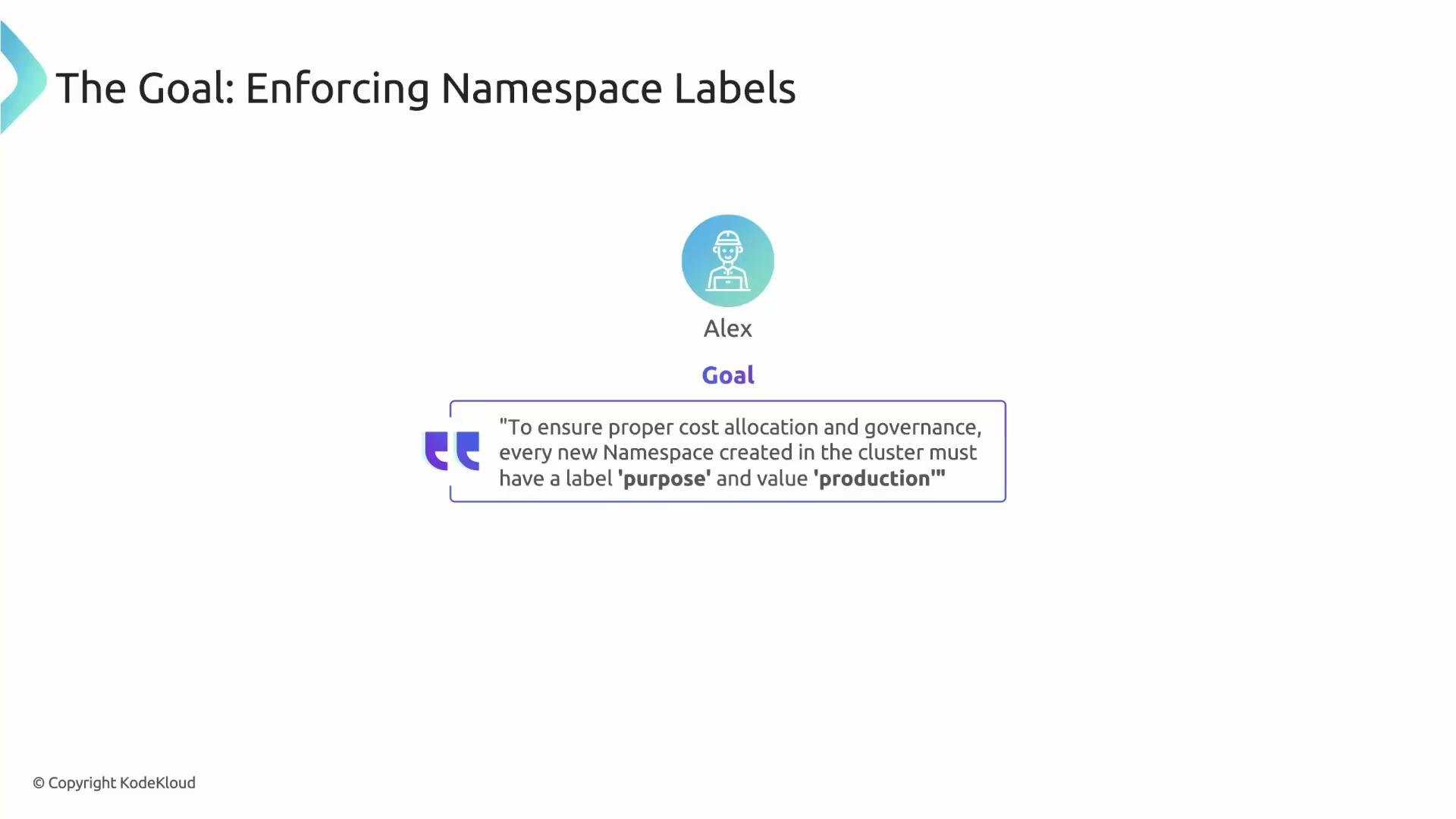 Goal: enforce that every newly created Namespace must include a label `purpose: production`. This prevents accidental or untracked Namespace creation and is an ideal use case for a Kyverno validate rule.
Below we build a cluster-scoped policy step-by-step to enforce this requirement.
## ClusterPolicy: require-ns-purpose-label
We use `ClusterPolicy` because the rule must apply to all Namespaces regardless of where they are created.
```yaml theme={null}
apiVersion: kyverno.io/v1
kind: ClusterPolicy
metadata:
name: require-ns-purpose-label
spec:
rules:
- name: require-ns-purpose-label
# The `match` block sets the scope. We are targeting any resource of kind "Namespace".
match:
any:
- resources:
kinds:
- Namespace
# The `validate` block defines the check that must pass for matched resources.
validate:
message: "Validation error: You must have label `purpose` with value `production` set on all new namespaces."
pattern:
metadata:
labels:
purpose: production
```
What each section does:
| Field | Purpose | Example / Notes |
| ----------------------- | --------------------------------------------------------------- | ---------------------------------------------------------- |
| `kind: ClusterPolicy` | Makes the policy cluster-scoped so it applies to all namespaces | Use `Policy` for a namespaced policy instead |
| `match.resources.kinds` | Targets resources this rule applies to | `Namespace` ensures only Namespace creations are validated |
| `validate.message` | Custom error text shown to users when validation fails | Helps guide users to fix the request |
| `validate.pattern` | The expected structure/values the incoming resource must match | Here: `metadata.labels.purpose: production` |
## How the pattern works
* Kyverno compares the incoming Namespace resource to the `pattern`.
* If the pattern is present and matches (exact `purpose: production`), Kyverno allows the request.
* If the pattern is missing, the label value differs, or the labels block is absent, Kyverno rejects the request with the provided message.
## Compliant example
A Namespace manifest that satisfies the policy:
```yaml theme={null}
apiVersion: v1
kind: Namespace
metadata:
name: good-namespace
labels:
purpose: production
```
Kyverno will find `metadata.labels.purpose: production` and allow the Namespace creation.
## Non-compliant example
A Namespace manifest that fails validation:
```yaml theme={null}
apiVersion: v1
kind: Namespace
metadata:
name: bad-namespace
labels:
purpose: development
```
Because `purpose` is `development` (not `production`), Kyverno will block the request.
If validation fails, users receive immediate feedback when they run `kubectl apply`, preventing misconfigurations before resources are created.
Example kubectl failure output for the non-compliant manifest:
```bash theme={null}
$ kubectl apply -f bad-namespace.yaml
Error from server: admission webhook "validate.kyverno.svc" denied the request:
resource Namespace/bad-namespace was blocked due to the following policies
require-ns-purpose-label:
require-ns-purpose-label: 'Validation error: You must have label `purpose` with value `production` set on all new namespaces.'
```
The error identifies the admission webhook, the blocked resource, the policy that triggered it, and the custom message — giving the user a clear action to resolve the failure.
## Further reading
* Kyverno validation docs: [https://kyverno.io/docs/writing-policies/validate/](https://kyverno.io/docs/writing-policies/validate/)
* Kubernetes Namespaces: [https://kubernetes.io/docs/concepts/overview/working-with-objects/namespaces/](https://kubernetes.io/docs/concepts/overview/working-with-objects/namespaces/)
That's it for this lesson — a simple validate pattern can enforce important governance controls like required labels across your cluster.
Goal: enforce that every newly created Namespace must include a label `purpose: production`. This prevents accidental or untracked Namespace creation and is an ideal use case for a Kyverno validate rule.
Below we build a cluster-scoped policy step-by-step to enforce this requirement.
## ClusterPolicy: require-ns-purpose-label
We use `ClusterPolicy` because the rule must apply to all Namespaces regardless of where they are created.
```yaml theme={null}
apiVersion: kyverno.io/v1
kind: ClusterPolicy
metadata:
name: require-ns-purpose-label
spec:
rules:
- name: require-ns-purpose-label
# The `match` block sets the scope. We are targeting any resource of kind "Namespace".
match:
any:
- resources:
kinds:
- Namespace
# The `validate` block defines the check that must pass for matched resources.
validate:
message: "Validation error: You must have label `purpose` with value `production` set on all new namespaces."
pattern:
metadata:
labels:
purpose: production
```
What each section does:
| Field | Purpose | Example / Notes |
| ----------------------- | --------------------------------------------------------------- | ---------------------------------------------------------- |
| `kind: ClusterPolicy` | Makes the policy cluster-scoped so it applies to all namespaces | Use `Policy` for a namespaced policy instead |
| `match.resources.kinds` | Targets resources this rule applies to | `Namespace` ensures only Namespace creations are validated |
| `validate.message` | Custom error text shown to users when validation fails | Helps guide users to fix the request |
| `validate.pattern` | The expected structure/values the incoming resource must match | Here: `metadata.labels.purpose: production` |
## How the pattern works
* Kyverno compares the incoming Namespace resource to the `pattern`.
* If the pattern is present and matches (exact `purpose: production`), Kyverno allows the request.
* If the pattern is missing, the label value differs, or the labels block is absent, Kyverno rejects the request with the provided message.
## Compliant example
A Namespace manifest that satisfies the policy:
```yaml theme={null}
apiVersion: v1
kind: Namespace
metadata:
name: good-namespace
labels:
purpose: production
```
Kyverno will find `metadata.labels.purpose: production` and allow the Namespace creation.
## Non-compliant example
A Namespace manifest that fails validation:
```yaml theme={null}
apiVersion: v1
kind: Namespace
metadata:
name: bad-namespace
labels:
purpose: development
```
Because `purpose` is `development` (not `production`), Kyverno will block the request.
If validation fails, users receive immediate feedback when they run `kubectl apply`, preventing misconfigurations before resources are created.
Example kubectl failure output for the non-compliant manifest:
```bash theme={null}
$ kubectl apply -f bad-namespace.yaml
Error from server: admission webhook "validate.kyverno.svc" denied the request:
resource Namespace/bad-namespace was blocked due to the following policies
require-ns-purpose-label:
require-ns-purpose-label: 'Validation error: You must have label `purpose` with value `production` set on all new namespaces.'
```
The error identifies the admission webhook, the blocked resource, the policy that triggered it, and the custom message — giving the user a clear action to resolve the failure.
## Further reading
* Kyverno validation docs: [https://kyverno.io/docs/writing-policies/validate/](https://kyverno.io/docs/writing-policies/validate/)
* Kubernetes Namespaces: [https://kubernetes.io/docs/concepts/overview/working-with-objects/namespaces/](https://kubernetes.io/docs/concepts/overview/working-with-objects/namespaces/)
That's it for this lesson — a simple validate pattern can enforce important governance controls like required labels across your cluster.