> ## Documentation Index
> Fetch the complete documentation index at: https://notes.kodekloud.com/llms.txt
> Use this file to discover all available pages before exploring further.
# Failure Action
> Explains Kyverno failureAction settings, Audit versus Enforce modes, emitWarning and allowExistingViolations to control reporting, warnings, and enforcement of policy violations
In this lesson we explain how Kyverno handles policy violations using the Failure Action fields. Understanding these settings lets you safely roll out new policies, provide developer feedback, or strictly enforce security controls.
We previously wrote a simple `validate` rule that blocked non-compliant resources. However, in real clusters you often want to discover existing violations before enforcing a rule. The Failure Action settings determine whether Kyverno acts as a reporter (Audit) or a gatekeeper (Enforce), and whether preexisting violations are tolerated.
Older examples (and some exam questions) may show a top-level `validationFailureAction` field. That field is deprecated. Use per-rule `validate.failureAction` instead to control behavior rule-by-rule.
Note: Defining `failureAction` per `validate` rule lets different rules in the same policy behave differently — for example, one rule can `Enforce` while another is `Audit`.
Deprecated (still seen in the wild)
```yaml theme={null}
spec:
# Deprecated: applies the same action to all rules
validationFailureAction: Enforce
rules:
- name: my-validation-rule
validate:
failureAction: Enforce
```
Preferred: per-rule configuration
```yaml theme={null}
spec:
rules:
- name: my-validation-rule
validate:
failureAction: Enforce
message: "The `owner` label is required."
pattern:
metadata:
labels:
owner: "?*"
```
Now let’s cover the two main modes: Audit (default) and Enforce.
## Audit (default)
If you omit `failureAction` in a `validate` rule, Kyverno defaults to Audit. Audit mode reports violations but does not block the request: the API server allows the resource to be created or updated, and Kyverno records the violation in a PolicyReport for visibility and compliance tracking.
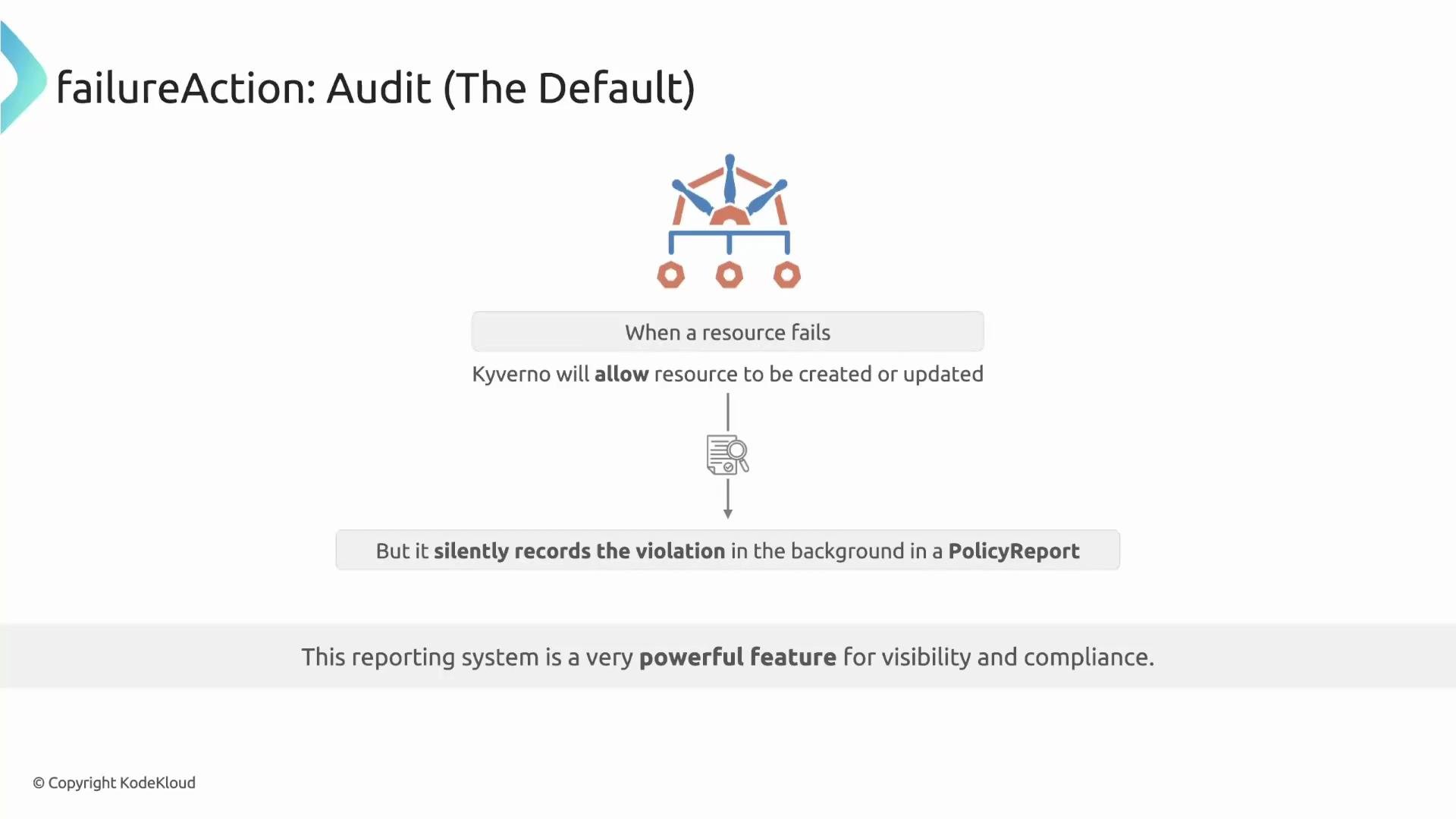 This default is safe for rolling out new policies: you can scan for violations across the cluster without breaking workflows. The PolicyReport is the source of truth for compliance status.
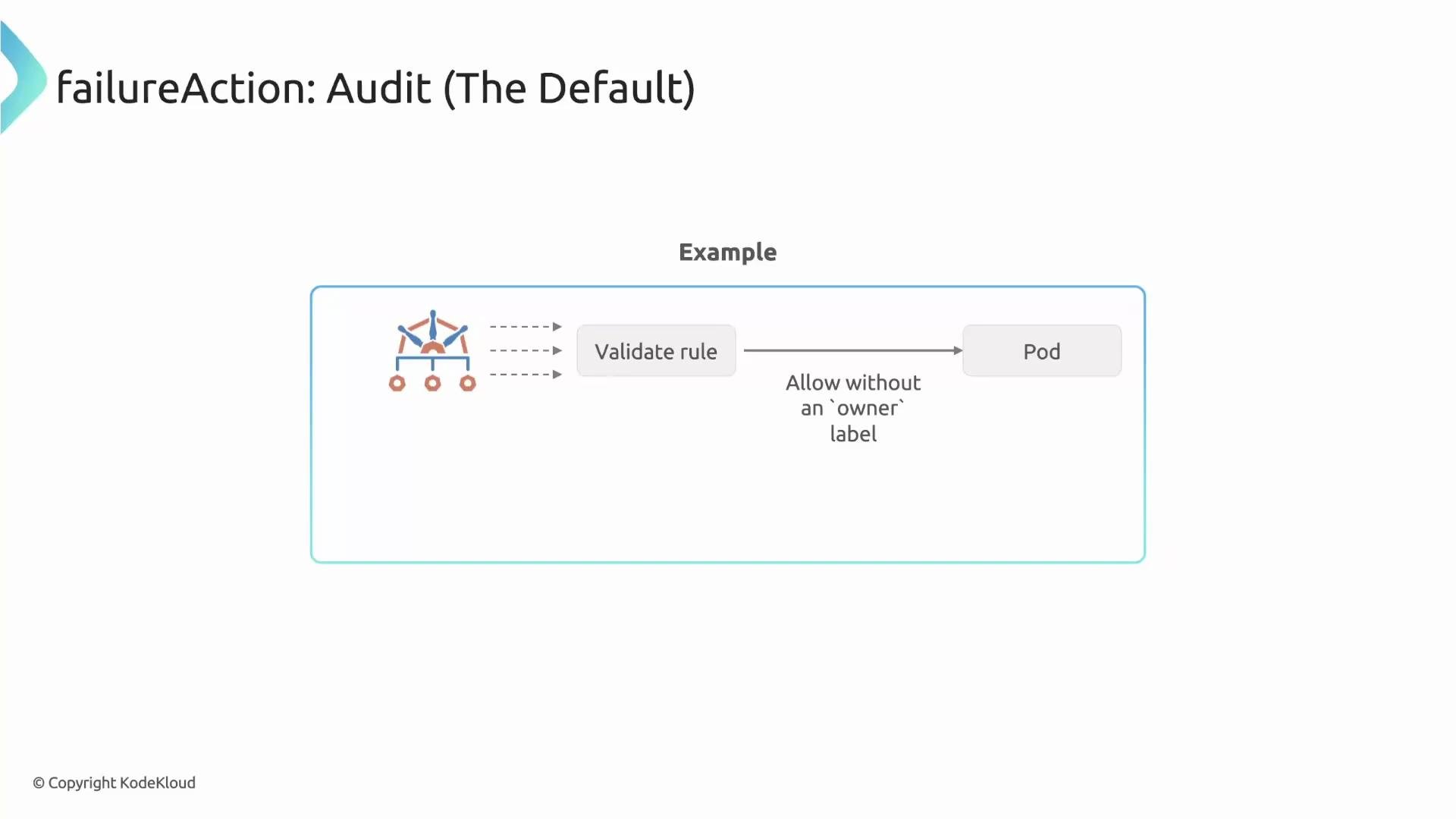
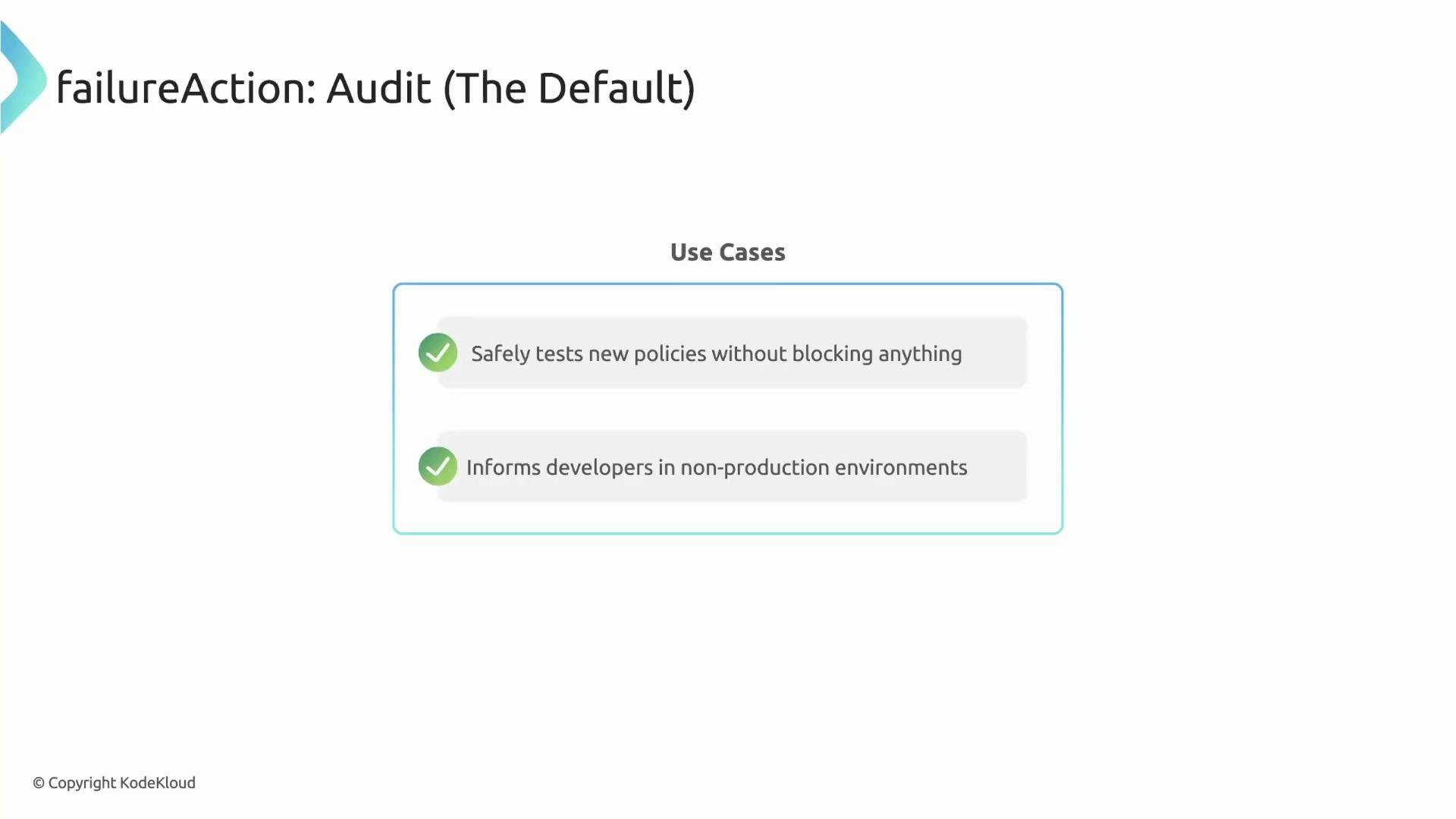 Audit is invisible to users by default: the Pod or other resource is created even if it violates the policy, and they will only see the violation if they inspect PolicyReports.
 ## emitWarning — show immediate warnings without blocking
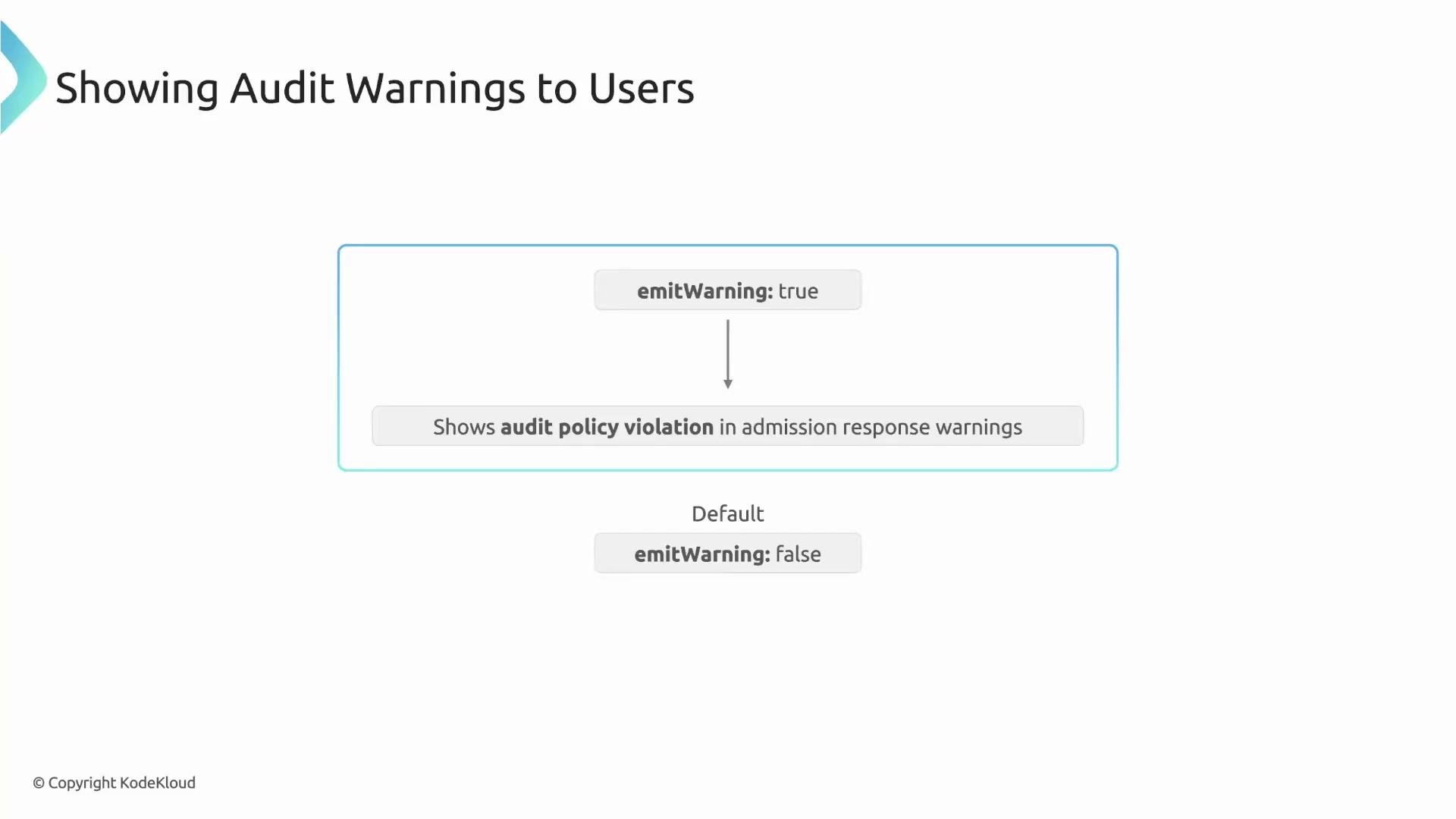
If you want users to receive immediate, non-blocking feedback, enable `emitWarning` at the policy `spec` level. With `emitWarning: true`, Kyverno still records violations in PolicyReports, but admission responses include a warning so users see feedback immediately.
## emitWarning — show immediate warnings without blocking
If you want users to receive immediate, non-blocking feedback, enable `emitWarning` at the policy `spec` level. With `emitWarning: true`, Kyverno still records violations in PolicyReports, but admission responses include a warning so users see feedback immediately.
 Example: Audit with `emitWarning`
```yaml theme={null}
apiVersion: kyverno.io/v1
kind: ClusterPolicy
metadata:
name: check-owner-label
spec:
# Show warnings to the user when an audit violation occurs
emitWarning: true
rules:
- name: check-owner-label
validate:
failureAction: Audit
message: "The `owner` label is required for all Namespaces."
pattern:
metadata:
labels:
owner: "?*"
```
When a user creates a violating resource, the resource is still created, but `kubectl` will show an admission warning:
```plaintext theme={null}
Warning: policy check-owner-label.check-owner-label: validation error:
The `owner` label is required for all Namespaces
namespace/bad-ns created
```
emitWarning is a good middle ground in development or staging: no blocking, but immediate developer feedback.
## Enforce (blocking) mode
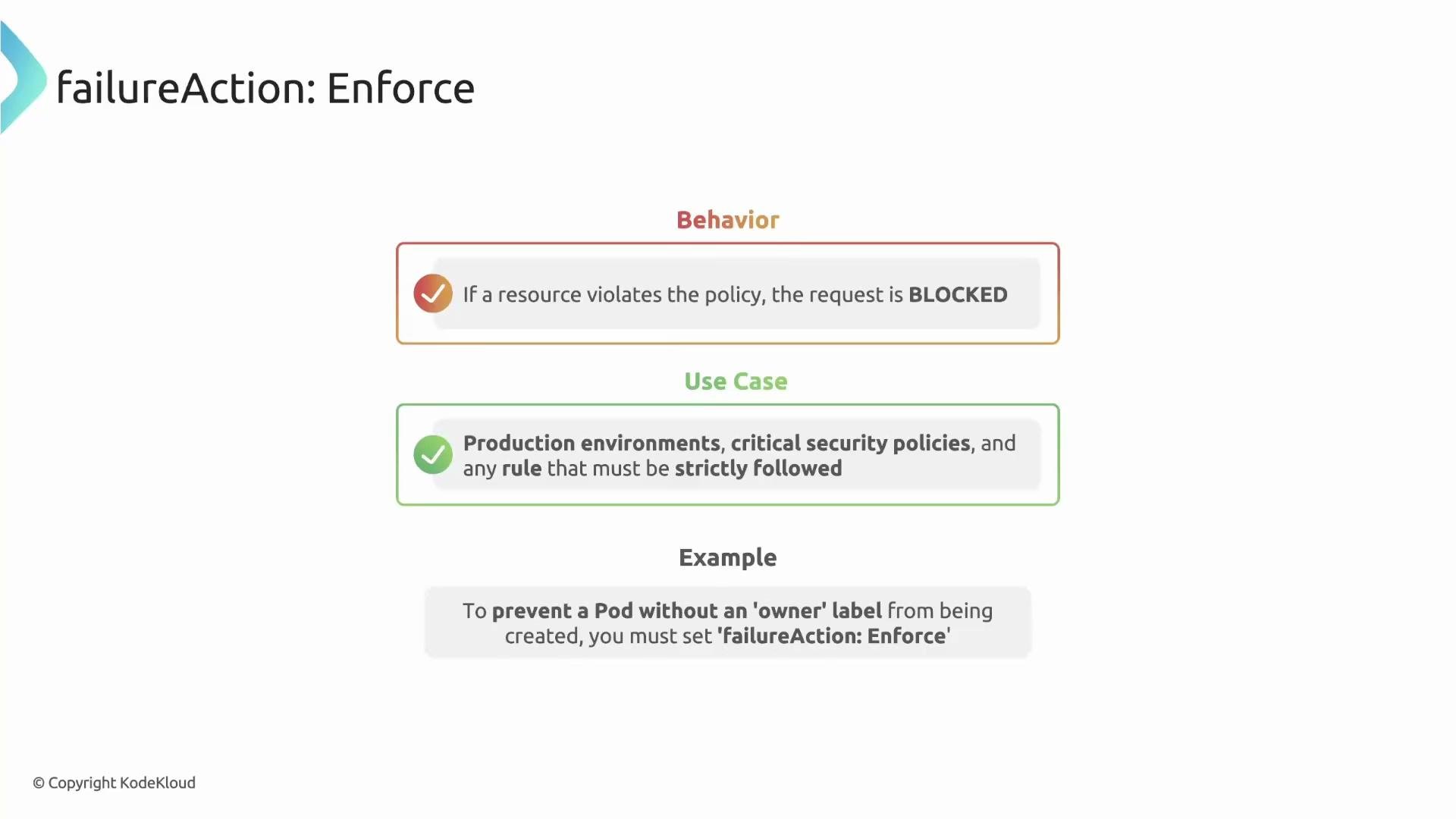
`failureAction: Enforce` blocks admission requests that violate the rule. Use Enforce in production or security-sensitive clusters to prevent non-compliant resources from being created or modified.
Example: Audit with `emitWarning`
```yaml theme={null}
apiVersion: kyverno.io/v1
kind: ClusterPolicy
metadata:
name: check-owner-label
spec:
# Show warnings to the user when an audit violation occurs
emitWarning: true
rules:
- name: check-owner-label
validate:
failureAction: Audit
message: "The `owner` label is required for all Namespaces."
pattern:
metadata:
labels:
owner: "?*"
```
When a user creates a violating resource, the resource is still created, but `kubectl` will show an admission warning:
```plaintext theme={null}
Warning: policy check-owner-label.check-owner-label: validation error:
The `owner` label is required for all Namespaces
namespace/bad-ns created
```
emitWarning is a good middle ground in development or staging: no blocking, but immediate developer feedback.
## Enforce (blocking) mode
`failureAction: Enforce` blocks admission requests that violate the rule. Use Enforce in production or security-sensitive clusters to prevent non-compliant resources from being created or modified.
 ## Behavior with existing non-compliant resources
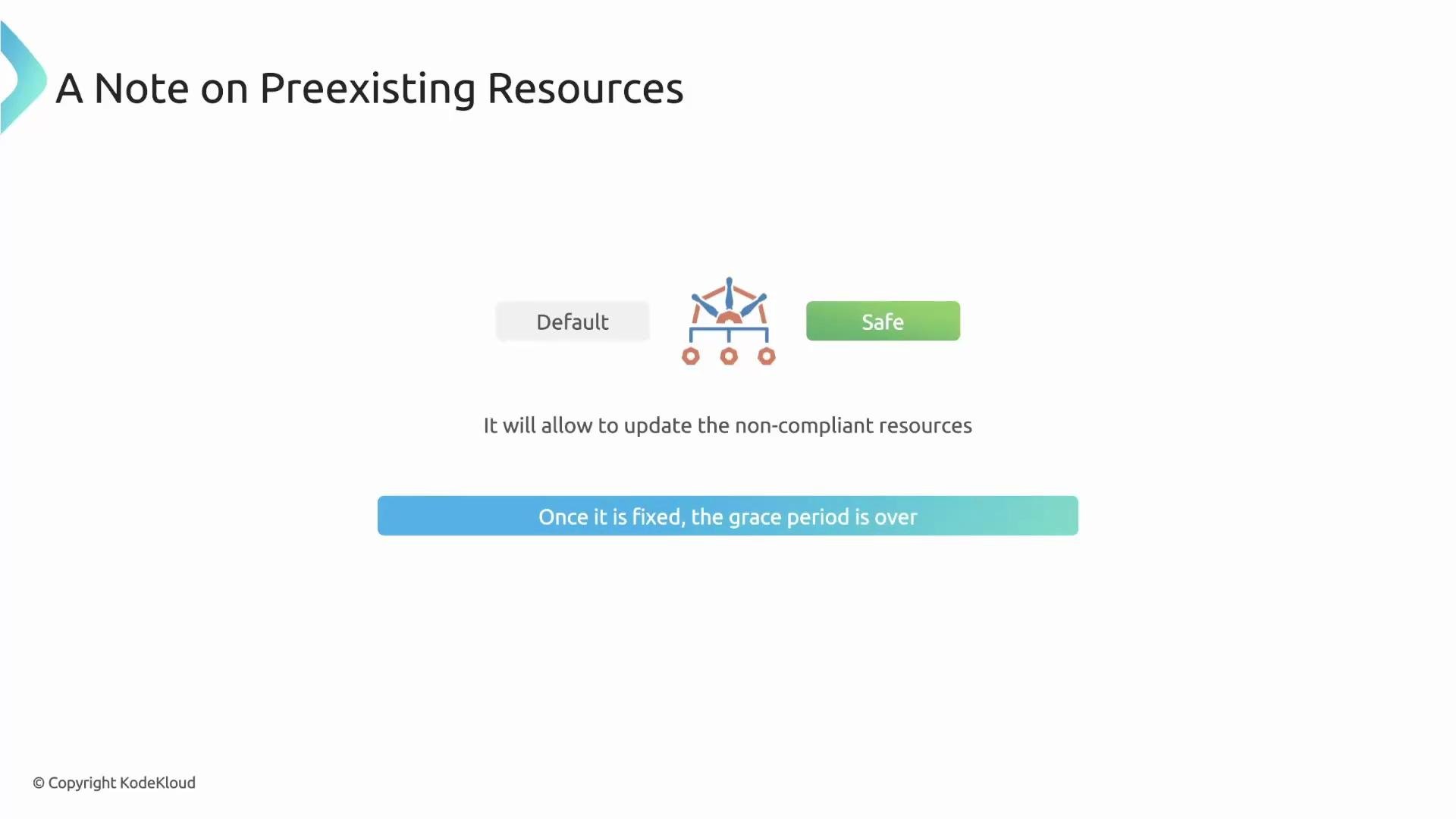
When you apply an Enforce policy to a live cluster, Kyverno tries to avoid sudden disruption. By default, Kyverno uses a forgiving behavior for preexisting violations: a resource that already violates the policy is not immediately blocked from updates. Enforcement becomes strict on that resource once it is updated in a way that would make it compliant (or after corrective action).
This design helps you phase-in enforcement without instantly freezing many resources.
## Behavior with existing non-compliant resources
When you apply an Enforce policy to a live cluster, Kyverno tries to avoid sudden disruption. By default, Kyverno uses a forgiving behavior for preexisting violations: a resource that already violates the policy is not immediately blocked from updates. Enforcement becomes strict on that resource once it is updated in a way that would make it compliant (or after corrective action).
This design helps you phase-in enforcement without instantly freezing many resources.
 ## allowExistingViolations — disable the grace period (strict mode)
The `allowExistingViolations` field controls whether Kyverno forgives preexisting violations:
* Default: `true` — safe, non-disruptive (preexisting violations are tolerated).
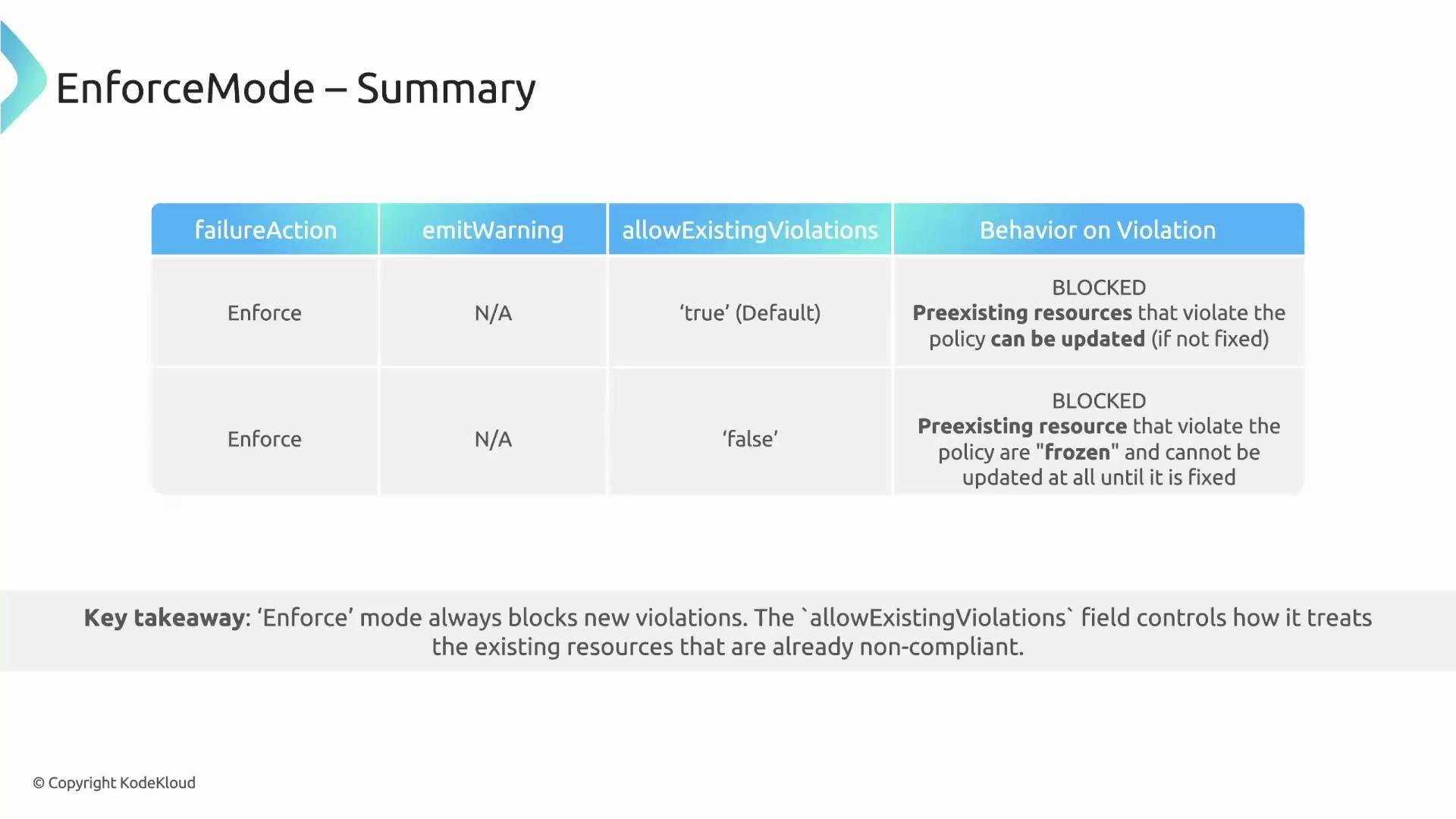
* `false` — strict mode: Kyverno enforces the policy fully and will block updates to any resource that currently violates the policy until the violation is fixed.
Use `allowExistingViolations: false` only when you want to prevent any changes to non-compliant resources (for example, in high-security environments).
Example: strict enforcement
```yaml theme={null}
apiVersion: kyverno.io/v1
kind: ClusterPolicy
metadata:
name: strict-owner-label
spec:
allowExistingViolations: false
rules:
- name: require-owner-label
validate:
failureAction: Enforce
message: "The `owner` label is required."
pattern:
metadata:
labels:
owner: "?*"
```
Setting `allowExistingViolations: false` can be disruptive: preexisting non-compliant resources will be frozen (no updates) until they are fixed. Plan and communicate carefully before applying this setting in production.
## Quick reference: Failure action fields
| Field | Location | Effect | Default |
| ------------------------------ | ----------- | -------------------------------------------------------------------- | ------- |
| `validate.failureAction` | Per rule | `Audit` (report-only) or `Enforce` (block) | `Audit` |
| `spec.emitWarning` | Policy spec | When true, admission responses include warnings for audit violations | `false` |
| `spec.allowExistingViolations` | Policy spec | When `false`, disallow updates to preexisting violating resources | `true` |
## Summary
* Audit (default)
* Omitting `failureAction` or setting `Audit` records violations in PolicyReports without blocking resources.
* Use `emitWarning: true` to return admission warnings to the user for immediate feedback.
* Best for reporting, gradual rollout, and non-production environments.
* Enforce
* `failureAction: Enforce` blocks non-compliant requests.
* By default, Kyverno does not immediately disrupt preexisting violations; enforcement applies strictly after an update or corrective action.
* Use `allowExistingViolations: false` to disable the grace period and freeze non-compliant resources until fixed.
## allowExistingViolations — disable the grace period (strict mode)
The `allowExistingViolations` field controls whether Kyverno forgives preexisting violations:
* Default: `true` — safe, non-disruptive (preexisting violations are tolerated).
* `false` — strict mode: Kyverno enforces the policy fully and will block updates to any resource that currently violates the policy until the violation is fixed.
Use `allowExistingViolations: false` only when you want to prevent any changes to non-compliant resources (for example, in high-security environments).
Example: strict enforcement
```yaml theme={null}
apiVersion: kyverno.io/v1
kind: ClusterPolicy
metadata:
name: strict-owner-label
spec:
allowExistingViolations: false
rules:
- name: require-owner-label
validate:
failureAction: Enforce
message: "The `owner` label is required."
pattern:
metadata:
labels:
owner: "?*"
```
Setting `allowExistingViolations: false` can be disruptive: preexisting non-compliant resources will be frozen (no updates) until they are fixed. Plan and communicate carefully before applying this setting in production.
## Quick reference: Failure action fields
| Field | Location | Effect | Default |
| ------------------------------ | ----------- | -------------------------------------------------------------------- | ------- |
| `validate.failureAction` | Per rule | `Audit` (report-only) or `Enforce` (block) | `Audit` |
| `spec.emitWarning` | Policy spec | When true, admission responses include warnings for audit violations | `false` |
| `spec.allowExistingViolations` | Policy spec | When `false`, disallow updates to preexisting violating resources | `true` |
## Summary
* Audit (default)
* Omitting `failureAction` or setting `Audit` records violations in PolicyReports without blocking resources.
* Use `emitWarning: true` to return admission warnings to the user for immediate feedback.
* Best for reporting, gradual rollout, and non-production environments.
* Enforce
* `failureAction: Enforce` blocks non-compliant requests.
* By default, Kyverno does not immediately disrupt preexisting violations; enforcement applies strictly after an update or corrective action.
* Use `allowExistingViolations: false` to disable the grace period and freeze non-compliant resources until fixed.
 Further reading and references
* Kyverno policies and validation: [https://kyverno.io/docs/walkthroughs/validate/](https://kyverno.io/docs/walkthroughs/validate/)
* Kyverno PolicyReport documentation: [https://kyverno.io/docs/monitoring/policy-reports/](https://kyverno.io/docs/monitoring/policy-reports/)
This concludes the lesson.
Further reading and references
* Kyverno policies and validation: [https://kyverno.io/docs/walkthroughs/validate/](https://kyverno.io/docs/walkthroughs/validate/)
* Kyverno PolicyReport documentation: [https://kyverno.io/docs/monitoring/policy-reports/](https://kyverno.io/docs/monitoring/policy-reports/)
This concludes the lesson.