> ## Documentation Index
> Fetch the complete documentation index at: https://notes.kodekloud.com/llms.txt
> Use this file to discover all available pages before exploring further.
# Pod Security Exemptions
> Using Kyverno podSecurity exclude to create narrow, image-scoped exemptions for Pod Security Standards, covering pod level, container level, and mixed controls while minimizing security risk.
Previously, Alex applied Pod Security Standards (PSS) cluster-wide using the `podSecurity` sub-rule in Kyverno. This lesson shows how to create narrow, controlled exemptions when a small number of trusted workloads legitimately require settings that would otherwise violate the profile.
This lesson explains how to use the `exclude` list inside `podSecurity` to create safe, scoped exemptions for Pod Security Standard (PSS) controls.
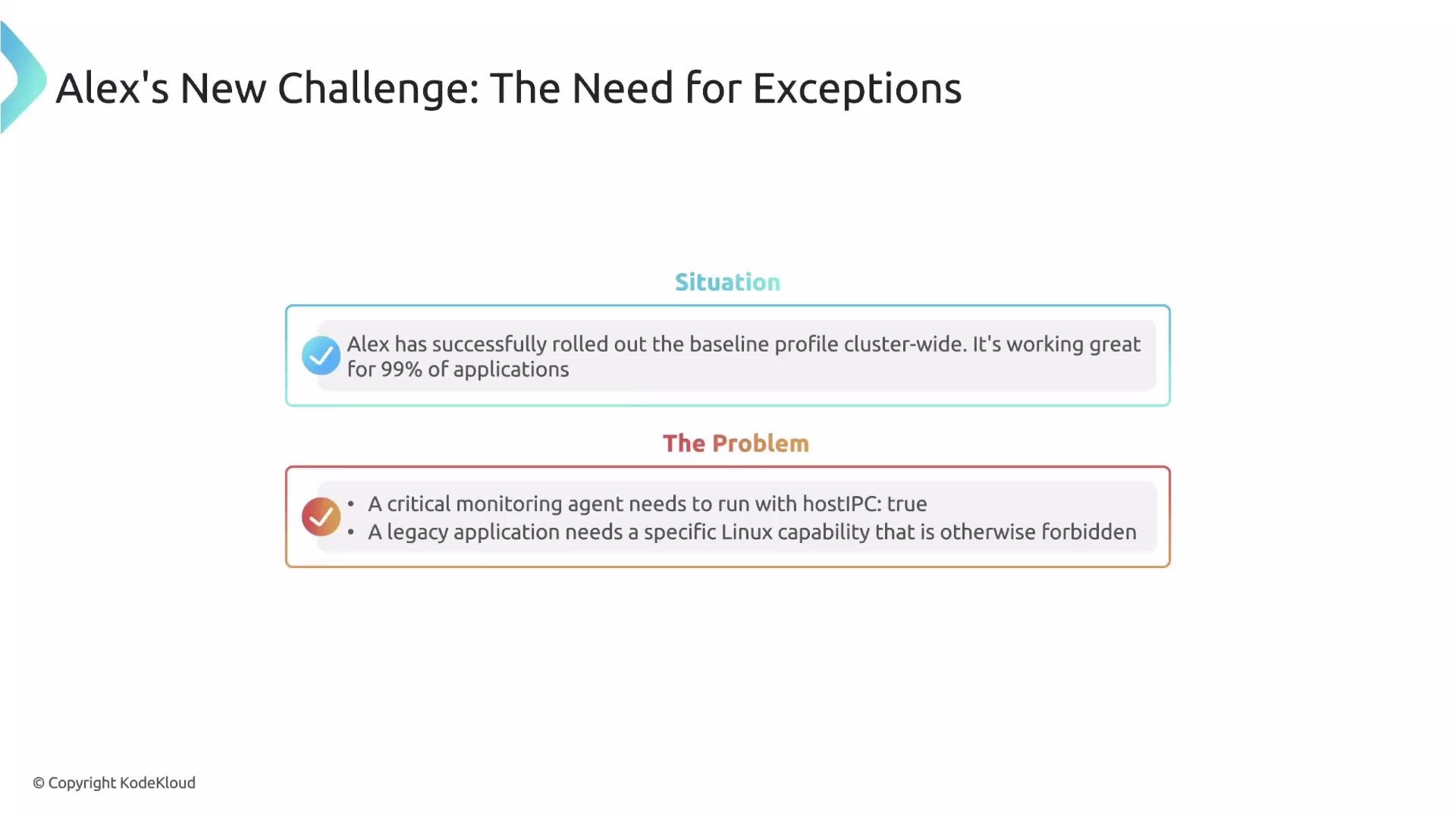
Real-world teams often need to allow a limited exception without disabling an entire policy. For example:
* A monitoring agent requires access to the host IPC namespace (violates baseline).
* A legacy application needs a special Linux capability (violates restricted profile).
 Disabling the security rule for entire namespaces would be a large regression. Instead, Kyverno provides the `exclude` block in the `podSecurity` rule, which lets you exempt a specific PSS control and optionally scope that exemption to particular container images.
How the `exclude` block works
* `controlName` — the name of the PSS control to exempt.
* `images` (optional) — a list of image patterns to scope container-level exemptions. Wildcards are supported.
Example: exempt a control and scope it to specific images
```yaml theme={null}
podSecurity:
level: restricted
version: latest
exclude:
- controlName: Capabilities # The PSS control to exempt
images:
- "my-app:*" # Exemption applies only to these images
```
Common patterns for `exclude`
Below are three patterns you will frequently use when creating scoped exemptions.
| Pattern | Scope | How to configure | Typical control example |
| --------------------------------- | ------------------------------------------: | ----------------------------------------------------------------------------------------------------- | ----------------------------------- |
| Pod-level control exemption | Pod spec fields (applies to entire Pod) | Use `controlName` only | `Host Namespaces` (hostIPC/hostPID) |
| Container-level control exemption | Each container individually | Use `controlName` + `images` list to scope images | `Capabilities` |
| Mixed control (pod + container) | Both Pod-level and per-container variations | Two entries: one `controlName` for pod-level; another `controlName` with `images` for container-level | `Seccomp` |
1. Pod-level control exemption
Some PSS controls are evaluated at the Pod level (they inspect Pod fields such as `hostIPC` and `hostPID`). For these, a single `controlName` entry in `exclude` is sufficient.
Example Pod that requires host IPC:
```yaml theme={null}
apiVersion: v1
kind: Pod
metadata:
name: excluded-pod
spec:
hostIPC: true # This will be permitted by the exemption
containers:
- name: container01
image: dummyimagename
```
PodSecurity exemption (pod-level):
```yaml theme={null}
podSecurity:
level: baseline
version: latest
exclude:
- controlName: Host Namespaces
```
When Kyverno evaluates this Pod, it sees a baseline violation but permits it because the `Host Namespaces` control is excluded.
2. Container-level control exemption (scoped by image)
Some controls are checked per container, so exemptions must be scoped to container images using `images`.
Container spec that needs an extra capability:
```yaml theme={null}
spec:
containers:
- name: container01
image: nginx:1.1.9 # Image matches the exemption list
securityContext:
capabilities:
add:
- SYS_ADMIN # This will be permitted for nginx if exempted
drop:
- ALL
```
PodSecurity exemption scoped to images:
```yaml theme={null}
podSecurity:
level: restricted
version: latest
exclude:
- controlName: Capabilities
images:
- "nginx*"
- "redis*"
```
Notes:
* Wildcards are allowed in the `images` list.
* If a different image (for instance, `busybox`) attempts the same capability, Kyverno will reject the Pod. Example admission webhook error:
```text theme={null}
Error from server: admission webhook "validate.kyverno.svc-fail" denied the request:
psa:
restricted: |
Validation rule 'restricted' failed. It violates PodSecurity "restricted:latest":
({Allowed:false ForbiddenReason:non-default capabilities ForbiddenDetail:
container "container01" must not include "SYS_ADMIN" in securityContext.capabilities.add})
```
Kyverno compares the container image against your `images` patterns; if there's no match, the exemption does not apply.
3. Mixed controls (both Pod- and container-level)
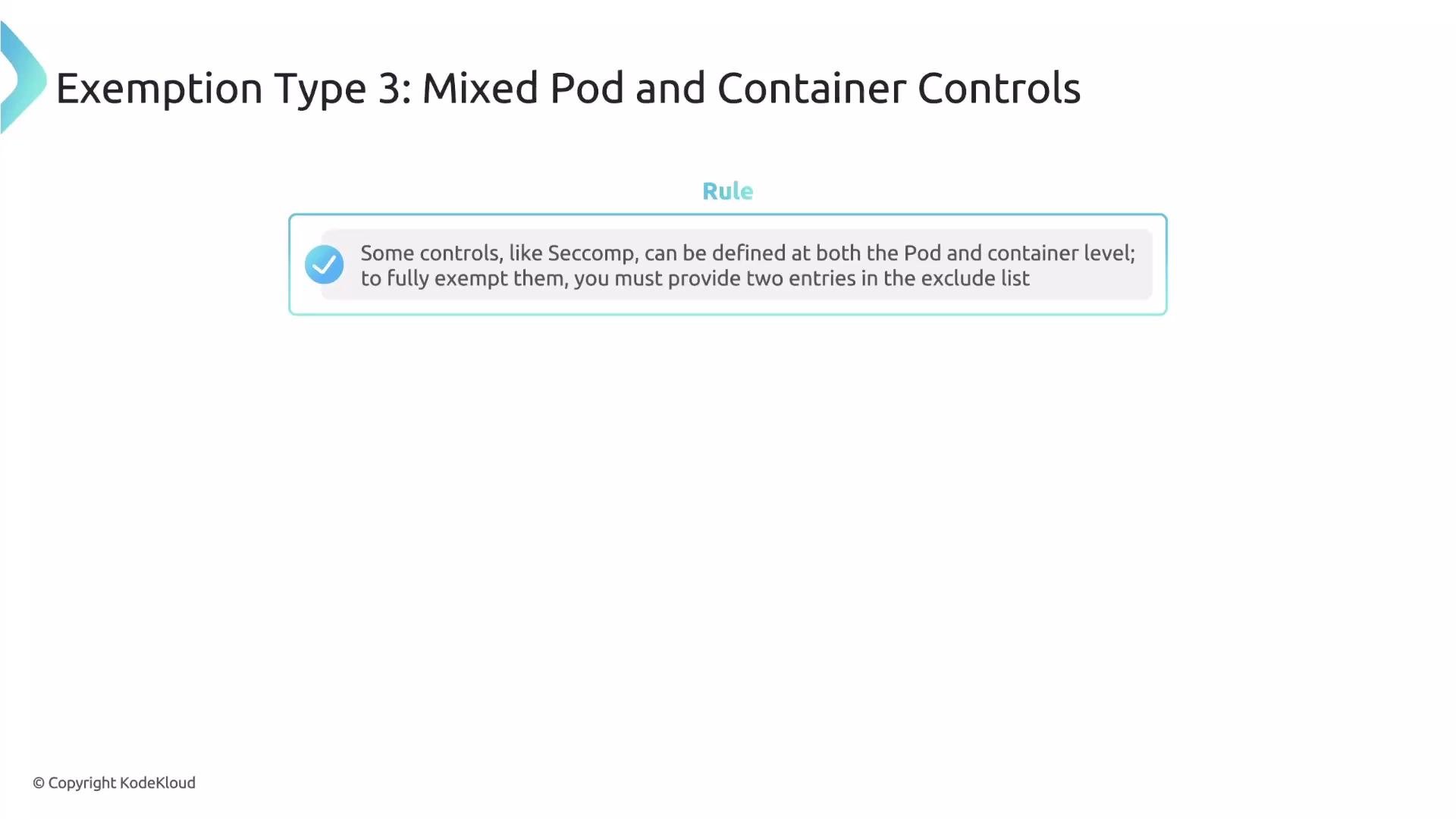
Some controls (like `Seccomp`) can be configured at both the Pod level and overridden per container. To fully exempt such a control, provide two `exclude` entries: one for the Pod-level check and one for container-level checks (with an `images` list).
Disabling the security rule for entire namespaces would be a large regression. Instead, Kyverno provides the `exclude` block in the `podSecurity` rule, which lets you exempt a specific PSS control and optionally scope that exemption to particular container images.
How the `exclude` block works
* `controlName` — the name of the PSS control to exempt.
* `images` (optional) — a list of image patterns to scope container-level exemptions. Wildcards are supported.
Example: exempt a control and scope it to specific images
```yaml theme={null}
podSecurity:
level: restricted
version: latest
exclude:
- controlName: Capabilities # The PSS control to exempt
images:
- "my-app:*" # Exemption applies only to these images
```
Common patterns for `exclude`
Below are three patterns you will frequently use when creating scoped exemptions.
| Pattern | Scope | How to configure | Typical control example |
| --------------------------------- | ------------------------------------------: | ----------------------------------------------------------------------------------------------------- | ----------------------------------- |
| Pod-level control exemption | Pod spec fields (applies to entire Pod) | Use `controlName` only | `Host Namespaces` (hostIPC/hostPID) |
| Container-level control exemption | Each container individually | Use `controlName` + `images` list to scope images | `Capabilities` |
| Mixed control (pod + container) | Both Pod-level and per-container variations | Two entries: one `controlName` for pod-level; another `controlName` with `images` for container-level | `Seccomp` |
1. Pod-level control exemption
Some PSS controls are evaluated at the Pod level (they inspect Pod fields such as `hostIPC` and `hostPID`). For these, a single `controlName` entry in `exclude` is sufficient.
Example Pod that requires host IPC:
```yaml theme={null}
apiVersion: v1
kind: Pod
metadata:
name: excluded-pod
spec:
hostIPC: true # This will be permitted by the exemption
containers:
- name: container01
image: dummyimagename
```
PodSecurity exemption (pod-level):
```yaml theme={null}
podSecurity:
level: baseline
version: latest
exclude:
- controlName: Host Namespaces
```
When Kyverno evaluates this Pod, it sees a baseline violation but permits it because the `Host Namespaces` control is excluded.
2. Container-level control exemption (scoped by image)
Some controls are checked per container, so exemptions must be scoped to container images using `images`.
Container spec that needs an extra capability:
```yaml theme={null}
spec:
containers:
- name: container01
image: nginx:1.1.9 # Image matches the exemption list
securityContext:
capabilities:
add:
- SYS_ADMIN # This will be permitted for nginx if exempted
drop:
- ALL
```
PodSecurity exemption scoped to images:
```yaml theme={null}
podSecurity:
level: restricted
version: latest
exclude:
- controlName: Capabilities
images:
- "nginx*"
- "redis*"
```
Notes:
* Wildcards are allowed in the `images` list.
* If a different image (for instance, `busybox`) attempts the same capability, Kyverno will reject the Pod. Example admission webhook error:
```text theme={null}
Error from server: admission webhook "validate.kyverno.svc-fail" denied the request:
psa:
restricted: |
Validation rule 'restricted' failed. It violates PodSecurity "restricted:latest":
({Allowed:false ForbiddenReason:non-default capabilities ForbiddenDetail:
container "container01" must not include "SYS_ADMIN" in securityContext.capabilities.add})
```
Kyverno compares the container image against your `images` patterns; if there's no match, the exemption does not apply.
3. Mixed controls (both Pod- and container-level)
Some controls (like `Seccomp`) can be configured at both the Pod level and overridden per container. To fully exempt such a control, provide two `exclude` entries: one for the Pod-level check and one for container-level checks (with an `images` list).
 Correct way to exempt a mixed control:
```yaml theme={null}
podSecurity:
level: restricted
version: latest
exclude:
- controlName: Seccomp # 1. Pod-level exemption
- controlName: Seccomp # 2. Container-level exemption
images:
- '*' # apply to all container images (or narrow as needed)
```
* The first `Seccomp` entry covers the Pod-level configuration.
* The second `Seccomp` entry, with an `images` list, covers per-container checks.
* Together they fully exempt Seccomp for the specified images.
Do not use `exclude` to broadly relax cluster security. Scope exemptions tightly (by control and by image) and document why each exemption exists to reduce attack surface and aid future audits.
Summary
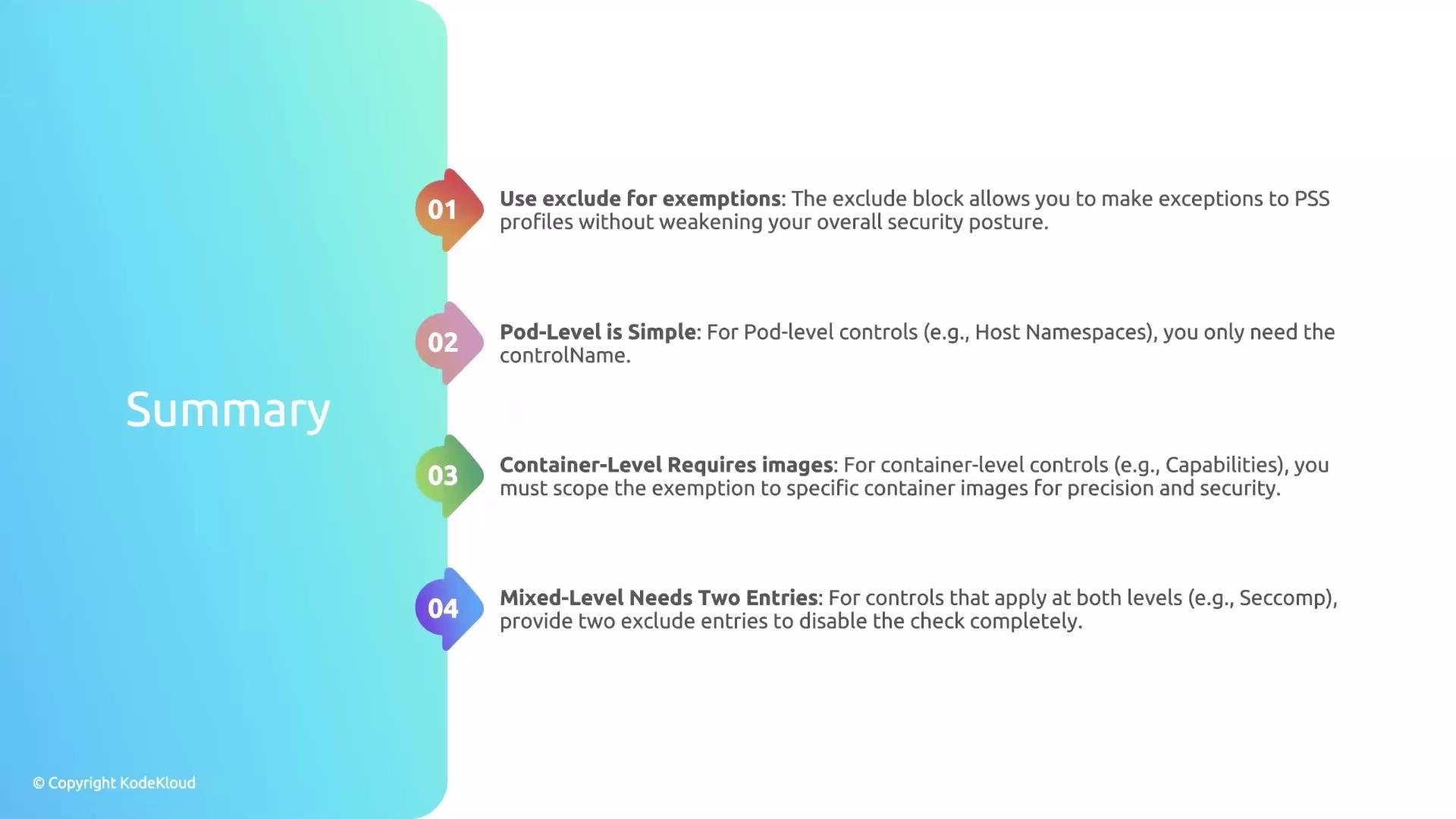
* Use the `exclude` list inside `podSecurity` to make narrow, controlled exceptions to PSS controls.
* Pod-level controls: specify only the `controlName`.
* Container-level controls: include `images` to scope the exemption to specific container images.
* Mixed controls: add two entries—one for pod-level and one for container-level (with `images`).
Correct way to exempt a mixed control:
```yaml theme={null}
podSecurity:
level: restricted
version: latest
exclude:
- controlName: Seccomp # 1. Pod-level exemption
- controlName: Seccomp # 2. Container-level exemption
images:
- '*' # apply to all container images (or narrow as needed)
```
* The first `Seccomp` entry covers the Pod-level configuration.
* The second `Seccomp` entry, with an `images` list, covers per-container checks.
* Together they fully exempt Seccomp for the specified images.
Do not use `exclude` to broadly relax cluster security. Scope exemptions tightly (by control and by image) and document why each exemption exists to reduce attack surface and aid future audits.
Summary
* Use the `exclude` list inside `podSecurity` to make narrow, controlled exceptions to PSS controls.
* Pod-level controls: specify only the `controlName`.
* Container-level controls: include `images` to scope the exemption to specific container images.
* Mixed controls: add two entries—one for pod-level and one for container-level (with `images`).
 With scoped `exclude` entries, Alex can enforce broad Pod Security Standards while safely managing one-off exemptions for trusted workloads.
References and further reading
* Kyverno Pod Security (podSecurity rule): [https://kyverno.io/docs/writing-policies/validate/#pod-security](https://kyverno.io/docs/writing-policies/validate/#pod-security)
* Pod Security Standards (Kubernetes): [https://kubernetes.io/docs/concepts/security/pod-security-standards/](https://kubernetes.io/docs/concepts/security/pod-security-standards/)
* Pod Security Admission docs: [https://kubernetes.io/docs/concepts/security/pod-security-admission/](https://kubernetes.io/docs/concepts/security/pod-security-admission/)
With scoped `exclude` entries, Alex can enforce broad Pod Security Standards while safely managing one-off exemptions for trusted workloads.
References and further reading
* Kyverno Pod Security (podSecurity rule): [https://kyverno.io/docs/writing-policies/validate/#pod-security](https://kyverno.io/docs/writing-policies/validate/#pod-security)
* Pod Security Standards (Kubernetes): [https://kubernetes.io/docs/concepts/security/pod-security-standards/](https://kubernetes.io/docs/concepts/security/pod-security-standards/)
* Pod Security Admission docs: [https://kubernetes.io/docs/concepts/security/pod-security-admission/](https://kubernetes.io/docs/concepts/security/pod-security-admission/)