> ## Documentation Index
> Fetch the complete documentation index at: https://notes.kodekloud.com/llms.txt
> Use this file to discover all available pages before exploring further.
# Work With SSL Certificates
> Practical guide to TLS X.509 certificates and OpenSSL on Linux, covering CSRs, self-signed certificates, key generation, inspection, and common commands
This lesson explains what SSL/TLS certificates do, how they’re used, and how to create and inspect them on Linux using OpenSSL. It preserves the original sequence of diagrams and examples while improving readability and SEO relevance for terms like TLS, X.509, CSR, OpenSSL, and self-signed certificates.
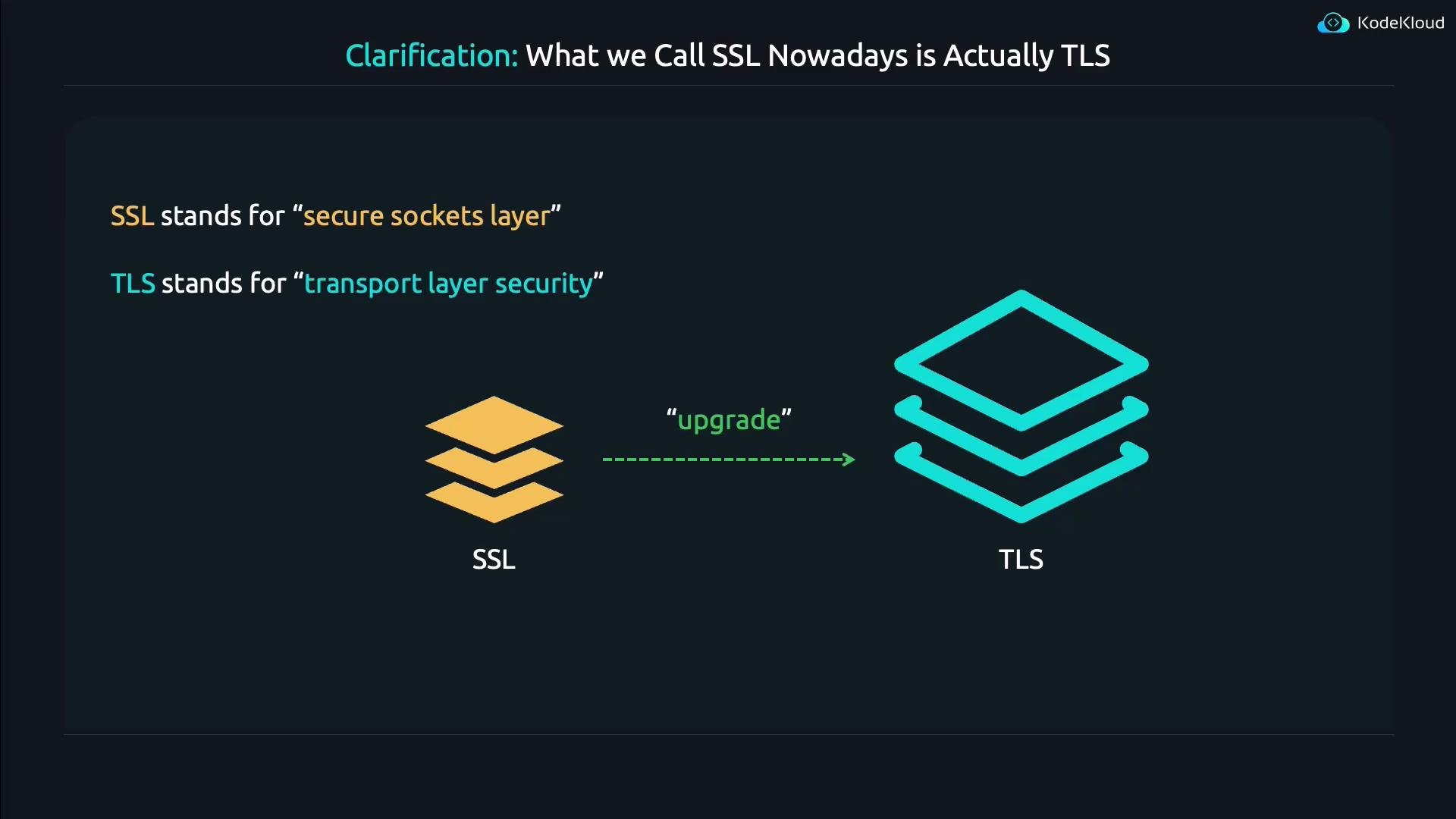
First, a clarification: what people historically called "SSL" is today actually TLS. The old name stuck in many tools and documentation, but TLS is the modern, secure protocol that replaced SSL.
SSL (Secure Sockets Layer) is the historical name. TLS (Transport Layer Security) is the modern protocol that fixes many of SSL's security problems. Many tools still use "SSL" in their names (for example, OpenSSL), but they work with TLS certificates and TLS connections.
 ## What do certificates do?
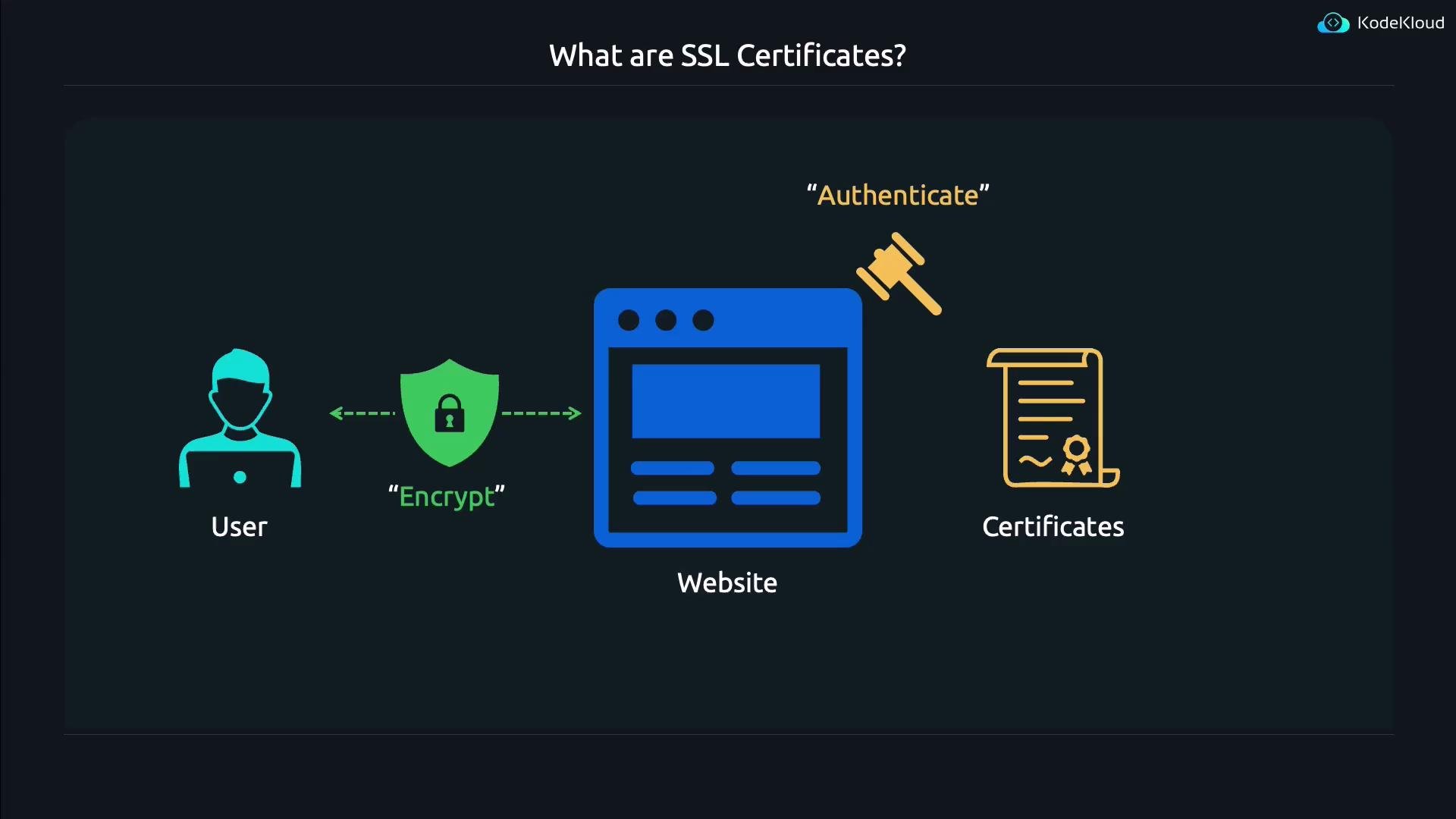
TLS/X.509 certificates address two fundamental problems when sending sensitive data (passwords, credit cards) to a website:
* Authentication — prove the website is the legitimate site (for example, kodekloud.com) and not an impostor.
* Encryption — ensure the connection between client and server is private and all data in transit is encrypted.
In short: certificates authenticate a server’s identity and enable encrypted traffic between client and server.
## What do certificates do?
TLS/X.509 certificates address two fundamental problems when sending sensitive data (passwords, credit cards) to a website:
* Authentication — prove the website is the legitimate site (for example, kodekloud.com) and not an impostor.
* Encryption — ensure the connection between client and server is private and all data in transit is encrypted.
In short: certificates authenticate a server’s identity and enable encrypted traffic between client and server.
 ## Tools on Linux: OpenSSL
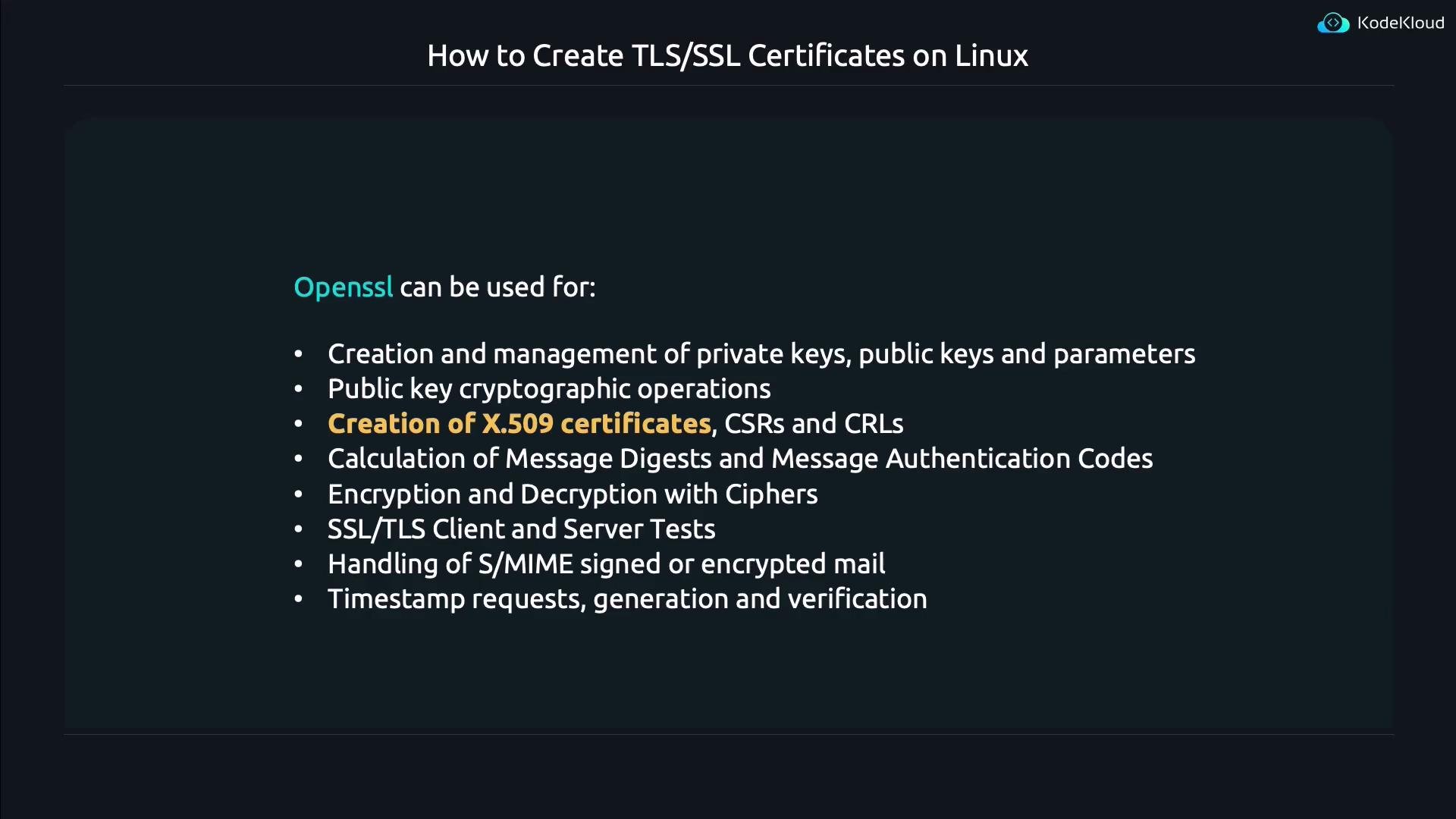
OpenSSL is the de facto cryptography toolkit used on Linux for generating and inspecting TLS/X.509 certificates, private keys, and certificate signing requests (CSRs). Despite its name referencing "SSL", OpenSSL fully supports modern TLS and X.509 certificates.
## Tools on Linux: OpenSSL
OpenSSL is the de facto cryptography toolkit used on Linux for generating and inspecting TLS/X.509 certificates, private keys, and certificate signing requests (CSRs). Despite its name referencing "SSL", OpenSSL fully supports modern TLS and X.509 certificates.
 To see OpenSSL's top-level help:
```bash theme={null}
openssl
```
OpenSSL organizes functionality into subcommands such as `req` (request, for CSRs), `x509` (for certificates), `rsa`, `genpkey`, `pkcs12`, and many more. For subcommand-specific help, read the corresponding man page:
```bash theme={null}
man openssl-req
man openssl-x509
```
You can also run `openssl -help` for quick usage information.
## When to use a CSR vs. a self-signed certificate
* CSR (Certificate Signing Request): generate a key + CSR and submit the CSR to a Certificate Authority (CA) to obtain a publicly trusted certificate.
* Self-signed certificate: create and sign the certificate yourself. Useful for development, testing, or closed environments where you control client trust stores.
### Typical workflow at a glance
| Use case | Command/subcommand | Purpose |
| -------------------------: | ------------------ | ----------------------------------------------- |
| Generate CSR + private key | openssl req | Create private key and CSR to send to a CA |
| Create self-signed cert | openssl req -x509 | Generate a certificate signed by your own key |
| Inspect certificate | openssl x509 | Show certificate details in human-readable form |
## Working with certificate signing requests (CSRs)
When you want a publicly trusted certificate, you generate a CSR and send it to a CA. The CA validates your identity and signs the CSR, producing a certificate that browsers will trust.
To see OpenSSL's top-level help:
```bash theme={null}
openssl
```
OpenSSL organizes functionality into subcommands such as `req` (request, for CSRs), `x509` (for certificates), `rsa`, `genpkey`, `pkcs12`, and many more. For subcommand-specific help, read the corresponding man page:
```bash theme={null}
man openssl-req
man openssl-x509
```
You can also run `openssl -help` for quick usage information.
## When to use a CSR vs. a self-signed certificate
* CSR (Certificate Signing Request): generate a key + CSR and submit the CSR to a Certificate Authority (CA) to obtain a publicly trusted certificate.
* Self-signed certificate: create and sign the certificate yourself. Useful for development, testing, or closed environments where you control client trust stores.
### Typical workflow at a glance
| Use case | Command/subcommand | Purpose |
| -------------------------: | ------------------ | ----------------------------------------------- |
| Generate CSR + private key | openssl req | Create private key and CSR to send to a CA |
| Create self-signed cert | openssl req -x509 | Generate a certificate signed by your own key |
| Inspect certificate | openssl x509 | Show certificate details in human-readable form |
## Working with certificate signing requests (CSRs)
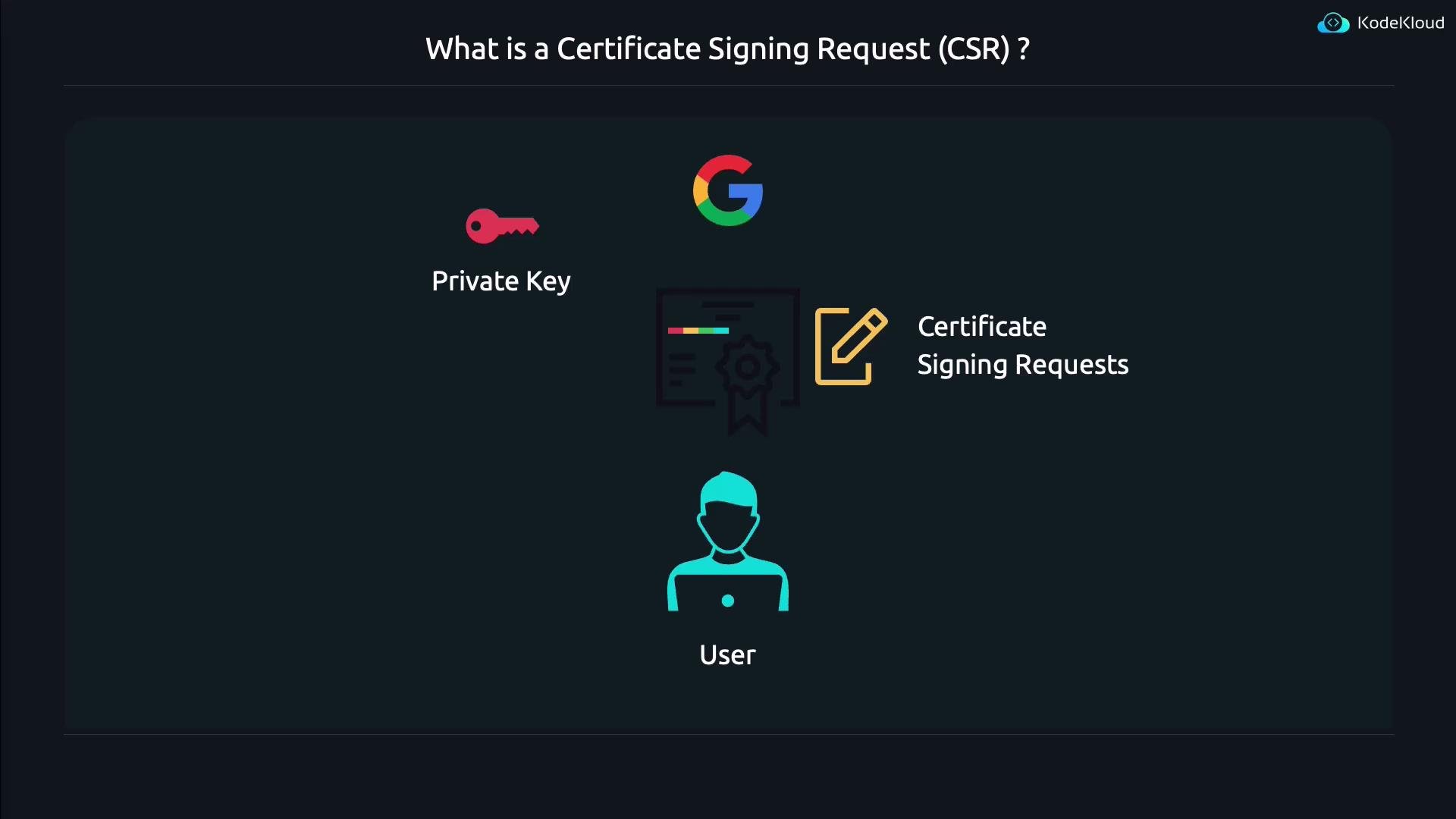
When you want a publicly trusted certificate, you generate a CSR and send it to a CA. The CA validates your identity and signs the CSR, producing a certificate that browsers will trust.
 Generate a private key and CSR in one step:
```bash theme={null}
openssl req -newkey rsa:2048 -keyout key.pem -out req.pem
```
Options explained:
* `-newkey rsa:2048` — create a new RSA key (2048 bits) and a CSR.
* `-keyout key.pem` — save the private key to `key.pem`.
* `-out req.pem` — save the CSR to `req.pem`.
By default OpenSSL will prompt for a passphrase to encrypt the private key (omit encryption with `-nodes`) and then prompt for Distinguished Name (DN) fields (Country, State, Locality, Organization, Common Name, etc.). Historically the Common Name (CN) indicated the hostname, but modern clients rely on the Subject Alternative Name (SAN) extension for hostname verification. Ensure the website hostname appears in SAN (and/or CN for compatibility), e.g., `www.kodekloud.com`.
A CSR file (PEM format) looks like this:
```text theme={null}
-----BEGIN CERTIFICATE REQUEST-----
MIIChjCCAW4CAQAwQTELMAkGA1UEBhMCVVMxCzAJBgNVBAgMAk5ZMREwDwYDVQQH
DAh0ZXcgWW9ya2E5MBAGA1UECgwJS29kZWtsb3VkMQ8wDQYDVQQLDAZkZXZvcHMx
...
-----END CERTIFICATE REQUEST-----
```
In practice, you send `req.pem` to your chosen CA; they will verify and return a signed certificate.
## Generating a self-signed certificate
For internal or development use, create a self-signed X.509 certificate and (optionally) an unencrypted private key in one command:
```bash theme={null}
openssl req -x509 -newkey rsa:4096 -nodes -days 365 -keyout myprivate.key -out mycertificate.crt
```
Options:
* `-x509` — create a self-signed X.509 certificate instead of a CSR.
* `-newkey rsa:4096` — generate a new RSA key with 4096 bits.
* `-nodes` — do not encrypt the private key (no passphrase).
* `-days 365` — certificate validity length in days.
* `-keyout` / `-out` — file names for the private key and certificate.
When executed, OpenSSL prompts for DN fields. You can accept defaults or enter custom values. Example DN prompts:
```text theme={null}
Country Name (2 letter code) [AU]:US
State or Province Name (full name) [Some-State]:Oregon
Locality Name (eg, city) []:Gaston
Organization Name (eg, company) [Internet Widgits Pty Ltd]:KodeKloud
Organizational Unit Name (eg, section) []:
Common Name (e.g. server FQDN or YOUR name) []:www.kodekloud.com
Email Address []:
```
## Inspecting certificates (X.509)
Certificates in PEM form are base64 with header/footer and are not human-friendly to read directly. Use `openssl x509` to view certificate details:
```bash theme={null}
openssl x509 -in mycertificate.crt -text -noout
```
Sample (truncated) output:
```text theme={null}
Certificate:
Data:
Version: 3 (0x2)
Serial Number:
43:f0:d9:9b:fe:36:34:3d:f2:3d:64:ef:91:c2:30:3a:fe:d8:f9:cb
Signature Algorithm: sha256WithRSAEncryption
Issuer: C = US, ST = Oregon, L = Gaston, O = KodeKloud, CN = www.kodekloud.com
Validity
Not Before: Jun 13 02:38:25 2024 GMT
Not After : Jun 13 02:38:25 2025 GMT
Subject: C = US, ST = Oregon, L = Gaston, O = KodeKloud, CN = www.kodekloud.com
Subject Public Key Info:
Public Key Algorithm: rsaEncryption
Public-Key: (4096 bit)
```
Useful `openssl x509` printing options:
| Option | Purpose |
| -------------- | ------------------------------------------------------ |
| `-text` | Print certificate in human-readable text form |
| `-subject` | Print subject Distinguished Name (DN) |
| `-issuer` | Print issuer DN |
| `-dates` | Print certificate validity period (notBefore/notAfter) |
| `-fingerprint` | Print certificate fingerprint (hash) |
| `-pubkey` | Print public key in PEM format |
| `-in ` | Specify PEM-formatted certificate file to read |
(See `openssl x509 -help` for complete option list.)
## Quick mental model
* Use `openssl req` to generate a new private key and CSR or to create a self-signed certificate (`-x509`).
* Use `openssl x509` to inspect or manipulate existing X.509 certificate files.
## Common commands you’ll reuse
| Command | Purpose |
| -------------------------------------------------------------------------------------------------: | ------------------------------------------------ |
| `openssl req -newkey rsa:2048 -keyout key.pem -out req.pem` | Generate a private key and CSR |
| `openssl req -x509 -newkey rsa:4096 -nodes -days 365 -keyout myprivate.key -out mycertificate.crt` | Create a self-signed certificate and private key |
| `openssl x509 -in mycertificate.crt -text -noout` | Display certificate contents in text |
Also consult the manual pages regularly:
```bash theme={null}
man openssl-req
man openssl-x509
```
If you need certificates trusted by public browsers, generate a CSR (`openssl req -new ...`) and submit it to a Certificate Authority. For internal/testing scenarios you can self-sign (`openssl req -x509 ...`) and add that certificate to your clients' trust stores.
## Links and references
* OpenSSL project: [https://www.openssl.org/](https://www.openssl.org/)
* X.509 certificate standard (RFC 5280): [https://tools.ietf.org/html/rfc5280](https://tools.ietf.org/html/rfc5280)
* TLS overview: [https://datatracker.ietf.org/doc/html/rfc8446](https://datatracker.ietf.org/doc/html/rfc8446)
* [Kubernetes Documentation](https://kubernetes.io/docs/) — for TLS in cluster contexts
* [Let's Encrypt](https://letsencrypt.org/) — free CA that issues publicly trusted TLS certificates
We hope this guide helps you generate and inspect TLS (formerly "SSL") certificates using OpenSSL. Use the man pages (`man openssl-req`, `man openssl-x509`) and the `-help` flag for each subcommand to explore additional options and examples.
Generate a private key and CSR in one step:
```bash theme={null}
openssl req -newkey rsa:2048 -keyout key.pem -out req.pem
```
Options explained:
* `-newkey rsa:2048` — create a new RSA key (2048 bits) and a CSR.
* `-keyout key.pem` — save the private key to `key.pem`.
* `-out req.pem` — save the CSR to `req.pem`.
By default OpenSSL will prompt for a passphrase to encrypt the private key (omit encryption with `-nodes`) and then prompt for Distinguished Name (DN) fields (Country, State, Locality, Organization, Common Name, etc.). Historically the Common Name (CN) indicated the hostname, but modern clients rely on the Subject Alternative Name (SAN) extension for hostname verification. Ensure the website hostname appears in SAN (and/or CN for compatibility), e.g., `www.kodekloud.com`.
A CSR file (PEM format) looks like this:
```text theme={null}
-----BEGIN CERTIFICATE REQUEST-----
MIIChjCCAW4CAQAwQTELMAkGA1UEBhMCVVMxCzAJBgNVBAgMAk5ZMREwDwYDVQQH
DAh0ZXcgWW9ya2E5MBAGA1UECgwJS29kZWtsb3VkMQ8wDQYDVQQLDAZkZXZvcHMx
...
-----END CERTIFICATE REQUEST-----
```
In practice, you send `req.pem` to your chosen CA; they will verify and return a signed certificate.
## Generating a self-signed certificate
For internal or development use, create a self-signed X.509 certificate and (optionally) an unencrypted private key in one command:
```bash theme={null}
openssl req -x509 -newkey rsa:4096 -nodes -days 365 -keyout myprivate.key -out mycertificate.crt
```
Options:
* `-x509` — create a self-signed X.509 certificate instead of a CSR.
* `-newkey rsa:4096` — generate a new RSA key with 4096 bits.
* `-nodes` — do not encrypt the private key (no passphrase).
* `-days 365` — certificate validity length in days.
* `-keyout` / `-out` — file names for the private key and certificate.
When executed, OpenSSL prompts for DN fields. You can accept defaults or enter custom values. Example DN prompts:
```text theme={null}
Country Name (2 letter code) [AU]:US
State or Province Name (full name) [Some-State]:Oregon
Locality Name (eg, city) []:Gaston
Organization Name (eg, company) [Internet Widgits Pty Ltd]:KodeKloud
Organizational Unit Name (eg, section) []:
Common Name (e.g. server FQDN or YOUR name) []:www.kodekloud.com
Email Address []:
```
## Inspecting certificates (X.509)
Certificates in PEM form are base64 with header/footer and are not human-friendly to read directly. Use `openssl x509` to view certificate details:
```bash theme={null}
openssl x509 -in mycertificate.crt -text -noout
```
Sample (truncated) output:
```text theme={null}
Certificate:
Data:
Version: 3 (0x2)
Serial Number:
43:f0:d9:9b:fe:36:34:3d:f2:3d:64:ef:91:c2:30:3a:fe:d8:f9:cb
Signature Algorithm: sha256WithRSAEncryption
Issuer: C = US, ST = Oregon, L = Gaston, O = KodeKloud, CN = www.kodekloud.com
Validity
Not Before: Jun 13 02:38:25 2024 GMT
Not After : Jun 13 02:38:25 2025 GMT
Subject: C = US, ST = Oregon, L = Gaston, O = KodeKloud, CN = www.kodekloud.com
Subject Public Key Info:
Public Key Algorithm: rsaEncryption
Public-Key: (4096 bit)
```
Useful `openssl x509` printing options:
| Option | Purpose |
| -------------- | ------------------------------------------------------ |
| `-text` | Print certificate in human-readable text form |
| `-subject` | Print subject Distinguished Name (DN) |
| `-issuer` | Print issuer DN |
| `-dates` | Print certificate validity period (notBefore/notAfter) |
| `-fingerprint` | Print certificate fingerprint (hash) |
| `-pubkey` | Print public key in PEM format |
| `-in ` | Specify PEM-formatted certificate file to read |
(See `openssl x509 -help` for complete option list.)
## Quick mental model
* Use `openssl req` to generate a new private key and CSR or to create a self-signed certificate (`-x509`).
* Use `openssl x509` to inspect or manipulate existing X.509 certificate files.
## Common commands you’ll reuse
| Command | Purpose |
| -------------------------------------------------------------------------------------------------: | ------------------------------------------------ |
| `openssl req -newkey rsa:2048 -keyout key.pem -out req.pem` | Generate a private key and CSR |
| `openssl req -x509 -newkey rsa:4096 -nodes -days 365 -keyout myprivate.key -out mycertificate.crt` | Create a self-signed certificate and private key |
| `openssl x509 -in mycertificate.crt -text -noout` | Display certificate contents in text |
Also consult the manual pages regularly:
```bash theme={null}
man openssl-req
man openssl-x509
```
If you need certificates trusted by public browsers, generate a CSR (`openssl req -new ...`) and submit it to a Certificate Authority. For internal/testing scenarios you can self-sign (`openssl req -x509 ...`) and add that certificate to your clients' trust stores.
## Links and references
* OpenSSL project: [https://www.openssl.org/](https://www.openssl.org/)
* X.509 certificate standard (RFC 5280): [https://tools.ietf.org/html/rfc5280](https://tools.ietf.org/html/rfc5280)
* TLS overview: [https://datatracker.ietf.org/doc/html/rfc8446](https://datatracker.ietf.org/doc/html/rfc8446)
* [Kubernetes Documentation](https://kubernetes.io/docs/) — for TLS in cluster contexts
* [Let's Encrypt](https://letsencrypt.org/) — free CA that issues publicly trusted TLS certificates
We hope this guide helps you generate and inspect TLS (formerly "SSL") certificates using OpenSSL. Use the man pages (`man openssl-req`, `man openssl-x509`) and the `-help` flag for each subcommand to explore additional options and examples.