> ## Documentation Index
> Fetch the complete documentation index at: https://notes.kodekloud.com/llms.txt
> Use this file to discover all available pages before exploring further.
# OTel Collector Distributions
> Overview of OpenTelemetry Collector distributions, comparing Core and Contrib, when and how to build custom collectors with OCB, support models, releases, best practices, and Kubernetes deployment patterns
This lesson explains OpenTelemetry Collector distributions: how they’re packaged, extended, and when to build a custom collector. You’ll learn the differences between Collector Core and Contrib, how to pick components safely, how to create a tailored build with the OpenTelemetry Collector Builder (OCB), and high-level Kubernetes deployment patterns.
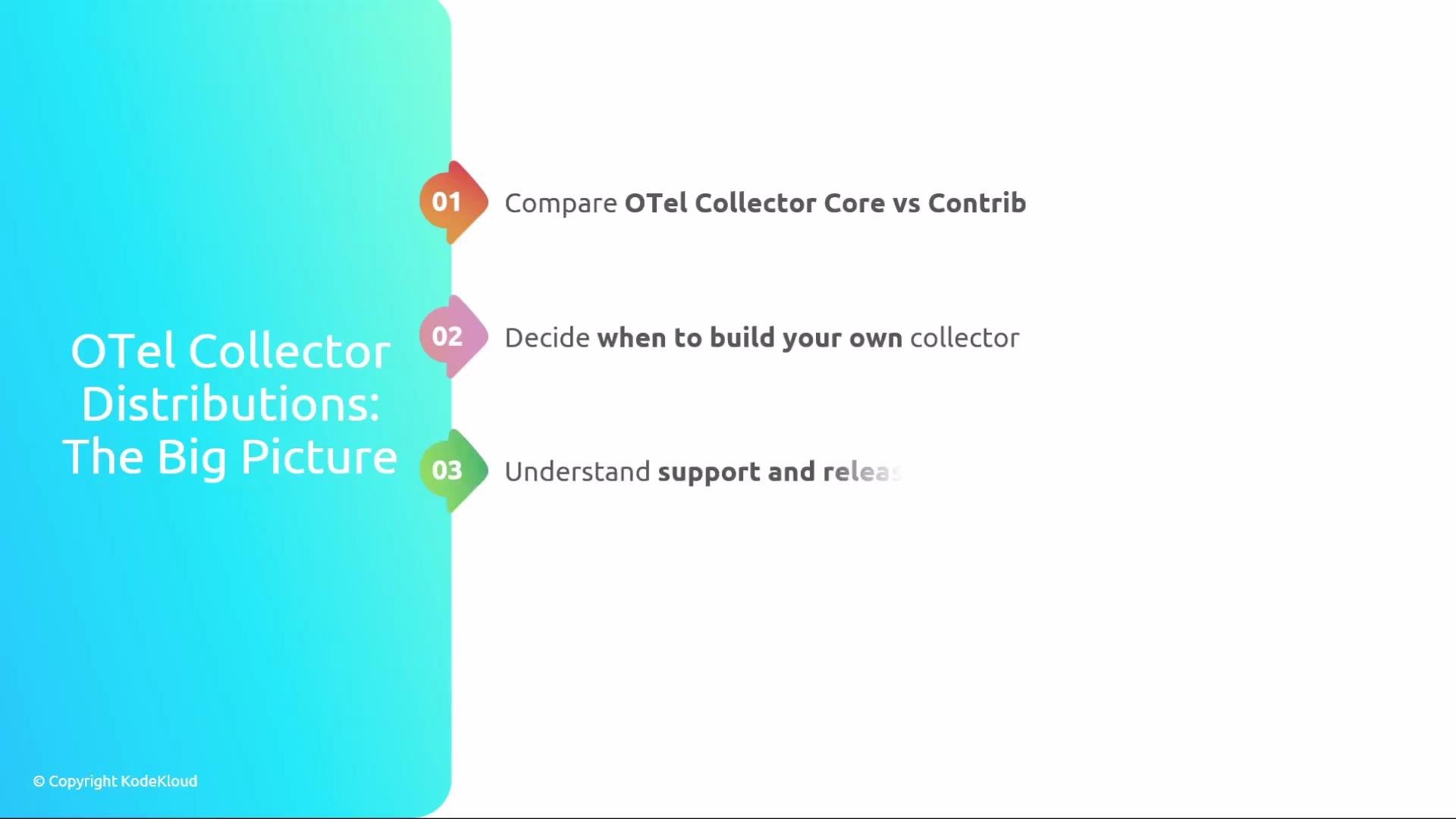
Here’s the big-picture outline: compare Collector Core vs Contrib, decide when to build a custom collector, review support and releases, and preview Kubernetes deployment patterns.
 ## Collector Core — minimal, stable foundation
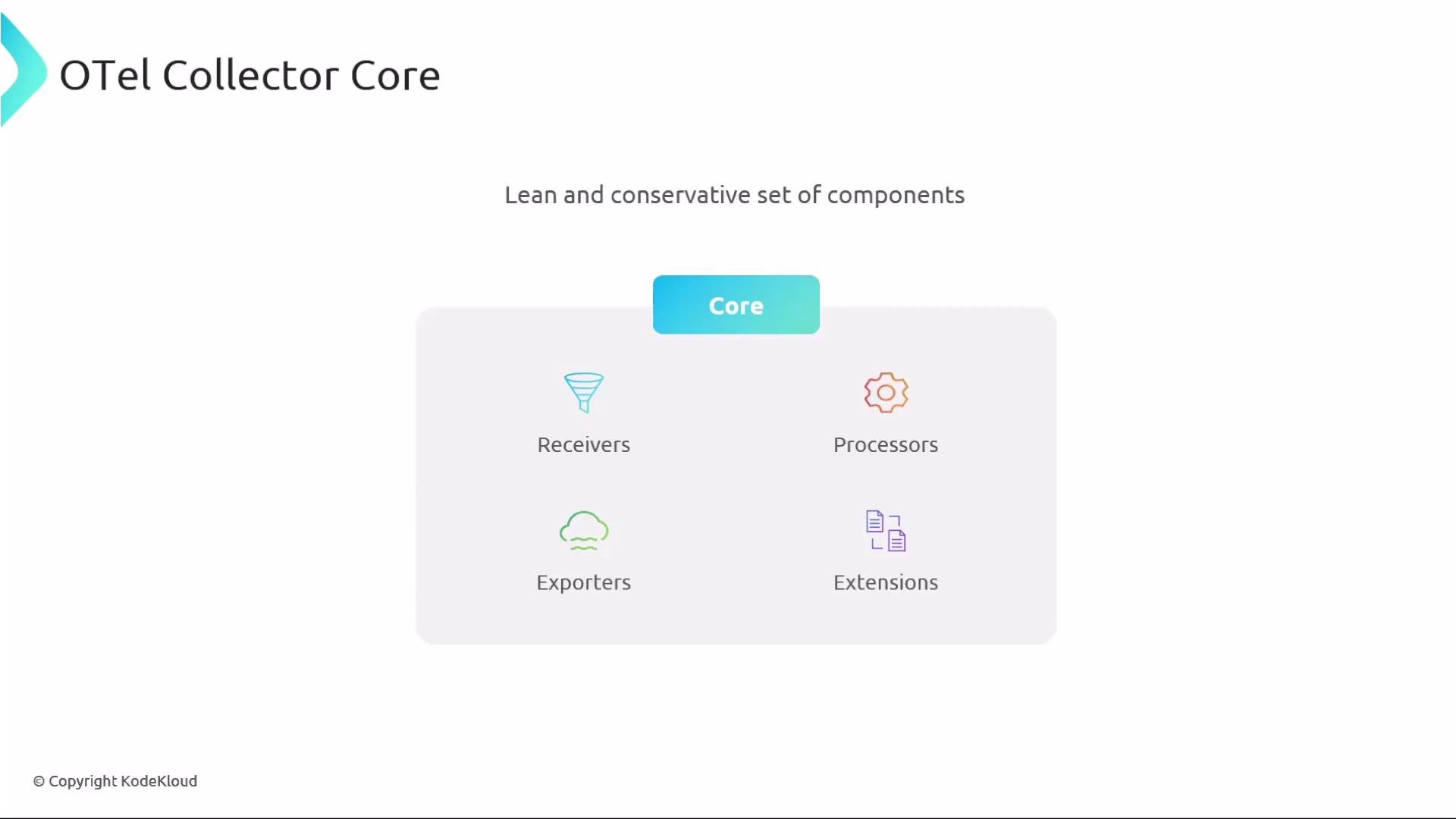
The Collector Core distribution is intentionally conservative and small. It contains the officially maintained components required to build predictable telemetry pipelines: receivers, processors, exporters, and extensions. Core’s limited surface area and slower cadence make it easier to audit, upgrade, and operate safely in production.
## Collector Core — minimal, stable foundation
The Collector Core distribution is intentionally conservative and small. It contains the officially maintained components required to build predictable telemetry pipelines: receivers, processors, exporters, and extensions. Core’s limited surface area and slower cadence make it easier to audit, upgrade, and operate safely in production.
 What Core typically includes
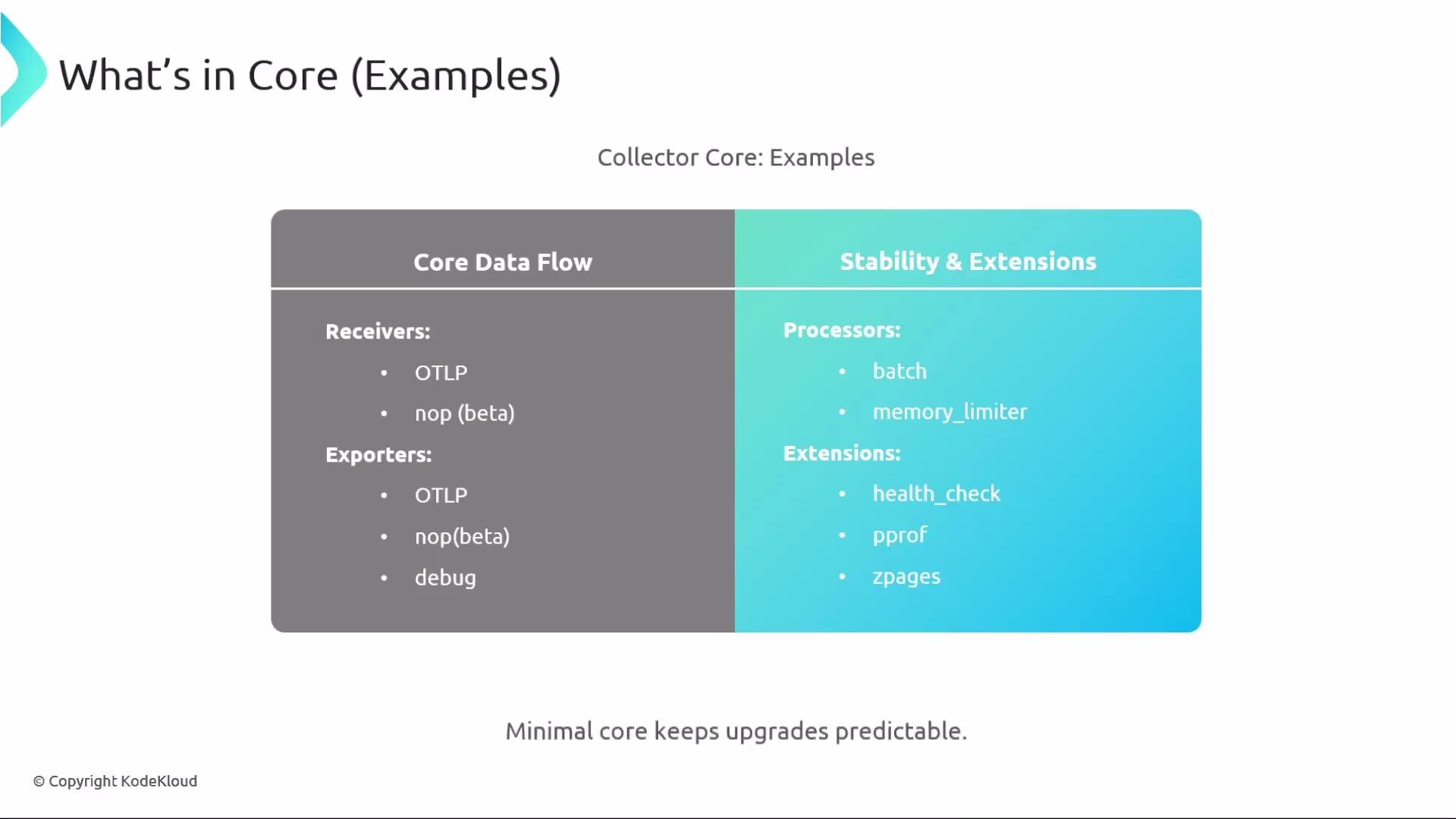
* Receivers: `otlp` and simple/no-op receivers for testing or when no external input is required.
* Exporters: `otlp`, no-op, debug/logging exporters.
* Processors: `batch`, `memory_limiter`, and other stability-focused processors.
* Extensions: `health_check`, `pprof`, `zpages`, etc.
Keeping your runtime close to Core reduces upgrade risk and simplifies security reviews.
What Core typically includes
* Receivers: `otlp` and simple/no-op receivers for testing or when no external input is required.
* Exporters: `otlp`, no-op, debug/logging exporters.
* Processors: `batch`, `memory_limiter`, and other stability-focused processors.
* Extensions: `health_check`, `pprof`, `zpages`, etc.
Keeping your runtime close to Core reduces upgrade risk and simplifies security reviews.
 ## Collector Contrib — broad integrations, faster change
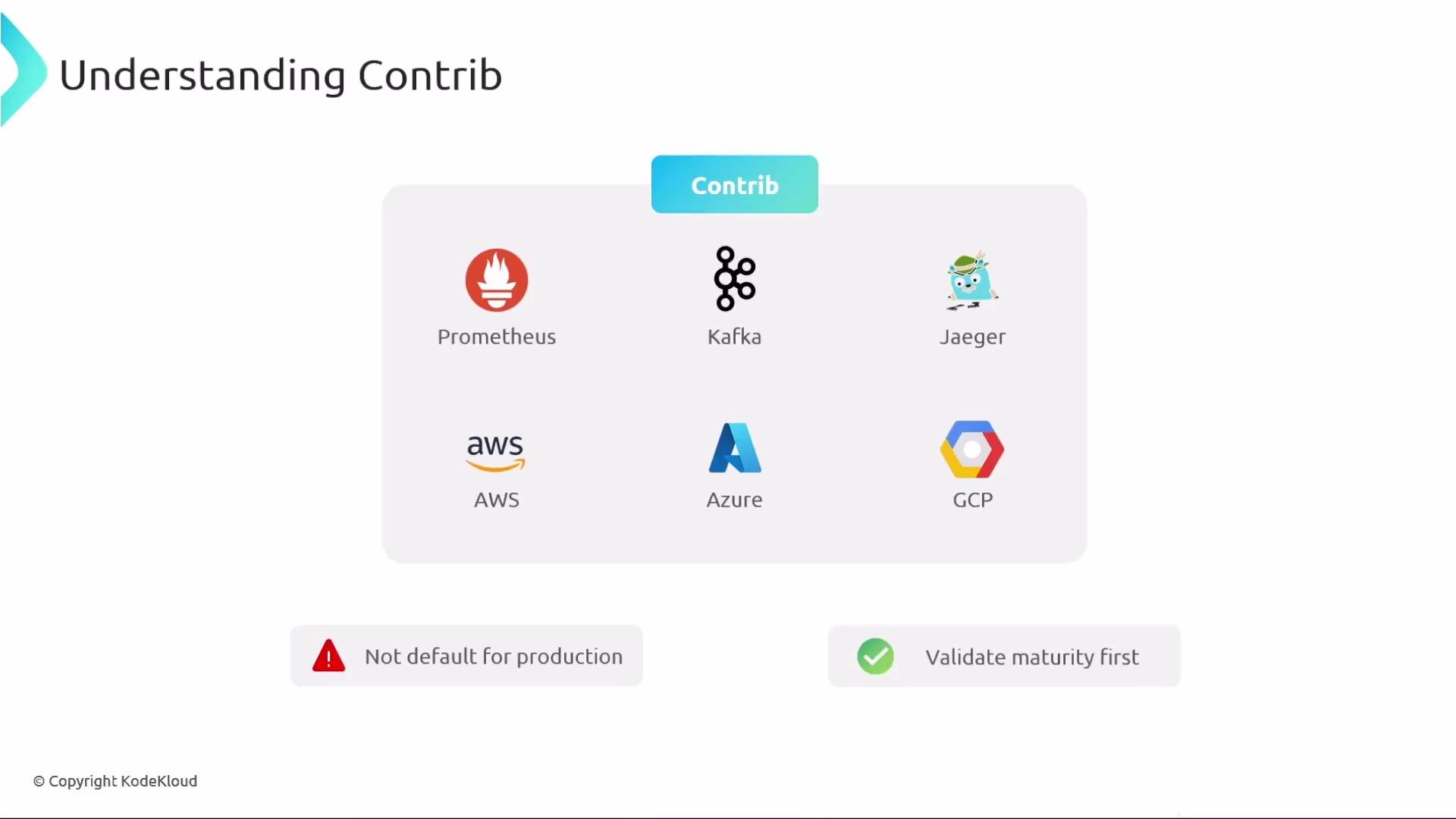
Contrib extends Core with community- and vendor-contributed components. It includes integrations for Prometheus, Kafka, Jaeger, cloud providers (AWS, Azure, GCP), and many other systems. Contrib is feature-rich and moves faster, but many components are experimental or community-maintained—validate maturity before production use.
## Collector Contrib — broad integrations, faster change
Contrib extends Core with community- and vendor-contributed components. It includes integrations for Prometheus, Kafka, Jaeger, cloud providers (AWS, Azure, GCP), and many other systems. Contrib is feature-rich and moves faster, but many components are experimental or community-maintained—validate maturity before production use.
 Component stability
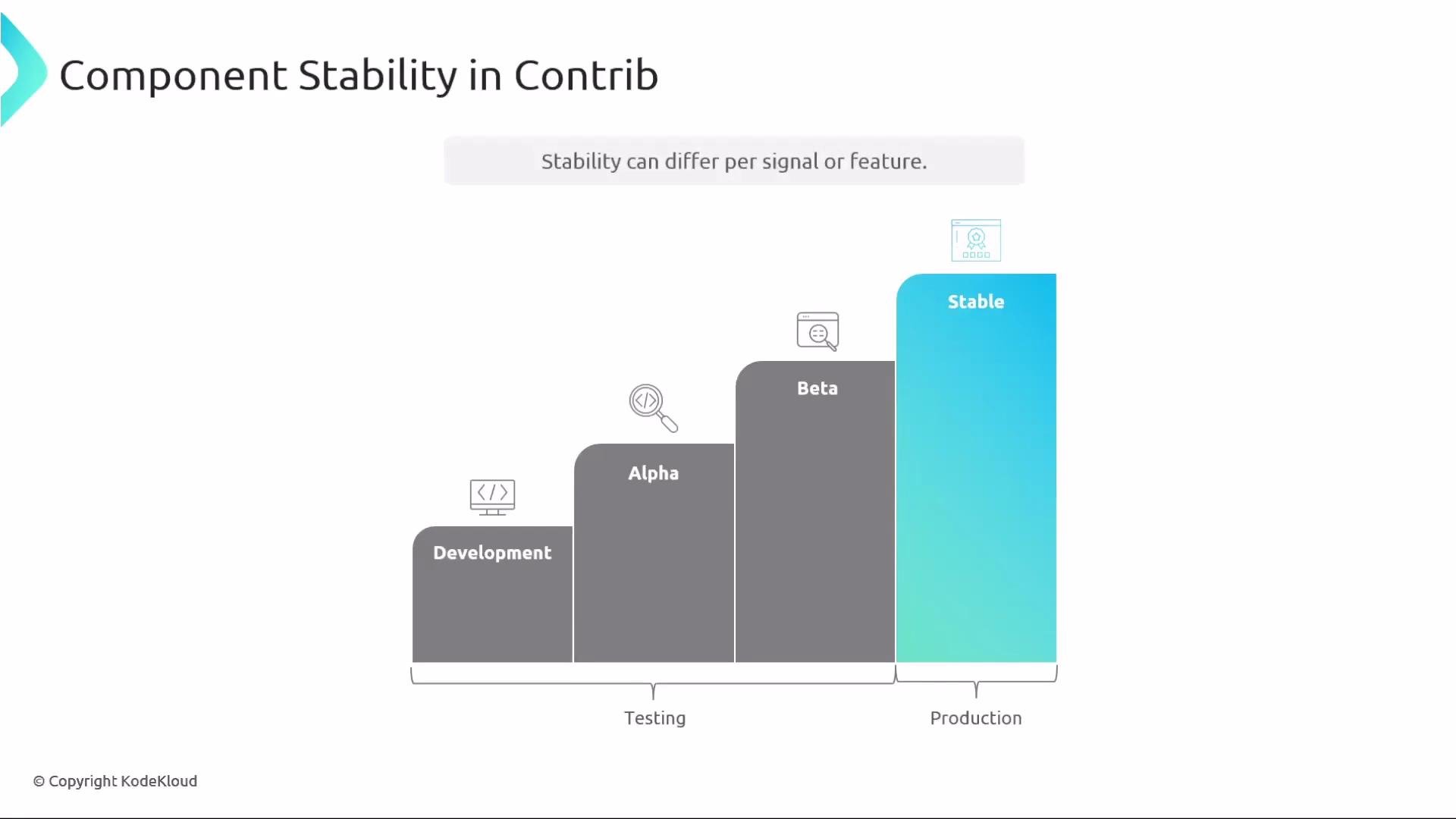
Contrib components typically progress through these stability stages: Development → Alpha → Beta → Stable. Use Development/Alpha/Beta for experimentation. Only promote a component to production once it is declared Stable and validated in your environment. Stability may vary across signals (traces/metrics/logs) and across different features of the same component.
Component stability
Contrib components typically progress through these stability stages: Development → Alpha → Beta → Stable. Use Development/Alpha/Beta for experimentation. Only promote a component to production once it is declared Stable and validated in your environment. Stability may vary across signals (traces/metrics/logs) and across different features of the same component.
 Feature gates
Experimental features are often controlled by feature gates (runtime toggles). Only enable feature gates after testing. Feature gates can be set via CLI or environment variables; check each component’s documentation for exact gate names and semantics.
Example usage patterns:
```bash theme={null}
# Run the Contrib binary (many distros ship a separate binary such as otelcol-contrib)
otelcol-contrib --config=collector-config.yaml --feature-gates==enabled
# Or set via environment variable
OTEL_FEATURE_GATES==enabled otelcol-contrib --config=collector-config.yaml
```
## Core vs Contrib — quick comparison
| Aspect | Core | Contrib |
| -------------- | ------------------------------------------------- | ------------------------------------------------------------- |
| Scope | Minimal, vetted components | Wide range of community/vendor integrations |
| Change cadence | Slower, conservative | Faster, more experimental |
| Risk | Lower upgrade/surface area risk | Higher; validate maturity per component |
| Use case | Production-critical, audit-sensitive environments | Integration testing, rapid prototyping, broad connector needs |
Feature gates
Experimental features are often controlled by feature gates (runtime toggles). Only enable feature gates after testing. Feature gates can be set via CLI or environment variables; check each component’s documentation for exact gate names and semantics.
Example usage patterns:
```bash theme={null}
# Run the Contrib binary (many distros ship a separate binary such as otelcol-contrib)
otelcol-contrib --config=collector-config.yaml --feature-gates==enabled
# Or set via environment variable
OTEL_FEATURE_GATES==enabled otelcol-contrib --config=collector-config.yaml
```
## Core vs Contrib — quick comparison
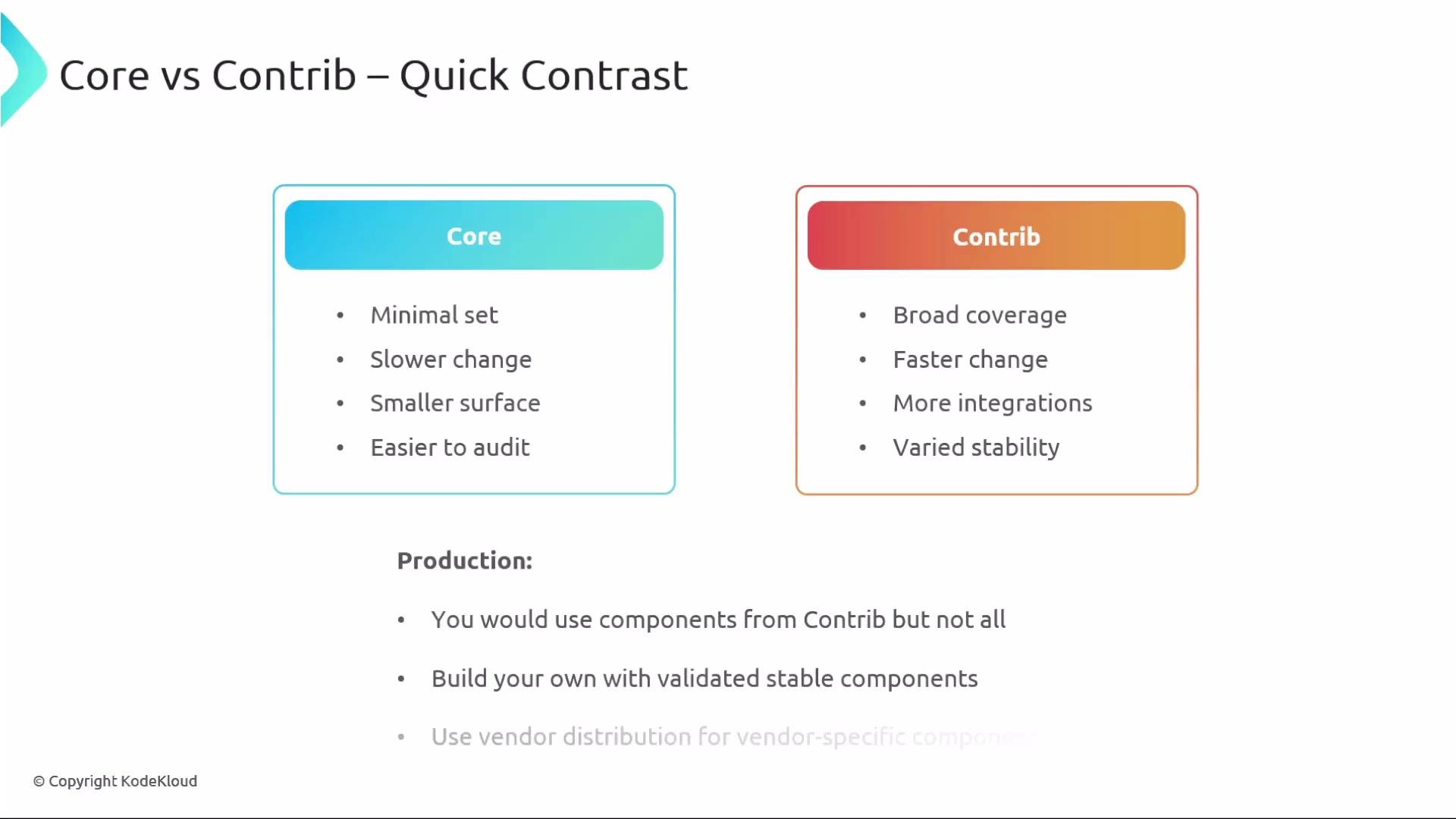
| Aspect | Core | Contrib |
| -------------- | ------------------------------------------------- | ------------------------------------------------------------- |
| Scope | Minimal, vetted components | Wide range of community/vendor integrations |
| Change cadence | Slower, conservative | Faster, more experimental |
| Risk | Lower upgrade/surface area risk | Higher; validate maturity per component |
| Use case | Production-critical, audit-sensitive environments | Integration testing, rapid prototyping, broad connector needs |
 ## When to build your own collector
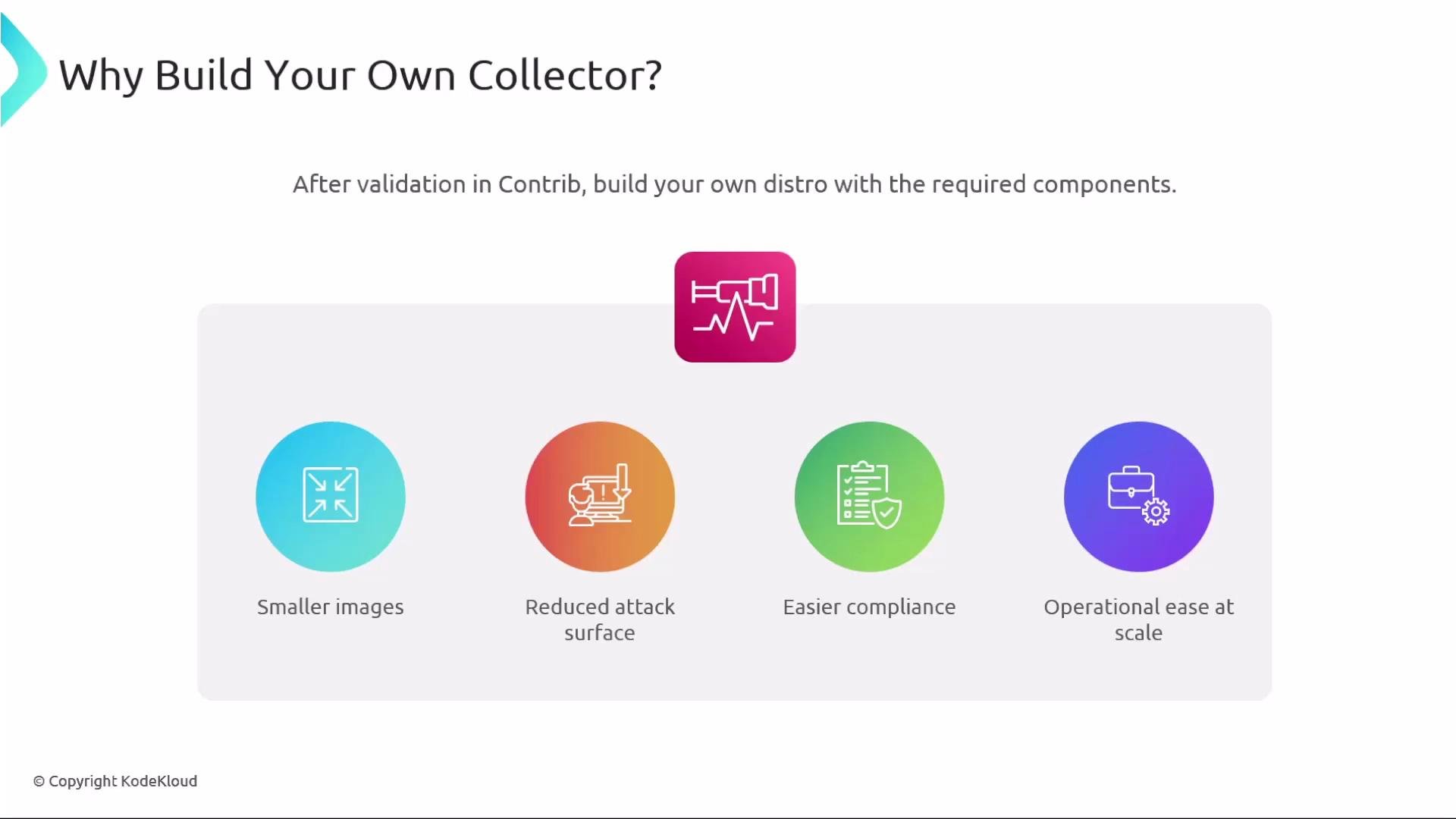
If Contrib components you rely on are stable but you want a smaller, more controlled runtime, build a custom collector. Benefits:
* Smaller images/binaries containing only needed components.
* Reduced attack surface and fewer third-party dependencies.
* Easier compliance and security reviews.
* Predictable upgrades and consistent test results across environments.
## When to build your own collector
If Contrib components you rely on are stable but you want a smaller, more controlled runtime, build a custom collector. Benefits:
* Smaller images/binaries containing only needed components.
* Reduced attack surface and fewer third-party dependencies.
* Easier compliance and security reviews.
* Predictable upgrades and consistent test results across environments.
 ## How to build a custom collector (OCB)
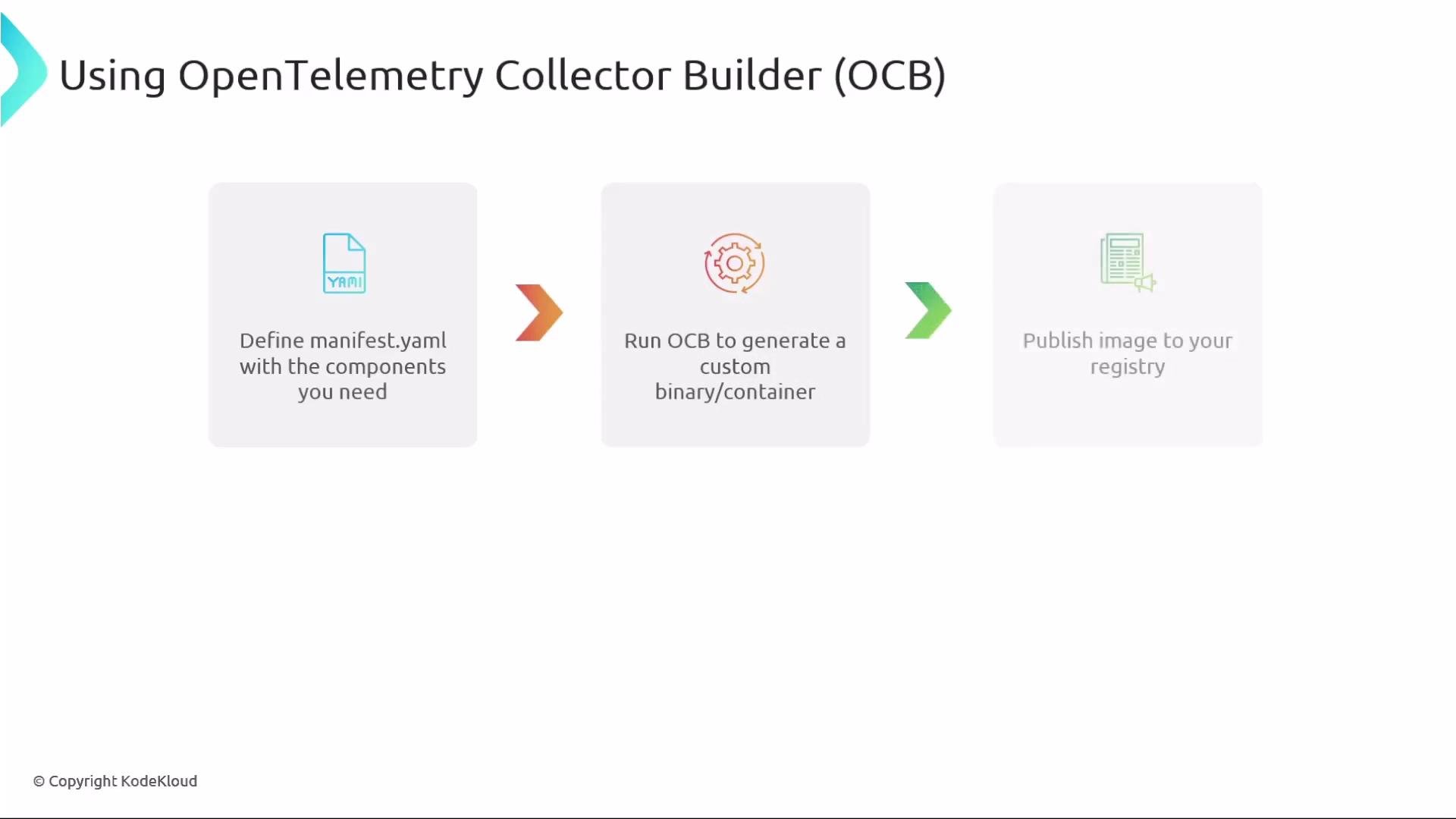
Use the OpenTelemetry Collector Builder (OCB) to generate a tailored collector binary or container image:
1. Create a manifest YAML that lists the receivers, processors, exporters, and extensions you require.
2. Run OCB to generate a custom binary or container image containing only those components.
3. Publish the resulting image to your registry and deploy it.
Example minimal OCB manifest snippet:
```yaml theme={null}
components:
receivers:
otlp:
processors:
batch:
exporters:
otlp:
service:
pipelines:
traces:
receivers: [otlp]
processors: [batch]
exporters: [otlp]
```
Recommended workflow
* Build the OCB image in CI, pinning component versions.
* Run integration tests in staging and validate upgrade paths.
* Push the image to a private registry and roll out via your normal deployment pipelines.
## How to build a custom collector (OCB)
Use the OpenTelemetry Collector Builder (OCB) to generate a tailored collector binary or container image:
1. Create a manifest YAML that lists the receivers, processors, exporters, and extensions you require.
2. Run OCB to generate a custom binary or container image containing only those components.
3. Publish the resulting image to your registry and deploy it.
Example minimal OCB manifest snippet:
```yaml theme={null}
components:
receivers:
otlp:
processors:
batch:
exporters:
otlp:
service:
pipelines:
traces:
receivers: [otlp]
processors: [batch]
exporters: [otlp]
```
Recommended workflow
* Build the OCB image in CI, pinning component versions.
* Run integration tests in staging and validate upgrade paths.
* Push the image to a private registry and roll out via your normal deployment pipelines.
 Useful commands and links
* OCB repository and docs: [https://github.com/open-telemetry/opentelemetry-collector-builder](https://github.com/open-telemetry/opentelemetry-collector-builder)
* Example: build a container image in CI and push to your registry
## Support models: community vs vendor
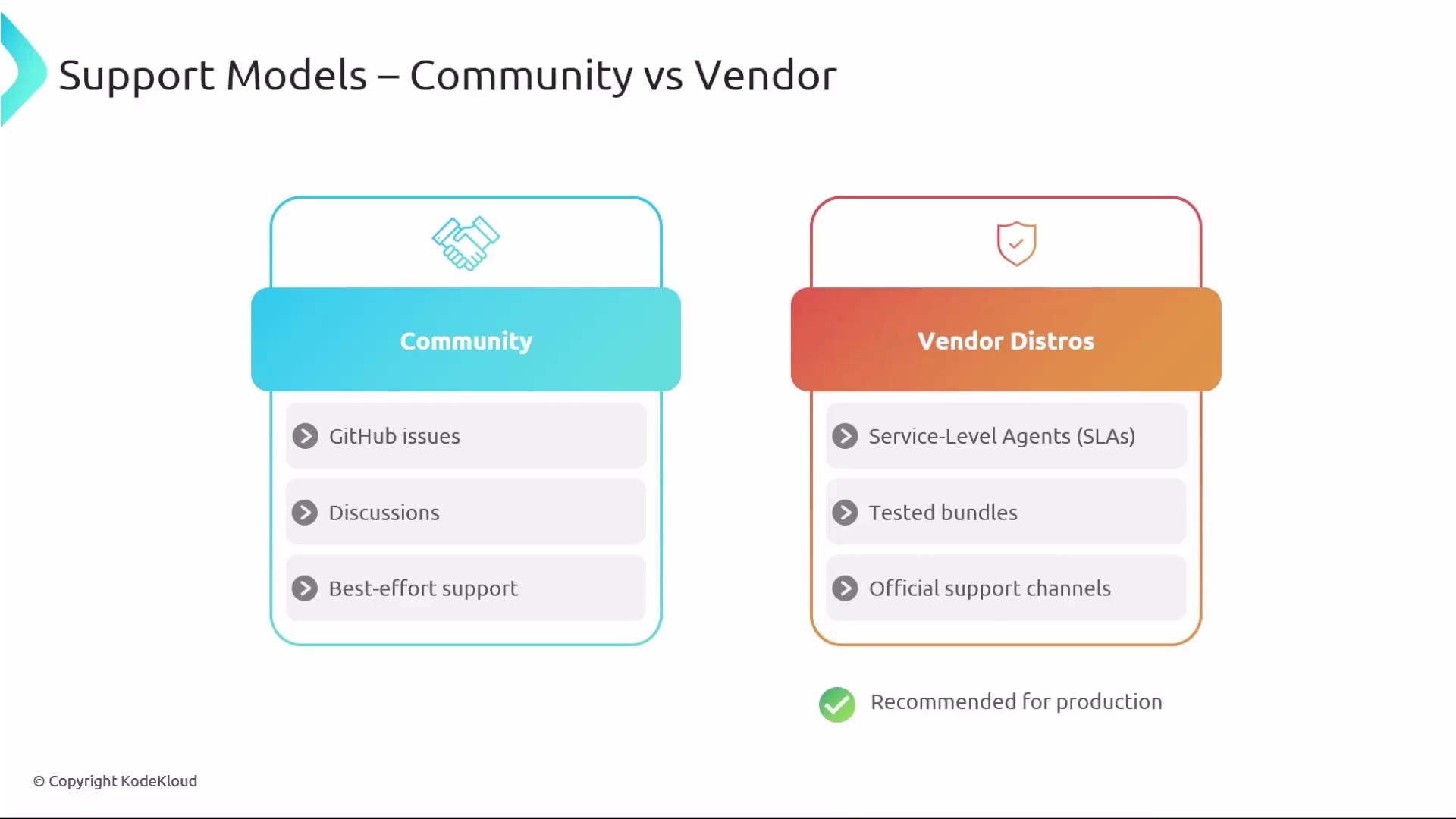
| Support type | Typical characteristics | Recommended when |
| ------------------------ | --------------------------------------------------------- | ---------------------------------------------------------- |
| Community (Core/Contrib) | GitHub issues, community discussions, best-effort support | Development, experimentation, and early testing |
| Vendor distributions | SLAs, tested bundles, official support channels | Production-critical deployments needing guaranteed support |
Vendor distributions often include compatibility testing with that vendor’s backend and may be preferable for production environments that require SLAs.
Useful commands and links
* OCB repository and docs: [https://github.com/open-telemetry/opentelemetry-collector-builder](https://github.com/open-telemetry/opentelemetry-collector-builder)
* Example: build a container image in CI and push to your registry
## Support models: community vs vendor
| Support type | Typical characteristics | Recommended when |
| ------------------------ | --------------------------------------------------------- | ---------------------------------------------------------- |
| Community (Core/Contrib) | GitHub issues, community discussions, best-effort support | Development, experimentation, and early testing |
| Vendor distributions | SLAs, tested bundles, official support channels | Production-critical deployments needing guaranteed support |
Vendor distributions often include compatibility testing with that vendor’s backend and may be preferable for production environments that require SLAs.
 ## Where to find releases
Core and Contrib binaries, OS packages, and container images are published in the OpenTelemetry Collector Releases repository:
* [https://github.com/open-telemetry/opentelemetry-collector-releases](https://github.com/open-telemetry/opentelemetry-collector-releases)
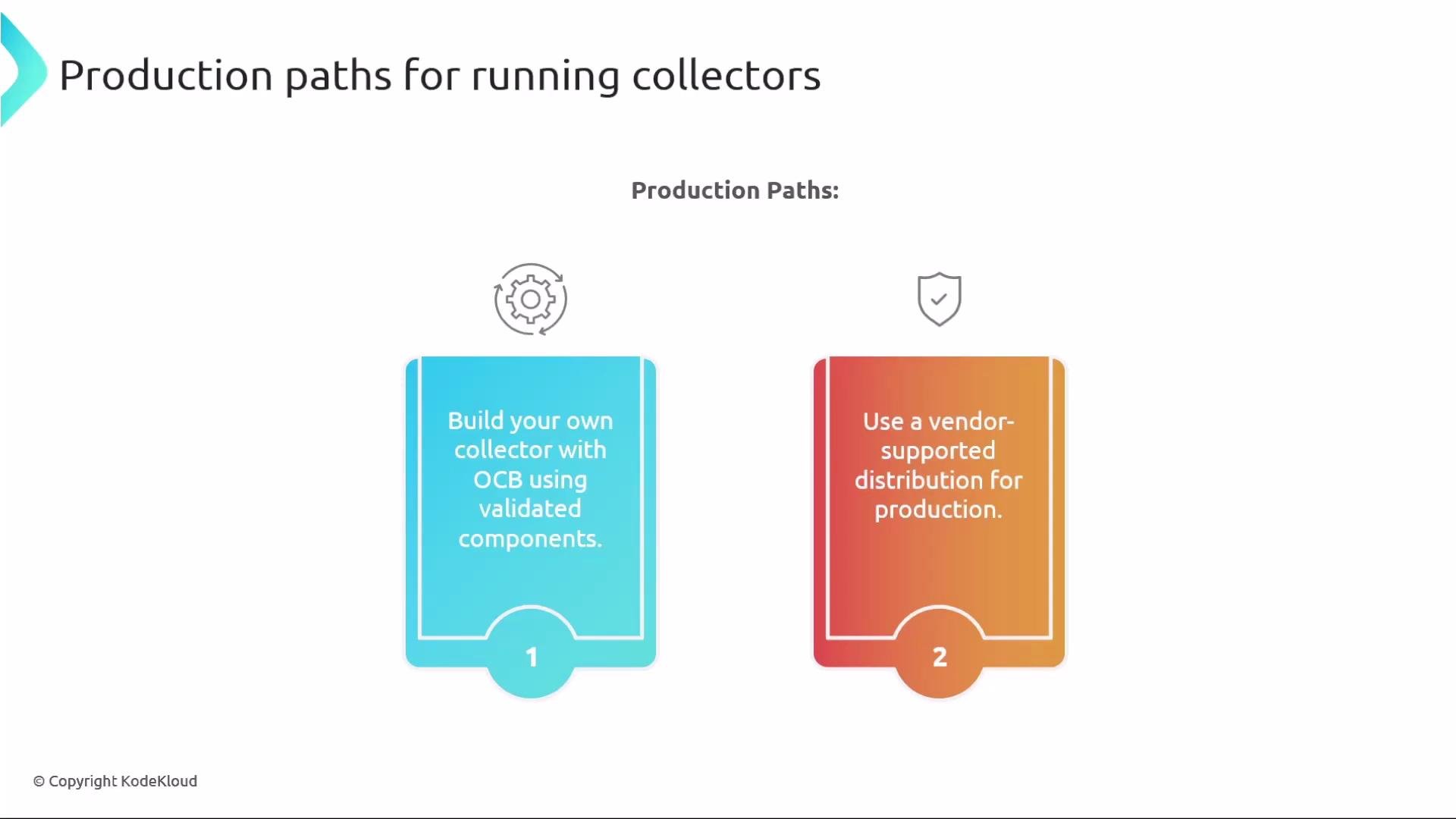
Use official artifacts for development and early testing. For production, prefer a validated OCB-built image or a vendor-supported distribution.
## Where to find releases
Core and Contrib binaries, OS packages, and container images are published in the OpenTelemetry Collector Releases repository:
* [https://github.com/open-telemetry/opentelemetry-collector-releases](https://github.com/open-telemetry/opentelemetry-collector-releases)
Use official artifacts for development and early testing. For production, prefer a validated OCB-built image or a vendor-supported distribution.
 ## Best practices
* Start by experimenting with Contrib to validate integrations and workflow.
* Track component stability labels and record feature gate usage.
* Pin versions and run upgrade tests in staging before promoting to production.
* Right-size your collector with OCB so only vetted components are included.
* Avoid enabling unnecessary or unstable components in production unless protected by feature gates and covered by tests.
* Automate build and deployment (CI/CD) and deploy collectors declaratively.
## Kubernetes deployment patterns (high-level)
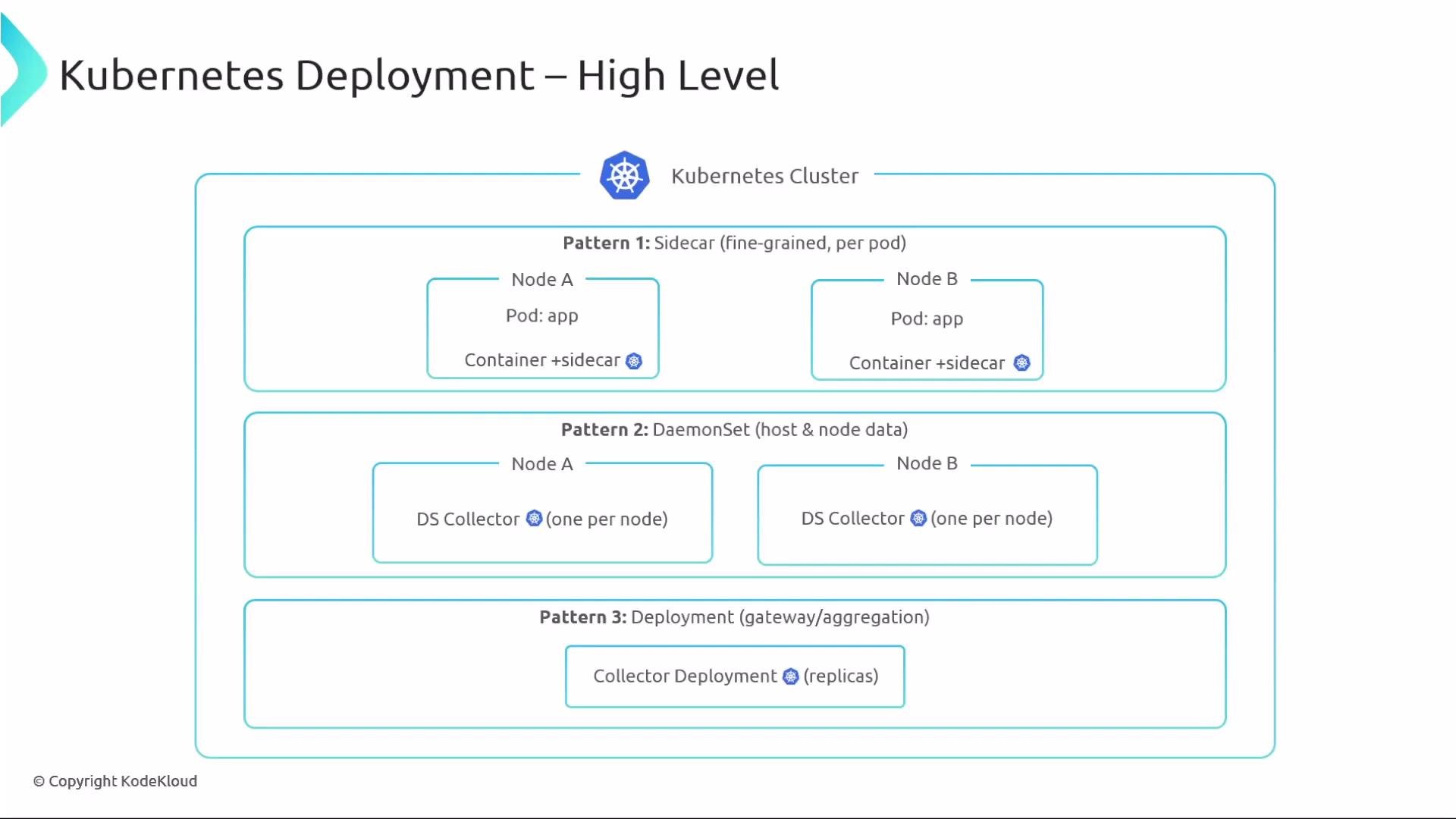
Common deployment patterns:
* Sidecar: a collector runs alongside each application pod — ideal for fine-grained telemetry capture and low-latency forwarding.
* DaemonSet: one collector per node — useful for node-level and host-level telemetry collection.
* Centralized Deployment: a set of centralized collectors that aggregate, process, and export telemetry for multiple services.
These patterns are covered in depth in a dedicated Kubernetes lesson.
## Best practices
* Start by experimenting with Contrib to validate integrations and workflow.
* Track component stability labels and record feature gate usage.
* Pin versions and run upgrade tests in staging before promoting to production.
* Right-size your collector with OCB so only vetted components are included.
* Avoid enabling unnecessary or unstable components in production unless protected by feature gates and covered by tests.
* Automate build and deployment (CI/CD) and deploy collectors declaratively.
## Kubernetes deployment patterns (high-level)
Common deployment patterns:
* Sidecar: a collector runs alongside each application pod — ideal for fine-grained telemetry capture and low-latency forwarding.
* DaemonSet: one collector per node — useful for node-level and host-level telemetry collection.
* Centralized Deployment: a set of centralized collectors that aggregate, process, and export telemetry for multiple services.
These patterns are covered in depth in a dedicated Kubernetes lesson.
 ## Operator-driven management
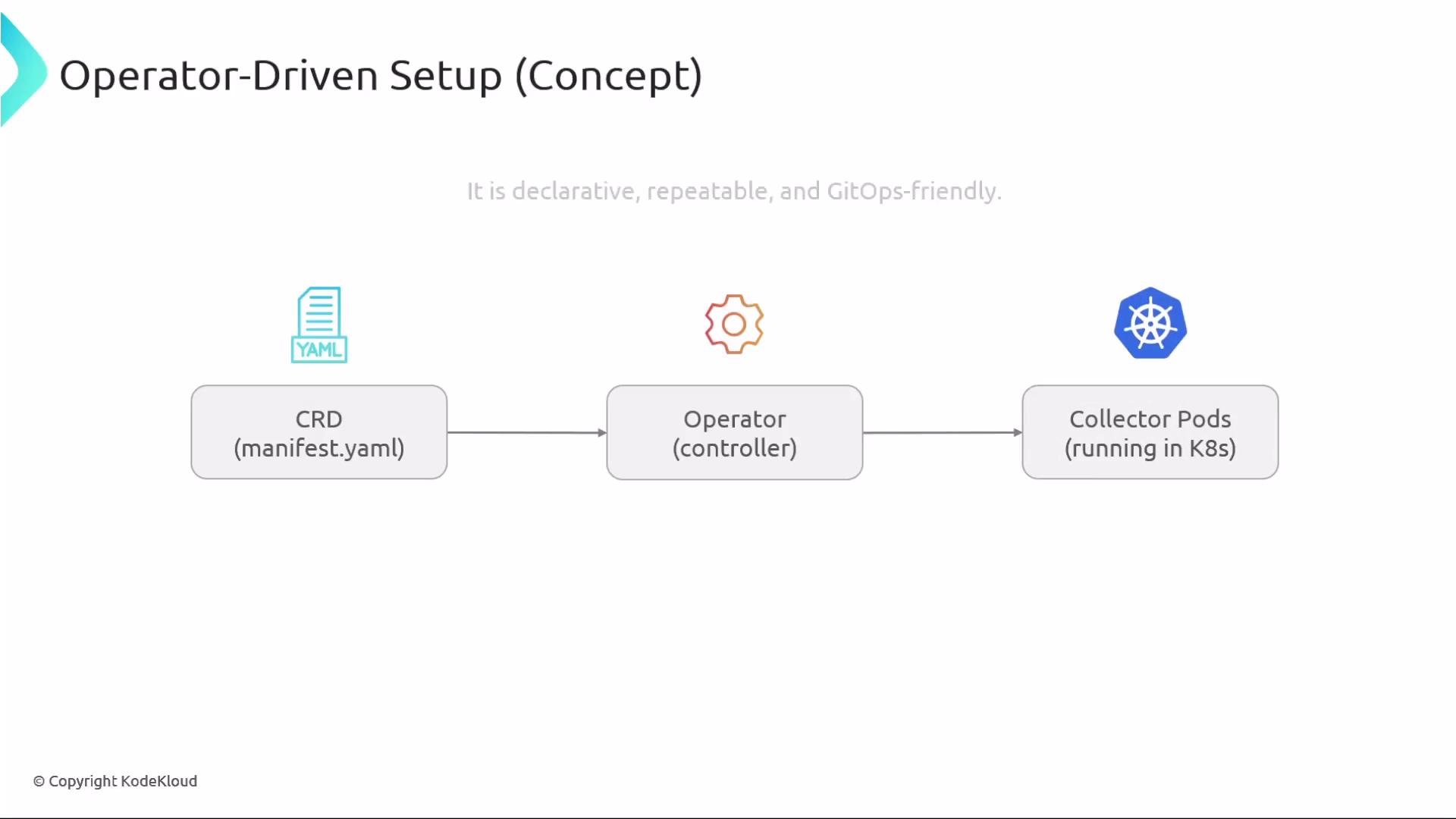
An OpenTelemetry Operator automates collector lifecycle management in Kubernetes:
* Declare a Custom Resource (CR) manifest.
* The operator watches and reconciles the CR, creating and managing collector pods.
* This approach fits GitOps practices and simplifies upgrades and scaling.
Operator repo and docs: [https://github.com/open-telemetry/opentelemetry-operator](https://github.com/open-telemetry/opentelemetry-operator)
## Operator-driven management
An OpenTelemetry Operator automates collector lifecycle management in Kubernetes:
* Declare a Custom Resource (CR) manifest.
* The operator watches and reconciles the CR, creating and managing collector pods.
* This approach fits GitOps practices and simplifies upgrades and scaling.
Operator repo and docs: [https://github.com/open-telemetry/opentelemetry-operator](https://github.com/open-telemetry/opentelemetry-operator)
 For production, prefer validated OCB builds or vendor-supported distributions and deploy collectors declaratively (for example, via the OpenTelemetry Operator) to ensure reproducibility and easier operations.
## Wrap-up
* Collector Core: minimal and stable — ideal for predictable, low-risk deployments.
* Collector Contrib: broad integrations and faster innovation — validate component maturity and stability before production use.
* Use feature gates to control experimental behavior and test thoroughly.
* For scale and safety, build a tailored collector with OCB or adopt a vendor-supported distribution.
* In Kubernetes, deploy collectors declaratively (Operator/CRDs) and choose the deployment pattern that fits your telemetry and operational needs.
## Links and references
* OpenTelemetry Collector Builder (OCB): [https://github.com/open-telemetry/opentelemetry-collector-builder](https://github.com/open-telemetry/opentelemetry-collector-builder)
* OpenTelemetry Collector Releases: [https://github.com/open-telemetry/opentelemetry-collector-releases](https://github.com/open-telemetry/opentelemetry-collector-releases)
* OpenTelemetry Operator: [https://github.com/open-telemetry/opentelemetry-operator](https://github.com/open-telemetry/opentelemetry-operator)
* OpenTelemetry project: [https://opentelemetry.io/](https://opentelemetry.io/)
For production, prefer validated OCB builds or vendor-supported distributions and deploy collectors declaratively (for example, via the OpenTelemetry Operator) to ensure reproducibility and easier operations.
## Wrap-up
* Collector Core: minimal and stable — ideal for predictable, low-risk deployments.
* Collector Contrib: broad integrations and faster innovation — validate component maturity and stability before production use.
* Use feature gates to control experimental behavior and test thoroughly.
* For scale and safety, build a tailored collector with OCB or adopt a vendor-supported distribution.
* In Kubernetes, deploy collectors declaratively (Operator/CRDs) and choose the deployment pattern that fits your telemetry and operational needs.
## Links and references
* OpenTelemetry Collector Builder (OCB): [https://github.com/open-telemetry/opentelemetry-collector-builder](https://github.com/open-telemetry/opentelemetry-collector-builder)
* OpenTelemetry Collector Releases: [https://github.com/open-telemetry/opentelemetry-collector-releases](https://github.com/open-telemetry/opentelemetry-collector-releases)
* OpenTelemetry Operator: [https://github.com/open-telemetry/opentelemetry-operator](https://github.com/open-telemetry/opentelemetry-operator)
* OpenTelemetry project: [https://opentelemetry.io/](https://opentelemetry.io/)