> ## Documentation Index
> Fetch the complete documentation index at: https://notes.kodekloud.com/llms.txt
> Use this file to discover all available pages before exploring further.
# Span Attributes
> Explains OpenTelemetry span attributes and best practices for attaching key value metadata to spans for filtering debugging aggregation and business analytics
In this lesson we cover span attributes: what they are, why they matter, and how to use them effectively with OpenTelemetry.
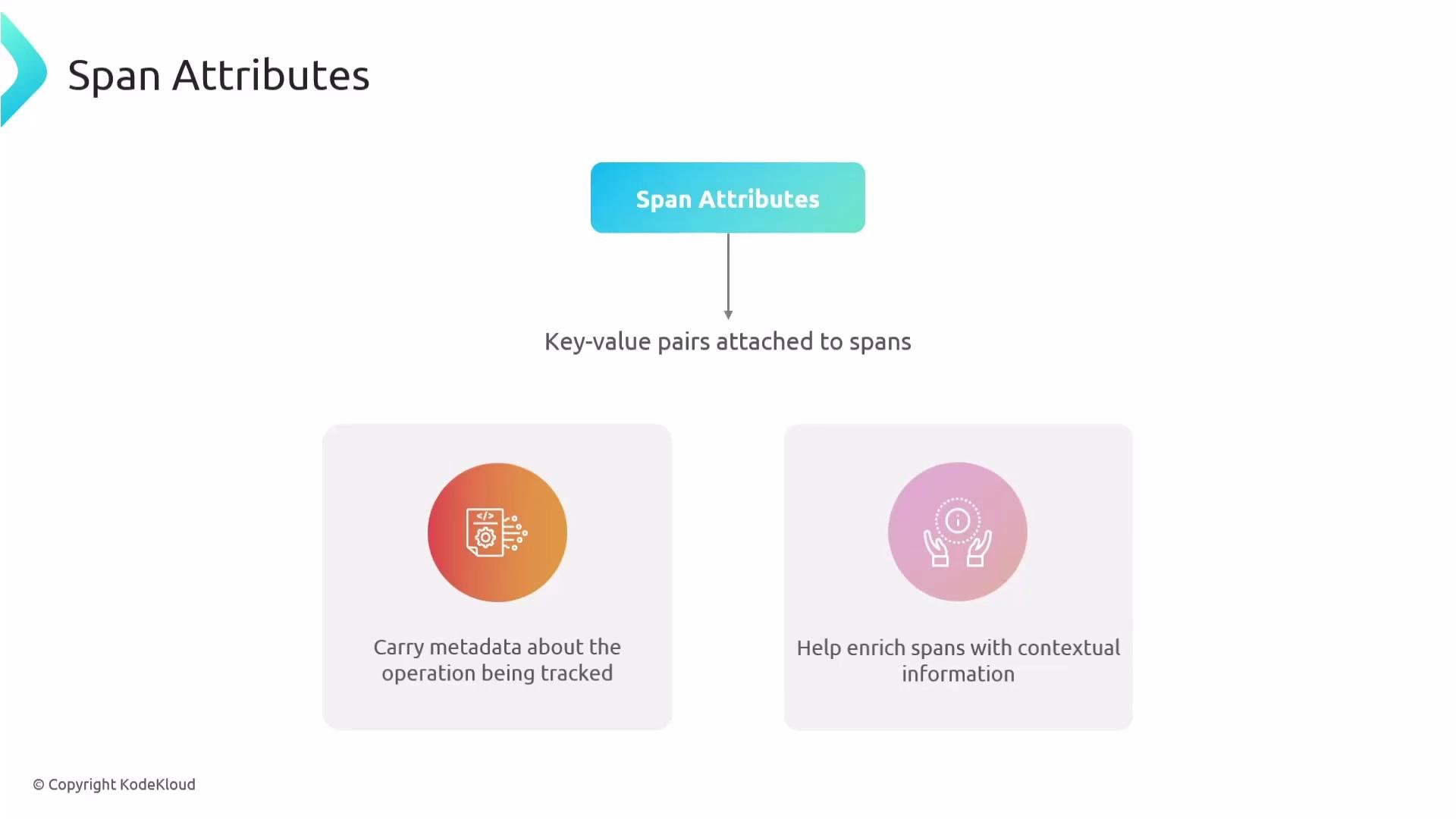
Span attributes are key-value pairs attached to individual spans to provide contextual metadata about the operation being tracked. Without attributes, a span is essentially a timestamped name; attributes make spans rich, searchable, and actionable for filtering, debugging, aggregation, and alerting.
 Why use span attributes?
* Provide business context (order IDs, payment types) that makes traces searchable.
* Improve debugging by attaching relevant runtime details to an operation.
* Enable fine-grained alerting and aggregation (e.g., only alert on errors for a specific payment method).
* Support metric generation by aggregating attribute values across spans.
Example: e-commerce order processing
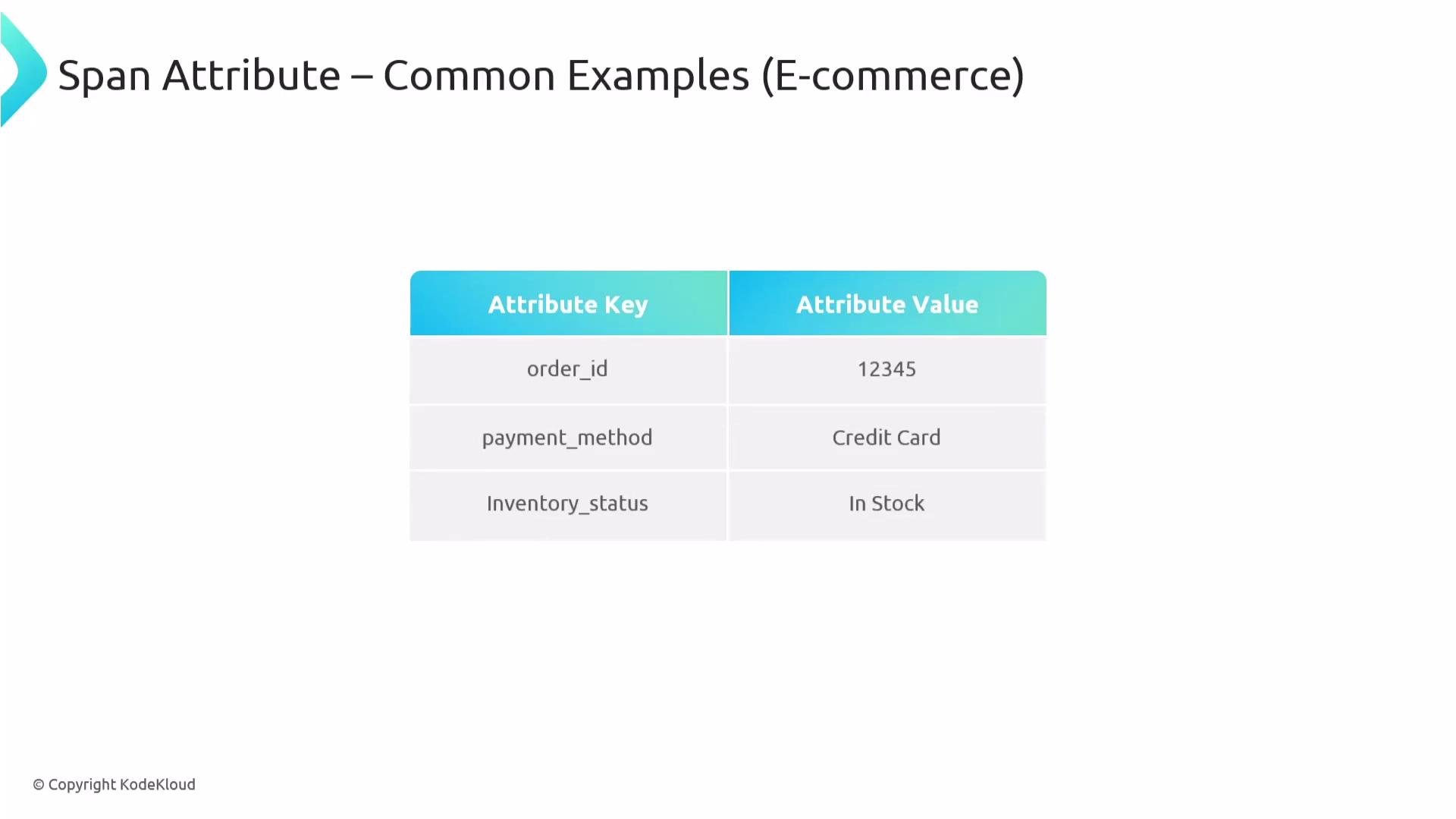
* Add `order_id`, `payment_method`, or `inventory_status` to the `process_order` span.
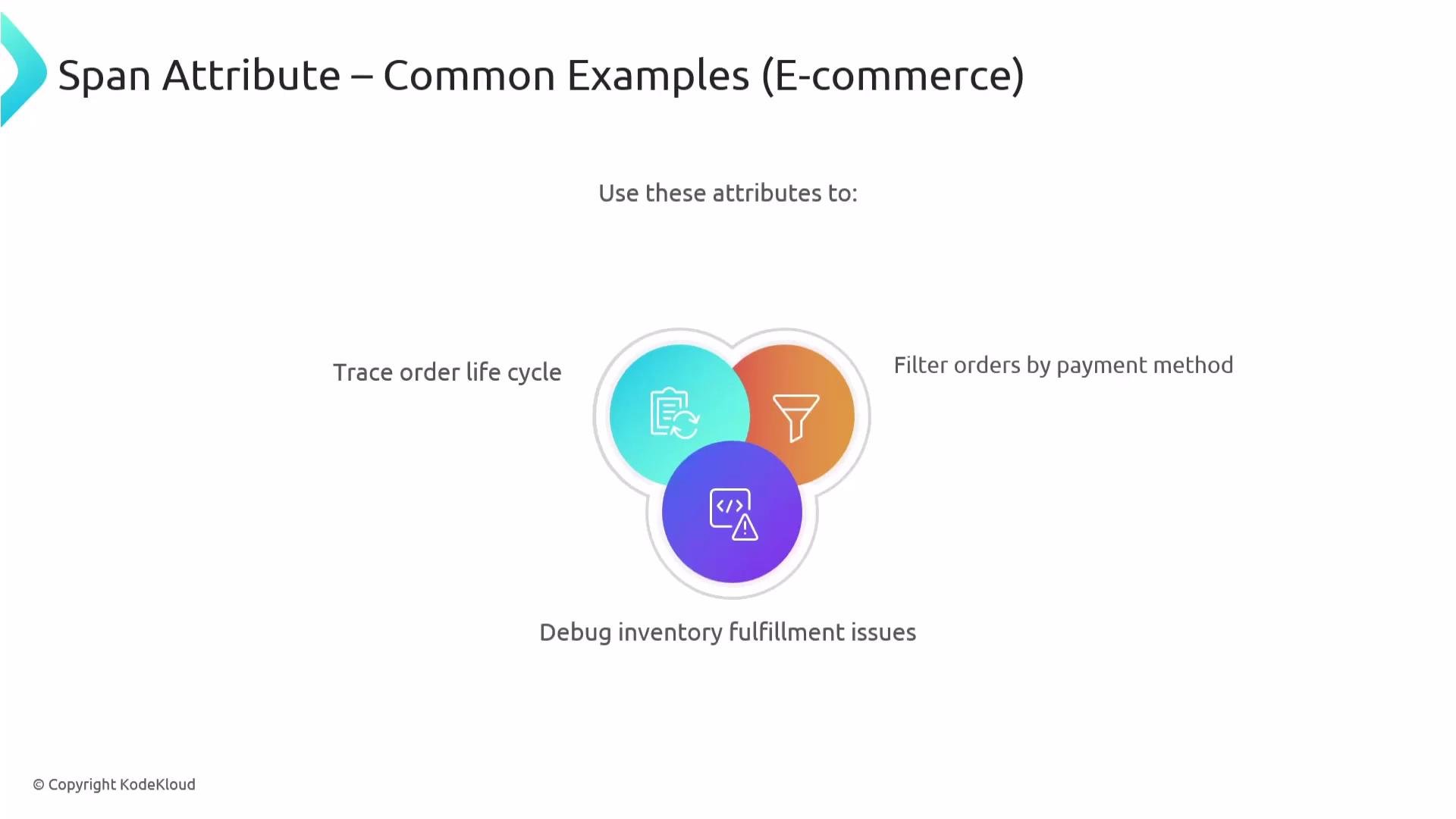
* Use these attributes to filter traces (for example, all spans where `payment_method` is `"Credit Card"`), or to group and analyze failures for specific products.
Why use span attributes?
* Provide business context (order IDs, payment types) that makes traces searchable.
* Improve debugging by attaching relevant runtime details to an operation.
* Enable fine-grained alerting and aggregation (e.g., only alert on errors for a specific payment method).
* Support metric generation by aggregating attribute values across spans.
Example: e-commerce order processing
* Add `order_id`, `payment_method`, or `inventory_status` to the `process_order` span.
* Use these attributes to filter traces (for example, all spans where `payment_method` is `"Credit Card"`), or to group and analyze failures for specific products.
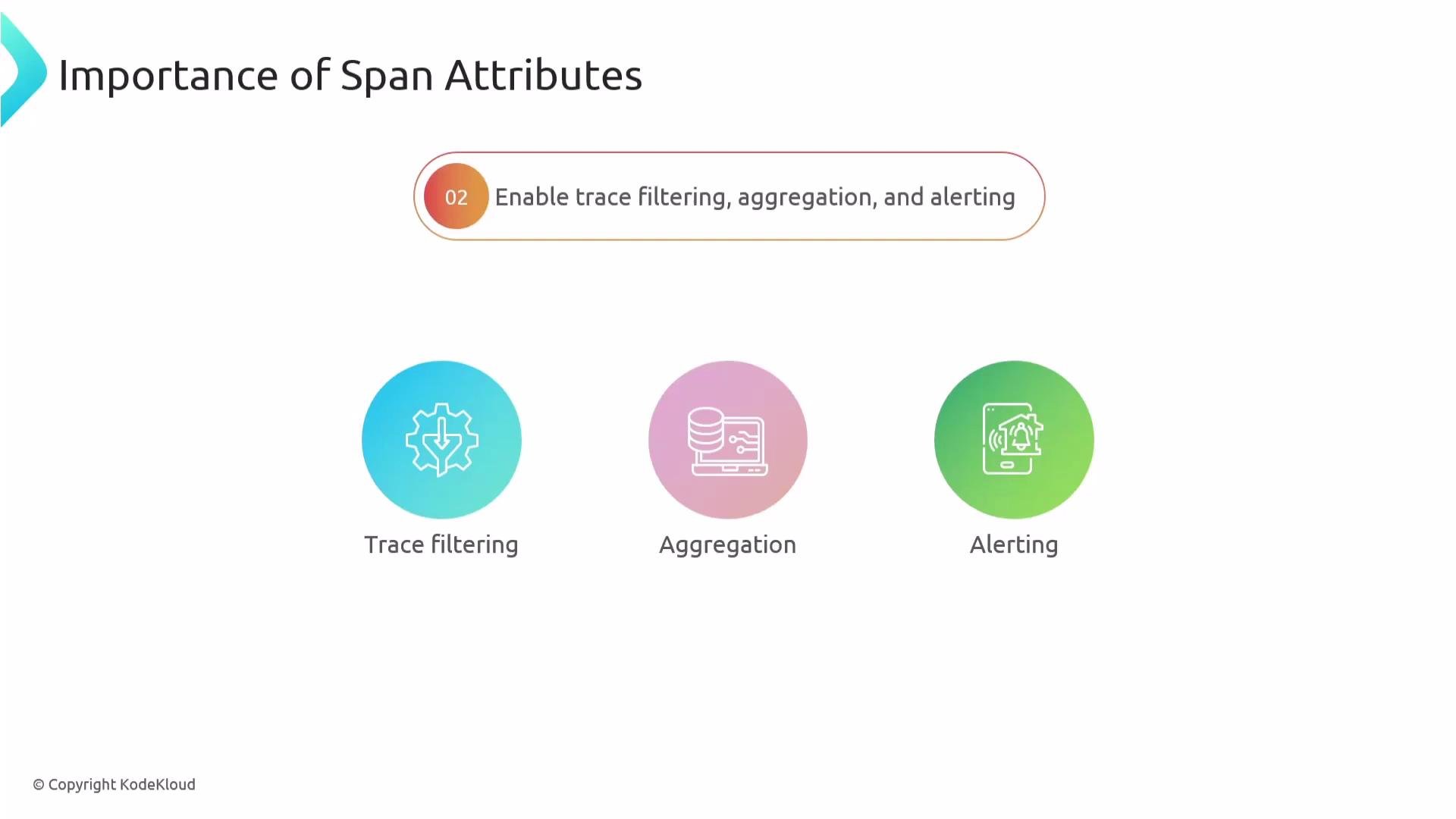
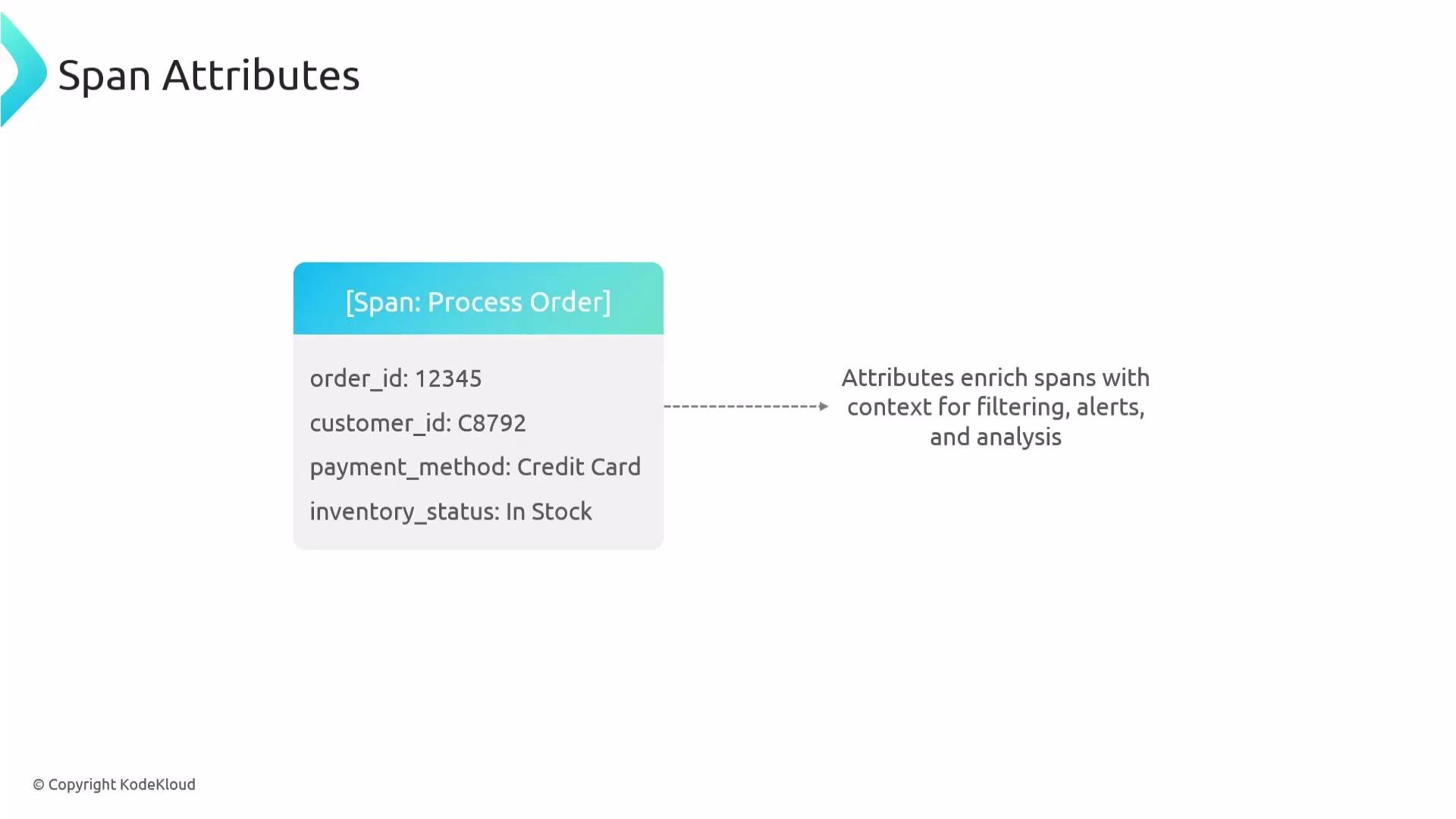 Span attributes power trace filtering, aggregation, and targeted alerts. For example, you can configure your observability backend to surface exceptions only for spans related to credit card payments if it supports slicing trace data by attributes.
 Types of attributes to capture
* Business data: `order_id`, `payment_method`, `product_sku`
* User data: `user_id`, `account_tier`
* Technical data: `http.status_code`, `db.system`, cache `hit`/`miss`
Combining these categories provides a 360-degree view of what occurred in a span and enables both technical troubleshooting and business analytics.
Types of attributes to capture
* Business data: `order_id`, `payment_method`, `product_sku`
* User data: `user_id`, `account_tier`
* Technical data: `http.status_code`, `db.system`, cache `hit`/`miss`
Combining these categories provides a 360-degree view of what occurred in a span and enables both technical troubleshooting and business analytics.
 Attributes are especially valuable for modeling the lifecycle of business processes. For example, a `process_order` span that contains `order_id`, `payment_method`, and `inventory_status` lets you filter and debug fulfillment issues by order attributes.
 How to set attributes (Python example)
Manual instrumentation is how you add business-focused attributes. With OpenTelemetry Python you obtain a span from the tracer and call `set_attribute` on the span object:
```python theme={null}
# python
# Inside a span context
with tracer.start_as_current_span("process_order") as span:
# Set order attributes using actual variables
span.set_attribute("order_id", order_id) # e.g., 12345
span.set_attribute("payment_method", payment_method) # e.g., "Credit Card"
span.set_attribute("inventory_status", inventory_status) # e.g., "In Stock"
# Continue with your business logic
process_order_logic()
```
Use the span object's `set_attribute` method (dot notation) to attach keys and values. Keys are strings and values must conform to supported types (see rules below). Add important attributes as early as possible so they are available for SDK-level sampling decisions.
How to set attributes (Python example)
Manual instrumentation is how you add business-focused attributes. With OpenTelemetry Python you obtain a span from the tracer and call `set_attribute` on the span object:
```python theme={null}
# python
# Inside a span context
with tracer.start_as_current_span("process_order") as span:
# Set order attributes using actual variables
span.set_attribute("order_id", order_id) # e.g., 12345
span.set_attribute("payment_method", payment_method) # e.g., "Credit Card"
span.set_attribute("inventory_status", inventory_status) # e.g., "In Stock"
# Continue with your business logic
process_order_logic()
```
Use the span object's `set_attribute` method (dot notation) to attach keys and values. Keys are strings and values must conform to supported types (see rules below). Add important attributes as early as possible so they are available for SDK-level sampling decisions.
 Attribute rules and best practices
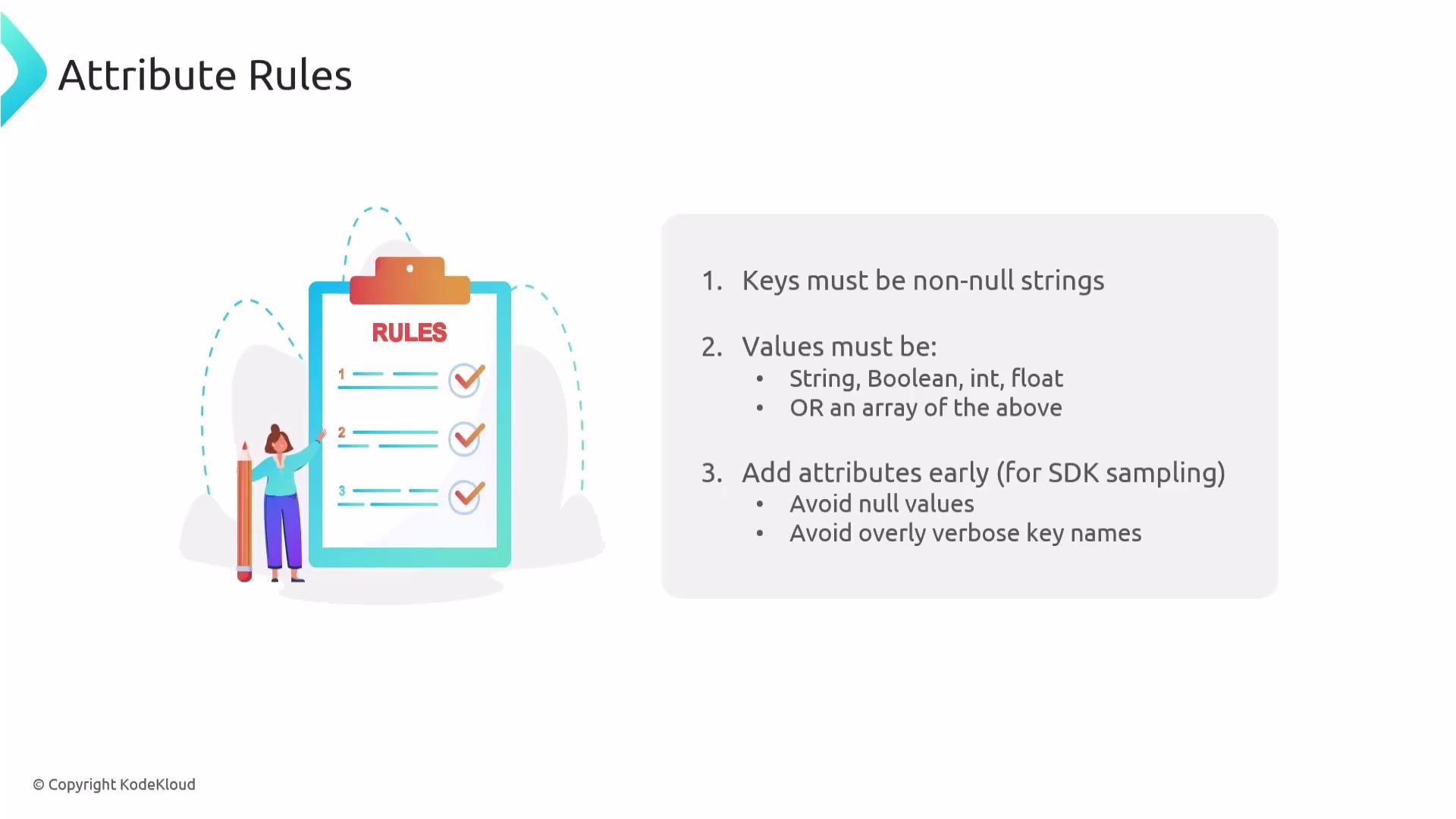
| Rule | Recommendation |
| ----------- | ------------------------------------------------------------------------------------------- |
| Key type | Keys must be non-null strings. Use concise, consistent naming. |
| Value types | Values may be `string`, `boolean`, `integer`, `float`, or arrays of these primitives. |
| Avoid nulls | Do not record null values; omit attributes when the value is unknown. |
| Key naming | Prefer short, stable keys; use semantic conventions for common technical attributes. |
| When to set | Add business-critical attributes early in execution to influence sampling and availability. |
Attribute rules and best practices
| Rule | Recommendation |
| ----------- | ------------------------------------------------------------------------------------------- |
| Key type | Keys must be non-null strings. Use concise, consistent naming. |
| Value types | Values may be `string`, `boolean`, `integer`, `float`, or arrays of these primitives. |
| Avoid nulls | Do not record null values; omit attributes when the value is unknown. |
| Key naming | Prefer short, stable keys; use semantic conventions for common technical attributes. |
| When to set | Add business-critical attributes early in execution to influence sampling and availability. |
 Use [semantic conventions](https://opentelemetry.io/docs/reference/specification/semantic_conventions/) (standardized attribute keys such as `http.method`, `db.system`, `messaging.operation`) where possible. These conventions promote consistency across services and make cross-system analysis easier.
Semantic attributes are predefined keys from the OpenTelemetry semantic conventions. Many auto-instrumentation libraries populate these automatically (for example, HTTP libraries add `http.method`, `http.url`, etc.), so you often do not need to add them manually. Use manual attributes for business-specific metadata (e.g., `order_id`, `payment_method`) to make traces searchable and filterable by business context.
Summary — key takeaways
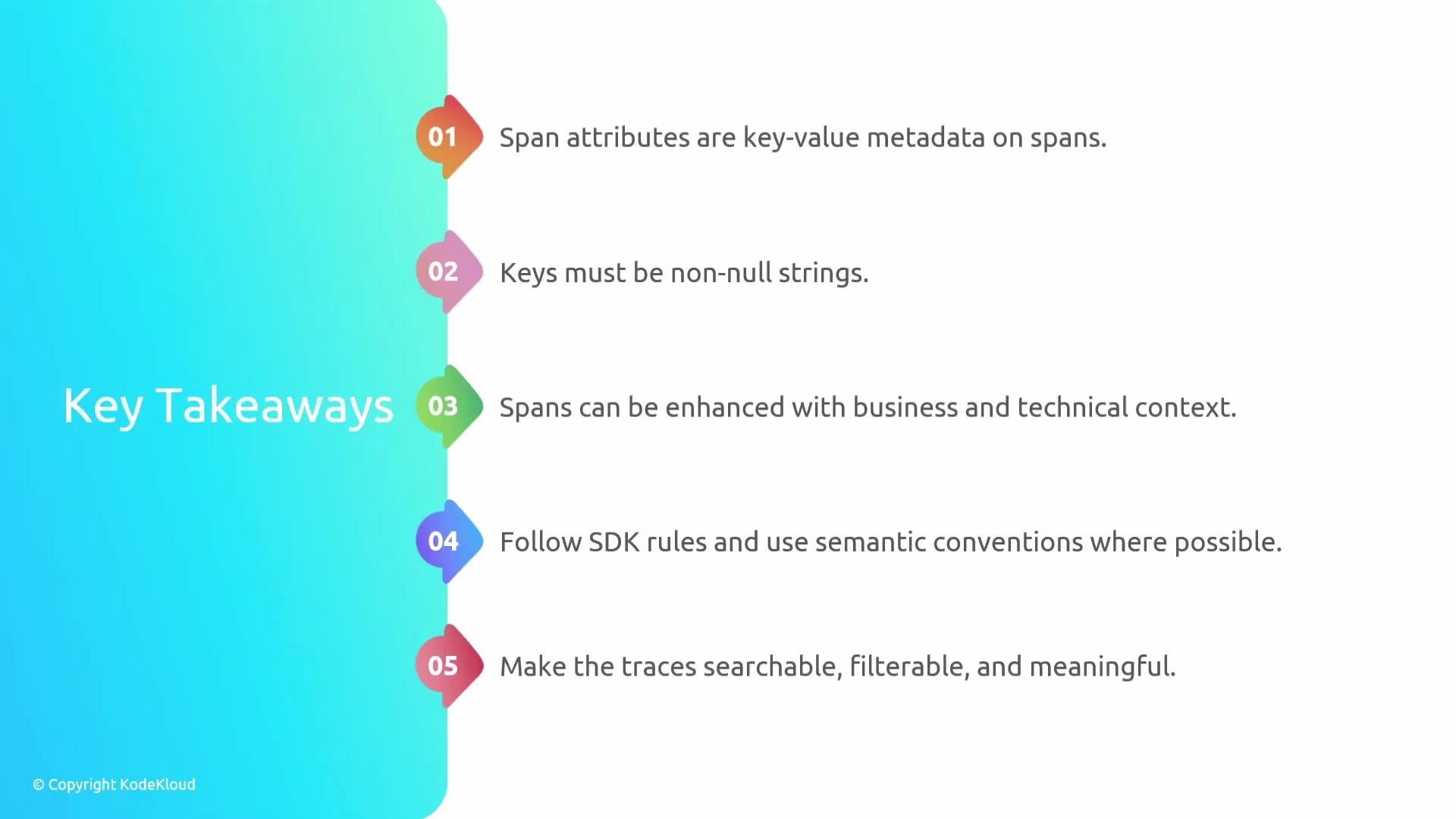
* Span attributes are key-value metadata attached to spans to provide contextual, queryable information.
* Keys must be non-null strings; values must be primitives (`string`, `boolean`, `integer`, `float`) or arrays of primitives.
* Use semantic conventions for technical attributes; use manual instrumentation for business attributes.
* Add attributes early so they are available to sampling and analysis.
* Attributes enable trace filtering, aggregation, and more precise alerting based on business context.
Use [semantic conventions](https://opentelemetry.io/docs/reference/specification/semantic_conventions/) (standardized attribute keys such as `http.method`, `db.system`, `messaging.operation`) where possible. These conventions promote consistency across services and make cross-system analysis easier.
Semantic attributes are predefined keys from the OpenTelemetry semantic conventions. Many auto-instrumentation libraries populate these automatically (for example, HTTP libraries add `http.method`, `http.url`, etc.), so you often do not need to add them manually. Use manual attributes for business-specific metadata (e.g., `order_id`, `payment_method`) to make traces searchable and filterable by business context.
Summary — key takeaways
* Span attributes are key-value metadata attached to spans to provide contextual, queryable information.
* Keys must be non-null strings; values must be primitives (`string`, `boolean`, `integer`, `float`) or arrays of primitives.
* Use semantic conventions for technical attributes; use manual instrumentation for business attributes.
* Add attributes early so they are available to sampling and analysis.
* Attributes enable trace filtering, aggregation, and more precise alerting based on business context.
 Attributes are attached to individual spans and do not automatically propagate to child spans (unlike the trace ID). If you need to propagate key-value pairs across process boundaries or between spans, use baggage.
Span attributes are not propagated across spans. To propagate key-value pairs across process boundaries, use baggage instead.
Links and references
* [OpenTelemetry Python instrumentation](https://opentelemetry.io/docs/instrumentation/python/)
* [OpenTelemetry Semantic Conventions](https://opentelemetry.io/docs/reference/specification/semantic_conventions/)
* [OpenTelemetry Specification](https://opentelemetry.io/docs/reference/specification/)
Attributes are attached to individual spans and do not automatically propagate to child spans (unlike the trace ID). If you need to propagate key-value pairs across process boundaries or between spans, use baggage.
Span attributes are not propagated across spans. To propagate key-value pairs across process boundaries, use baggage instead.
Links and references
* [OpenTelemetry Python instrumentation](https://opentelemetry.io/docs/instrumentation/python/)
* [OpenTelemetry Semantic Conventions](https://opentelemetry.io/docs/reference/specification/semantic_conventions/)
* [OpenTelemetry Specification](https://opentelemetry.io/docs/reference/specification/)