> ## Documentation Index
> Fetch the complete documentation index at: https://notes.kodekloud.com/llms.txt
> Use this file to discover all available pages before exploring further.
# Span Resource
> Explains OpenTelemetry resources identifying telemetry origins via attributes, default attributes, automatic detectors, custom attributes, environment configuration, and benefits for grouping, filtering, and troubleshooting.
Hello, span explorers.
In this lesson we’ll cover resources in spans and what “resources” mean in OpenTelemetry. Resources attach identity and context to telemetry so you can tell where a span, metric, or log originated.
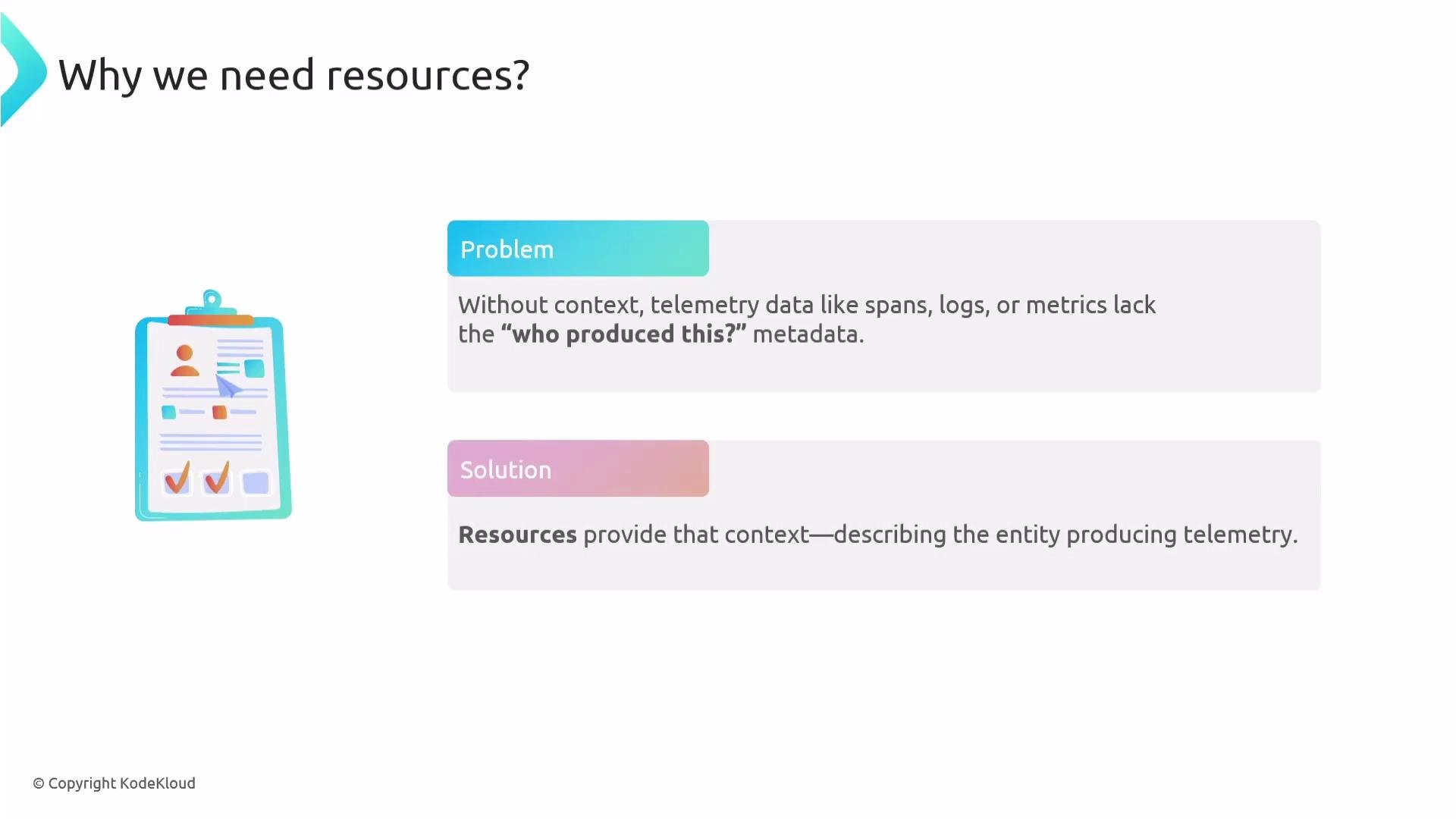
Why do we need resources? If you collect spans from every system in your organization, how do you distinguish spans coming from a service, a VM, a container, a pod, or an on‑prem host? Resources describe the entity producing telemetry so you can answer questions like “Which service generated this error?” or “Is this latency limited to the payments namespace?”
 ## What is a Resource?
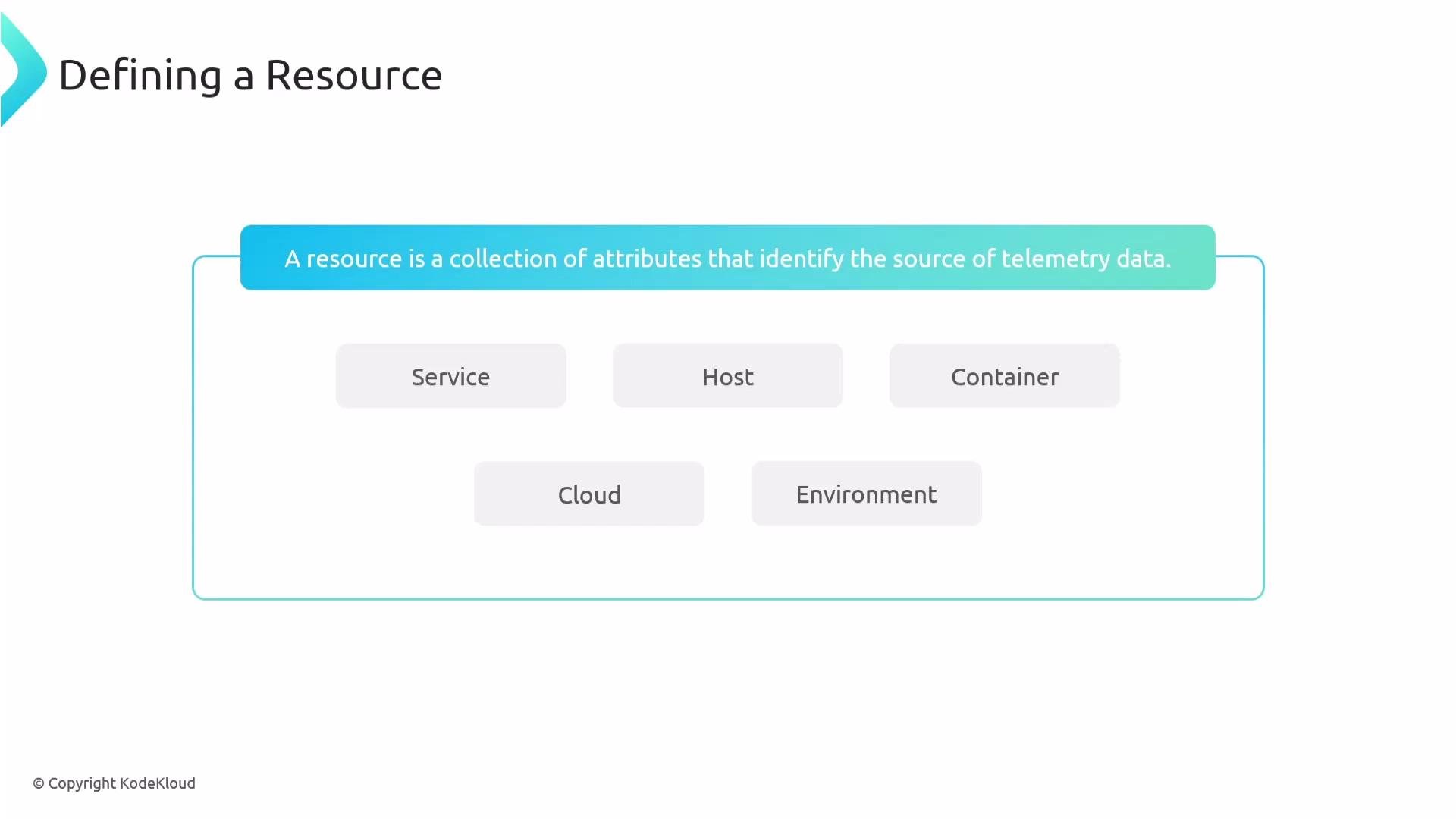
A Resource is a set of key/value attributes that identify the source of telemetry. Common resource attributes include service name, host/hostname, container name or ID, cloud provider, region, and deployment environment (prod/staging).
## What is a Resource?
A Resource is a set of key/value attributes that identify the source of telemetry. Common resource attributes include service name, host/hostname, container name or ID, cloud provider, region, and deployment environment (prod/staging).
 ## Why Resources Matter
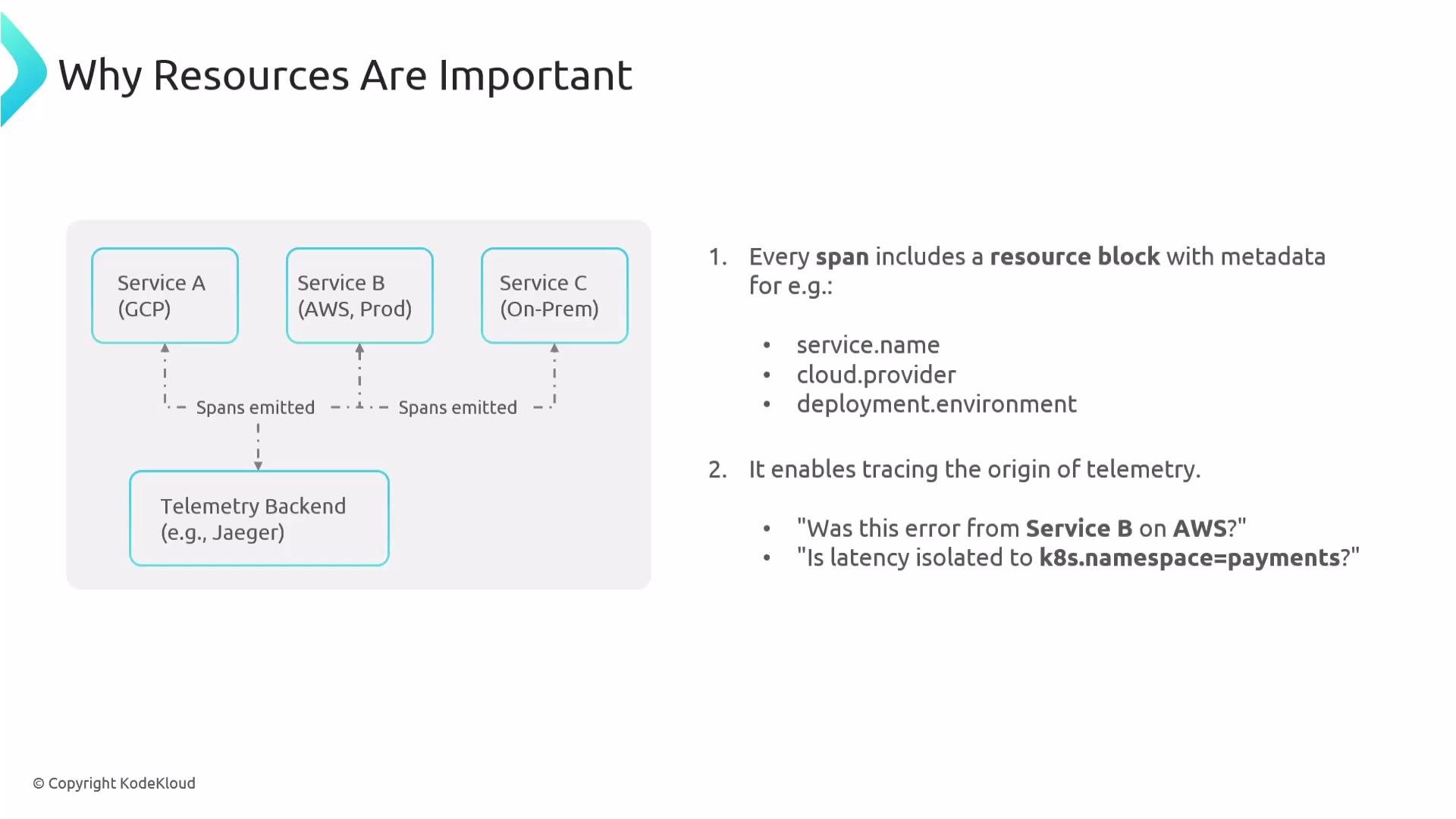
Resources let you identify the producing entity for telemetry so you can ask operational questions such as:
* Was this error coming from `service B` on AWS?
* Is the latency isolated to the Kubernetes namespace `payments`?
* Which team owns the service that emitted this span?
## Why Resources Matter
Resources let you identify the producing entity for telemetry so you can ask operational questions such as:
* Was this error coming from `service B` on AWS?
* Is the latency isolated to the Kubernetes namespace `payments`?
* Which team owns the service that emitted this span?
 Examples of concrete resource attributes:
* `service.name = "payment-service"`
* `pod.name = "payment-api"`
* `cloud.provider = "aws"`
## Default Resource Attributes
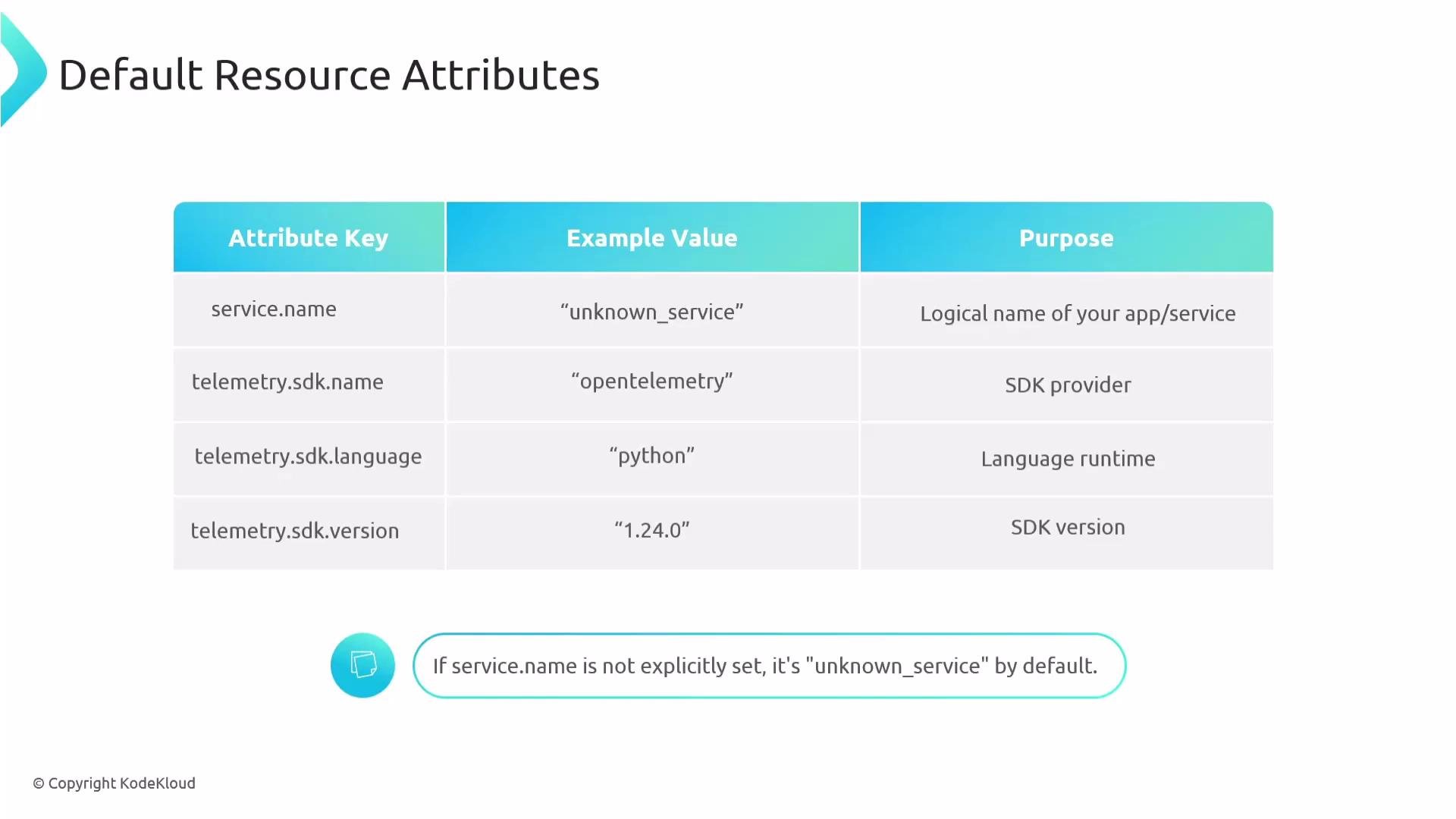
OpenTelemetry SDKs provide default resource attributes you should know:
* `service.name` (defaults to `unknown_service` if not set)
* `telemetry.sdk.name`
* `telemetry.sdk.language`
* `telemetry.sdk.version`
Examples of concrete resource attributes:
* `service.name = "payment-service"`
* `pod.name = "payment-api"`
* `cloud.provider = "aws"`
## Default Resource Attributes
OpenTelemetry SDKs provide default resource attributes you should know:
* `service.name` (defaults to `unknown_service` if not set)
* `telemetry.sdk.name`
* `telemetry.sdk.language`
* `telemetry.sdk.version`
 | Attribute Key | Typical Value | Purpose |
| -----------------------: | ----------------- | ------------------------------------------- |
| `service.name` | `payment-service` | Identifies the service producing telemetry |
| `telemetry.sdk.language` | `python` | Runtime/language of the SDK |
| `telemetry.sdk.version` | `1.0.0` | SDK version for debugging and compatibility |
If you don't set `service.name`, it will default to `unknown_service`. With many services emitting telemetry, this makes it hard to identify which trace belongs to which service—so it is a best practice to set `service.name` for every instrumented app.
## Automatic Resource Detection
OpenTelemetry supports automatic resource detection via detectors. Detectors gather environment metadata and populate resource attributes without manual configuration. Typical detectors can collect:
* OS type and description
* Hostname and architecture
* Process details
* Container name/ID
* Kubernetes pod and namespace
* Cloud provider and region
| Attribute Key | Typical Value | Purpose |
| -----------------------: | ----------------- | ------------------------------------------- |
| `service.name` | `payment-service` | Identifies the service producing telemetry |
| `telemetry.sdk.language` | `python` | Runtime/language of the SDK |
| `telemetry.sdk.version` | `1.0.0` | SDK version for debugging and compatibility |
If you don't set `service.name`, it will default to `unknown_service`. With many services emitting telemetry, this makes it hard to identify which trace belongs to which service—so it is a best practice to set `service.name` for every instrumented app.
## Automatic Resource Detection
OpenTelemetry supports automatic resource detection via detectors. Detectors gather environment metadata and populate resource attributes without manual configuration. Typical detectors can collect:
* OS type and description
* Hostname and architecture
* Process details
* Container name/ID
* Kubernetes pod and namespace
* Cloud provider and region
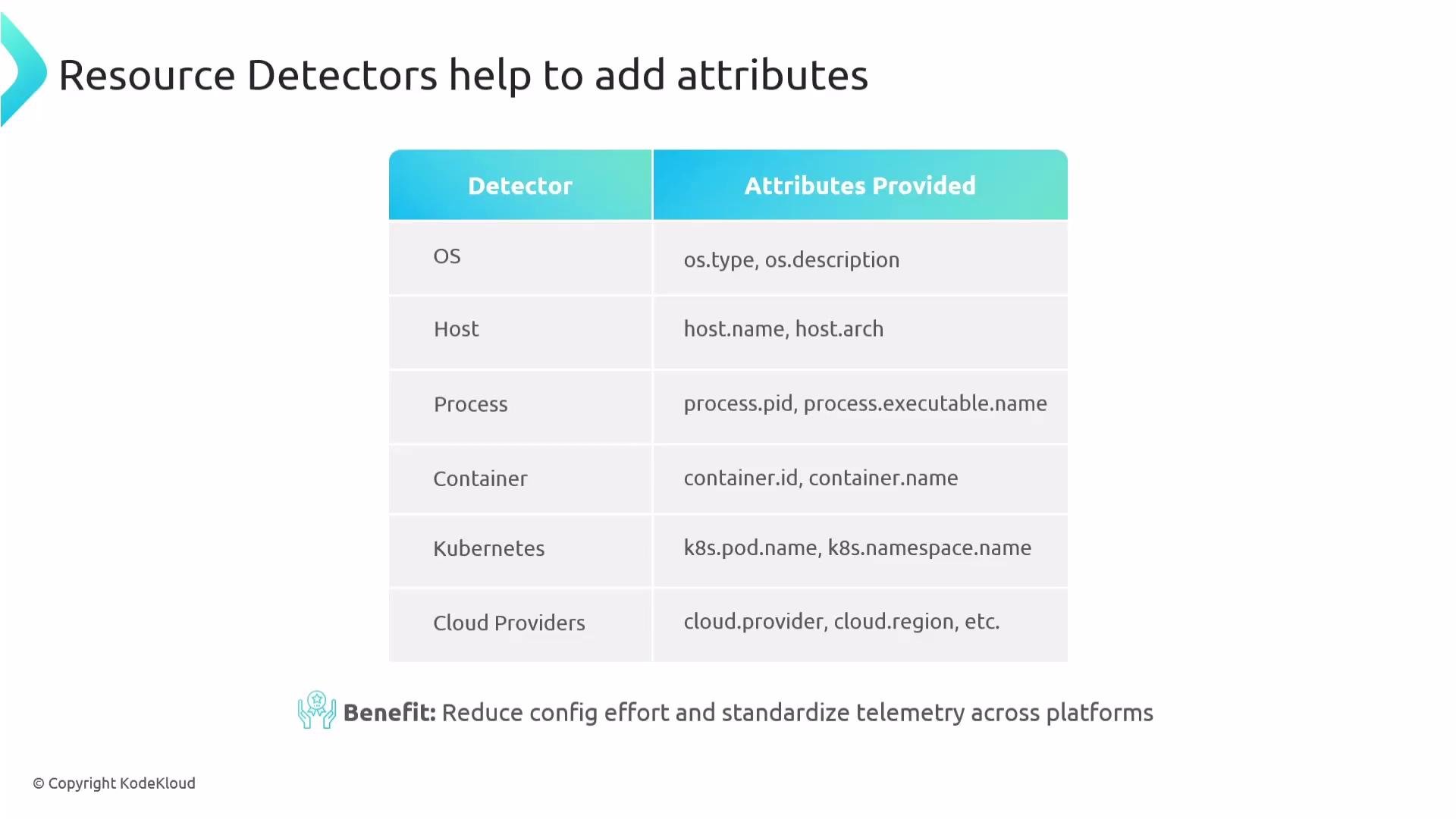 Automatically-detected resource metadata reduces configuration effort and helps standardize telemetry across environments.
## Benefits of Resource Attributes
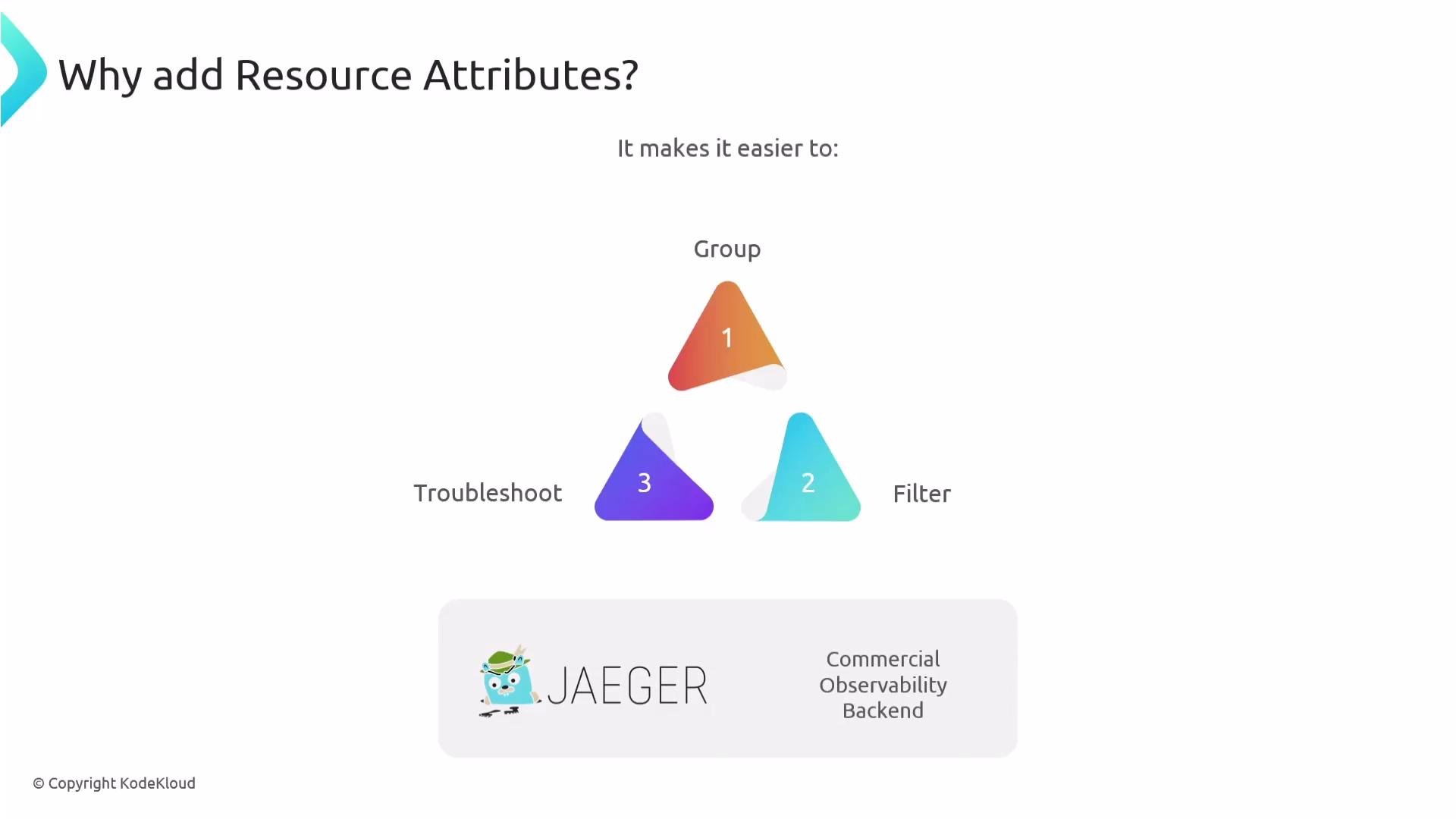
Adding resource attributes makes it easier to:
* Group and filter telemetry by service, pod, container, or host
* Troubleshoot incidents by narrowing scope quickly
* Correlate telemetry across services and environments
* Support multi-cloud and multi-environment setups
Automatically-detected resource metadata reduces configuration effort and helps standardize telemetry across environments.
## Benefits of Resource Attributes
Adding resource attributes makes it easier to:
* Group and filter telemetry by service, pod, container, or host
* Troubleshoot incidents by narrowing scope quickly
* Correlate telemetry across services and environments
* Support multi-cloud and multi-environment setups
 ## Custom Resource Attributes
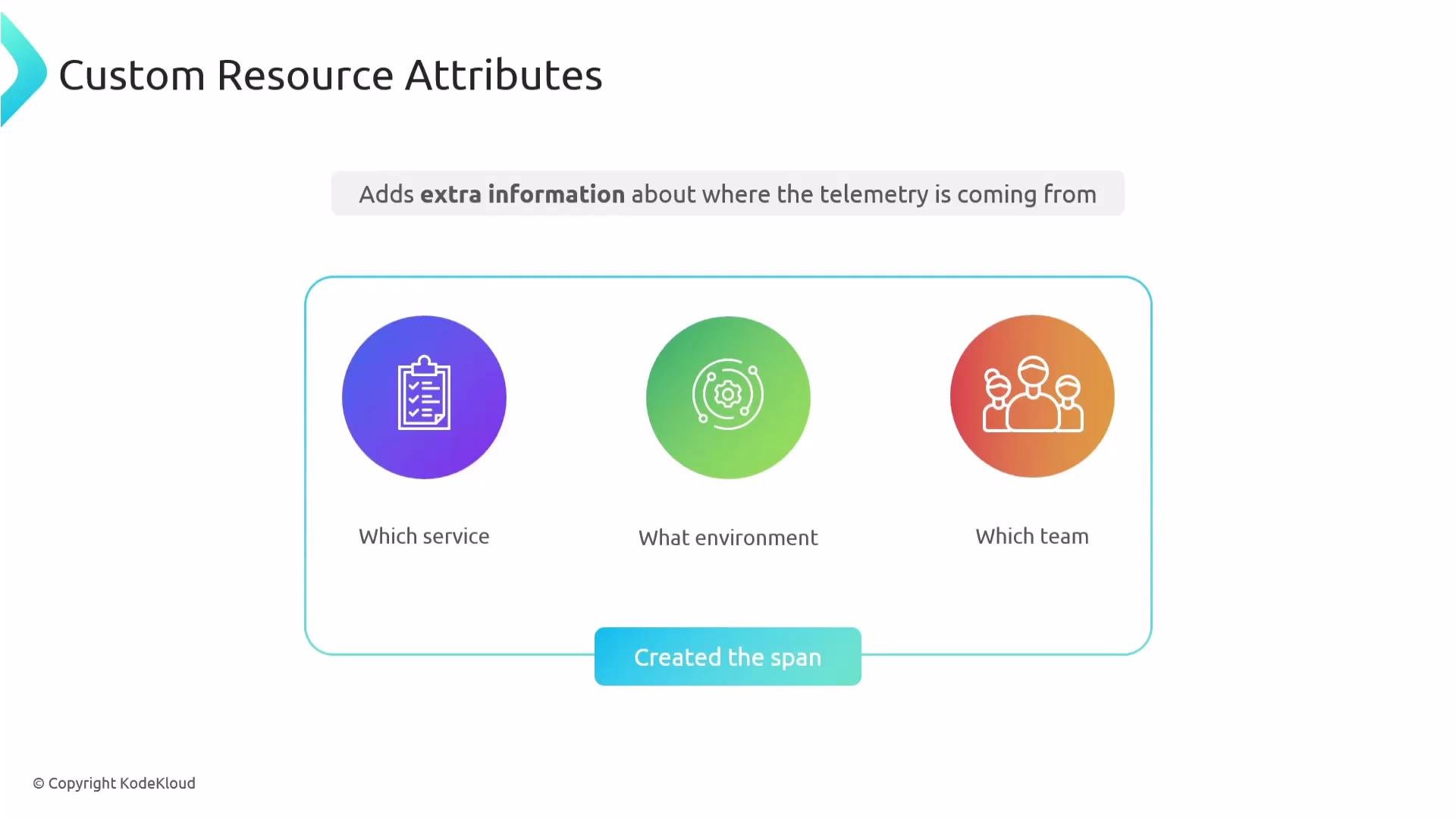
You can add custom resource attributes for business or operational metadata, for example the team owning a service, application grouping, or feature flags. These attributes complement auto-detected attributes and improve searchability and access control in observability backends.
## Custom Resource Attributes
You can add custom resource attributes for business or operational metadata, for example the team owning a service, application grouping, or feature flags. These attributes complement auto-detected attributes and improve searchability and access control in observability backends.
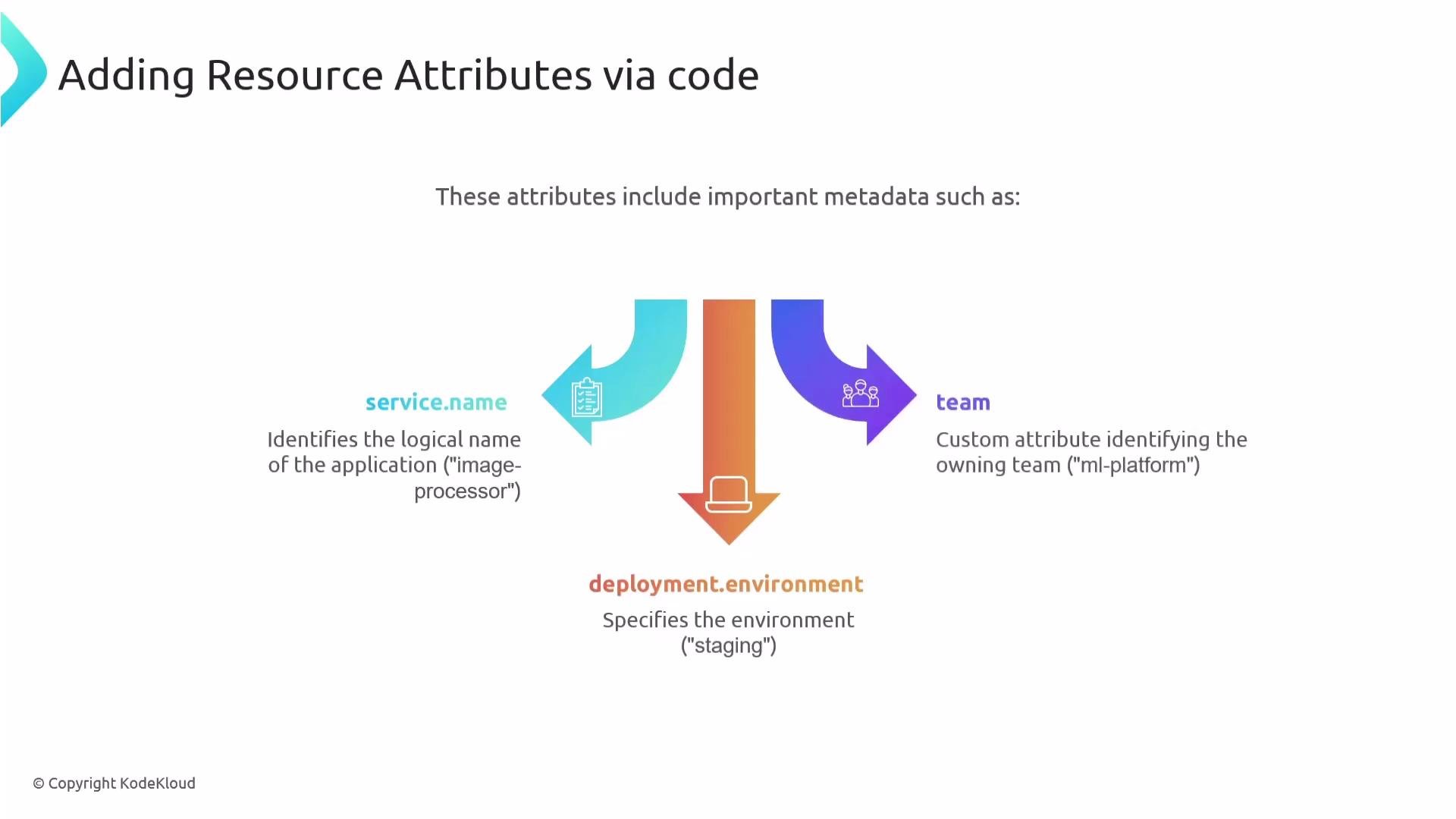
 To attach custom attributes in code, pass a `Resource` to the `TracerProvider` during initialization. The following Python example shows creating a custom resource and configuring a tracer provider so every span includes those attributes:
 ```python theme={null}
from opentelemetry import trace
from opentelemetry.sdk.resources import Resource
from opentelemetry.sdk.trace import TracerProvider
from opentelemetry.sdk.trace.export import ConsoleSpanExporter, SimpleSpanProcessor
# Define your own resource attributes
resource = Resource.create({
"service.name": "image-processor",
"deployment.environment": "staging",
"team": "ml-platform"
})
# Set up the tracer provider with the resource
provider = TracerProvider(resource=resource)
trace.set_tracer_provider(provider)
# Set up a console exporter to see spans in stdout (example)
span_processor = SimpleSpanProcessor(ConsoleSpanExporter())
provider.add_span_processor(span_processor)
# Create and use a tracer; spans will inherit the resource attributes
tracer = trace.get_tracer("custom.resource.tracer")
with tracer.start_as_current_span("process_image"):
print("Processing image...")
```
## Configure Resources via Environment Variables
In many deployments, especially with automatic instrumentation, configuring resources using environment variables is easier because it requires no code changes and works across CI/CD and orchestration tooling.
Example (bash):
```bash theme={null}
export OTEL_SERVICE_NAME="payment-service"
export OTEL_RESOURCE_ATTRIBUTES="deployment.environment=production,cloud.provider=aws,team=ml-platform"
```
Using environment variables enforces consistent resource attributes across deployments and allows updates from CI/CD pipelines or orchestration tools.
```python theme={null}
from opentelemetry import trace
from opentelemetry.sdk.resources import Resource
from opentelemetry.sdk.trace import TracerProvider
from opentelemetry.sdk.trace.export import ConsoleSpanExporter, SimpleSpanProcessor
# Define your own resource attributes
resource = Resource.create({
"service.name": "image-processor",
"deployment.environment": "staging",
"team": "ml-platform"
})
# Set up the tracer provider with the resource
provider = TracerProvider(resource=resource)
trace.set_tracer_provider(provider)
# Set up a console exporter to see spans in stdout (example)
span_processor = SimpleSpanProcessor(ConsoleSpanExporter())
provider.add_span_processor(span_processor)
# Create and use a tracer; spans will inherit the resource attributes
tracer = trace.get_tracer("custom.resource.tracer")
with tracer.start_as_current_span("process_image"):
print("Processing image...")
```
## Configure Resources via Environment Variables
In many deployments, especially with automatic instrumentation, configuring resources using environment variables is easier because it requires no code changes and works across CI/CD and orchestration tooling.
Example (bash):
```bash theme={null}
export OTEL_SERVICE_NAME="payment-service"
export OTEL_RESOURCE_ATTRIBUTES="deployment.environment=production,cloud.provider=aws,team=ml-platform"
```
Using environment variables enforces consistent resource attributes across deployments and allows updates from CI/CD pipelines or orchestration tools.
 ## Common Use Cases
* Configure attributes from CI/CD or infrastructure without modifying code.
* Filter and group telemetry in the backend (for example, show only traces from `production`).
* Facilitate cross-service tracing by consistently tagging spans.
* Support multi-cloud or multi-environment setups by tagging `cloud.provider` or `region`.
## Summary
* A Resource in OpenTelemetry defines the origin of telemetry data (service, host, container, environment).
* Configure the resource once during SDK initialization; it is automatically applied to all spans, metrics, and logs produced by that SDK instance.
* Default attributes include `service.name` (defaults to `unknown_service`), `telemetry.sdk.name`, `telemetry.sdk.language`, and `telemetry.sdk.version`.
* Resource detectors can automatically collect metadata (host, process, container, Kubernetes, cloud provider).
* You can add additional attributes manually via `Resource.create(...)` in code or via the `OTEL_RESOURCE_ATTRIBUTES` environment variable.
* Follow semantic conventions for attribute names to ensure consistency across telemetry.
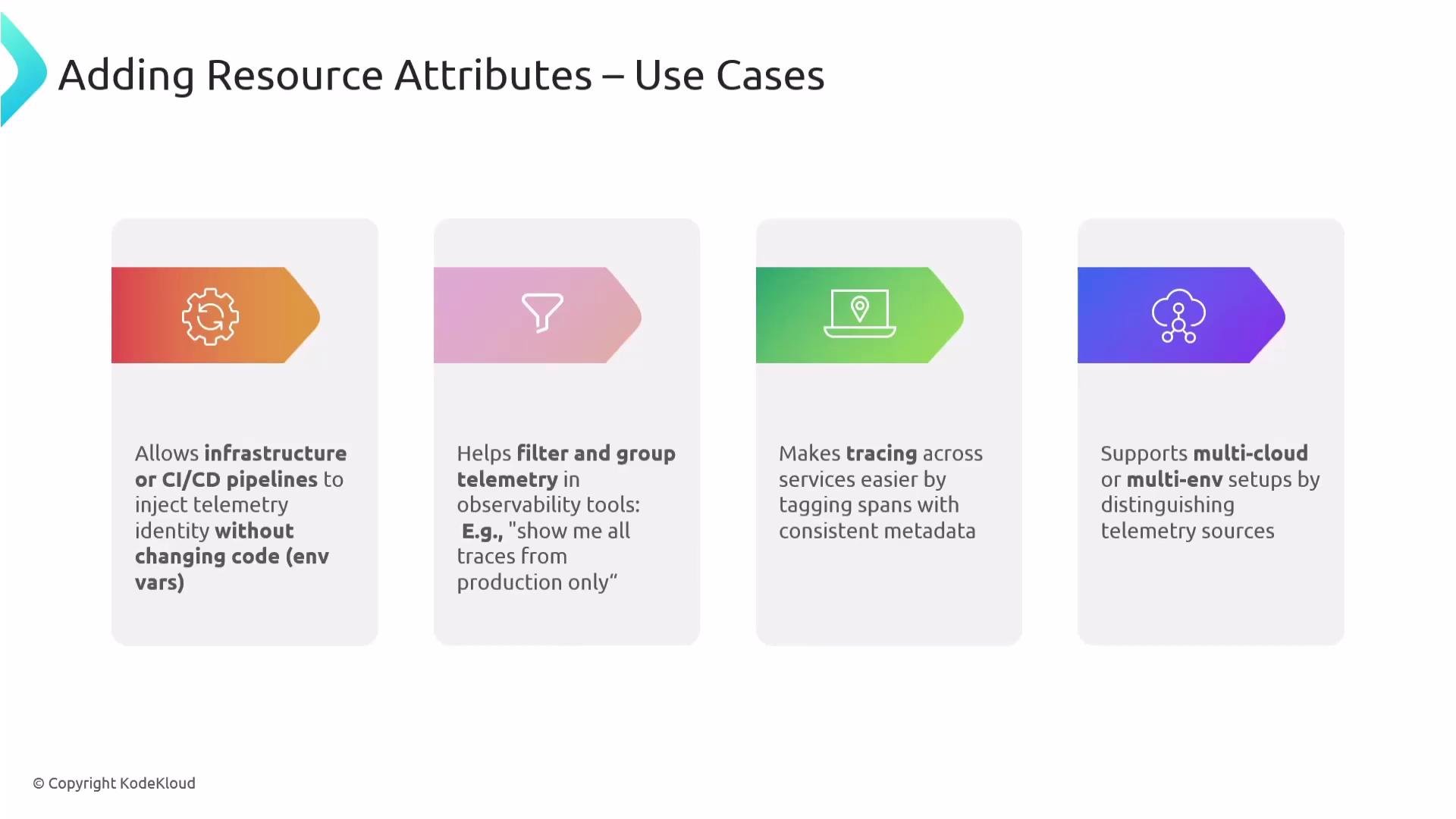
## Common Use Cases
* Configure attributes from CI/CD or infrastructure without modifying code.
* Filter and group telemetry in the backend (for example, show only traces from `production`).
* Facilitate cross-service tracing by consistently tagging spans.
* Support multi-cloud or multi-environment setups by tagging `cloud.provider` or `region`.
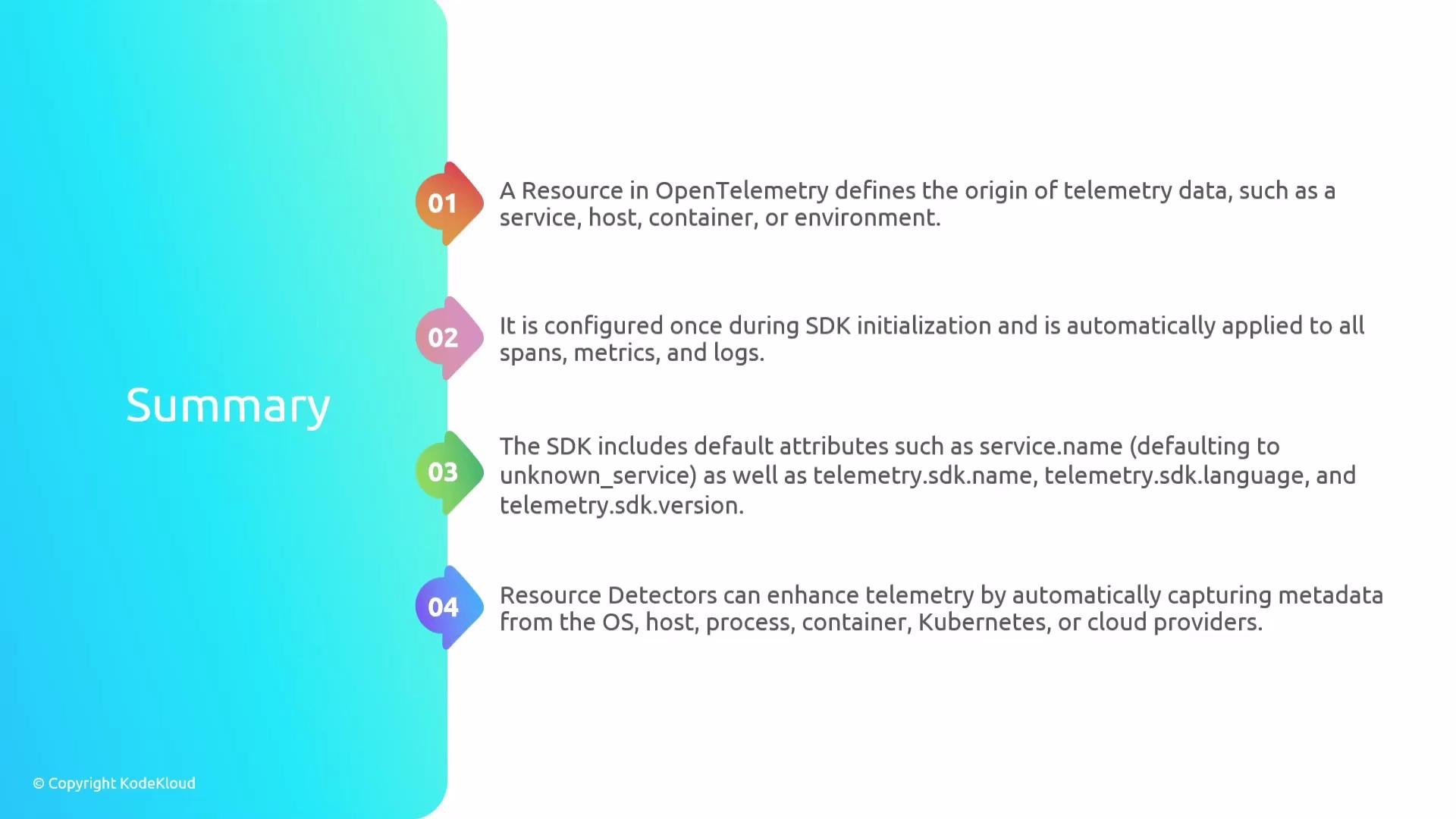
## Summary
* A Resource in OpenTelemetry defines the origin of telemetry data (service, host, container, environment).
* Configure the resource once during SDK initialization; it is automatically applied to all spans, metrics, and logs produced by that SDK instance.
* Default attributes include `service.name` (defaults to `unknown_service`), `telemetry.sdk.name`, `telemetry.sdk.language`, and `telemetry.sdk.version`.
* Resource detectors can automatically collect metadata (host, process, container, Kubernetes, cloud provider).
* You can add additional attributes manually via `Resource.create(...)` in code or via the `OTEL_RESOURCE_ATTRIBUTES` environment variable.
* Follow semantic conventions for attribute names to ensure consistency across telemetry.
 For consistent and searchable telemetry, set `service.name` and other domain-specific attributes using OpenTelemetry semantic conventions. Prefer environment variables for deployment-wide defaults and let resource detectors populate infrastructure-level attributes automatically.
Links and references
* OpenTelemetry: [https://opentelemetry.io/](https://opentelemetry.io/)
* Semantic Conventions for Resources: [https://opentelemetry.io/docs/reference/specification/resource/semantic\_conventions/](https://opentelemetry.io/docs/reference/specification/resource/semantic_conventions/)
That's it for this section.
For consistent and searchable telemetry, set `service.name` and other domain-specific attributes using OpenTelemetry semantic conventions. Prefer environment variables for deployment-wide defaults and let resource detectors populate infrastructure-level attributes automatically.
Links and references
* OpenTelemetry: [https://opentelemetry.io/](https://opentelemetry.io/)
* Semantic Conventions for Resources: [https://opentelemetry.io/docs/reference/specification/resource/semantic\_conventions/](https://opentelemetry.io/docs/reference/specification/resource/semantic_conventions/)
That's it for this section.