> ## Documentation Index
> Fetch the complete documentation index at: https://notes.kodekloud.com/llms.txt
> Use this file to discover all available pages before exploring further.
# Span Status and Exceptions
> Explains OpenTelemetry span status and exceptions, describing UNSET OK ERROR values, how exceptions set ERROR, and guidance on when to use OK or leave UNSET
In this lesson we’ll explain span status: what it is, why it matters, and how exceptions affect it in distributed tracing (OpenTelemetry).
What is span status?
A span status indicates the result or outcome of a traced operation. When you run multiple services, they can emit hundreds or thousands of spans per minute. At scale, span status helps you quickly answer questions such as: Did an operation succeed? Are errors concentrated in a single service or spread across many?
 Why status matters
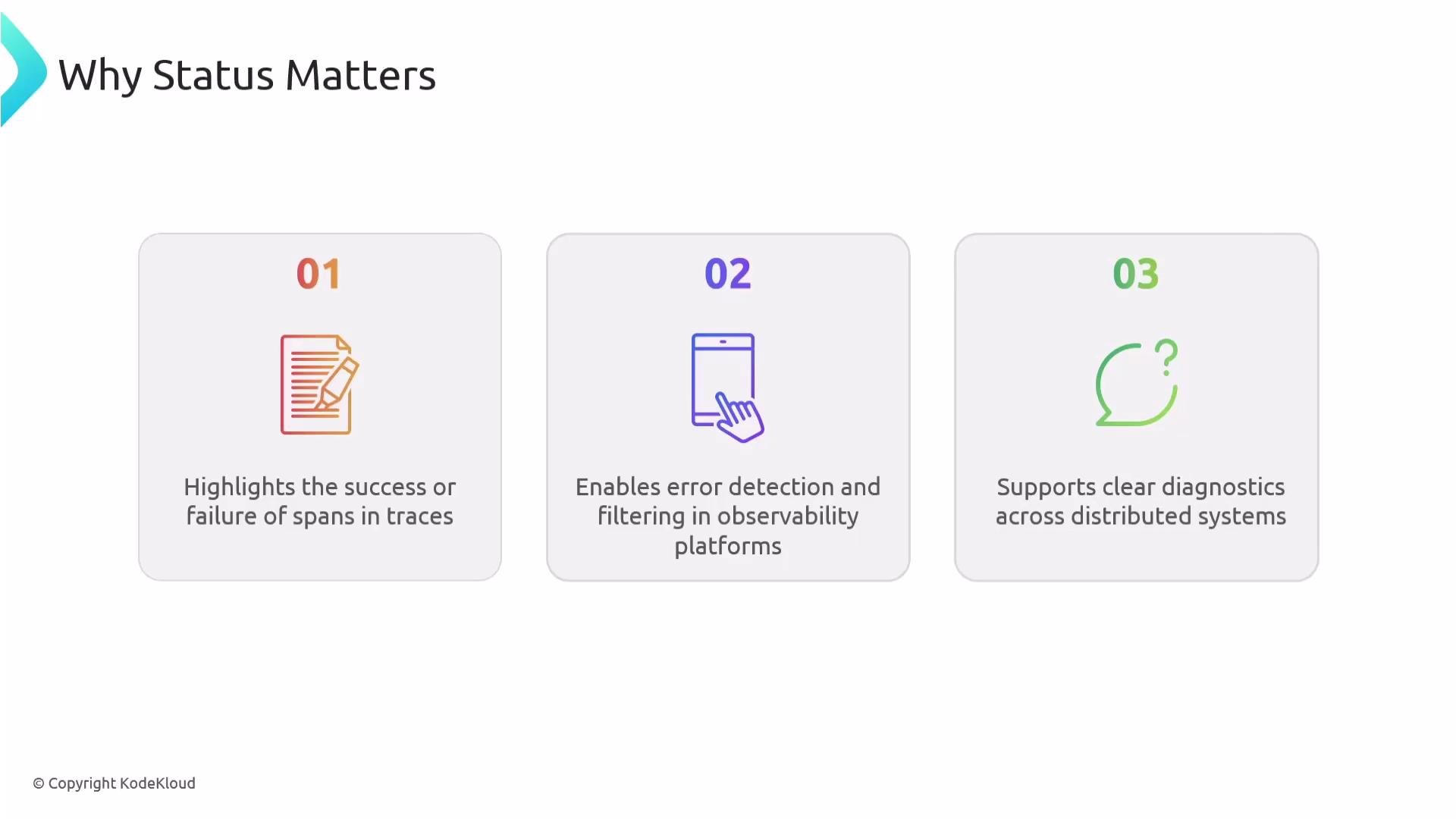
* It highlights the success or failure of individual spans within a trace.
* It enables error detection and filtering in observability platforms (for example: show all spans with `status = ERROR` between 09:00–10:00).
* It supports root-cause diagnostics across distributed systems by indicating which service, application, or environment is experiencing problems.
Why status matters
* It highlights the success or failure of individual spans within a trace.
* It enables error detection and filtering in observability platforms (for example: show all spans with `status = ERROR` between 09:00–10:00).
* It supports root-cause diagnostics across distributed systems by indicating which service, application, or environment is experiencing problems.
 Span status values
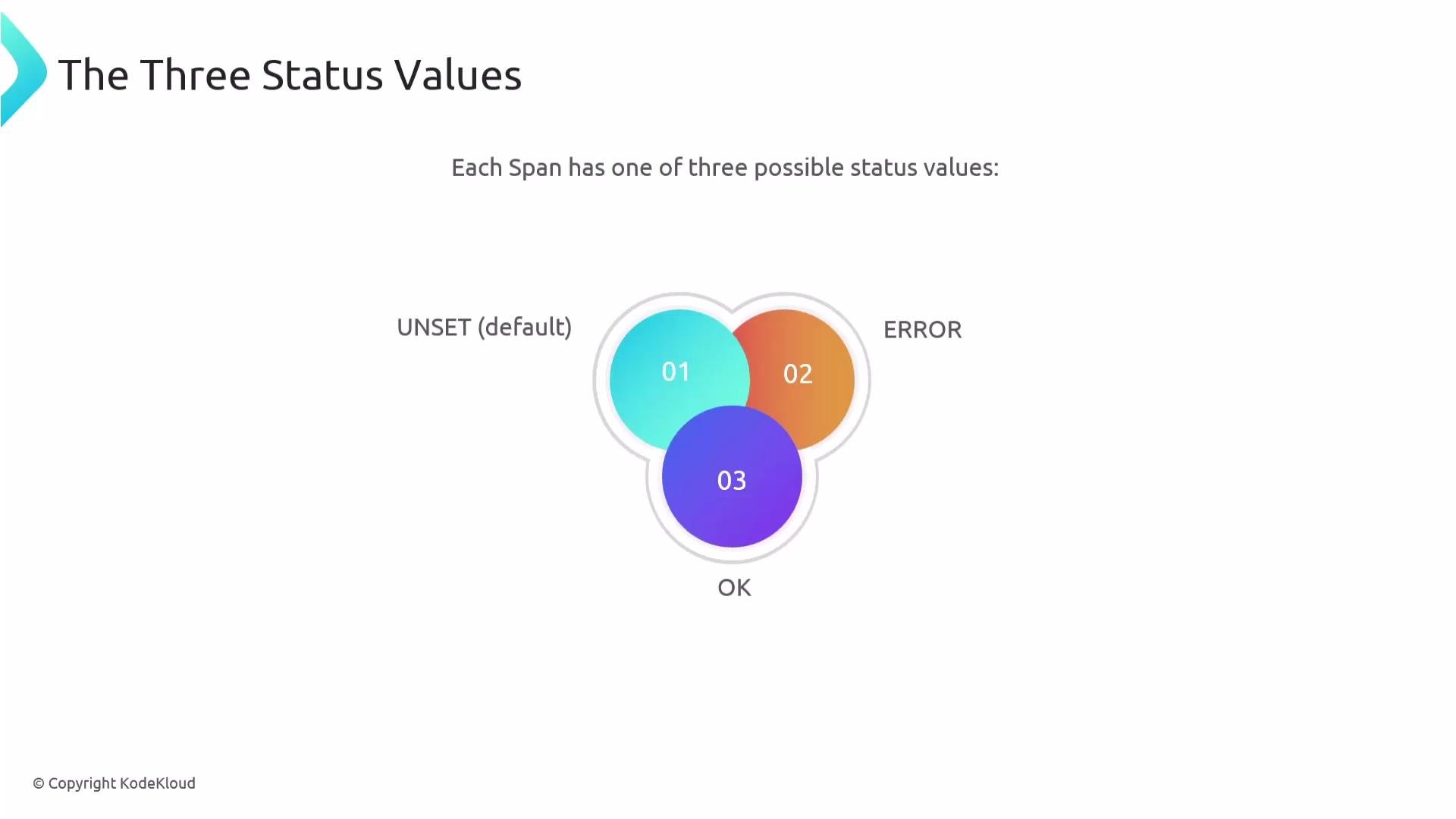
Span status is represented by one of three values:
* `UNSET` (default)
* `ERROR`
* `OK`
Span status values
Span status is represented by one of three values:
* `UNSET` (default)
* `ERROR`
* `OK`
 Use this summary table to choose the right status:
| Status | When to use | Notes |
| ------- | -------------------------------------------------------------------- | ------------------------------------------------------------------------------------ |
| `UNSET` | Default for most spans; nothing noteworthy from an error perspective | Implies implicit success — common and usually preferred |
| `ERROR` | When an exception, timeout, or HTTP 4xx/5xx is observed | Instrumentation or application code can set this to surface failures |
| `OK` | When you explicitly want to mark a span as successful | Useful to override the default when handled errors should not be considered failures |
How exceptions set status
Tracing instrumentation commonly creates exception events on spans and sets the span `status` to `ERROR`. A typical span payload with an exception event and an `ERROR` status looks like:
```json theme={null}
{
"status": {
"status_code": "ERROR",
"description": "404 Client Error: NOT FOUND for url: http://httpbin.org/delay"
},
"events": [
{
"name": "exception",
"timestamp": "2025-05-01T12:58:08.969805Z",
"attributes": {
"exception.type": "HTTPError",
"exception.message": "404 Not Found",
"exception.stacktrace": "raise_for_status() -> HTTPError",
"exception.escaped": "False"
}
}
]
}
```
The attributes `exception.type`, `exception.message`, and `exception.stacktrace` follow the OpenTelemetry semantic conventions for exceptions. These attributes let observability tools display error details and group similar errors. See the OpenTelemetry spec for exceptions for more details: [https://opentelemetry.io/docs/reference/specification/semantic\_conventions/exceptions/](https://opentelemetry.io/docs/reference/specification/semantic_conventions/exceptions/)
When a span contains an exception event like the example above, the tracing SDK or instrumentation typically sets `status` to `ERROR` and includes a summary description. This makes it straightforward to filter traces for failures and inspect the associated exception attributes.
When to use `OK` versus leaving status `UNSET`
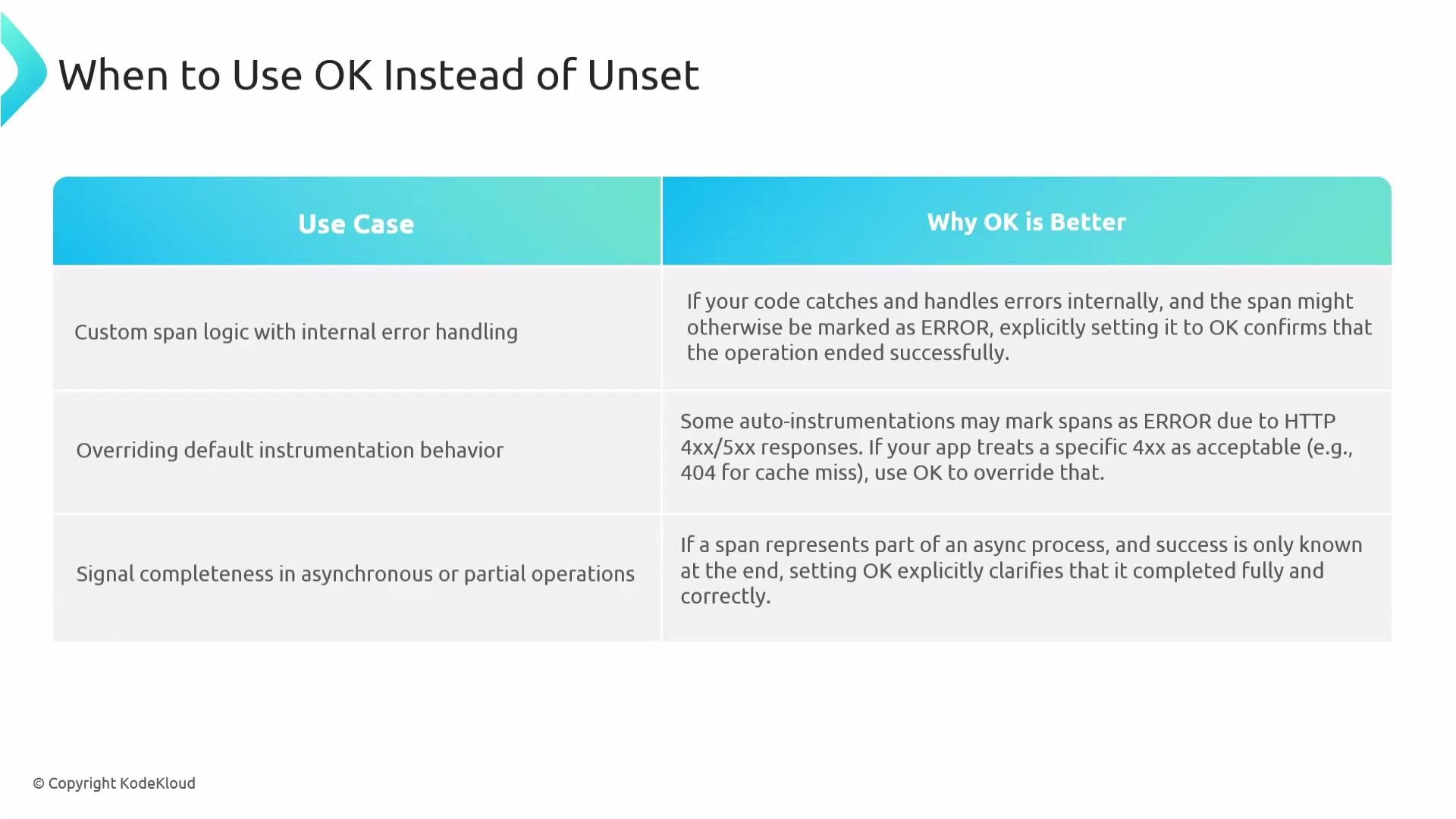
* Keep `UNSET` when nothing noteworthy has occurred (the implicit success path). This is the common default.
* Use `OK` when you intentionally want to mark a span as successful despite non-standard conditions. Examples:
* Your application handles certain errors internally (e.g., a cache miss producing an HTTP 404 that is expected) and you do not want these spans to appear as failures.
* A span represents a step in a multi-step or asynchronous process where success is only known later; set `OK` explicitly when the overall operation completes successfully.
Use this summary table to choose the right status:
| Status | When to use | Notes |
| ------- | -------------------------------------------------------------------- | ------------------------------------------------------------------------------------ |
| `UNSET` | Default for most spans; nothing noteworthy from an error perspective | Implies implicit success — common and usually preferred |
| `ERROR` | When an exception, timeout, or HTTP 4xx/5xx is observed | Instrumentation or application code can set this to surface failures |
| `OK` | When you explicitly want to mark a span as successful | Useful to override the default when handled errors should not be considered failures |
How exceptions set status
Tracing instrumentation commonly creates exception events on spans and sets the span `status` to `ERROR`. A typical span payload with an exception event and an `ERROR` status looks like:
```json theme={null}
{
"status": {
"status_code": "ERROR",
"description": "404 Client Error: NOT FOUND for url: http://httpbin.org/delay"
},
"events": [
{
"name": "exception",
"timestamp": "2025-05-01T12:58:08.969805Z",
"attributes": {
"exception.type": "HTTPError",
"exception.message": "404 Not Found",
"exception.stacktrace": "raise_for_status() -> HTTPError",
"exception.escaped": "False"
}
}
]
}
```
The attributes `exception.type`, `exception.message`, and `exception.stacktrace` follow the OpenTelemetry semantic conventions for exceptions. These attributes let observability tools display error details and group similar errors. See the OpenTelemetry spec for exceptions for more details: [https://opentelemetry.io/docs/reference/specification/semantic\_conventions/exceptions/](https://opentelemetry.io/docs/reference/specification/semantic_conventions/exceptions/)
When a span contains an exception event like the example above, the tracing SDK or instrumentation typically sets `status` to `ERROR` and includes a summary description. This makes it straightforward to filter traces for failures and inspect the associated exception attributes.
When to use `OK` versus leaving status `UNSET`
* Keep `UNSET` when nothing noteworthy has occurred (the implicit success path). This is the common default.
* Use `OK` when you intentionally want to mark a span as successful despite non-standard conditions. Examples:
* Your application handles certain errors internally (e.g., a cache miss producing an HTTP 404 that is expected) and you do not want these spans to appear as failures.
* A span represents a step in a multi-step or asynchronous process where success is only known later; set `OK` explicitly when the overall operation completes successfully.
 Recap
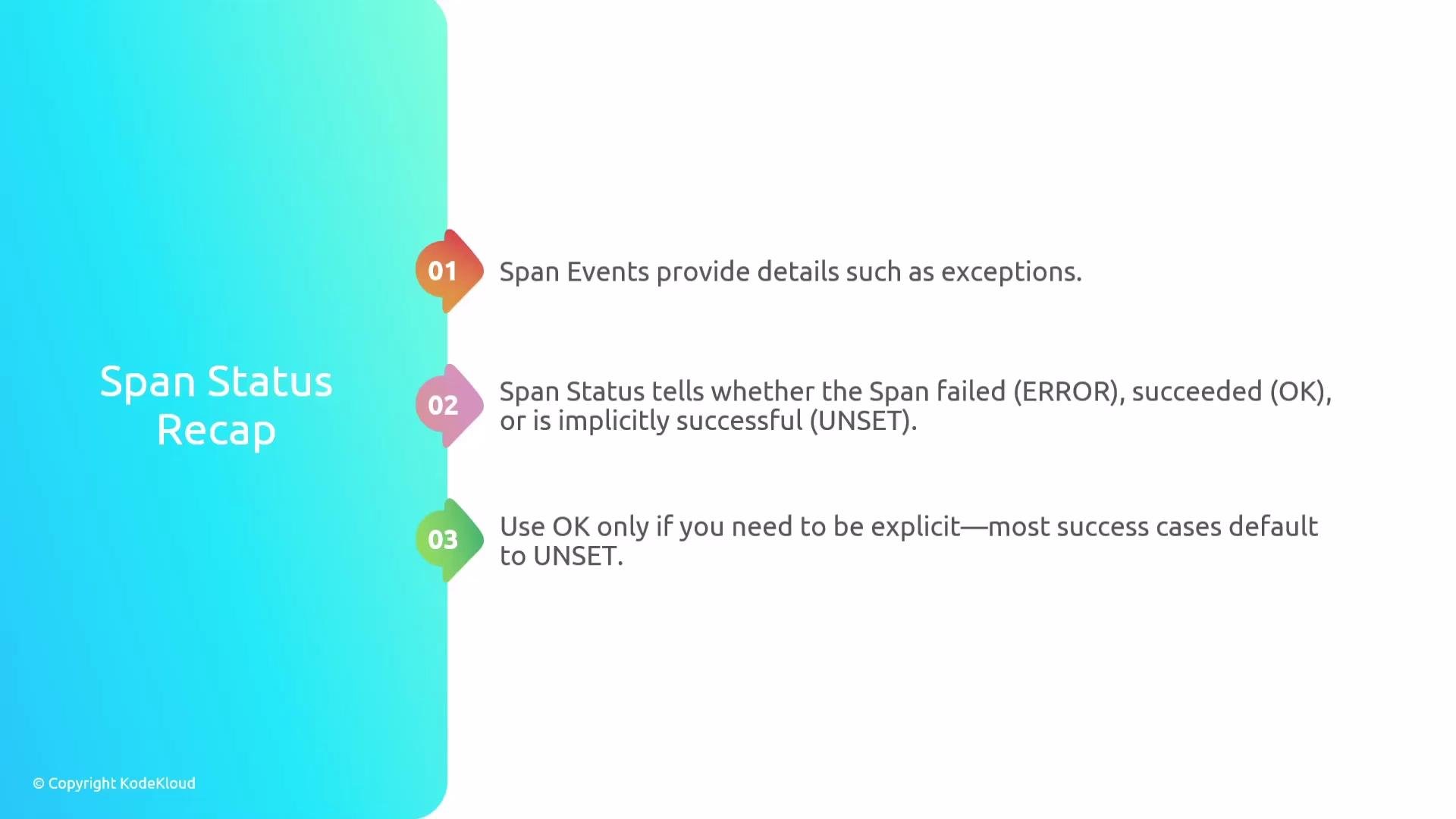
* Span events (especially exception events) carry attributes such as `exception.type`, `exception.message`, and `exception.stacktrace`.
* Span status offers an at-a-glance indication of success (`OK`), failure (`ERROR`), or implicit/unspecified success (`UNSET`).
* Most spans remain `UNSET`. Use `ERROR` for detected failures and set `OK` explicitly only when you need to override default behavior.
Recap
* Span events (especially exception events) carry attributes such as `exception.type`, `exception.message`, and `exception.stacktrace`.
* Span status offers an at-a-glance indication of success (`OK`), failure (`ERROR`), or implicit/unspecified success (`UNSET`).
* Most spans remain `UNSET`. Use `ERROR` for detected failures and set `OK` explicitly only when you need to override default behavior.
 Further reading and references
* OpenTelemetry Tracing: [https://opentelemetry.io/docs/](https://opentelemetry.io/docs/)
* OpenTelemetry Semantic Conventions — Exceptions: [https://opentelemetry.io/docs/reference/specification/semantic\_conventions/exceptions/](https://opentelemetry.io/docs/reference/specification/semantic_conventions/exceptions/)
That covers span status and how exceptions affect it.
Further reading and references
* OpenTelemetry Tracing: [https://opentelemetry.io/docs/](https://opentelemetry.io/docs/)
* OpenTelemetry Semantic Conventions — Exceptions: [https://opentelemetry.io/docs/reference/specification/semantic\_conventions/exceptions/](https://opentelemetry.io/docs/reference/specification/semantic_conventions/exceptions/)
That covers span status and how exceptions affect it.