> ## Documentation Index
> Fetch the complete documentation index at: https://notes.kodekloud.com/llms.txt
> Use this file to discover all available pages before exploring further.
# Check and Reflect Schema Summary
> Summary of OpenTelemetry schema transform rules and best practices for collector schema files, covering rename-focused transforms, ordering, versioning, and scoping for metrics, spans, events, and resources.
This page summarizes the essential rules and best practices for OpenTelemetry schema transforms. Use it as a quick reference when authoring schema files for the collector's schema processor.
Key takeaways:
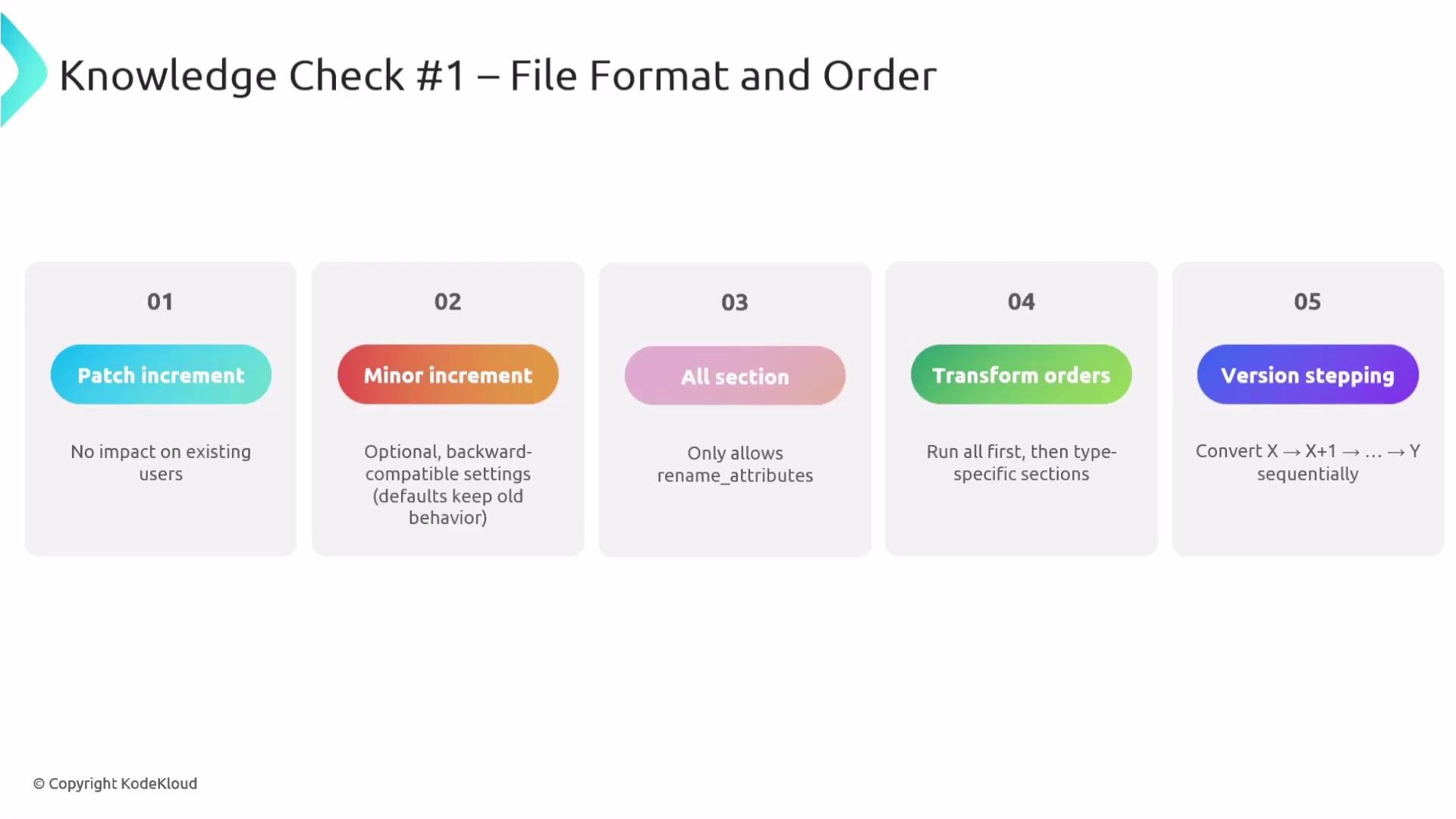
* Patch increments imply no behavioral changes for consumers.
* Minor increments add optional, backward-compatible items.
* The `all` section may only contain `rename_attributes` and runs before signal-specific rules.
* Transform order matters: apply global (`all`) rules before signal-specific transforms.
* When migrating between schema versions, step through intermediate versions sequentially (X → X+1 → ... → Y).
* Use `rename_metrics` to change a metric's name and `rename_attributes` to change labels/attributes.
* Resource-level renames use `rename_attributes`.
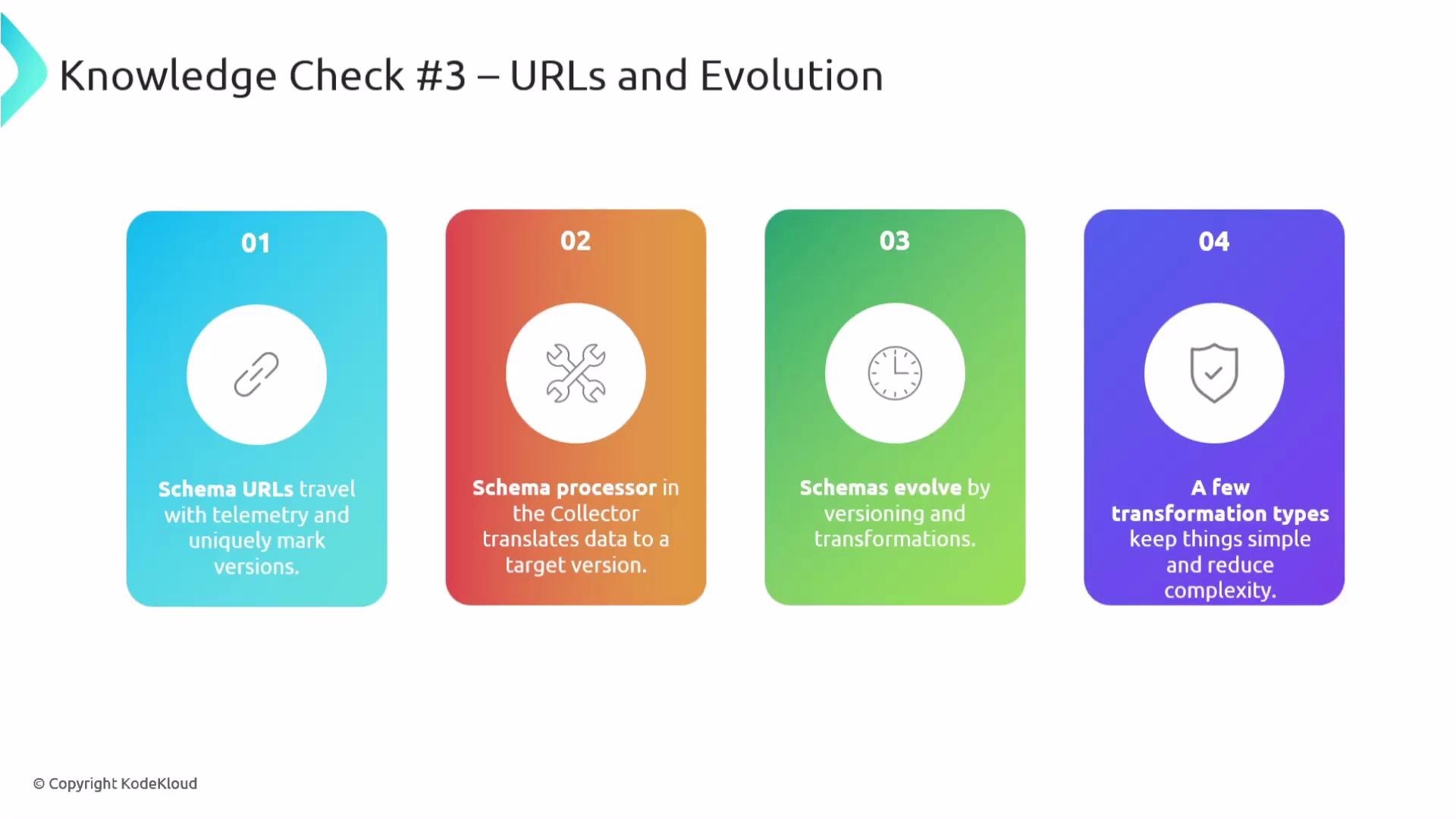
* Always set `schema_url` to the highest schema version declared; it travels with telemetry.
* In `metrics.rename_attributes`, omitting `apply_to_metrics` makes the renaming apply to all metrics.
* Span selectors and event selectors can scope renames to specific spans or span events.
* The collector’s schema processor upgrades/downgrades telemetry by applying rename-based transforms in version order.
* Keep transforms minimal and rename-focused to limit complexity and reduce the chance of unintended semantic changes.
 Practical notes and rules of thumb
* Always put `all` (global) `rename_attributes` rules first so broad attribute renames are applied before signal-specific renames.
* Use `rename_metrics` for the metric name itself and `rename_attributes` for metric labels.
* Use `apply_to_metrics` (when available) to scope an attribute rename to selected metric names; if omitted, the rename applies to all metrics.
* For spans and span events, use selectors such as `apply_to_spans` or `apply_to_events` to limit renames to specific names or patterns.
Practical notes and rules of thumb
* Always put `all` (global) `rename_attributes` rules first so broad attribute renames are applied before signal-specific renames.
* Use `rename_metrics` for the metric name itself and `rename_attributes` for metric labels.
* Use `apply_to_metrics` (when available) to scope an attribute rename to selected metric names; if omitted, the rename applies to all metrics.
* For spans and span events, use selectors such as `apply_to_spans` or `apply_to_events` to limit renames to specific names or patterns.
 Quick reference table — transform types and example usage
| Transform type | Purpose | Example |
| ------------------------------- | ----------------------------------------------------------- | ------------------------------------------------------------------------------------------------------------------------------------------------------------------------------------ |
| `rename_metrics` | Change the metric's canonical name | `yaml
Quick reference table — transform types and example usage
| Transform type | Purpose | Example |
| ------------------------------- | ----------------------------------------------------------- | ------------------------------------------------------------------------------------------------------------------------------------------------------------------------------------ |
| `rename_metrics` | Change the metric's canonical name | `yaml
- rename_metrics:
old.metric.name: new.metric.name
` |
| `rename_attributes` (metrics) | Rename metric labels; can be scoped with `apply_to_metrics` | `yaml
- rename_attributes:
attribute_map:
old_label: new_label
apply_to_metrics: ["new.metric.name"]
` |
| `rename_attributes` (resources) | Rename resource attributes | `yaml
- rename_attributes:
attribute_map:
old_resource_attr: new_resource_attr
` |
| Conditional selectors | Scope renames to spans or events | `yaml
- rename_attributes:
attribute_map:
old_label: new_label
apply_to_spans: ["service.span.name"]
apply_to_events: ["span.event.name"]
` |
Example schema snippet (concise)
```yaml theme={null}
schema_url: https://opentelemetry.io/schemas/1.26.0
metrics:
changes:
- rename_metrics:
old.metric.name: new.metric.name
- rename_attributes:
attribute_map:
old_label: new_label
# Optional scoping (commented examples):
# apply_to_metrics: ["new.metric.name"]
resources:
changes:
- rename_attributes:
attribute_map:
old_resource_attr: new_resource_attr
# Span or span-events scoping can also be expressed with conditional selectors:
# - rename_attributes:
# attribute_map:
# old_label: new_label
# # apply_to_spans: ["service.span.name"]
# # apply_to_events: ["span.event.name"]
```
Best practice: Always set `schema_url` to the highest schema version you list in the configuration. The schema URL travels with telemetry and the collector uses it to decide which transforms to apply when upgrading or downgrading. For further details, see the OpenTelemetry schema docs: [https://opentelemetry.io/docs/](https://opentelemetry.io/docs/).
Final recap — rules to remember
* Schema versioning follows semantic versioning: patch = no change, minor = backward-compatible additions, major = breaking changes.
* Schema files have organized sections: `all`, `resources`, `spans`, `span_events`, `metrics`, and `logs`. Use each section for focused transforms.
* The collector’s schema processor applies transforms sequentially, version-by-version (X → X+1 → ... → target).
* Favor rename-only transforms and minimal change sets to avoid accidental semantic shifts.
Validate your YAML and ensure keys and `schema_url` values are spelled correctly (for example, `opentelemetry.io`). YAML syntax errors or incorrect keys can prevent the collector from loading schema transforms.