> ## Documentation Index
> Fetch the complete documentation index at: https://notes.kodekloud.com/llms.txt
> Use this file to discover all available pages before exploring further.
# Registering for Exam
> Instructions for registering, scheduling, and preparing for the Prometheus Certified Associate exam on the Linux Foundation Training site
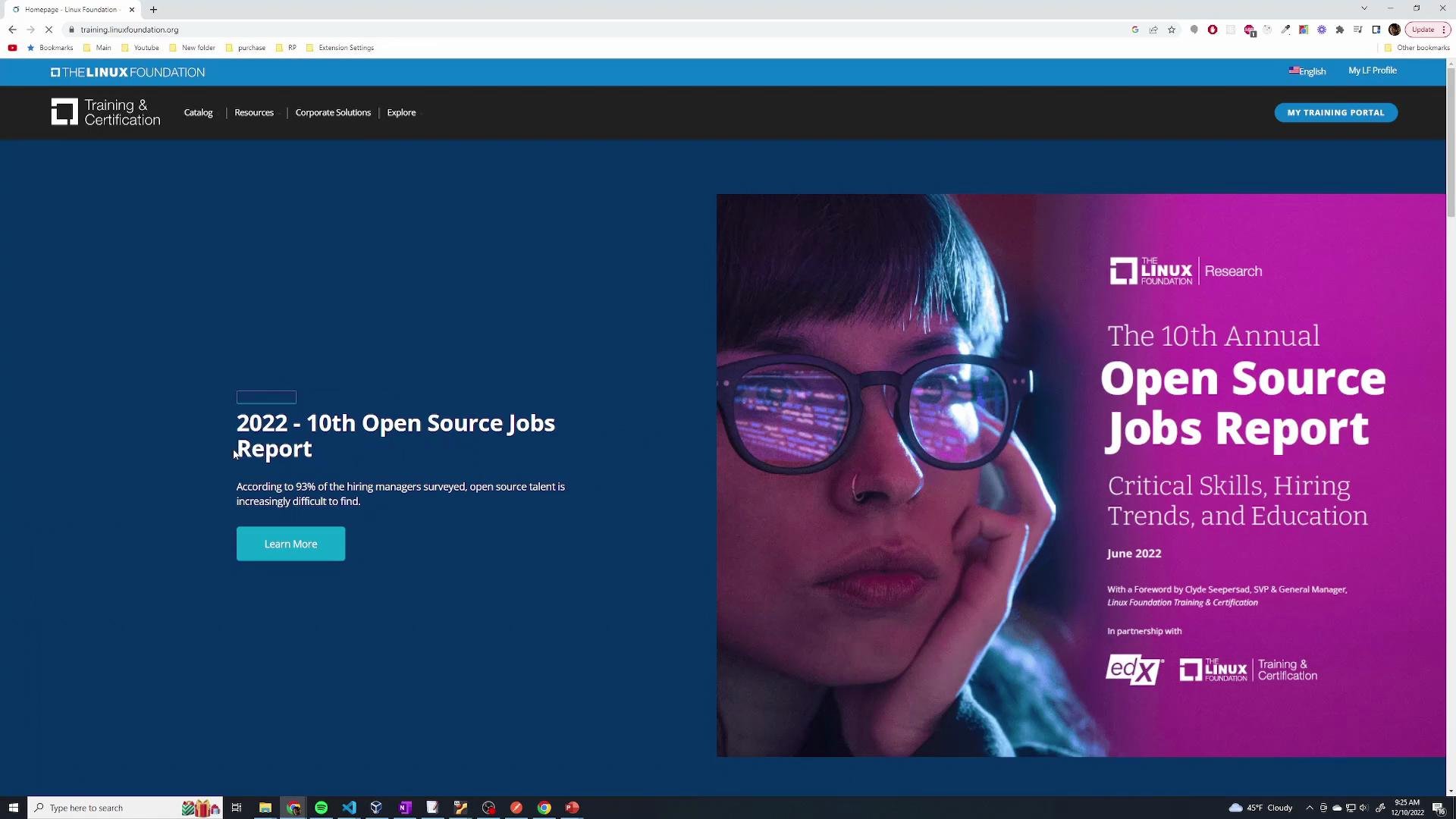
To register for the Prometheus Certified Associate (PCA) exam, open the Linux Foundation Training site and go to the My Training portal:
* [https://training.linuxfoundation.org](https://training.linuxfoundation.org)
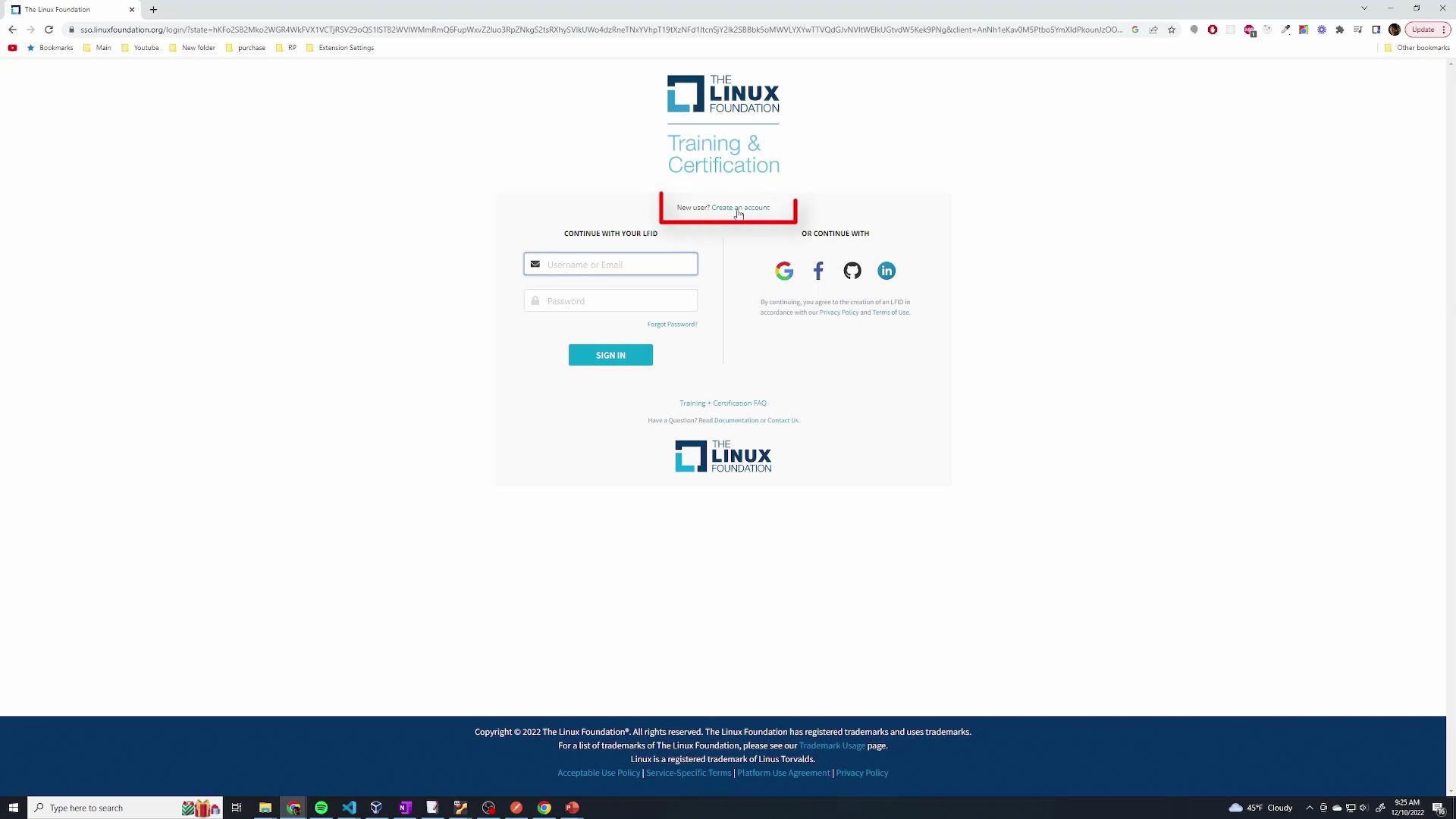
 Sign in using your preferred method (email, Google, GitHub, etc.). If you do not yet have an account, select Create an Account and follow the on-screen registration steps.
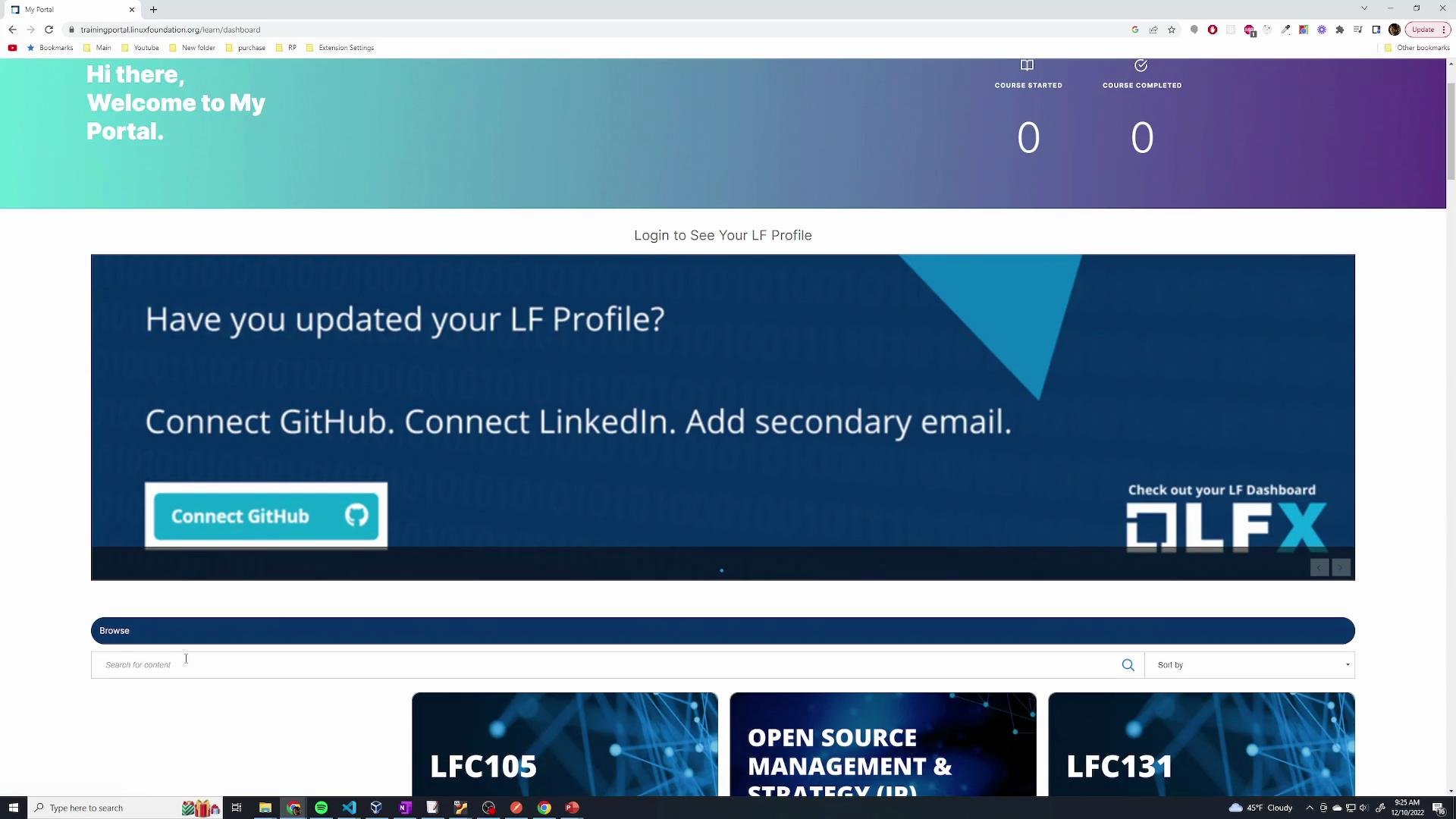
 After signing in you will arrive at your training dashboard. Use the search box to look for "PCA" or "Prometheus Certified Associate." Click the exam/course result to view detailed information, including pricing, available date/time options, and any bundled materials.
 Steps to complete registration and scheduling
1. On the PCA exam/course page, confirm the exam price and click Enroll Now.
2. Proceed to checkout and enter your payment information.
3. After payment, follow the final registration steps. Typical items include:
* Providing identification details.
* Choosing an exam date and time (or scheduling with the proctoring provider).
* Confirming contact information and any required policies/agreements.
4. Complete these steps and confirm your appointment. You should receive a confirmation email with scheduling and exam access details.
Quick checklist: what you will need before the exam
| Item | Why it matters | Notes |
| ----------------------------- | ---------------------------------------------------- | ------------------------------------------------------------ |
| Government-issued photo ID | Required for identity verification during proctoring | Check the confirmation email for exact accepted IDs |
| Stable internet connection | Required for online, proctored delivery | Prefer wired connections and close unnecessary apps |
| Compatible computer & browser | Proctoring may require specific OS/browser versions | See exam instructions for system requirements |
| Payment method | To complete enrollment | Card or other supported payment options on the checkout page |
| Scheduling preferences | To reserve a convenient slot | Time zone and proctor availability affect options |
Before your test date, make sure you have the required form(s) of ID ready (usually a government-issued photo ID). Check the confirmation email or the exam page for the exact ID requirements and any proctoring instructions.
Additional resources and links
* Linux Foundation Training: [https://training.linuxfoundation.org](https://training.linuxfoundation.org)
* Prometheus project documentation: [https://prometheus.io/docs/](https://prometheus.io/docs/)
* General exam preparation tips: review the PCA exam objectives on the exam page after enrolling.
Once you've completed registration and received confirmation, you are set to take the PCA exam on your scheduled date. Good luck!
Steps to complete registration and scheduling
1. On the PCA exam/course page, confirm the exam price and click Enroll Now.
2. Proceed to checkout and enter your payment information.
3. After payment, follow the final registration steps. Typical items include:
* Providing identification details.
* Choosing an exam date and time (or scheduling with the proctoring provider).
* Confirming contact information and any required policies/agreements.
4. Complete these steps and confirm your appointment. You should receive a confirmation email with scheduling and exam access details.
Quick checklist: what you will need before the exam
| Item | Why it matters | Notes |
| ----------------------------- | ---------------------------------------------------- | ------------------------------------------------------------ |
| Government-issued photo ID | Required for identity verification during proctoring | Check the confirmation email for exact accepted IDs |
| Stable internet connection | Required for online, proctored delivery | Prefer wired connections and close unnecessary apps |
| Compatible computer & browser | Proctoring may require specific OS/browser versions | See exam instructions for system requirements |
| Payment method | To complete enrollment | Card or other supported payment options on the checkout page |
| Scheduling preferences | To reserve a convenient slot | Time zone and proctor availability affect options |
Before your test date, make sure you have the required form(s) of ID ready (usually a government-issued photo ID). Check the confirmation email or the exam page for the exact ID requirements and any proctoring instructions.
Additional resources and links
* Linux Foundation Training: [https://training.linuxfoundation.org](https://training.linuxfoundation.org)
* Prometheus project documentation: [https://prometheus.io/docs/](https://prometheus.io/docs/)
* General exam preparation tips: review the PCA exam objectives on the exam page after enrolling.
Once you've completed registration and received confirmation, you are set to take the PCA exam on your scheduled date. Good luck!