> ## Documentation Index
> Fetch the complete documentation index at: https://notes.kodekloud.com/llms.txt
> Use this file to discover all available pages before exploring further.
# Intro to PromTools
> Overview of promtool, the Prometheus command line utility for validating configurations and metrics, running queries, debugging and profiling servers, and testing recording and alerting rules.
In this lesson we will learn about promtool.
What is promtool?
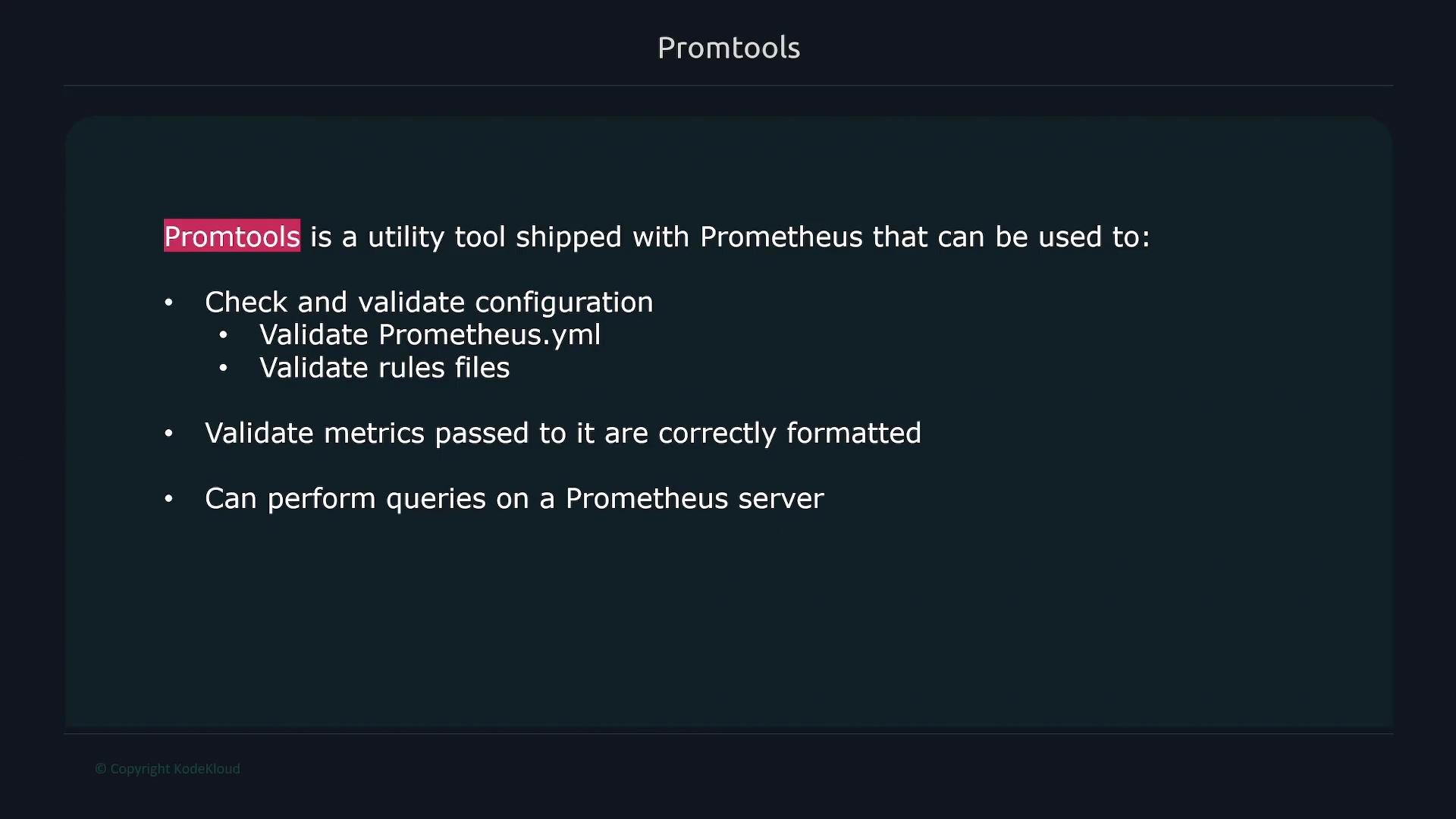
promtool is a command-line utility shipped with Prometheus. It helps with:
* Validating Prometheus configuration files (for example, `prometheus.yml`) and rule files.
* Validating metrics input formatting so Prometheus can scrape them.
* Running ad hoc queries against a Prometheus server.
* Debugging and profiling a Prometheus server.
* Running unit tests for recording and alerting rules.
 One of the most commonly used promtool commands is `check config`, which validates your Prometheus configuration file for syntax and unsupported fields before you apply it.
Example: validate a local Prometheus configuration file:
```bash theme={null}
$ promtool check config /etc/prometheus/prometheus.yml
Checking prometheus.yml
SUCCESS: prometheus.yml is valid prometheus config file syntax
```
Below is a minimal `scrape_configs` snippet with the correct field name `metrics_path`. Note the plural form (`metrics_path`)—this is the correct property.
```yaml theme={null}
scrape_configs:
- job_name: "node"
metrics_path: "/metrics"
static_configs:
- targets: ["node1:9100"]
```
If you accidentally introduce a typo—for example using `metric_path` (singular) instead of `metrics_path`—promtool will detect it and point to the offending line and field:
```yaml theme={null}
scrape_configs:
- job_name: "node"
metric_path: "/metrics"
static_configs:
- targets: ["node1:9100"]
```
Running `promtool check config` on a file containing that typo produces an error similar to:
```bash theme={null}
$ promtool check config /etc/prometheus/prometheus.yml
Checking prometheus.yml
FAILED: parsing YAML file prometheus.yml: yaml: unmarshal errors:
line 24: field metric_path not found in type config.ScrapeConfig
```
Use `promtool check config` before reloading or restarting Prometheus to avoid downtime caused by invalid configuration changes.
Using promtool in this way prevents accidental outages caused by invalid configs. Throughout this course, we will introduce additional promtool features as they become relevant to the topics being covered.
One of the most commonly used promtool commands is `check config`, which validates your Prometheus configuration file for syntax and unsupported fields before you apply it.
Example: validate a local Prometheus configuration file:
```bash theme={null}
$ promtool check config /etc/prometheus/prometheus.yml
Checking prometheus.yml
SUCCESS: prometheus.yml is valid prometheus config file syntax
```
Below is a minimal `scrape_configs` snippet with the correct field name `metrics_path`. Note the plural form (`metrics_path`)—this is the correct property.
```yaml theme={null}
scrape_configs:
- job_name: "node"
metrics_path: "/metrics"
static_configs:
- targets: ["node1:9100"]
```
If you accidentally introduce a typo—for example using `metric_path` (singular) instead of `metrics_path`—promtool will detect it and point to the offending line and field:
```yaml theme={null}
scrape_configs:
- job_name: "node"
metric_path: "/metrics"
static_configs:
- targets: ["node1:9100"]
```
Running `promtool check config` on a file containing that typo produces an error similar to:
```bash theme={null}
$ promtool check config /etc/prometheus/prometheus.yml
Checking prometheus.yml
FAILED: parsing YAML file prometheus.yml: yaml: unmarshal errors:
line 24: field metric_path not found in type config.ScrapeConfig
```
Use `promtool check config` before reloading or restarting Prometheus to avoid downtime caused by invalid configuration changes.
Using promtool in this way prevents accidental outages caused by invalid configs. Throughout this course, we will introduce additional promtool features as they become relevant to the topics being covered.