> ## Documentation Index
> Fetch the complete documentation index at: https://notes.kodekloud.com/llms.txt
> Use this file to discover all available pages before exploring further.
# Introduction
> Explains Prometheus service discovery methods for automatically finding and managing scrape targets across cloud, Kubernetes, DNS, and file-based integrations, with examples and relabeling guidance.
In this lesson we cover Prometheus service discovery: how Prometheus automatically finds and tracks scrape targets in dynamic environments.
Why is service discovery important? Prometheus’ configuration lists scrape targets. In a static setup you add or remove servers by editing `prometheus.yml`. That works for small, stable fleets, but in cloud-native or containerized environments where instances are frequently created and terminated, manually maintaining this list becomes error-prone and unscalable. Service discovery automates this process so Prometheus always scrapes the right endpoints.
Static scrape configuration example (from `prometheus.yml`):
```yaml theme={null}
scrape_configs:
- job_name: "web"
static_configs:
- targets: ["localhost:9090"]
- job_name: "node"
static_configs:
- targets: ["192.168.1.168:9100"]
- job_name: "docker"
static_configs:
- targets: ["localhost:9323"]
- job_name: "database"
static_configs:
- targets: ["localhost:9187"]
```
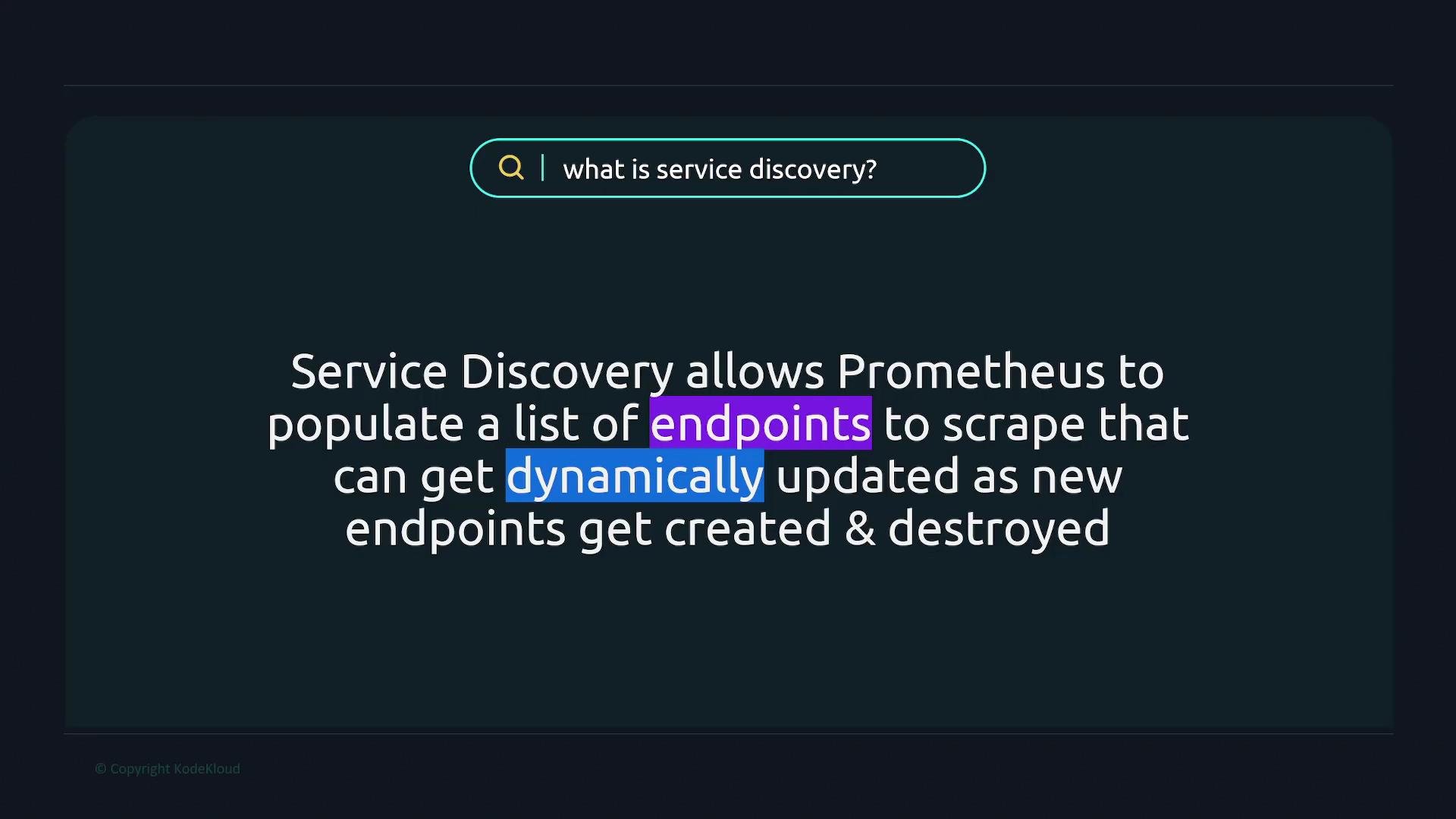 Service discovery lets Prometheus populate and maintain its target list automatically, so newly launched services are picked up and terminated ones are removed without manual edits to `prometheus.yml`. Prometheus ships with multiple built-in discovery integrations that work with cloud providers, orchestration systems, DNS, and external files (via `file_sd`), enabling reliable target discovery across different infrastructures.
Static configuration is a basic form of service discovery: you tell Prometheus which endpoints to scrape. For dynamic environments, Prometheus provides more flexible discovery mechanisms that update targets automatically.
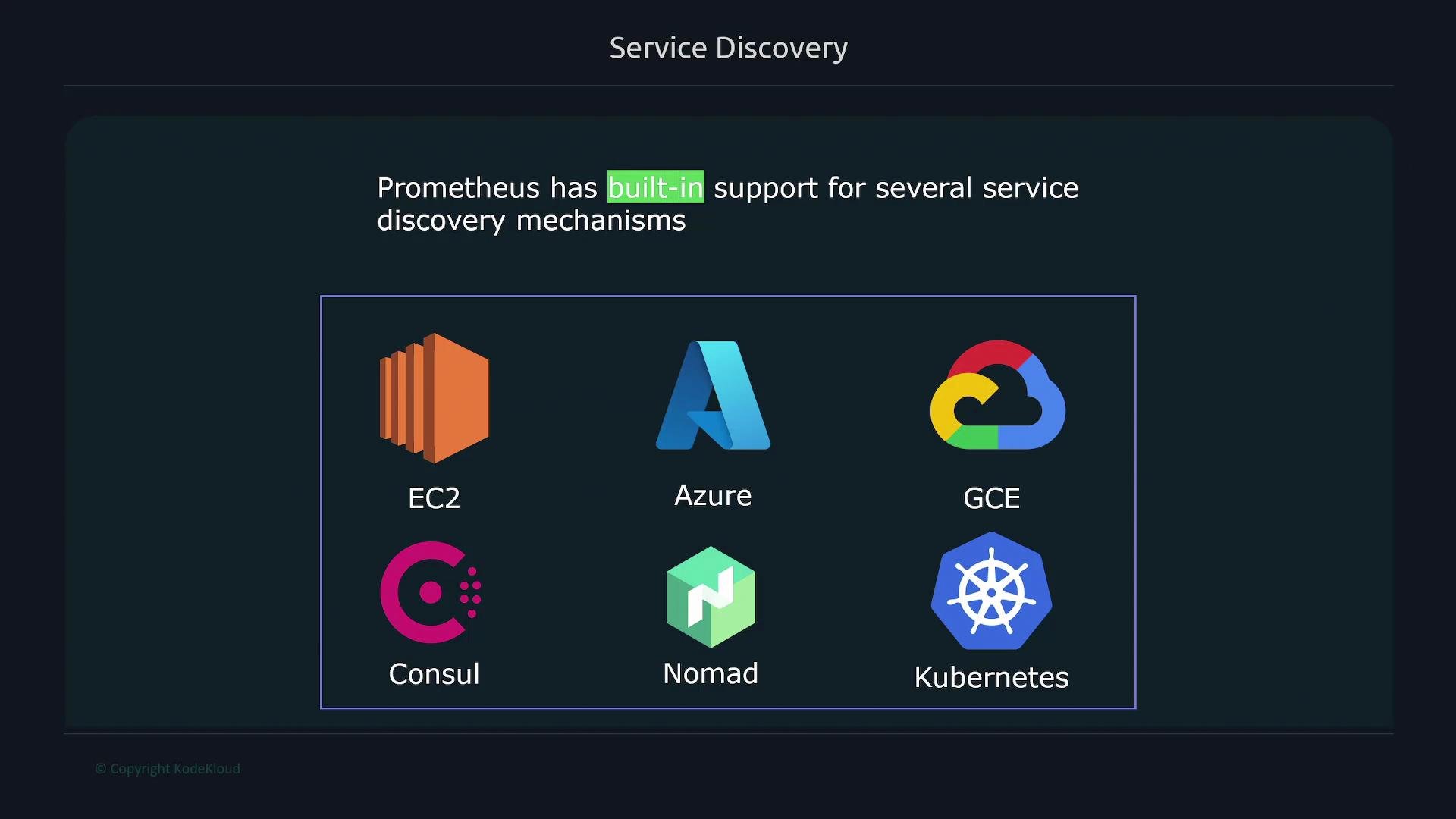
Prometheus supports service discovery for many environments, including [Amazon EC2](https://learn.kodekloud.com/user/courses/amazon-elastic-compute-cloud-ec2), [Azure](https://learn.kodekloud.com/user/courses/az900-microsoft-azure-fundamentals), [Google Cloud](https://learn.kodekloud.com/user/courses/gcp-cloud-digital-leader-certification), [HashiCorp Consul](https://learn.kodekloud.com/user/courses/hashicorp-certified-consul-associate-certification), [HashiCorp Nomad](https://learn.kodekloud.com/user/courses/learn-by-doing-hashicorp-nomad), and—most commonly—[Kubernetes](https://learn.kodekloud.com/user/courses/kubernetes-for-the-absolute-beginners-hands-on-tutorial). Other useful mechanisms include DNS-based discovery and `file_sd` (where an external process writes target lists that Prometheus reads).
Service discovery lets Prometheus populate and maintain its target list automatically, so newly launched services are picked up and terminated ones are removed without manual edits to `prometheus.yml`. Prometheus ships with multiple built-in discovery integrations that work with cloud providers, orchestration systems, DNS, and external files (via `file_sd`), enabling reliable target discovery across different infrastructures.
Static configuration is a basic form of service discovery: you tell Prometheus which endpoints to scrape. For dynamic environments, Prometheus provides more flexible discovery mechanisms that update targets automatically.
Prometheus supports service discovery for many environments, including [Amazon EC2](https://learn.kodekloud.com/user/courses/amazon-elastic-compute-cloud-ec2), [Azure](https://learn.kodekloud.com/user/courses/az900-microsoft-azure-fundamentals), [Google Cloud](https://learn.kodekloud.com/user/courses/gcp-cloud-digital-leader-certification), [HashiCorp Consul](https://learn.kodekloud.com/user/courses/hashicorp-certified-consul-associate-certification), [HashiCorp Nomad](https://learn.kodekloud.com/user/courses/learn-by-doing-hashicorp-nomad), and—most commonly—[Kubernetes](https://learn.kodekloud.com/user/courses/kubernetes-for-the-absolute-beginners-hands-on-tutorial). Other useful mechanisms include DNS-based discovery and `file_sd` (where an external process writes target lists that Prometheus reads).
 Service discovery choices and common use cases:
| Discovery Type | Typical Use Case | Notes / Example |
| --------------- | ------------------------------------: | ---------------------------------------------------------------------- |
| `kubernetes_sd` | Containerized workloads in Kubernetes | Discovers pods, services, endpoints and updates as pods scale or move. |
| `ec2_sd` | EC2 instances in AWS | Use tags and instance metadata to filter targets. |
| `consul_sd` | Services registered in Consul | Useful in service-mesh and Consul-managed environments. |
| `gce_sd` | Google Cloud Compute instances | Discover instances via GCE metadata and labels. |
| `azure_sd` | Azure VM discovery | Uses Azure resource metadata and tags to select targets. |
| `dns_sd` | DNS records (A/SRV) | Simple DNS-based discovery for static or semi-dynamic services. |
| `file_sd` | External processes write target files | Prometheus reads files containing lists of targets (JSON/YAML). |
This lesson includes practical examples and configuration patterns for several of these discovery mechanisms, plus an explanation of relabeling and target filtering so you can shape discovered targets to match your scrape and metric collection needs.
Links and references:
* [Prometheus Service Discovery official docs](https://prometheus.io/docs/prometheus/latest/configuration/configuration/#service_discovery_configs)
* [Prometheus relabeling documentation](https://prometheus.io/docs/prometheus/latest/configuration/relabel_config/)
* [Prometheus file\_sd documentation](https://prometheus.io/docs/prometheus/latest/configuration/configuration/#file_sd_config)
Service discovery choices and common use cases:
| Discovery Type | Typical Use Case | Notes / Example |
| --------------- | ------------------------------------: | ---------------------------------------------------------------------- |
| `kubernetes_sd` | Containerized workloads in Kubernetes | Discovers pods, services, endpoints and updates as pods scale or move. |
| `ec2_sd` | EC2 instances in AWS | Use tags and instance metadata to filter targets. |
| `consul_sd` | Services registered in Consul | Useful in service-mesh and Consul-managed environments. |
| `gce_sd` | Google Cloud Compute instances | Discover instances via GCE metadata and labels. |
| `azure_sd` | Azure VM discovery | Uses Azure resource metadata and tags to select targets. |
| `dns_sd` | DNS records (A/SRV) | Simple DNS-based discovery for static or semi-dynamic services. |
| `file_sd` | External processes write target files | Prometheus reads files containing lists of targets (JSON/YAML). |
This lesson includes practical examples and configuration patterns for several of these discovery mechanisms, plus an explanation of relabeling and target filtering so you can shape discovered targets to match your scrape and metric collection needs.
Links and references:
* [Prometheus Service Discovery official docs](https://prometheus.io/docs/prometheus/latest/configuration/configuration/#service_discovery_configs)
* [Prometheus relabeling documentation](https://prometheus.io/docs/prometheus/latest/configuration/relabel_config/)
* [Prometheus file\_sd documentation](https://prometheus.io/docs/prometheus/latest/configuration/configuration/#file_sd_config)