> ## Documentation Index
> Fetch the complete documentation index at: https://notes.kodekloud.com/llms.txt
> Use this file to discover all available pages before exploring further.
# Using Regular Expressions
> Guide to using regular expressions with Unix command line tools grep sed and awk for searching filtering and transforming text in shell scripts and pipelines
Regular expressions (regex) let you describe text patterns to match, filter, and extract information quickly. Instead of scanning hundreds of log lines or manually checking usernames, regex lets you find exactly what you need in seconds.
A minimal example:
```text theme={null}
(.*)
```
This pattern matches any sequence of characters (including the empty string). We'll expand from these basics to practical uses with common Unix tools.
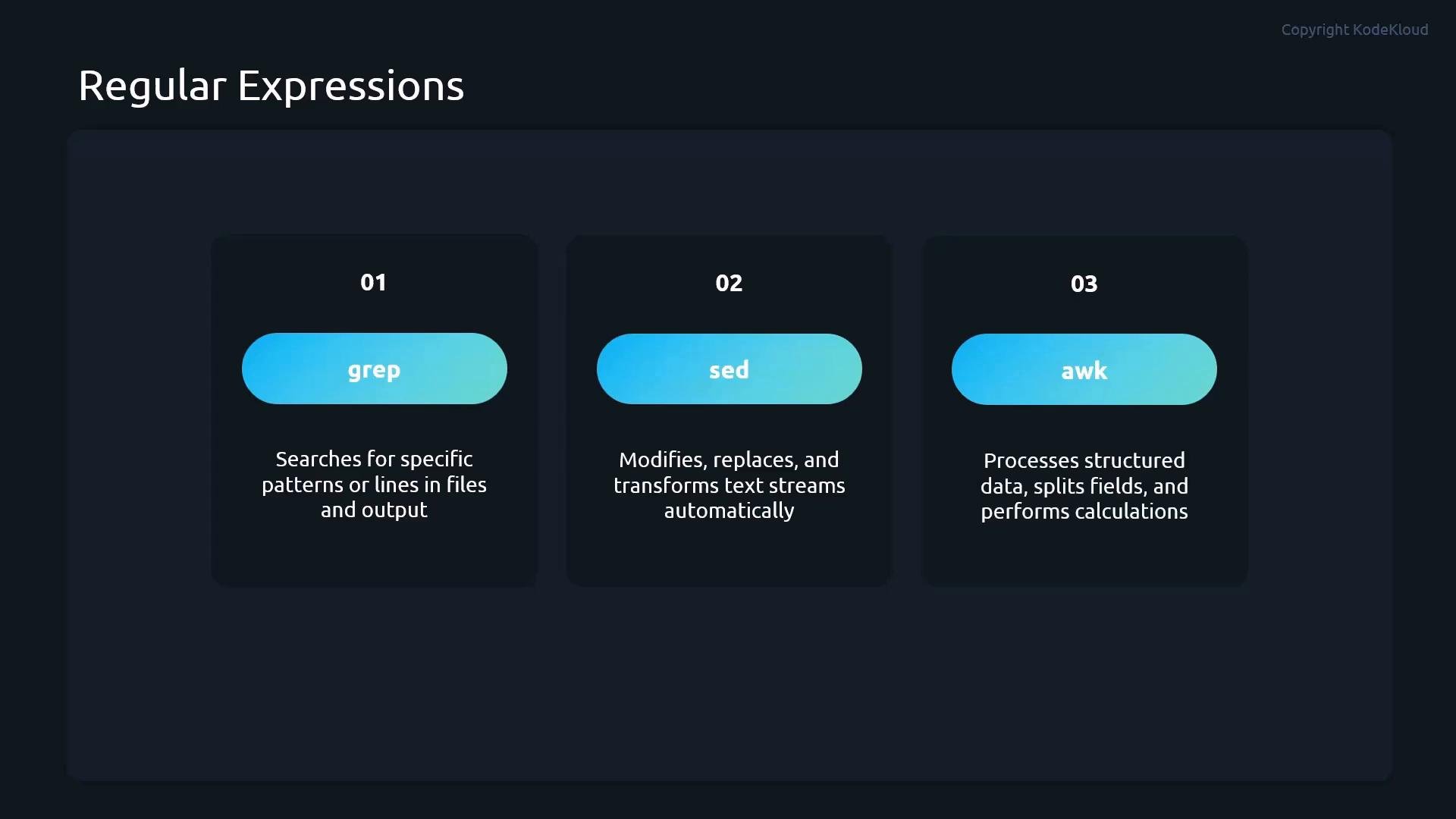
When we refer to regular expressions here, we mean using them with standard Unix command-line tools:
* grep — search files or command output for matching lines (often your first choice).
* sed — stream editor for automated search-and-replace, deleting lines, and transforming text in pipelines.
* awk — pattern-based processing for structured, field-oriented data (useful for files like `/etc/passwd`).
 ## Core regex symbols and examples
Below are the most useful regex metacharacters when working with grep/sed/awk, plus short examples showing how they behave.
| Symbol | Meaning | Example |
| - | - | - |
| `^` | Anchor to the start of the line | `grep "^root" /etc/passwd` — lines starting with `root` |
| `$` | Anchor to the end of the line | `grep "bash$" /etc/passwd` — shells ending with `bash` |
| `.` | Any single character (except newline) | `grep "r.ot" file.txt` — matches `root`, `r1ot`, `r-ot` |
| `*` | Zero or more of the preceding token | `grep "ro*t" file.txt` — `rt`, `rot`, `root`, `rooot` |
| `.*` | Any number of any characters (greedy) | `grep "r.*t" file.txt` — `rt`, `root`, `randomtextt` |
| `[...]` | Character class — any one of the characters | `grep "user[12]" file.txt` — `user1` or `user2` |
| `[^...]` | Negated character class — any character not listed | `grep "[^0-9]" file.txt` — lines with a non-digit character |
| `-E` (grep) | Extended regex mode (or use `egrep`) | `grep -E "root\|student" /etc/passwd` — `root` OR `student` |
| `` `{n}` `` | Quantifier: exact repetition of previous token | `grep -E "[0-9]{3}" file.txt` — any three consecutive digits |
Notes:
* Use `grep -E` (or `egrep`) to enable extended regular expressions so constructs like `|` (alternation) and `{n}` work without backslashes.
* In POSIX grep (basic regex) some metacharacters must be escaped (e.g., `\{3\}`), so prefer `-E` for readability.
### Short examples in context
* Anchor to the start:
```bash theme={null}
grep "^root" /etc/passwd
```
* Anchor to the end (match shells that end with `bash`):
```bash theme={null}
grep "bash$" /etc/passwd
```
* Match any single character:
```bash theme={null}
grep "r.ot" file.txt
```
* Zero or more of previous token:
```bash theme={null}
grep "ro*t" file.txt
```
* Any number of any characters between two tokens:
```bash theme={null}
grep "r.*t" file.txt
```
* Character class (one of listed characters):
```bash theme={null}
grep "user[12]" file.txt
```
* Negated character class (no digits):
```bash theme={null}
grep "[^0-9]" file.txt
```
* Alternation with extended regex:
```bash theme={null}
grep -E "root|student" /etc/passwd
```
* Exact repetition (three digits in a row):
```bash theme={null}
grep -E "[0-9]{3}" file.txt
```
You can copy this consolidated set of commands for quick reference:
```bash theme={null}
grep "^root" /etc/passwd
grep "bash$" /etc/passwd
grep "r.ot" file.txt
grep "ro*t" file.txt
grep "r.*t" file.txt
grep "user[12]" file.txt
grep "[^0-9]" file.txt
grep -E "root|student" /etc/passwd
grep -E "[0-9]{3}" file.txt
```
Always quote your regex patterns (single or double quotes) to prevent the shell from interpreting special characters and to ensure the regex is passed intact to the tool.
## Practical tips and next steps
* Combine these regex patterns with shell pipelines and scripting to automate log filtering, field extraction, and bulk edits.
* Use `awk` when you need field-aware processing (e.g., splitting `/etc/passwd` on `:` and extracting specific fields).
* Use `sed` for in-place transformations (search-and-replace) across many files or streamed input.
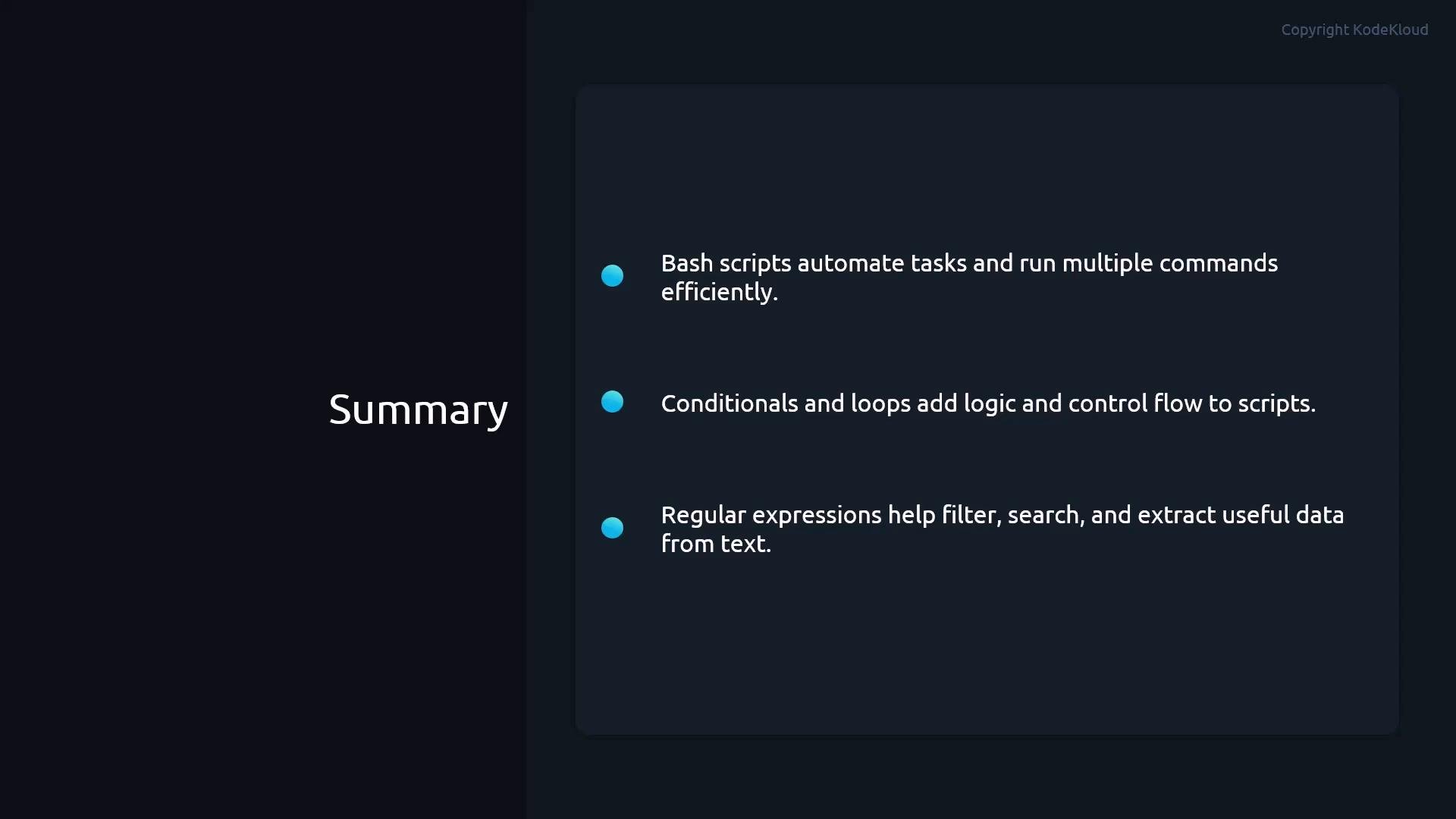
This guide focused on regex usage in Bash with grep/sed/awk — pairing these patterns with conditionals and loops in scripts lets you build repeatable, reliable text-processing workflows.
## Core regex symbols and examples
Below are the most useful regex metacharacters when working with grep/sed/awk, plus short examples showing how they behave.
| Symbol | Meaning | Example |
| - | - | - |
| `^` | Anchor to the start of the line | `grep "^root" /etc/passwd` — lines starting with `root` |
| `$` | Anchor to the end of the line | `grep "bash$" /etc/passwd` — shells ending with `bash` |
| `.` | Any single character (except newline) | `grep "r.ot" file.txt` — matches `root`, `r1ot`, `r-ot` |
| `*` | Zero or more of the preceding token | `grep "ro*t" file.txt` — `rt`, `rot`, `root`, `rooot` |
| `.*` | Any number of any characters (greedy) | `grep "r.*t" file.txt` — `rt`, `root`, `randomtextt` |
| `[...]` | Character class — any one of the characters | `grep "user[12]" file.txt` — `user1` or `user2` |
| `[^...]` | Negated character class — any character not listed | `grep "[^0-9]" file.txt` — lines with a non-digit character |
| `-E` (grep) | Extended regex mode (or use `egrep`) | `grep -E "root\|student" /etc/passwd` — `root` OR `student` |
| `` `{n}` `` | Quantifier: exact repetition of previous token | `grep -E "[0-9]{3}" file.txt` — any three consecutive digits |
Notes:
* Use `grep -E` (or `egrep`) to enable extended regular expressions so constructs like `|` (alternation) and `{n}` work without backslashes.
* In POSIX grep (basic regex) some metacharacters must be escaped (e.g., `\{3\}`), so prefer `-E` for readability.
### Short examples in context
* Anchor to the start:
```bash theme={null}
grep "^root" /etc/passwd
```
* Anchor to the end (match shells that end with `bash`):
```bash theme={null}
grep "bash$" /etc/passwd
```
* Match any single character:
```bash theme={null}
grep "r.ot" file.txt
```
* Zero or more of previous token:
```bash theme={null}
grep "ro*t" file.txt
```
* Any number of any characters between two tokens:
```bash theme={null}
grep "r.*t" file.txt
```
* Character class (one of listed characters):
```bash theme={null}
grep "user[12]" file.txt
```
* Negated character class (no digits):
```bash theme={null}
grep "[^0-9]" file.txt
```
* Alternation with extended regex:
```bash theme={null}
grep -E "root|student" /etc/passwd
```
* Exact repetition (three digits in a row):
```bash theme={null}
grep -E "[0-9]{3}" file.txt
```
You can copy this consolidated set of commands for quick reference:
```bash theme={null}
grep "^root" /etc/passwd
grep "bash$" /etc/passwd
grep "r.ot" file.txt
grep "ro*t" file.txt
grep "r.*t" file.txt
grep "user[12]" file.txt
grep "[^0-9]" file.txt
grep -E "root|student" /etc/passwd
grep -E "[0-9]{3}" file.txt
```
Always quote your regex patterns (single or double quotes) to prevent the shell from interpreting special characters and to ensure the regex is passed intact to the tool.
## Practical tips and next steps
* Combine these regex patterns with shell pipelines and scripting to automate log filtering, field extraction, and bulk edits.
* Use `awk` when you need field-aware processing (e.g., splitting `/etc/passwd` on `:` and extracting specific fields).
* Use `sed` for in-place transformations (search-and-replace) across many files or streamed input.
This guide focused on regex usage in Bash with grep/sed/awk — pairing these patterns with conditionals and loops in scripts lets you build repeatable, reliable text-processing workflows.
 ## Links and references
* [grep manual (GNU)](https://www.gnu.org/software/grep/manual/grep.html)
* [sed — Stream Editor (GNU sed manual)](https://www.gnu.org/software/sed/manual/sed.html)
* [awk — GNU Awk User’s Guide](https://www.gnu.org/software/gawk/manual/gawk.html)
* [Regular Expressions (MDN) — reference and examples](https://developer.mozilla.org/en-US/docs/Web/JavaScript/Guide/Regular_Expressions)
This documentation is built and hosted on [Mintlify](https://mintlify.com), a developer documentation platform.
## Links and references
* [grep manual (GNU)](https://www.gnu.org/software/grep/manual/grep.html)
* [sed — Stream Editor (GNU sed manual)](https://www.gnu.org/software/sed/manual/sed.html)
* [awk — GNU Awk User’s Guide](https://www.gnu.org/software/gawk/manual/gawk.html)
* [Regular Expressions (MDN) — reference and examples](https://developer.mozilla.org/en-US/docs/Web/JavaScript/Guide/Regular_Expressions)
This documentation is built and hosted on [Mintlify](https://mintlify.com), a developer documentation platform.